
DEL SOL/WOOLWORTH - Shop & Save Easily
Experience amazing savings with exclusive promotions, wallet management, and quick payments, all in one convenient app!
- 4.8.0 Version
- 1.5 Score
- 331K+ Downloads
- Free License
- 3+ Content Rating

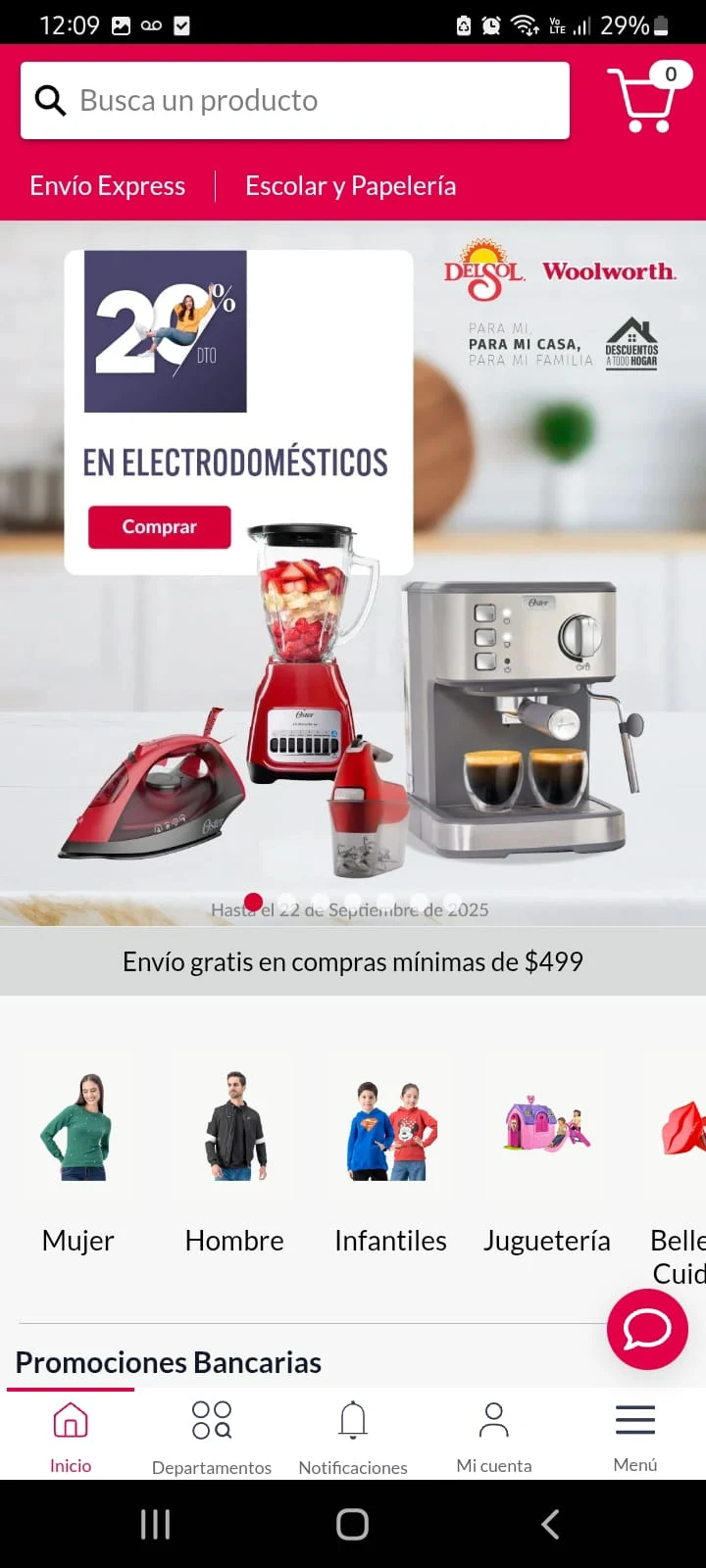
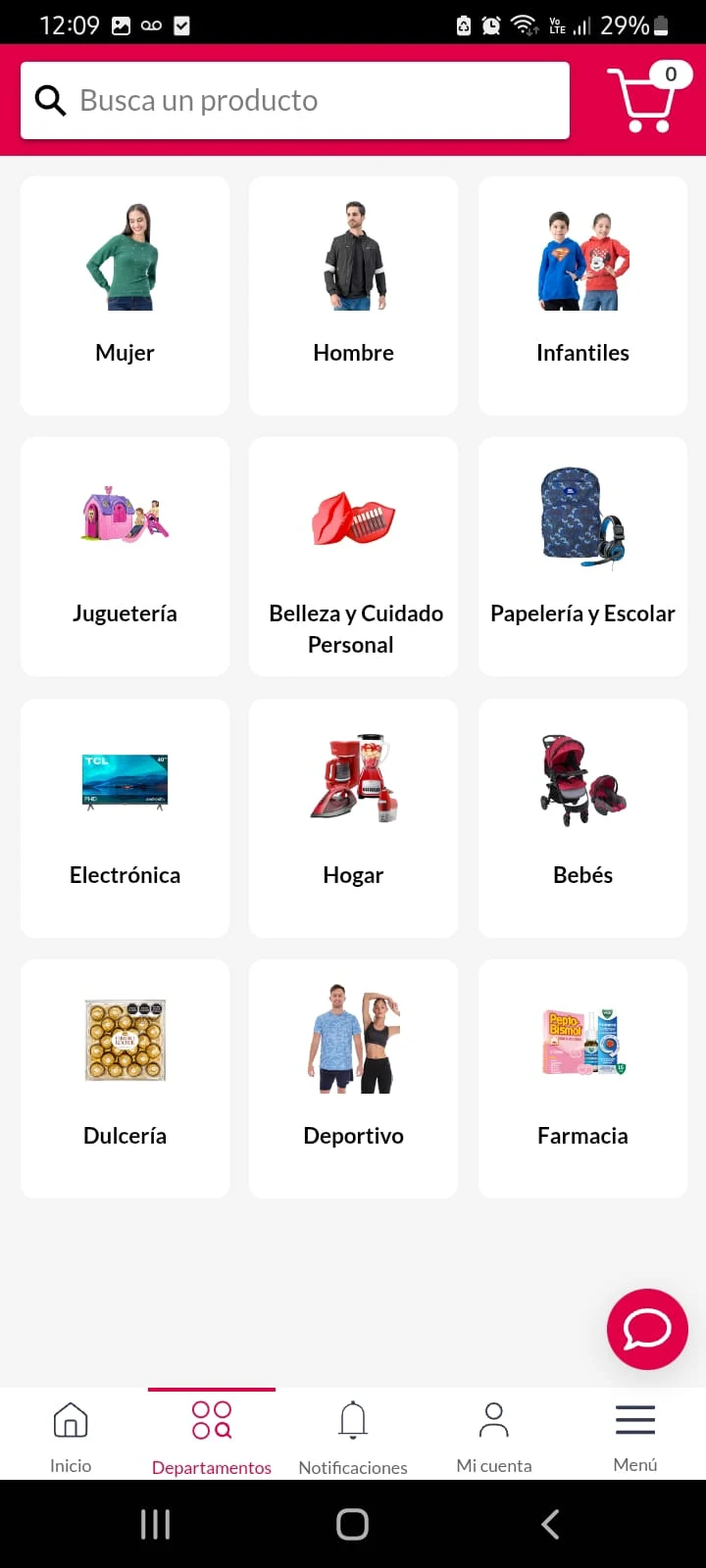
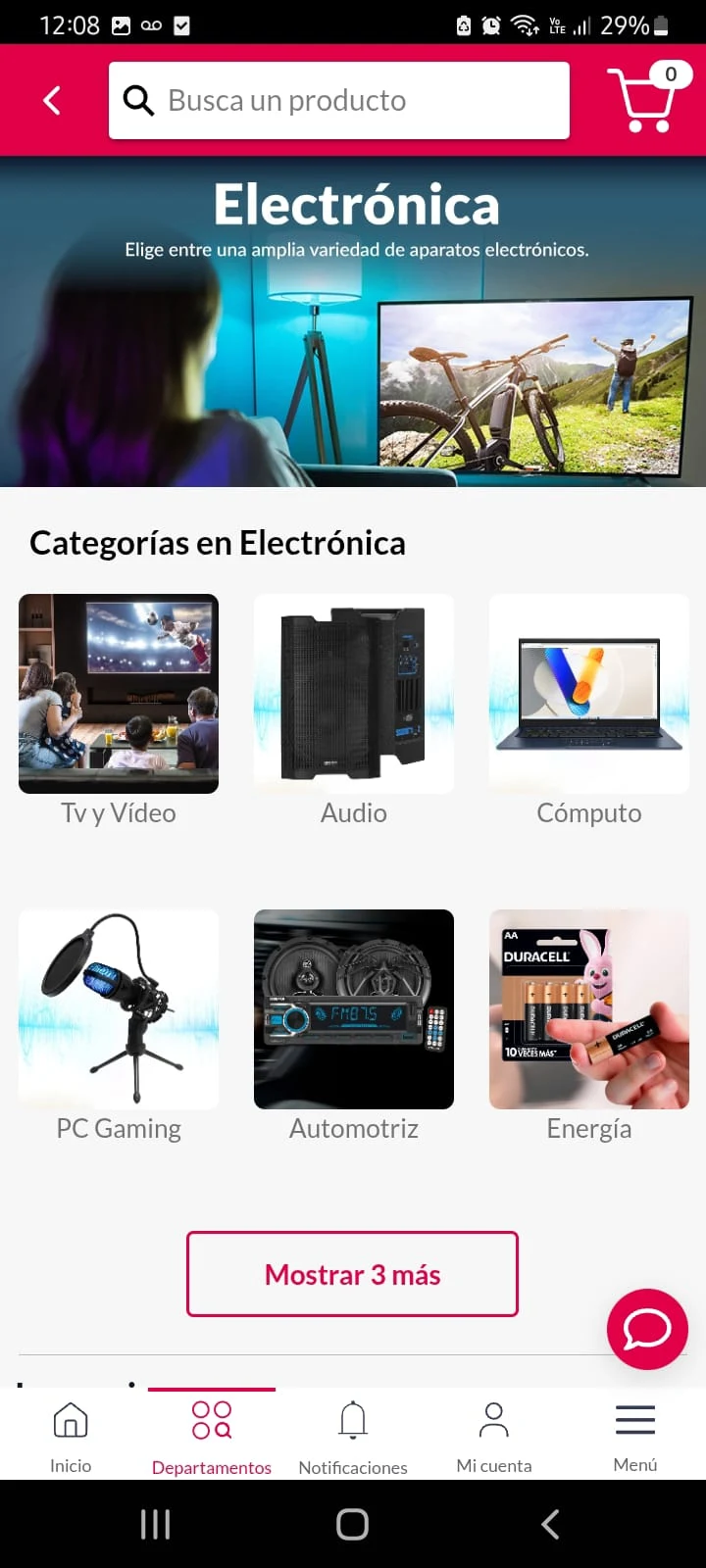
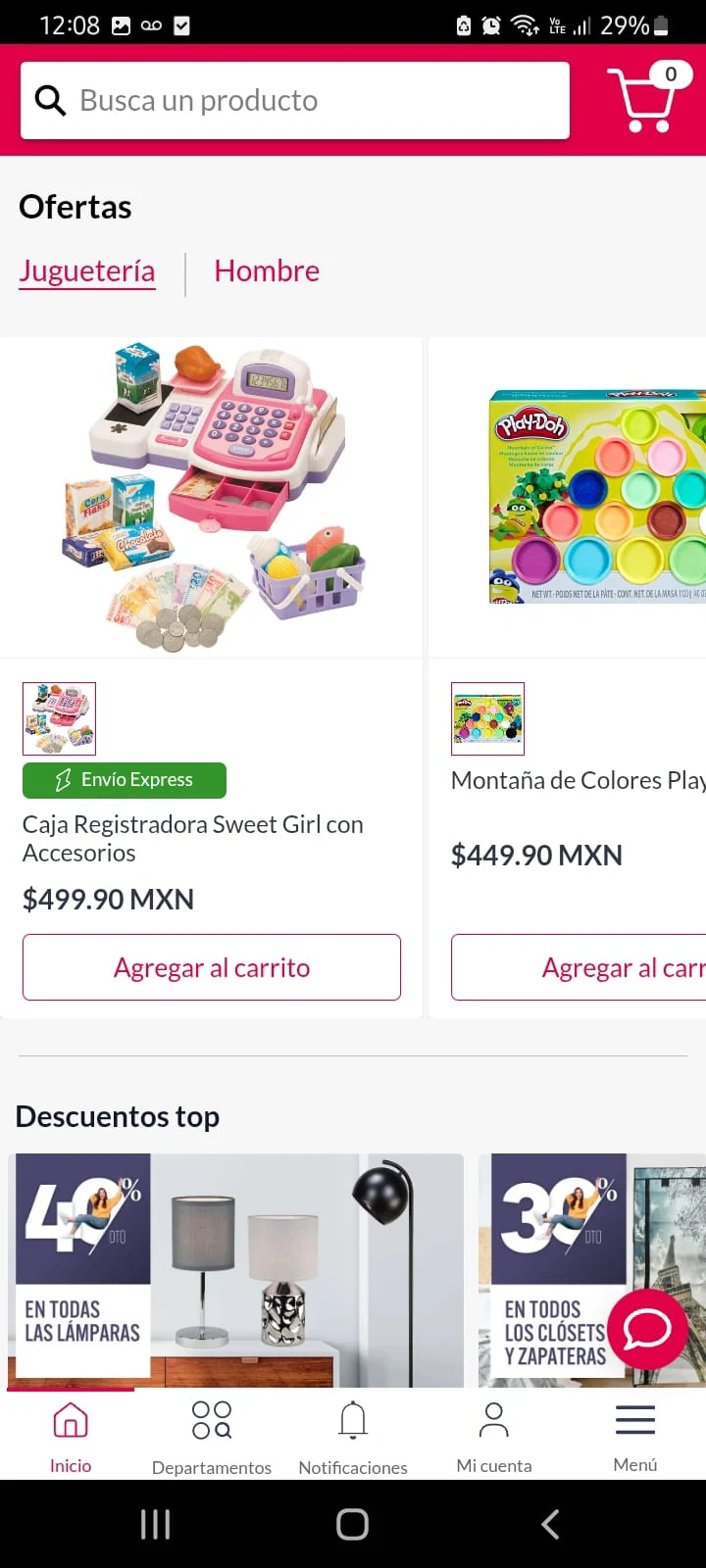
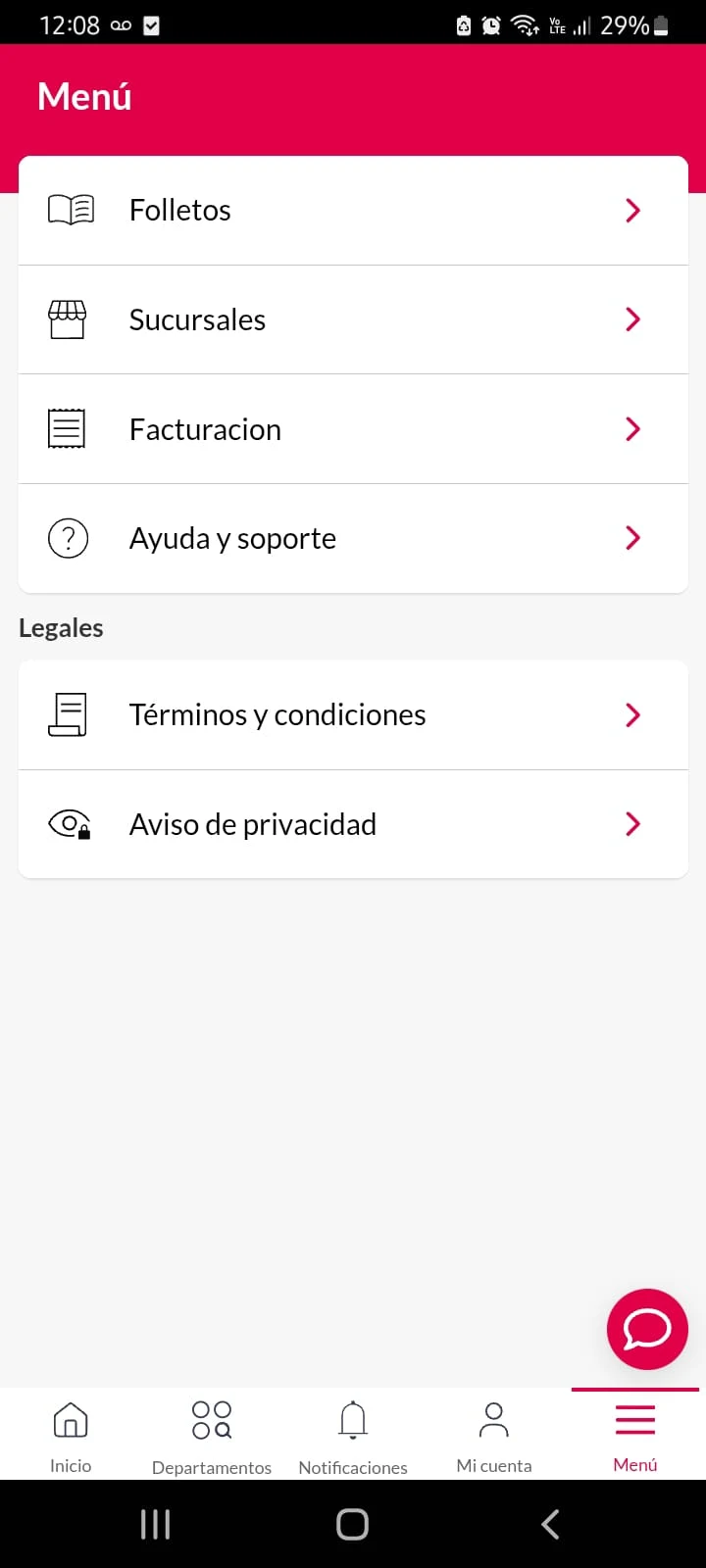
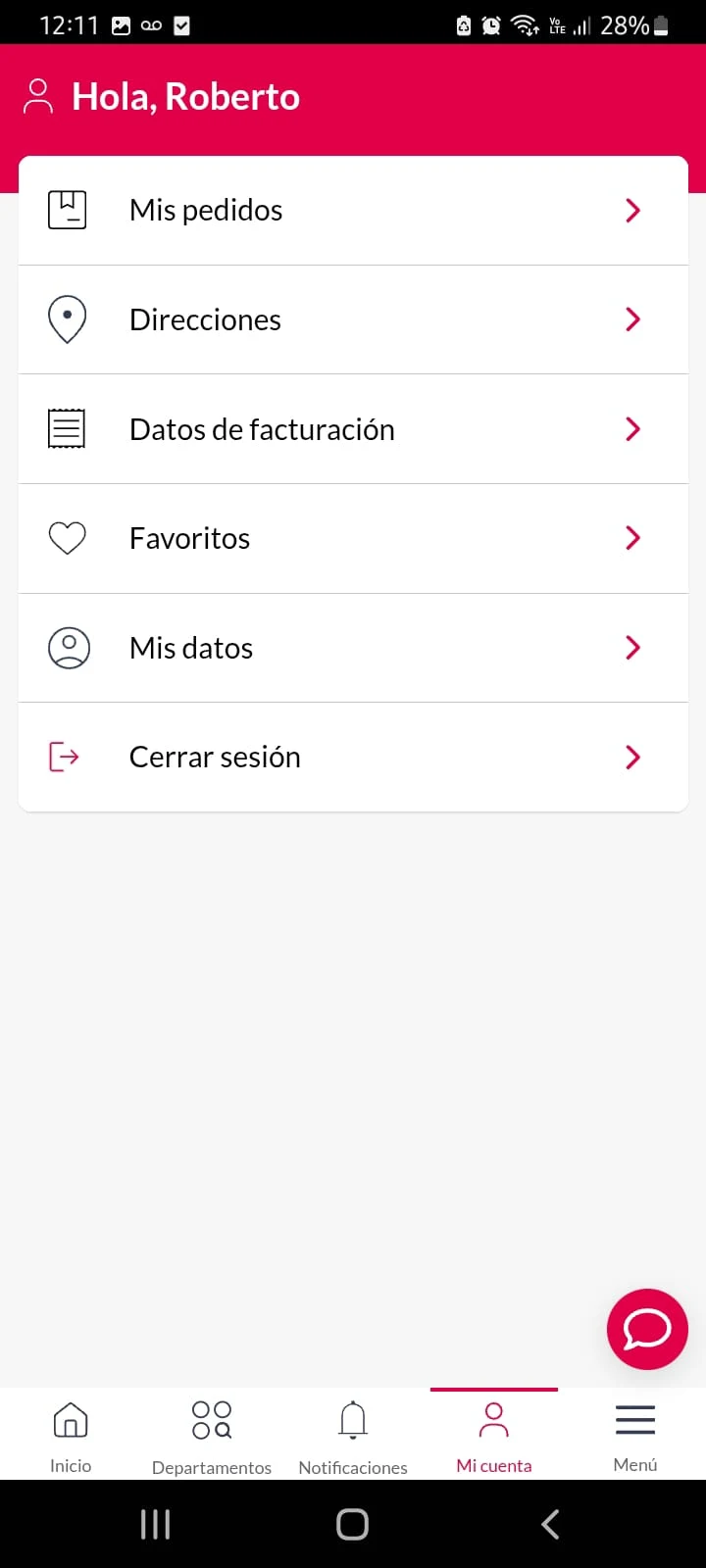
At Del Sol and Woolworth, we are dedicated to providing you with the finest products at amazing prices.
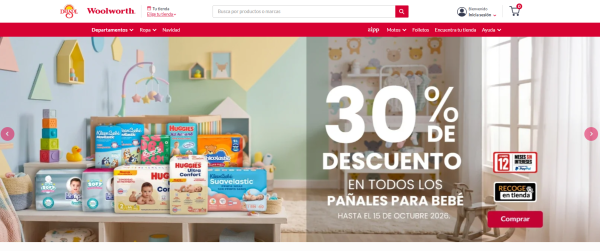
Experience the convenience of our new app by downloading it for free and registering today!
Become a part of our welcoming community!
Getting started with the app is both simple and quick!
You can discover and enjoy exclusive promotions before anyone else.
View, share, and download our promotional catalogs.
Access detailed information about your favorite sections at any time and make secure, swift payments effortlessly.
Check your wallet balance and transfer funds as needed.
Utilize QR codes to scan promotions in our stores.
Find your nearest location along with all the necessary details.
Shop conveniently through our online store.
Process invoices without delay.
And enjoy many more advantages!
Frequently Used Operations
- Forgot Password: Click "Forgot Password" on the login page. You can then reset your password using the reset link/verification code sent to your registered email/phone number.
- Scan QR Code: Open the QR code scanning function on the homepage/promotions section and scan the store's discount QR code.
- Can't Open App: First check your network connection, then clear your cache. If the problem persists, uninstall and reinstall the app.
- Prices Inconsistent: Prices at the actual store shall prevail. You can contact customer service within the app for assistance.
Related Questions and Answers
- **How do I download the DEL SOL/WOOLWORTH app? **
- **Answer**: Search for "DEL SOL/WOOLWORTH" in app stores like Google Play or Apkpure, then click to download.
- **What if I forgot my app login password? **
- **Answer**: There's usually a "Forgot password" option on the app's login screen. Click it and enter your registered email address or phone number. The system will send a password reset link or verification code. Click the link or verification code to reset your password.
- **What if the app doesn't open properly? **
- **Answer**: First, check your device's network connection. Try switching between Wi-Fi and mobile data. If the connection is working, clear the app cache. Find the DEL SOL/WOOLWORTH app in your device's app settings and click "Clear cache." If the problem persists, uninstall the app and re-download it.
- **How do I use the QR code scanning feature in the app? **
- **Answer**: Open the app and find the QR code scanning feature. It's usually on the homepage or under "Promotions." Click the Scan button and point your camera at the promotional QR code in-store to scan and identify the promotional information.
- **What should I do if the product price displayed in the app is inconsistent with the actual in-store price?**
- **Answer**: This may be due to factors such as delayed price updates. We recommend that you refer to the actual in-store price. You can also report this issue through the in-app customer service channel so that the merchant can verify and adjust the price.
- Version4.8.0
- UpdateOct 10, 2026
- DeveloperGrupo Comercial Control
- CategoryShopping
- Requires AndroidAndroid 5.0+
- Downloads331K+
- Package Namegcc.com.delsolandroid
- Signatureee54f0777f459a3b09ea555cd6986fbf
- Available on
- ReportFlag as inappropriate
-
NameSizeDownload
-
47.47 MB
-
38.04 MB
-
46.74 MB














Affordable price
Rich features
Easy to use
Poor performance
Unstable functionality