
Custom Weather Alerts - Custom Weather Alerts & Notifications
Stay ahead of the weather with personalized alerts for rain, wind, and storms—your ultimate weather companion!
- 6.8 Version
- 1.3 Score
- 186K+ Downloads
- In-app purchases License
- 3+ Content Rating

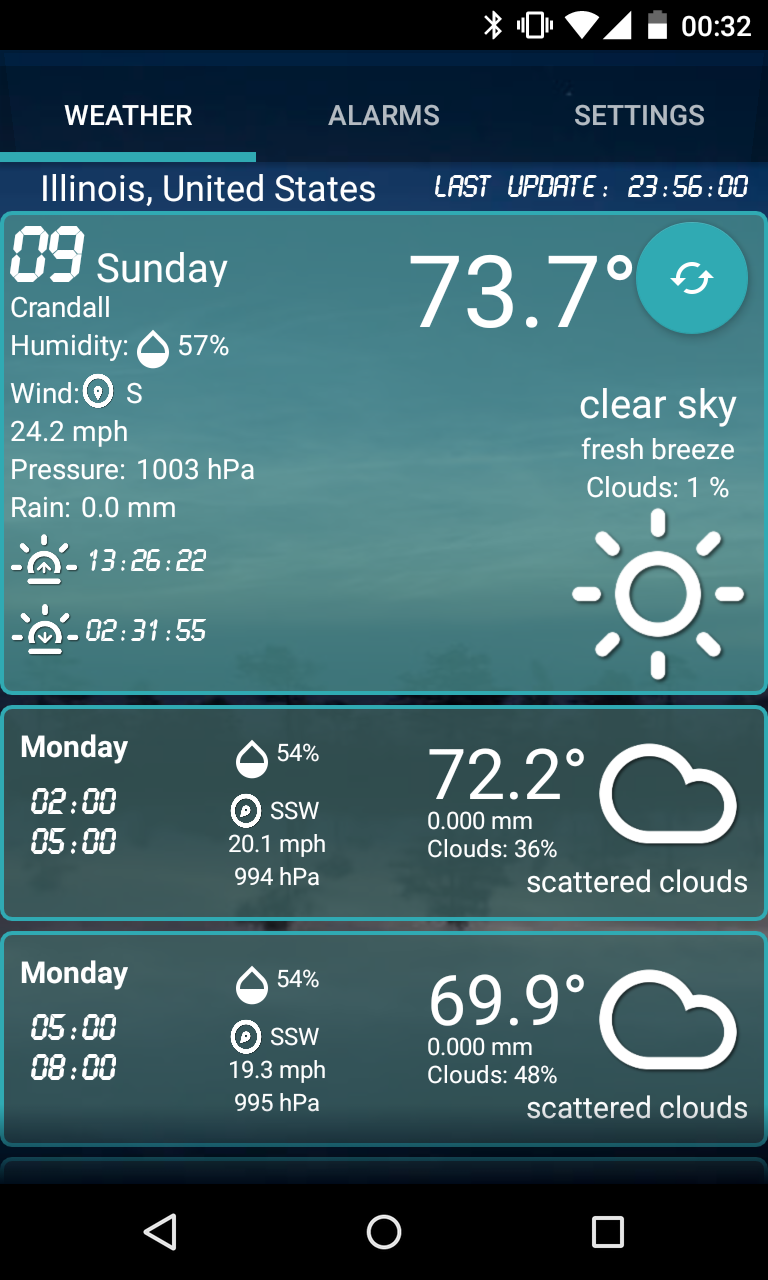
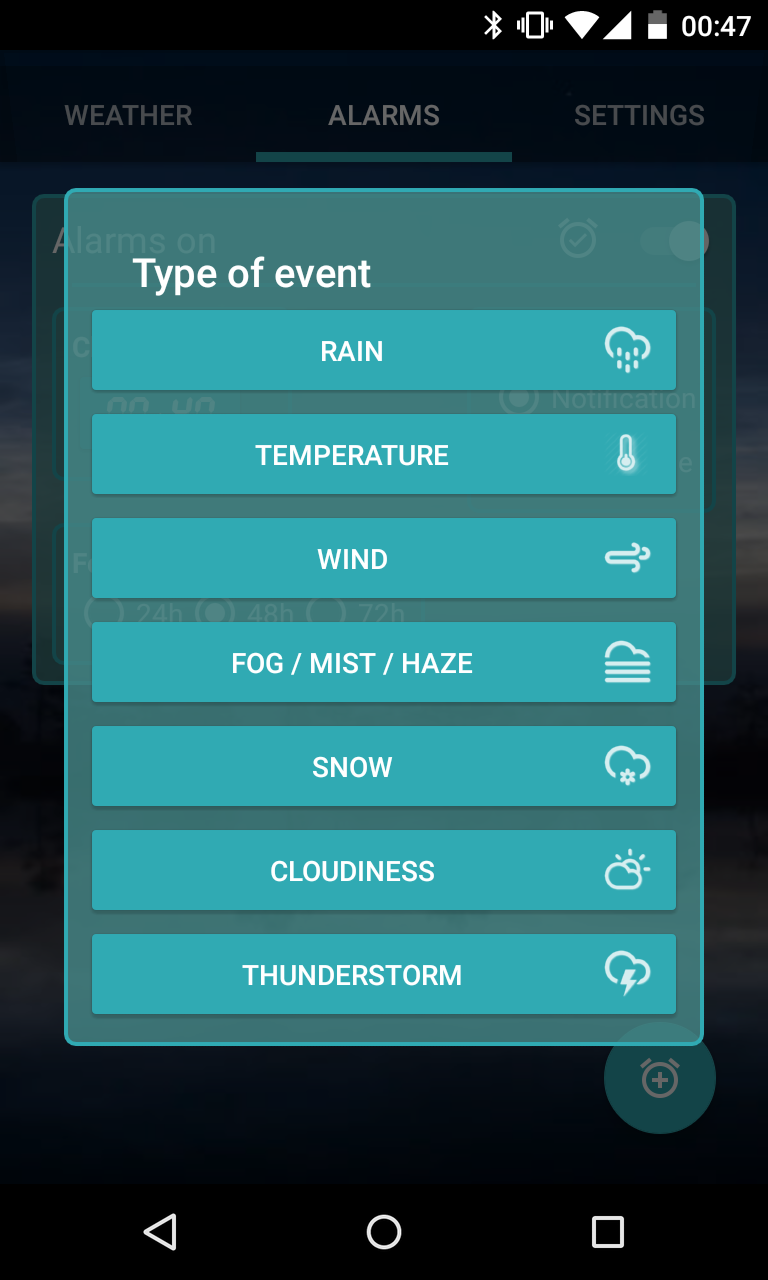
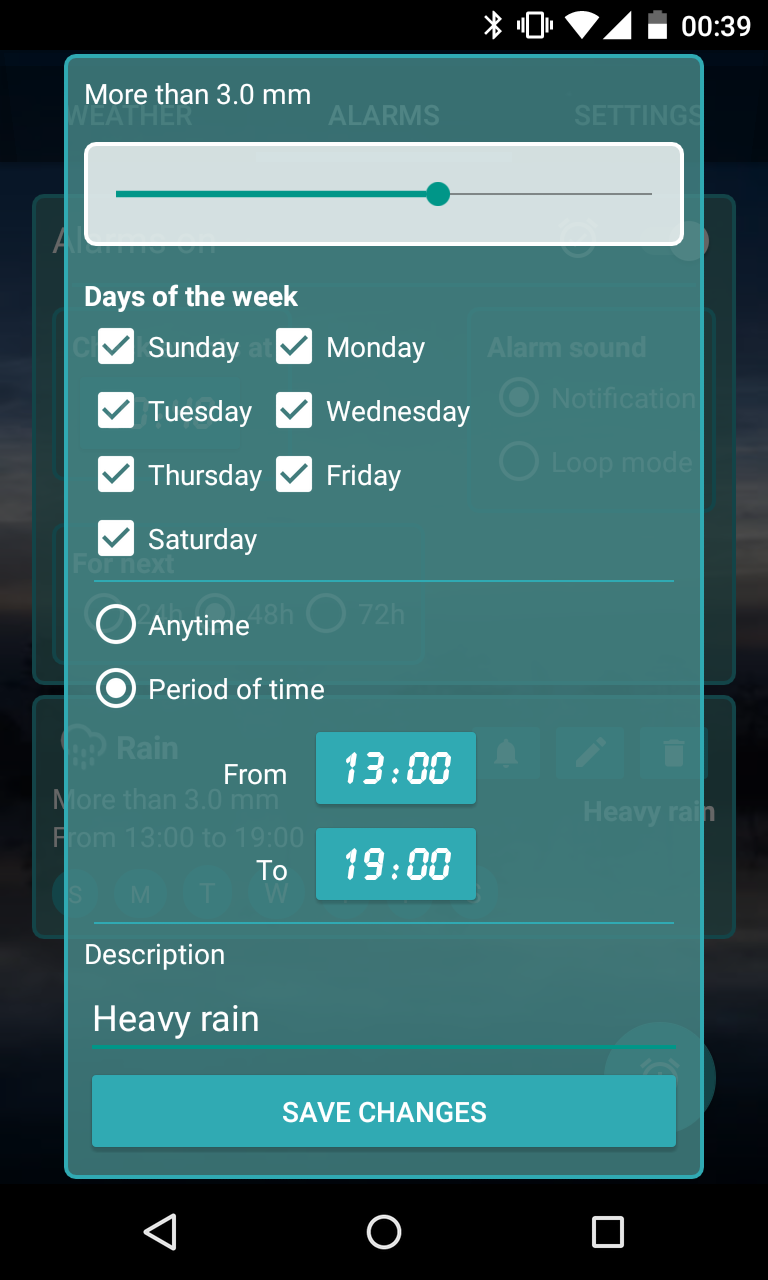
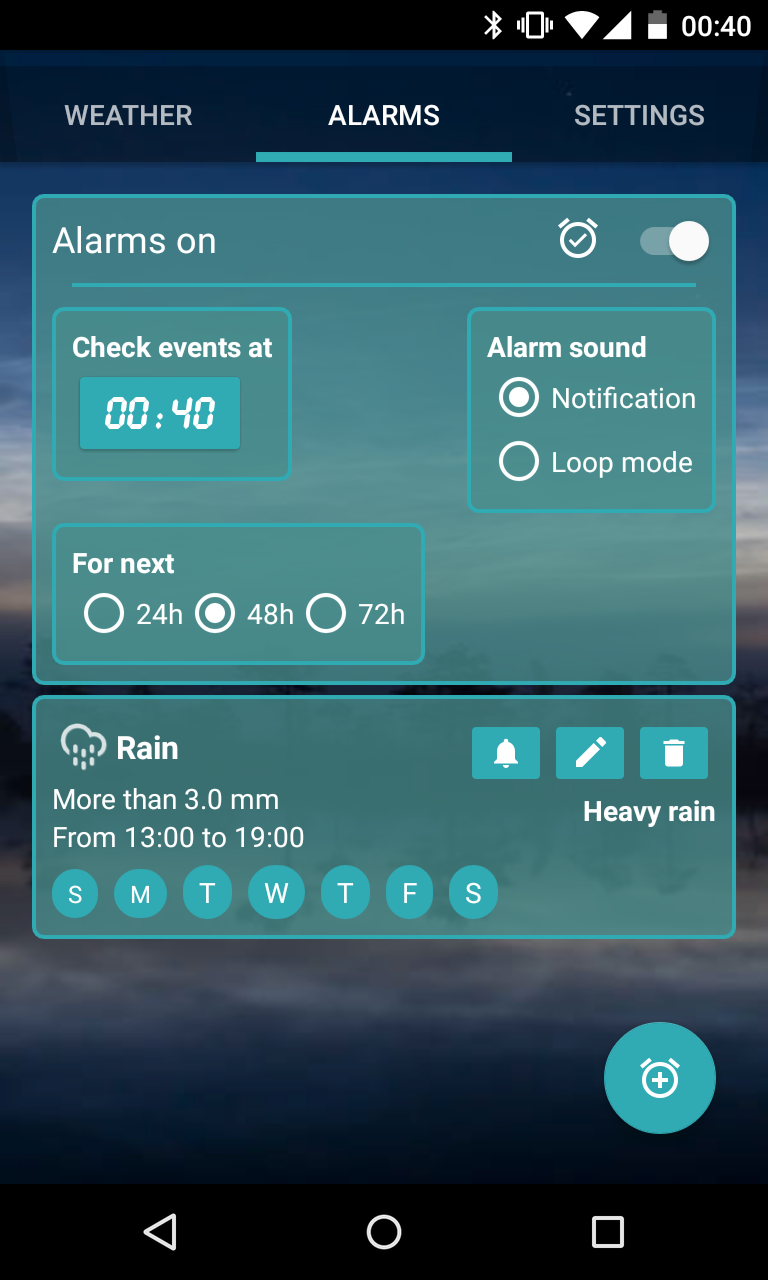
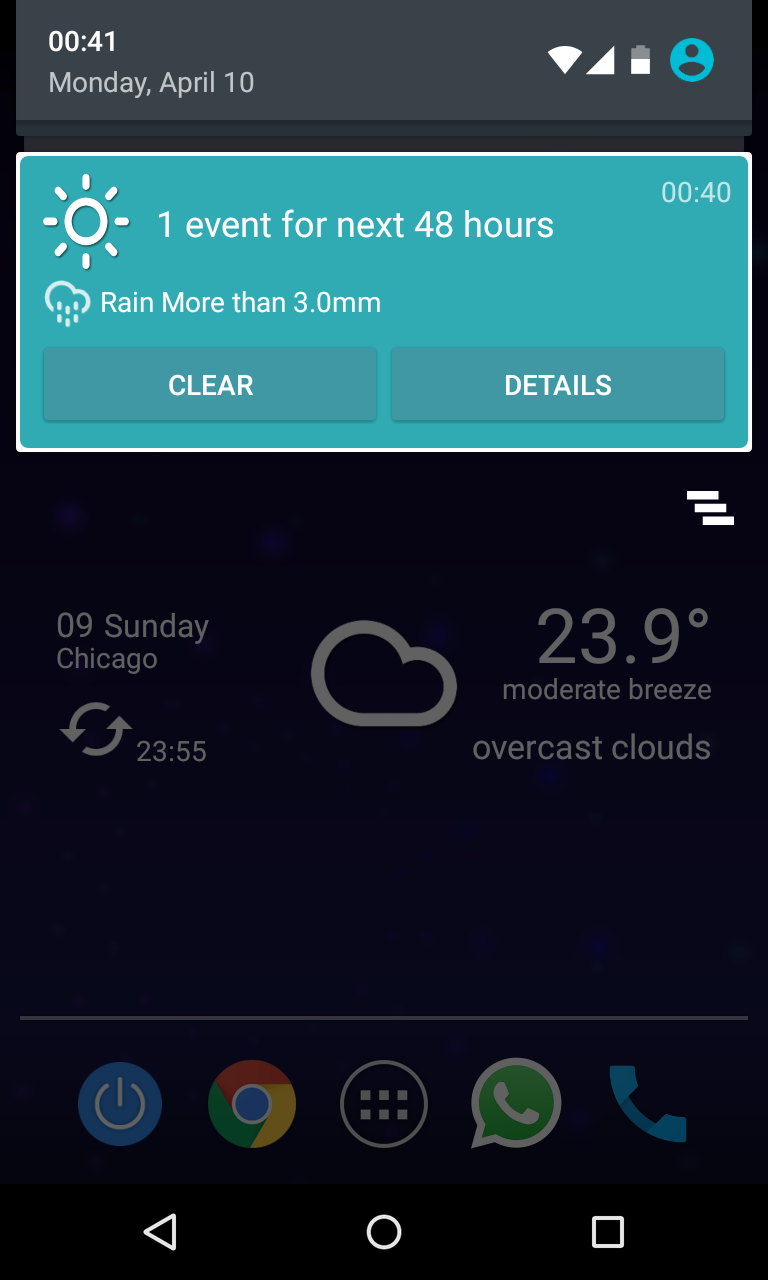
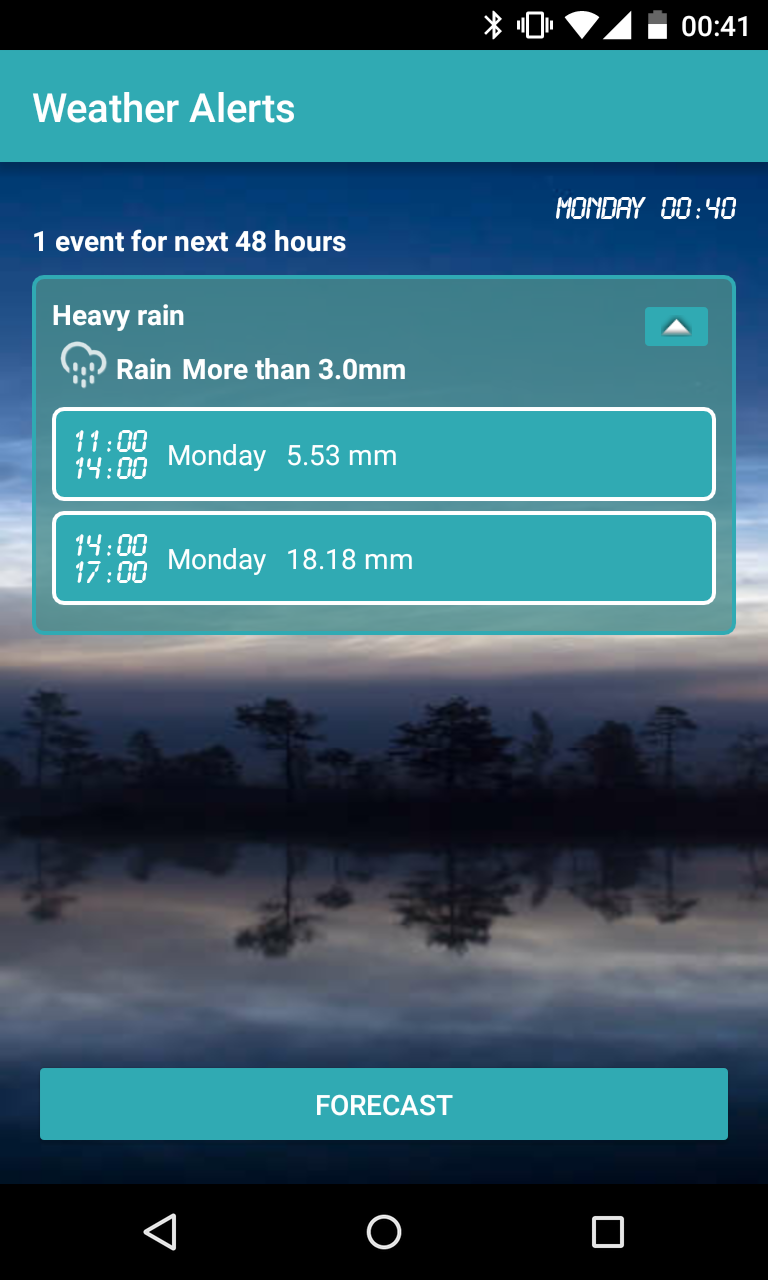
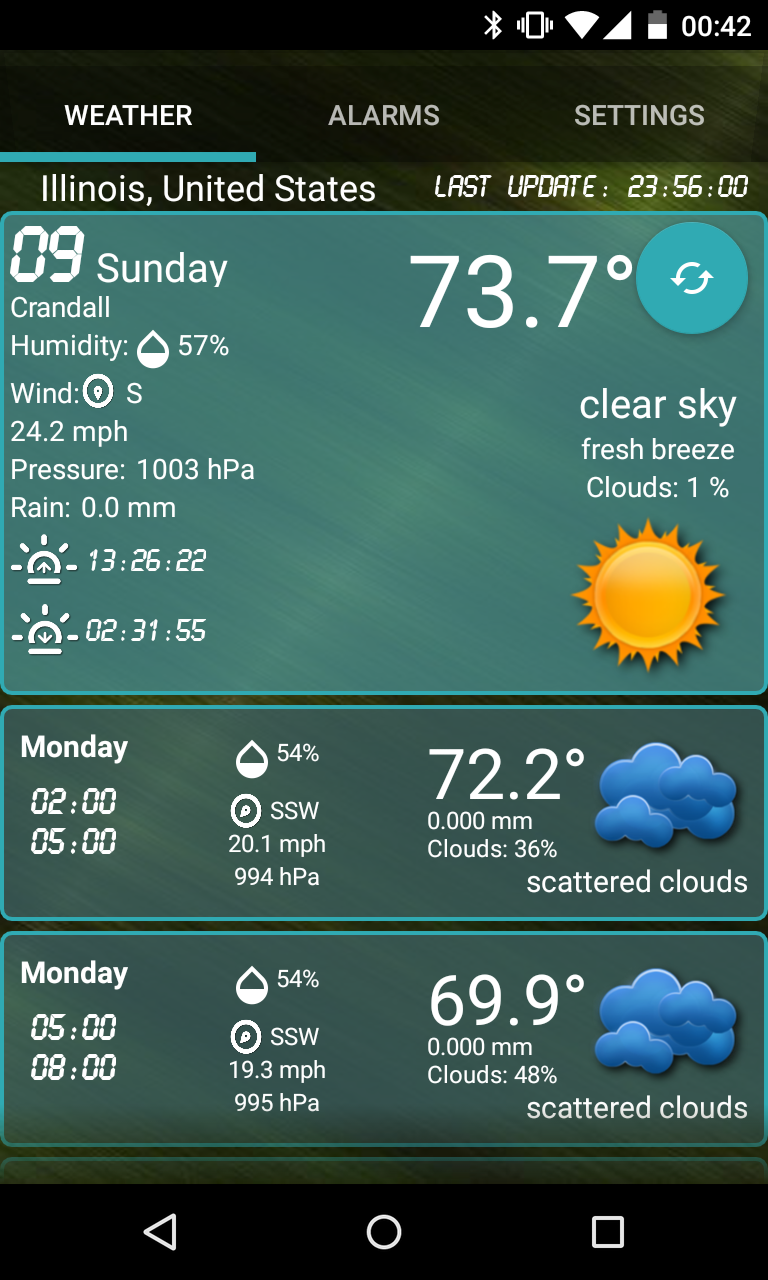
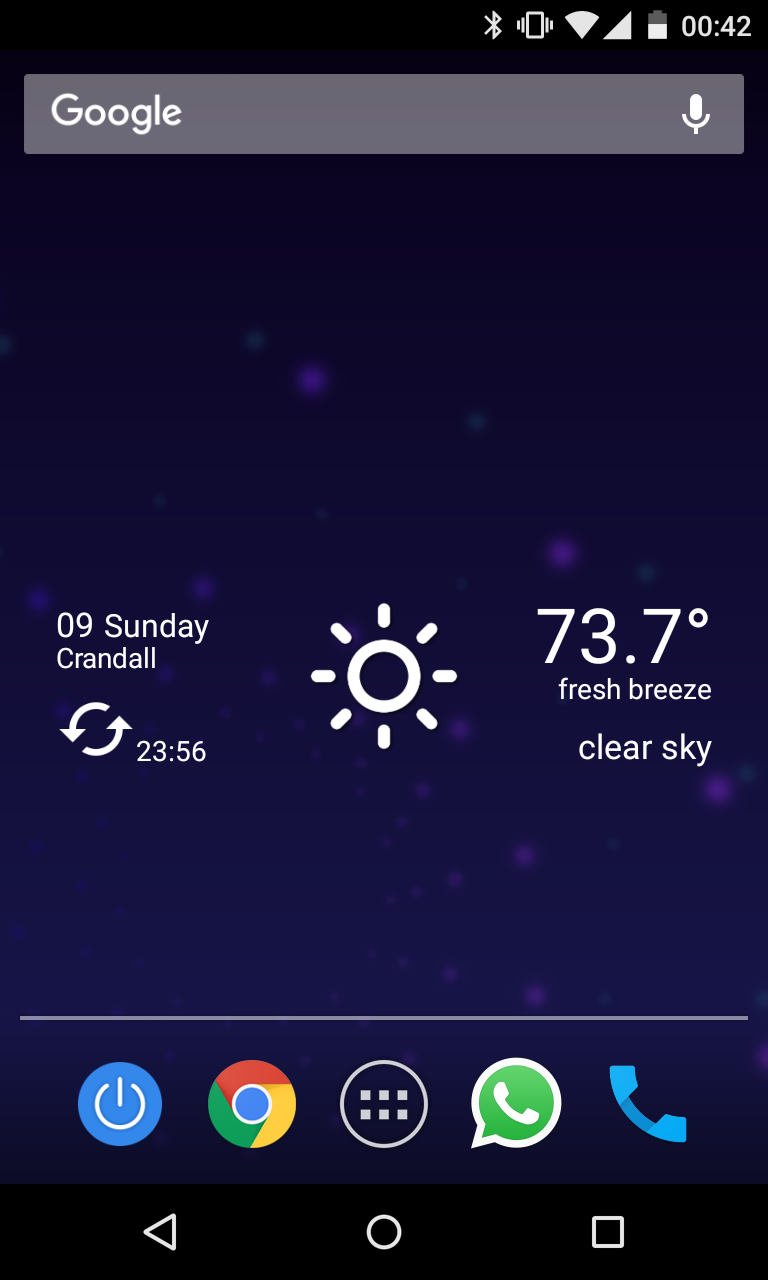
Customize the weather alerts that are important to you and set them for your preferred times:
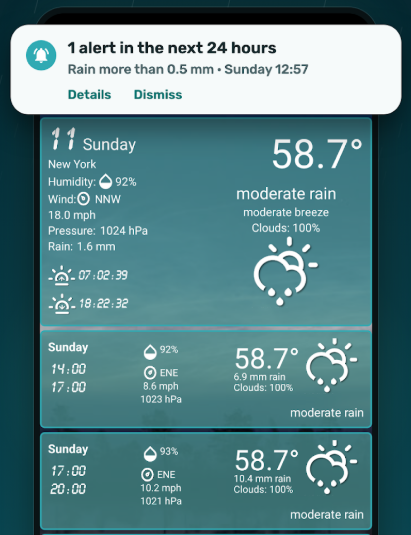
• Wind warning.
• Rain notification.
• Storm warning.
• Alert for cloud cover, fog, and temperature changes.
Key features:
• Highly precise.
• Weather forecasts are provided by a reliable service using data from NOAA models.
• Global weather coverage.
• European weather updates.
• Localized weather information.
• The Custom Weather Alerts app is not only practical but also visually appealing, featuring customizable icons and backgrounds.
• A widget displaying current weather at your location.
• Most accurate present and upcoming weather reports.
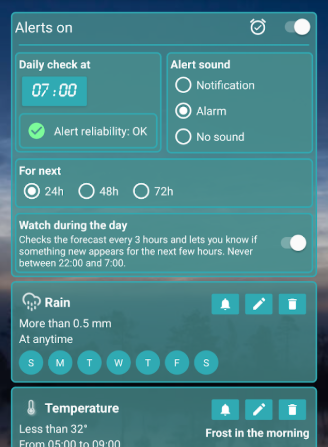
• Notifications available in two sounds: a looping alarm or a standard notification tone.
• Choose your location manually or enable GPS to determine it automatically.
• A lightweight application.
• Retrieves the name of the nearest weather station.
• Provides current weather data for over 200,000 cities.
• Offers meteorological information for any specific location (latitude/longitude).
• Information on humidity, atmospheric pressure, sunset, and sunrise times.
Types of alerts or notifications:
• Rain. (Exceeding a specified amount in mm)
• Temperature. (Above or below a certain degree)
• Wind. (Surpassing a selected speed)
• Fog / Mist / Haze
• Snowfall.
• Cloud cover. (More or less than a designated percentage)
• Thunderstorm alert.
Follow these steps to begin:
• Select a location or allow GPS to identify it for you.
• Indicate the weather conditions you wish to monitor.
• Choose the days and times for the weather conditions you want to observe.
• Designate the time each day when the weather will be checked.
• Choose your preferred notification sound: an alarm mode or a simple alert sound.
Identify the weather conditions that are crucial for you to stay prepared. Weather influences many aspects of our lives:
• Windsurfing or surfing. Will it be windy enough?
• Planning a beach day. Is it going to be warm and sunny?
• Checking for rain. Should I hang laundry outside to dry?
• If rain or snow is expected, I will wake up earlier for work.
• Gliding in aircraft.
App Experience
This weather alert app is a truly practical and thoughtful personal weather assistant! It relies on NOAA models to provide accurate weather data, covering over 200,000 cities worldwide. It allows for both manual location selection and GPS positioning, and also displays information from nearby weather stations. Users can customize various alert conditions and reminder times, including rain, wind, snow, and temperature, along with two different alert sounds, allowing for complete customization. A simple desktop widget provides quick access to real-time weather, and its lightweight design doesn't take up much phone memory. Whether planning your trip, managing laundry, or dealing with outdoor scenarios, it helps you prepare in advance, providing a super convenient experience!
FAQs
1. **Q: What customizable alerts can this weather app set? **
A: You can customize wind, rain, and storm warnings, as well as cloud cover, fog, and temperature changes. You can also set alerts for specific conditions related to snowfall and humidity (for example, if the rain exceeds a certain number of millimeters or the temperature exceeds or falls below a certain degree).
2. **Q: Is the weather data accurate? Where does it come from? **
A: The data is quite accurate and provided by a reliable service, using data from the NOAA model. It offers global coverage, European updates, and local weather information.
3. **Q: How do I set weather alerts? **
A: First, select a location (manually or with GPS), then select the weather conditions you want to monitor. Then, set the date and time to monitor, the time to check the weather each day, and finally, select a notification tone (recurring alarm or regular sound).
4. **Q: What weather information can I check? **
A: You can check the current and future weather, as well as humidity, air pressure, sunrise and sunset times. You can also check the weather in over 200,000 cities worldwide, and even find weather data for specific locations by latitude and longitude.
5. **Q: Is there a desktop widget? **
A: Yes, there is a widget that displays the weather at your current location for quick and easy access.
6. **Q: Does this app take up a lot of phone memory? **
A: Not much. It's a lightweight app and won't take up much storage space.
- Version6.8
- UpdateOct 16, 2026
- DeveloperVázquez Software
- CategoryWeather
- Requires AndroidAndroid 6+
- Downloads186K+
- Package Nameinfo.vazquezsoftware.weatheralarms
- Signatured465a67451290f408f9f795bb524a85c
- Available on
- ReportFlag as inappropriate
-
NameSizeDownload
-
5.89 MB
-
5.79 MB
-
5.78 MB















Displays probability of rain and expected amount
Custom alerts for freezing temperatures
Shows weather at different periods of the day
Easy to set up and navigate
Accurate temperature updates
Allows multiple alert settings in premium version
Good functionality for outdoor work conditions
Alerts based on specific criteria for locations
Inaccurate weather data reported
Limited alert functionalities without payment
Frequent intrusive ads disrupt usage
Notifications may not trigger as expected
Limited to one location for alerts
Alerts expire after 72 hours
Requires manual data collection deselection
Error accessing weather server frequently
Not customizable enough for various user needs