
ClockShark - Time Tracking & Scheduling
Effortlessly manage time & shifts, track jobs in real-time, and empower your mobile team with our innovative app.

- 3.40.1 Version
- 2.9 Score
- 202K+ Downloads
- Free License
- 3+ Content Rating


What Is ClockShark Time Tracking Software?
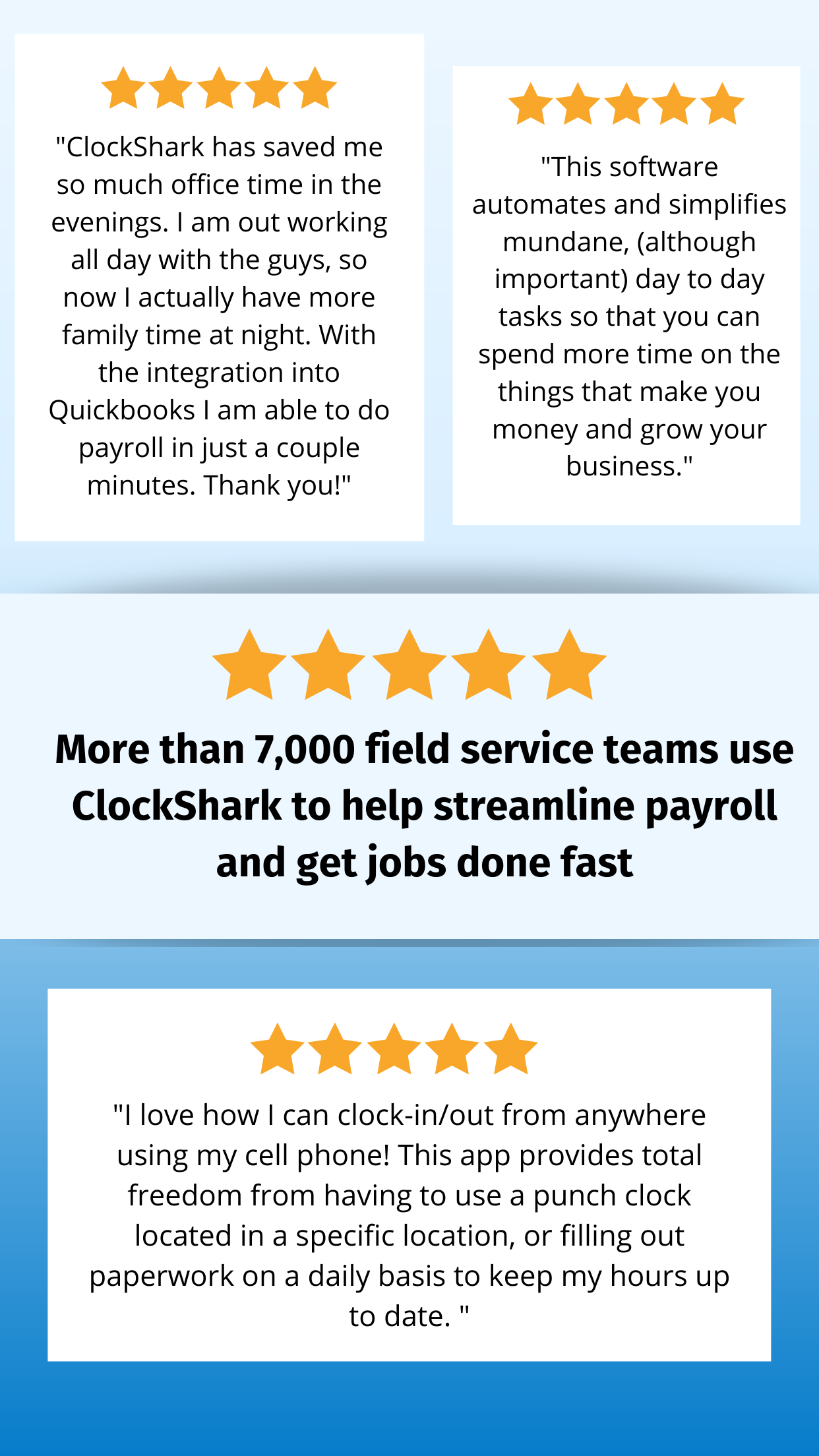
*FREE 14 DAY TRIAL* ClockShark is mobile GPS time tracking and employee scheduling software designed for field service and construction businesses. It helps teams track employee hours, simplify payroll, manage job costs, and replace paper timesheets with digital time tracking. ClockShark is built with ease of use in mind and is used by more than 9,500 companies and 100,000 field service and construction professionals.
Why Choose ClockShark for Field Service and Construction Businesses?
ClockShark combines GPS time tracking, employee scheduling, job costing, and reporting in one platform. By bringing essential workforce data together, the software helps businesses improve visibility into labor, jobs, and work hours while reducing manual processes.
Whether you manage a small team or a larger field workforce, ClockShark is designed to simplify time tracking and scheduling. Digital timecards can reduce paperwork, support payroll workflows, and make it easier to monitor job related labor costs.
ClockShark is designed for construction companies, field service teams, and trade businesses that want a simpler way to manage employee time, schedules, and job information in one place.
Features for Time Tracking and Job Management
Time Tracking on the Go
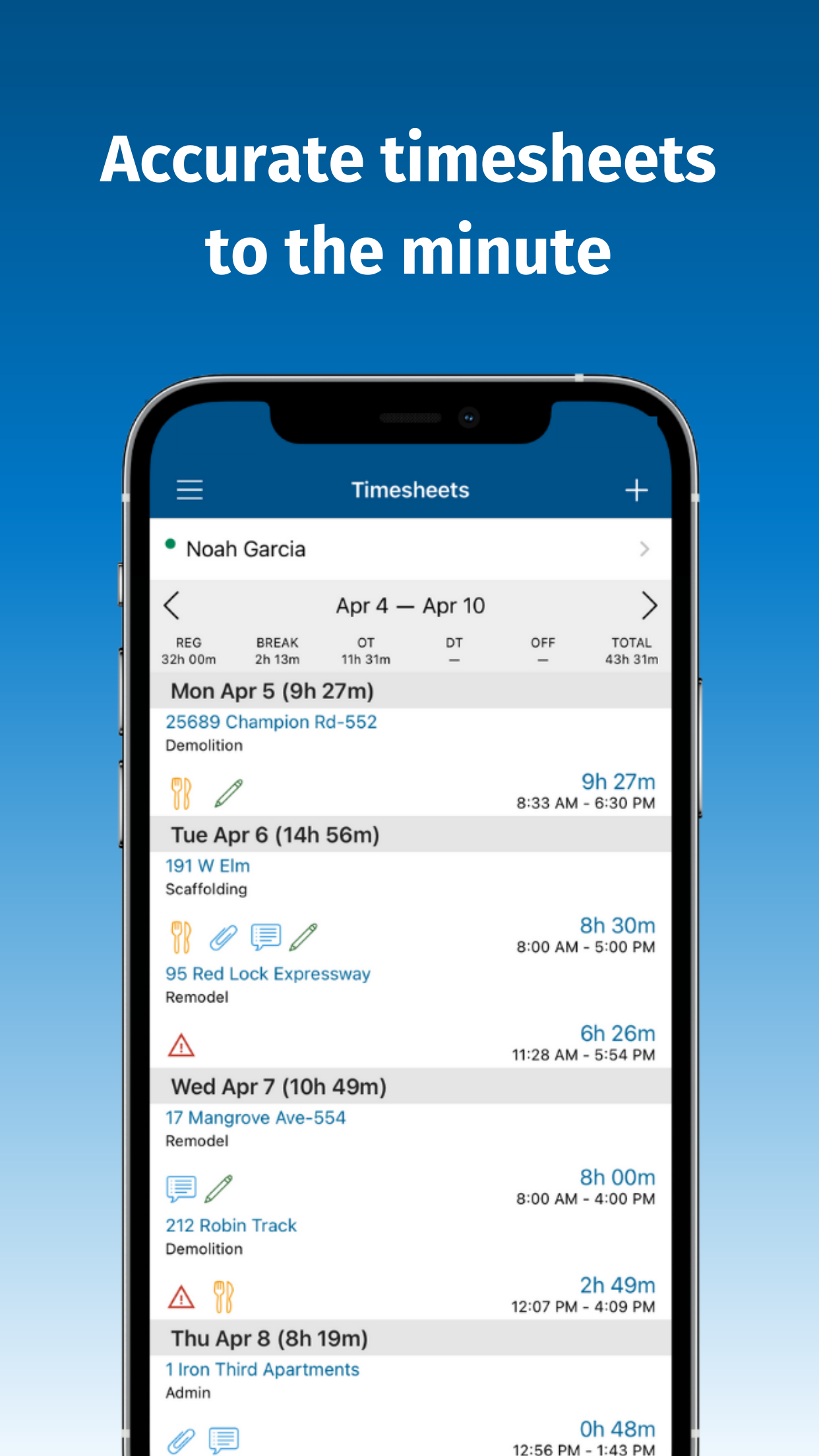
Employee Timesheets and Labor Cost Tracking
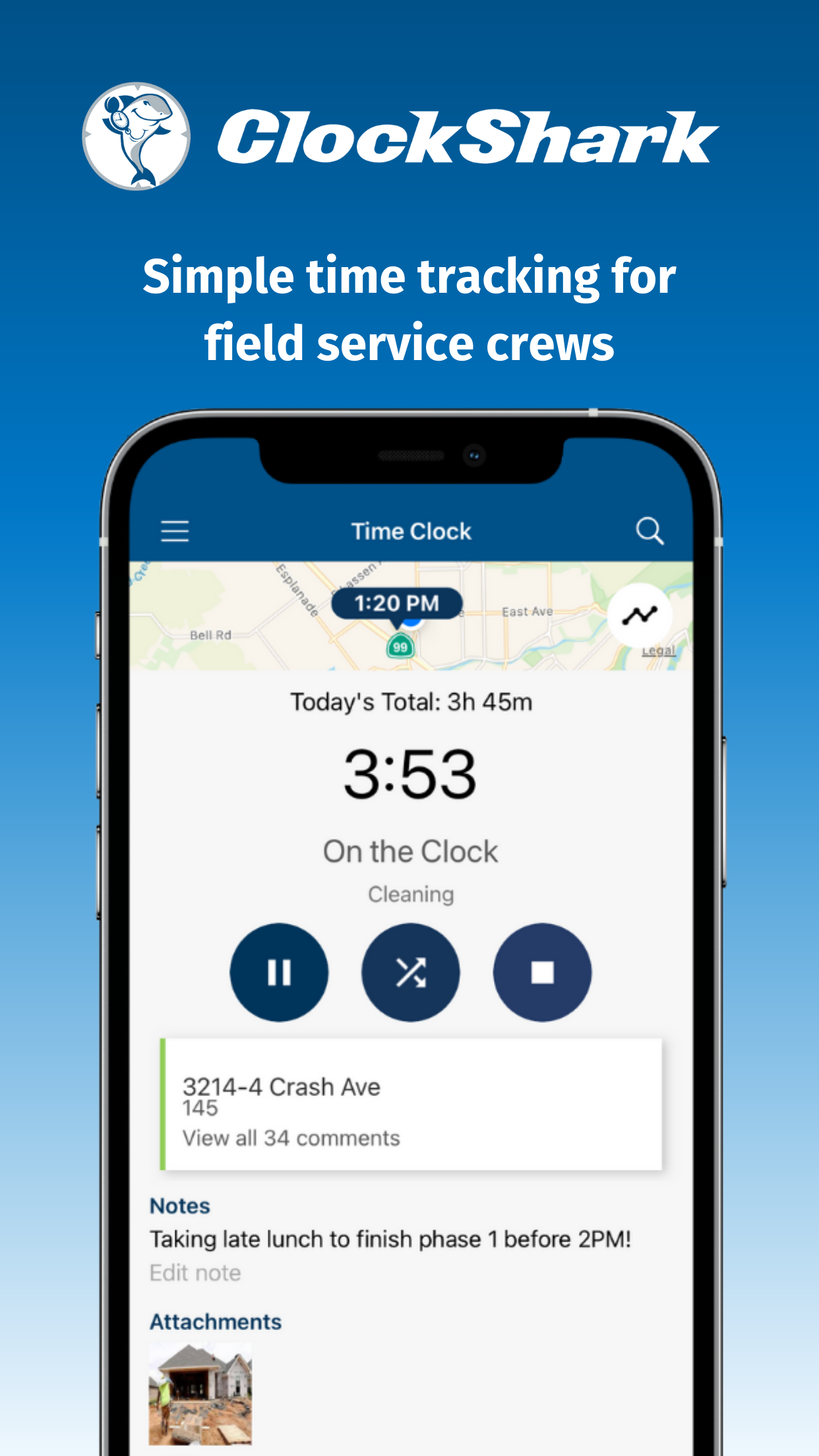
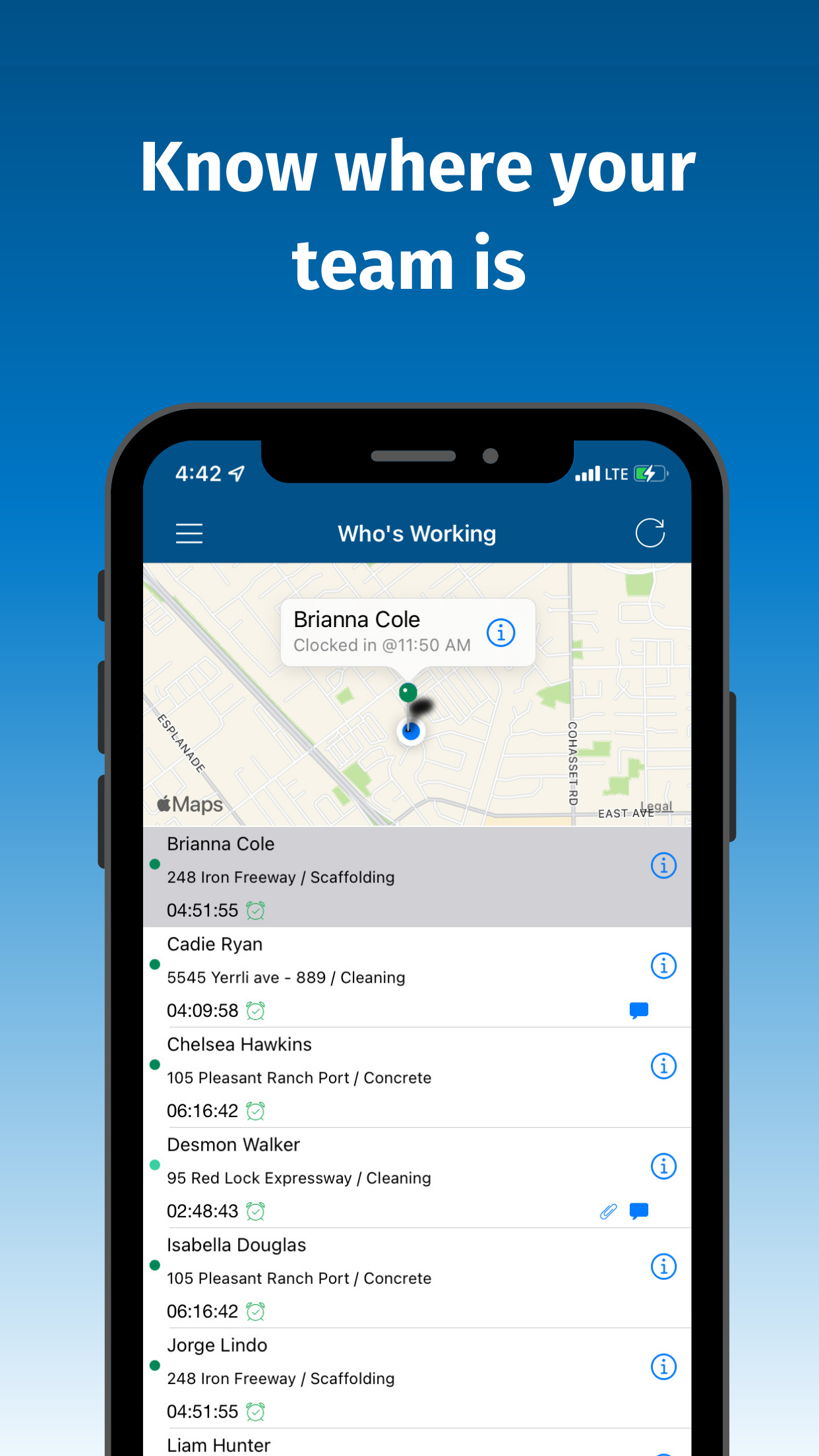
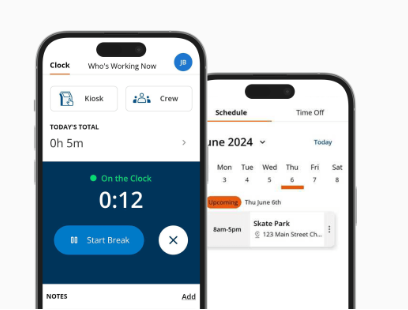
ClockShark lets employees clock in and out from a mobile device with a tap. Time entries can provide the information needed for payroll and job costing, helping managers track which job was completed, who worked on it, and how long the work took. The source content states 99.9% accuracy for recorded timesheet data.
Paperless Job Management
Centralized Job Information
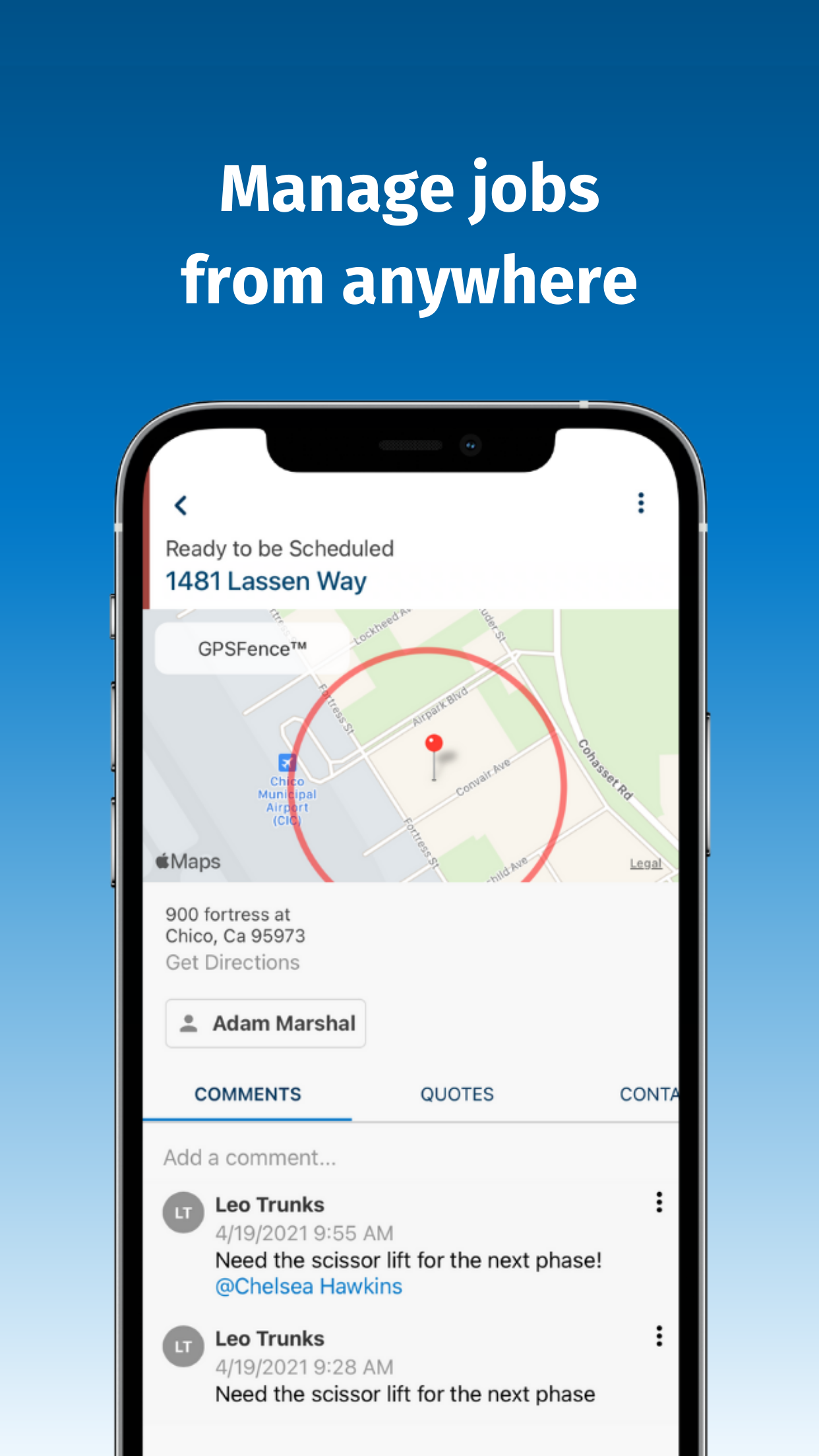
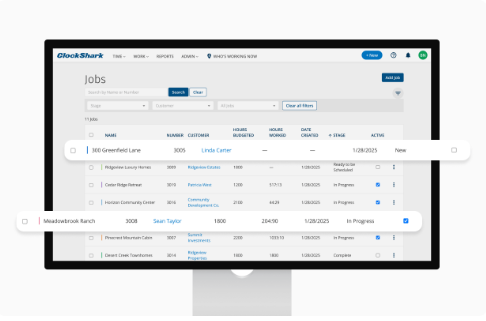
Keep job details in one place and manage work from start to finish. Centralized job information can help teams coordinate tasks, involve the right employees, and reduce manual job administration.
Team and Employee Scheduling
Flexible Field Service Scheduling
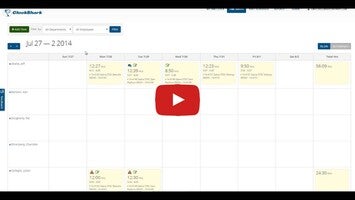
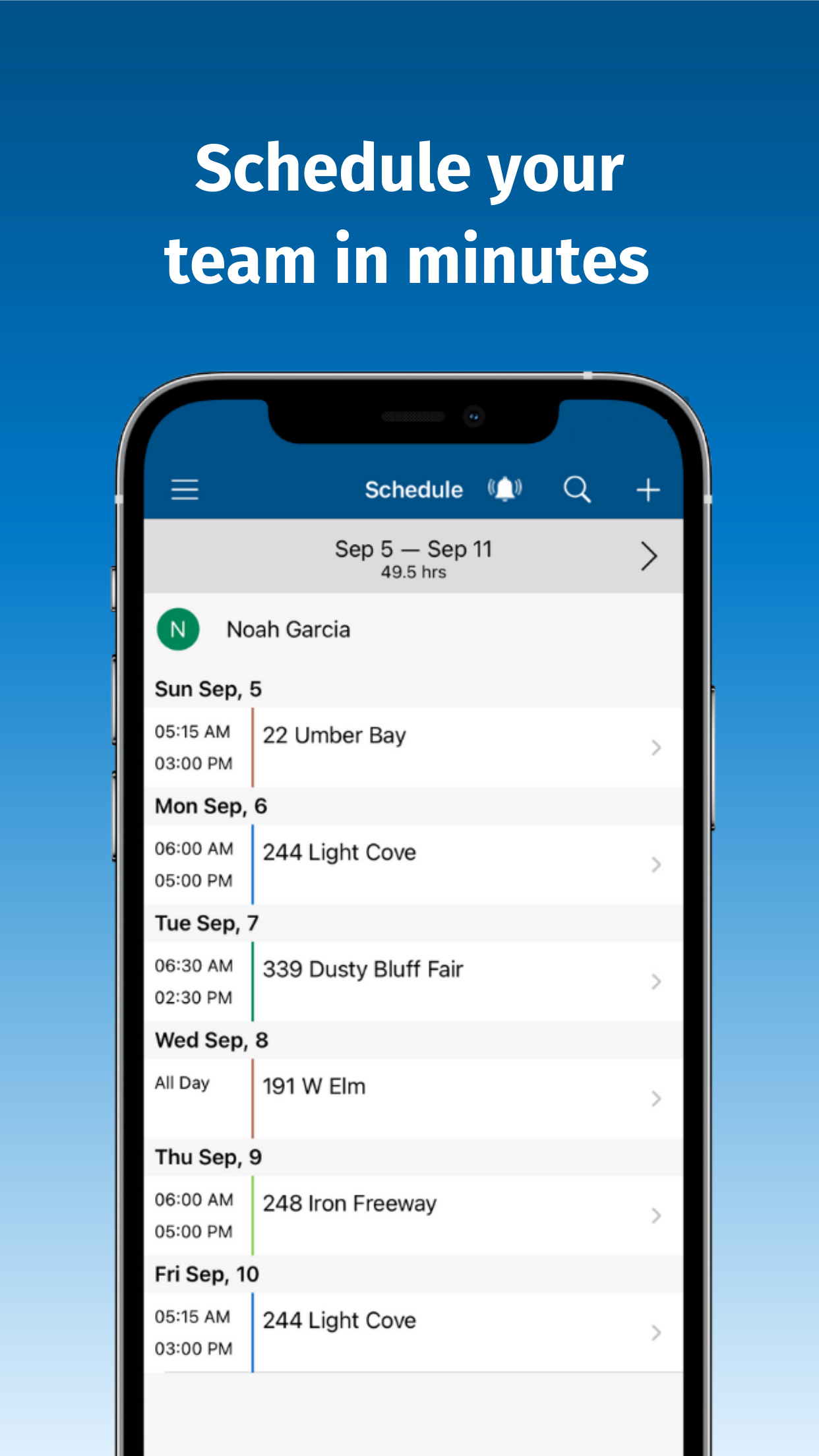
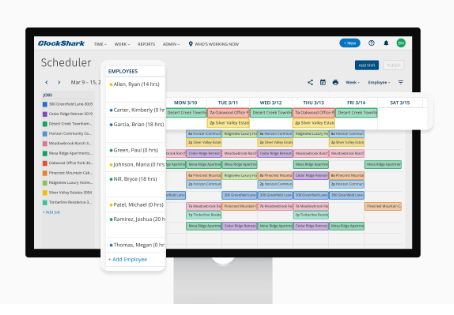
Create employee schedules, assign jobs and tasks, and provide job site directions. ClockShark makes it easier to reschedule work or reassign jobs by updating the schedule with simple drag and drop changes.
Time Reporting
Real Time Work Hours and Labor Insights
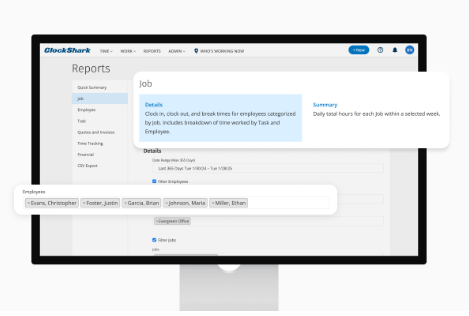
Use real time reporting to monitor work hours for payroll, job costing, and labor management. Timely updates and more accurate time records can help reduce reporting errors and save administrative time.
Frequently Asked Questions About ClockShark
1、What Devices Does ClockShark Work On?
The ClockShark mobile app is available on iOS and Android. A web version is also available through a browser.
2、Do I Need to Train My Crew to Use the ClockShark App?
ClockShark is designed to be user friendly and intuitive for people with different levels of technical experience. Free onboarding is available during the free trial and subscription plans for teams that need initial guidance.
3、Is ClockShark Available in Spanish?
Yes. Users can select Spanish as their preferred language, making ClockShark more accessible to Spanish speaking employees and businesses.
4、Is My Crew’s Location Tracked When They Are Off the Clock?
According to the source content, ClockShark does not request GPS information when team members are not clocked in.
5、How Much Battery Does ClockShark Use?
The source content states that ClockShark generally uses about 15 to 25% of a normal phone battery during an 8 hour shift with all GPS features enabled.
6、How Much Mobile Data Does ClockShark Use?
The source content states that ClockShark uses about 5MB to 25MB of mobile data for an entire month.
- Version3.40.1
- UpdateSep 23, 2026
- DeveloperClockShark, LLC
- CategoryProductivity
- Requires AndroidAndroid 5.0+
- Downloads202K+
- Package Namecom.phonegap.clockshark
- Signature832709b43cfb7f9b5385104897db29f3
- Available on
- ReportFlag as inappropriate
-
NameSizeDownload
-
52.00 MB
-
52.00 MB
-
52.00 MB















Easy to use
Simple clock in and clock out
Convenient mobile time tracking
Useful GPS tracking
Helpful job scheduling
Accurate time tracking for some users
Useful job costing features
Helpful customer support
Good integration options
Frequent bugs and glitches
Unreliable GPS tracking
Incorrect job overlaps
Clock out failures
Slow switching between jobs
Confusing schedule view
Limited customization options
Limited integrations
Limited report customization
Expensive for some users
Harder navigation in the new app
Missing features from the older app