
Cars Coloring Pages - Coloring & painting fun
Explore endless creative possibilities with vibrant colors, unique brushes, and a user-friendly interface for all ages.
- 42 Version
- 3.6 Score
- 153K+ Downloads
- Free License
- 3+ Content Rating


Coloring Game
1. Overview
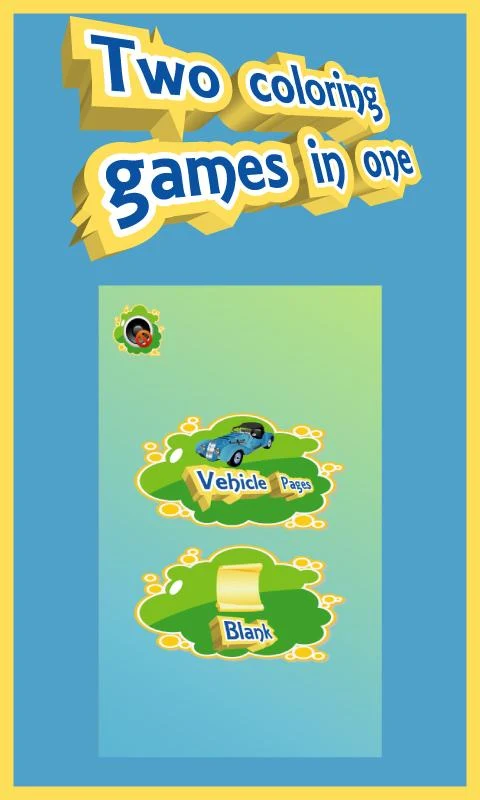
Coloring Game is a free Android coloring app for children and adults. It offers two coloring modes: Line Drawing and Color Fill. Users can switch between them while working on the same design, either drawing and coloring individual details or filling larger areas with a single tap.
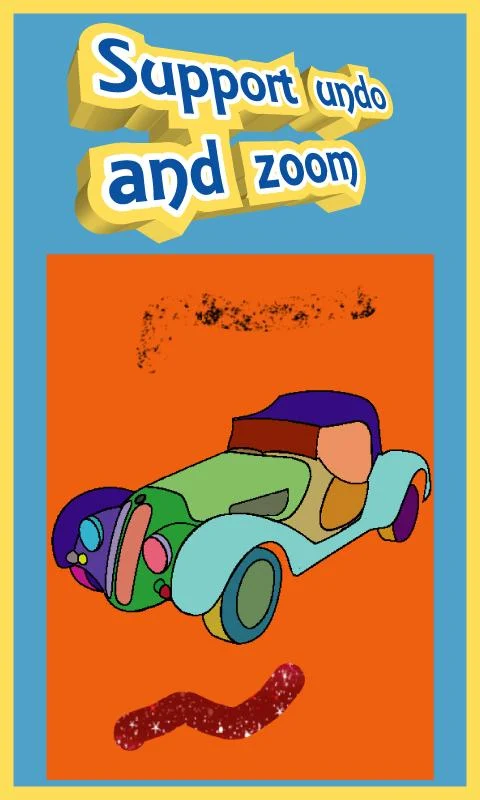
The app includes tools for zooming, undoing actions, creating patterns, and applying magic drawing effects. Completed artwork can be saved directly to the device's Gallery. It is compatible with both Android smartphones and tablets.
2. Key Features
• Two Coloring Modes: Choose between Line Drawing and Color Fill
• Gallery Saving: Save completed drawings to the device
• Zoom and Undo: Adjust detailed areas and reverse unwanted actions
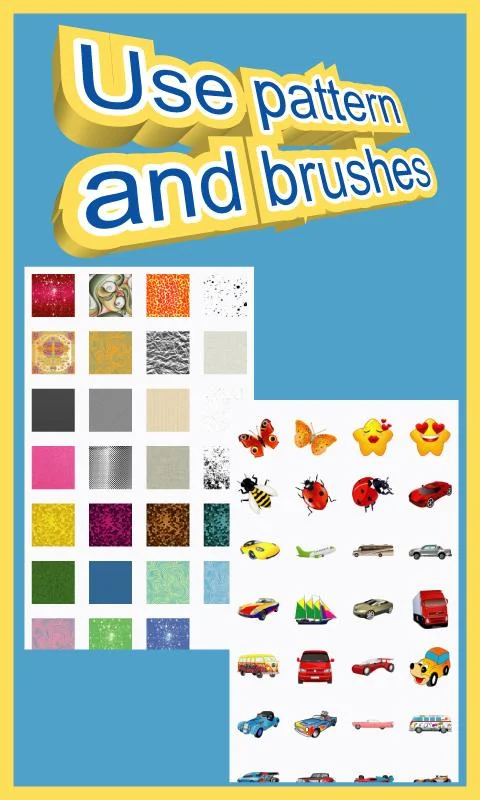
• Pattern Creation: Add decorative patterns to artwork
• Magic Drawing Tools: Apply additional drawing effects
• Colorful Graphics: Work with bright, colorful visuals
• Android Compatibility: Available on smartphones and tablets
3. How to Use
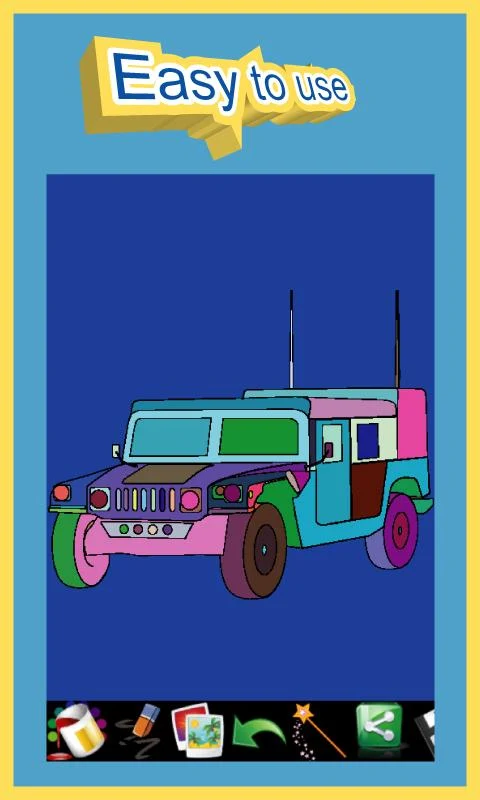
1. Choose a Coloring Mode: Open the app and select Line Drawing or Color Fill using the mode button.
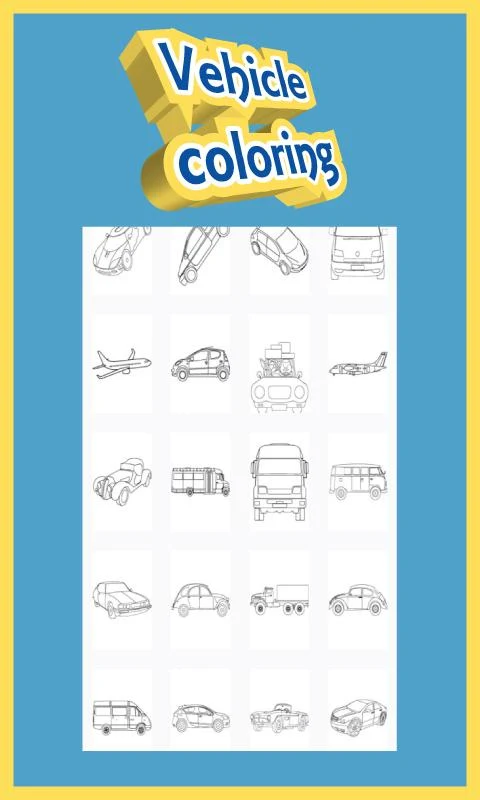
2. Select a Design: Choose an available image to start coloring.
3. Add Colors: Draw or tap different areas of the image, depending on the selected mode.
4. Edit Details: Zoom in for precise coloring or use Undo to reverse unwanted changes.
5. Apply Effects: Experiment with pattern creation and magic drawing tools.
6. Save the Artwork: Store the finished drawing in the device's Gallery.
You can switch between the two coloring modes at any point without restarting your design.
4. App Experience
The two coloring modes offer different ways to work on an image. Line Drawing allows more detailed input, while Color Fill is suited to coloring larger sections with individual taps.
Zoom and Undo provide basic editing control, while pattern creation and magic drawing tools extend the available creative options. The combination of these functions makes the app accessible to beginners while leaving room to experiment with different coloring styles.
5. Frequently Asked Questions
Q1: Can I switch coloring modes without restarting a design?
A: Yes. Use the mode button to switch between Line Drawing and Color Fill at any time.
Q2: Does the app have an undo function?
A: Yes. Tap Undo to reverse an unwanted coloring action.
Q3: Where are completed drawings saved?
A: You can save your finished artwork directly to your device's Gallery.
Q4: Is Coloring Game compatible with tablets?
A: Yes. The app supports both Android smartphones and tablets.
Q5: Can both children and adults use the app?
A: Yes. Its two coloring modes and creative tools are suitable for users of different ages and skill levels.
- Version42
- UpdateNov 10, 2026
- DeveloperKidgames
- CategoryCasual & Puzzle
- Requires AndroidAndroid 6+
- Downloads153K+
- Package Namekidgames.cars.coloring
- Signature7185f42a2cc0abaca687696123fd4a44
- Available on
- ReportFlag as inappropriate
-
NameSizeDownload
-
27.15 MB
-
12.46 MB
-
12.38 MB





Low barrier to entry and easy to learn
Highly adaptable
Highly fun
Basic functionality
Depends on device and network
Repetitive content