
CarBit ELM327 OBD2 - Car diagnostics & monitoring
Unlock your vehicle’s potential! Diagnose faults, track performance data & customize alerts in real time with ease.
- 3.6.1 Version
- 4.5 Score
- 310K+ Downloads
- In-app purchases License
- 3+ Content Rating

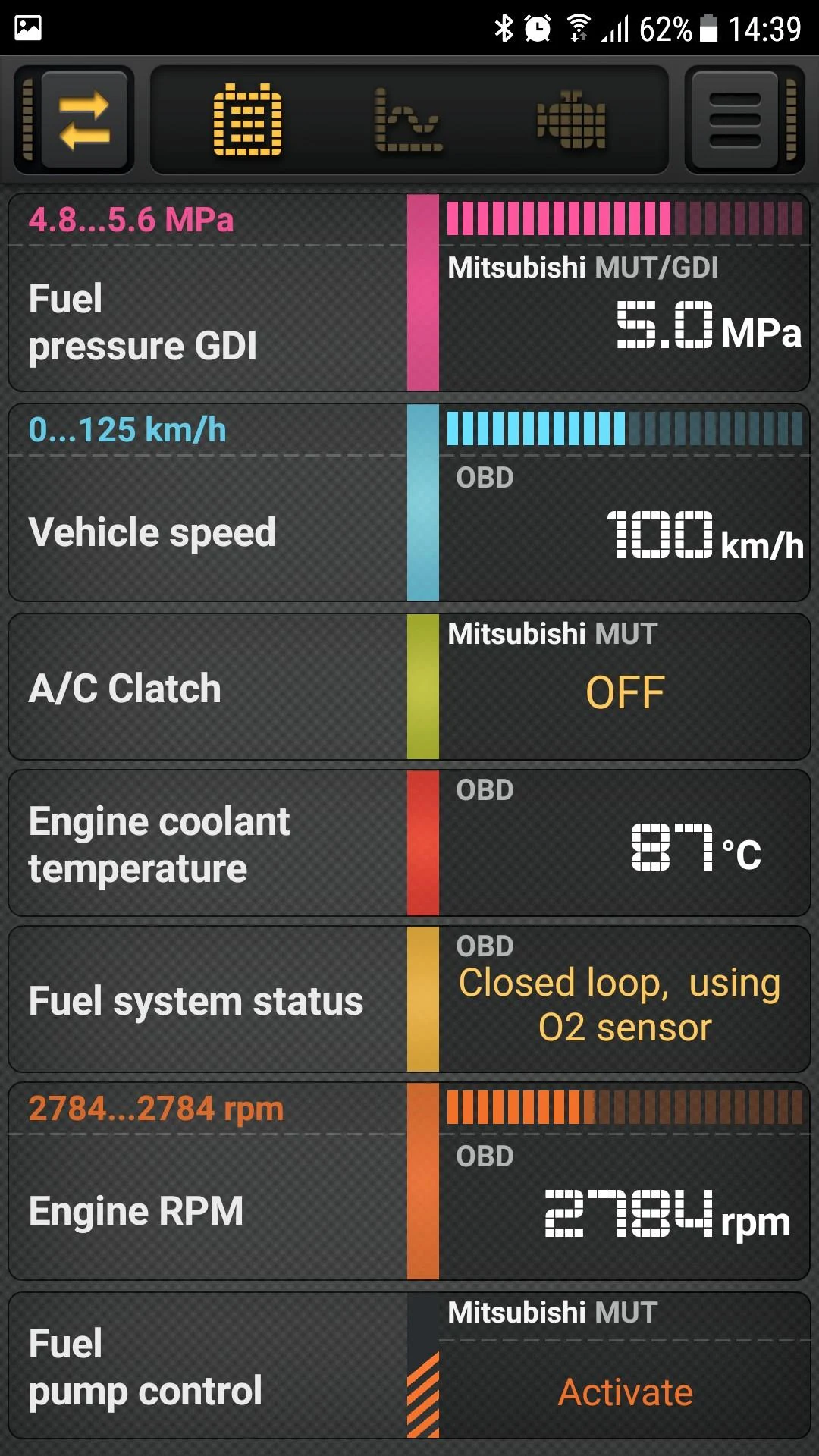
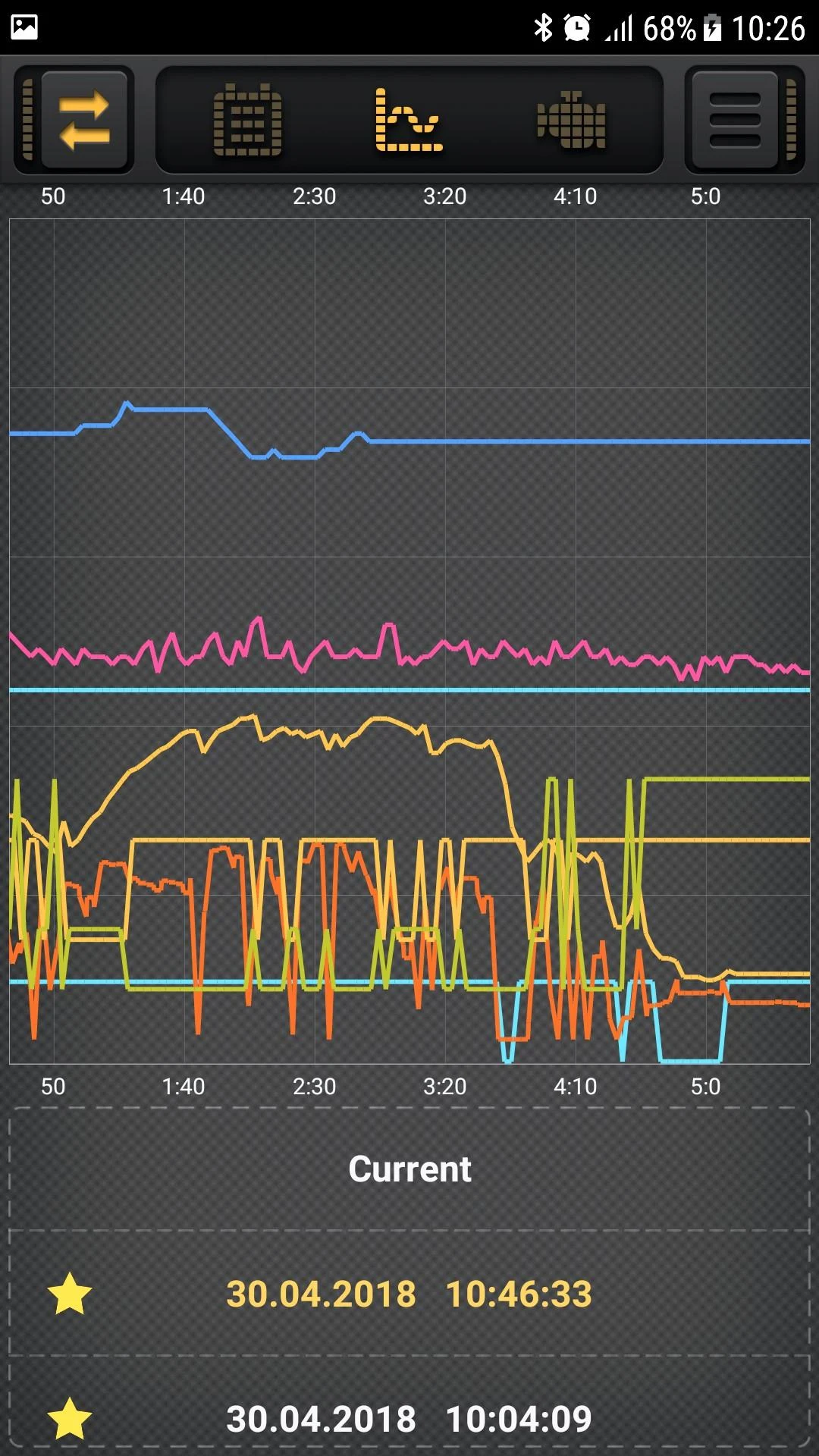
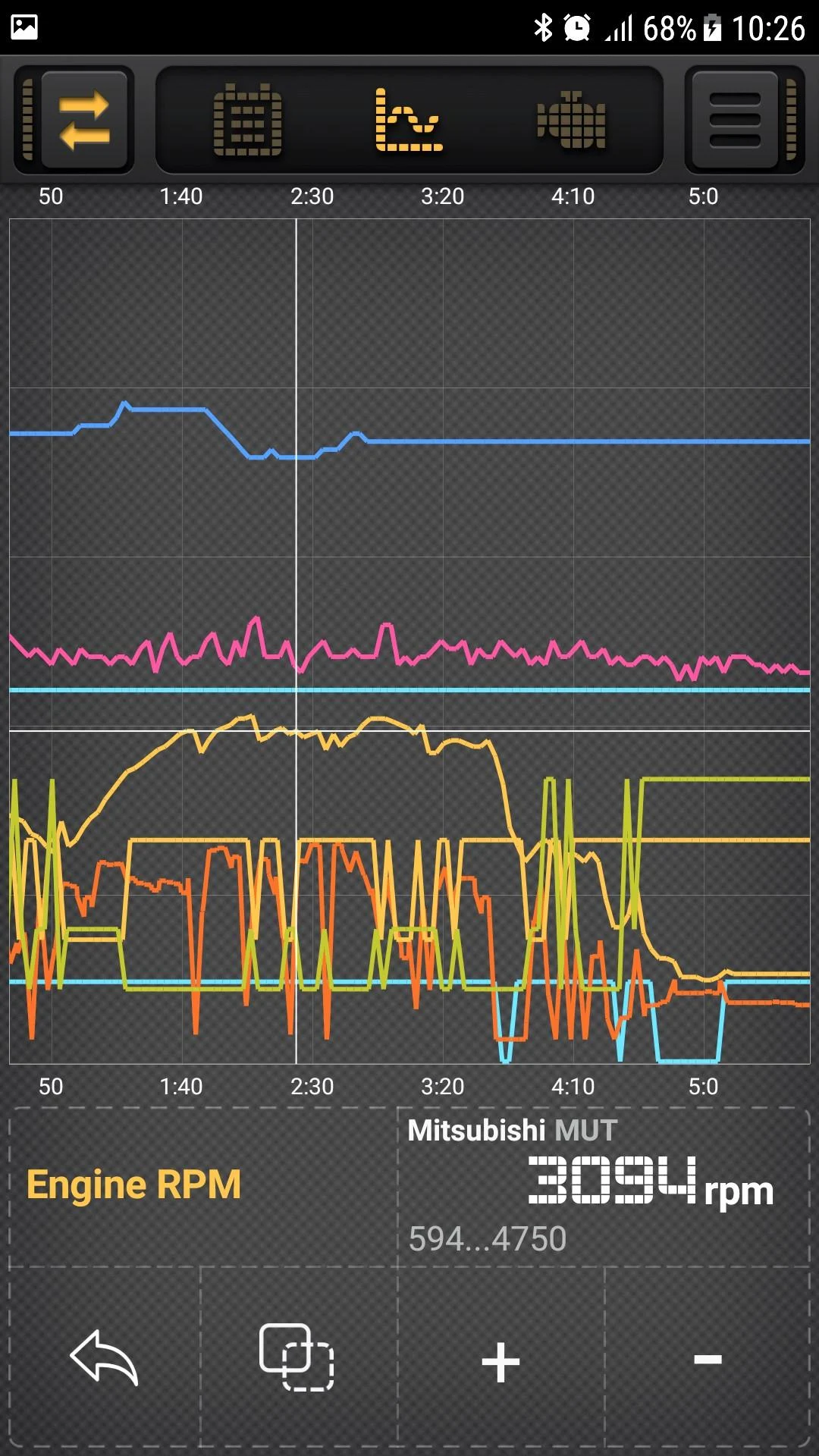
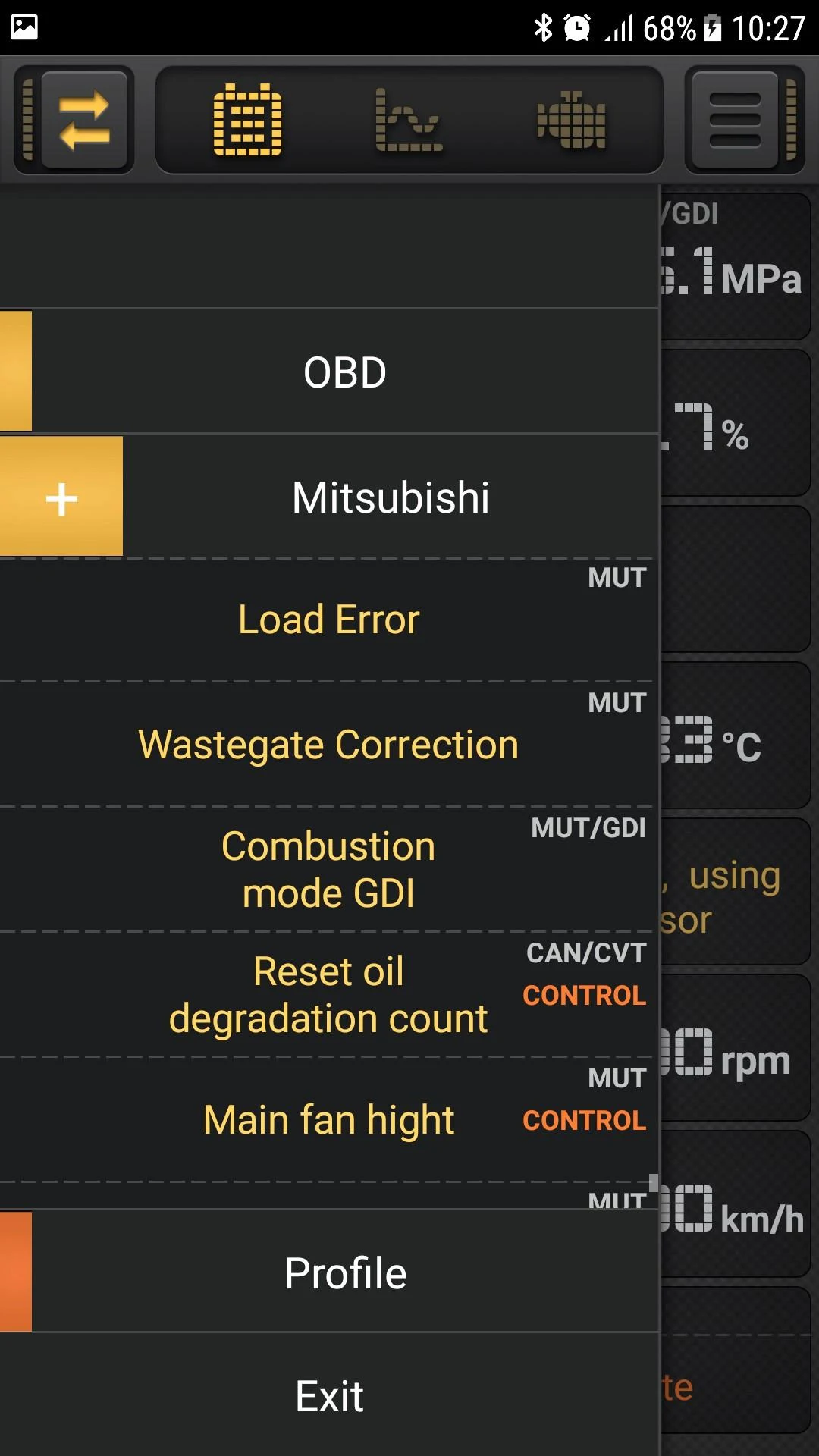
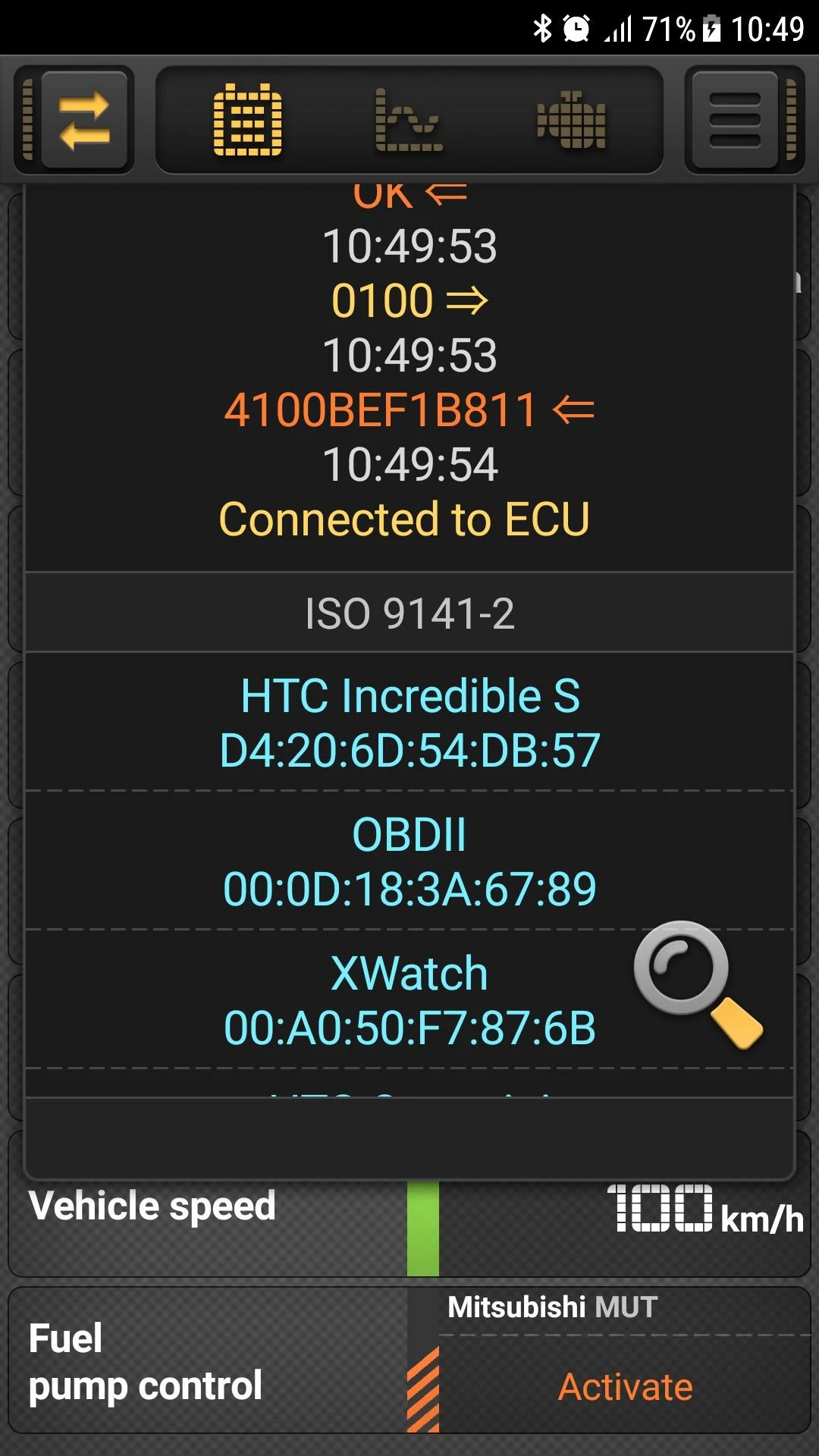
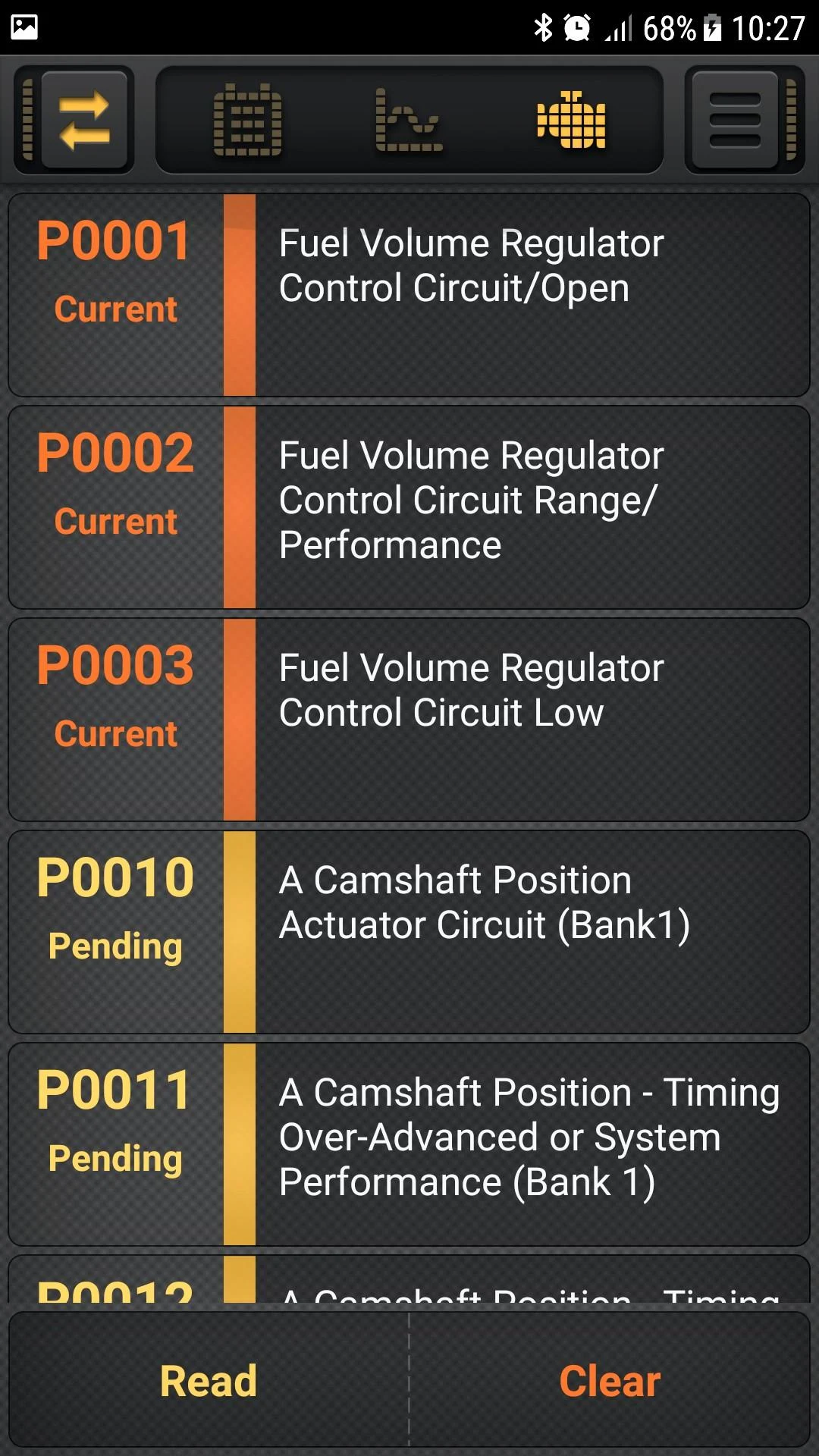
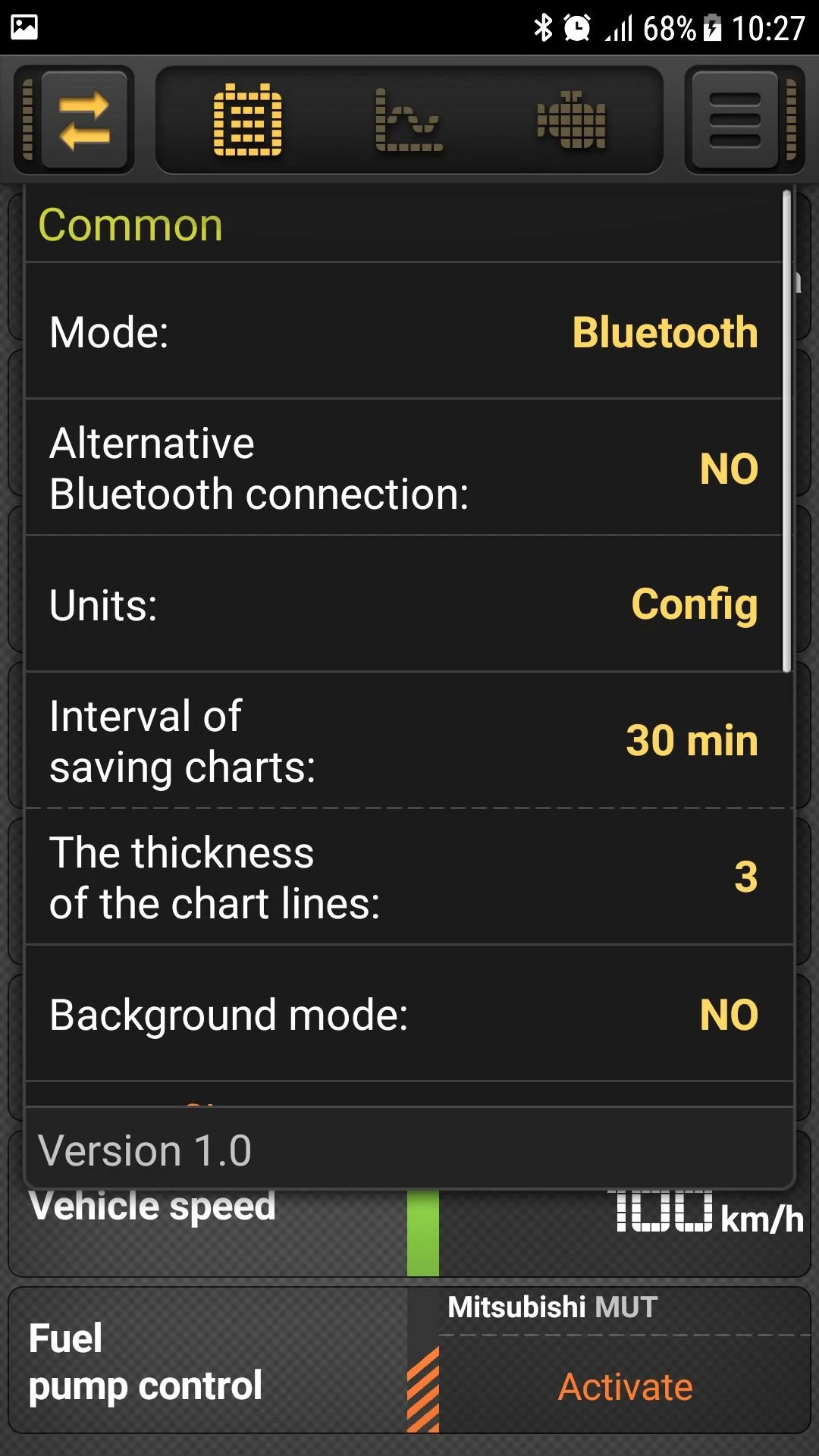
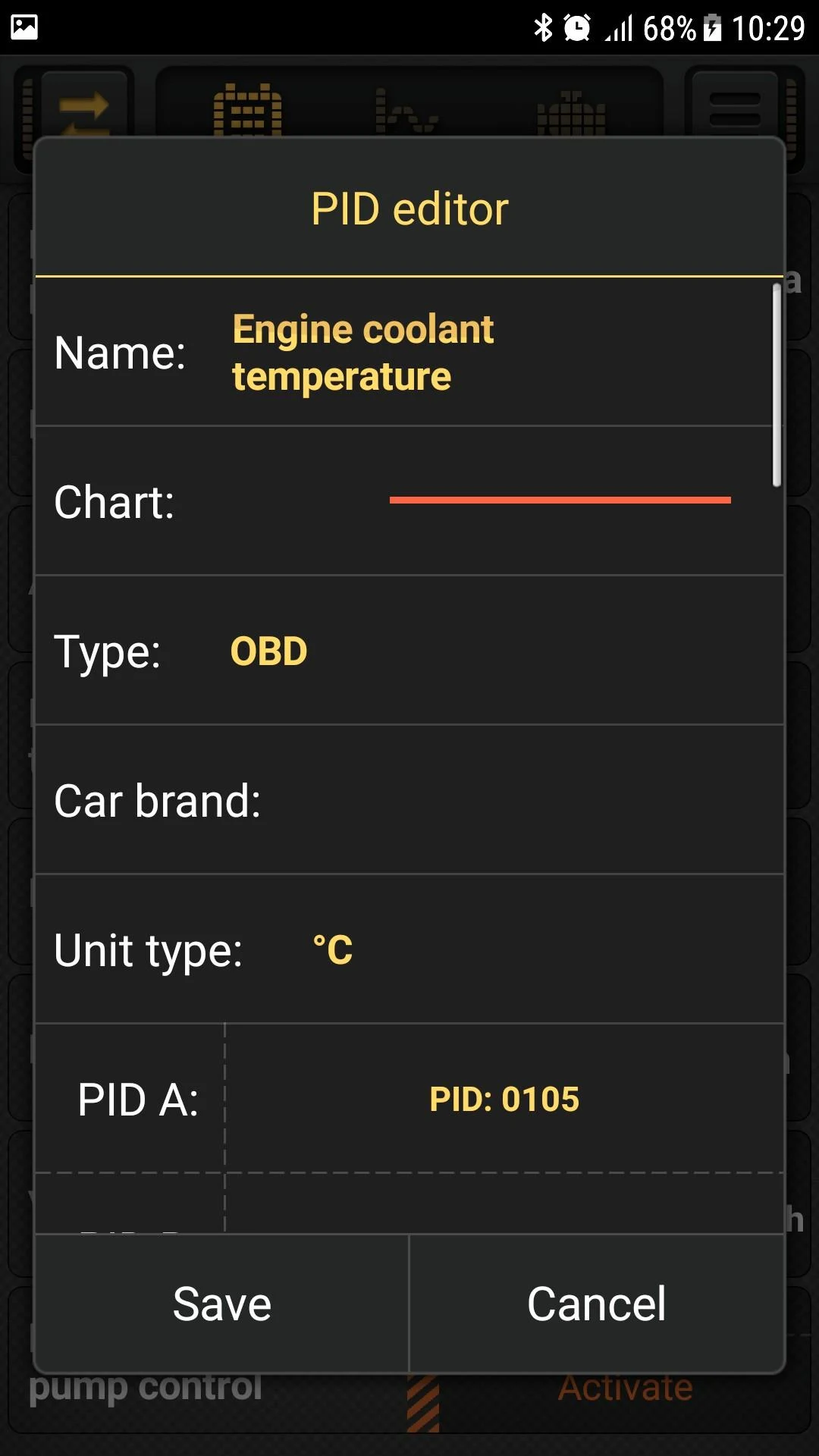
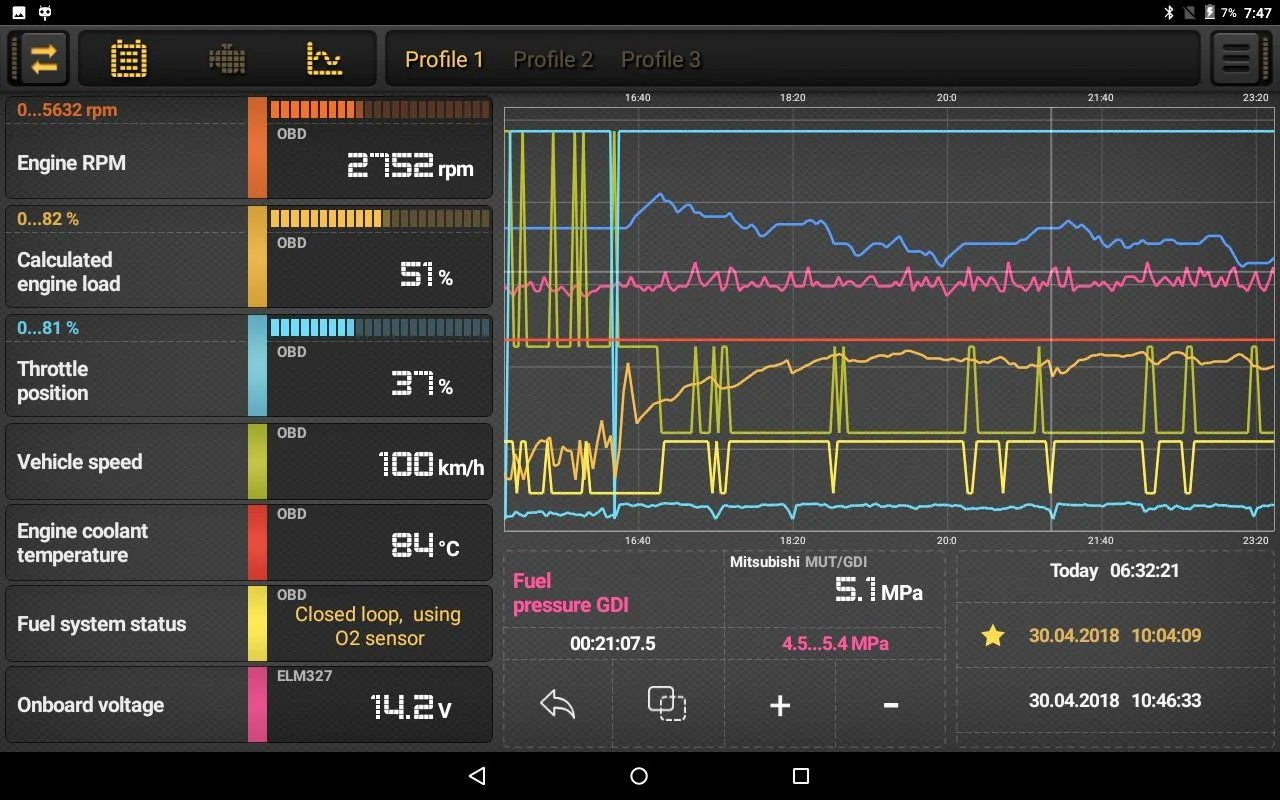
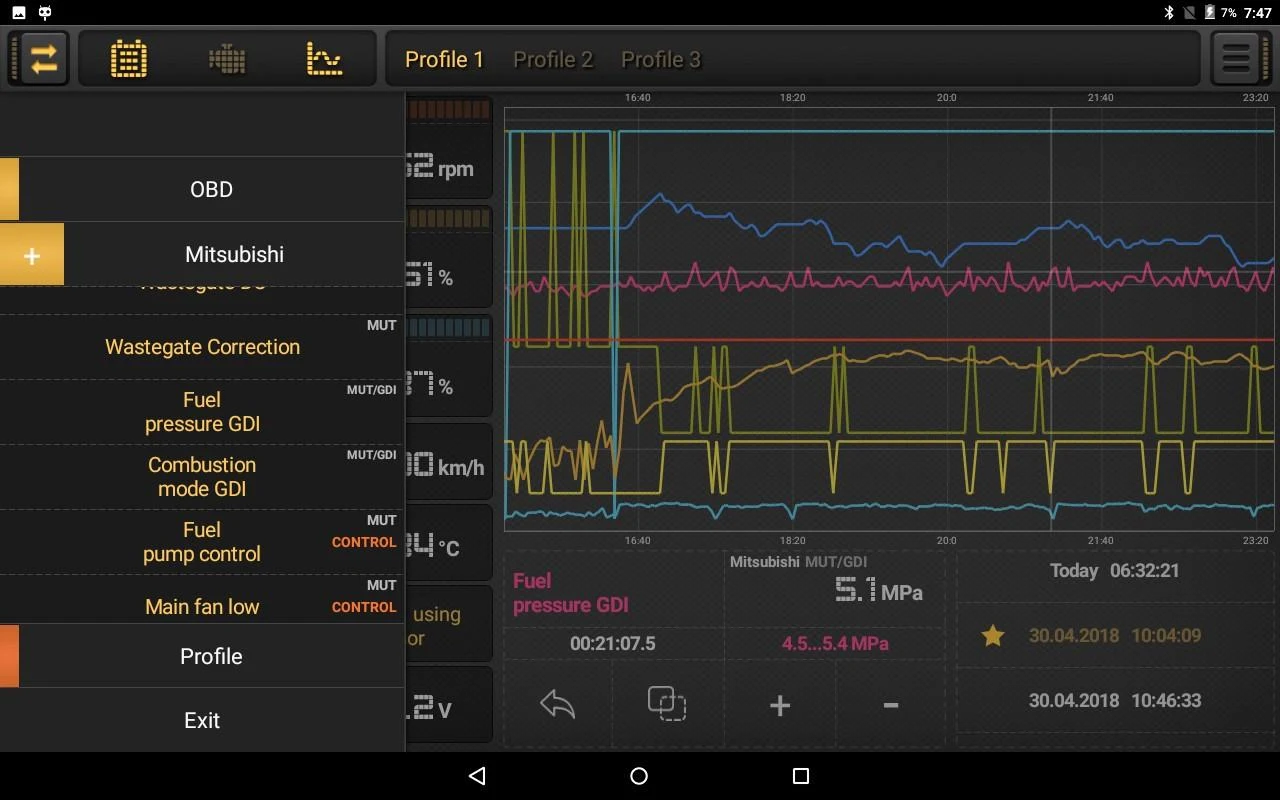
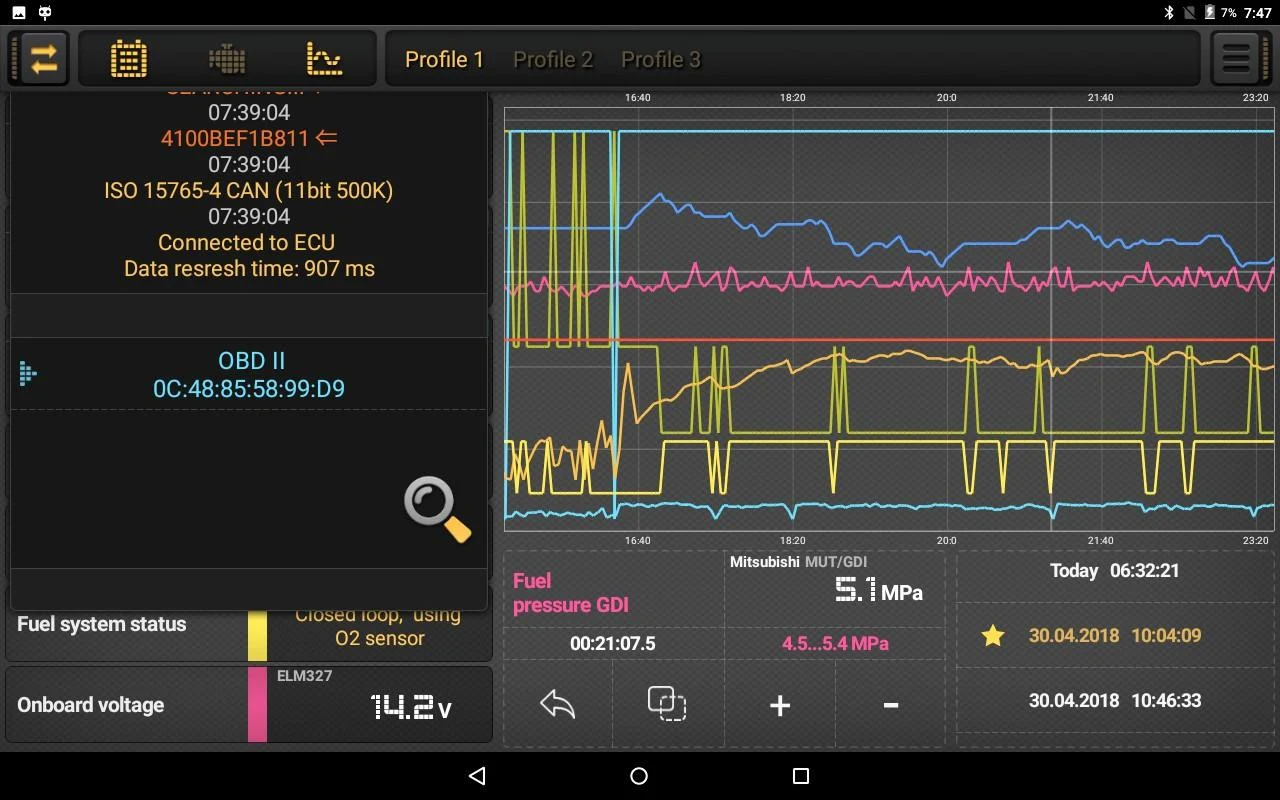
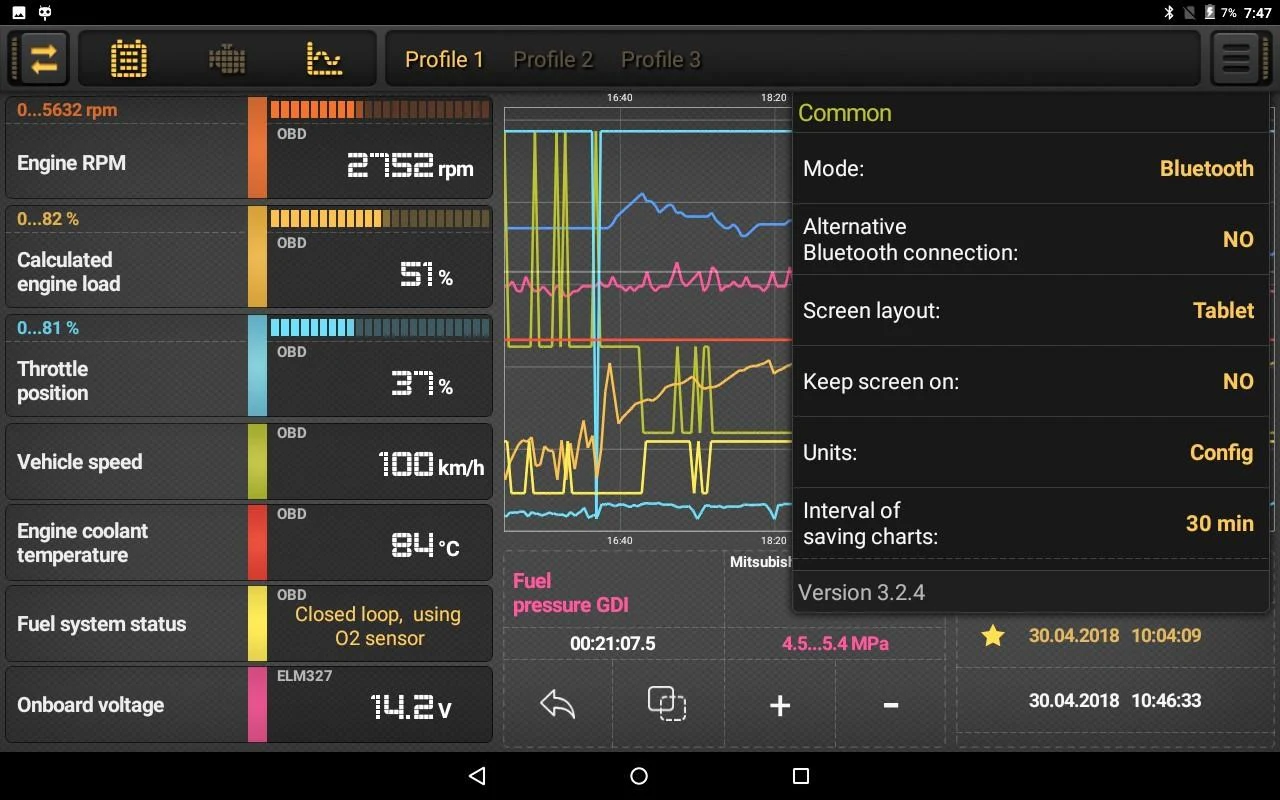
The car diagnostics application enables users to access data from various electronic systems within the vehicle through the ELM327 OBDII adapter.
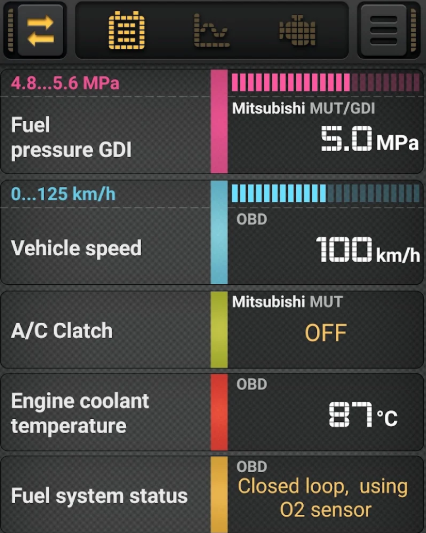
It provides real-time graphical displays of this data, allows for saving information for future review, and can show as well as reset engine fault codes (DTC trouble codes).
Features:
Users can set minimum and maximum thresholds for each sensor or PID, which will trigger an alert when exceeded.
This application is compatible with both Bluetooth and Wi-Fi ELM327 OBD adapters.
It is recommended to use adapters version 1.5, as there are numerous issues reported with versions 2.1 regarding their functionality.
ELM327 chips function exclusively with vehicles that support OBD2:
Vehicles produced in the USA since 1996
In European countries starting from 2001 for gasoline cars and 2003 for diesel models
For Japan, approximately since 2000.
In addition to standard OBDII parameters, the app supports specialized metrics for various car brands.
Some currently available options include:
BMW - (DIESEL, E91+AT)
BYD - (MT20U, ABS)
Chery - (MT20U, MT20U2, ActecoME797)
Chrysler/Dodge - (DIESEL, AT)
Citroen - (C4, C5, Sagem2000, CAN/AT6, EDC16C3 , MEV17.4.2)
Daewoo - (SiriusD42)
Fiat - (IAW49F, IAW5SF)
Ford - (ECU, PWM/AT, PWM/ABS, CAN/DIESEL, CAN/AT, CAN/TPMS, CAN/ABS)
Geely - (MT20U, MT20U2, M797)
GM/Chevrolet/Pontiac - (ECU, AT, ABS, SiriusD42)
GreatWall - (MT20U2, EOBD, CAN/4D20)
Honda - (Fit, Accord, CRV/DIESEL, Insight)
Jeep - (ECU, DIESEL, AT, TPMS)
KIA, Hyundai - Approximately 15 PIDs for each model (including ATF Temperature, Knock detection, etc.)
Land Rover - (RANGE/3.6L, DISC4/3.0L, DISC3/TD6, FL2/TD4)
Lifan - (MT20U, MT20U2, ActecoME797, ME1788, ABS)
Mazda - (ECU, AT, ABS, CAN/TPMS, CAN/SWA)
Mercedes - (W203/CDI, W169/CVT, W168)
Mitsubishi - (CAN/ECU, CAN/CVT, CAN/SS4II, CAN/AWC, MUT/OBD, MUT/GDI)
(It’s important to note that Mitsubishi models before around 2000 (50/50 chance) do not support OBD, thus are incompatible with the ELM327)
Nissan - (CAN/ECU, CAN/CVT, CAN/AWD, CAN/METER, CONSULT2)
Opel - (ECU, AT, ABS, X18XE, Z16XE, Y17DT, CDTI1.6L, CDTI1.3L)
Peugeot - (MEV17.4.2, EDC16C3, ME744, AL4/CAN, AL4/KWP)
Renault - (CAN/ECU, CAN/DIESEL, KWP/DIESEL, Sagem2000, KWP/EMS3132)
Skoda - (CAN UDS TSI/TFSI)
SsangYong - (KWP/ECU, KWP/AT5, D20DT, CAN/D20DTF, CAN/DSI6)
Subaru - (ECU, ECU/DIESEL, SSM2, SSM2/DIESEL, SSM2/AT, KWP/ABS)
Suzuki - (CAN/ECU, KWP/ECU)
Toyota - (CAN/ECU, KWP/ECU, Prius models 10, 20 and 30/Alpha, Prius30/AC)
VAG - (TDI/2.5L, CAN UDS TSI/TFSI)
Volvo - (D5/P3)
VAZ - (Yanvar 7.2, Itelma VS5.1 R83, Itelma M73, Itelma M74, KWP/CAN, AT/JATCO, AMT/ZF, Vesta/Largus K4M,H4M)
GAZ - (MIKAS10.3/11.3, MIKAS11/E2)
ZAZ - (MIKAS10.3/11.3, MR140)
UAZ - (MIKAS10.3/11.3, MIKAS11/E2, M86CAN)
The list of supported models and parameters will be continuously updated...
Other informations:
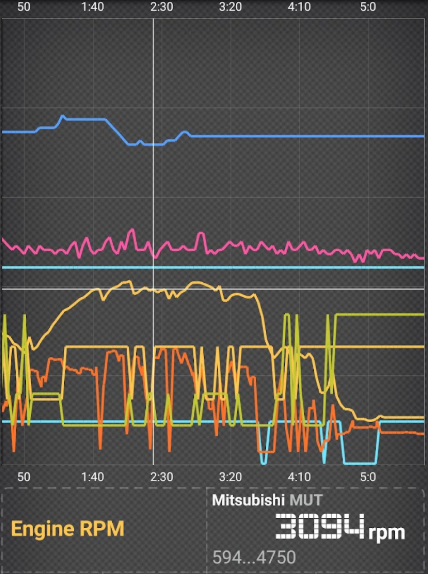
Please note that not all PIDs listed for a particular car brand may be supported by your specific vehicle. To ease navigation, you can filter the desired PID types in the "Settings / PID types."
For certain car brands, particularly some Mitsubishi models, it is possible to control various systems (such as activating the cooling fan or fuel pump).
To read MUT parameters and manage actuators on Mitsubishi models using the CAN bus (like Montero/Pajero IV, Outlander 2, etc.), create a profile utilizing the ISO 9141-2 protocol, while in other profiles (for reading CAN parameters), use either ISO 15765-4 CAN (11bit 500K) or an automatic setting.
However, not all Mitsubishi CAN-bus models are compatible with ISO 9141-2.
This allows for significant customization opportunities for defining your own parameters.
Target Audience:
1. Owners of vehicles supporting the OBD2 system (US standard from 1996 onwards, European standard gasoline from 2001 onwards/diesel from 2003 onwards, Japanese standard from 2000 onwards)
2. Users who need to read vehicle electronic system data and view/reset engine fault codes
3. Users equipped with an ELM327 OBDII adapter (Bluetooth/Wi-Fi version, version 1.5 recommended) who need to monitor vehicle sensor data in real time
4. Owners of specific brand models (such as BMW, BYD, Ford, Toyota, etc.) who need to view specific parameters
5. Users who need to set sensor threshold warnings or save vehicle data for later review.
FAQs:
1. **My car is a 2002 European diesel vehicle. Can I use this diagnostic app? **
Not necessarily. European diesel vehicles manufactured in 2003 or later support the OBD2 system. Your car is a 2002 model and likely doesn't meet the OBD2 requirements. You won't be able to connect to the app using the ELM327 adapter. We recommend first confirming whether your vehicle was equipped with an OBD2 interface and system at the factory.
2. **When purchasing an ELM327 adapter, is version 2.1 better than version 1.5? **
Version 2.1 is not recommended. Although it's a newer model, official feedback indicates it has several functional issues, potentially leading to data read failures and unstable connections. Version 1.5 offers greater compatibility and stability, making it a safer choice.
3. **Why isn't the alarm triggering after setting the sensor threshold? **
There are two possible reasons: First, the threshold setting range is too wide, and the actual data does not exceed the set minimum/maximum values. You can adjust the threshold according to the normal vehicle parameter range (such as engine water temperature and speed standard values). Second, the sensor or PID is not supported by the vehicle. You can filter and confirm whether the parameter is compatible with the vehicle in "Settings/PID Type". Incompatible parameters will not trigger an alarm.
4. **I want to view the ABS system data of a BYD model, but why can't I find it in the app? **
First, confirm whether your BYD model is in the app's supported list (such as models equipped with the MT20U system). If your model is supported but the data cannot be found, first check whether the ELM327 adapter is properly connected (check whether the Bluetooth/Wi-Fi pairing is stable). If the connection is correct, try restarting the app and reloading the model-specific parameters. Some brand-specific parameters may require reloading before they are displayed.
5. **When using the app to read the MUT parameters of a Mitsubishi Outlander 2, what protocol should I select? **
Requires specific configuration: When reading MUT parameters and controlling actuators (such as cooling fans), create a configuration file based on the "ISO 9141-2" protocol. When only reading CAN parameters, select the "ISO 15765-4 CAN (11-bit 500K)" protocol or "Auto Setup" mode. Note that some Mitsubishi CAN bus models are not compatible with the ISO 9141-2 protocol. If the connection fails, try switching to another protocol.
6. **Can saved vehicle data be exported to a computer for viewing? **
The core function of this app is to "save data for later review," but it doesn't explicitly mention exporting to a computer. Typically, these diagnostic apps store locally for viewing within the app. If you need to export data, first check the app's "Settings" or "Data Management" section for an "Export" option. If not, try locating the app's data storage folder in your phone's file manager to see if there's a file (such as CSV or TXT format) that can be copied to a computer. The specific functionality of the app will determine this.
- Version3.6.1
- UpdateOct 20, 2026
- DeveloperMda Vrp
- CategoryAuto & Vehicles
- Requires AndroidAndroid 6+
- Downloads310K+
- Package Namecom.mda.carbit
- Signature513cf9f61014a7a648c0afc7078c4619
- Available on
- ReportFlag as inappropriate
-
NameSizeDownload
-
14.99 MB
-
14.96 MB
-
19.54 MB











Easy to connect with ECU
Customizable vehicle profiles and presets
Fast access to live data
Good for basic information retrieval
Performs real-time code reading and clearing
Support for multiple protocols and vehicles
User-friendly interface with graphs
Often receives quick developer support
Frequent connectivity issues reported
App hasn't been updated in over a year
Mixed results in functionality for specific car models
Some features require paid version, causing confusion
Slow response time noted during logging
Spelling errors present throughout the app
Difficulty accessing certain advanced functions
Limited support for older OBD systems