
Buddha Air - Travel Booking & Management
Explore flights with ease! Book tickets, check status, & manage your travel conveniently all in one app.

- 3.0.3 Version
- 1.3 Score
- 240K+ Downloads
- Free License
- 3+ Content Rating

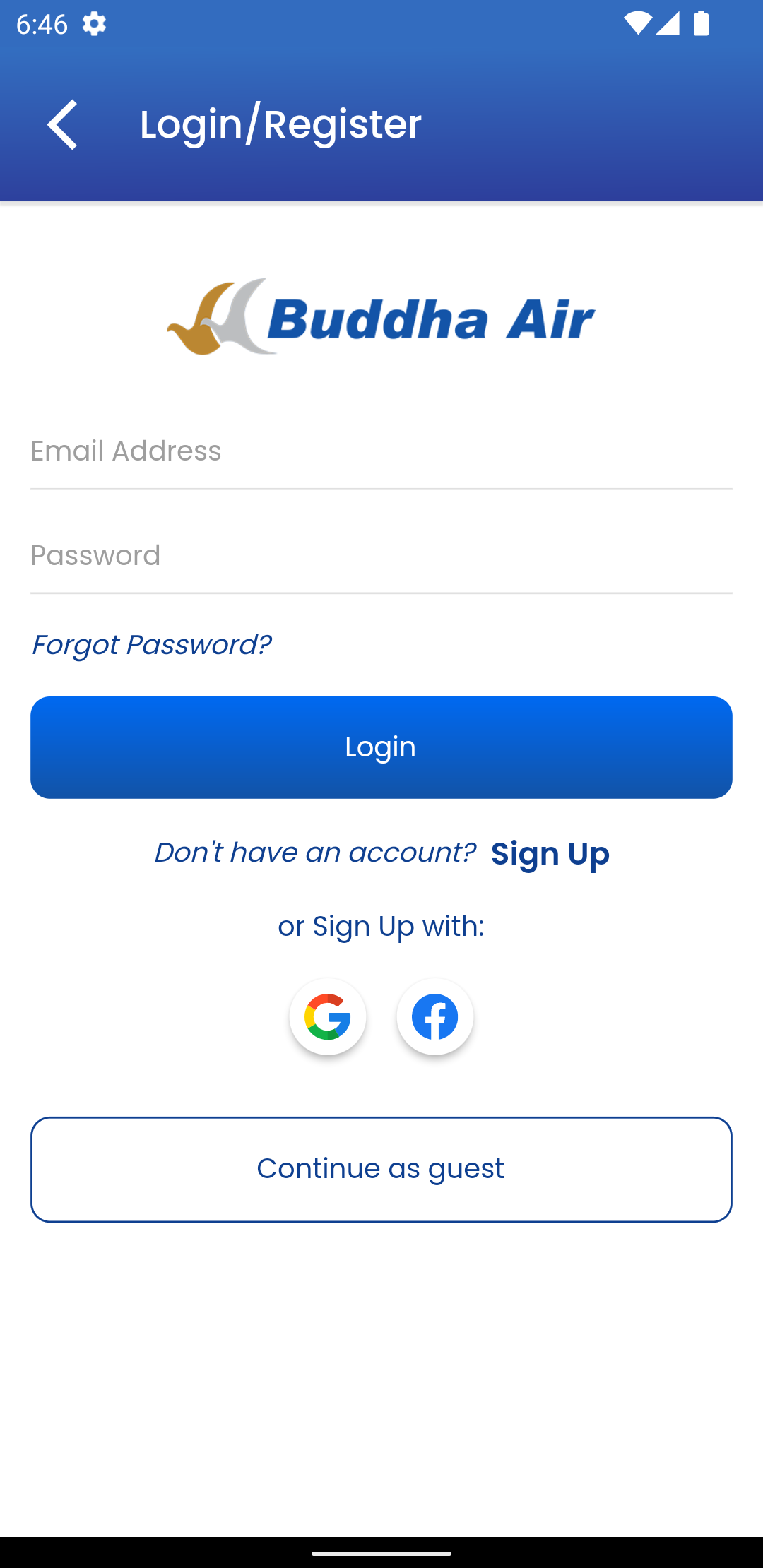
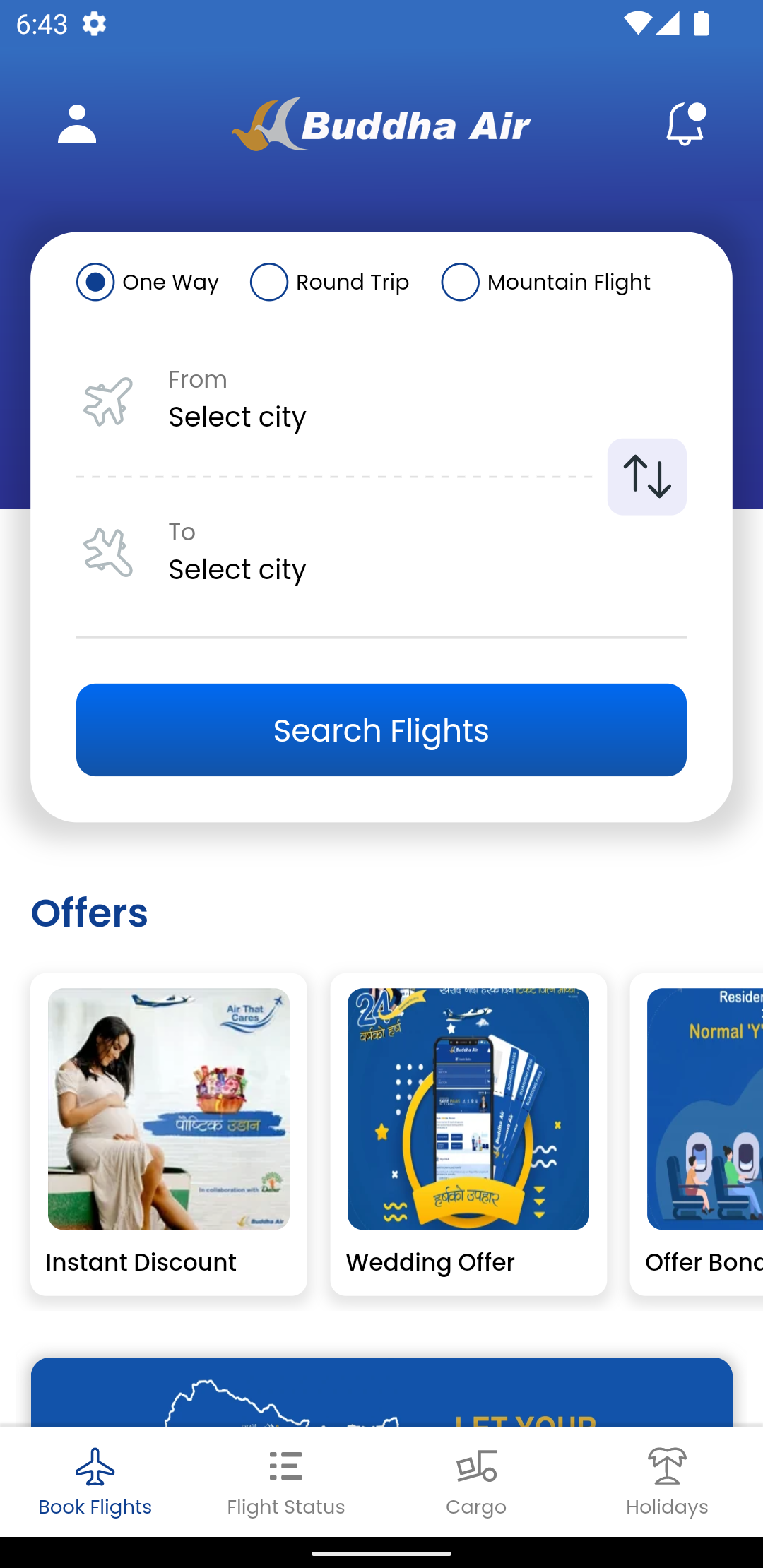
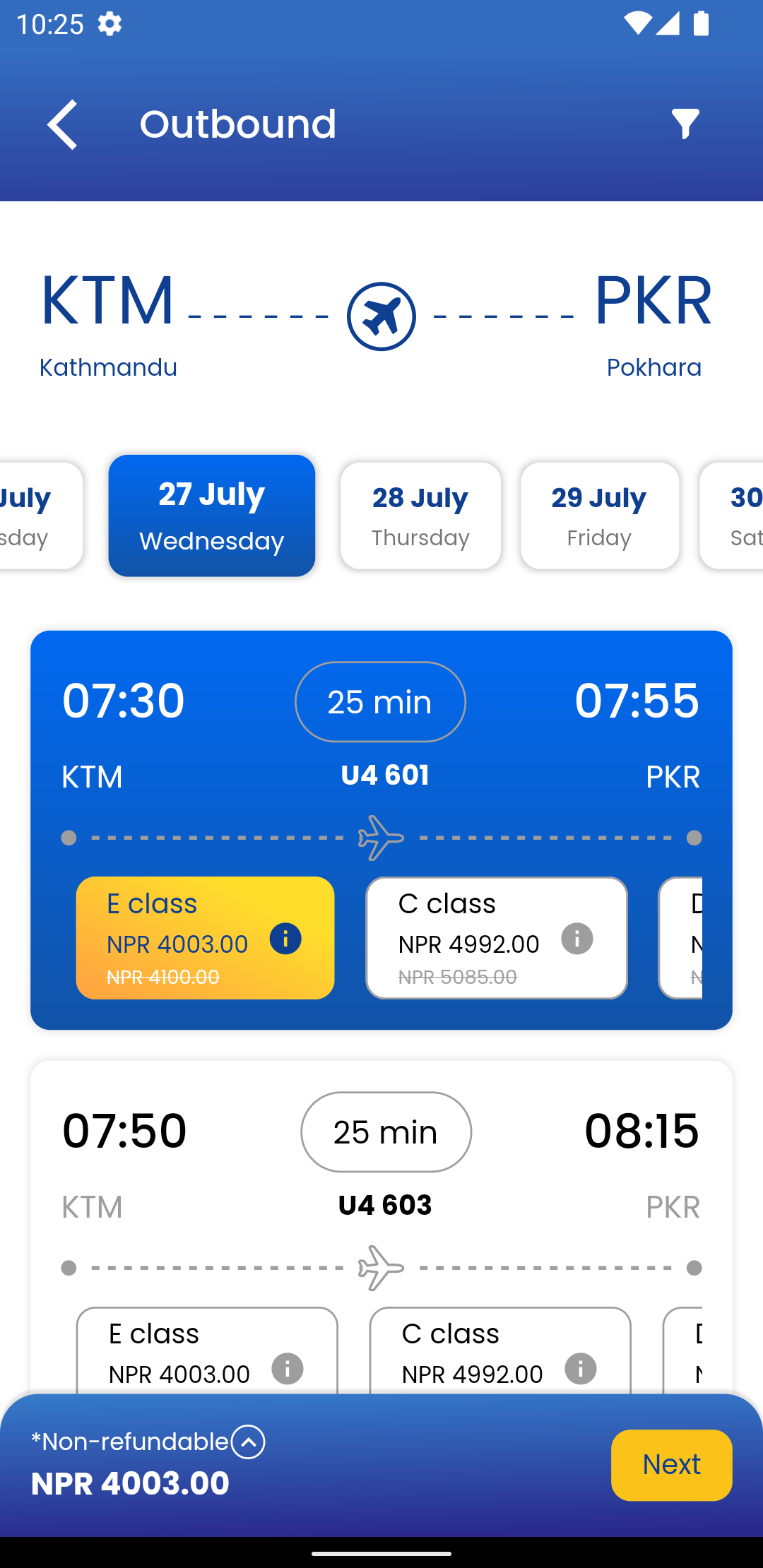
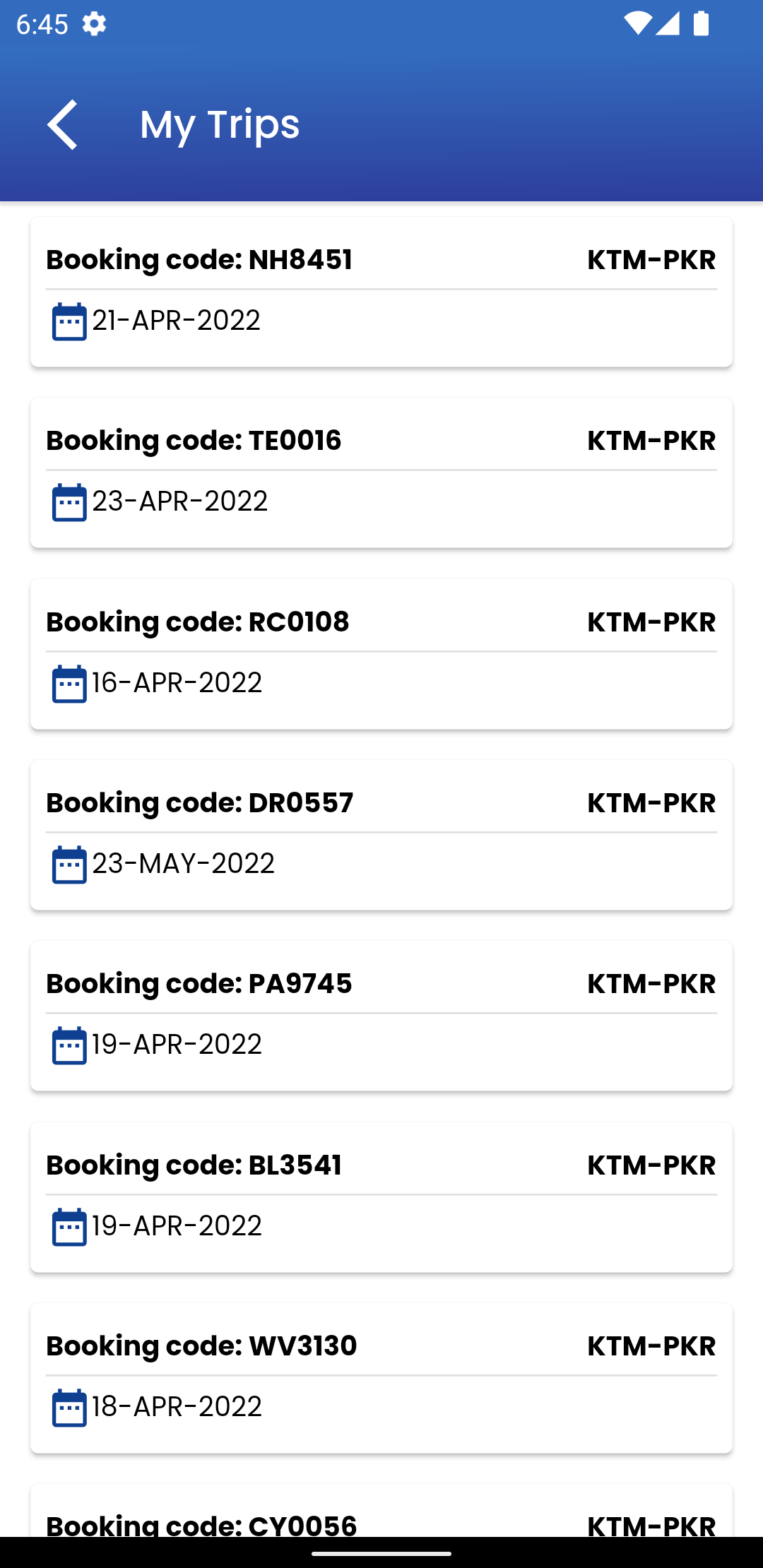
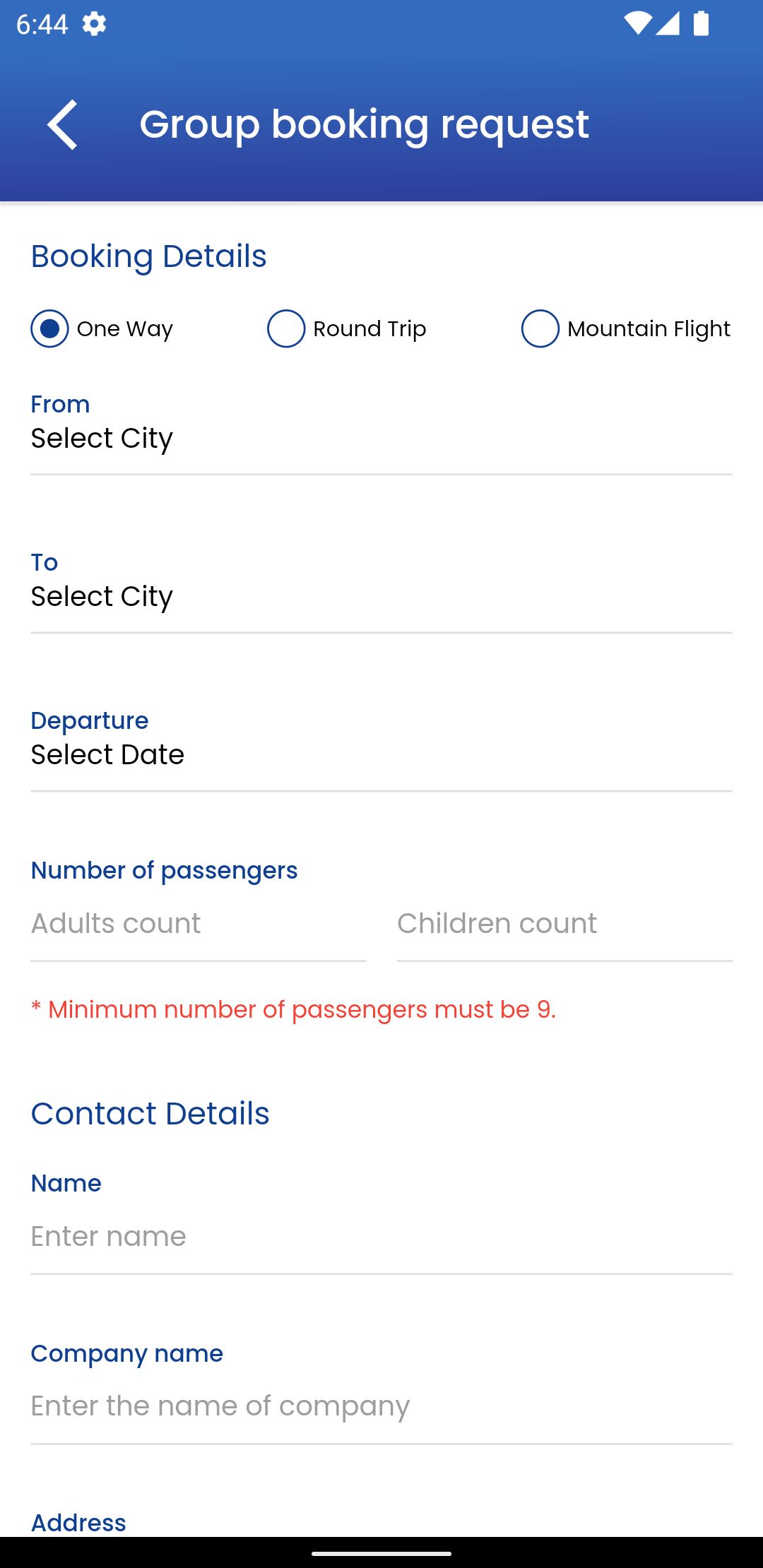
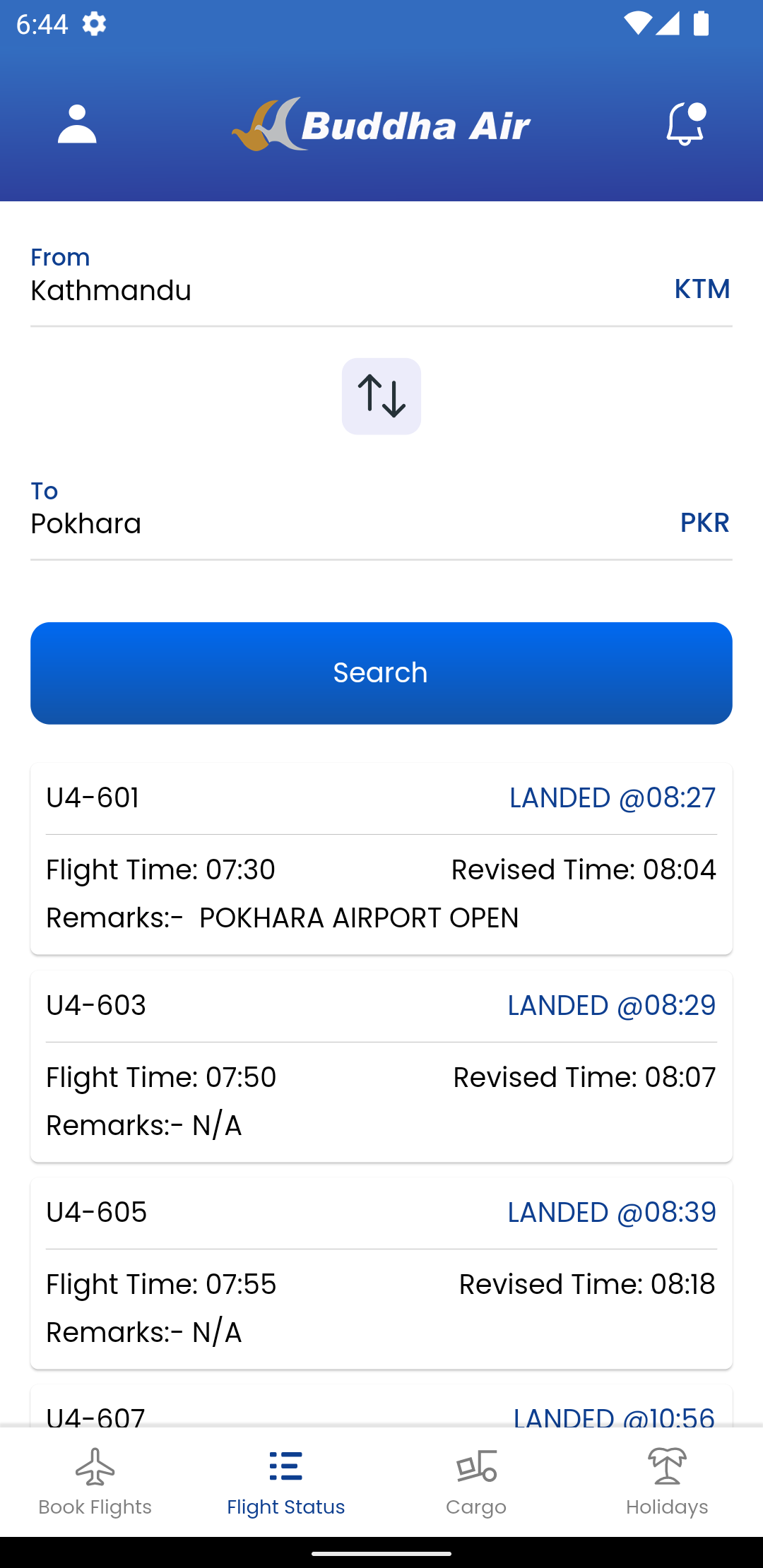
Nepal’s leading domestic airline is now at your service wherever your travels take you.
With our mobile application, you can access the ultimate travel experience with ease. We are making significant strides toward a cashless and digital future. Thanks to a straightforward interface and intuitive design, navigating the app to reach your destination has never been easier.
Through the mobile app, you can:
Search & Pay Directly
The app features a user-friendly interface that enables you to quickly search for flights across Nepal and India, allowing you to purchase tickets and finalize your bookings directly within the app.
Login To Your Frequent Flyer Account
Members of the Royal Club frequent flyer program can sign in to check their mileage points conveniently through the app.
Create Your Own Profile
Easily establish a personal profile on the app by entering your name, contact details, and other relevant information. You will receive a customized dashboard displaying your flight information, ticket purchases, and more. After creating your profile, your passenger information will be auto-filled for your subsequent ticket bookings.
Login As Guest
If you prefer not to create a profile, you can access the app as a guest and enjoy similar advantages.
Digital Ticket
No need to deal with printing your boarding pass anymore. When you buy a ticket via the app, it will be stored digitally for your convenience. Simply show this digital version during your check-in.
Check Ticket and Flight Status
Receive real-time updates regarding flights by tapping the Flight Status feature on the app. Additionally, you can verify whether your tickets are confirmed or cancelled.
Access Detailed Flight Information
When booking, you will receive essential details such as baggage allowances, mileage accrual, and cancellation terms, which may vary depending on the chosen fare class.
Select The Best Fares
While booking your flight, choose the fare that best meets your needs. Each fare class offers unique perks like increased baggage allowance and greater mileage earnings.
Find Inspiration For Your Next Travel Destination
Explore our blog or access a digital version of Yatra, our in-flight magazine, along with company information. Discover more about us and our destinations, which might inspire your next trip.
Additional functionalities, including hotel reservations and holiday package bookings, will soon be available on the app to enhance your travel experience.
User Scenario:
This app covers nearly all air travelers, but is particularly well-suited for the following scenarios:
- Frequent travelers: Frequent flyers can manage their miles through the membership module and enjoy conveniences like automated ticket completion and preferred fare selection.
- Temporary travelers: Guest login mode allows for quick booking without registration, perfect for last-minute travel needs.
- Digital travelers: Those who rely on electronic vouchers and real-time information can improve their travel efficiency with the "Digital Ticket + Flight Status" feature.
- Travel planners: Get destination inspiration from blogs and magazines, perfect for "deep travelers" who plan their trips in advance.
App Experience:
This official app of Nepal's national airline offers travelers a convenient one-stop travel experience. No complicated steps are required to easily search and book flights within Nepal and India. E-tickets eliminate the hassle of printing; simply show your phone at check-in. Real-time flight status and ticket availability can also be checked.

Whether registering a profile for automatic passenger information filling or booking quickly as a guest, it caters to different travel needs. Royal Club members can even check their mileage points directly within the app. Furthermore, the built-in blog and in-flight magazine provide destination inspiration, and the upcoming hotel booking feature is highly anticipated. The overall interface is simple and intuitive, greatly improving the efficiency of travel planning and ticketing.
Related Questions and Answers:
1. **Q: After booking a ticket using guest mode, I want to review my flight or reschedule it later. What can I do without an account? **
A: When booking in guest mode, the system will ask for your mobile phone number/email address. You can then use the "Ticket Lookup" function in the app to view your flight information by entering your booking phone number/email address and the order number (which will be sent to your pre-registered contact information after booking). If you need to reschedule your flight, click the "Reschedule" button after locating your order and follow the prompts. You don't need to register an account to do this.
2. **Q: Are there significant differences in baggage allowances between fare classes? Can I see the specific allowances in advance on the app? **
A: Baggage allowances vary significantly between fare classes (e.g., a basic economy fare may include 15kg of checked baggage, while a higher fare may include 20kg). When booking on the app, selecting a specific fare will directly display the baggage allowance, mileage accrual rate, and cancellation policies for that fare. We recommend carefully checking these before placing your order to avoid overcharges.
3. **Q: Royal Club members can't see their miles on the app. What could be the cause? How can I resolve this? **
A: There are two common reasons: 1. The logged-in account doesn't match the member's registered mobile number or email address. You need to confirm that the logged-in account is the same as the member's registered information. 2. Miles from a recent flight haven't been credited (usually credited 1-3 business days after the flight lands). If these are not the cases, you can submit a question in the "Feedback" section of the app or contact online support at +977 1 5454084 for assistance.
4. **Q: I purchased an international flight to India using the app. Do I need to print the digital ticket? Can I just show my phone at check-in? **
A: No need to print. The digital ticket in the app is valid. When checking in, open the app, find "My Bookings," present the e-ticket page (it's recommended to take a screenshot and save it in advance to avoid network issues). Then, present your passport and other documents to complete check-in. Some airports may require paper documents. You can export your ticket as a PDF in the app for backup, eliminating the need for printing.
5. **Q: The app says "Hotel booking will be available in the future." When will it be available? Once available, can it be booked together with flights? **
A: Currently, the official launch date for the hotel booking feature has not been confirmed. We recommend monitoring the app's "Special Announcements" or blog updates for the latest updates. Once the feature is available, it will likely support "flight + hotel" combination bookings, and may offer bundled discounts (such as instant discounts for combined bookings), making it easier for users to plan their trips in one place.
6. **Q: I want to cancel a flight after booking through the app. Where can I find the cancellation terms? Will the refund be refunded to the original payment method? **
A: The cancellation terms will be clearly displayed when selecting the fare class during booking (different fares have different cancellation fees and refund periods). You can also find the corresponding flight in "My Orders" and click "Cancellation Policy." Refunds will be refunded to the original payment method (e.g., WeChat, credit card) by default. Refunds will be credited to the original payment method (e.g., WeChat, credit card). Receipt time depends on the payment method, usually 1-7 business days.
- Version3.0.3
- UpdateOct 26, 2026
- DeveloperBuddha Air
- CategoryTravel & Local
- Requires AndroidAndroid 5.0+
- Downloads240K+
- Package Namecom.shirantech.buddhaair
- Signature073edf3a7c10fb27577957ed6712aa43
- Available on
- ReportFlag as inappropriate
-
NameSizeDownload
-
34.99 MB
-
22.64 MB
-
22.29 MB


















Convenient booking and payment options
Cashback offers for card users
User-friendly interface for flight search
Established airline with a good reputation
Quick customer service in some cases
Straightforward app functionality when operational
Frequent flyer program potentially rewarding loyal customers
Persistent app update issues causing accessibility problems
Poor customer service response to complaints
Lack of timely information on flight delays
Difficulties in booking and confirmation processes
Unresponsive or crashing app upon login
Inadequate features, such as viewing booking status
No option to manage frequent flyer details or baggage addition during booking
Confusing promotional code requirements
Overall poor management and user experience