
VDOT 511 Virginia Traffic - User-friendly app updates
Discover seamless updates & enhanced usability designed for a smooth, user-friendly experience tailored for you.

- 4.5.55 Version
- 2.9 Score
- 209K+ Downloads
- Free License
- 3+ Content Rating

About VDOT 511 Virginia Traffic:
VDOT 511 Virginia Traffic is the official Virginia traveler-information app by Iteris, Inc., powered by VDOT’s 511 system and Iteris’ ClearRoute platform. The VDOT 511 app turns real-time road data from VDOT Transportation Operations Centers into a mobile dashboard for incidents, construction, cameras, travel times, and weather-aware driving decisions.
The VDOT 511 app is not a turn-by-turn GPS by itself — it shows official conditions on the map, then hands off to Waze when drivers want voice navigation. It is built for commute planning, holiday travel, winter-weather checks, and passive passenger use, not for scrolling while driving.
Store-ready features:
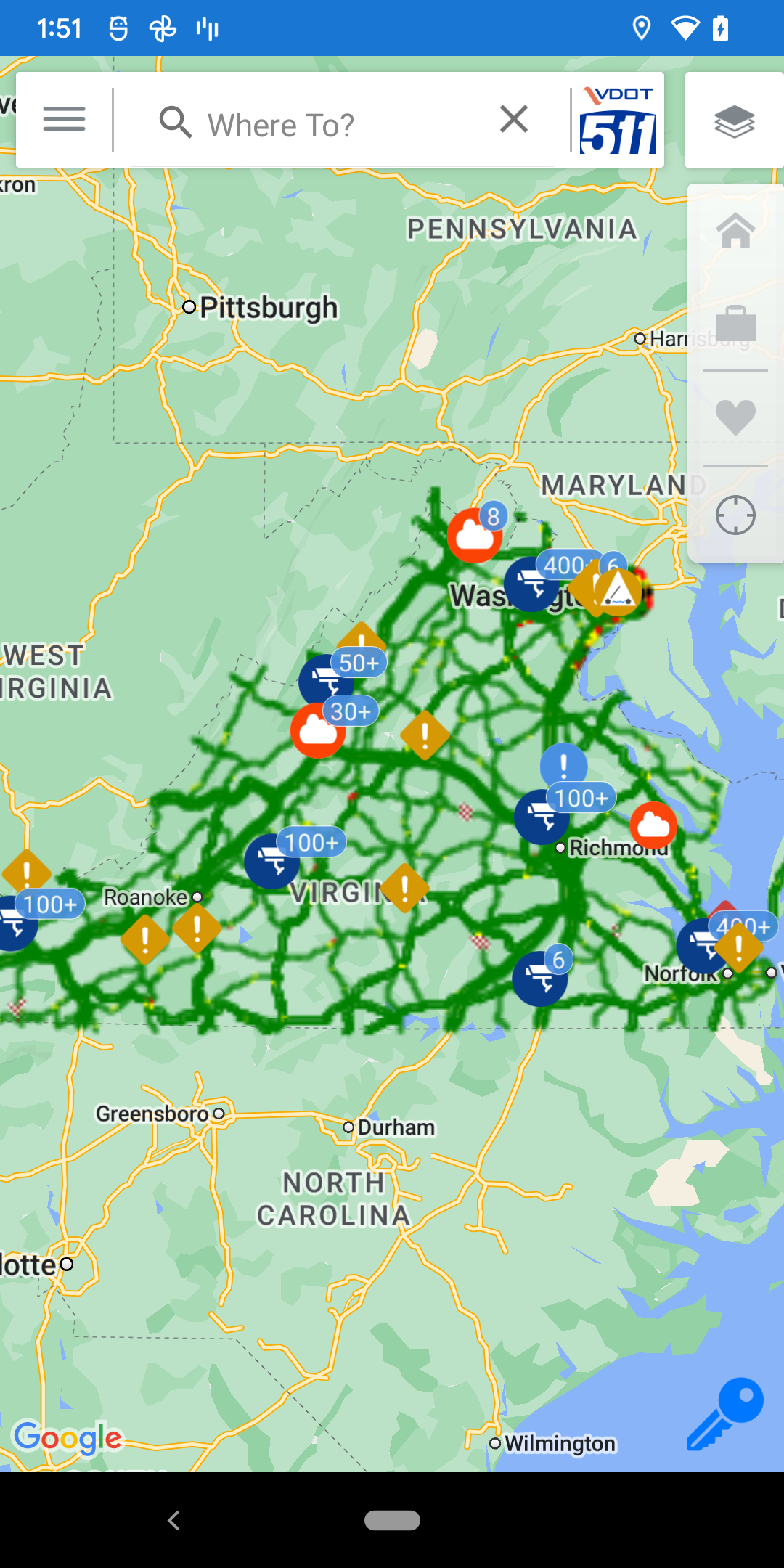
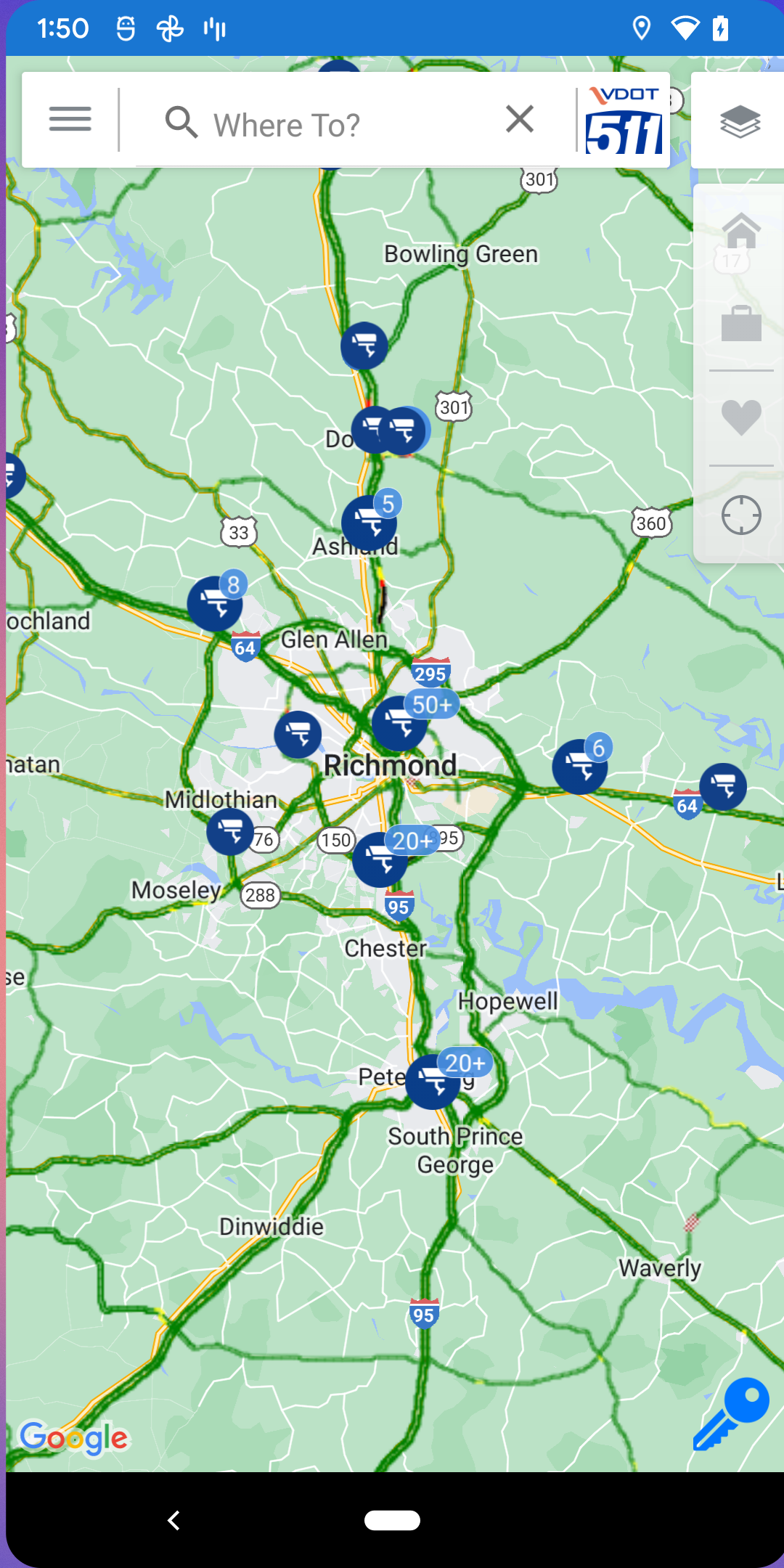
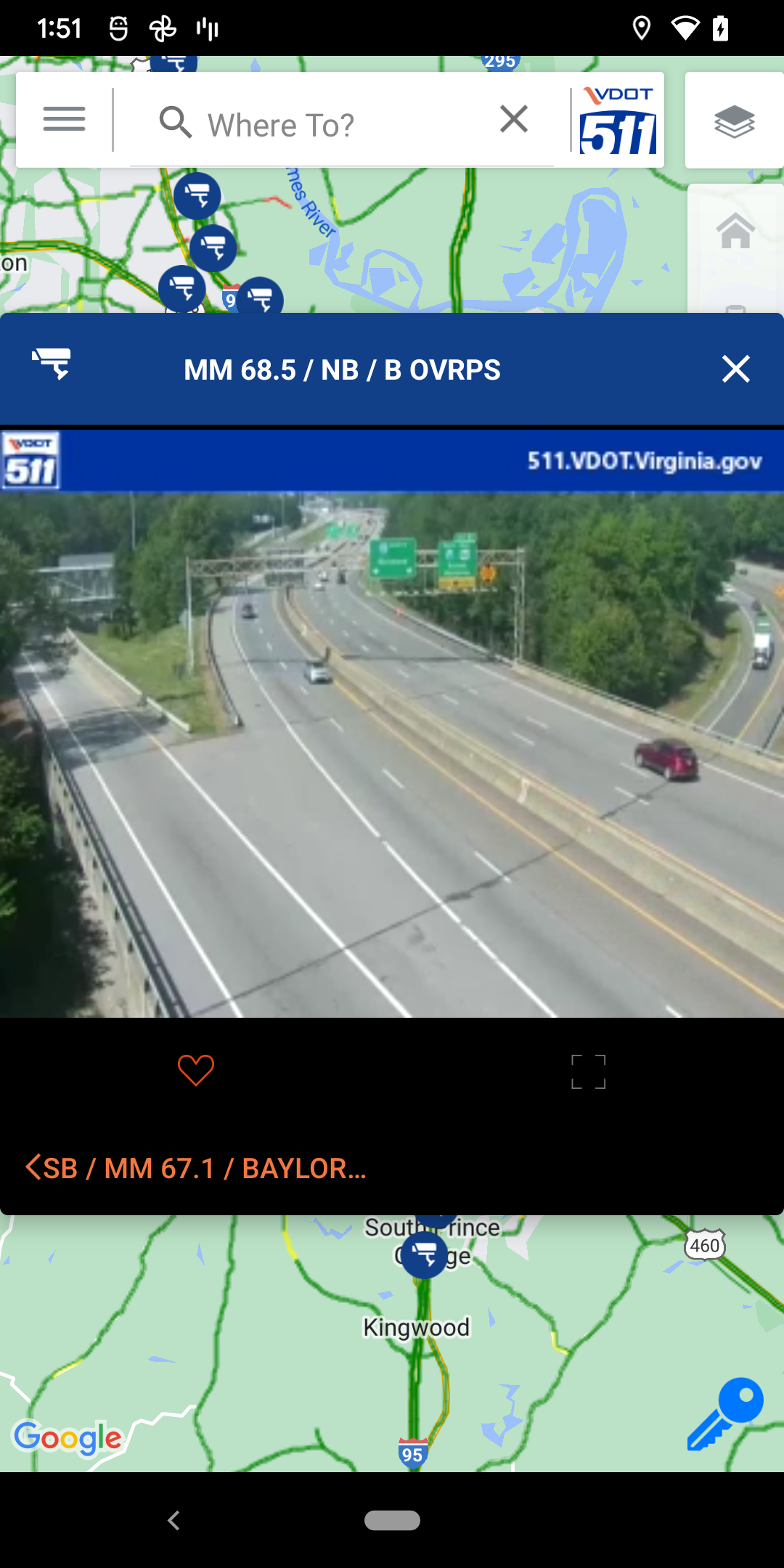
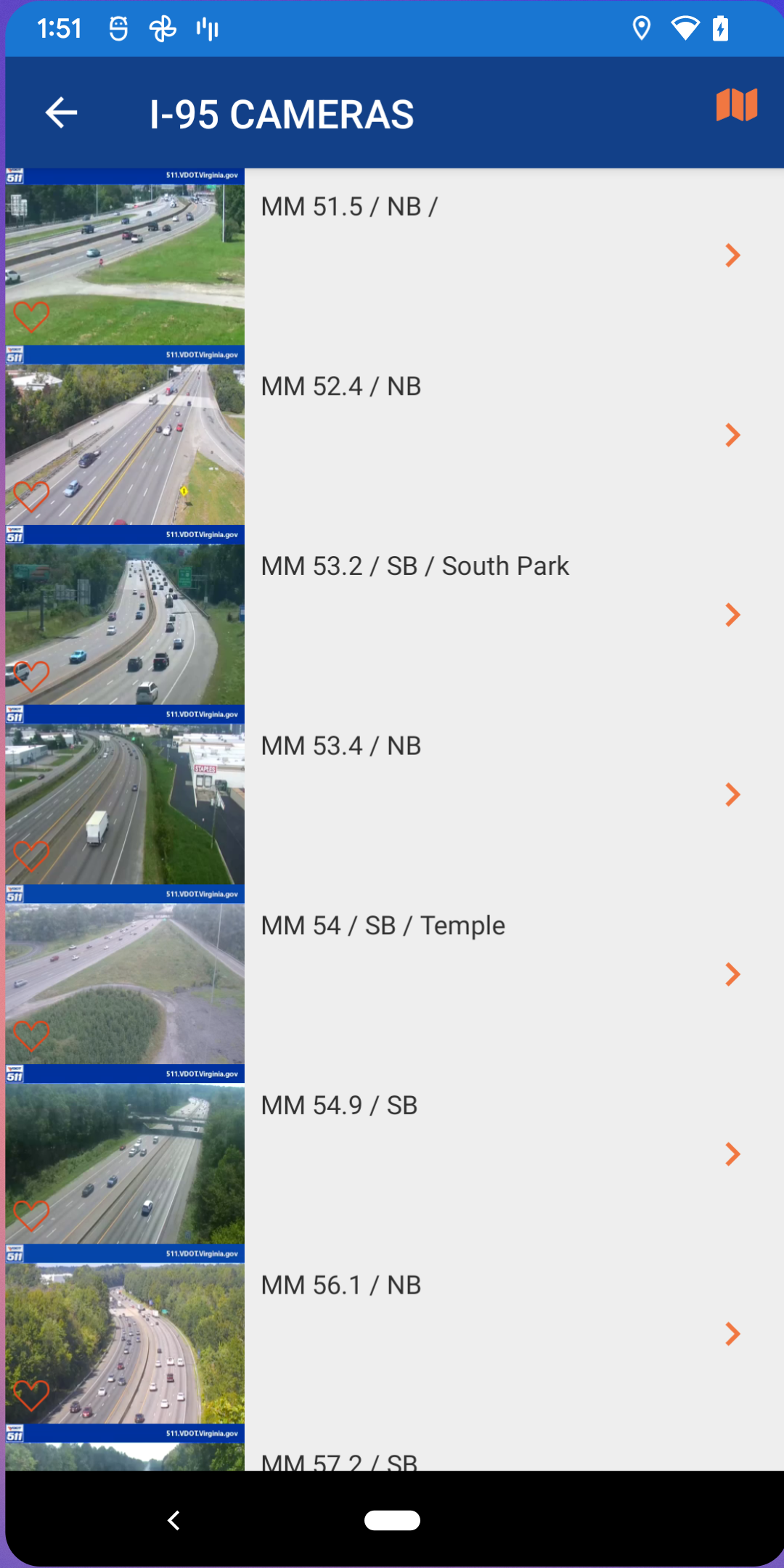
Live VDOT traffic cameras inside the VDOT 511 app
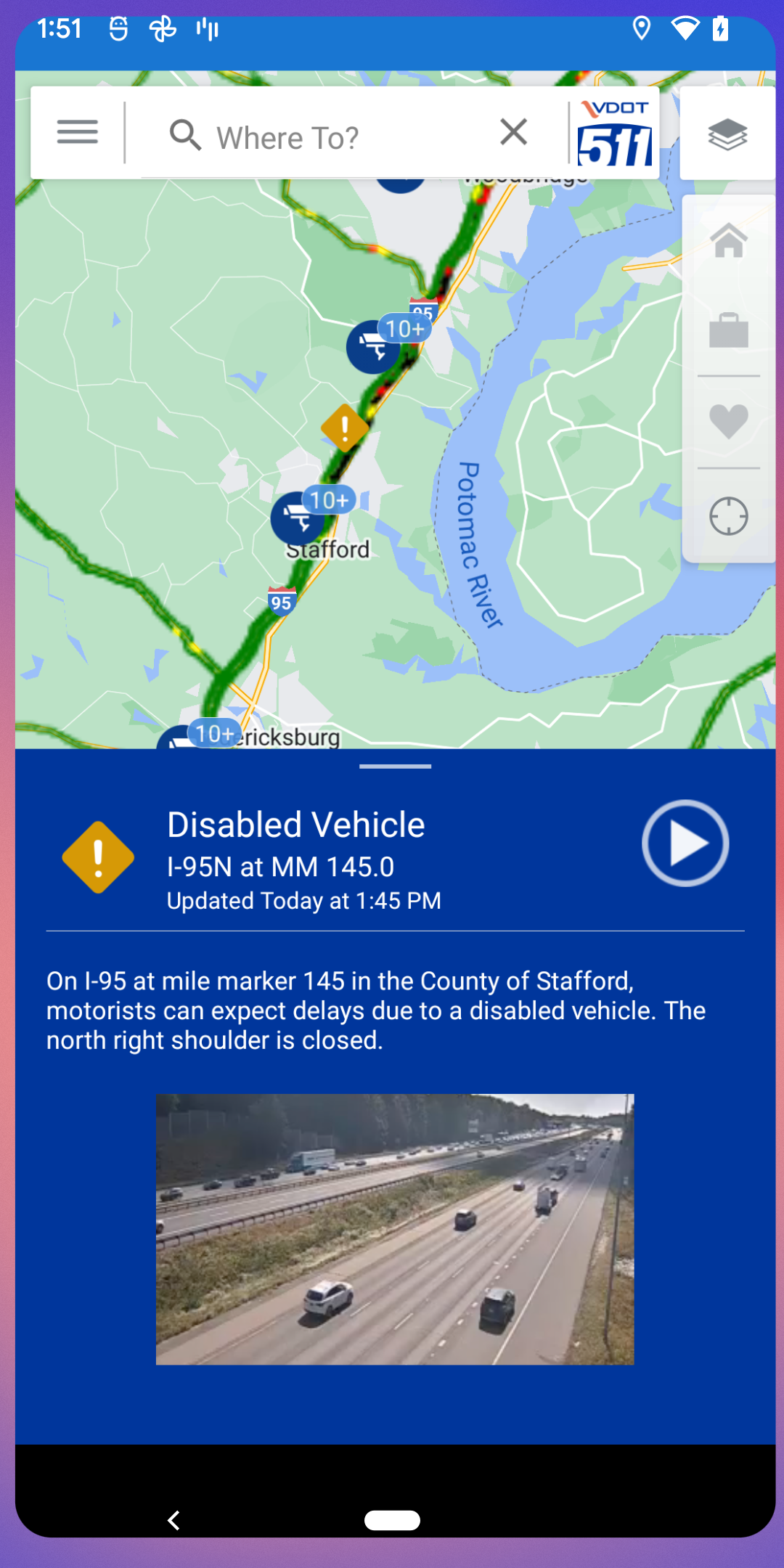
Incidents, crashes, and road closures updated by VDOT operations staff
Construction and bridge-opening alerts on the map
Real-time travel times for major Virginia roadway segments
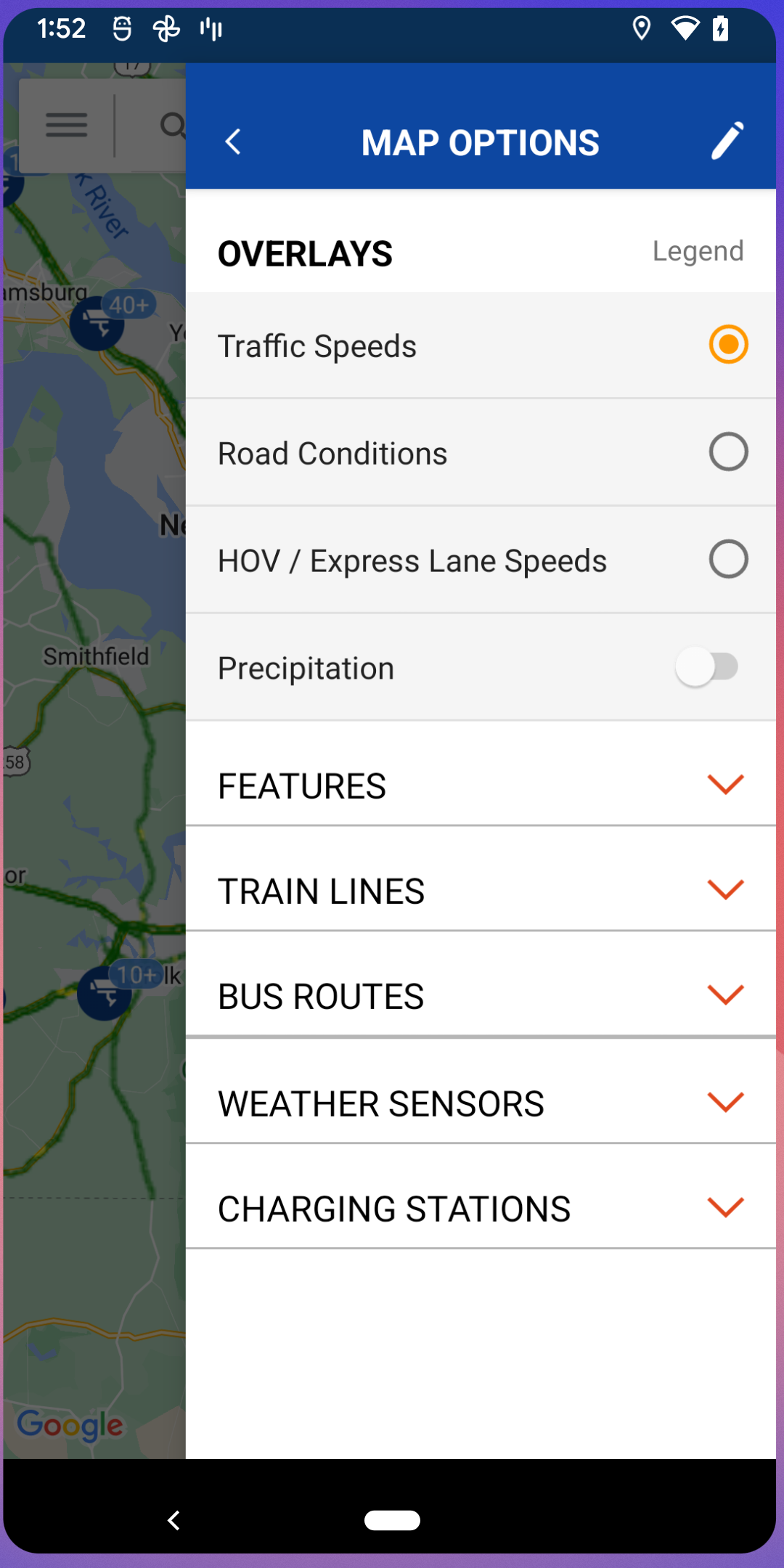
Winter road conditions and weather-sensor layers
New weather-alerts map layer from the latest update
EV charging stations and truck parking overlays
Northern Virginia transit: VRE rail status, PRTC bus schedules, nearby transit options
Waze handoff — search a destination, then open Waze for turn-by-turn navigation
Recurring trip notifications with departure-time alerts based on live traffic
Left-menu enhancements and miscellaneous bug fixes in the current build
How to Use VDOT 511 Virginia Traffic:
The VDOT 511 app runs on a pre-trip loop: search destination → check conditions → view cameras → enable alerts → hand off to Waze.
Quick guide:
Install VDOT 511 Virginia Traffic from Google Play or the App Store.
Open the VDOT 511 app and search any Virginia address, city, or highway.
View Google-provided driving and transit travel times from the search screen.
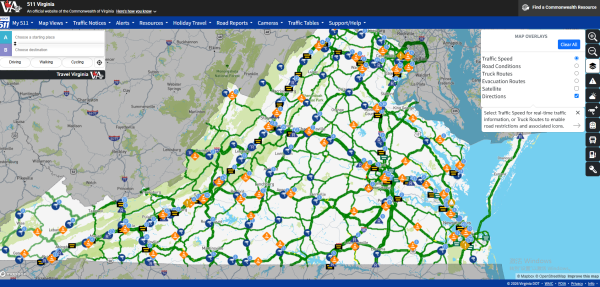
Open the overlays menu to toggle cameras, incidents, construction, rest areas, EV charging, and truck parking.
Tap a camera marker to check live road or weather conditions before leaving.
Enable weather alerts from the updated map layers when storms or winter weather approach.
Set a recurring trip in settings to get push notifications suggesting earlier departure.
For voice navigation, tap the Waze icon — the VDOT 511 app preloads your destination into Waze.
Northern Virginia users can open VRE train status and PRTC bus schedules from the menu.
Check the app before driving — never interact with it behind the wheel.
Tips:
Morning routine: home → work route → incidents + travel time + camera at your exit.
Winter routine: enable winter-road and weather layers, then re-check cameras before risky bridges or tunnels.
Use Waze handoff for actual navigation; keep VDOT 511 for official incident context.
VDOT 511 FAQ and Status:
Who develops the app?
Iteris, Inc. The VDOT 511 app is the official mobile extension of Virginia’s 511 traveler-information system.
What data does it show?
Incidents, construction, bridge openings, live VDOT cameras, travel times, weather sensors, winter-road conditions, rest areas, EV charging, truck parking, and NoVA transit overlays.
Does it replace Google Maps or Waze?
No. The VDOT 511 app combines VDOT official data with Google directions and a Waze handoff — it is a traveler-information tool, not a replacement navigator.
Is it free?
Yes. The VDOT 511 app is free to install and use; VDOT 511 itself is a public-service system.
What changed recently?
The September 4, 2026 Play update added left-menu enhancements, a new weather-alerts map layer, and miscellaneous bug fixes.
Is my location data shared?
Google Play declares location and personal info may be collected, data is encrypted in transit, and no data is shared with third parties per the current Play listing.
Why Install VDOT 511 Virginia Traffic:
Install the VDOT 511 app if you drive, commute, or travel across Virginia and want official road conditions instead of guessing from consumer map apps.
Best-fit users:
Virginia daily commuters planning around incidents
Holiday travelers checking VDOT construction and lane closures
Northern Virginia users combining VRE/PRTC with driving
Truck drivers using parking and corridor travel times
Winter-weather drivers watching bridge and road conditions
Waze users who want verified VDOT incident context first
Out-of-state drivers passing through I-81, I-95, I-64, or the Hampton Roads tunnels
- Version4.5.55
- UpdateOct 26, 2026
- DeveloperIteris, Inc.
- CategoryTravel & Local
- Requires AndroidAndroid 5.0+
- Downloads209K+
- Package Namecom.meridian.vdot
- Signatured1bb947f8687ffd1e4c75f95d72c1cde
- Available on
- ReportFlag as inappropriate
-
NameSizeDownload
-
68.29 MB
-
68.29 MB
-
68.29 MB














Easy navigation in the old version.
Quick access to road conditions and cameras.
Fast loading times on the previous app.
Simplicity and user-friendliness of original interface.
Ability to view traffic cameras directly on the map.
Efficient for local travel planning.
No intrusive permissions required in earlier iterations.
Positive feedback from users who appreciated its original function.
Slow loading times in the new update.
Difficult to navigate compared to the old app.
Intrusive permission requests, such as access to contacts.
Cluttered interface with unnecessary features.
Removal of camera views from the main map.
Frustration over the need to switch to a web browser for certain functions.
Users finding the app unusable after changes.
Confusion caused by frequent updates and changes in functionality.