
Brightest Flashlight Launcher - Flashlight & magnifier
Illuminate your life with this powerful flashlight & magnifying glass app, perfect for emergencies & everyday use.
- 2.9.0 Version
- 1.4 Score
- 2M+ Downloads
- Free License
- 3+ Content Rating

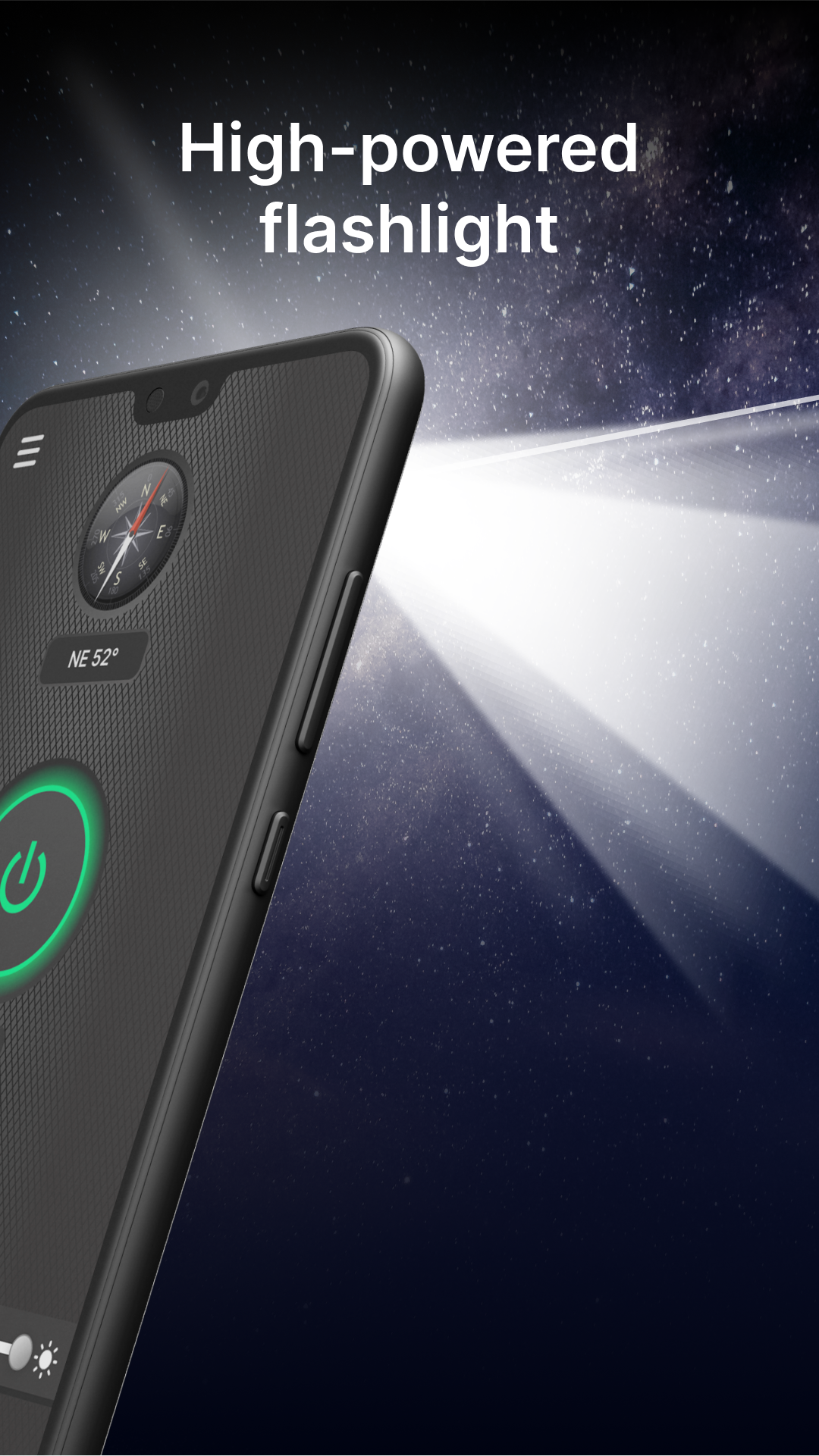
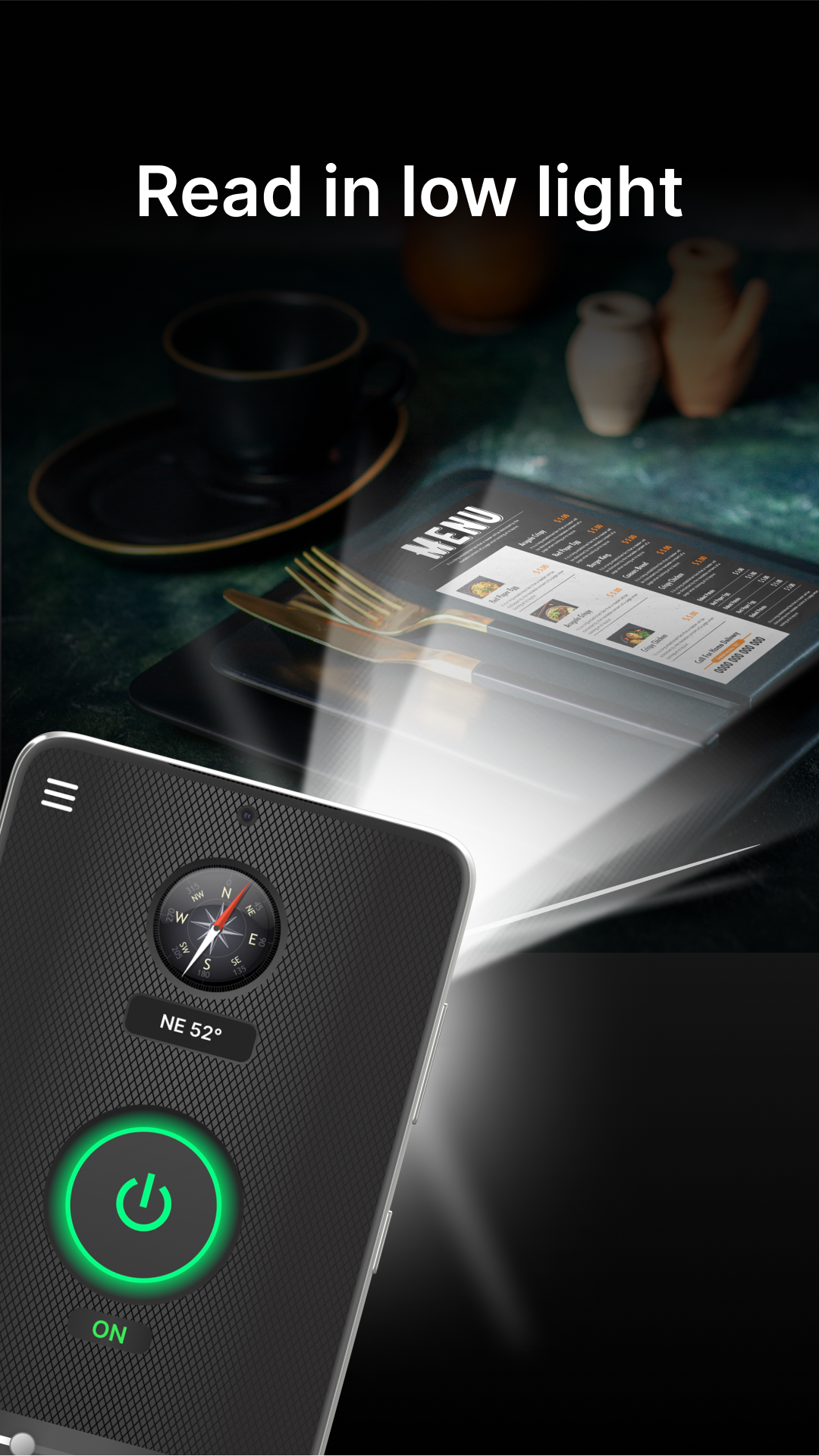
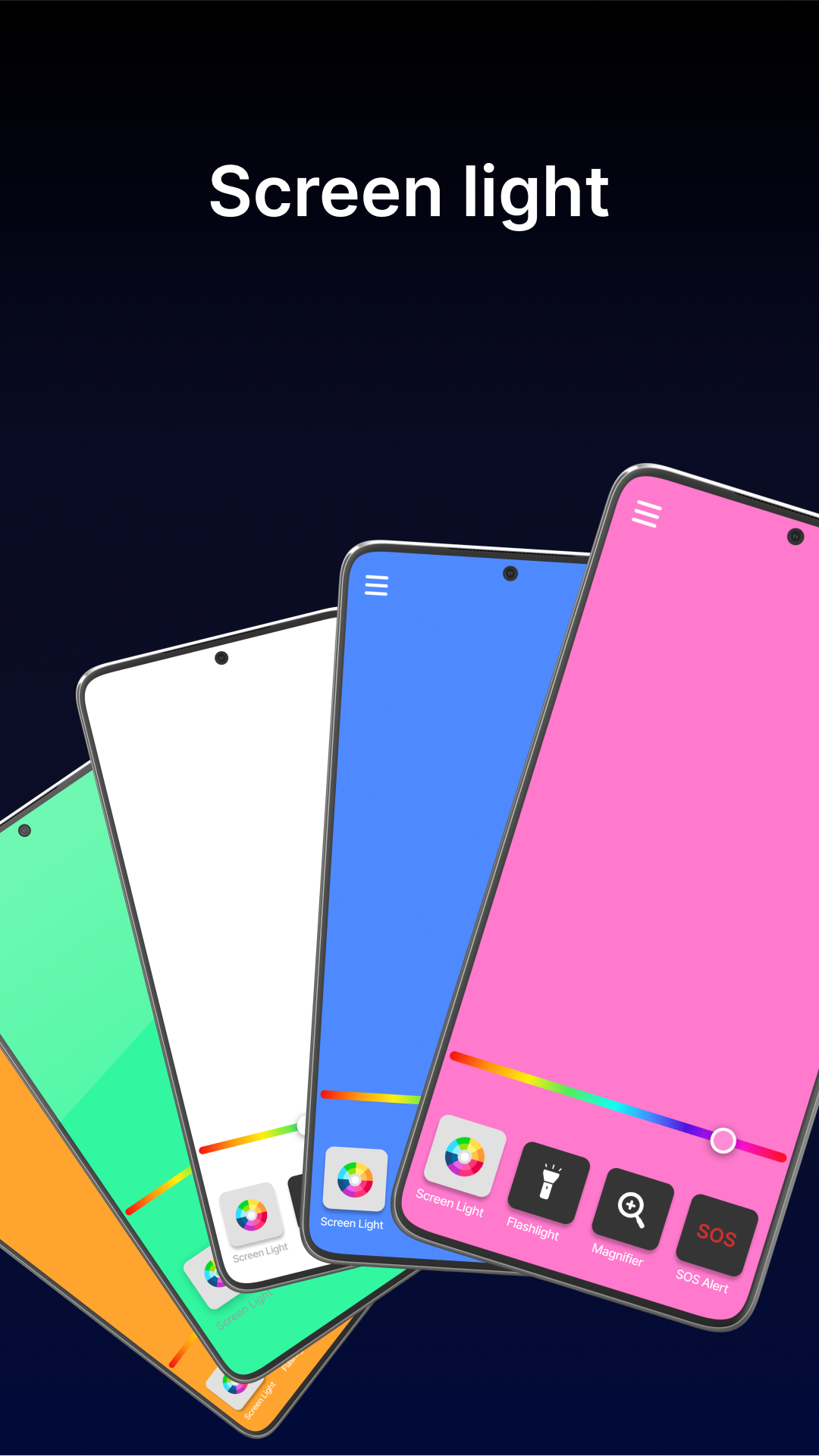
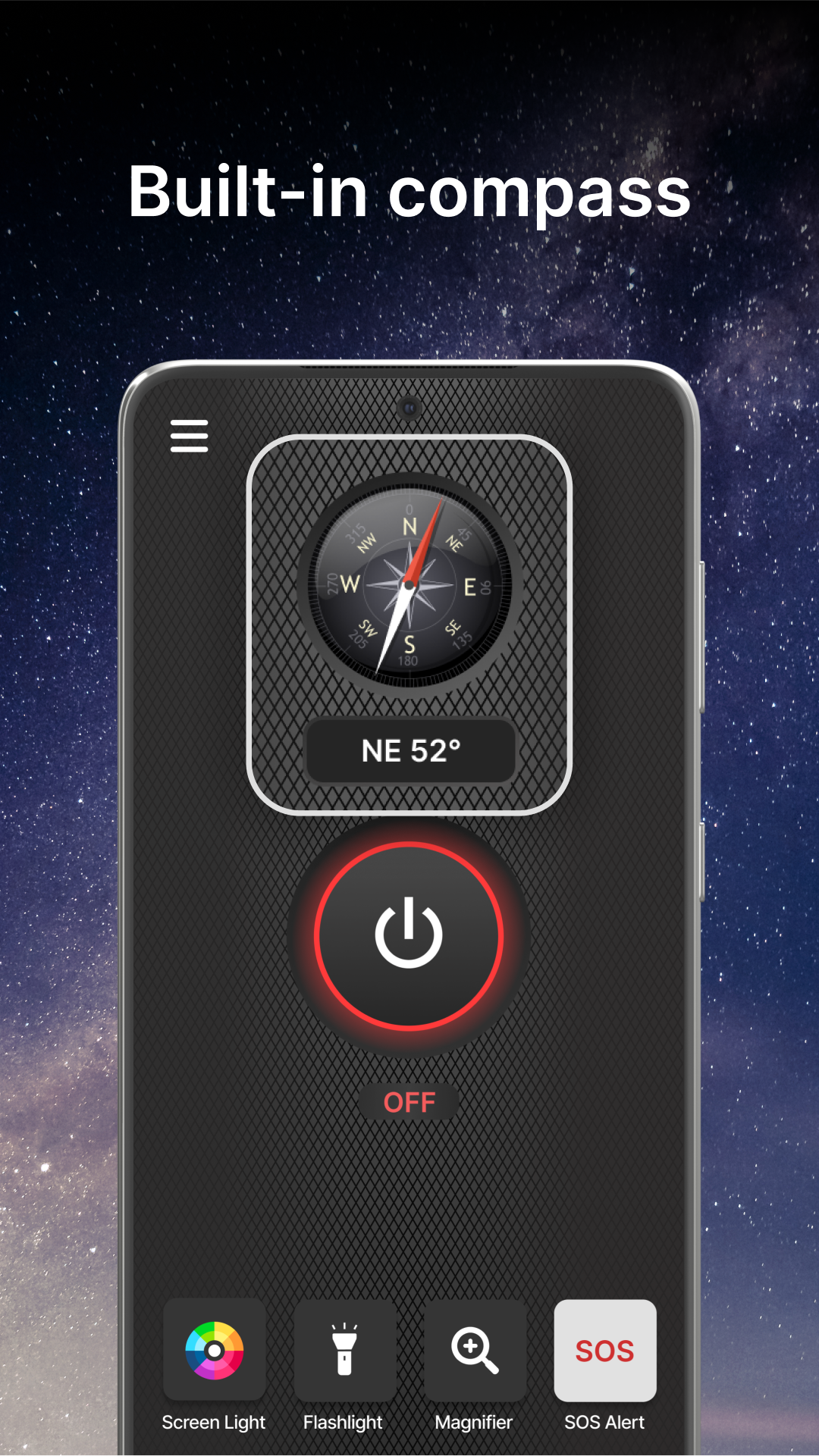
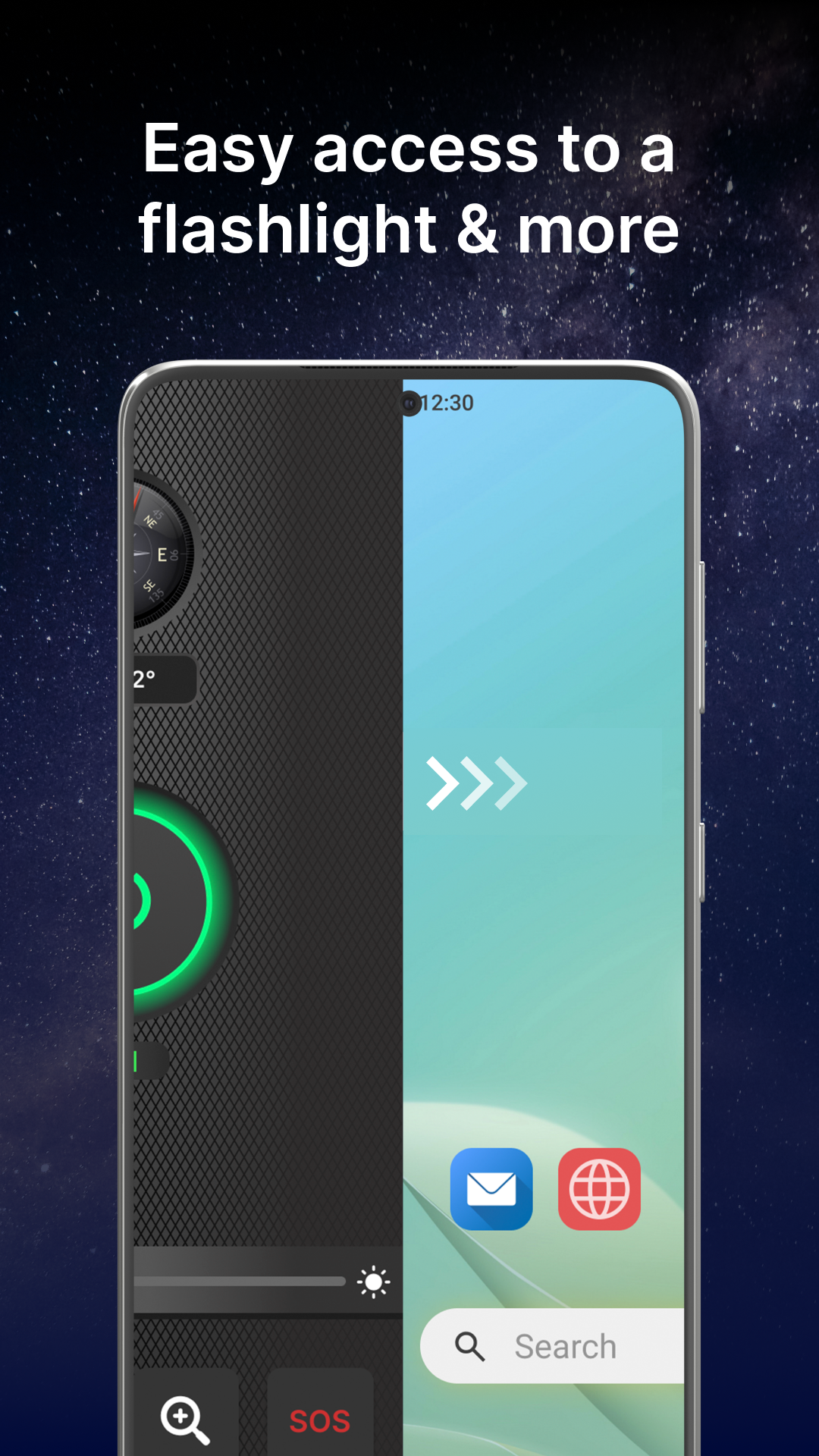
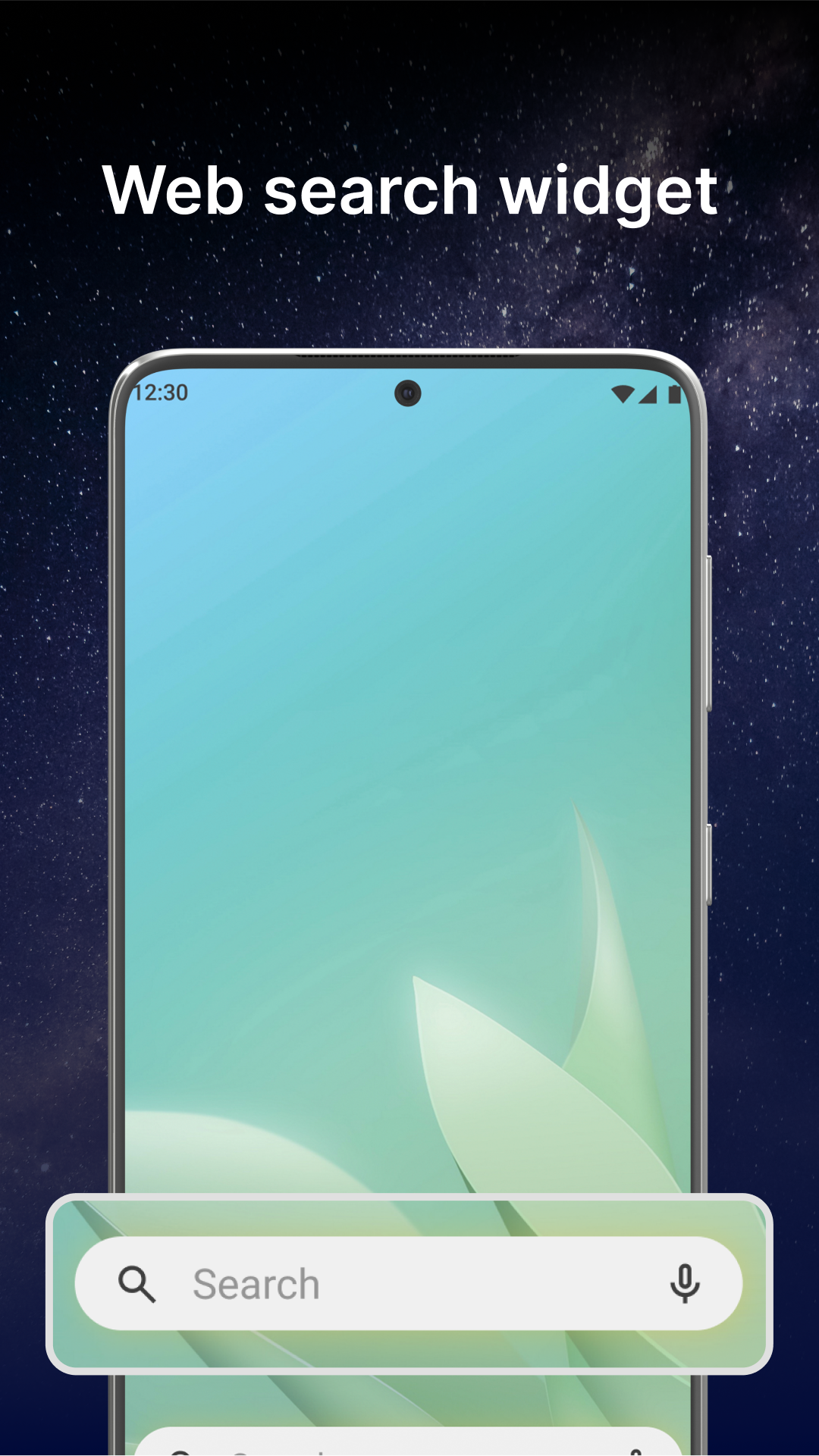
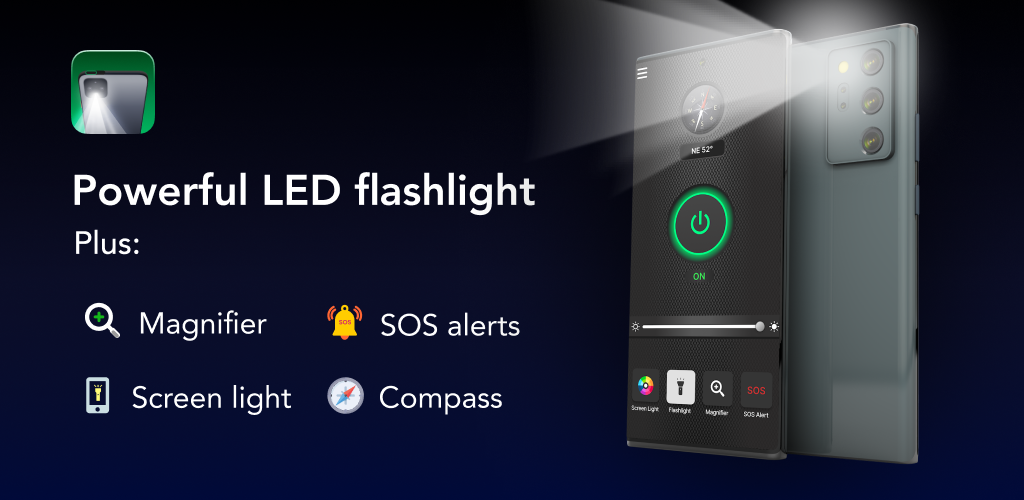
Flashlight Launcher is an all-in-one application that transforms your smartphone into a robust flashlight and magnifying glass. It modifies your home screen to provide immediate access to a flashlight, a magnifier, as well as personal safety features such as a compass, SOS signals, and a screen light. Whether you're exploring the wilderness, caught in a blackout, or need a portable lighting solution, this highly luminous flashlight app will assist you effectively.
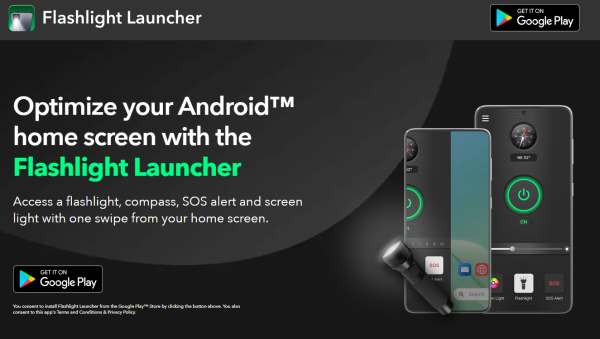
Please keep in mind that as a launcher app, your home screen's arrangement may change after installation. However, all your applications remain on your device; they may just be relocated. For further information, refer to our FAQ section.
The launcher app provides several advantages, including:
🚀 Quick access
Easily reach the flashlight, magnifier, and other essential safety tools with a simple swipe to the right from your home screen!
📱 Home screen widget
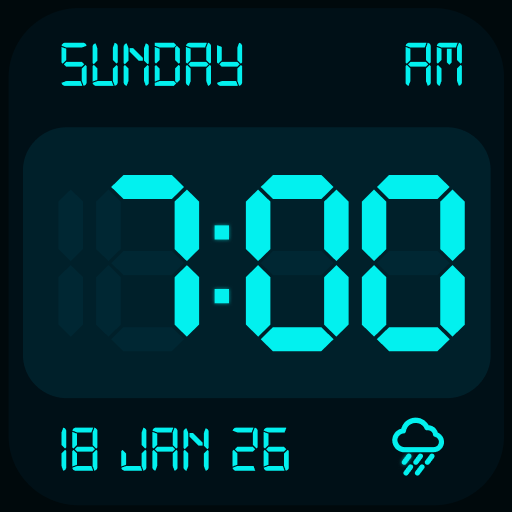
Check the time, weather, and additional information conveniently via our customized widget displayed on your home screen.
🖼️ Wallpaper
Enhance your home or lock screen by choosing from a diverse range of beautiful themed wallpapers.
🏠 Home screen shortcut
Utilize the Flashlight Launcher shortcut for fast access to flashlight features and more directly from your home screen.
🔍 Multi-touchpoint search
Finding apps and conducting web searches has never been simpler. Search installed applications or browse the internet from multiple entry points.
Instructions for using the app:
🔦 Read menus in poorly lit restaurants or newspapers without needing glasses
🔦 Locate misplaced items, such as keys or glasses
🔦 Navigate uneven paths during the night
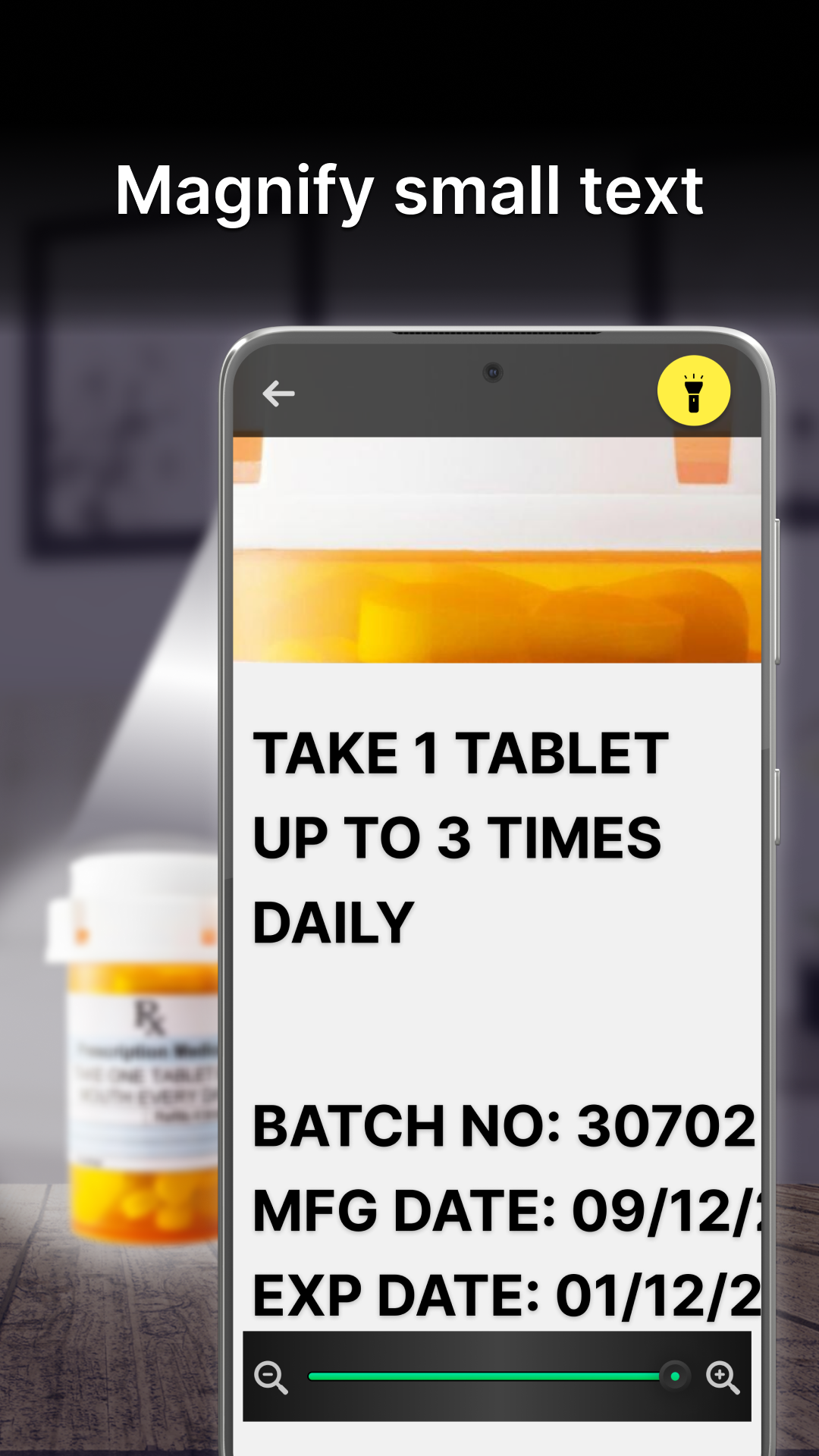
🔦 Magnify and read small text on product labels
🔦 Zoom in on distant texts or objects
🔦 Emergency SOS signals
🔦 Illuminate keyholes for easier access
🔦 Conduct DIY home repairs
Core features include:
✓ Brightest flashlight available
✓ Magnification capability
✓ Integrated compass
✓ SOS alert functionality
✓ Screen illumination
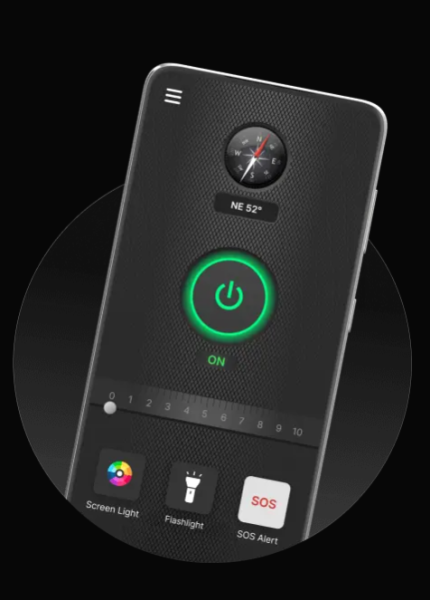
🔦 Flashlight: Activate your device as a powerful flashlight with just one tap. Whether you need to navigate in darkness or search for lost belongings, illuminate your surroundings effortlessly with Flashlight Launcher.
🔍 Magnifier: The magnifier feature of Flashlight Launcher allows you to turn your phone into a magnifying tool complete with light. It's ideal for reading fine print on packaging or labels, and examining objects closely. Additionally, the built-in flashlight ensures good visibility even in low-light environments.
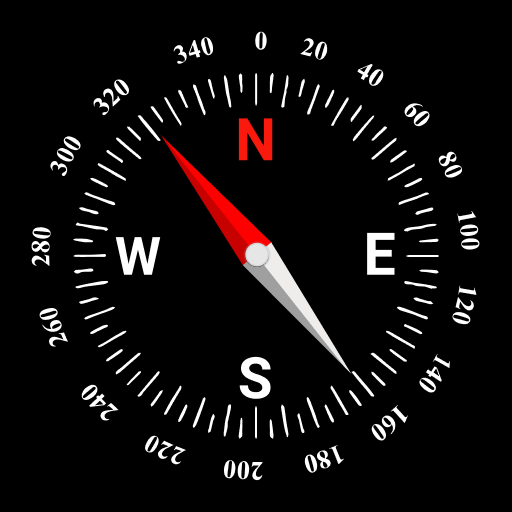
🧭 Compass: With the integrated compass, you can always find your way. Whether hiking, camping, or exploring, this flashlight application serves as your reliable navigation partner.
🆘 SOS Alerts: Your safety is paramount. That's why Flashlight Launcher includes SOS alerts, which can be a lifesaver in urgent situations. You can activate it to send out an SOS signal visible from afar, helping others locate you promptly.
💡 Screen Light: Flashlight Launcher also offers a screen light feature, utilizing your smartphone's display as a light source, enhancing visibility in dark settings.
Download the app today to enjoy the convenience and reliability of Flashlight Launcher. It’s your essential tool for everyday tasks and emergencies, offering both flashlight and magnification functionalities at your fingertips.
If you have any questions or feedback about the app, feel free to reach out to us regarding potential feature enhancements. Remember, you can uninstall the app at any moment.
You consent to install Flashlight Launcher through the Google Play™ Store by clicking the button above. By doing so, you also accept the app's Terms and Conditions.
Google Play is a trademark of Google LLC. Usage here does not suggest any affiliation or endorsement by Google LLC.
Applicable Scenarios
1. Everyday Lighting: Power outage emergency, nighttime walking, illuminating keyholes
2. Magnifying View: Reading menus/small text, finding small objects, and viewing product labels in low light
3. Home Crafts: Localized supplemental lighting during DIY repairs
4. Outdoor Activities: Lighting and compass navigation for adventures/camping/hiking
5. Emergency Situations: Activating SOS signal for help
6. Low-Light Assist: Providing soft supplemental lighting by turning on screen backlight
Frequently Asked Questions
Q1:What is an Android™ Launcher?
A:An Android™ launcher like Flashlight Launcher offers a brand new look & feel to your phone homescreen by seamlessly re-arranging your apps, widgets & more.
*Android is a trademark of Google LLC
Q2:How do I install the app?
A:The Flashlight Launcher is available on the Google Play™ Store. Click here to install it.
Q3:How do I access my apps on the homescreen?
A:The app drawer is where you'll find all of your apps, and it's accessed by swiping up on the home screen. Once you're in the app drawer, press and hold any app icon for a few seconds to add a shortcut to your home screen.
Q4:How do I uninstall the app?
A:If you decide that you no longer want to use the app, you can find a step-by-step guide on how to uninstall it here.
Q5:How do I change the search engine?
A:You can change your search engine from the Home Settings menu, which is accessible by long-pressing on the home screen. For step-by-step instructions, click here.
- Version2.9.0
- UpdateOct 10, 2026
- DeveloperAtomApplications
- CategoryTools
- Requires AndroidAndroid 10+
- Downloads2M+
- Package Namecom.flashlight.bright.led.light
- Signature5ca82e36a0598f1bbcbca596e9c9ba99
- Available on
- ReportFlag as inappropriate
-
NameSizeDownload
-
56.11 MB
-
56.00 MB



















Quick access to flashlight
Combines flashlight and magnifier features
Free to use
No ads interrupting usage
Bright light for nighttime visibility
Helpful for individuals with vision impairments
Easy to launch from home screen
Changes default home screen layout
Difficult to uninstall
Light brightness comparable to built-in flashlight
Frequent pop-ups and ads
Messes up phone organization
May cause phone freezing or performance issues
Misleading advertisements regarding functionality
Limited customization options (e.g., no color change)