
Bingo Generator & Caller - Bingo number generator & caller
Experience thrilling gameplay with voice-called numbers, recent calls tracking, and automatic timer functionalities.

- 7.2.2 Version
- 3.1 Score
- 268K+ Downloads
- Free License
- 3+ Content Rating

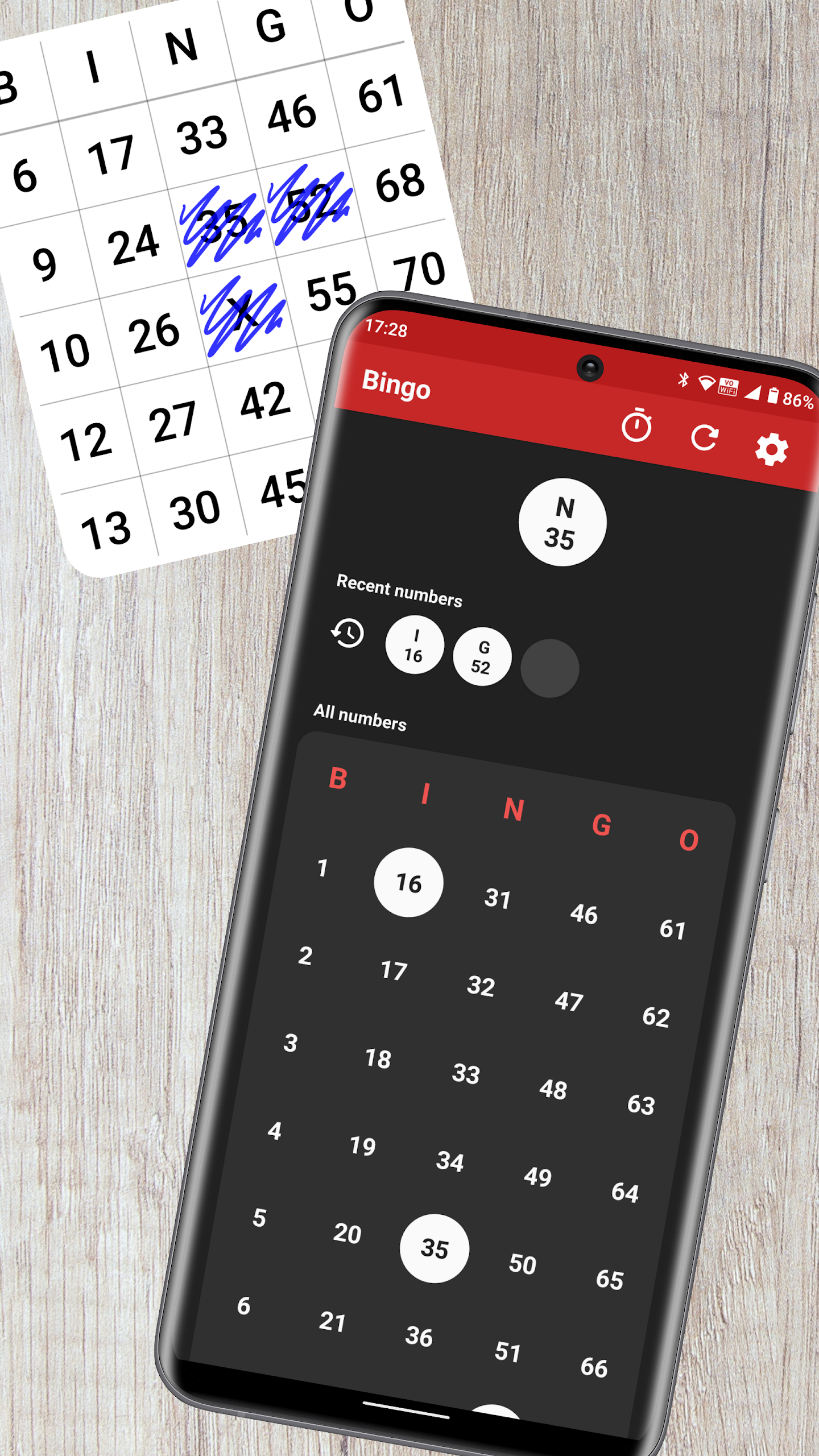
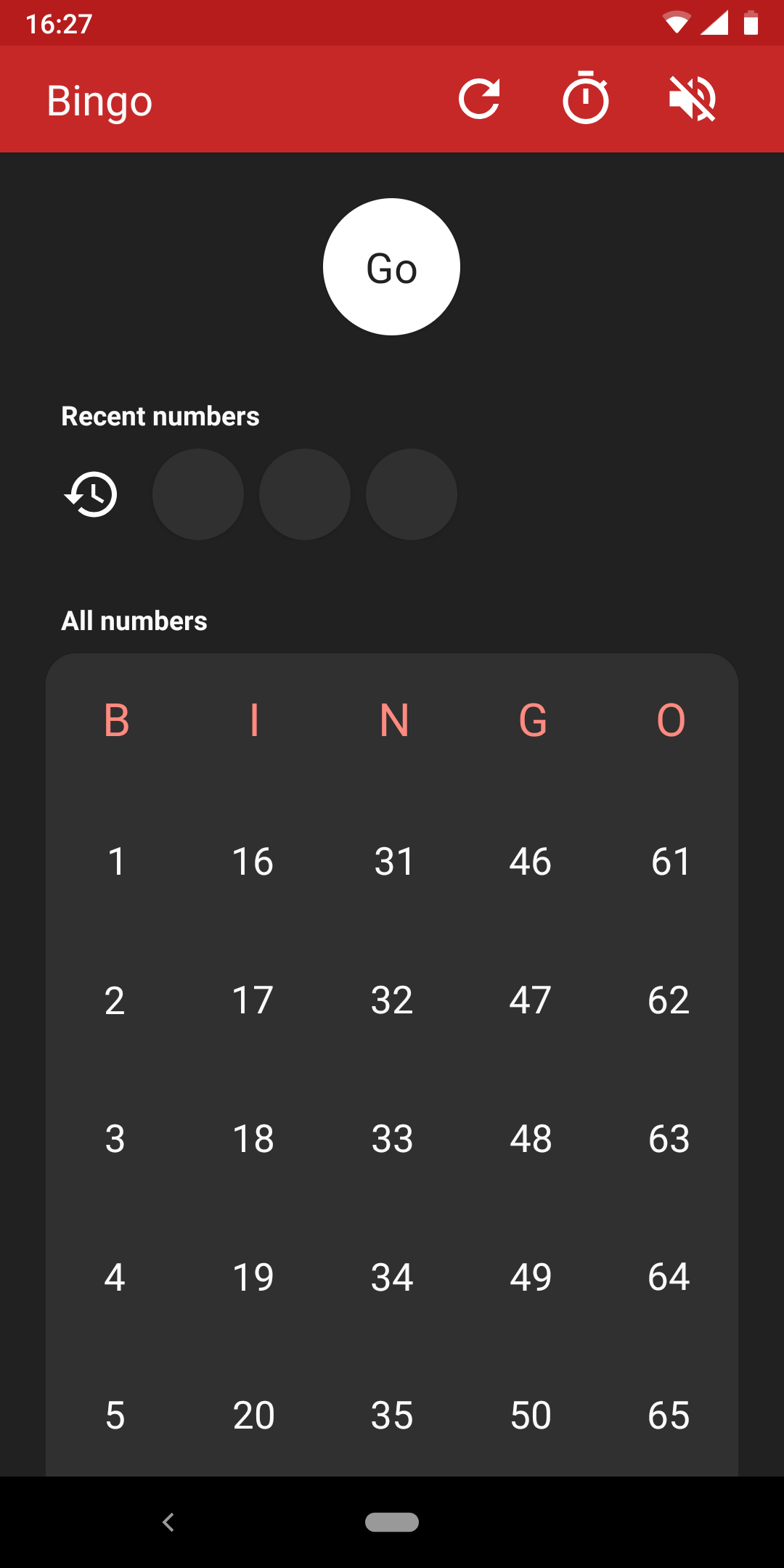
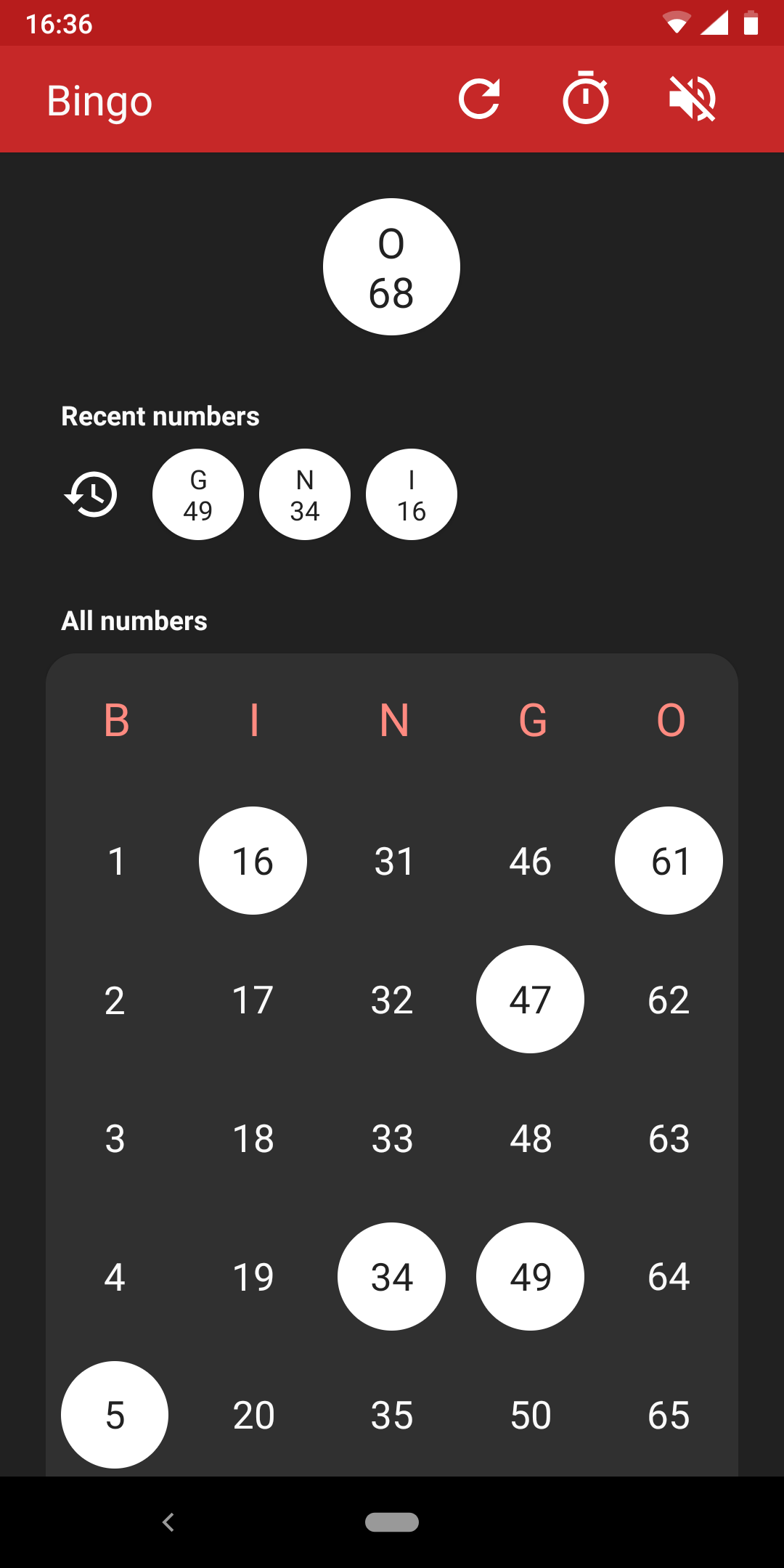
This application creates and announces random numbers for bingo games.

It supports various formats including Mini/Speed (30), Regular/US (75), 80-ball, and UK (90) bingo.
Features:
- Numbers are announced through a computer-generated voice, which is available only if your device has text-to-speech capabilities.
- You can see the most recently called numbers.
- Verify if a number has already been called.
- You have the option to set a timer that allows the app to automatically generate new numbers.
How to Use:
1. **Select Game Mode**
After opening the application, select your desired bingo mode. Four formats are supported: Mini/Quick (30 balls), Standard/American (75 balls), 80 balls, and English (90 balls).
2. **Enable Number Broadcast**
If your device supports text-to-speech, the system will automatically broadcast the generated random numbers using synthesized speech. You can also directly view the **recently called numbers** on the interface.
3. **Verify Number Status**
If you are unsure whether a number has been called, check the corresponding function entry to quickly confirm the number's status.
4. **Set Automatic Generation (Optional)**
Find the "Timer Settings" option, enable it, and adjust the time interval for automatic number generation. Automatic broadcasting will be enabled without manual triggering.
Related Questions and Answers:
### 1. What types of bingo games does this app support? Does it cater to different regional gameplay requirements?
We support four major bingo formats, covering diverse regional needs: Mini/Quick (30-ball), Regular/US (75-ball), 80-ball, and UK (90-ball). For example, US users can play 75-ball bingo, UK users can play 90-ball bingo, or even play a quick 30-ball game—all are compatible without downloading any additional tools.
### 2. How are the numbers announced? Do I need to turn on the audio to know what number was called?
Numbers are primarily announced through a "computer-synthesized voice," but this requires a device that supports text-to-speech (TTS). If your device doesn't support audio or you prefer not to turn on audio, you can still see "Recently Called Numbers" on the app interface. Both methods provide access to call information, eliminating the need to rely solely on audio.
### 3. If you're worried about mixing up numbers, is there a way to verify them in the app?
Yes. The app has a built-in "Verify Number Called" feature. For example, if you're unsure whether number "25" has been called, you can enter or select it in the function entry. The system will indicate whether the number has been called or not. This helps prevent missed or incorrect entries, making it particularly useful for quick verification during a multi-player bingo game.
### 4. How do I set up automatic number generation without manual intervention?
Find the "Timer Settings" option in the app. Once enabled, you can adjust the interval between automatic number generation. Once set, the app will automatically call numbers at the set rate, perfect for scenarios where organizers don't want to frequently trigger the call manually.
### 5. Can I still use the app if my device doesn't have text-to-speech?
It can, but the "voice announcement" feature will be missing. Other core functions—such as generating random numbers, viewing the most recently called numbers, verifying called numbers, and setting the automatic timer—are not affected. You will only need to view the call information through the interface, which does not affect the core process of the bingo game.
- Version7.2.2
- UpdateOct 27, 2026
- DeveloperMarc apps & software
- CategoryCasual & Puzzle
- Requires AndroidAndroid 5.0+
- Downloads268K+
- Package Namecom.marc.bingonumbergenerator
- Signature657b390e0e67d88b1e3df392022805f2
- Available on
- ReportFlag as inappropriate


















Saves voice for easy calling
User-friendly and simple interface
Supports timer settings for caller speed
No ads or microtransactions
Ideal for virtual gatherings
Clear numbers that are easy to read
Provides a visual bingo board
Allows saving of called numbers until reset
Suitable for all ages
Issues with Bluetooth connectivity
Screen does not fit on mobile devices
Lacks pause and reset controls
Numbers may only partially display
Confusing for first-time users
Missing features for UK and US bingo formats
Occasional bugs leading to missing letters
Requires scrolling for full bingo board visibility
Limited instructions for users