
Anywheel - Micro-mobility sharing
Experience seamless commuting with easy device access, trip tracking & eco-friendly rides to reduce your carbon footprint!

- 3.5.2 Version
- 1.5 Score
- 557K+ Downloads
- Free License
- 3+ Content Rating


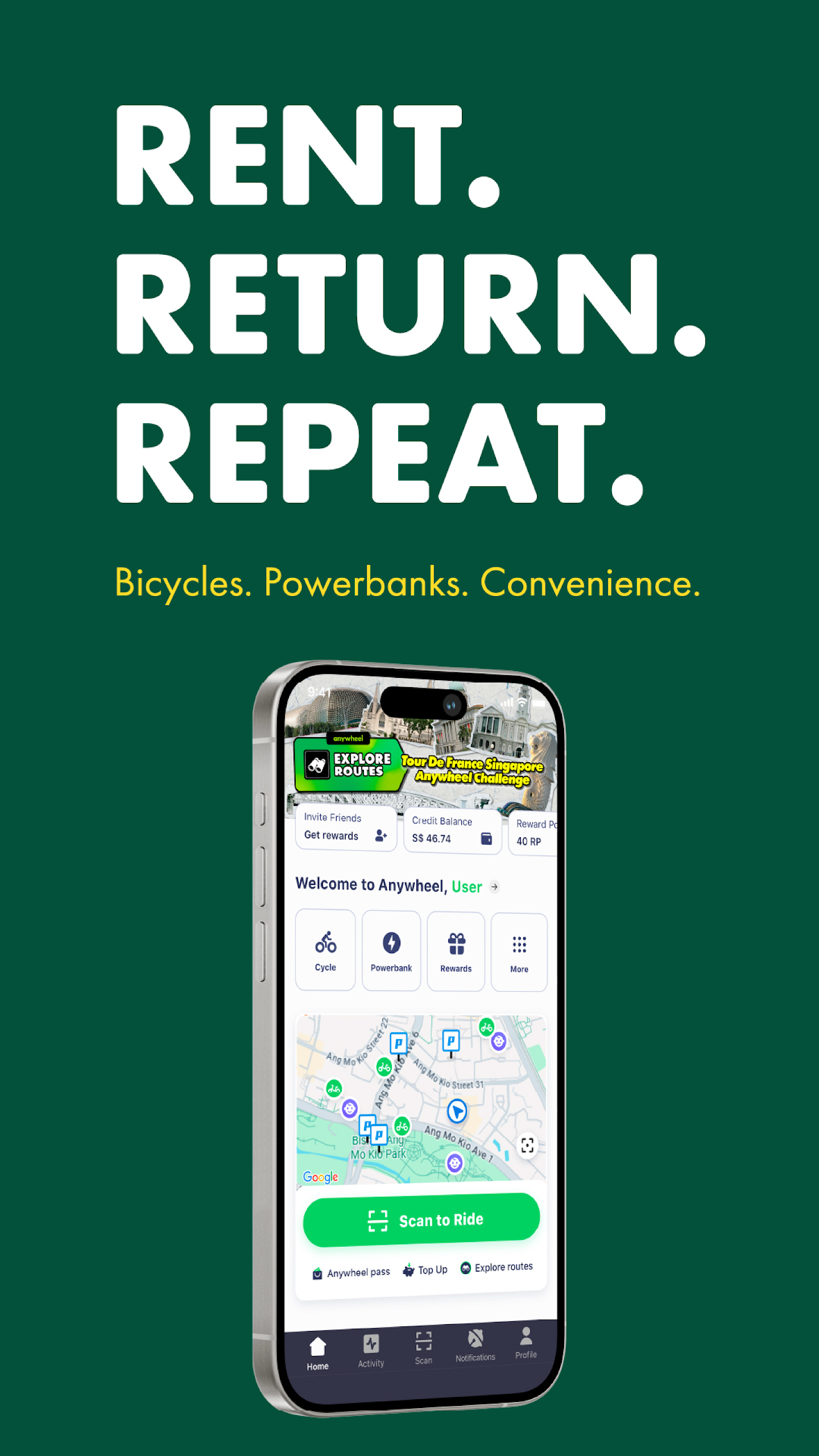
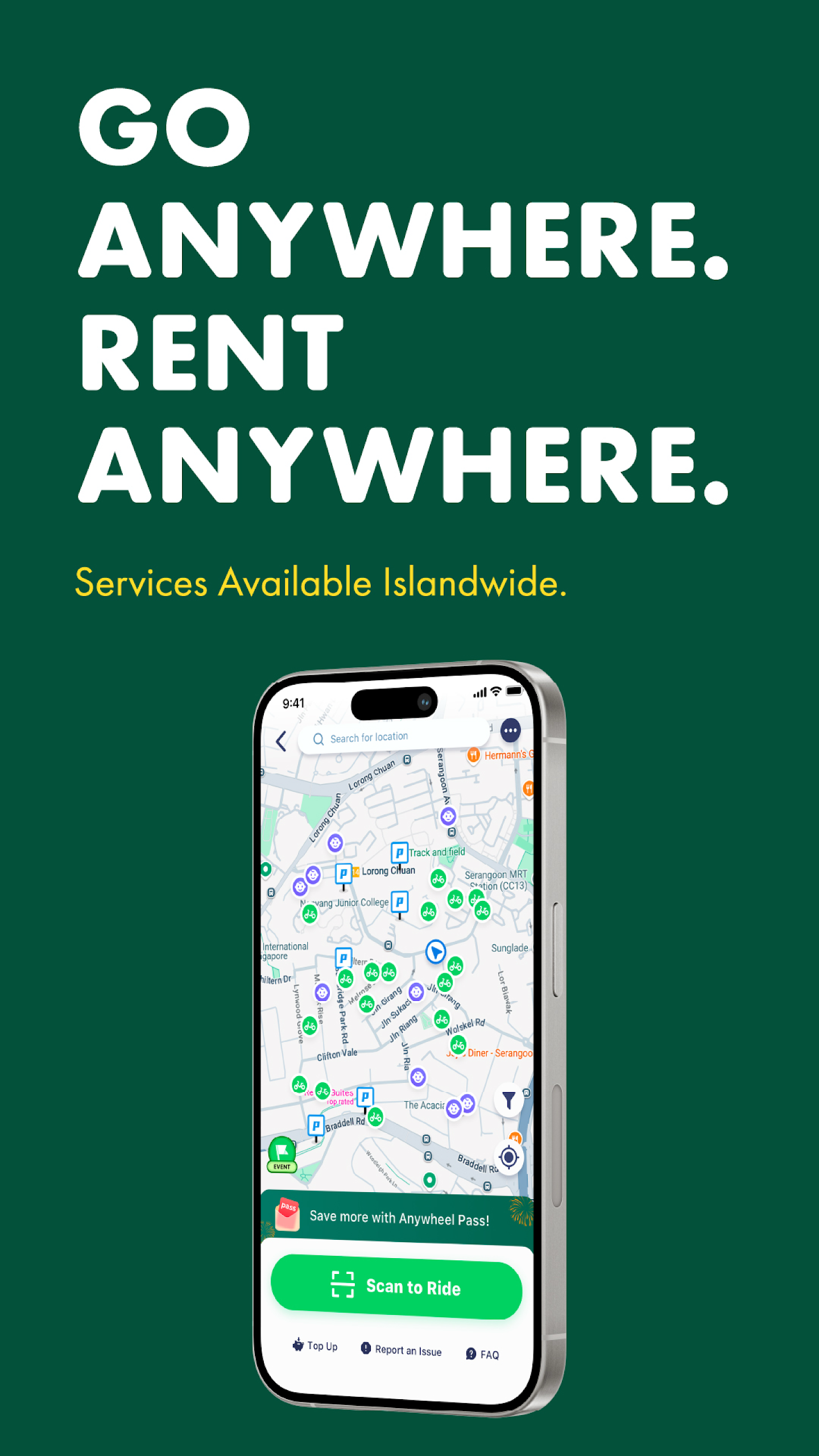
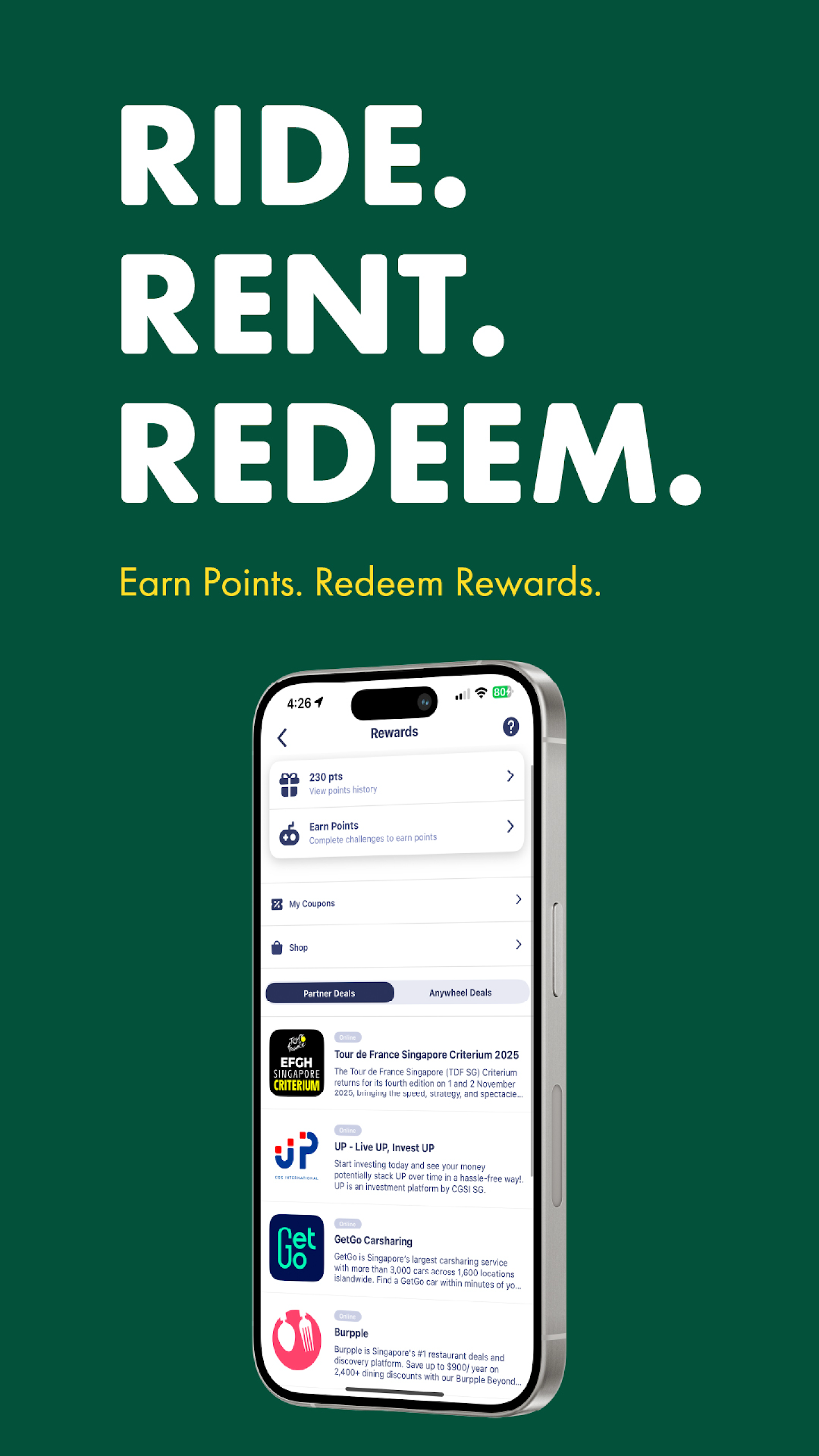
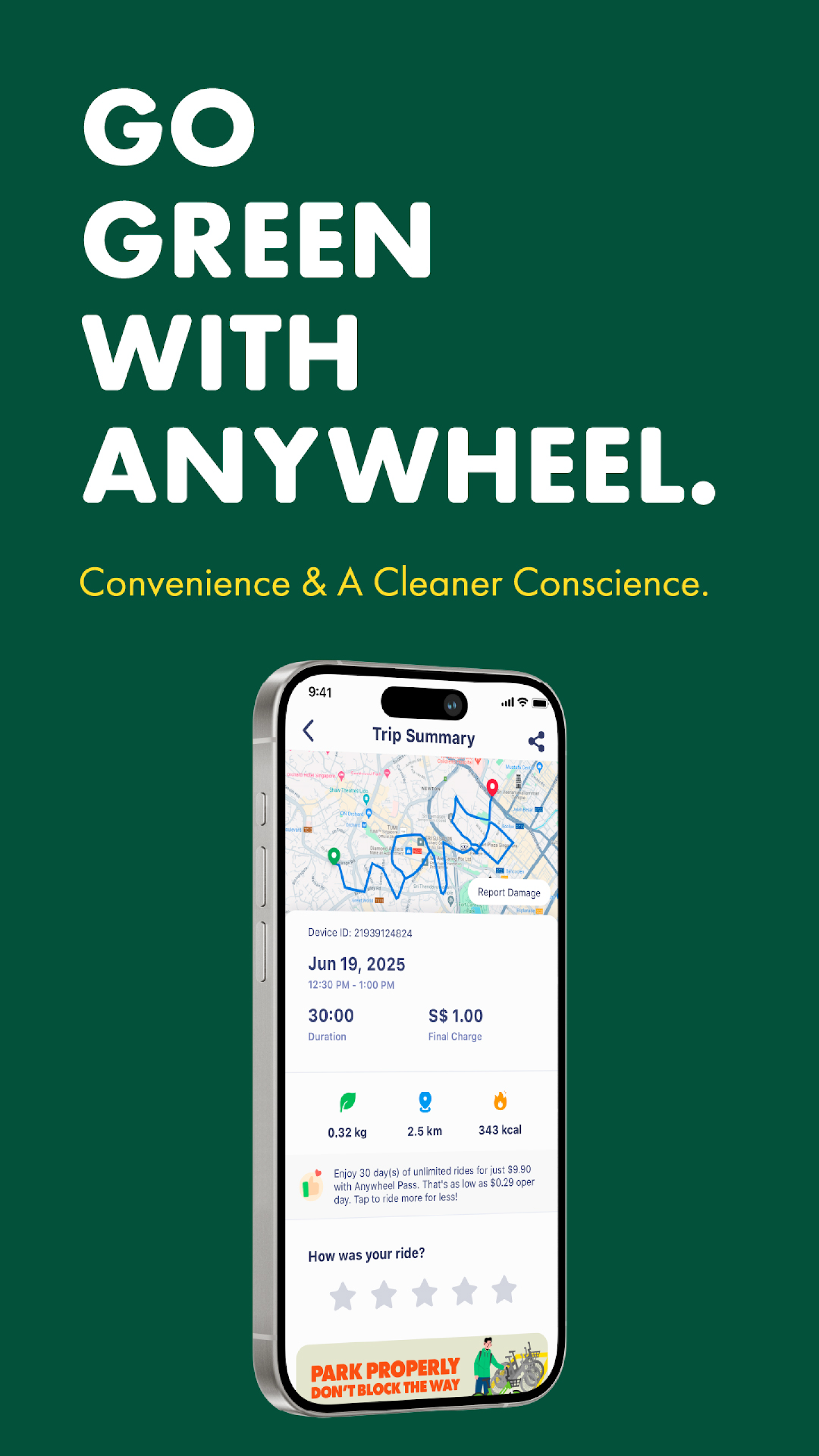
Anywheel offers a user-friendly micro-mobility sharing service designed to promote a sustainable and environmentally friendly future. By participating with us, you can help minimize our carbon footprint. If you're facing challenges with the first mile or last mile of your journey, choose Anywheel to make your daily transit quicker and contribute to a greener planet.
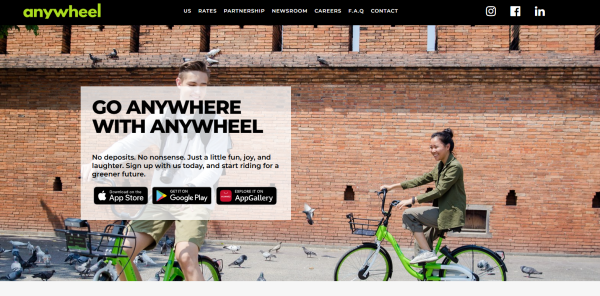
Our application allows you to:
- Find our devices
- Access our devices
- Review your previous trips
- Share your thoughts with us
How to use:
DOWNLOAD & SIGN UP
- You can’t do anything if you don’t have our app, so download it & sign up with us now!
SEARCH FOR THE NEAREST DEVICE
- Find your nearest ride on our in-app map.
SCAN TO UNLOCK
- Tap ‘Scan to Ride’, and simply scan the QR code on the device to unlock it.
YOUR JOURNEY BEGINS
- Enjoy your ride! And always remember, SAFETY FIRST!
PARK LEGALLY
- End your trip by parking and manually locking the device at the nearest designated parking area.
VERIFY PARKING
- Verify your parking by scanning the parking QR code found at the designated parking area.
Suitable Scenarios
- Daily short-distance commuting to work or school
- Solving the "first mile" and "last mile" problem (subway/bus to home/office)
- Short-distance travel within the city: shopping, dining, running errands
- Users who prefer green, low-carbon travel
- Short commutes for those who don't want to walk, don't want to drive, or are in a hurry
- Convenient daily travel in Singapore
FAQ
Q:How to use anywheel services?
A:Step 1: Download the Anywheel app on the App Store or Google Play.
Step 2: Sign up an account with us.
Step 3: Top up your Anywheel credits (minimum top-up S$10.00).
Step 4: Search for the nearest Anywheel device on the Anywheel app.
Step 5: Scan the QR code on the device to unlock it.
Step 6: Enjoy your ride & ride safely.
Step 7: Locate your nearest designated parking area (’P’ icon) on the Anywheel app.
Step 8: End your trip by parking at the designated parking area and manually locking the device.
Step 9: Verify your parking by scanning the QR code found at the designated parking area.
Q:How much does any wheel charge?
A:Our rates are S$1.00 per 30 minute block.
You will be charged an additional S$1.00 once your ride duration exceeds each 30 minute block.
Example:
• 14 minute ride duration = S$1.00
• 34 minute ride duration = S$2.00
• 100 minute ride duration = S$4.00
Q:I am a frequent user, is there any way I can save money?
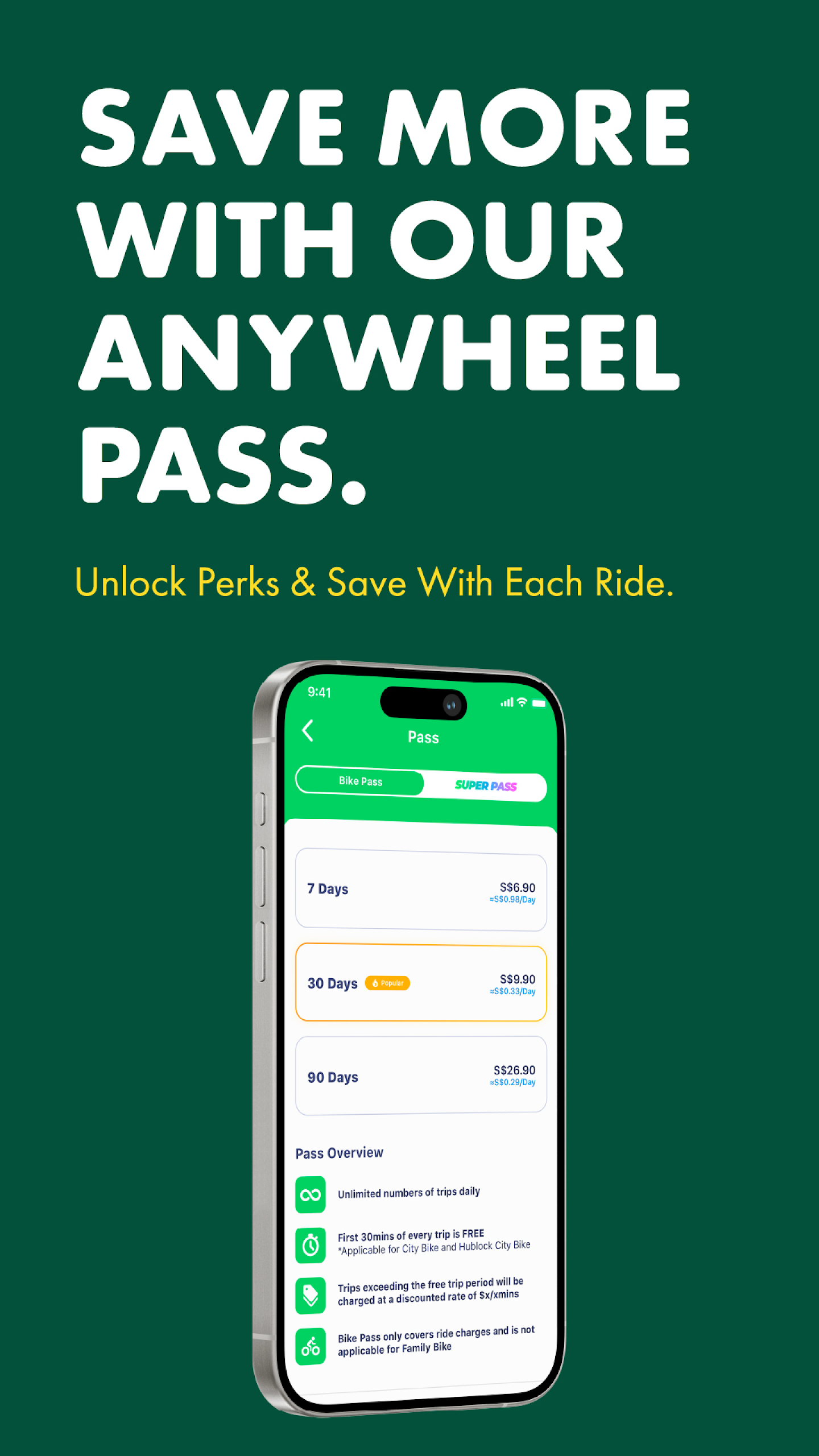
A:If you are a frequent user of Anywheel and wish to get the most bang for your buck, you can consider puchasing our Anywheel Pass.
The Anywheel Pass entitles you unlimited free trips per day with each trip not exceeding 30 minutes (A charge of S$0.50/30min applies upon exceeding 30 minutes).
Anywheel Pass Tiers
7-Day Pass: S$6.90
30-Day Pass: S$9.90
90-Day Pass: S$26.90
Q:I purchased an Anywheel Pass, why am I still being charged after my trip?
A:Anywheel Pass users are entitled to unlimited trips per day, however each trip is limited to a maximum duration of 30 minutes. A charge of S$0.50/30min will apply should the user exceed the 30-minute trip duration.
Q:Why is the free trip duration for the Anywheel Pass only 30 minutes?
A:As we are a company that prides ourselves as a first mile & last mile transport service provider, we strongly believe that 30 minutes is adequate time for you to complete your journey.
Q:What is indiscriminate parking?
A:When a bicycle is not parked in a designated parking area, it will be classified as a case of indiscriminate parking. Do note that designated parking areas appear as a ‘P’ icon on our app. Do remember to scan the QR code found at the designated parking area to avoid getting any parking penalties. The parking QR codes can usually be found fixed on the ground or on a nearby wall.
- Version3.5.2
- UpdateSep 29, 2026
- DeveloperAnywheel
- CategoryTravel & Local
- Requires AndroidAndroid 8.1+
- Downloads557K+
- Package Namecom.ytyiot.ebike.anywheel
- Signaturee78246ab23d6646a589eb9f0e82be6fe
- Available on
- ReportFlag as inappropriate
-
NameSizeDownload
-
82.68 MB
-
82.66 MB
-
90.39 MB
















User-friendly app interface
Easy bike rental process
Well-maintained bicycles
Convenient parking locations
Quickly responsive customer service
Affordable rental prices
Availability of bikes in prime areas
Flexibility to rent for short durations
Continuous improvements from the company
Glitchy app experience
Charging for improper parking without clear instructions
Inconsistent availability of bikes
Minimum top-up requirements can be frustrating
Poor maintenance leading to faulty bikes
Lack of transparency regarding fees and charges
Difficulties in finding designated parking spots
Slow response times for addressing issues
Unclear appeals process for fines