
AI Voice Changer: Prank Sounds - Voice transformation & effects
Transform your voice with hilarious effects! Create funny pranks, engaging videos, and unleash your creativity effortlessly.
- 1.4.0 Version
- 1.2 Score
- 169K+ Downloads
- In-app purchases License
- 3+ Content Rating

Voice Changer Male to Female
1. Overview
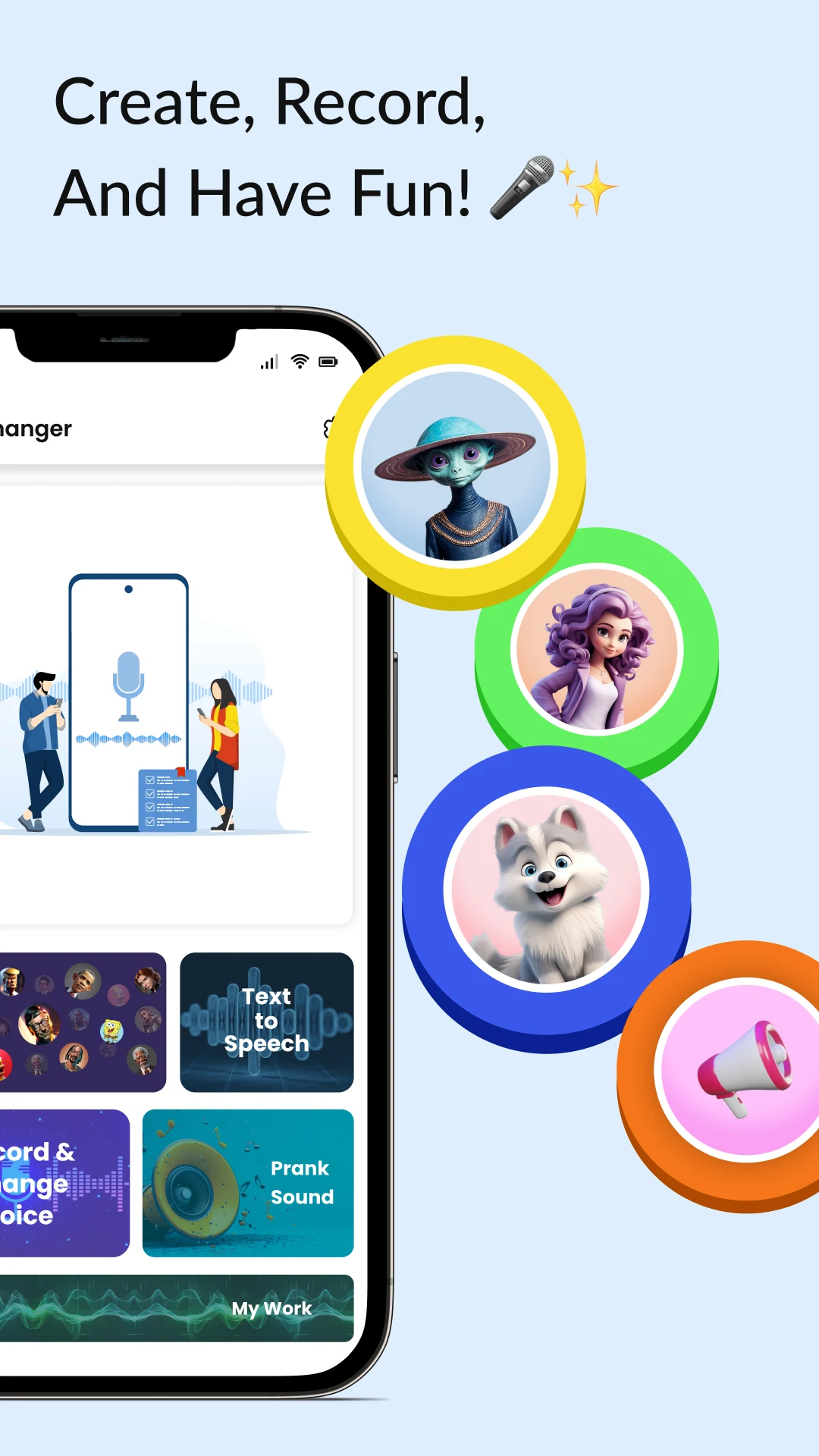
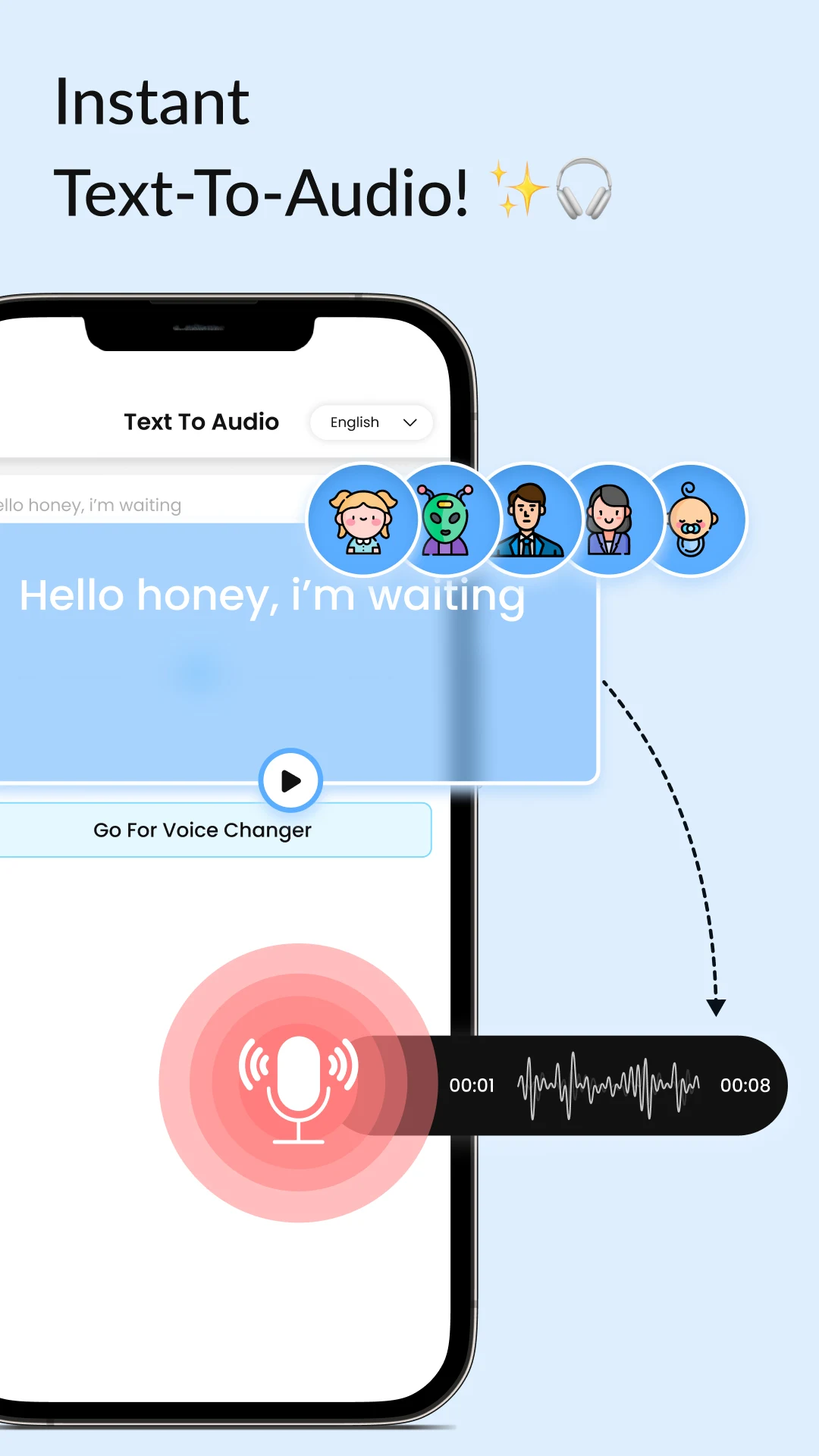
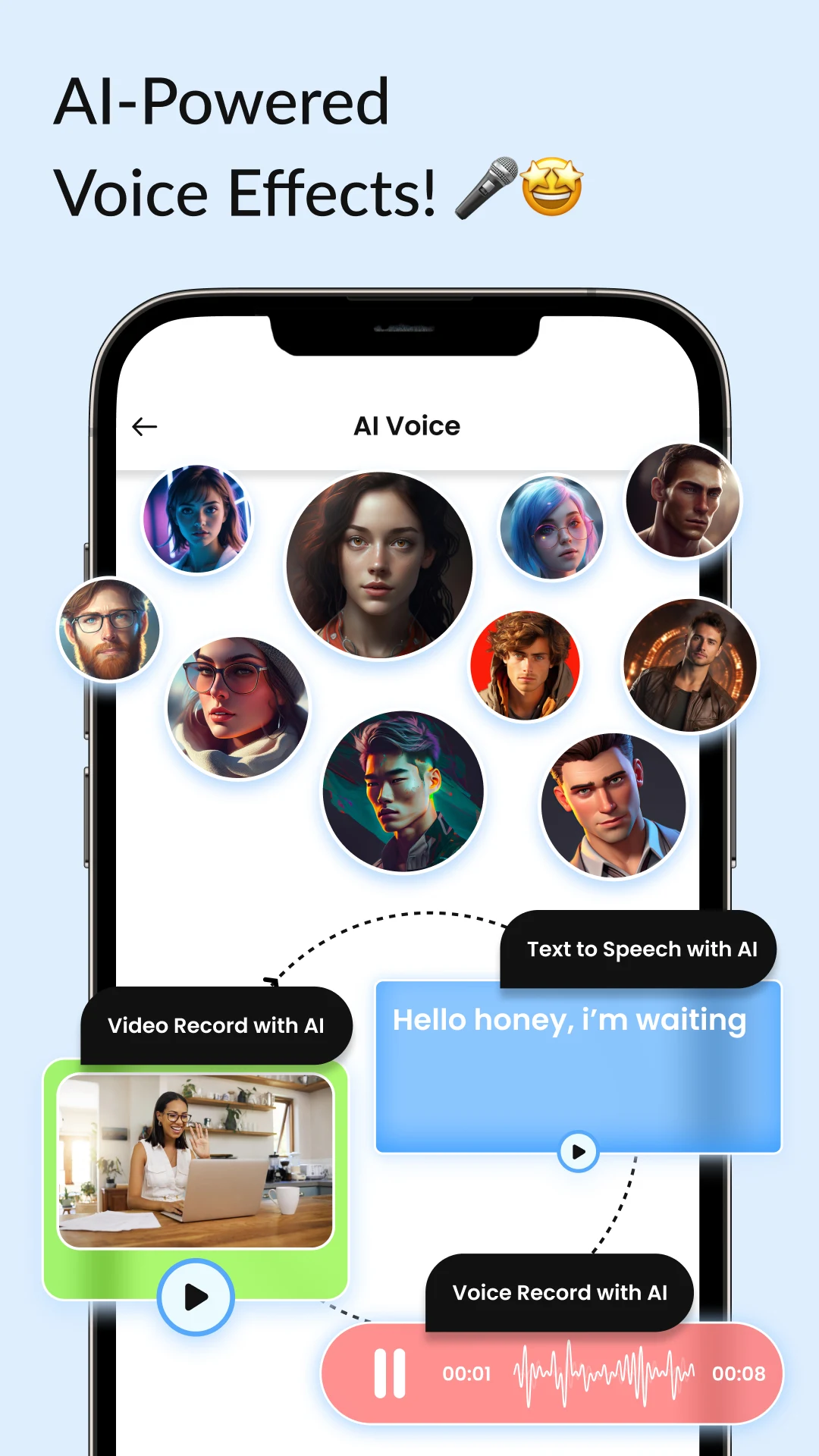
Voice Changer Male to Female is an audio editing app that lets users transform their voices with a variety of voice effects and sound filters. Users can record new audio or import existing audio and video files, then apply different effects to create amusing voice variations, character voices, or customized sound clips.
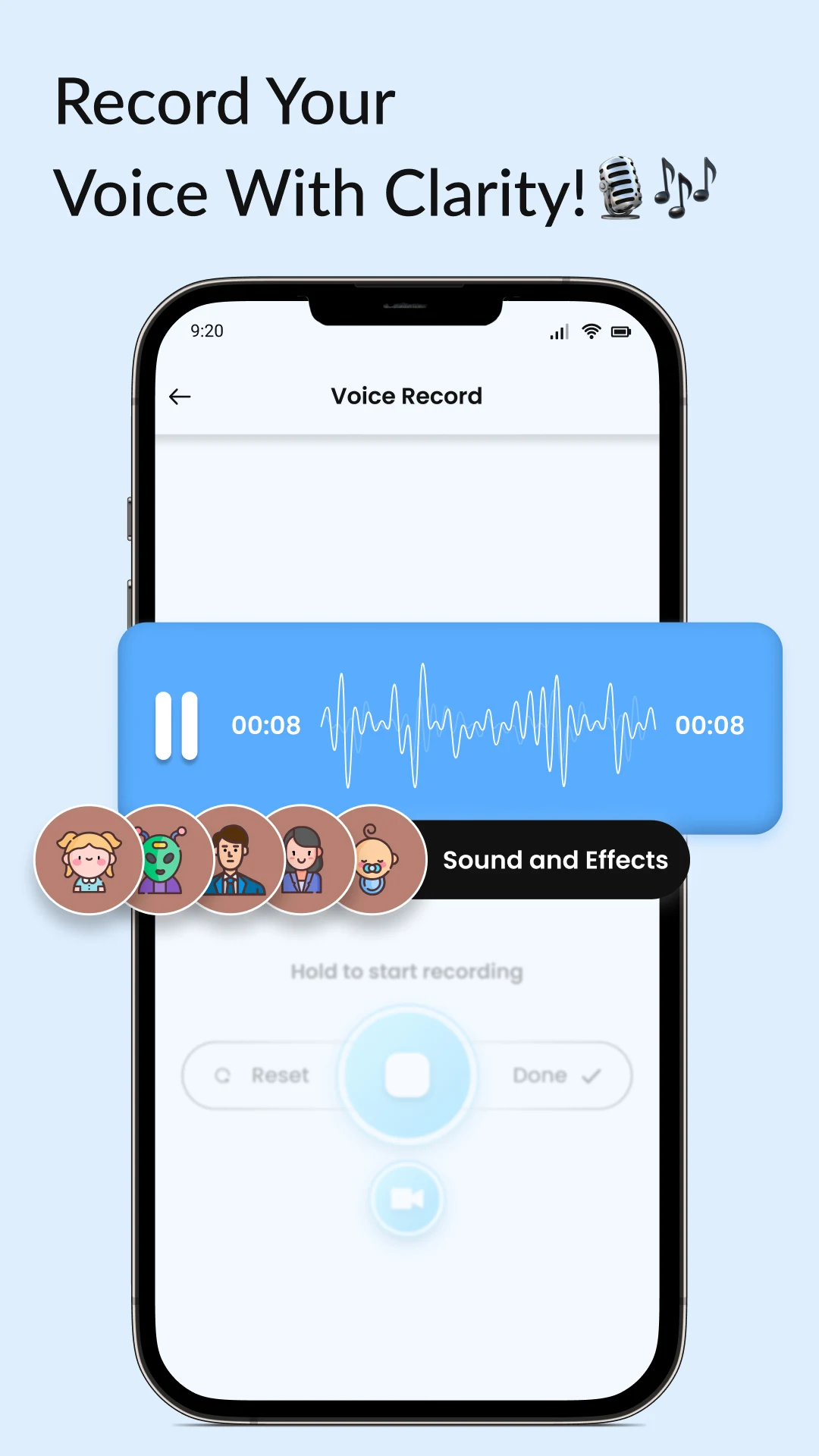
The app includes a range of preset voices, such as male, female, baby, elderly, robot, zombie, alien, and monster voices. It also features environmental sound effects that recreate settings such as caves, rainy surroundings, busy streets, and trains. For users who want more control over the results, manual adjustments to pitch, clarity, and volume are available.
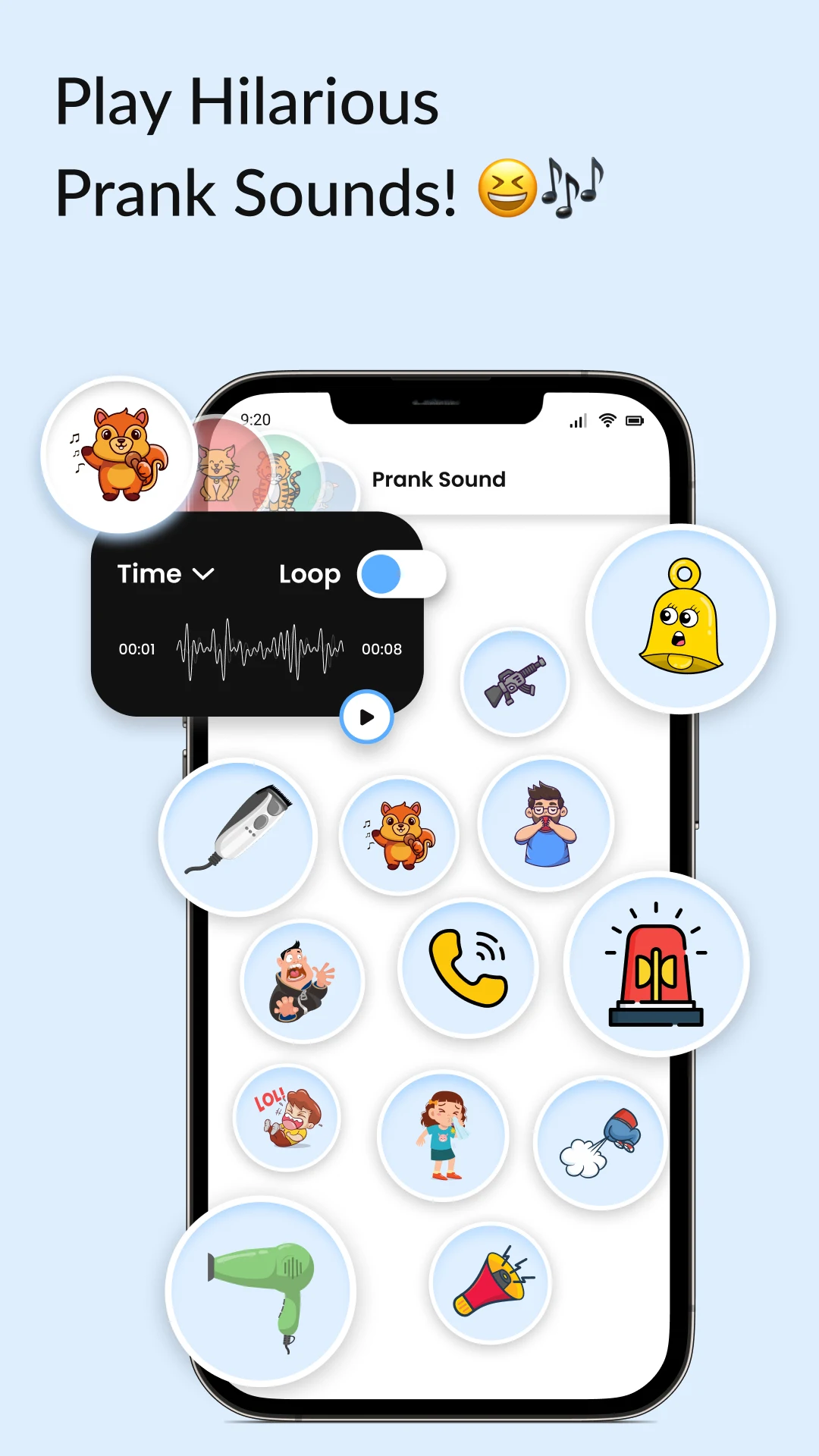
In addition to voice recordings, the app can modify audio in video clips, making it suitable for creating humorous voiceovers, short-form videos, and anime-inspired audio content. Modified recordings and videos can be shared on social media platforms. Most of the available effects are free to use, although some special effects or advanced options may require unlocking.
2. Key Features
Multiple Voice Effects: Choose from male, female, baby, elderly, robot, zombie, alien, and monster voice presets.
Environmental Sound Effects: Apply audio effects that recreate different surroundings, including caves, rain, streets, and trains.
Audio Recording and Import: Record your voice directly or select existing audio files for editing.
Video Voice Modification: Change the audio in video clips and create customized voiceovers.
Manual Audio Adjustments: Fine-tune pitch, clarity, and volume to achieve different sound effects.
Singing Voice Effects: Experiment with voice filters to create altered singing and music recordings.
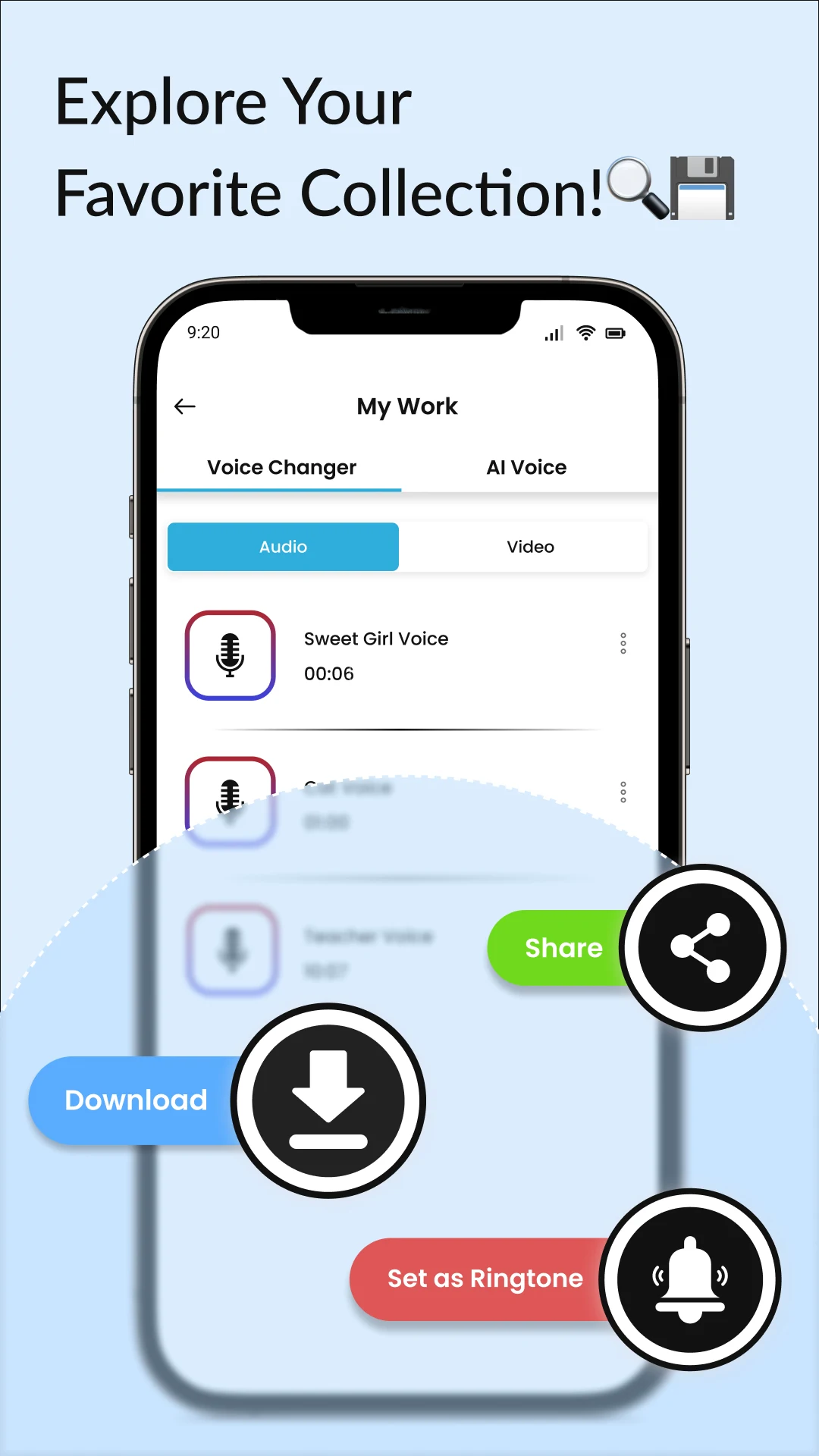
Audio Preview and Sharing: Listen to edited results before exporting and sharing them on social media.
Free Effects: Access most voice and sound effects without payment, with some additional options available for unlocking.
3. How to Use
Open the app and choose the option to record new audio or import an existing audio or video file.
Select a voice preset or sound effect, such as male, female, baby, robot, or an environmental filter.
Adjust the pitch, clarity, and volume if you want to customize the result further.
Preview the modified recording and make any necessary changes.
Export the finished audio or video and share it through your preferred social media platform.
4. App Experience
Voice Changer Male to Female combines preset voice filters with basic audio adjustments, giving users different ways to experiment with their recordings. The variety of character voices makes it particularly entertaining for creating funny clips, imitating fictional characters, or adding unexpected effects to conversations and videos.
The ability to import existing files is another useful aspect, as users are not limited to recording their voices directly in the app. Video editing support also broadens its use beyond standalone audio clips, especially for short-video creators who want to experiment with different narration styles.
While most effects are available for free, certain special options may require unlocking. Overall, the app is suited to casual voice experimentation, simple audio modification, and entertaining content creation.
5. Frequently Asked Questions
Q1: Can I use existing audio files instead of recording my voice?
Yes. You can either record new audio within the app or import existing audio files and apply voice effects to them.
Q2: Can I change the pitch and volume manually?
Yes. The app provides manual controls for adjusting pitch, clarity, and volume, allowing you to customize the sound beyond the preset effects.
Q3: Can I modify the voices in video clips?
Yes. You can import video clips and apply voice effects to their audio, then export the edited results for sharing.
Q4: Are all voice effects free?
Most voice and sound effects are available for free. However, certain special effects or advanced features may require additional unlocking.
Q5: Can I use the app to create anime character voices or funny sound clips?
Yes. The available character-style effects, including robot, alien, zombie, and monster voices, can be used to create entertaining audio clips and experiment with different voice styles.
Q6: Will changing my voice affect the audio quality?
The final sound quality depends on the original recording and the effects applied. Significant pitch changes or extensive adjustments may introduce distortion, so previewing the audio before exporting is recommended.
- Version1.4.0
- UpdateNov 11, 2026
- DeveloperSMS, Messages & Text Messaging
- CategoryMusic & Audio
- Requires AndroidAndroid 7.0+
- Downloads169K+
- Package Namecom.voice.changer.effects.sound.avatar.funny.audio
- Signature204c1b9bccdbeca97868cd1d9c577618
- Available on
- ReportFlag as inappropriate

















Feature-rich and comprehensive
Simple and easy to use
Core functions are free
Excessive advertising interference
Some functions are limited
Limited effectiveness