
ACPL L1 RD Service - Fingerprint registration service
Easily register your fingerprint scanner for AADHAAR authentication with secure & efficient connectivity to UIDAI

- 1.3.3 Version
- 2.3 Score
- 722K+ Downloads
- Free License
- 3+ Content Rating

1. App Overview
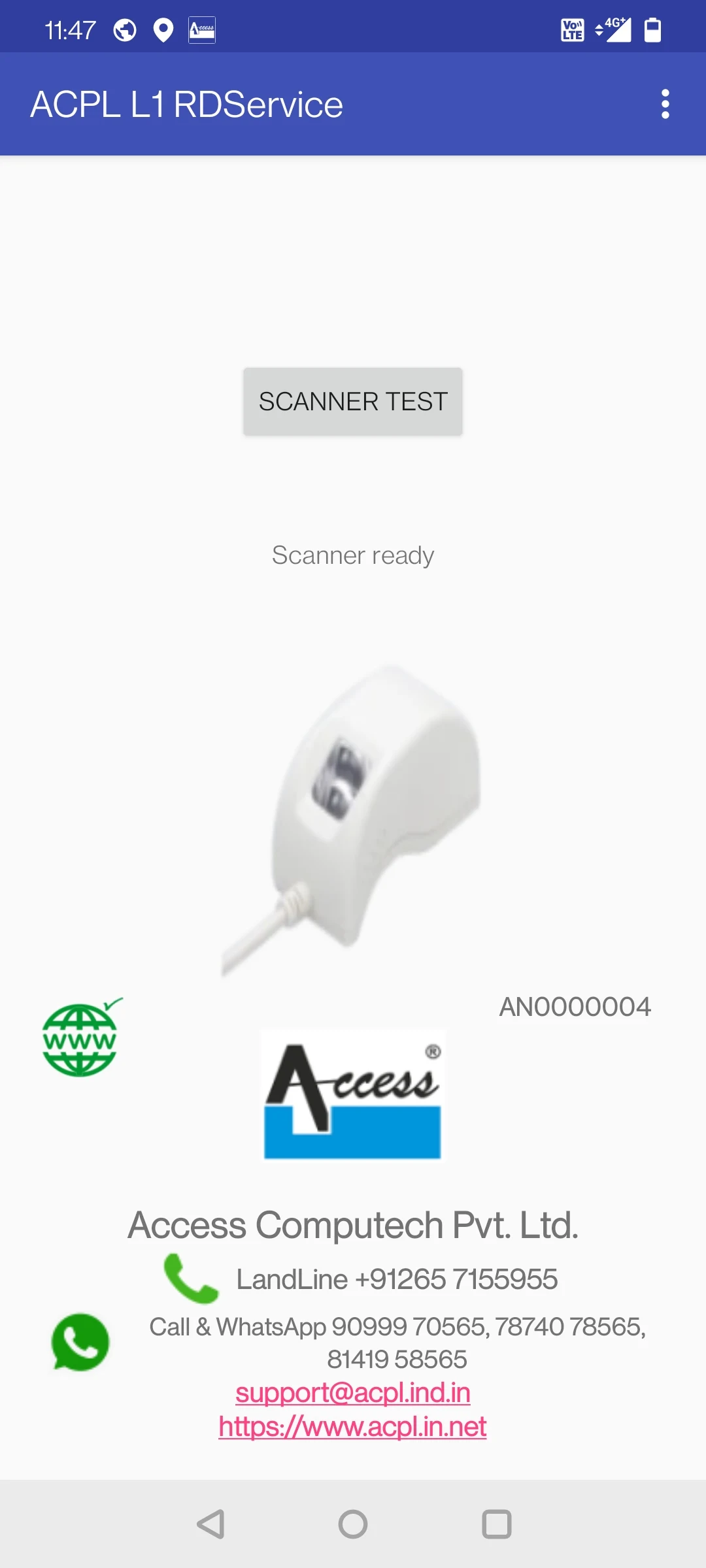
ACPL L1 RD Service is a biometric device registration application developed by Access Computech Pvt Ltd for its FM220U L1 and AST 300 fingerprint scanners. It handles the device registration required for Aadhaar authentication under the guidelines of the Unique Identification Authority of India (UIDAI).
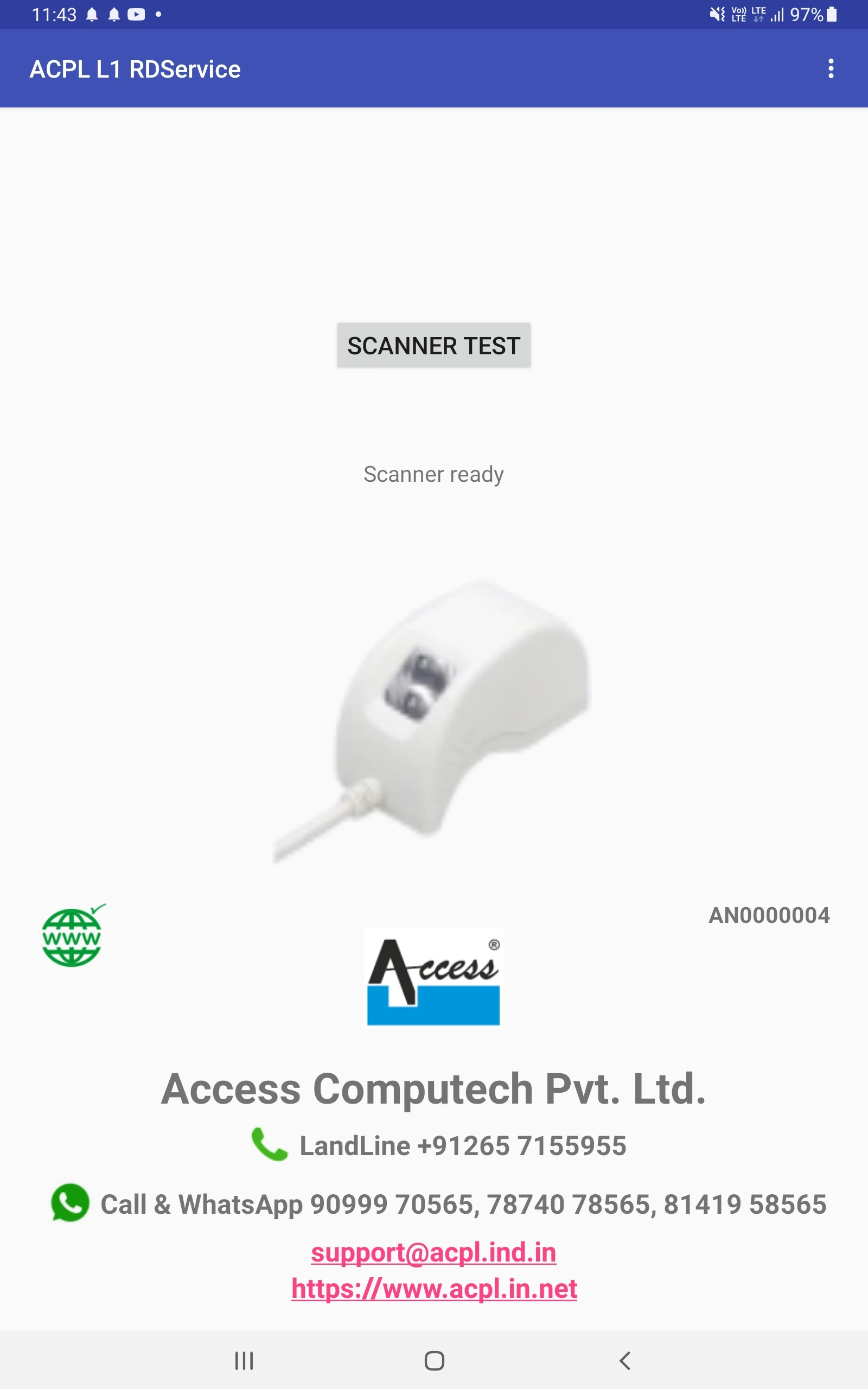
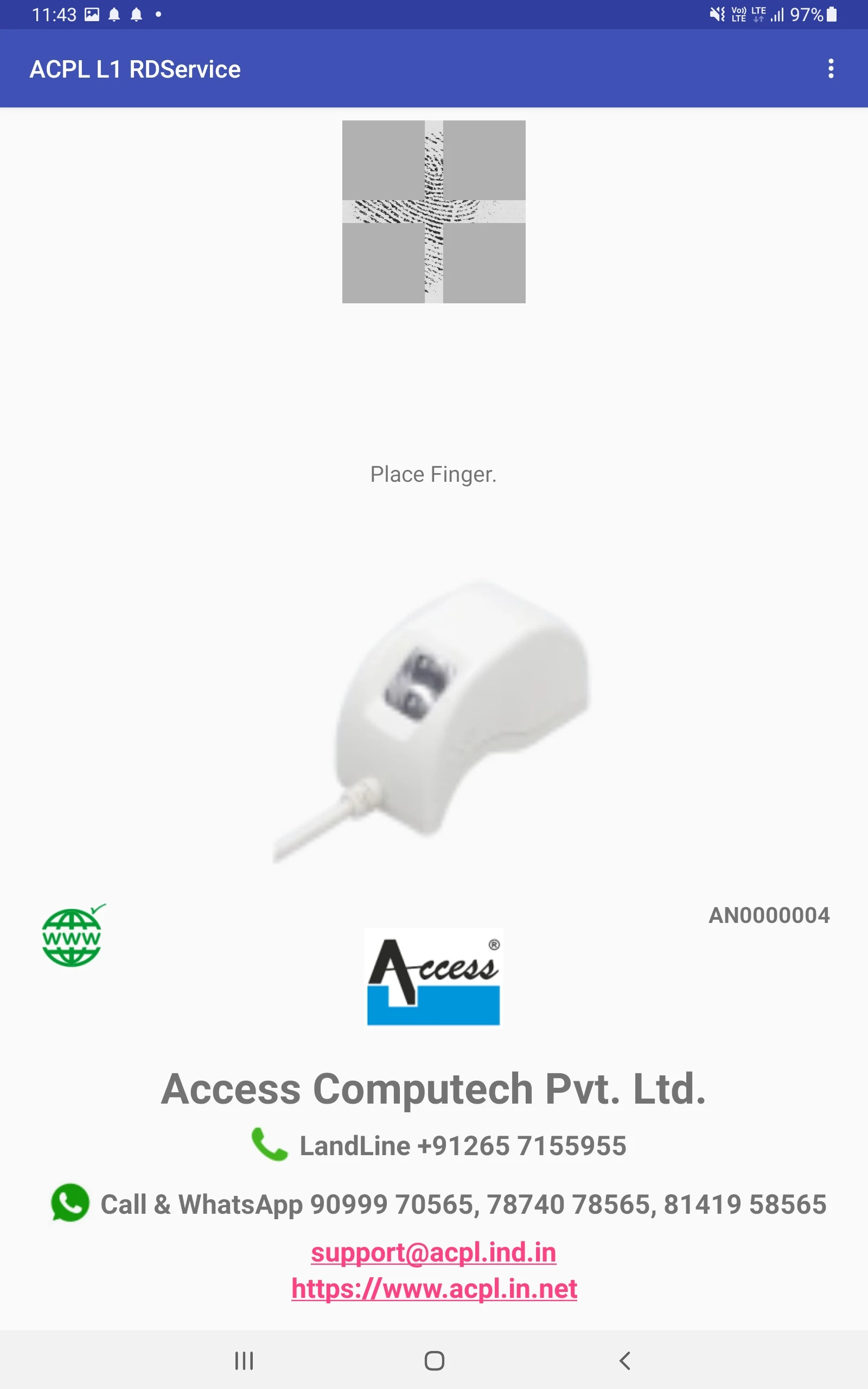
The application connects supported fingerprint scanners to the company's Management Server, which facilitates communication with UIDAI during registration. After a compatible scanner is connected, the service detects the hardware and initiates the registration process. Users do not need to enter registration details manually.
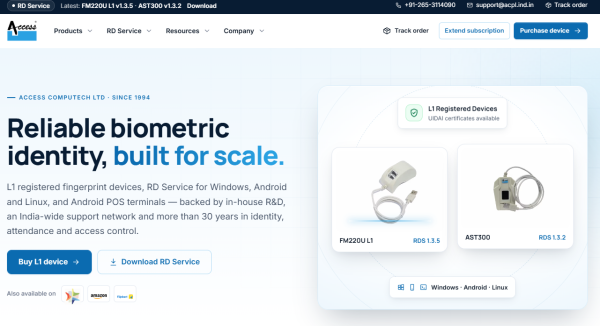
The service is intended for customers and end users who need to register their Access Computech fingerprint scanners before using them for Aadhaar-based biometric verification. Both supported scanner models are STQC-certified and feature an ergonomic design for fingerprint placement.
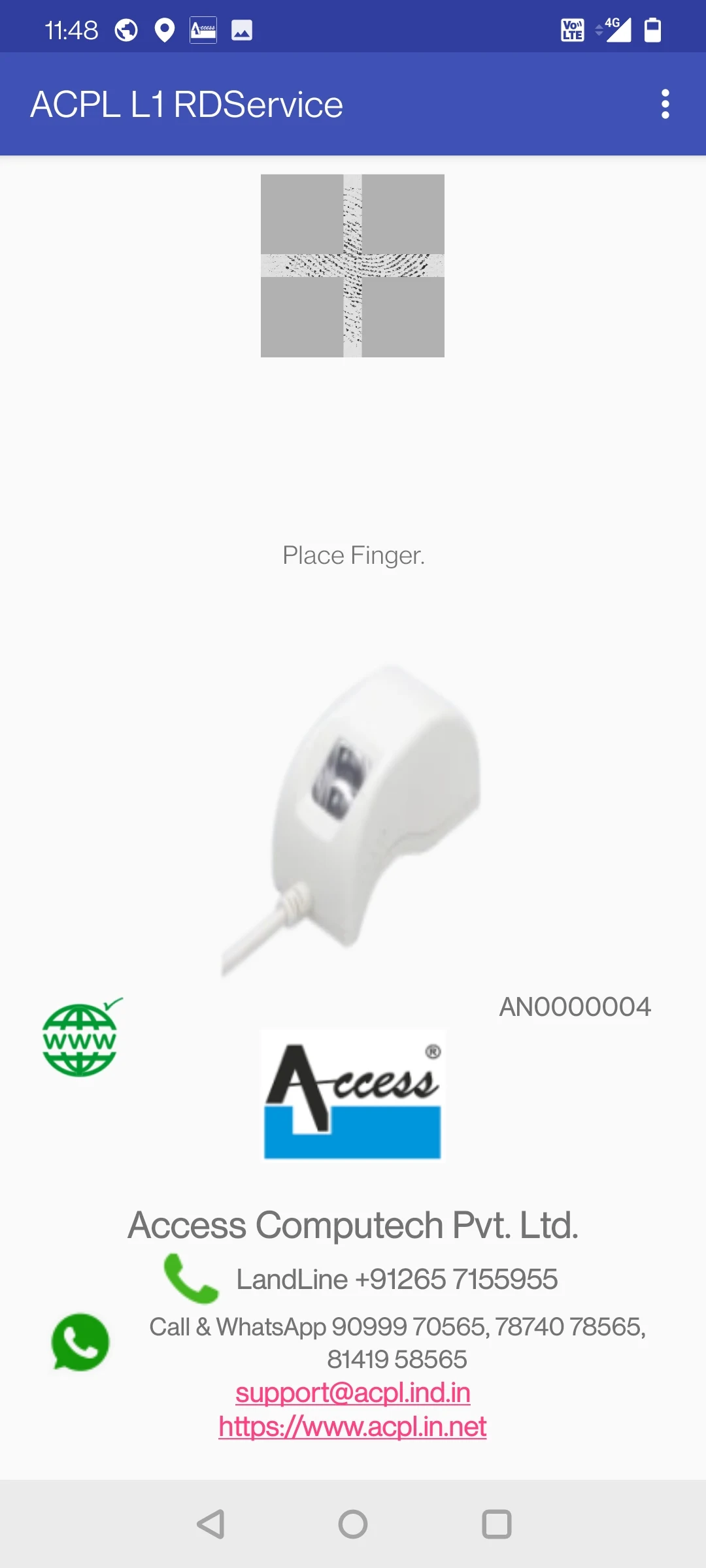
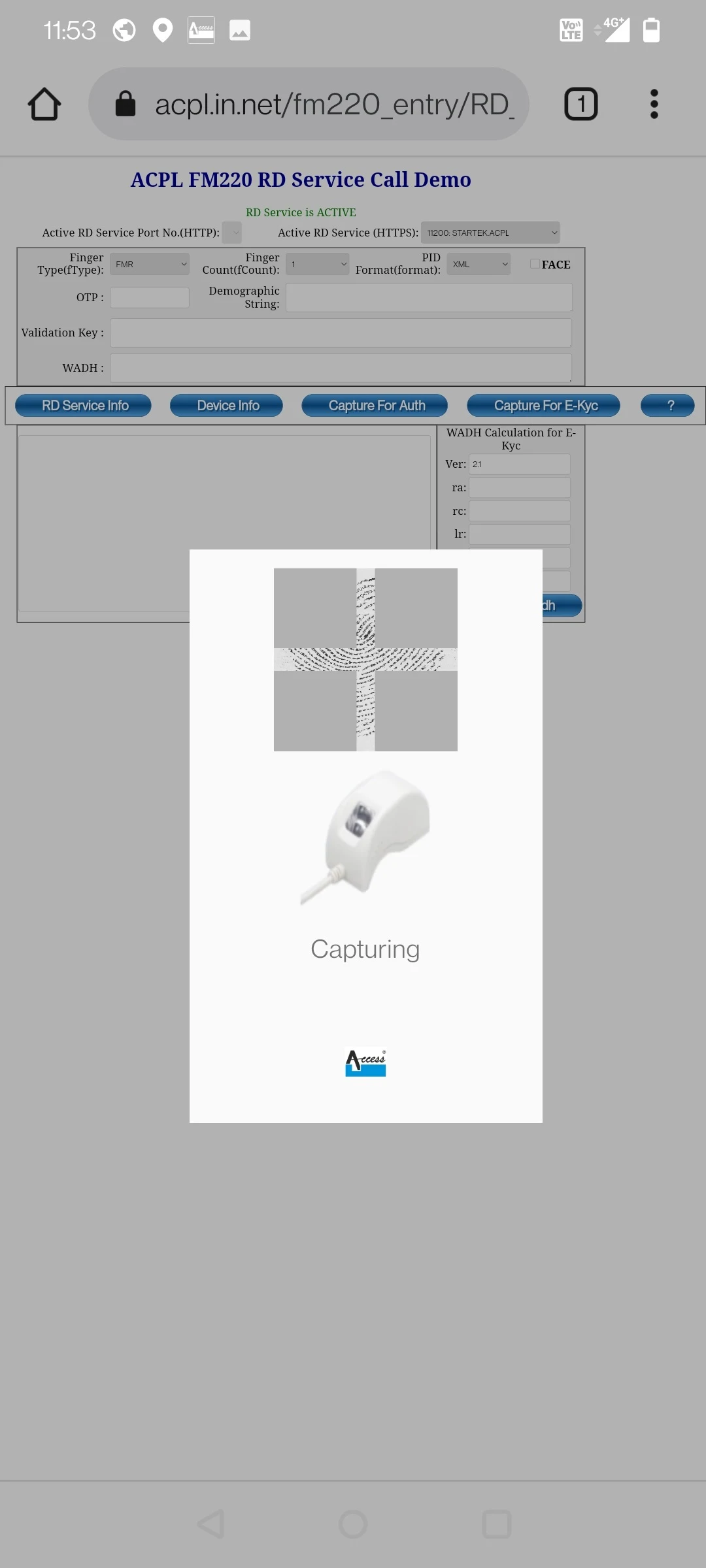
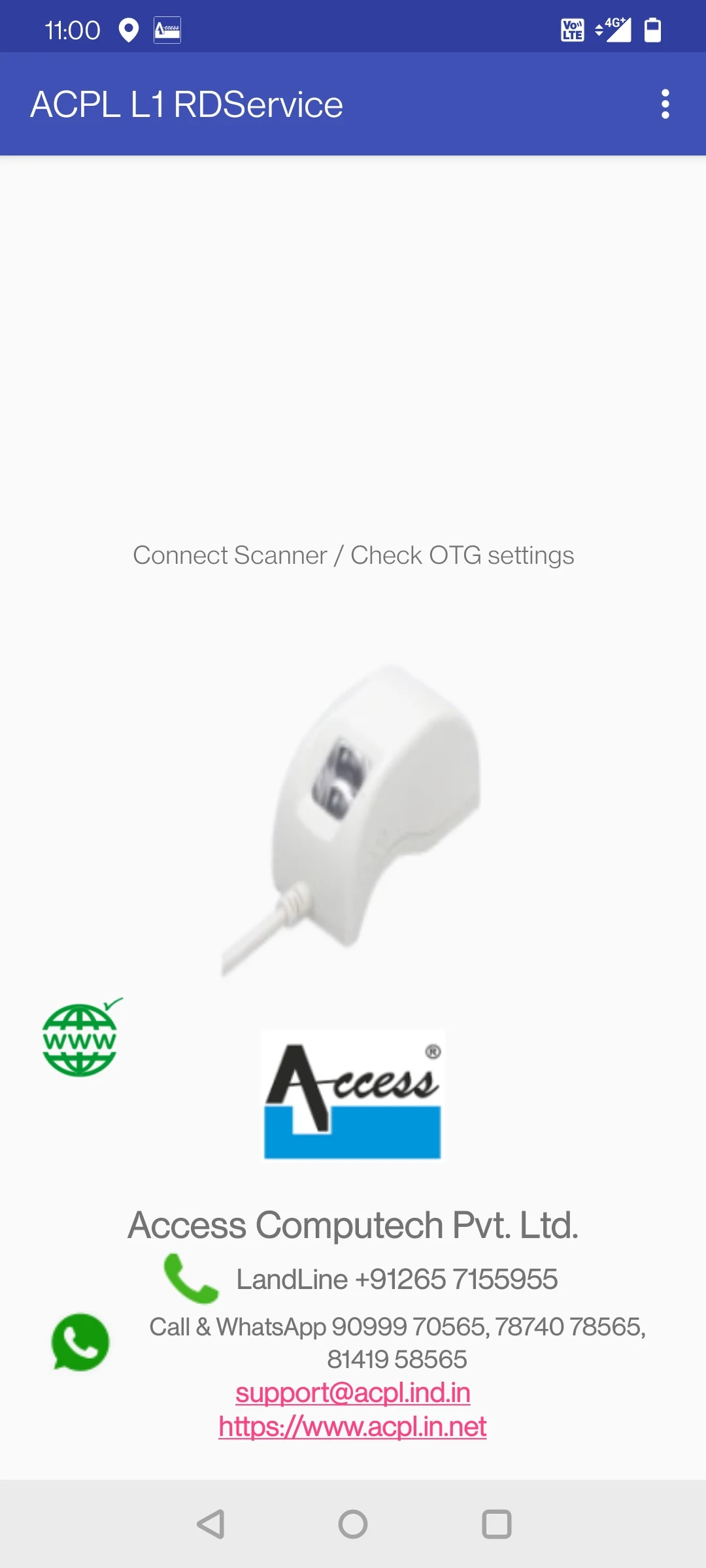
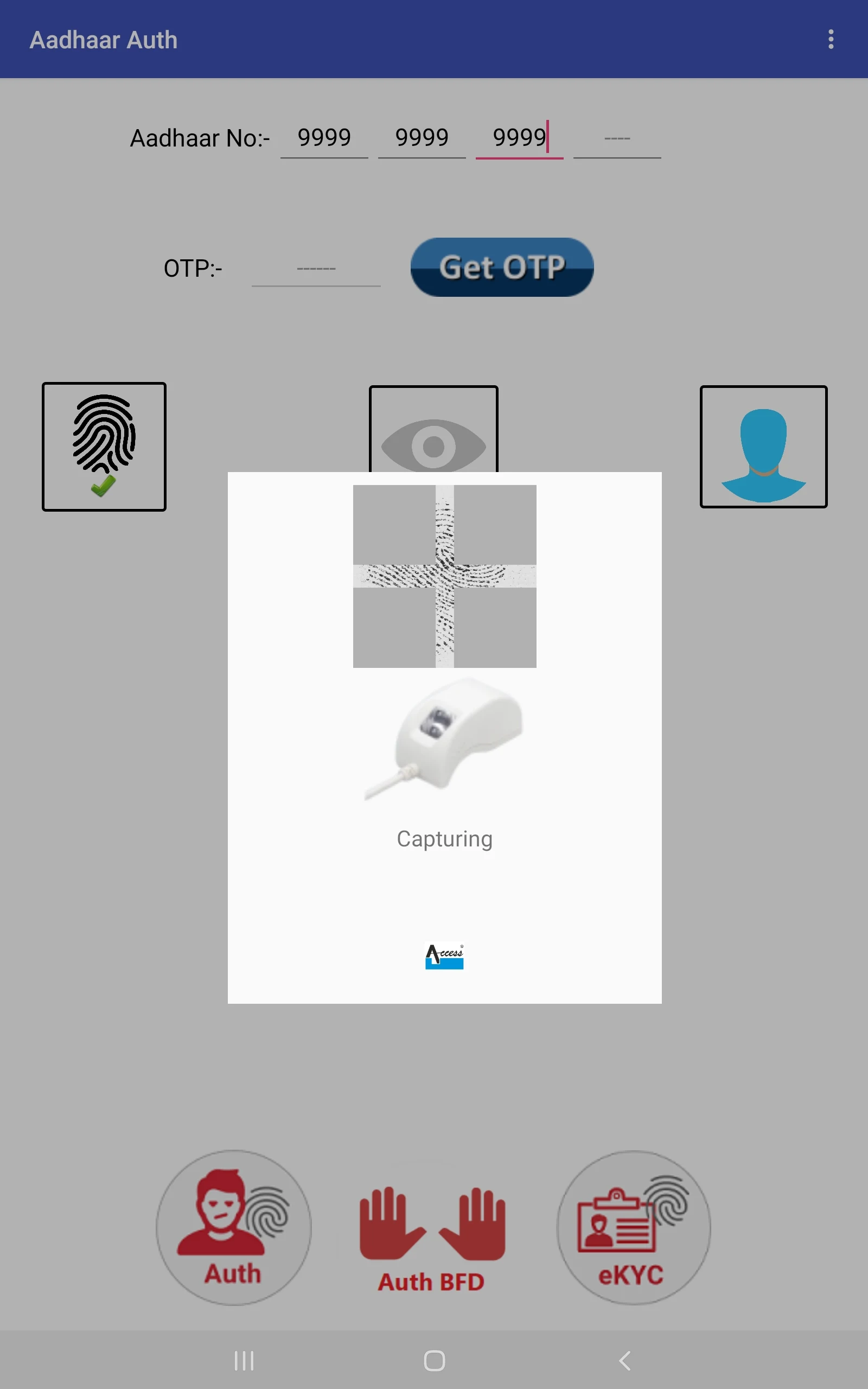
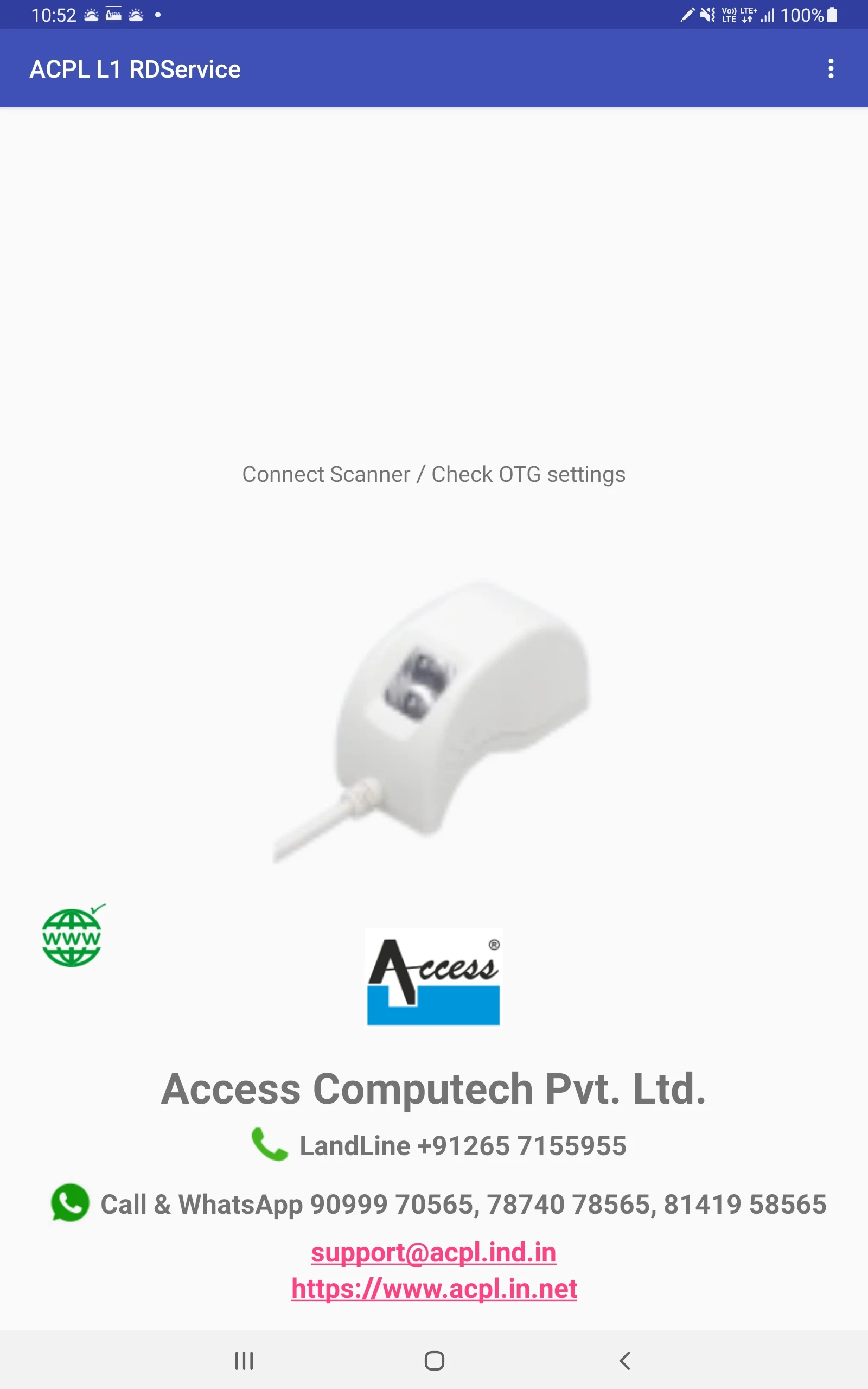
During operation, the application displays status messages indicating whether the device has been detected and registered successfully. Error notifications help identify problems that may require checking the hardware connection, device drivers, or network settings.
2. Key Features
UIDAI Device Registration: Registers compatible fingerprint scanners with UIDAI through the Access Computech Management Server.
Aadhaar Authentication Compatibility: Prepares registered scanners for fingerprint authentication in Aadhaar-based services.
Automatic Device Detection: Recognizes connected FM220U L1 and AST 300 scanners and initiates the registration workflow.
Management Server Integration: Connects supported devices to the company's server for registration-related communication with UIDAI.
STQC-Certified Device Support: Works with the company's supported fingerprint scanners, both designed for ergonomic fingerprint placement.
Registration Status Notifications: Displays confirmation and error messages to indicate the outcome of device detection and registration.
3. Main Functions
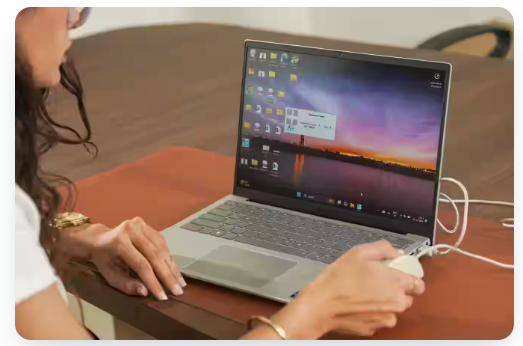
Connect a Supported Scanner: Connect an FM220U L1 or AST 300 fingerprint scanner to the terminal using a data cable.
Start Device Registration: Open the application after connecting the scanner. The service detects the hardware and starts the registration workflow.
Communicate with the Management Server: Maintains the network connection required to exchange registration information during the process.
View Registration Results: Displays a confirmation message after successful registration or an error notification if the process fails.
Identify Connection Problems: Helps users identify issues related to cable connections, device drivers, network permissions, or server availability.
4. Frequently Asked Questions
Q1: Which fingerprint scanners are supported?
L1 Registered Device Service is designed for Access Computech's FM220U L1 and AST 300 fingerprint scanners. Other models are not listed as compatible devices.
Q2: Do I need to enter registration details manually?
No. Once a supported scanner is connected and detected, the application initiates registration through the Management Server without requiring manual entry of registration information.
Q3: Is an internet connection required?
Yes. Registration involves communication between the Access Computech Management Server and UIDAI, so a stable internet connection is required throughout the process.
Q4: What should I do if the scanner is not detected?
Check that the scanner is powered on and its data cable is properly connected. Also, verify that the required device adapter driver is installed and functioning correctly.
Q5: Does the scanner need to be registered again after successful registration?
Periodic re-registration is not normally required. However, registration may be necessary again if the device is moved to another bound terminal or the system is reset.
Q6: Why does the application report a network connection failure?
Check whether the application has the necessary network permissions. Temporary Management Server interruptions may also prevent registration. If the problem persists despite a working internet connection, contact Access Computech's technical support team.
- Version1.3.3
- UpdateNov 27, 2026
- DeveloperAccess Computech Pvt Ltd
- CategoryTools
- Requires AndroidAndroid 5.0+
- Downloads722K+
- Package Namecom.acpl.registersdk_l1
- Signaturec79e4787080eb9ff2bfd6b1e879d899a
- Available on
- ReportFlag as inappropriate
-
NameSizeDownload
-
15.95 MB
-
10.65 MB
-
10.10 MB



















The registration process is fully automated, requiring no manual information entry and is simple to operate;
The device features an ergonomic design for convenient fingerprint collection;
Clear error messages facilitate troubleshooting.
The device has extremely poor compatibility, only supporting "FM220U L1" and "AST 300", and cannot be used with other scanners;
It is completely dependent on the network; registration cannot be completed without an internet connection;
An additional driver needs to be installed, and customer support is only available on weekdays, with time limits for troubleshooting.