Phone Cleaner Pro: Junk Clean - Virus protection & junk cleaner
Experience seamless phone performance with our app's virus protection & junk file removal features in just one tap!

- 1.0.75 Version
- 3.2 Score
- 352K+ Downloads
- In-app purchases License
- 3+ Content Rating

1. App Overview
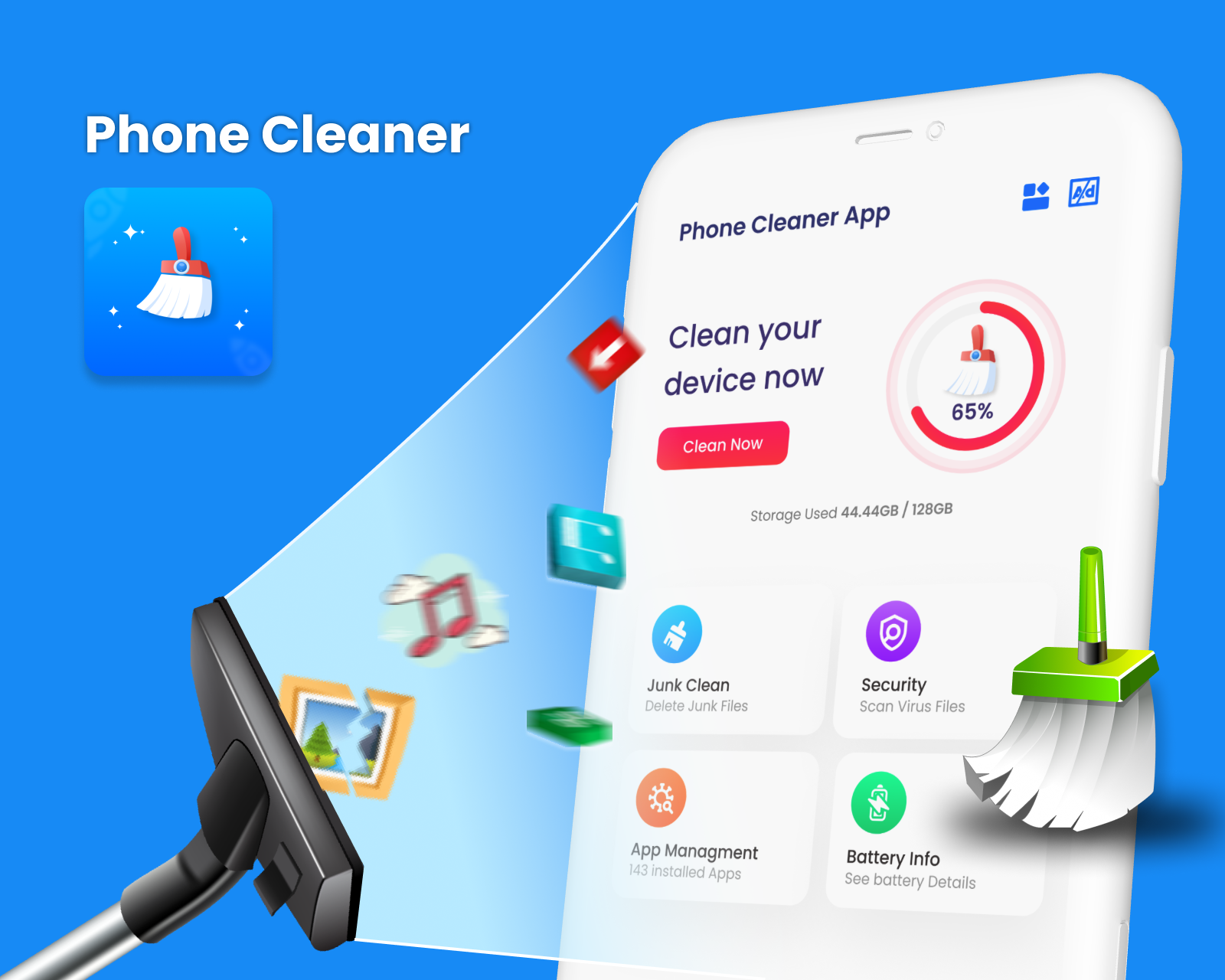
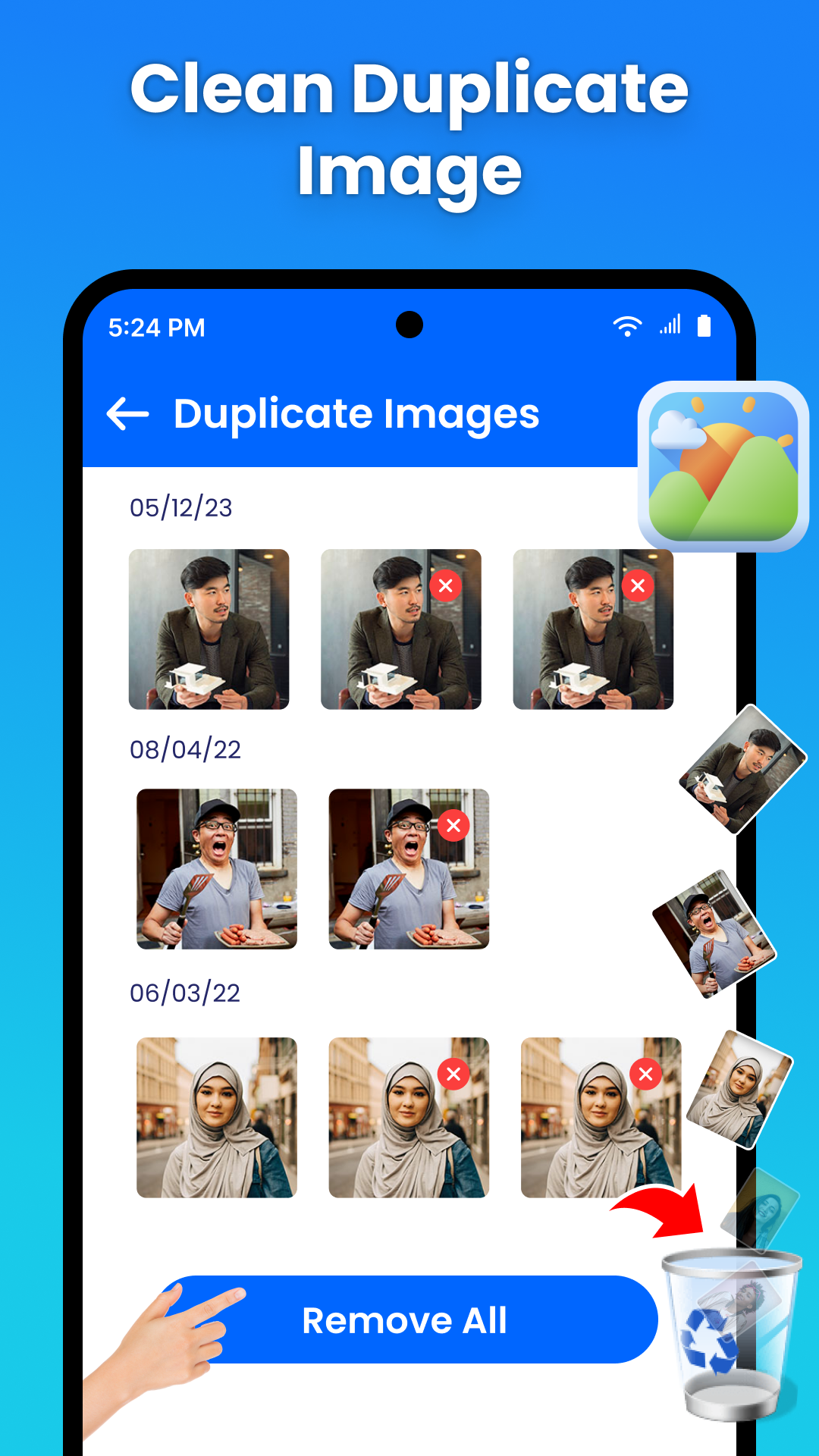
Phone Cleaner Pro is an Android utility app that combines junk file cleaning, antivirus scanning, duplicate photo detection, and notification management. It scans device storage and installed applications to identify unnecessary files, potential security threats, and duplicate images. Users can review the results before deciding which items to remove.
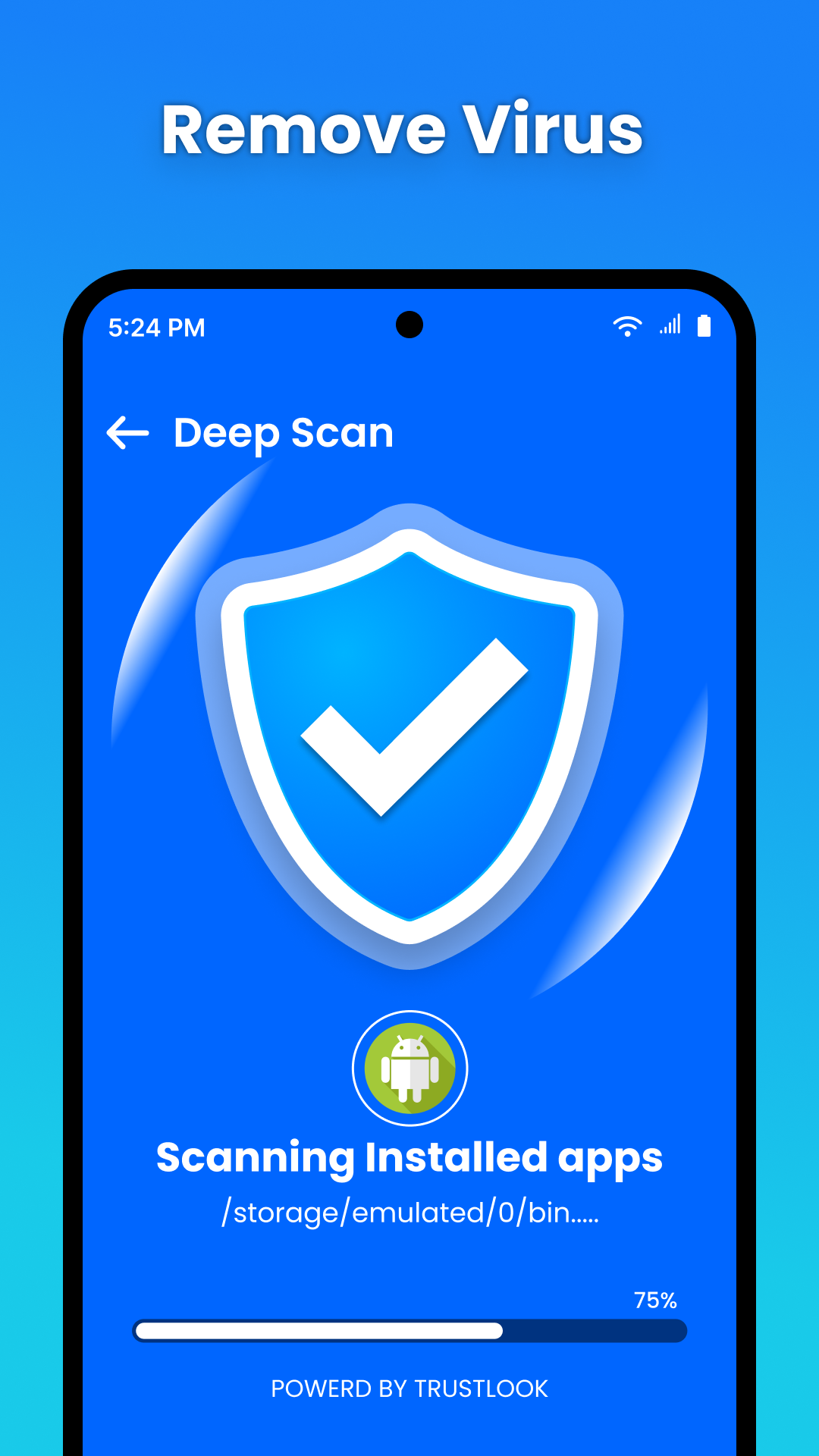
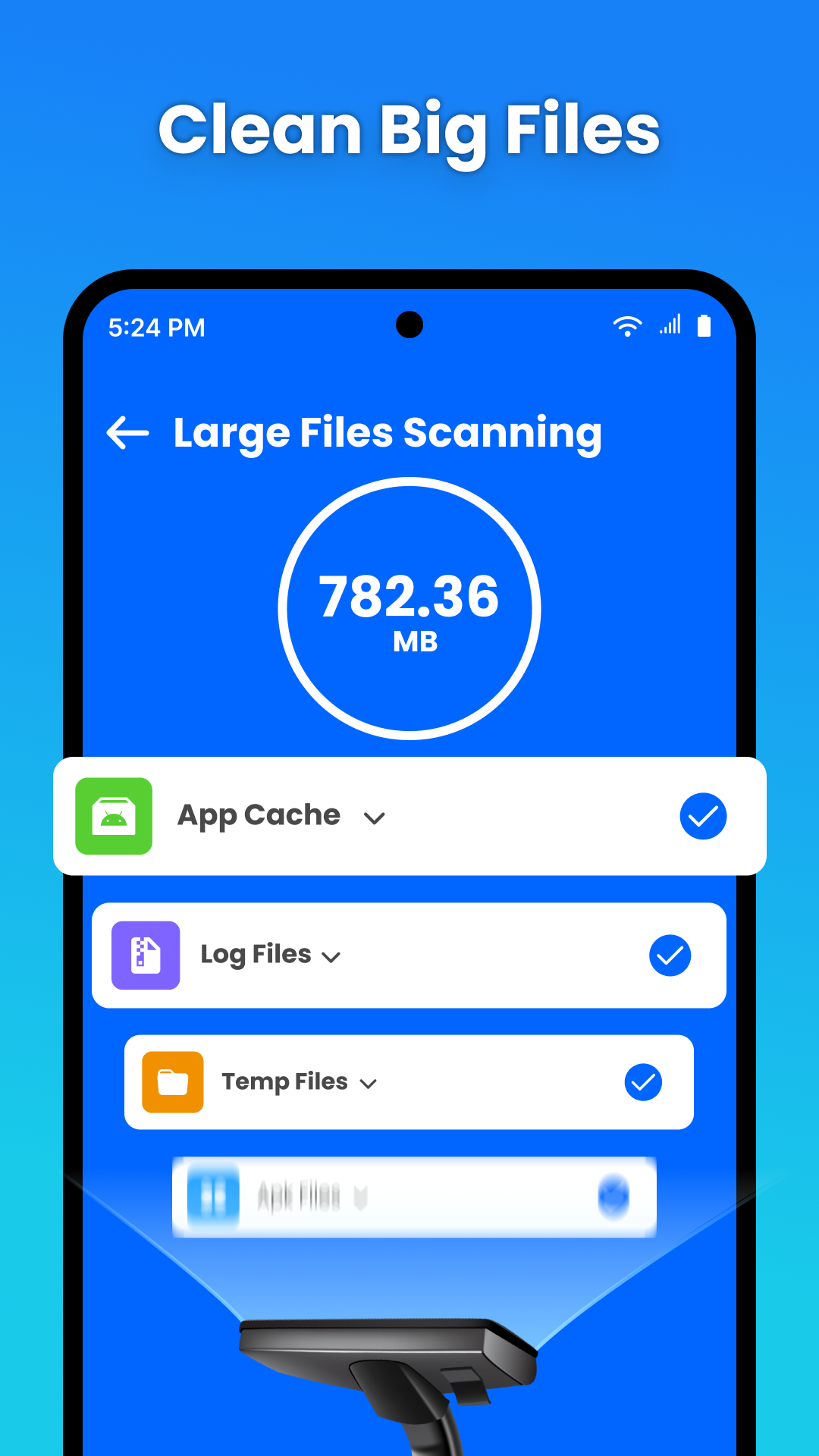
The antivirus feature provides two scanning modes. Smart Scan checks installed applications, while Deep Scan examines both applications and files stored on the device. The cleaning tool detects temporary files, leftover APKs, and other unnecessary data, with previews available before deletion.
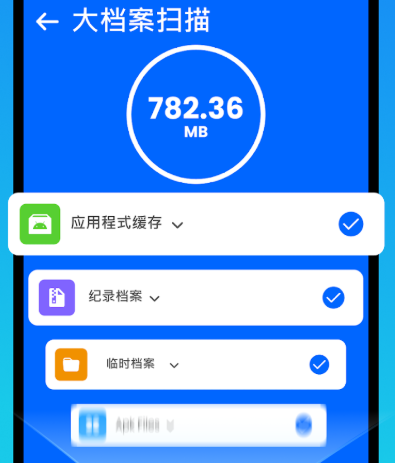
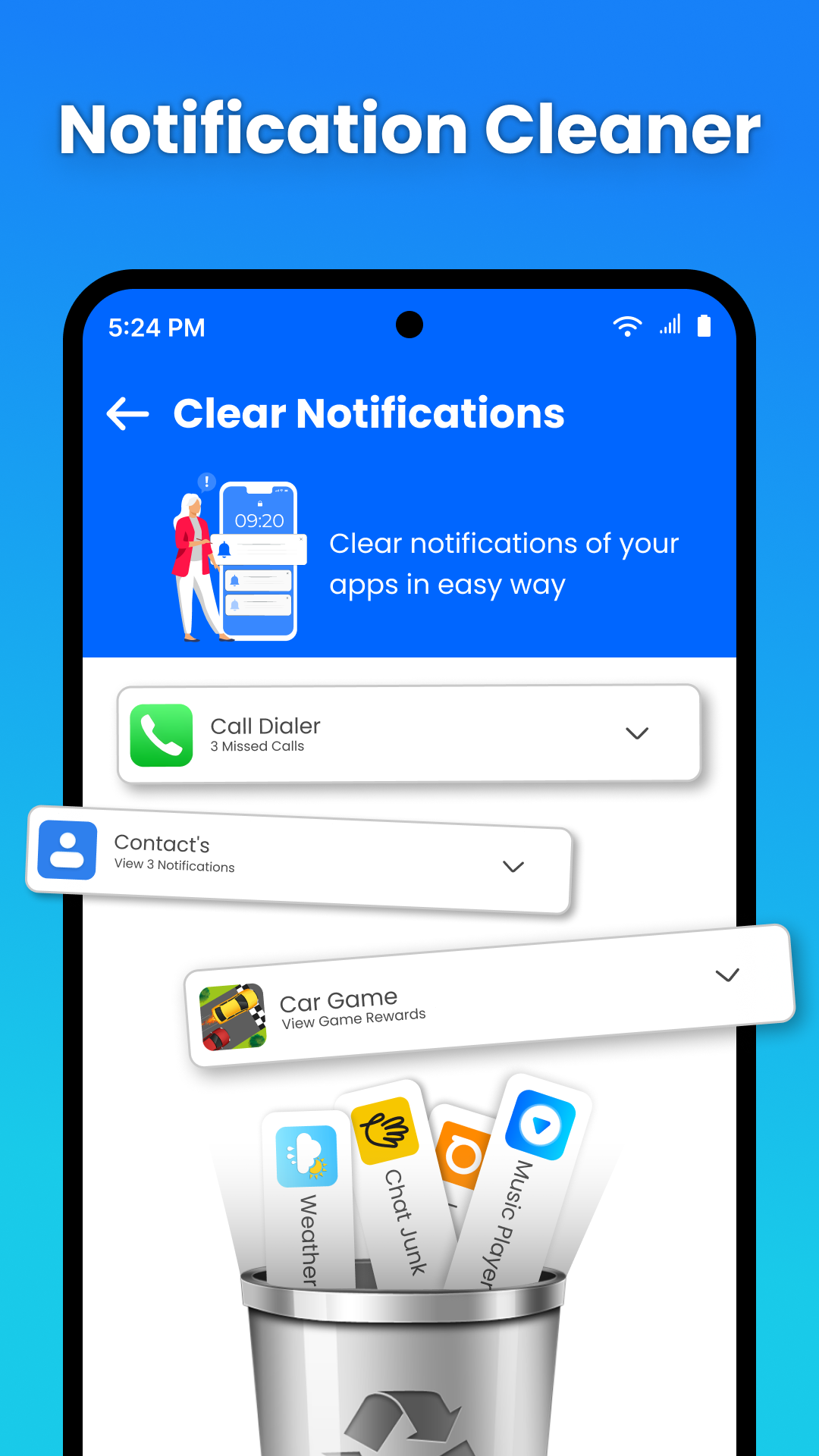
Additional tools include large file inspection, an overview of installed applications, and battery information. The notification management feature collects notifications and provides access to Android's system notification settings, where users can disable notifications for individual applications.
Phone Cleaner Pro uses the third-party Trustlook SDK for virus scanning and requires theMANAGE_EXTERNAL_STORAGEpermission to perform its file scanning and cleaning operations. Further information about the SDK and its data practices is available in the in-app privacy policy.
2. Key Features
Antivirus Scanning: Uses the Trustlook SDK to identify potential security threats
Two Scanning Modes: Offers Smart Scan for installed applications and Deep Scan for applications and device files
Junk File Detection: Identifies temporary files, leftover APKs, and other unnecessary data
Duplicate Photo Detection: Finds duplicate images for review and removal
Large File Inspection: Identifies media files occupying significant storage space
Notification Management: Collects notifications and provides access to Android's notification settings
Installed App Overview: Displays applications installed on the device
Battery Information: Provides access to battery-related device details
3. Main Functions
Scan for Security Threats: Run Smart Scan or Deep Scan to check applications and device files
Review Scan Results: Examine detected threats and unnecessary files before taking action
Remove Junk Files: Preview and select temporary files, leftover APKs, and other detected items for deletion
Manage Duplicate Photos: Identify repeated images and remove unwanted copies

Inspect Large Files: Browse media files to identify items that occupy considerable storage space
Manage App Notifications: Open Android's notification settings to disable notifications from selected applications
View Installed Apps: Check the applications currently installed on the device
Check Battery Information: Access available battery details
4. FAQs
Q1. What does Phone Cleaner Pro do?
Phone Cleaner Pro provides junk file cleaning, antivirus scanning, duplicate photo detection, large file inspection, notification management, and basic device information.
Q2. What is the difference between Smart Scan and Deep Scan?
Smart Scan checks installed applications, while Deep Scan examines both applications and files stored on the device.
Q3. Can I choose which junk files to delete?
Yes. The app displays detected unnecessary files for review, allowing users to select which items to remove.
Q4. Which antivirus technology does Phone Cleaner Pro use?
Its virus scanning feature uses the third-party Trustlook SDK. Further details about the SDK and its data practices can be found in the app's privacy policy.
Q5. Why does Phone Cleaner Pro require the MANAGE_EXTERNAL_STORAGE permission?
This permission supports the app's file scanning and cleaning operations, which require access to files stored on the device.
- Version1.0.75
- UpdateNov 26, 2026
- DeveloperVidmark Inc.
- CategoryTools
- Requires AndroidAndroid 5.0+
- Downloads352K+
- Package Namecom.phonecleaner.junkcleaner.virusscan.antivirus.viruscleaner
- Signature75e6125c728cc89a434306704dd5696b
- Available on
- ReportFlag as inappropriate
-
NameSizeDownload
-
38.84 MB
-
37.00 MB