
Yerevan City - Convenient shopping & deals
Experience effortless shopping with fast browsing, barcode scanning, and exciting deals at your fingertips!

- 2.4.5 Version
- 2.8 Score
- 280K+ Downloads
- Free License
- 3+ Content Rating

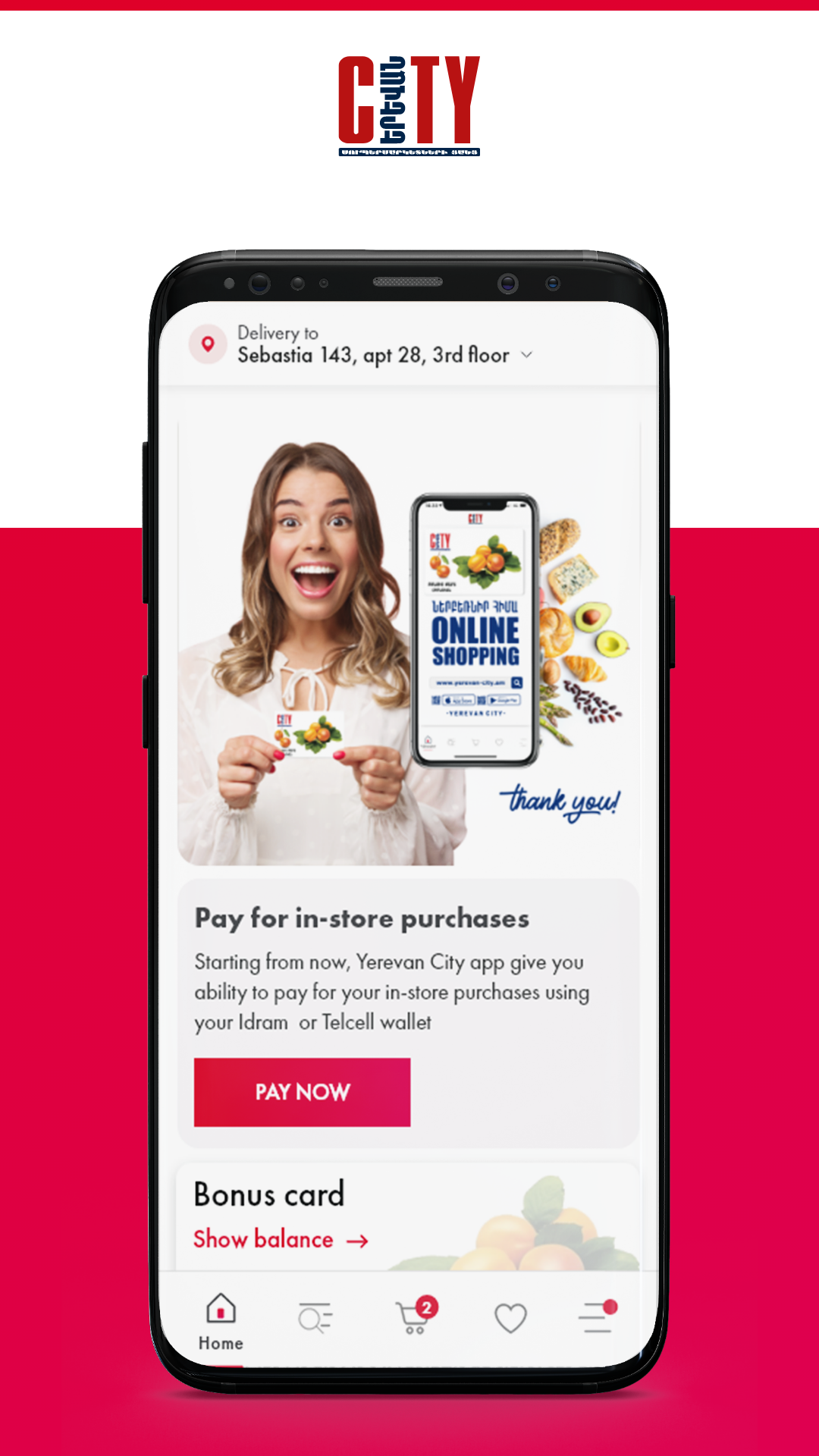
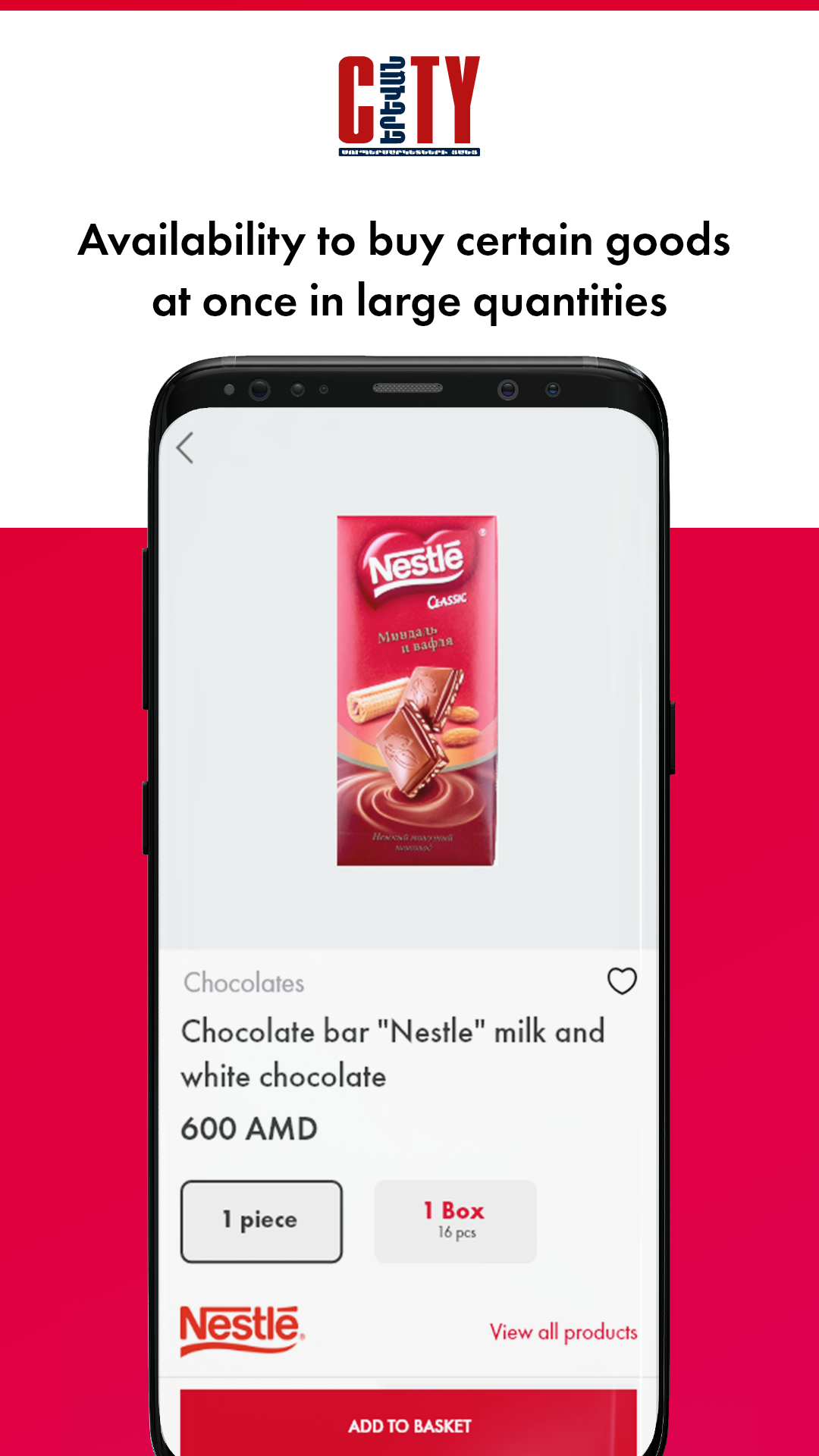
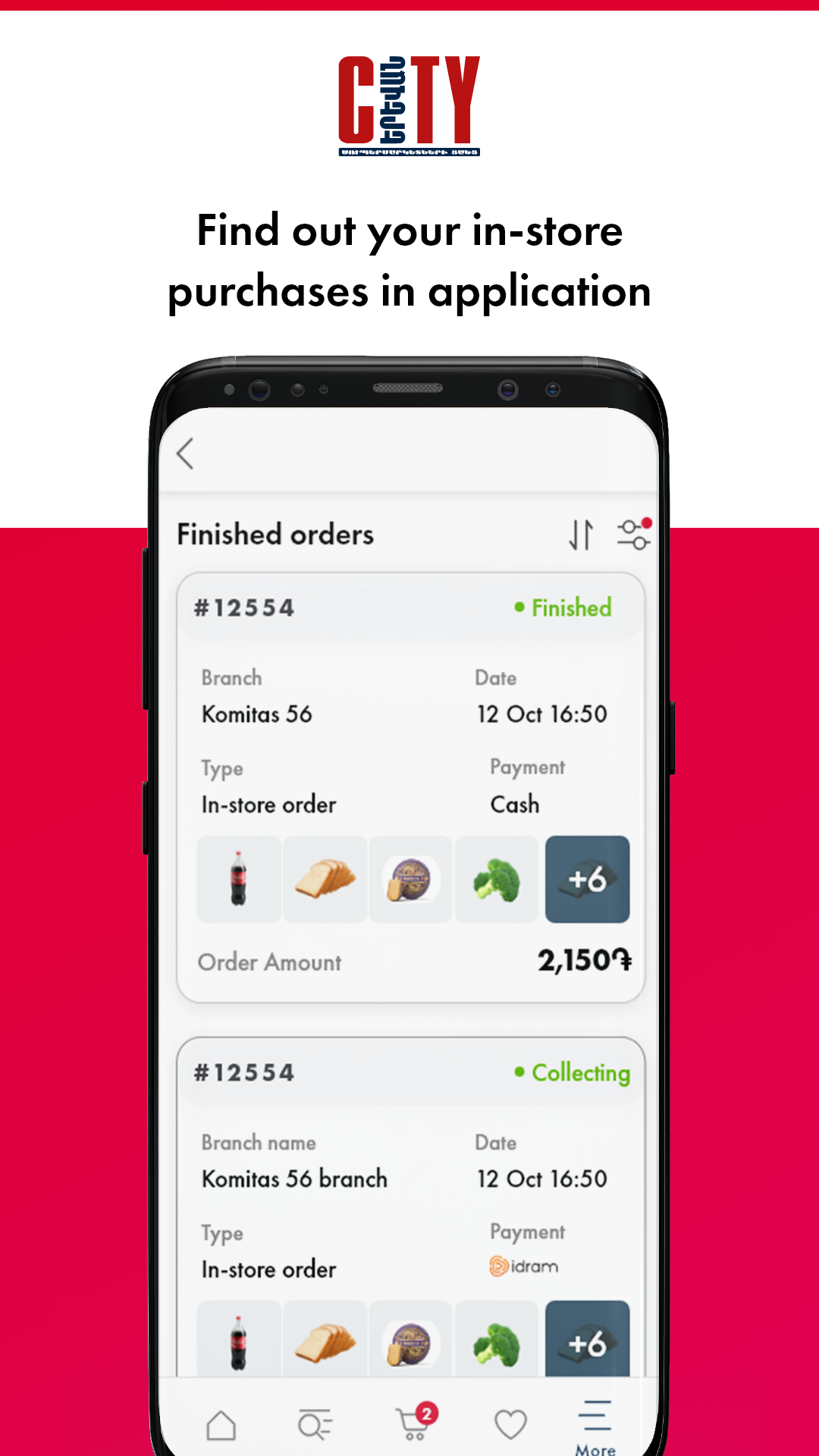
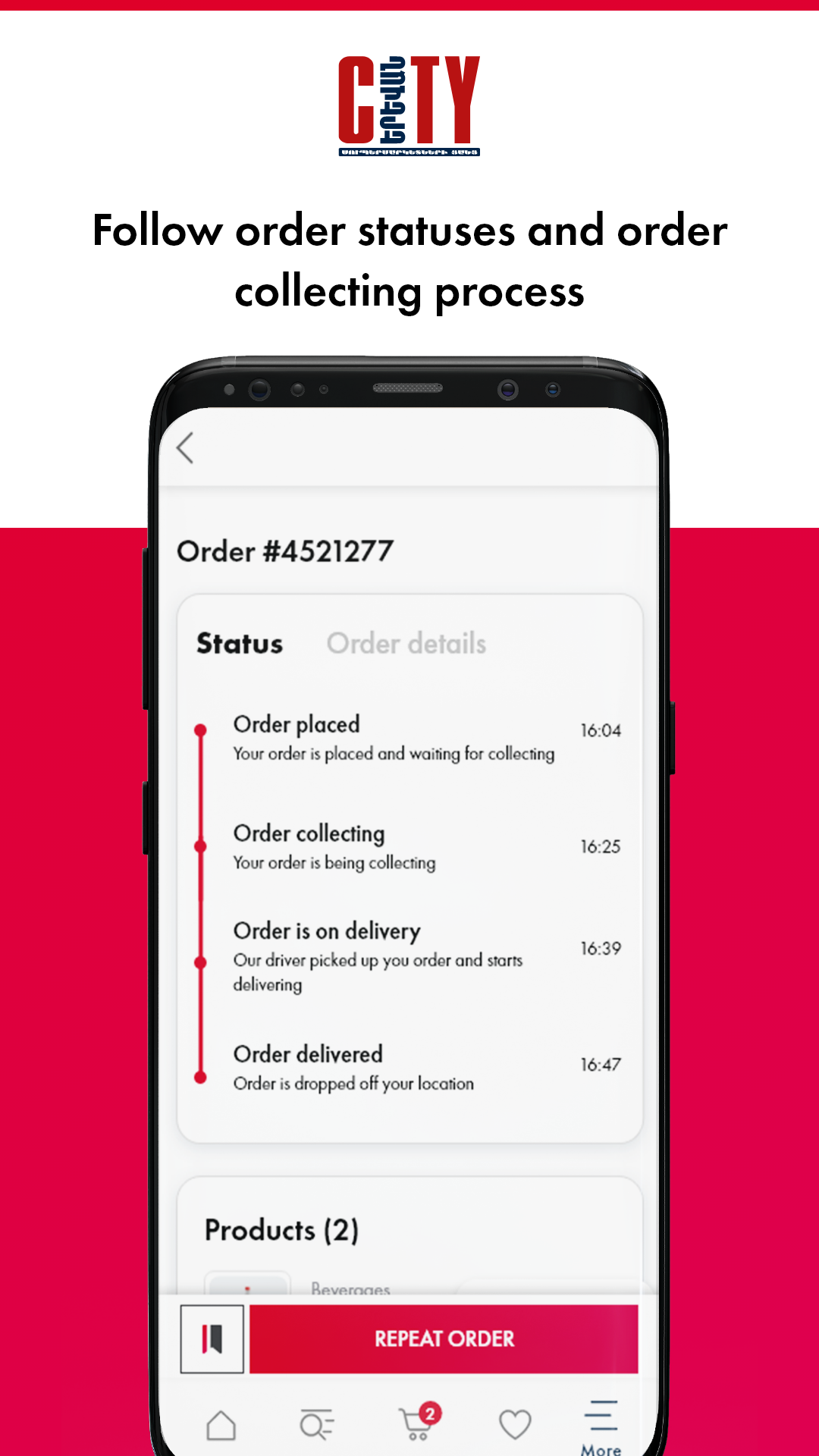
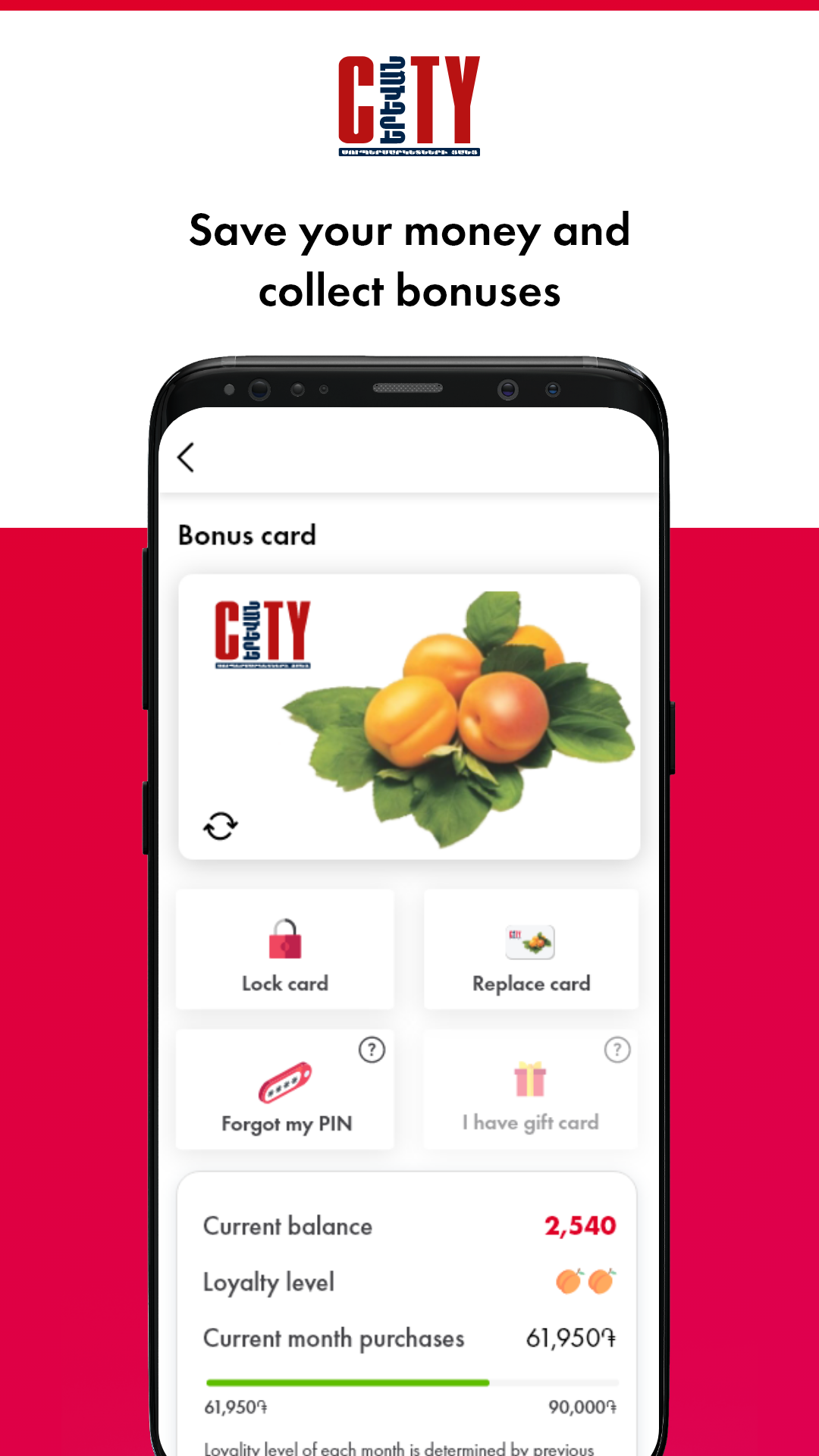
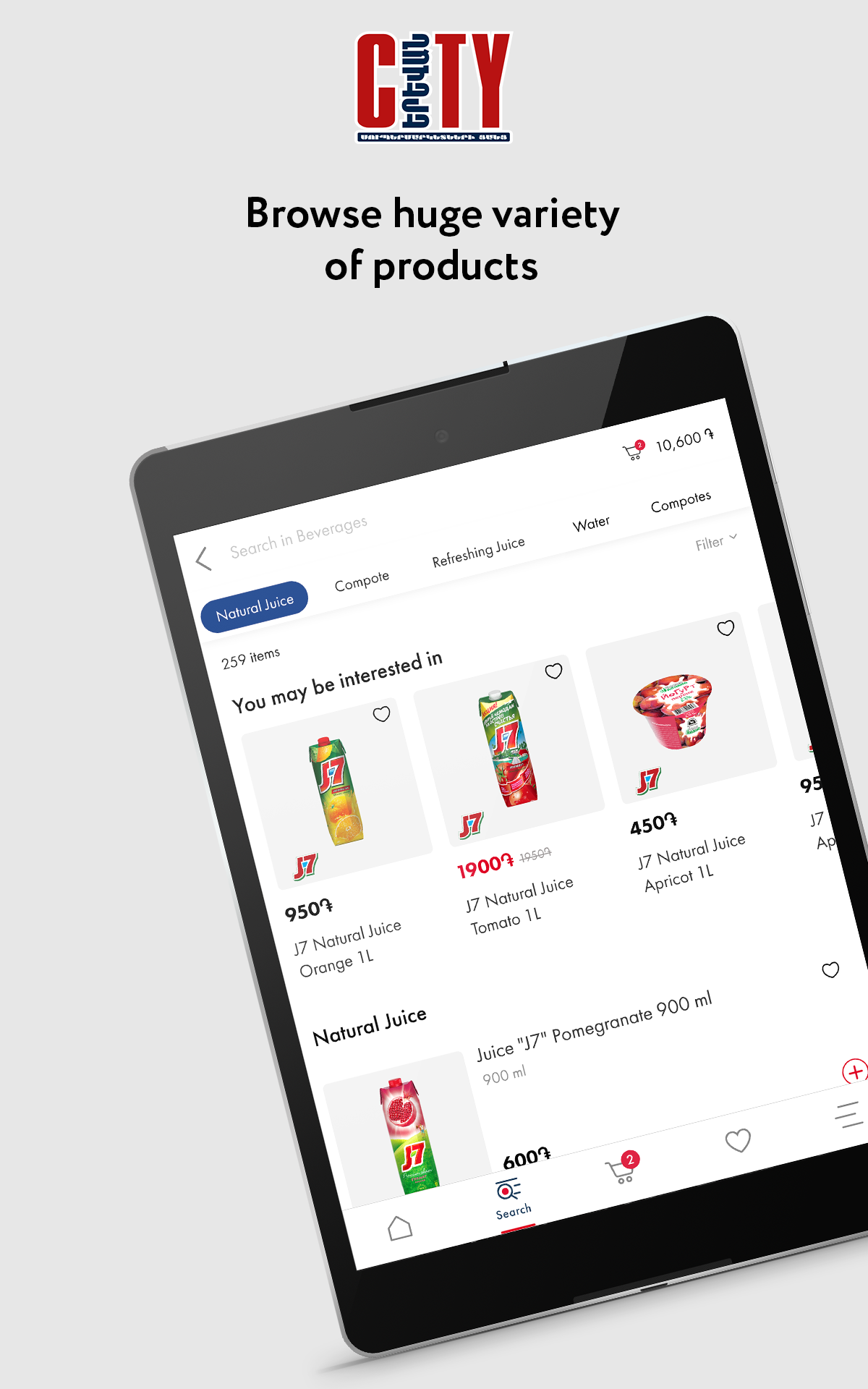
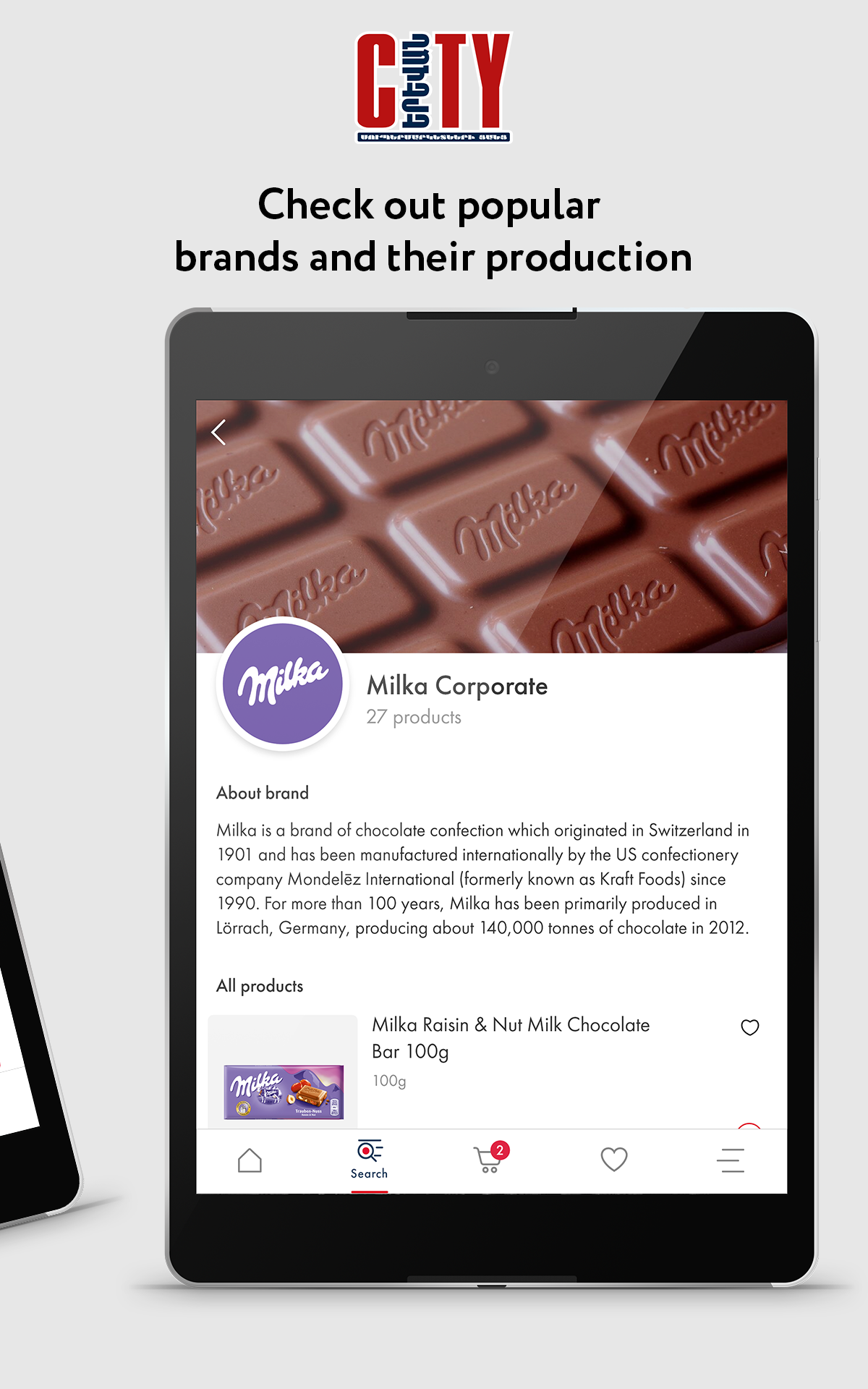
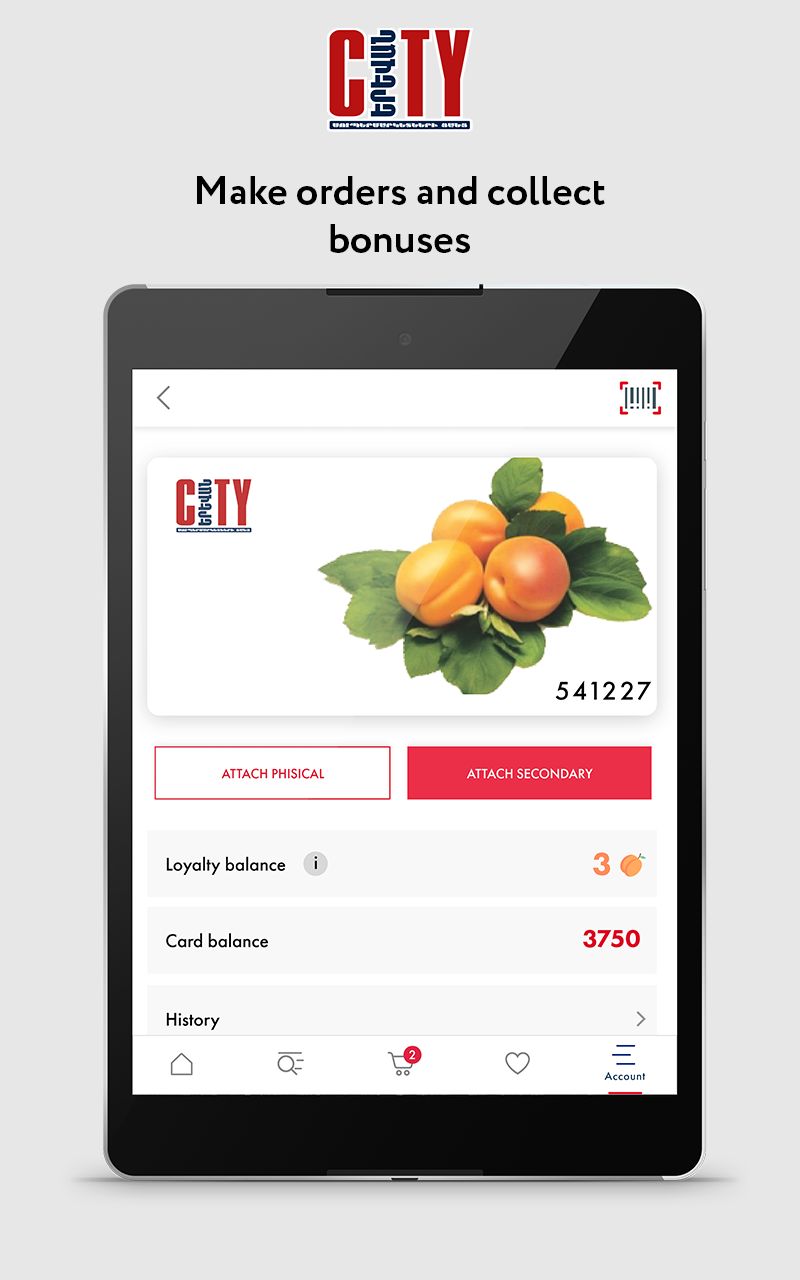
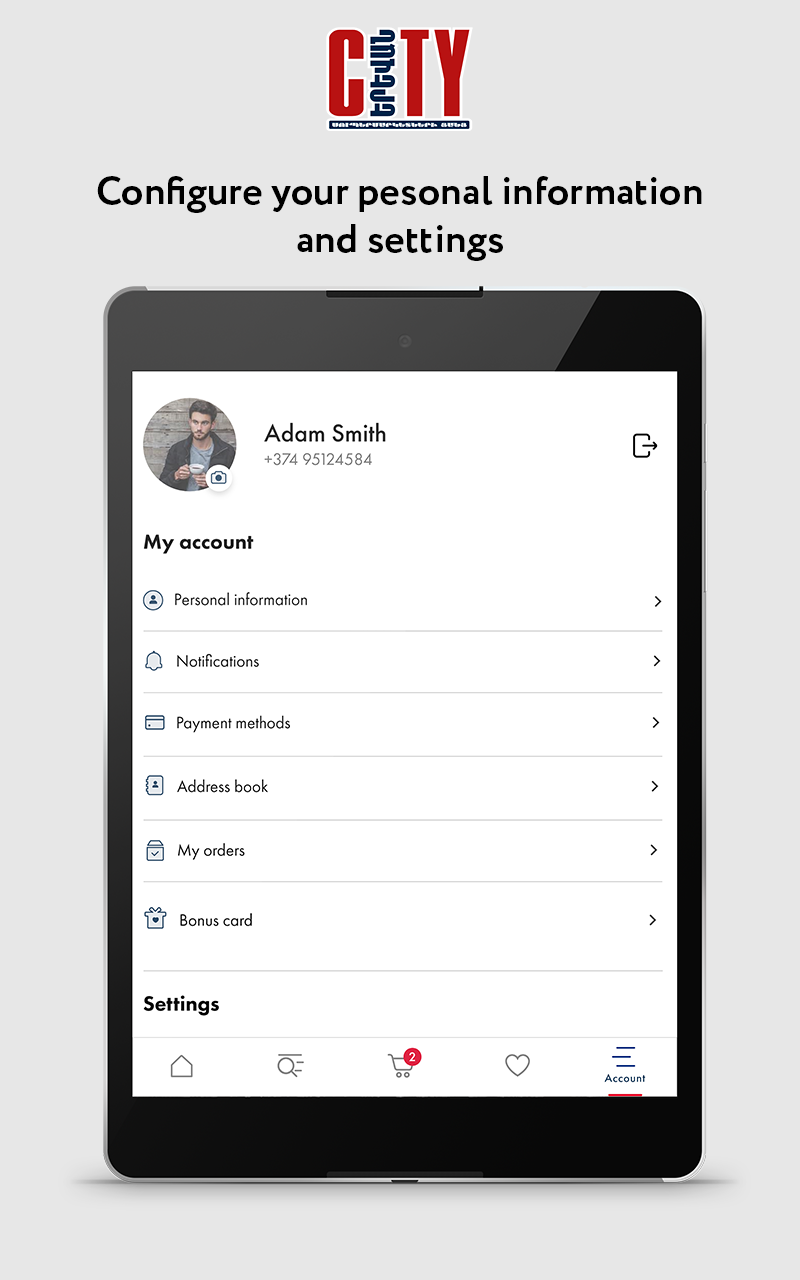
Experience fast and effortless shopping with the City app. Explore a selection of over 20,000 high-quality items with ease.
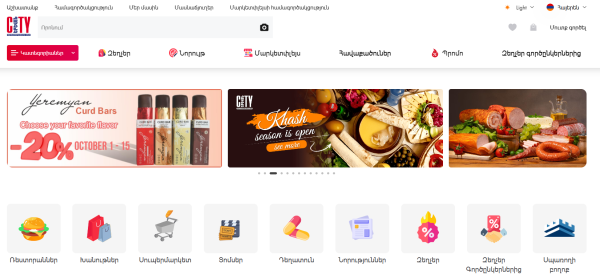
Reasons to choose us for your shopping needs
Discover our newly revamped app, featuring regular enhancements driven by user suggestions.
Features:
• Your favorite items, routine purchases, and past orders are saved for quicker access when you shop.
• Utilize our convenient barcode scanner for easy replenishment of your pantry.
• Take advantage of amazing deals featured prominently on our homepage.
• Earn Bonus Club points that can be redeemed for outings, travel, or even your next shopping spree.
User Guide:
1. **Register & Login**: Download the app, register, and complete your shipping address.
2. **Select Products**
- Browse promotional activities on the homepage, or use the **barcode scanning** function to find items you need to restock.
- Add frequently used items to your favorites; enable "Arrival Reminder" on the favorites page when an item is out of stock; historical orders support one-click repurchase, and you can modify specifications as needed.
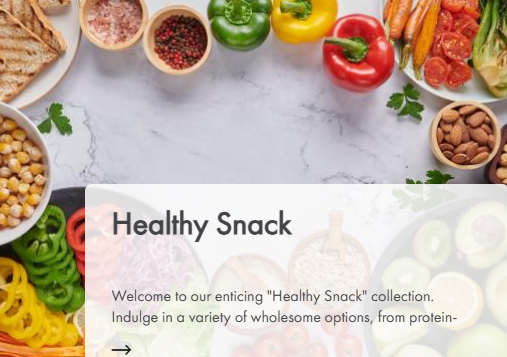
3. **Place Order & Pay**: After confirming the product and specifications, select a payment method to complete your order.
4. **Points Usage**: Purchases automatically accumulate Bonus Club points, which can be redeemed for travel, travel services, or to offset the purchase price; if you don't have enough points, you need to pay the difference; see the points rules for specific validity periods.
5. **Promotional Reminders**: Enable push notifications, or set up follow categories in "My - Promotional Reminders" to avoid missing limited-time discounts.
Related Questions and Answers:
1. **Q: Can I re-order from a saved order? Do I need to re-select the specifications? **
A: Yes, you can. The previous order will retain the specifications (such as size and quantity) of the item you purchased. Click "Re-order" to submit the order with one click. If you need to modify the specifications, you can also manually adjust them before placing the order.
2. **Q: Does barcode scanning only support our own products? Can it scan products from other brands? **
A: We primarily support products sold within the app, whether our own brand or a partner brand. As long as the product is within the 20,000 product range, scanning the barcode will match it. If the product is not available on the app, it may not be recognized.
3. **Q: Do Rewards Club points have an expiration date? Do I need to pay extra to redeem travel services? **
A: Points generally have an expiration date (see "Points Rules" for details). If unused, they will be forfeited. When redeeming travel services, if you have enough points, you can redeem the full amount. If you do not have enough points, you will need to pay the difference. The app will clearly display the required points and the amount of the additional payment.
4. **Q: Are there reminders for promotions on the homepage? Will I miss out on limited-time discounts? **
A: You can enable push notifications in the app to receive reminders before limited-time discounts begin. You can also set product categories to follow in "My - Promotion Alerts" to receive real-time notifications when discounts are available.
5. **Q: Can I set restock reminders for frequently purchased items? For example, I'd be automatically prompted to restock when they're running low? **
A: Automatic restock reminders aren't currently supported, but you can add frequently purchased items to your "Favorites" folder. When you need a restock, you can find it directly in your Favorites folder without having to search again. Some items will also be marked as "In Stock Notification" in your Favorites folder when they're out of stock.
- Version2.4.5
- UpdateOct 26, 2026
- DeveloperYerevan City Supermarkets
- CategoryShopping
- Requires AndroidAndroid 5.0+
- Downloads280K+
- Package Nameam.yerevancity
- Signature735126aec507ac523fd5740215c63ecc
- Available on
- ReportFlag as inappropriate
-
NameSizeDownload
-
65.00 MB
-
61.75 MB
-
75.69 MB
















Multilingual support available (AM, EN, RU)
Good customer service overall
Fast delivery options mentioned
User-friendly interface improvements noted by some
Favorites section functioning properly after updates
Previous issues resolved in recent versions
Ability to track past orders and purchases
Frequent app crashes and instability
Long delivery times and high delivery costs
Complicated registration/login process with phone number
Bugs and errors persist despite updates
Difficulties with adding payment methods
Poor product availability notifications
Inadequate tech support response time
Search function slow and inefficient
Confusing user navigation and poorly designed features