
VMmarket - Shopping & browsing made easy
Discover a seamless way to shop & explore exclusive Micro Markets of partner stores with secure access features

- 4.1.4 Version
- 1.4 Score
- 235K+ Downloads
- Free License
- 3+ Content Rating


About VMmarket:
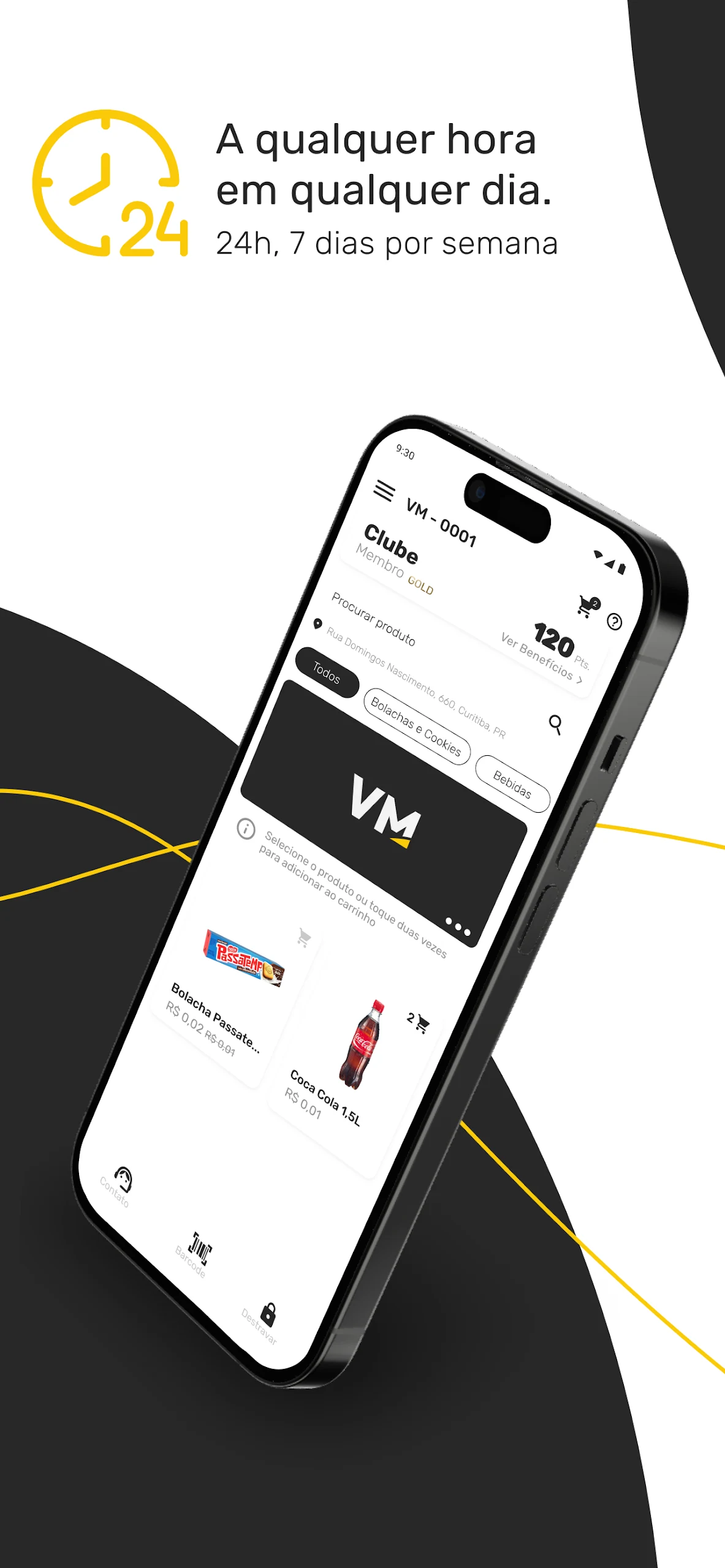
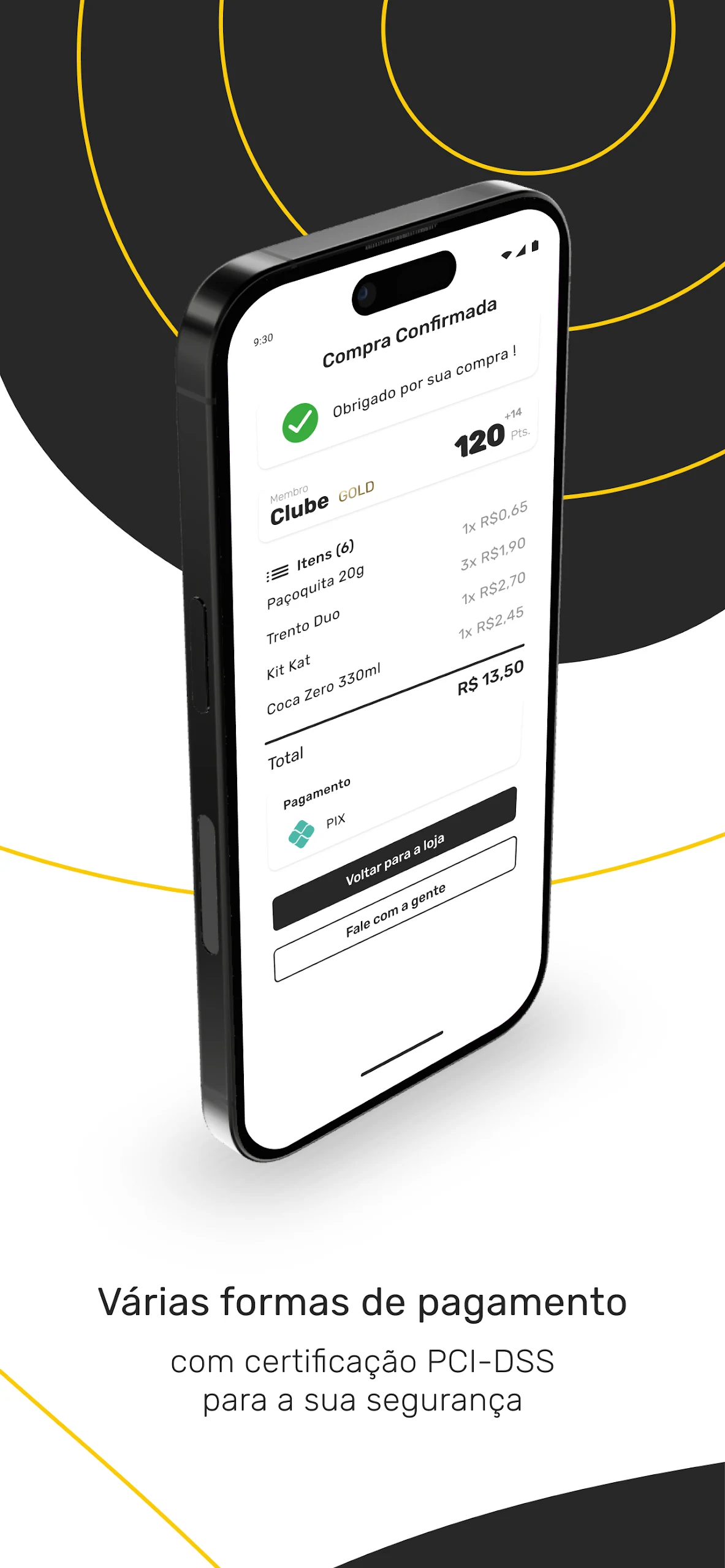
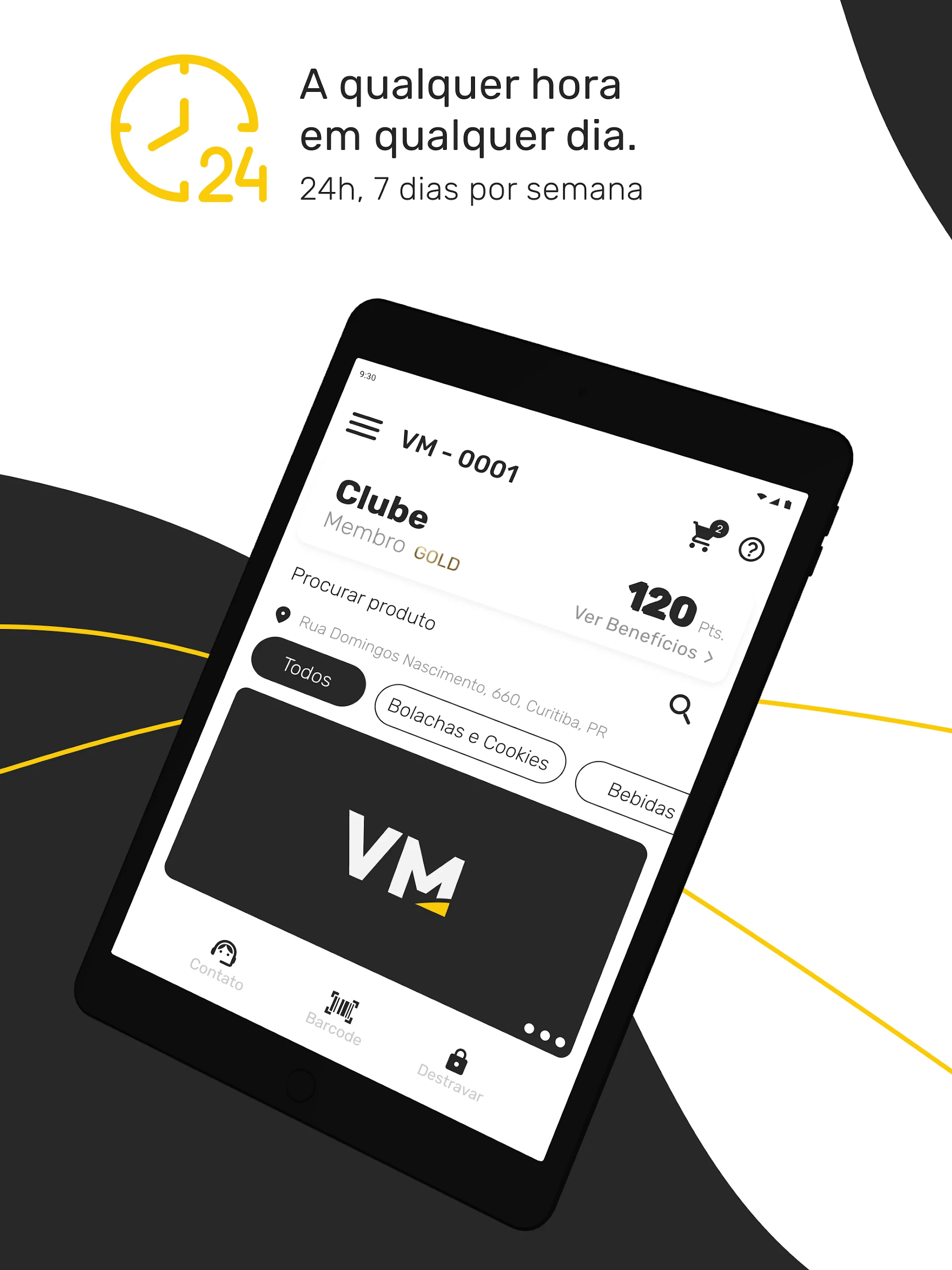
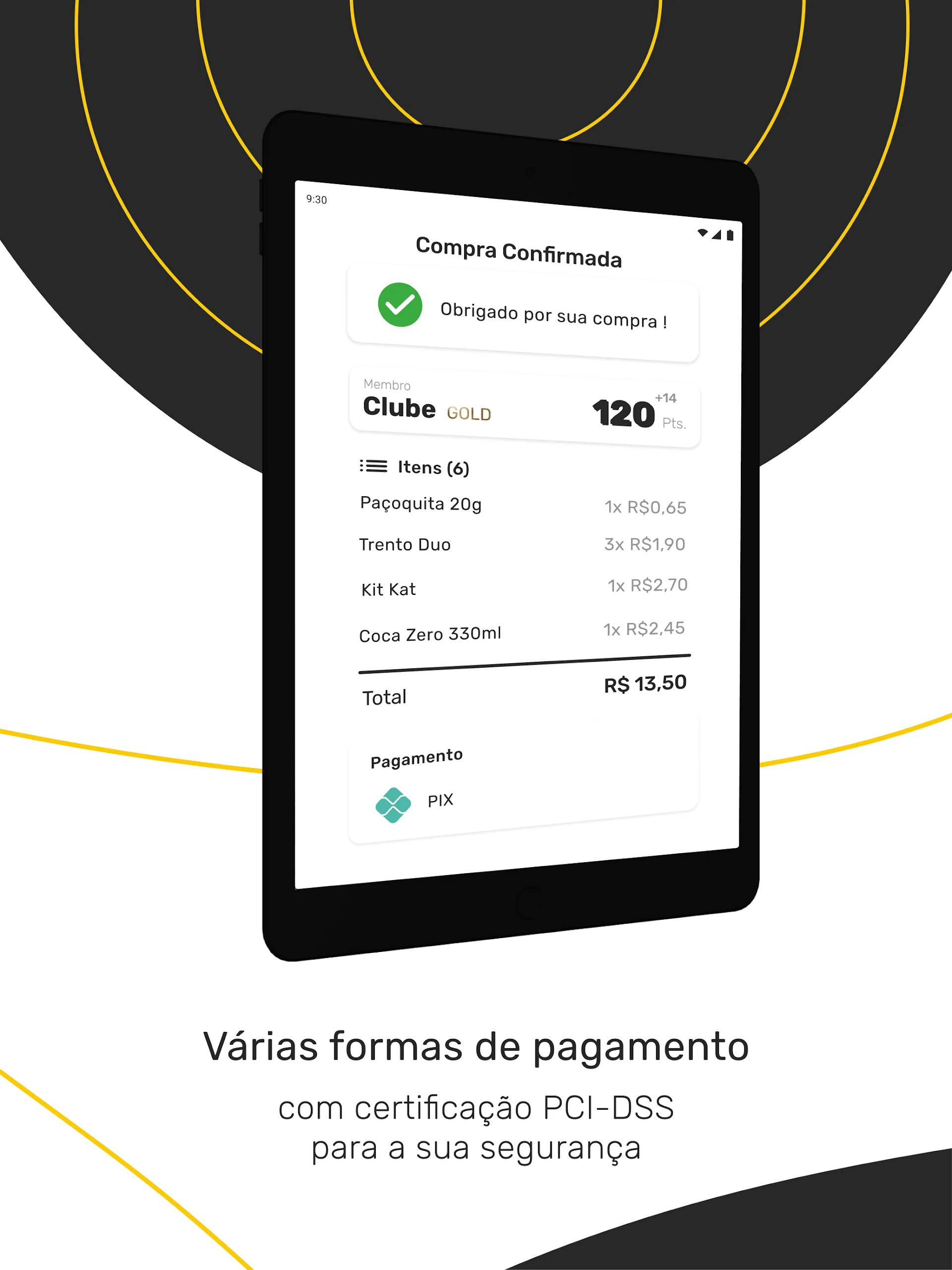
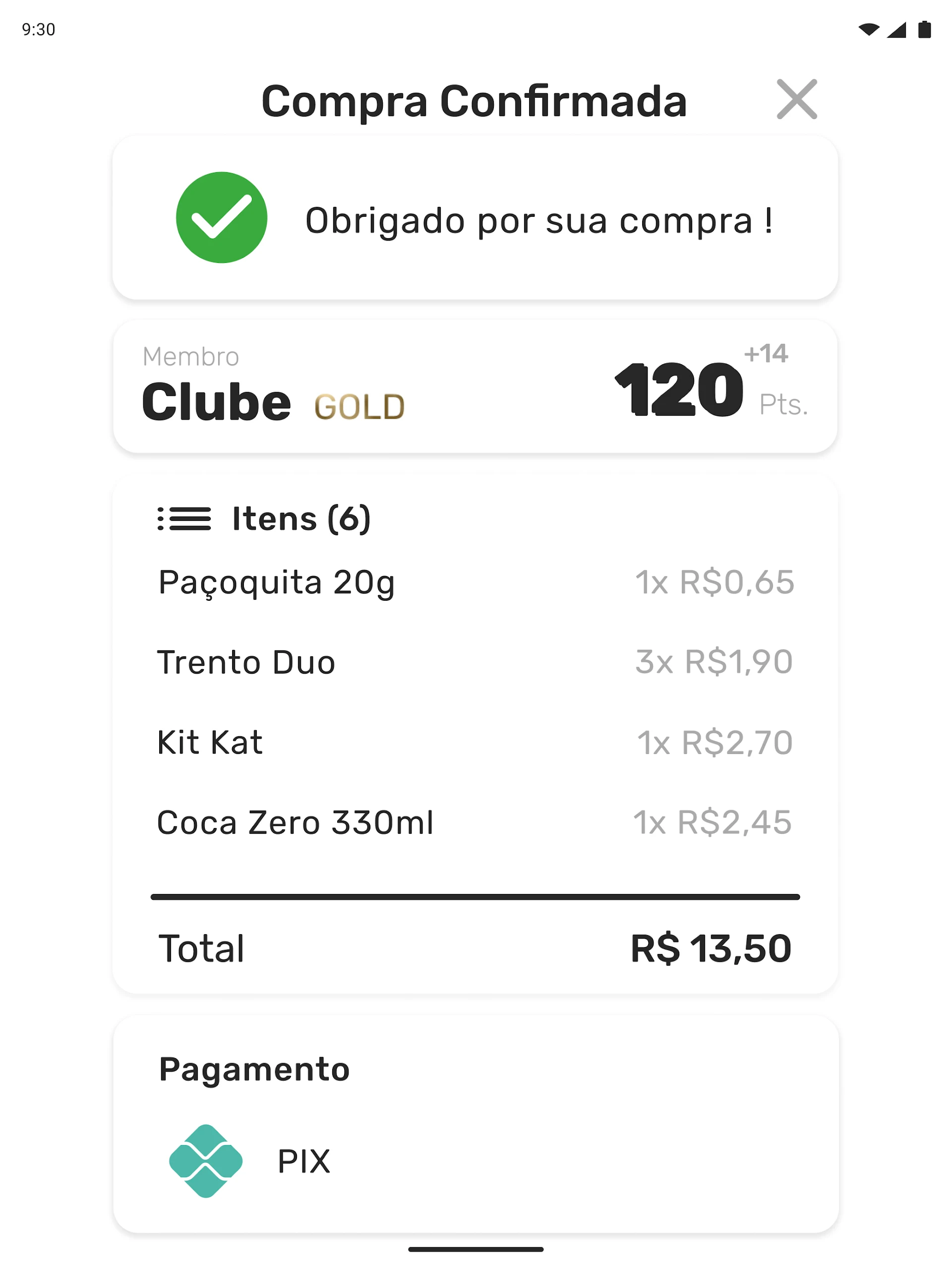
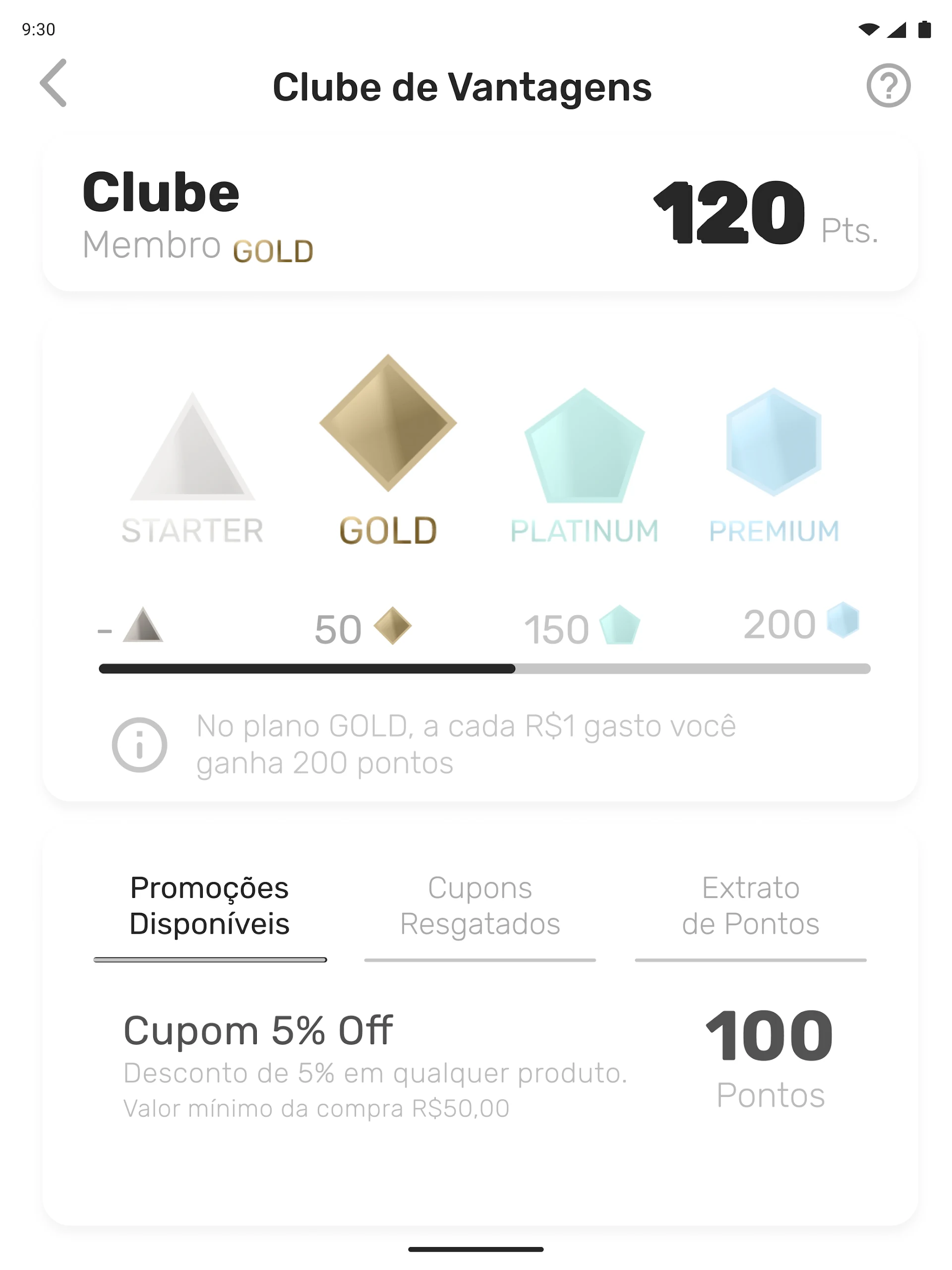
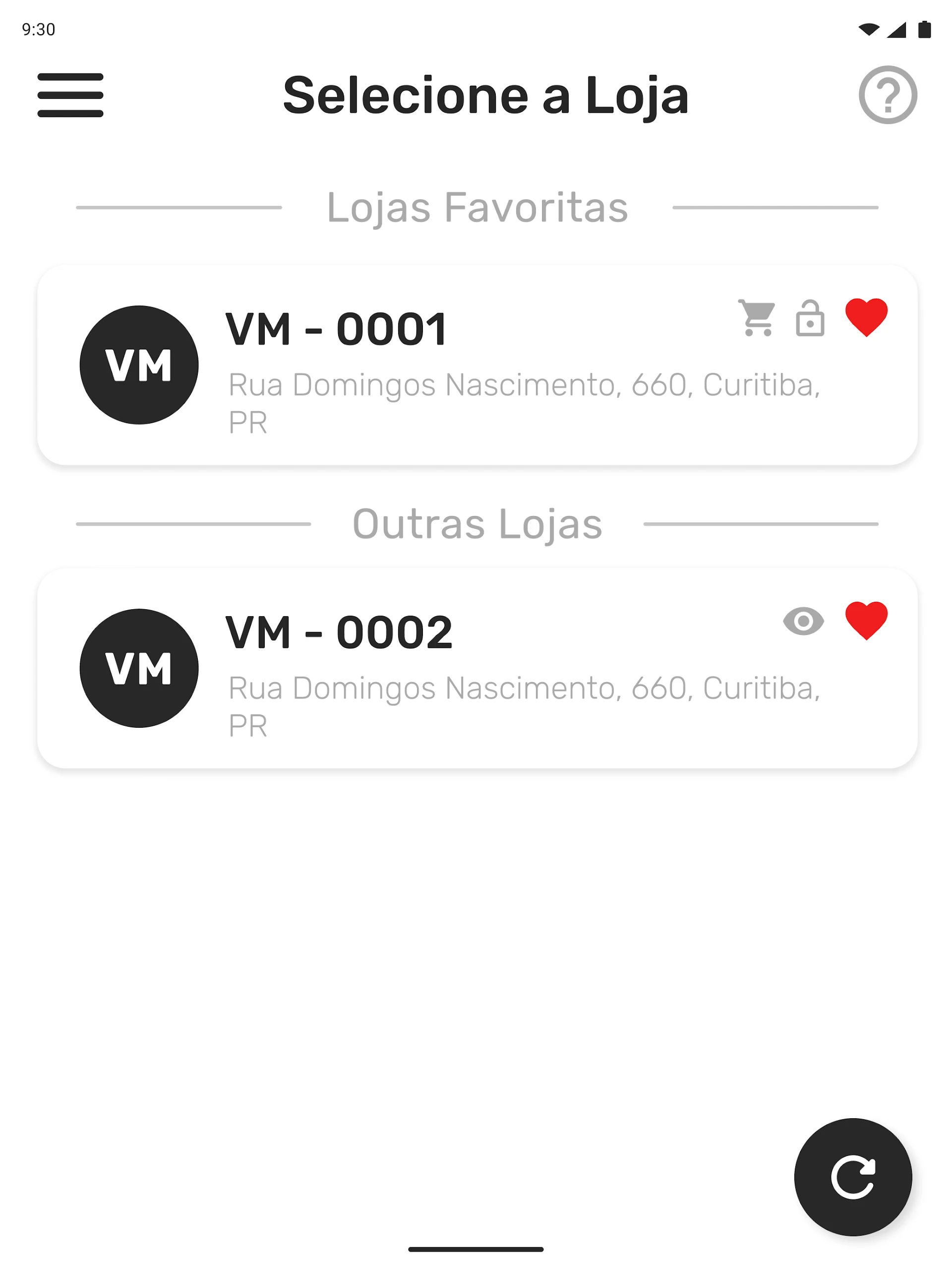
VMmarket is the official micromarket and unmanned-store app by VMtecnologia / Verti Tecnologia, built for self-service retail spaces where users open a smart fridge or mini-market, pick products, and pay from the phone. The VMmarket app is not a standard e-commerce store — it connects directly to VMtecnologia micromarket hardware: unlock the fridge, scan items, apply coupons, pay by card or Pix, and close the purchase without a cashier.
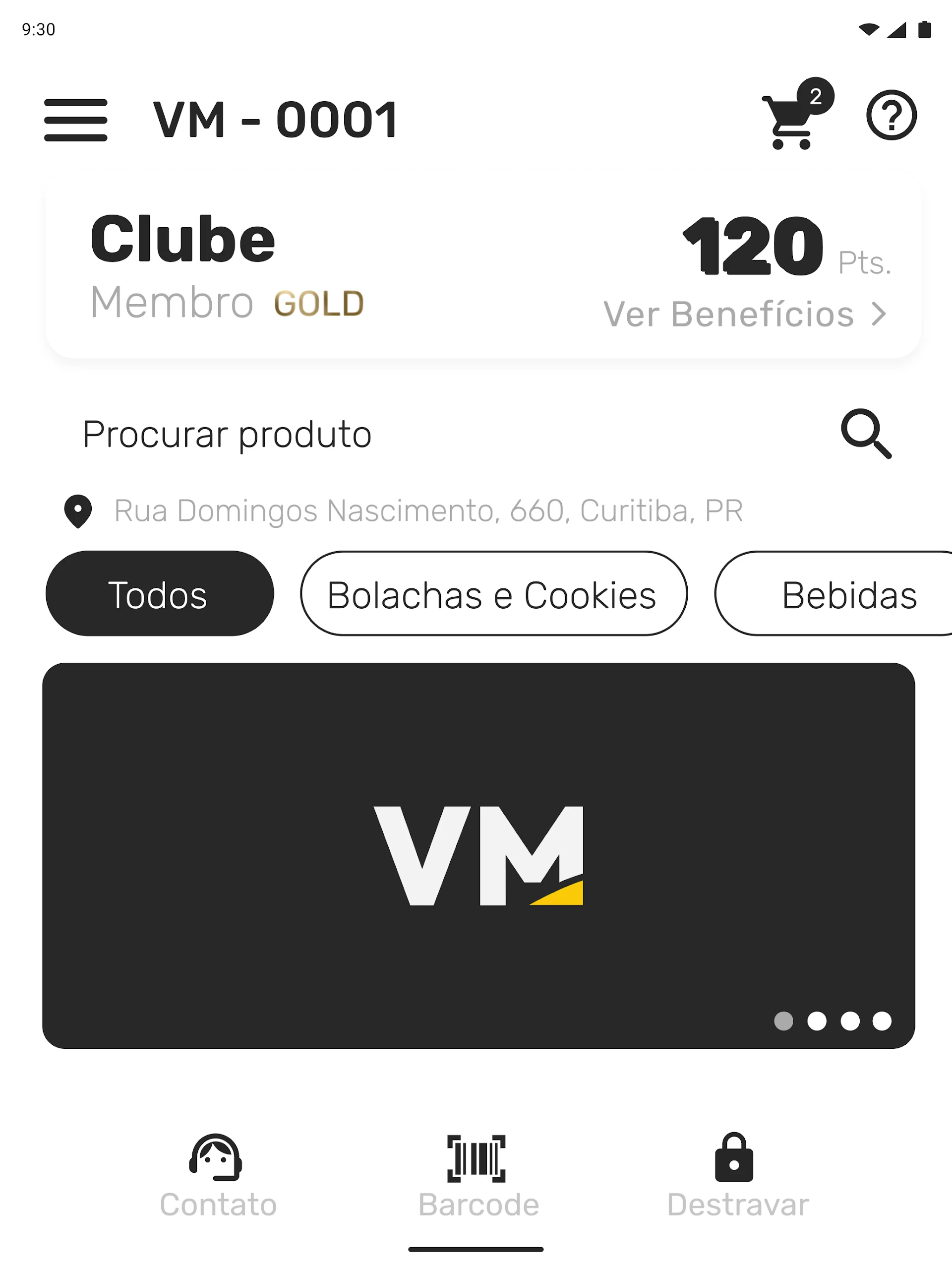
Inside VMmarket, customers create an account, register a card or Pix method, scan the checkout QR code in the micromarket, add discount coupons, and track orders. It is designed for offices, condominiums, gyms, factories, and corporate break rooms that run autonomous snack-and-drink markets.
Store-ready features:
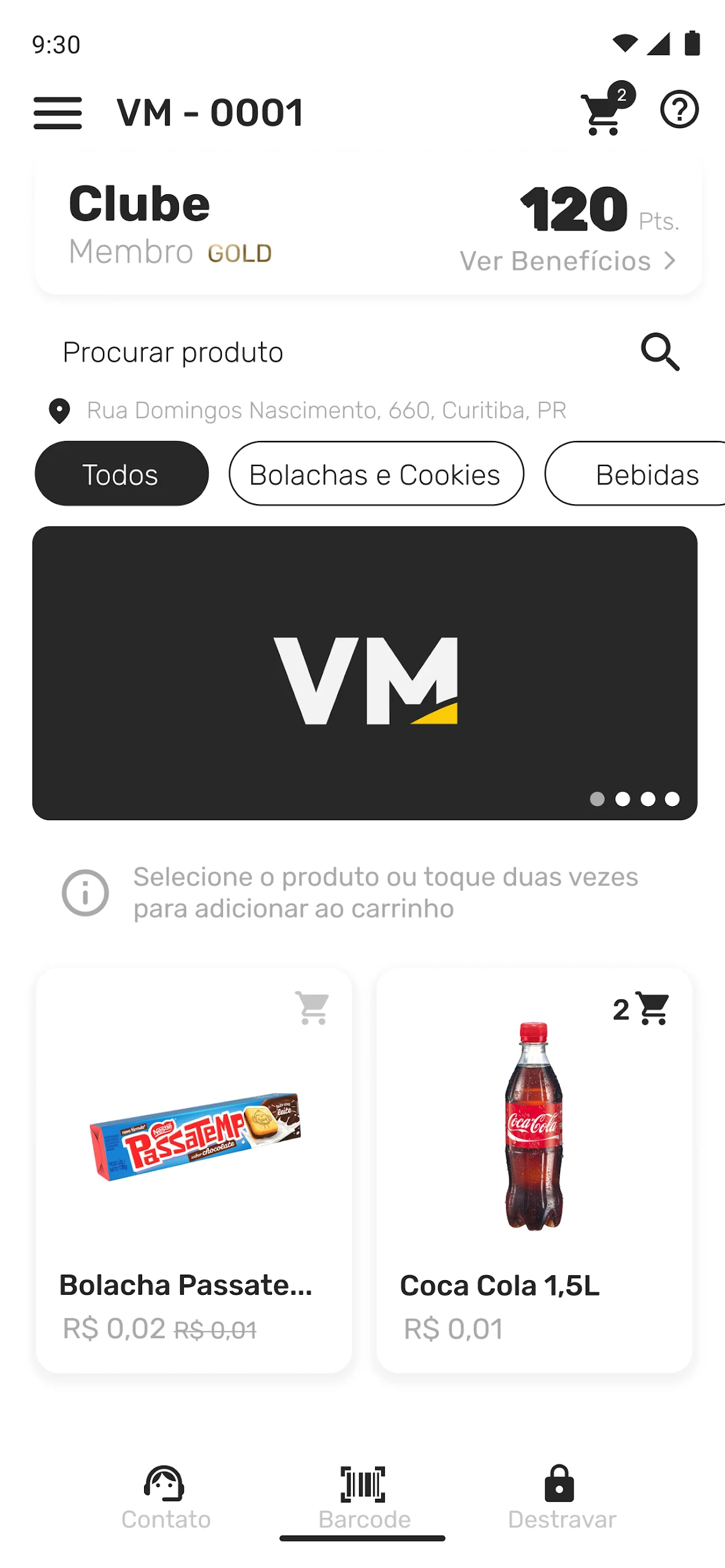
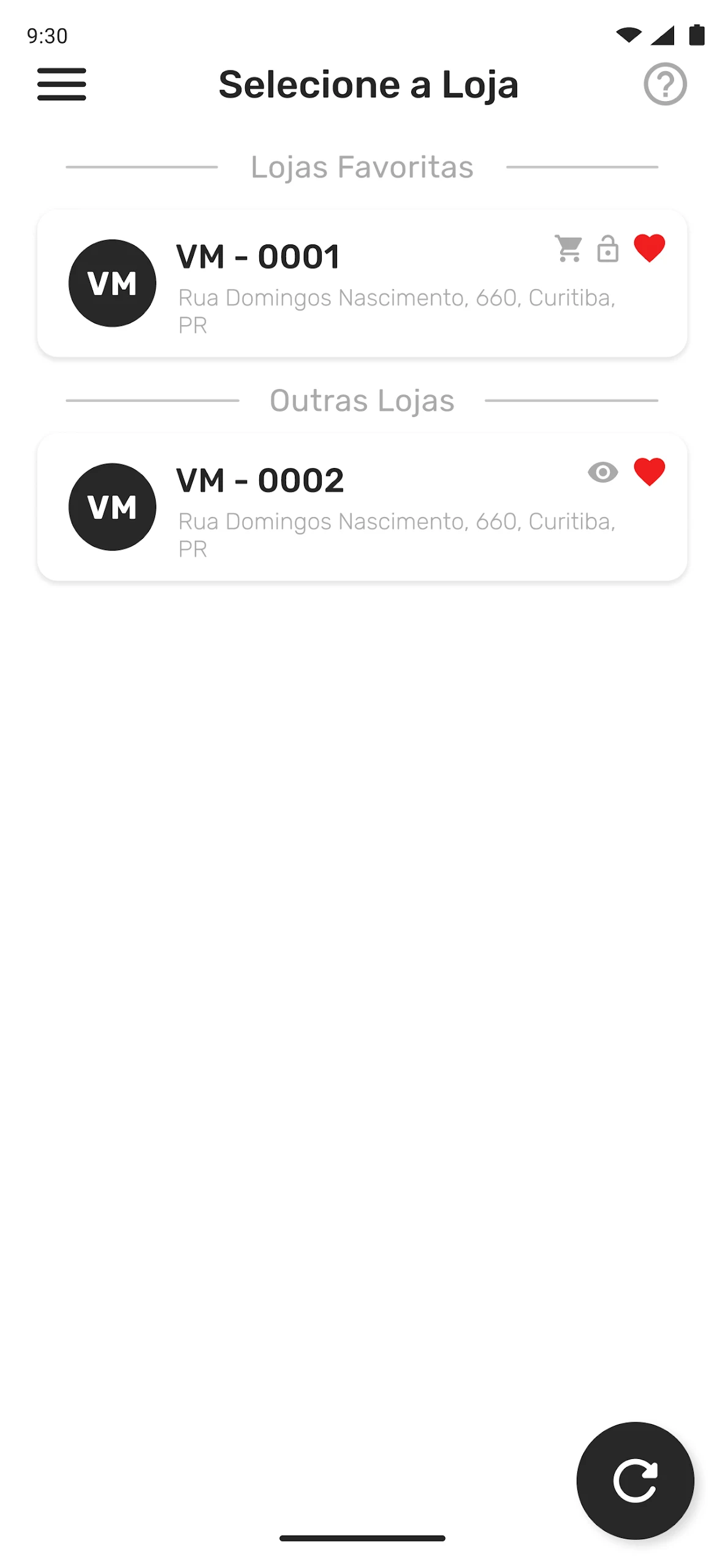
Micromarket access — unlock the smart fridge/cooler from VMmarket
QR-code checkout inside the VMmarket app
Credit-card payments registered and managed in the app
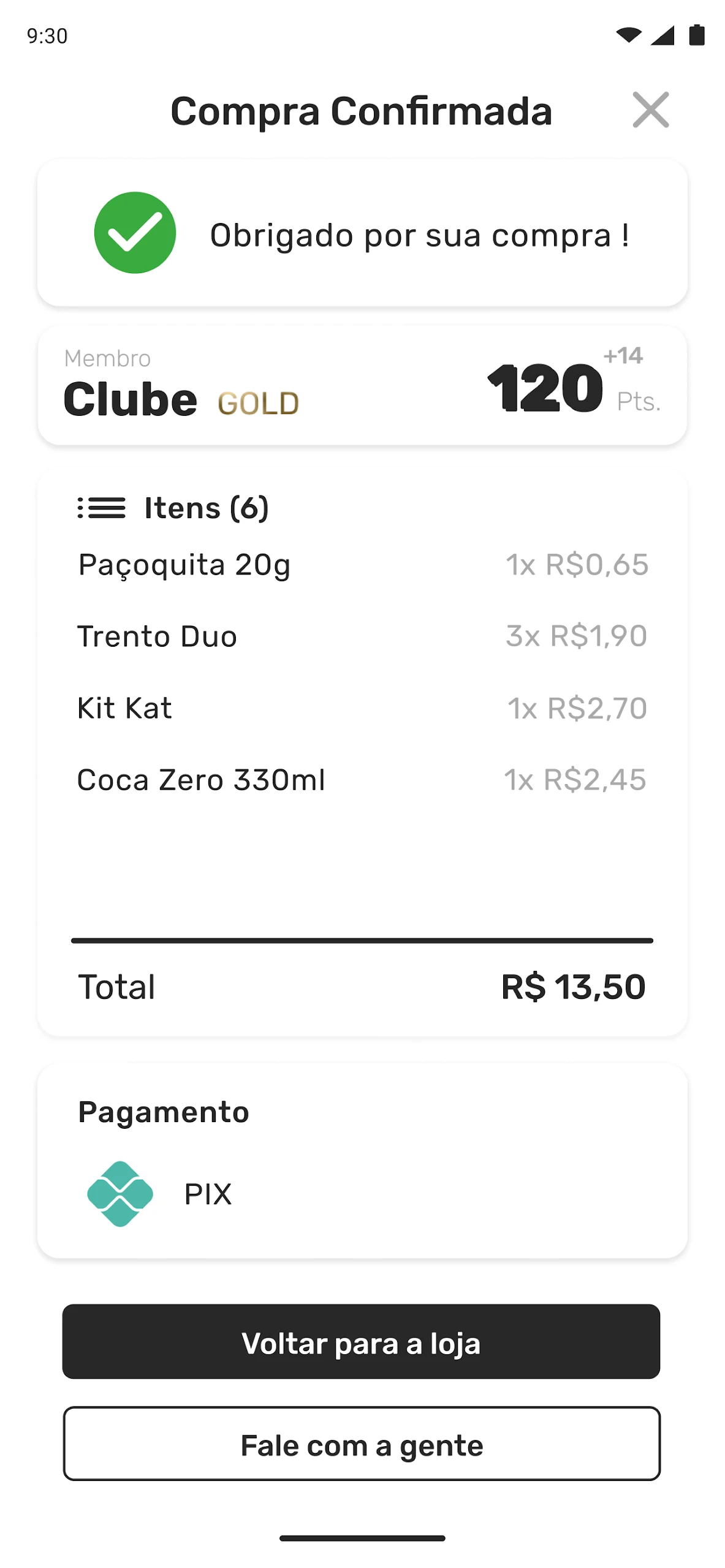
Pix payments supported through the Nayax integration
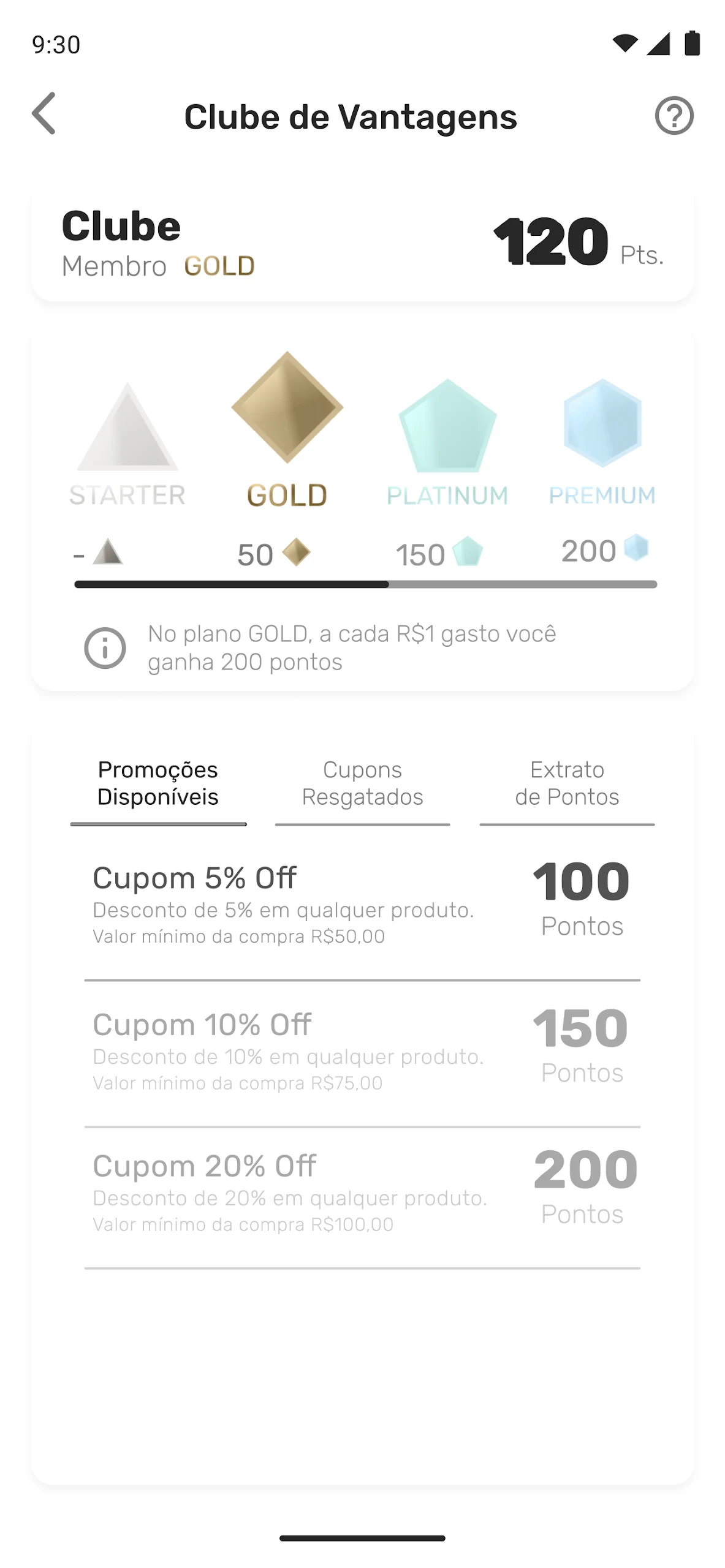
Discount coupons applied before closing the purchase
Account and card management with balance/credit top-up flows
Facial-recognition re-registration for biometric micromarkets
Catalog mode to browse available products before buying
Aggregated virtual installation for multi-unit environments
Order and account history for personal expenses or corporate use
How to Use VMmarket:
The VMmarket app runs on a self-service loop: install → create account → register payment → unlock market → scan items → pay → close.
Quick guide:
Install VMmarket from Google Play using the VMtecnologia listing.
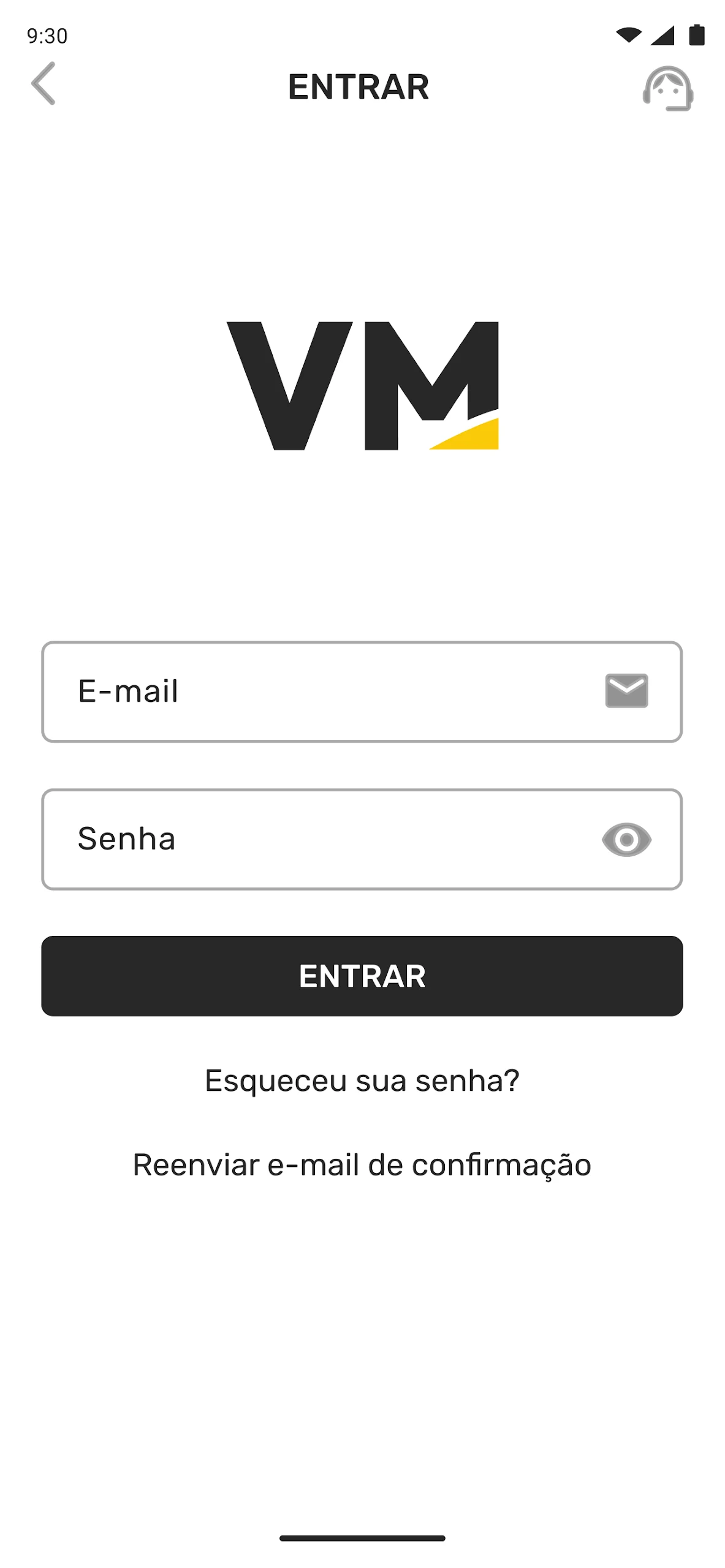
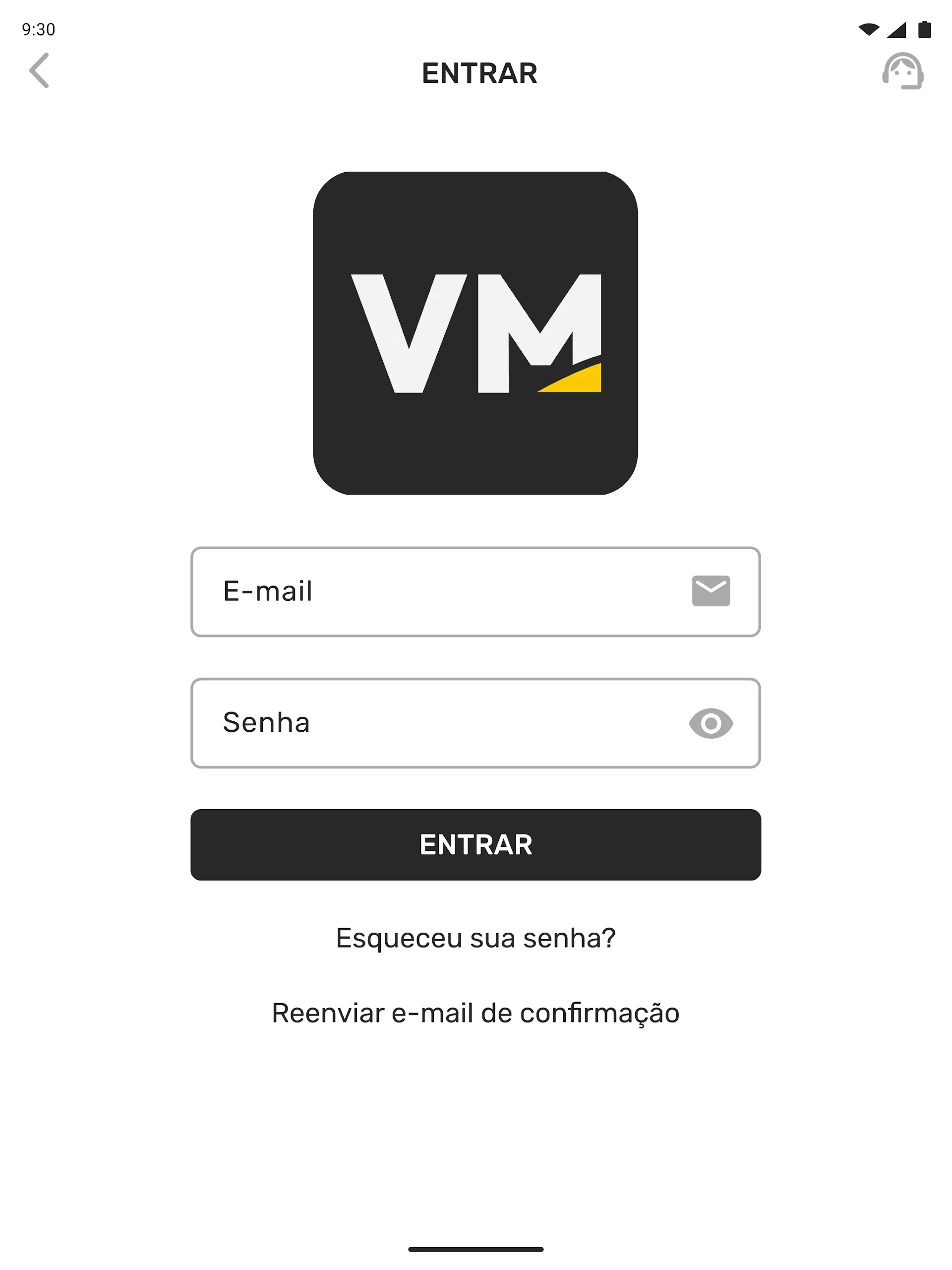
Open the VMmarket app and create your user account.
Register a credit card or set up Pix inside the app.
Find the micromarket and unlock the smart fridge through VMmarket.
Pick products and use the in-app QR checkout to scan items.
Add a discount coupon before confirming the purchase.
Pay with credit card or Pix — Nayax Pix is available from October 1.
Check your order history and account details after checkout.
If the location uses biometrics, re-register your facial data from the VMmarket app when prompted.
Contact the micromarket operator inside VMmarket for unlock, charge, or account changes.
Tips:
Register the card or Pix method before your first visit — onboarding at the fridge is slower.
Always apply the coupon on the checkout screen, not after payment.
If the fridge does not unlock, refresh VMmarket, check Bluetooth/network, then use the operator QR or support contact.
VMmarket FAQ:
Who develops VMmarket?
VMtecnologia / Verti Tecnologia. The Play package isbr.com.vertitecnologia.vmmarket.
What is VMmarket for?
Self-service micromarket access: unlock smart fridges, scan products, apply coupons, and pay by card or Pix.
How do I pay in the app?
VMmarket supports credit-card registration and Pix via Nayax. The official VMtecnologia notice says Nayax Pix is available starting October 1.
Do I need an account?
Yes. The VMmarket app requires user registration, payment-method setup, and sometimes facial-recognition enrollment for biometric locations.
What if I cannot unlock the fridge?
Check Bluetooth/network, restart VMmarket, rescan the location QR code, or contact the micromarket operator through the app’s support options.
Can I delete my account?
Yes — VMtecnologia’s help center lists “Deletar conta VMmarket” as a supported workflow inside the app/account settings.
Why Install VMmarket:
Install the VMmarket app if your office, gym, condominium, or workplace runs a VMtecnologia micromarket and you want phone-first self-service checkout.
Best-fit users:
Office employees using smart-fridge micromarkets
Condominium or gym residents with unmanned snack markets
Corporate break-room users tracking personal spending
Brazil users who prefer Pix checkout
Regulars who want coupons and card payment in one place
Operators managing catalog mode or aggregated virtual installations
Users replacing physical micromarket keycards with the VMmarket app
- Version4.1.4
- UpdateOct 26, 2026
- DeveloperVMtecnologia
- CategoryShopping
- Requires AndroidAndroid 5.0+
- Downloads235K+
- Package Namebr.com.vertitecnologia.vmmarket
- Signature45c1467ddaa334c19958b4be584ae99f
- Available on
- ReportFlag as inappropriate












Highly comprehensive solution
Wide business coverage + large scale
Complete support system
Backed by international resources
Hardware needs additional attention.
Customization may be difficult.
Limited service on non-business days.