
Workflowy |Note, List, Outline - Notes & Organization App
Capture ideas & organize tasks effortlessly with intuitive lists, tags, & seamless syncing across all devices.

- 4.3.2509032141 Version
- 4.8 Score
- 329K+ Downloads
- Free License
- 3+ Content Rating

Introduction
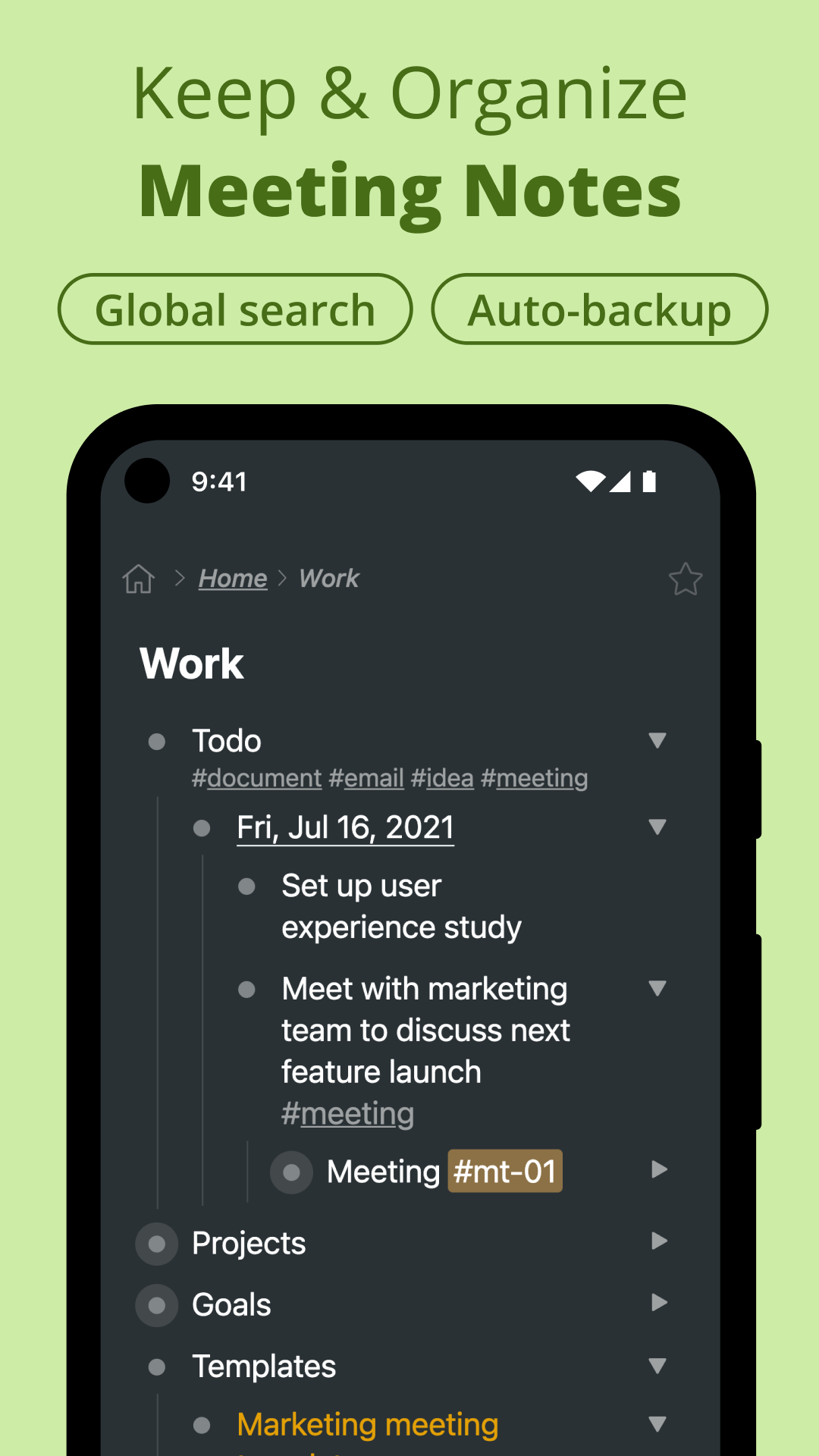
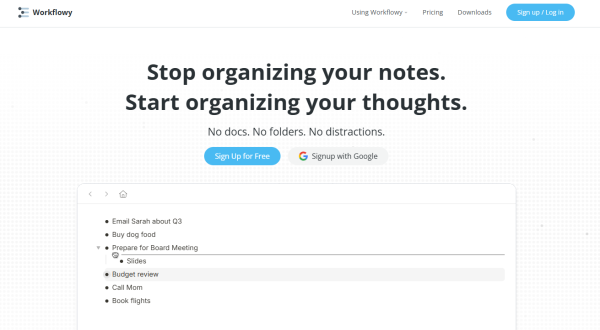
Workflowy is a streamlined application designed to help you efficiently take notes, plan tasks, and maintain organization without distractions.
Though it boasts simplicity, its powerful features make Workflowy an excellent tool for handling all the information in your daily life.
With Workflowy, you can:
⚡️ Capture thoughts and notes instantly
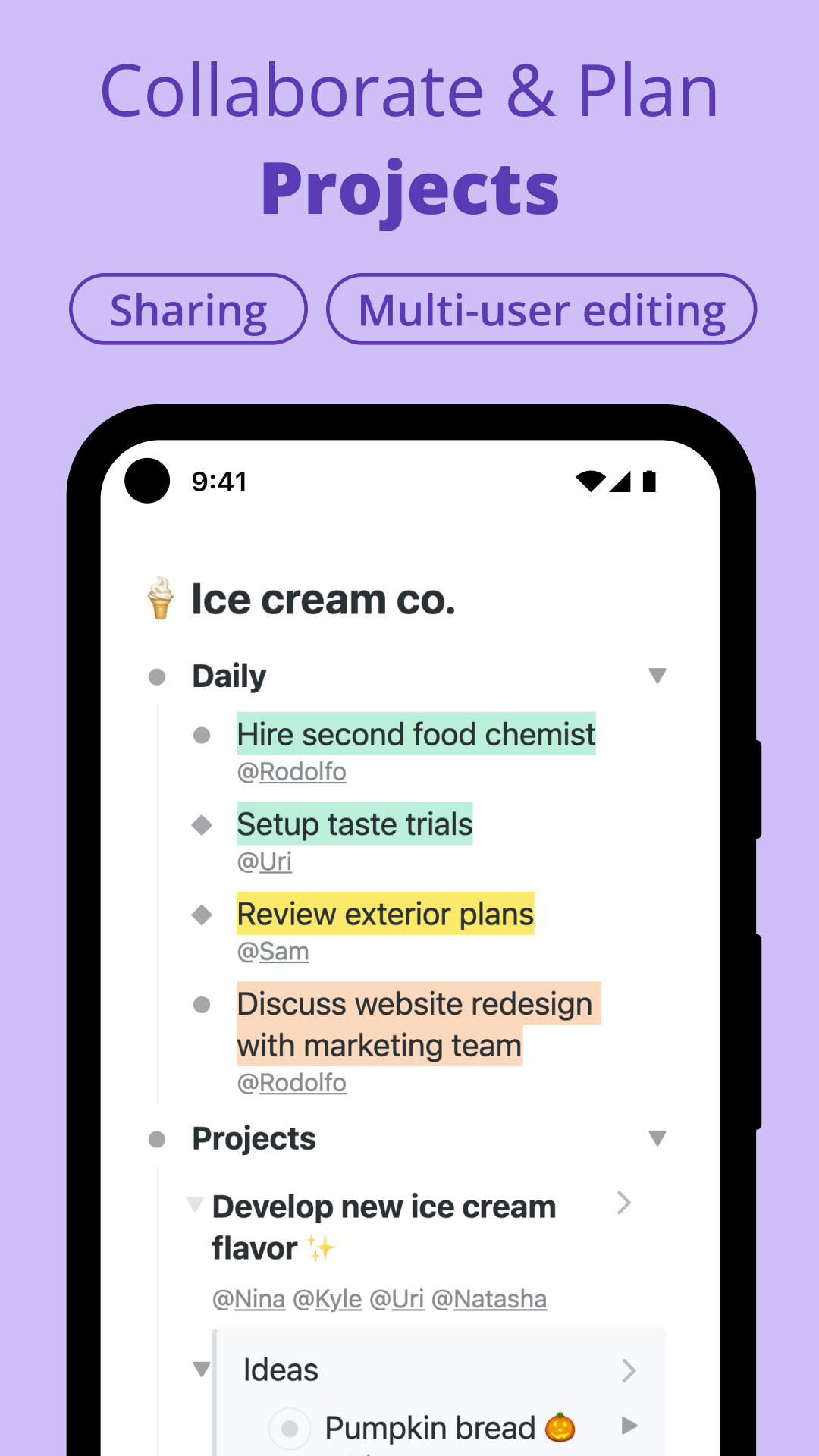
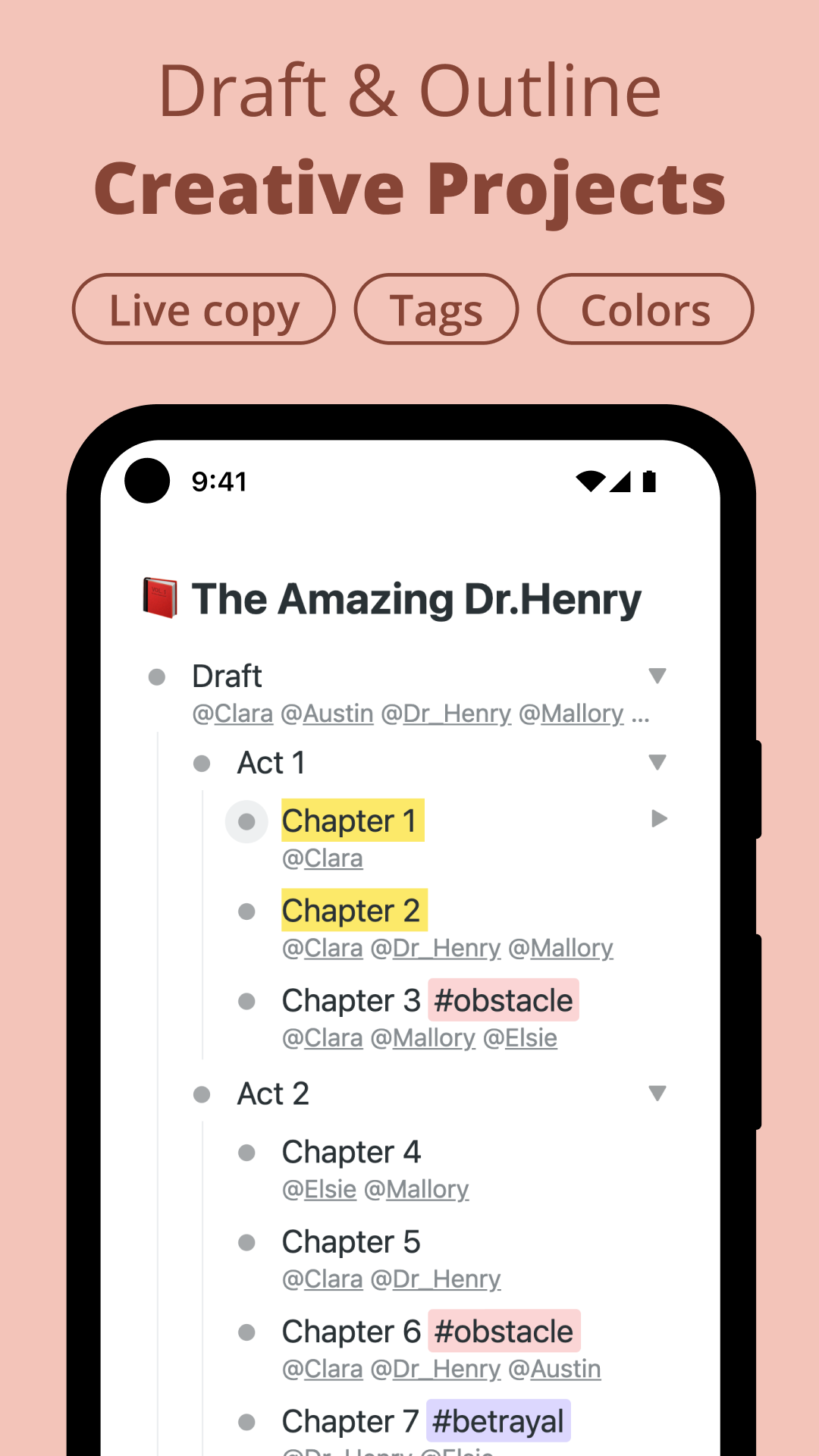
🏷 Utilize #tags and @assign items for quick retrieval
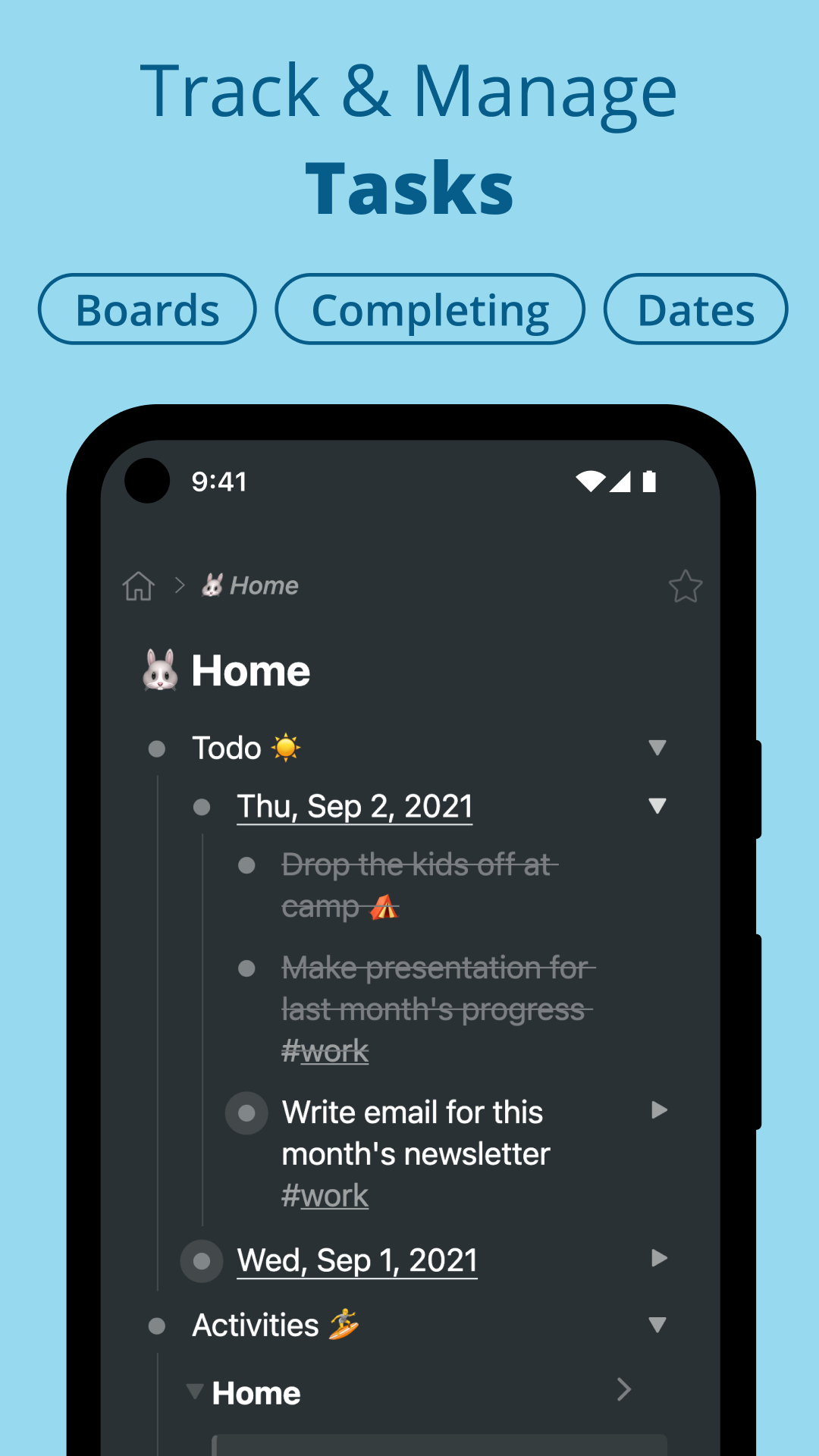
✅ Complete tasks with just one swipe
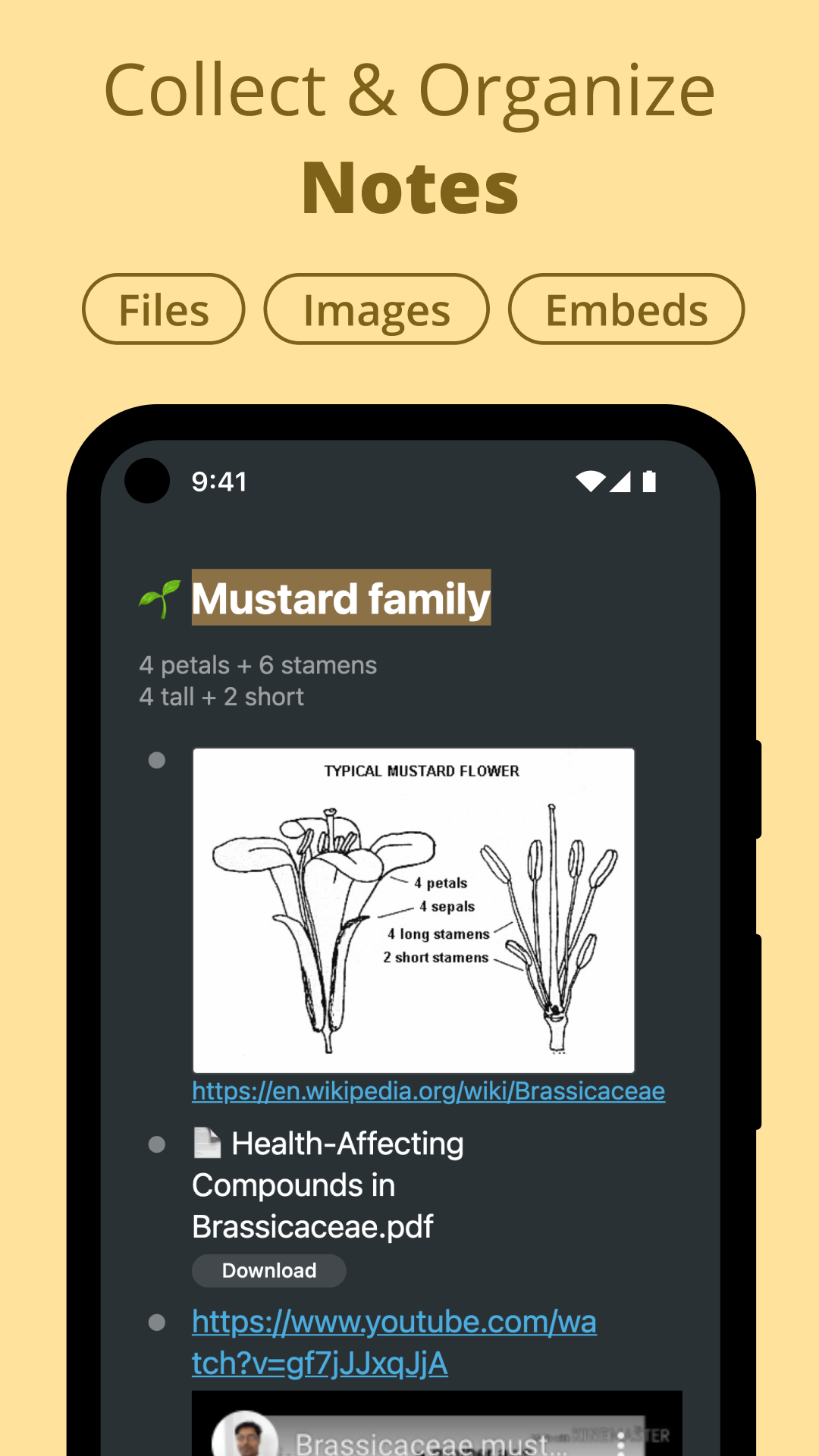
📷 Upload images and files from your device
🪆 Organize intricate ideas through limitless nesting
🏄 Oversee your projects using kanban boards
🌎 Collaborate and share notes in real-time
🔍 Quickly filter your entire Workflowy
🔗 Embed content from YouTube and tweets
Workflowy seamlessly syncs across all devices and automatically saves your data. You won’t have to worry about missing notes or misplaced files.
Prominent users of Workflowy include:
➜ Mike Cannon-Brookes, CEO of Atlassian, a company valued at over $10 billion
➜ Farhad Manjoo, technology columnist for the New York Times
➜ The founders of Slack
➜ Nick Bilton, bestselling author of 'Hatching Twitter'
➜ Ian Coldwater, board member of the Open Source Security Foundation
➜ Numerous entrepreneurs, writers, engineers, scientists, creatives, and students worldwide
Practical details
- Mirror function: You can "mirror" the same content to different categories. Modify any one place and all mirror locations will be automatically synchronized.
- Usage of Inbox: As a temporary information capture area, it is fixed to the sidebar through the "star" for easy access at any time; it supports dragging and dropping content to the corresponding category (such as dragging from the inbox to the "work" category).
- Note operation: Add additional context to the project, triggered by "Project Menu → Add Note", and can nest multiple lines of content to avoid losing details after folding.
- Fractal board details: Cards in the board can nest lists, or even nest another board; it supports one-click switching between "Board View" and "List View".
Key features ✨
•Infinite nested lists
•Offline functionality
•Automatic synchronization with desktop and web platforms
•Easy document sharing and permissions management
•Single-swipe task completion
•Kanban board integration
•Comprehensive text search
•Expand and collapse list items
•Drag-and-drop functionality for item movement
•Text highlighting and color tagging
•Tagging and assigning capabilities
•Mobile keyboard shortcuts
•Live copy features
•Multi-factor authentication
•Starring items for priority
•Date tagging
•Embedding options for YouTube and tweets
•Automatic backup to Dropbox
Text introduction content advanced features
- Offline use (can be operated when there is no network, and automatically synchronized after connecting to the network);
- Multi-factor authentication, Dropbox automatic backup (improve data security);
- Content embedding (support YouTube videos, tweets directly embedded in notes);
- Mobile terminal optimization (slide to complete tasks, mobile keyboard shortcuts).
- Collaboration and sharing: real-time collaboration, permission management (can set sharing scope), multi-person co-editing.
- Well-known user cases: including Atlassian CEO, New York Times columnist, Slack founder, etc., covering entrepreneurs, writers, engineers and other groups.
- Text style function: support text highlighting, color marking (enhance key content).
Workflowy Navigation Operation Tips
I. Basic Navigation: Operation through Projects and Levels
- Collapse/Expand Projects (Bullets)
Click the "small triangle" icon on the left side of the project to collapse or expand the nested content.
Projects with nested content will display a "grey ring" mark to easily identify whether there is hidden content.
- Focus/Zoom Project
Click any project to view it as an "independent document".
- A "breadcrumb navigation" will be generated at the top. Click the items in the path to quickly return to the corresponding level; click the "Home" icon to return directly to the homepage.
II. Keyboard shortcuts: efficient operation
- Zoom Level
==Zoom in: Windows press "Alt +>", Mac press "Command + >".
==Zoom out: Windows press "Alt + <", Mac press "Command + <".
- Quick Jump
==Open "Quick Access/Search": Windows press "Ctrl + K", Mac press "Command + K" - you can directly search all projects, or select starred projects.
==Return to the homepage: Press "Ctrl + '" on Windows and "Command + '" on Mac.
- View all shortcut keys
Press "Ctrl + ?" on Windows and "Command + ?" on Mac to bring up a complete list of shortcut keys.
III. Sidebar navigation: global view and quick jump
- Open the sidebar: Click the "hamburger menu" icon at the top to display the hierarchical structure of the entire document.
- Operation method: Click the project name in the sidebar to jump directly to the corresponding project; you can also fold/expand the levels in the sidebar to quickly locate the target content.
IV. Star: Quick access to high-frequency projects
- Add star: Click the "star" icon at the top of the project to add frequently used projects.
- Usage scenario: No matter which level you are currently at, click the star project in the sidebar to jump directly, which is suitable for high-frequency access content.
FAQs
1. Q: What is Workflowy mainly used for?
A: It's a minimalist, distraction-free tool for efficient note-taking, task planning, and information organization, balancing simplicity with powerful functionality.
2. Q: What are Workflowy's core basic functions?
A: It allows for quick idea capture and note-taking, quick searching using # tags/@, swiping to complete tasks, uploading image files, unlimited nested thought organization, seamless multi-device synchronization, and automatic data saving.
3. Q: Does Workflowy have project management and collaboration features?
A: Yes, it supports Kanban board project management, real-time collaboration, note sharing, and fine-grained management of sharing permissions.
4. Q: What are some practical advanced features of Workflowy?
A: It supports content mirroring, one-click switching between Kanban/list views, embedding YouTube/Tweet content, text highlighting, color marking, Dropbox automatic backup, and multi-factor authentication for data security.
5. Q: Can Workflowy be used offline?
A: Yes, it operates normally without a network connection, and all data will automatically sync when connected to the internet.
- Version4.3.2509032141
- UpdateOct 08, 2026
- DeveloperWorkFlowy
- CategoryProductivity
- Requires AndroidAndroid 5.1+
- Downloads329K+
- Package Namecom.workflowy.android
- Signature9e179d236bc9342a9eee6106f554100e
- Available on
- ReportFlag as inappropriate
-
NameSizeDownload
-
29.91 MB
-
29.91 MB
-
29.91 MB

















Infinite levels of hierarchy for note organization
Ability to easily zoom in on specific tasks
Instant search and filtering functionalities
Clean, minimalist design that reduces distractions
Cross-platform synchronization across devices
Fast and responsive performance
User-friendly interface that facilitates quick note-taking
Effective for both personal and professional organization
Limited functionality in the free version (only 250 bullets/month)
Occasional syncing issues between devices
Slow loading times on older phones
Lack of dark mode in the free version
Some desired features like recurring tasks and multiple home pages are missing
Issues with email verification and login processes
Bugs and decreased performance after updates
No option for offline data backup or local storage