
WiFi Magic+ VPN - Find WiFi hotspots & secure browsing
Unlock millions of public WiFi hotspots globally & enhance online security with a built-in VPN for safe browsing.
- 5.9.3 Version
- 4.1 Score
- 11M+ Downloads
- In-app purchases License
- 12+ Content Rating

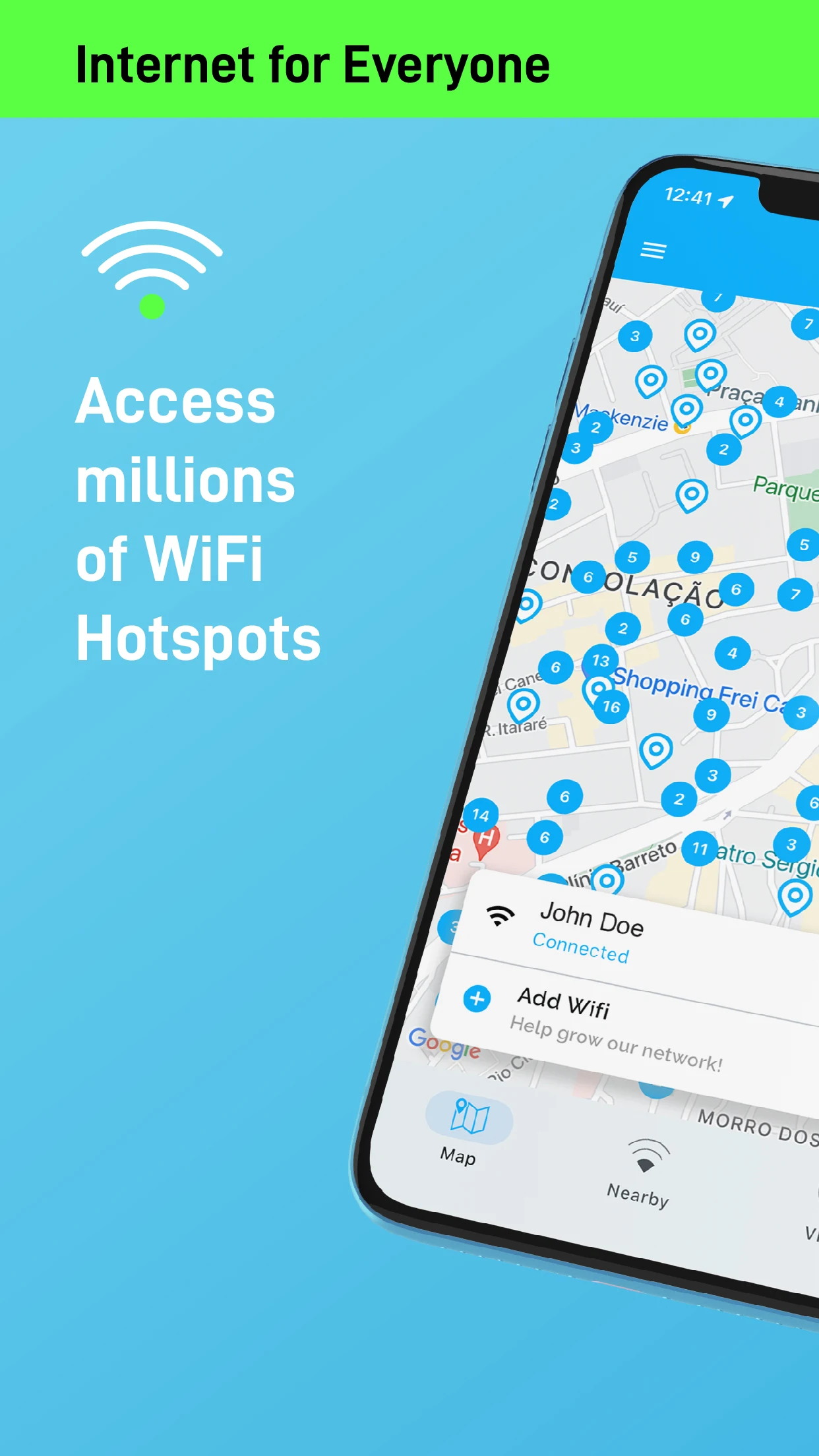
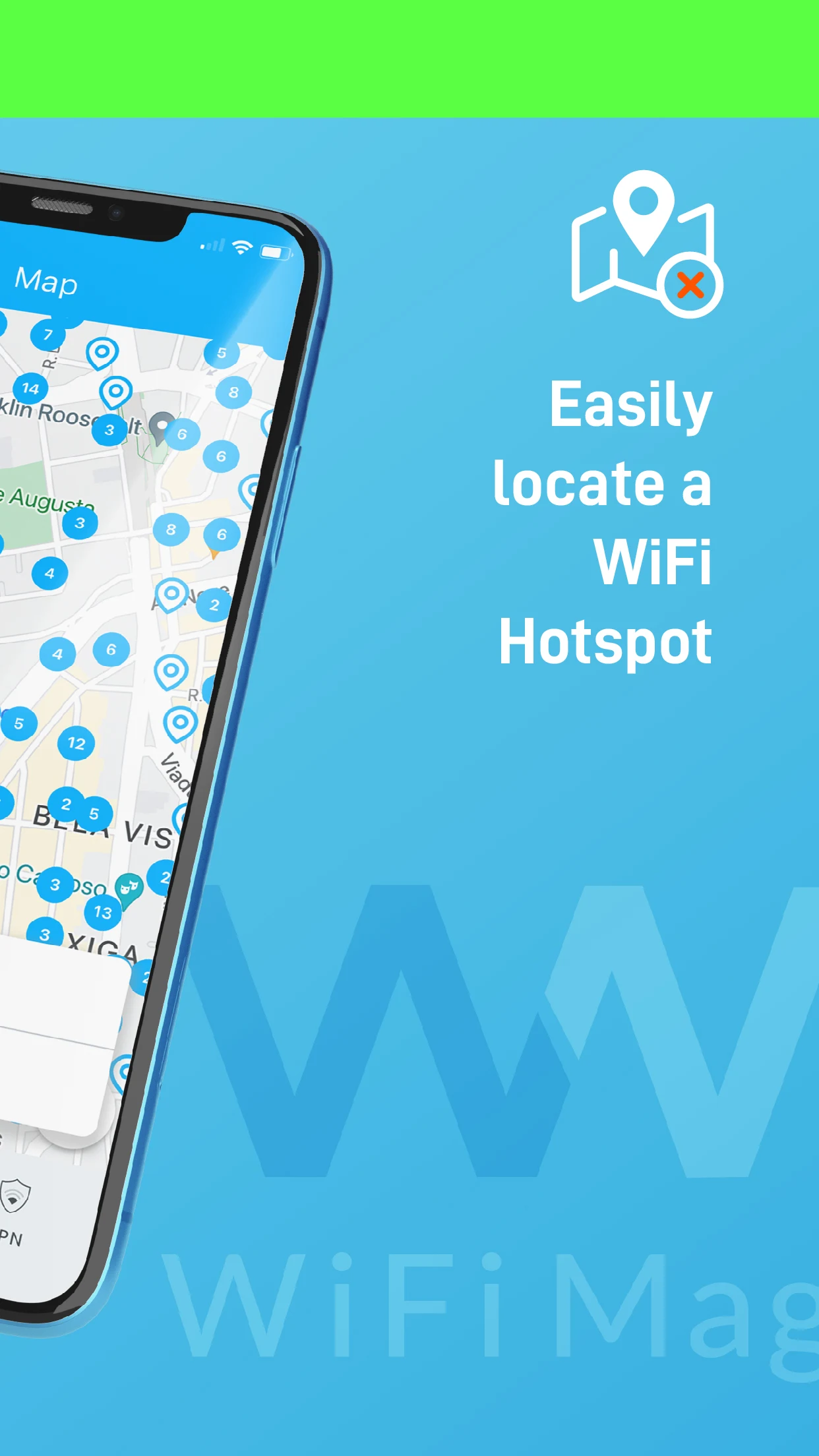
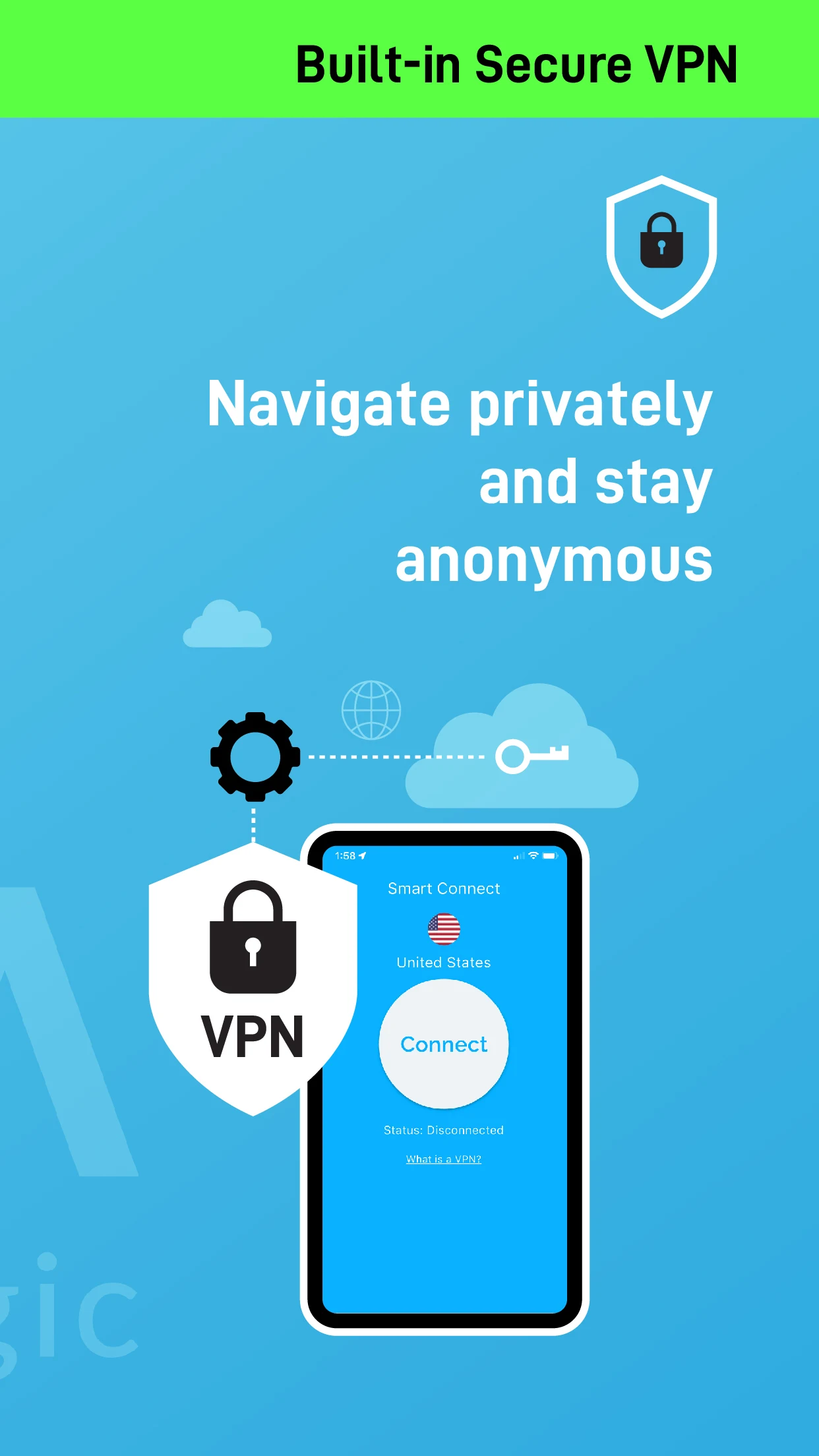
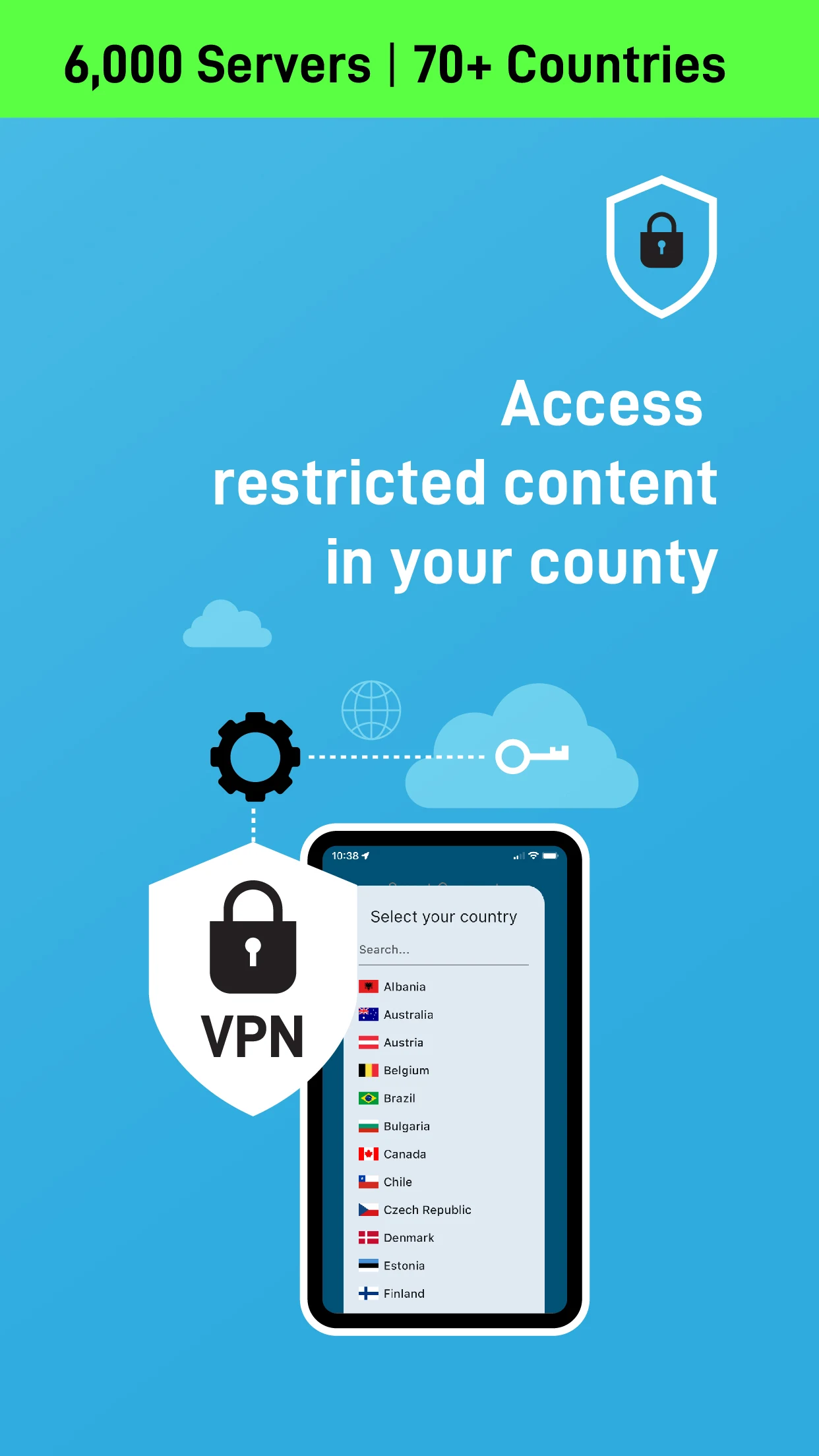
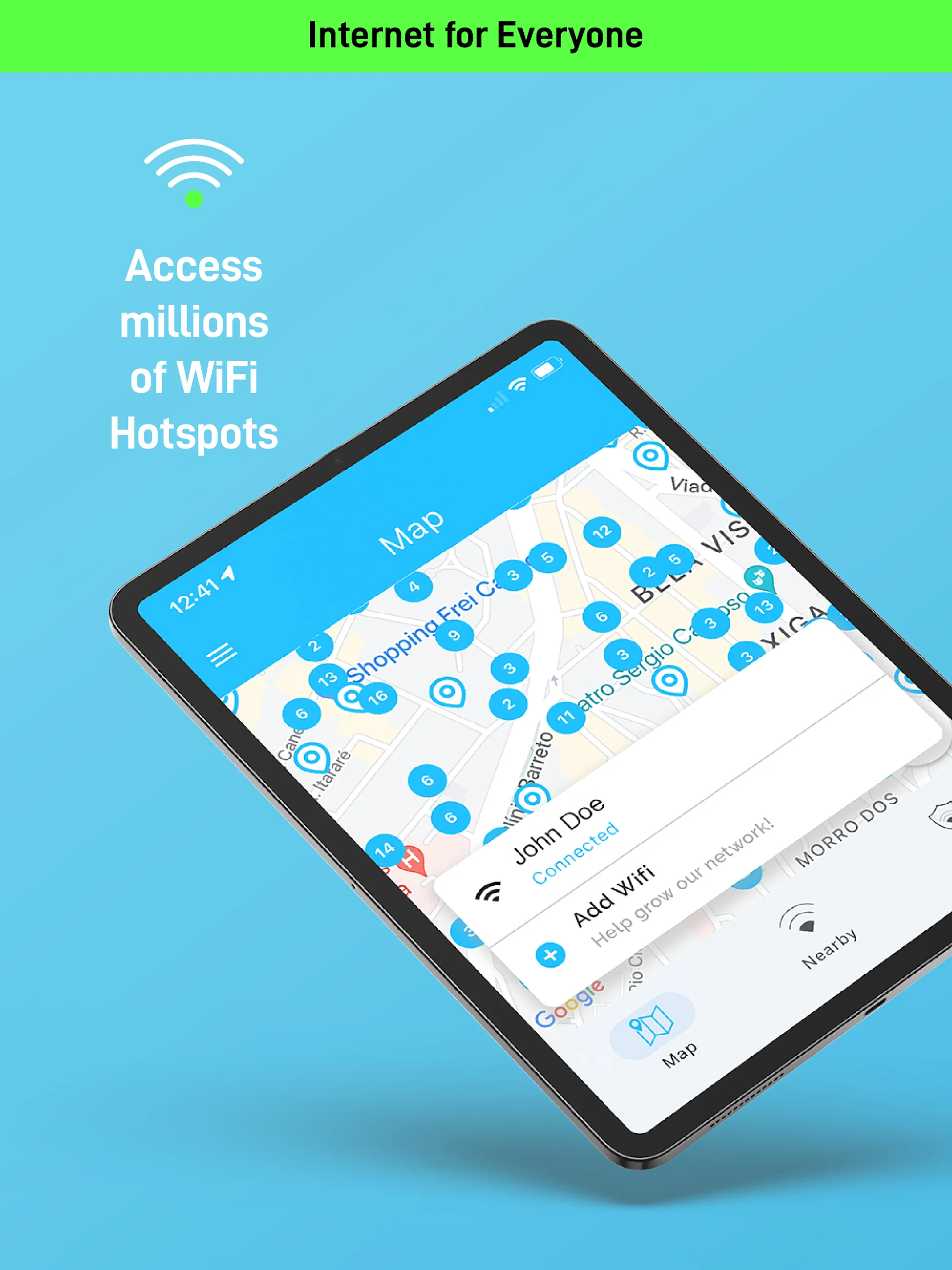
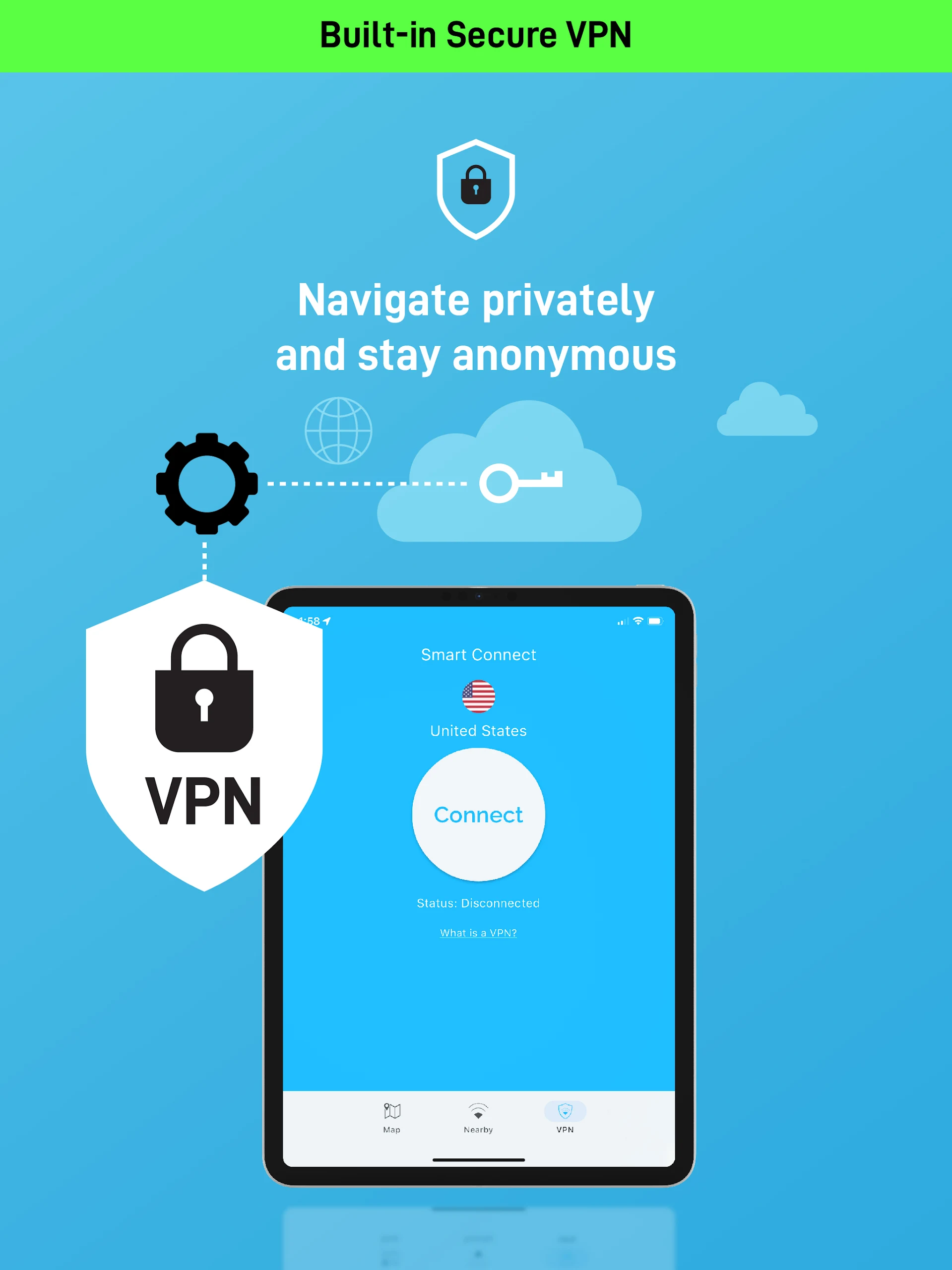
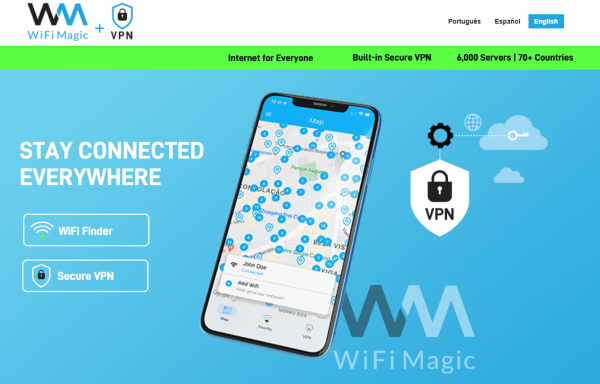
Explore millions of public WiFi hotspots across more than 160 countries with WiFi Magic.
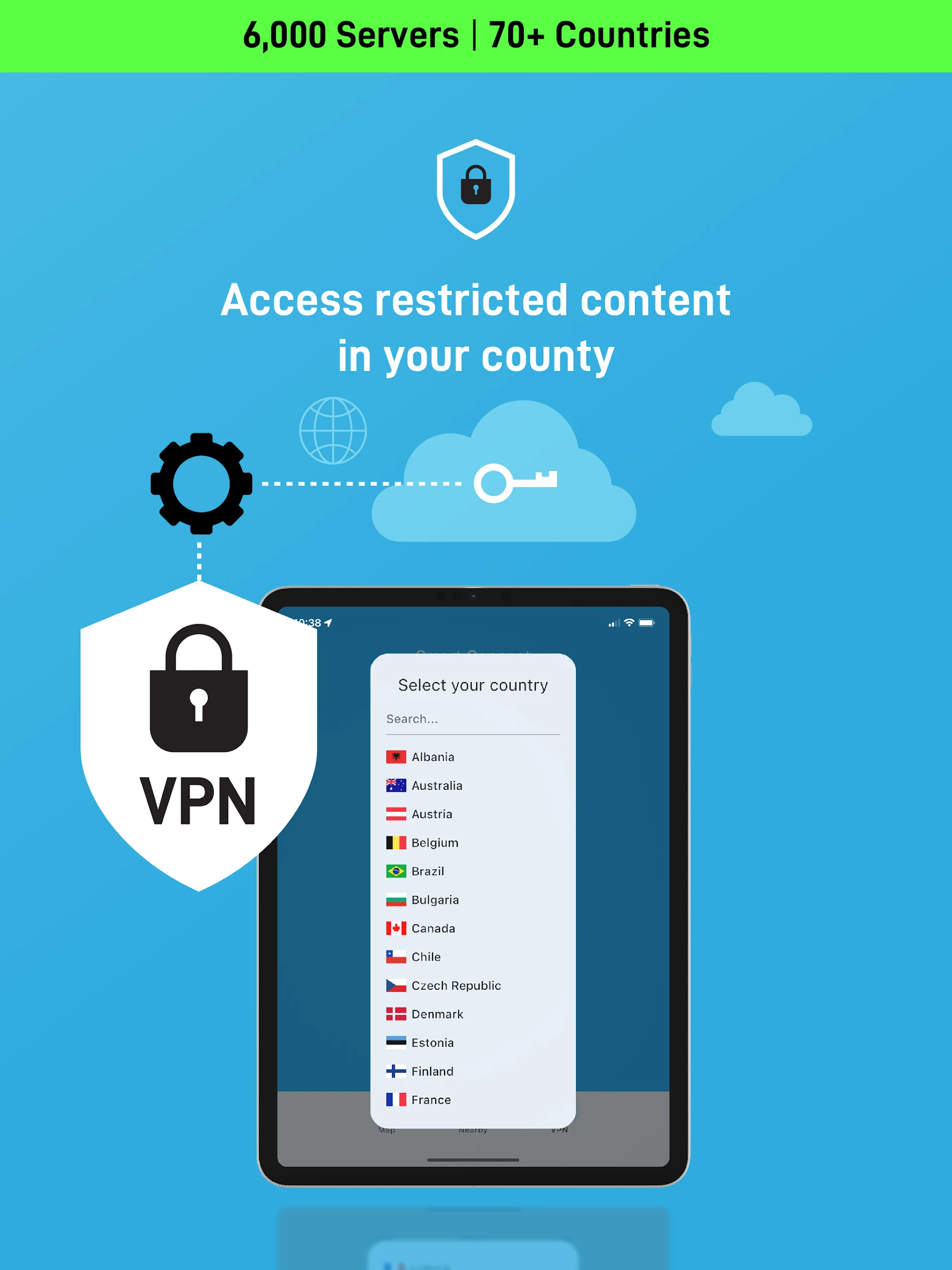
Surf the internet safely and access content that may be restricted in certain regions using our VPN service. Download WiFi Magic today and dive into a realm of online opportunities! WiFi Magic: Connecting Everyone to the Internet!
Features:
HOTSPOTS DE WIFI PÚBLICOS
It’s a great place to be. It’s a great place to be. It’s 160 years old. It’s a great place to be.
SEGURANÇA
Navegue com segurança e desbloqueie conteúdo geograficamente restrito com nossa VPN.
Proteja-se dos hackers!
ECONOMIA
Minimize our planos and dados as alta taxas roaming ao viajar. conexão no 4G ou 5G.
Instructions:
1. **Download and Install**: Go to the App Store on your Android or iOS device, search for "WiFi Magic," and download and install it.
2. **Register and Initial Configuration**: Open the app and follow the prompts to register by providing a valid email address and creating a password. After registration, the app will guide you through the initial configuration required to connect to a WiFi network, including setting up privacy and security options.
3. **Authorize Location Access**: When you first open the app, you may be asked to authorize location access to display available free WiFi networks in your area. Tap "Allow" to grant permission.
4. **Search and Connect to WiFi Networks**: The app automatically detects nearby available WiFi networks and updates the list in real time. Select the WiFi network you want to connect to from the list, and WiFi Magic will automatically attempt to connect, eliminating the need to manually enter a password.
5. **Manage Network Profiles**: You can create profiles for WiFi networks you frequently connect to, such as those at home, work, or at your favorite coffee shop. Next time, simply select the appropriate profile, and WiFi Magic will automatically connect without having to enter a password again.
IMPORTANT: THIS SERVICE IS LIMITED TO PUBLIC NETWORKS AND DOES NOT INCLUDE PRIVATE OR HOME NETWORKS.
SECURITY:
You might want to review our policies regarding privacy and user agreements, which are available for your reference.
Updates in This Version:
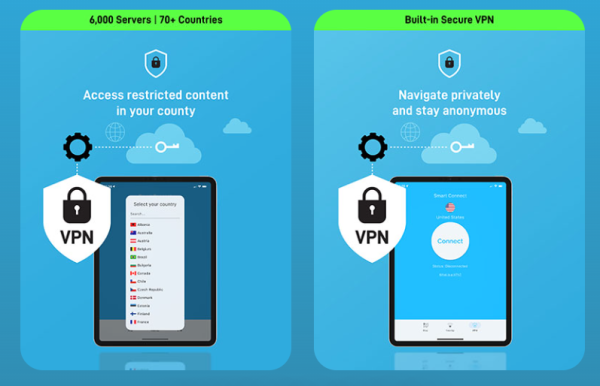
VPN - A feature that facilitates a secure and encrypted link between your mobile device and the internet. With WiFi Magic VPN, you benefit from an extra layer of security and confidentiality for your online actions.
FAQS:
1. **Q: What is WiFi Magic mainly used for?**
A: It can connect to millions of public WiFi hotspots in over 160 countries worldwide. It also provides a built-in VPN for secure internet access, unlocks regionally restricted content, and reduces mobile data roaming charges while traveling.
2. **Q: How do I connect to WiFi using this app?**
A: After downloading and installing, register an account and complete the initial configuration. Enable location permissions. The app will automatically detect nearby public WiFi networks; select one and connect with one click without entering a password. You can also create frequently used network profiles for automatic connection later.
3. **Q: What are the security features of the app?**
A: The built-in VPN function encrypts the connection between your device and the network, preventing hacker attacks and ensuring the security and privacy of your online activities.
4. **Q: What precautions should I take when using it?**
A: This service is **limited to public WiFi networks only** and does not support connections to private or home networks.
- Version5.9.3
- UpdateOct 19, 2026
- DeveloperWiFi Magic
- CategoryTravel & Local
- Requires AndroidAndroid 5.1+
- Downloads11M+
- Package Namecom.mandicmagic.android
- Signaturea95c31c8945026932558c623e468ad43
- Available on
- ReportFlag as inappropriate
-
NameSizeDownload
-
84.20 MB
-
9.69 MB
-
19.88 MB













Offers a social platform for sharing WiFi locations and passwords
New version includes a feature for saving city hotspots
Helps avoid 3G charges by finding public WiFi
Convenient access to nearby WiFi networks
User-friendly interface with a modern design
High data consumption of 90MB in under a minute
Frequent Android System warnings about CPU usage
App struggles with adding new locations
Often reverts to user's current location when browsing
Requires an internet connection to access hotspots
Buggy performance leads to crashes on certain devices
Recurring subscription fees for ad-free experience
Fails to find passwords with special characters
Reports of zero available WiFi hotspots despite user presence