
Whisker - Pet monitoring & control
Transform your pet care routine with real-time monitoring & customizable features for ultimate convenience.

- 1.3.6 Version
- 1.6 Score
- 282K+ Downloads
- Free License
- 3+ Content Rating

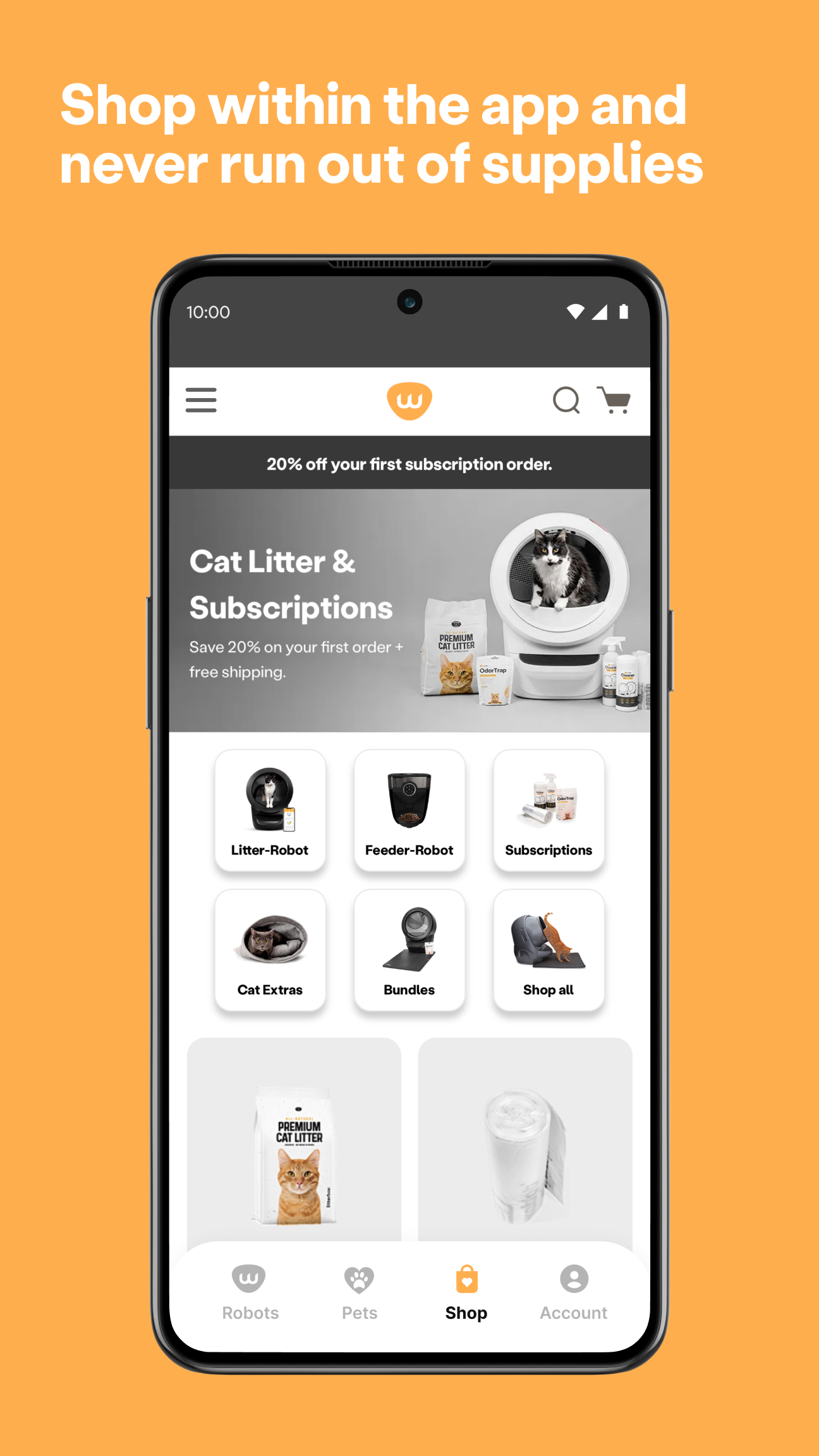
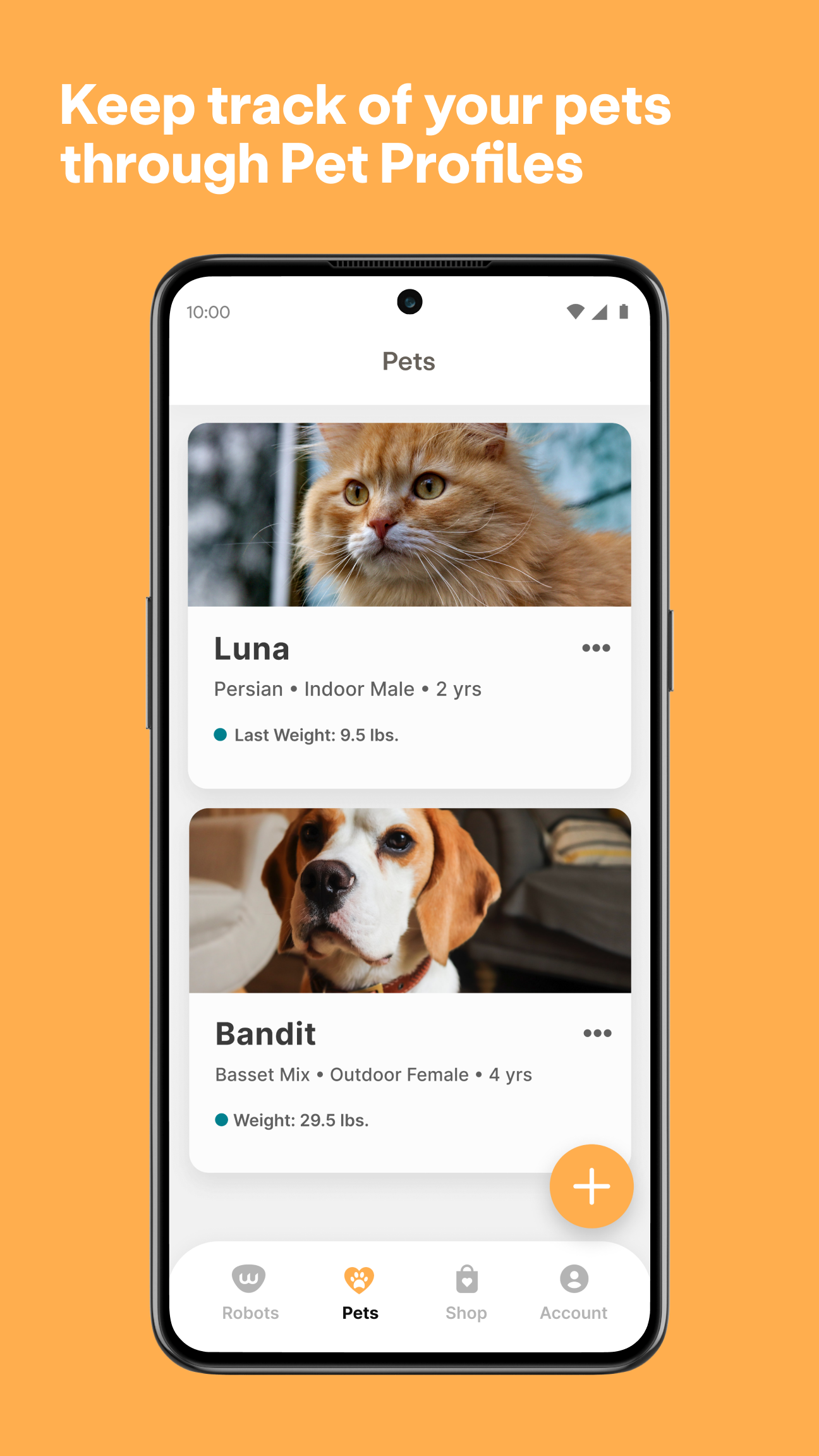
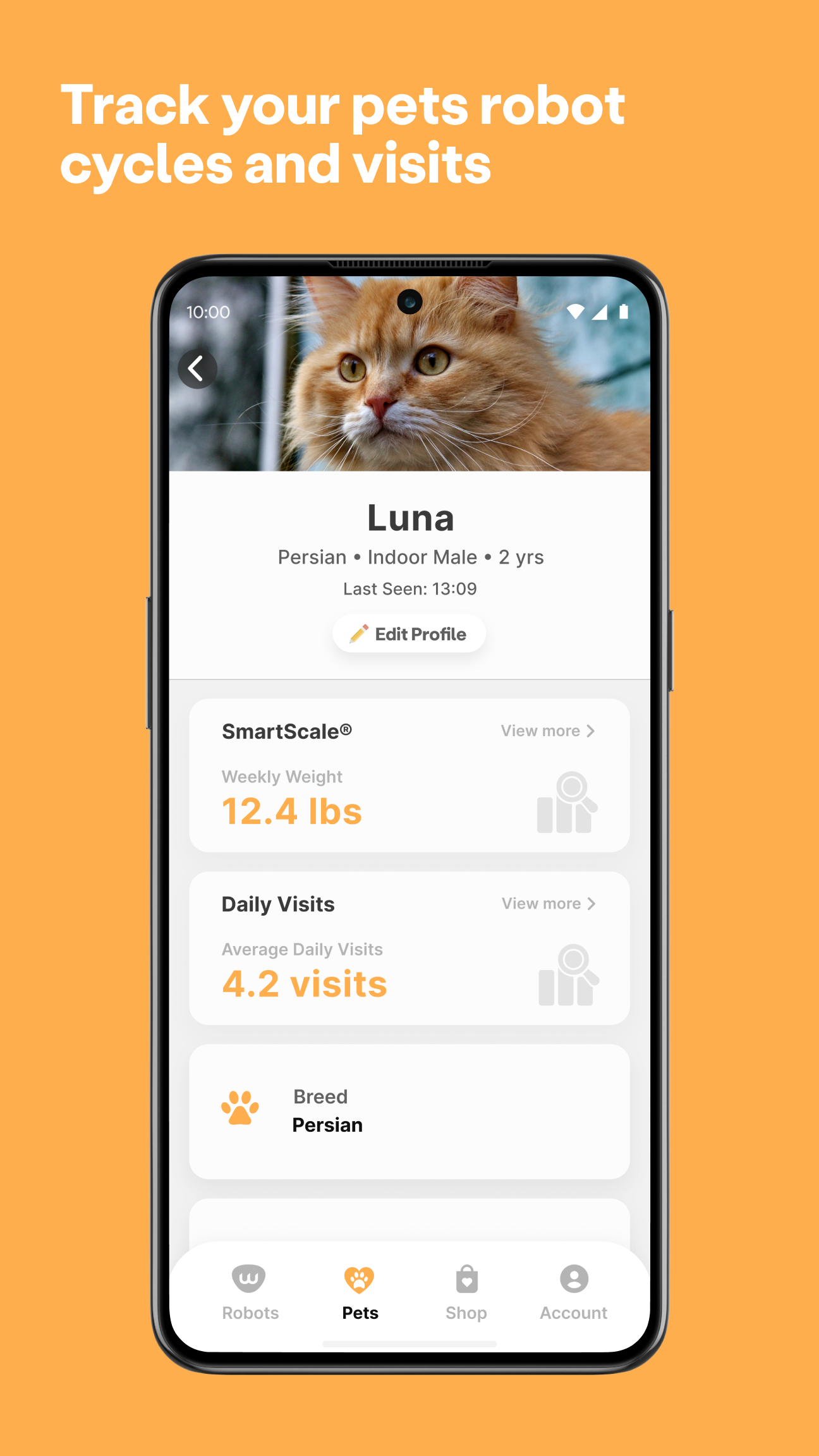
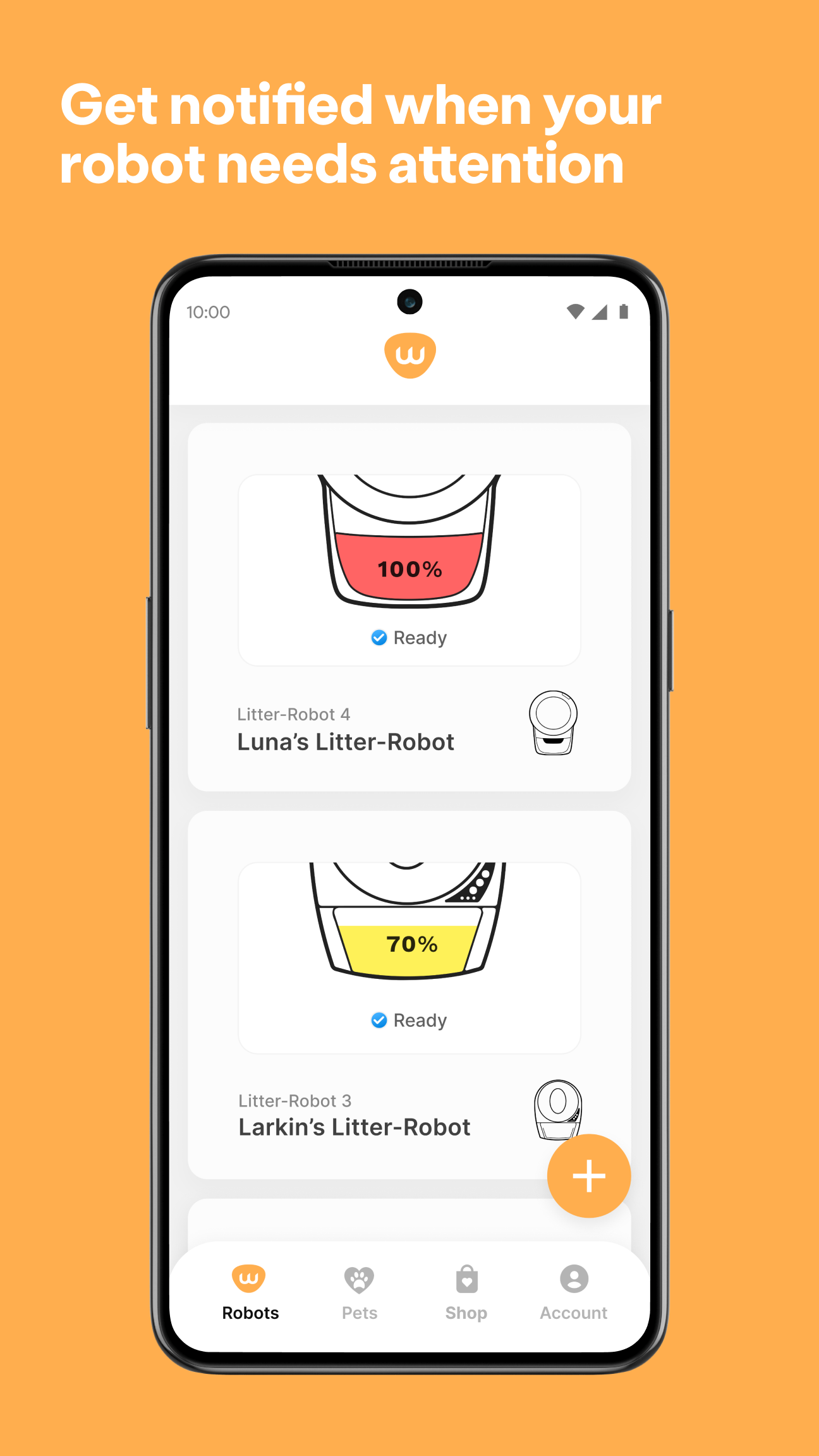
Enhancing your life with your pet
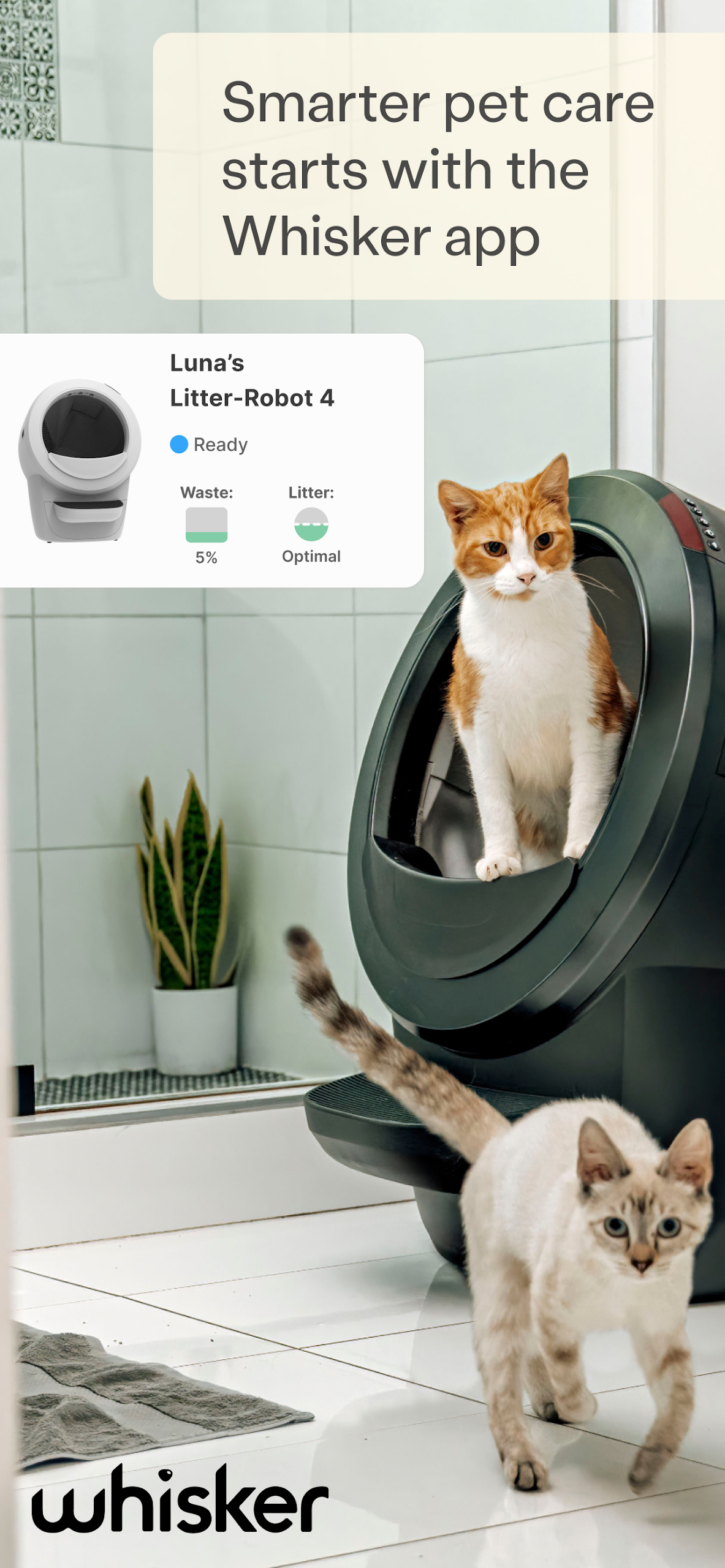
The Whisker Connect™ application enables you to oversee and manage your WiFi-enabled Litter-Robot and Feeder-Robot units from a single location. This app provides insights into your cat’s litter box usage and feeding patterns, allowing complete control of your Litter-Robot 3 Connect and Feeder-Robot directly from your mobile device.
Whisker app for Litter-Robot 4 and Litter-Robot 3 Connect:
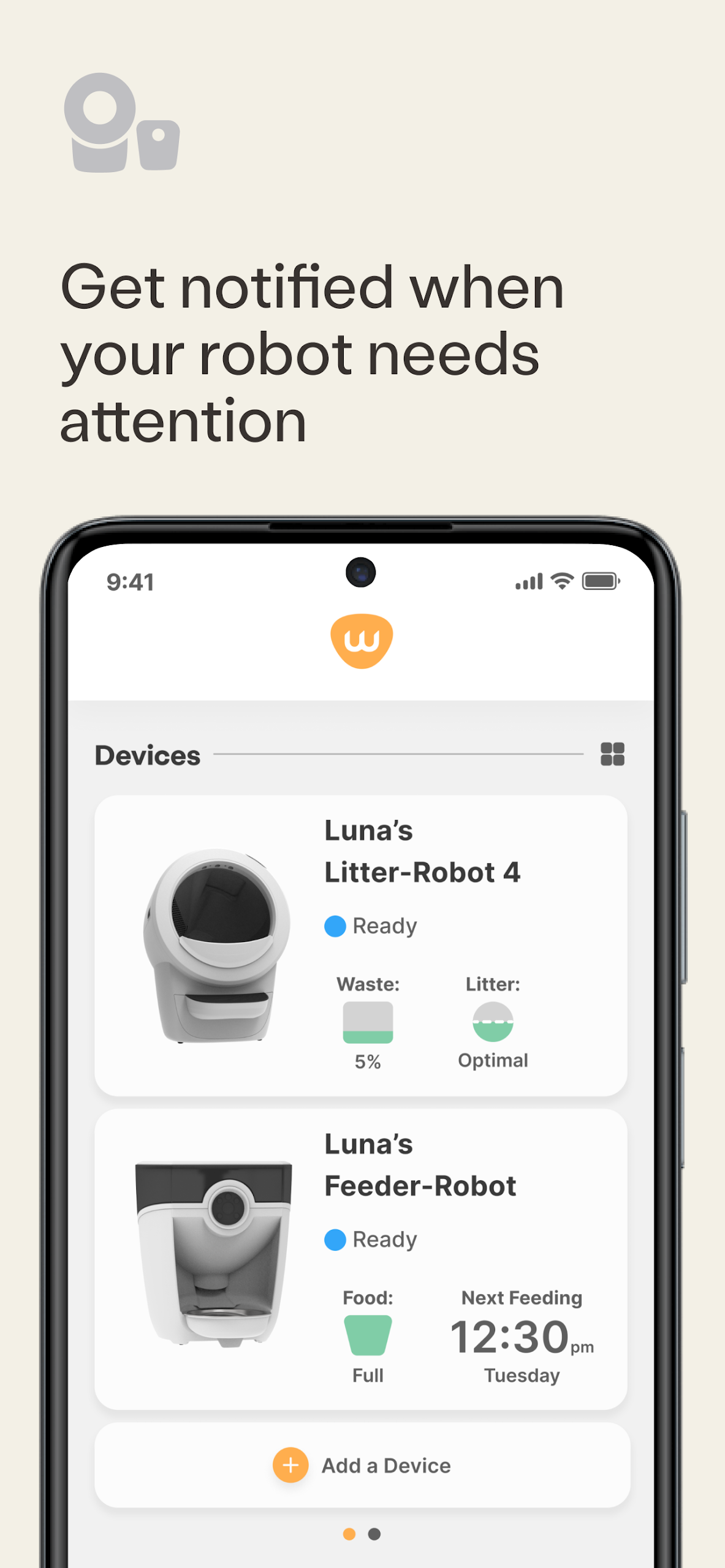
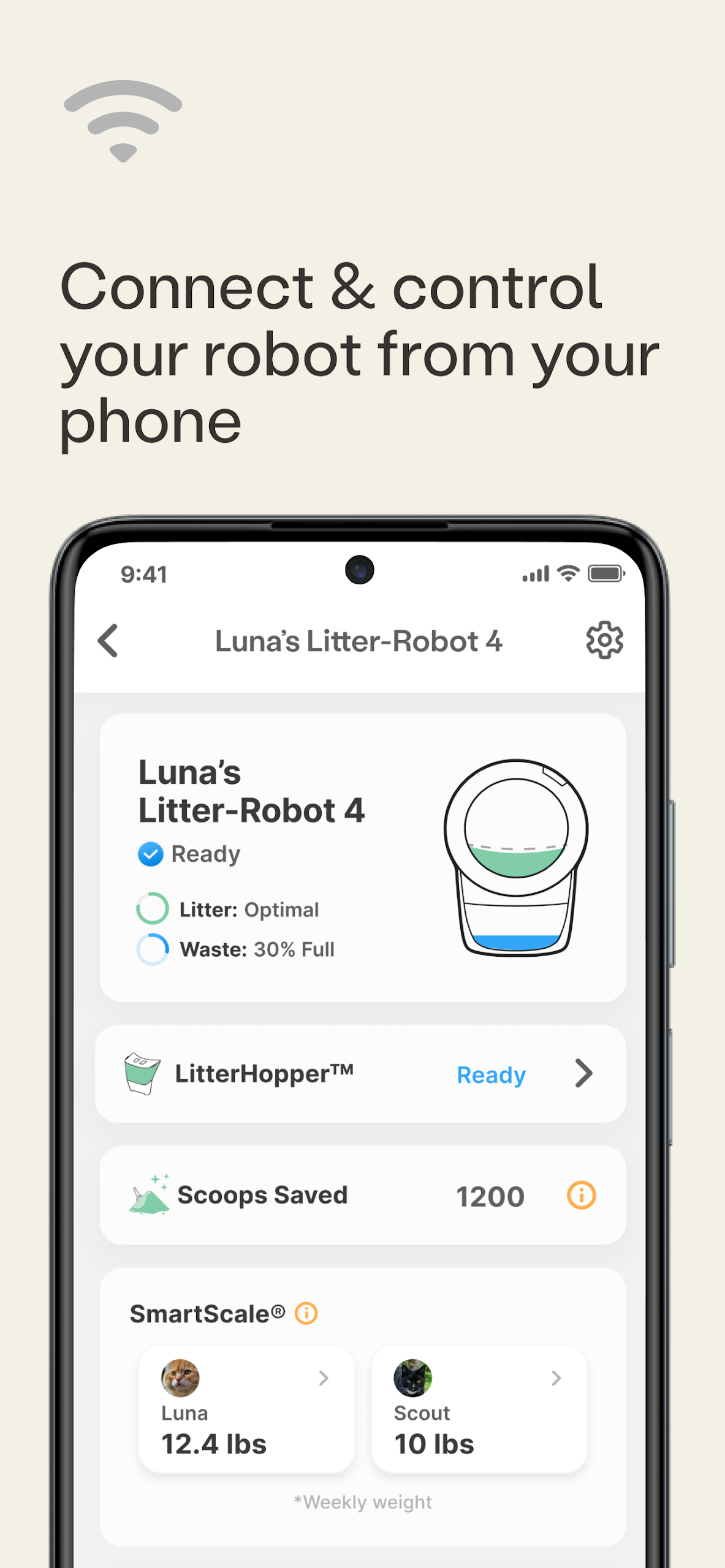
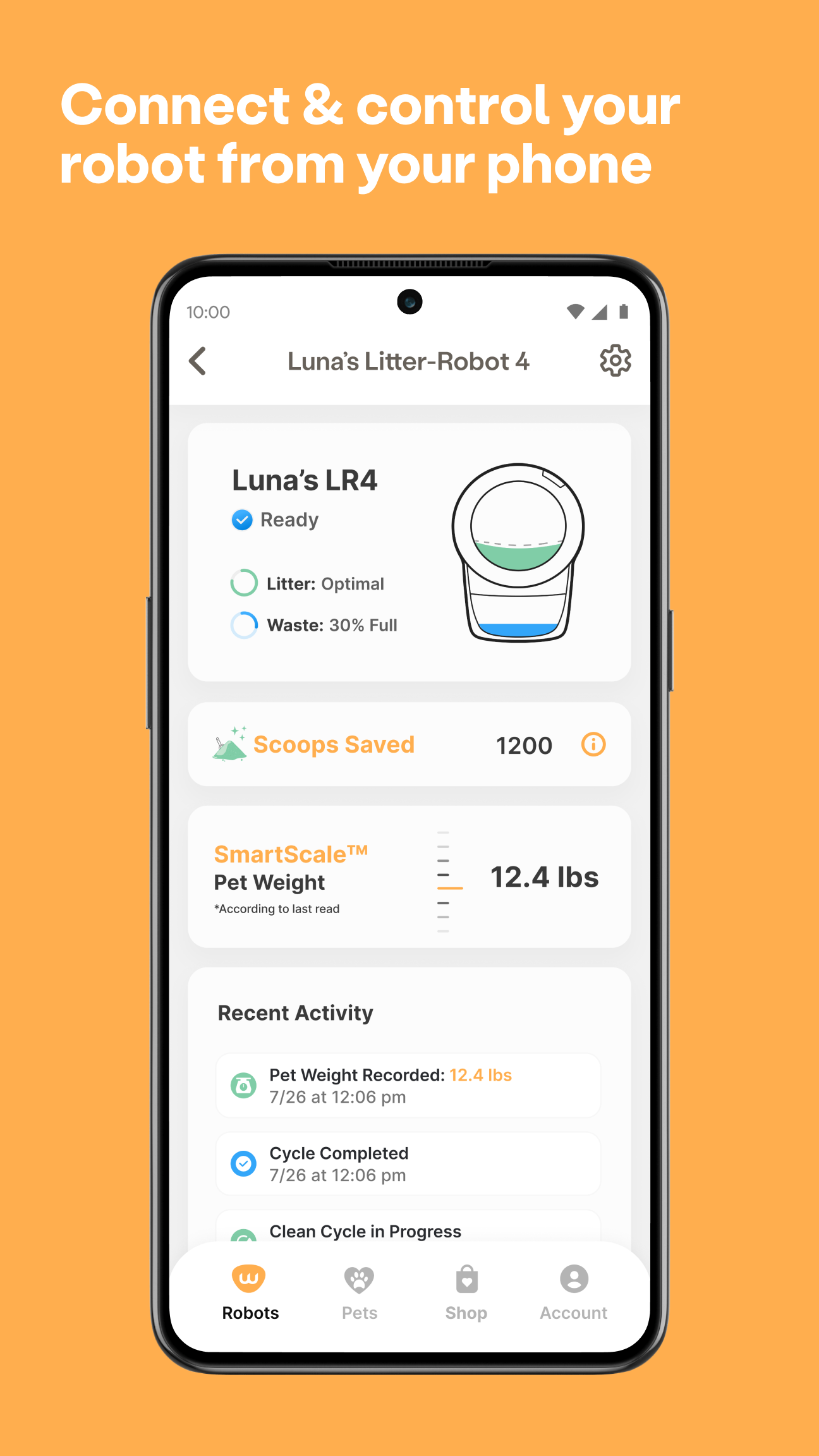
● Monitor Waste Drawer Level: Keep the litter box discreet while still being aware of its status. Check the waste drawer level no matter where you are.
● Receive Real-Time Status Alerts: Activate push notifications to stay informed when your Litter-Robot requires attention. Set up alerts to know when it is cycling, the drawer is full, or if the unit is paused.
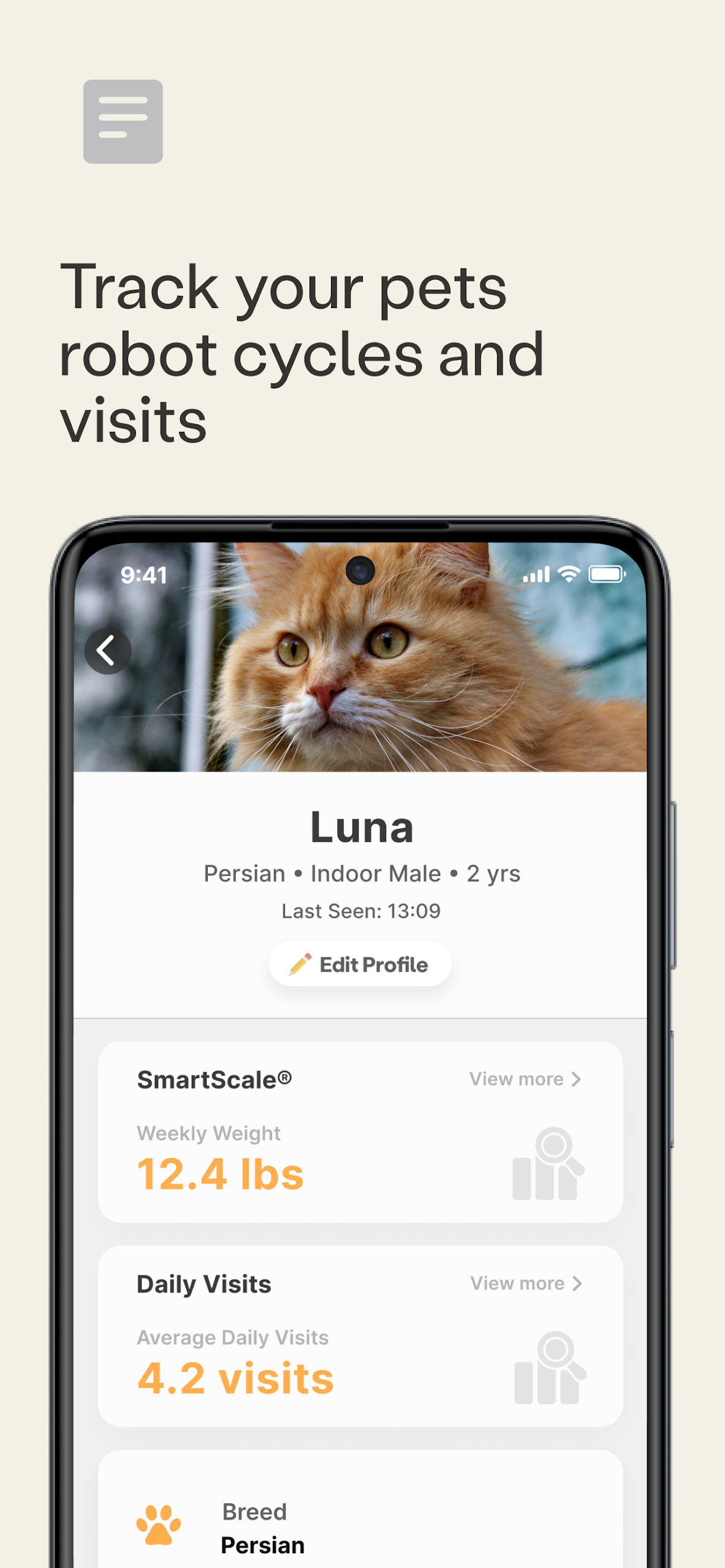
● Track Your Cat’s Litter Box Activity: Access usage statistics for valuable insights into your cat's health. Understand what’s normal for your cat to help detect any potential issues.
● Adjust Your Litter-Robot Settings: Modify your settings directly from your mobile device. Change the wait time, lock the control panel, turn on the night light, or set up sleep mode.
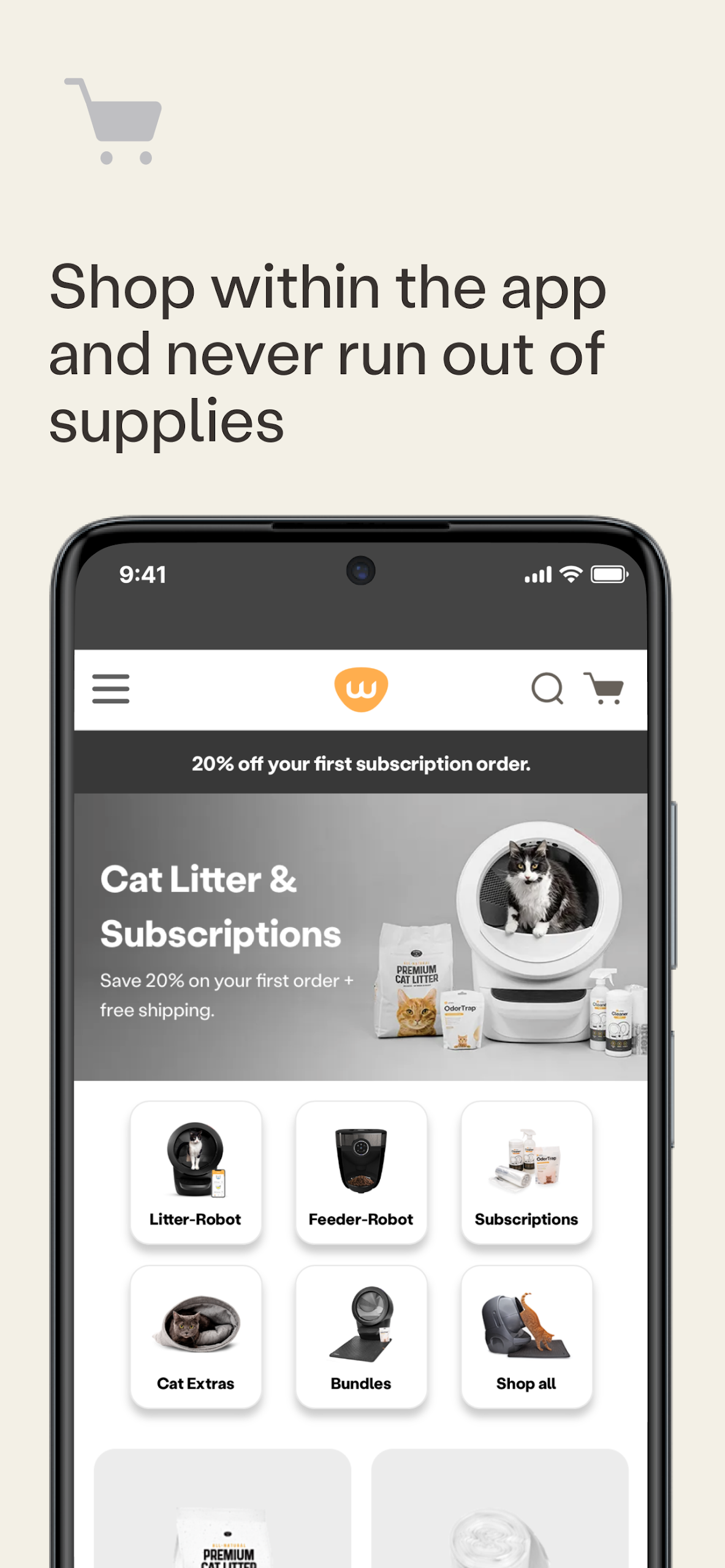
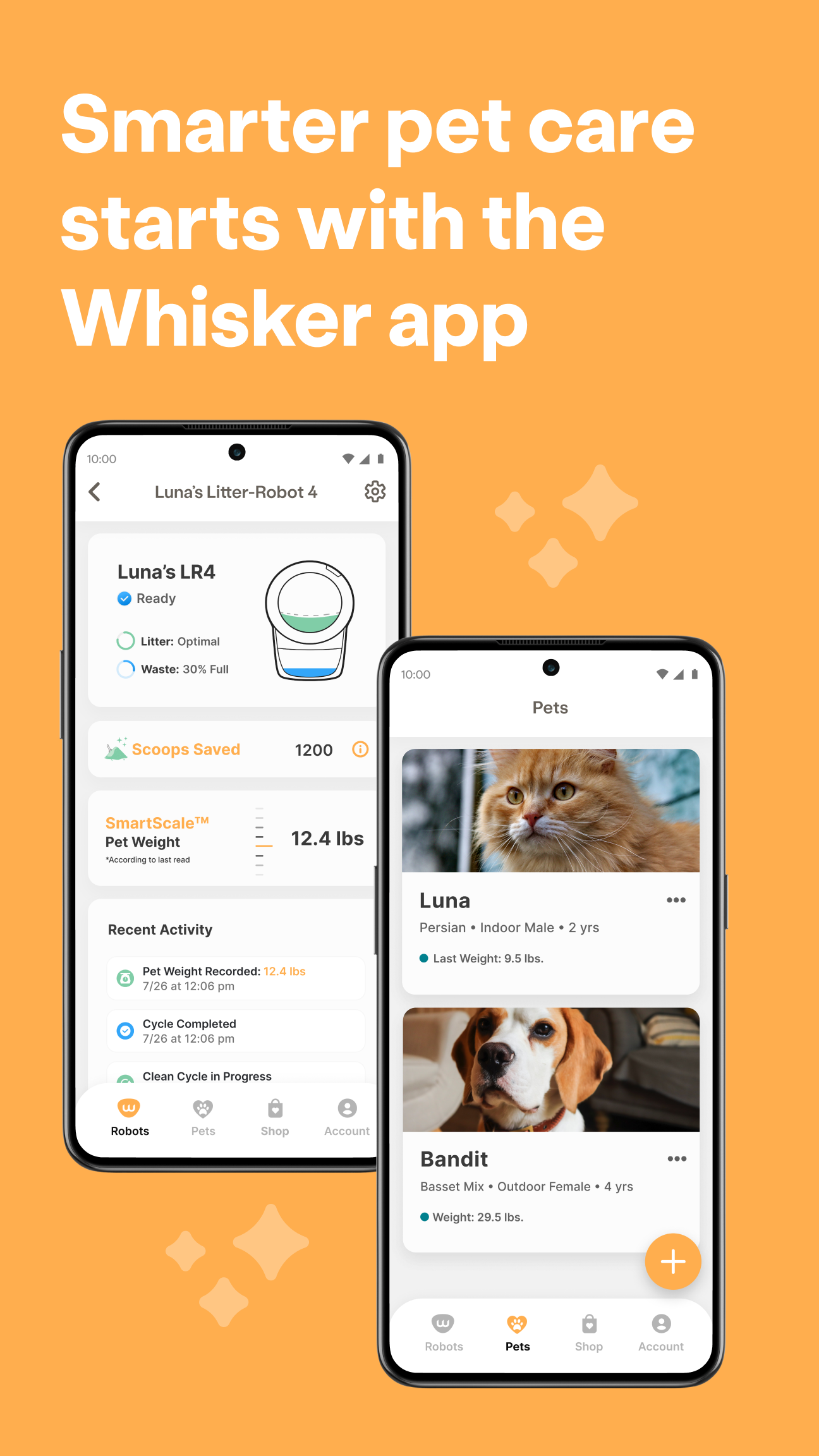
● Connect Multiple Units: You can add a single Litter-Robot or Feeder-Robot, or connect multiple units to the same app. Others in your home can connect using the same account.
Whisker app for Feeder-Robot:
● Schedule Multiple Feeding Times: The app offers enhanced programming options for various feeding schedules. You can also give snacks or skip meals easily with just a button press.
● Check Feeder Status: Get notified when food supplies are running low, and receive alerts if there are problems detected with your automatic feeder.
● Analyze Feeding Data: Ensure your pet is getting the appropriate amount of food at the right times. Compare your pet’s feeding statistics weekly and monthly for comprehensive insights.
● Dispense Snacks: Treat your pet to a snack whenever you wish, from anywhere, by simply pressing a button. Snacks can be dispensed in 1/4-cup increments up to a total of 1 cup.
● Connect Multiple Units: Onboard a single Feeder-Robot or Litter-Robot, or several units within the same app. If others in your household wish to connect, they can do so using the same account.
Requirements:
● Operating system must be Android 8.0 or later
● Camera permissions needed for scanning QR codes
● Requires a 2.4GHz connection (5GHz is not supported)
● An IPv4 router is necessary (IPv6 is not supported)
● Complete the onboarding process within 5 minutes
● SSID names must be limited to 31 characters
● Network passwords should range between 8-31 characters and cannot include slashes, periods, or spaces ( \ / . )
● Robots will not connect to hidden networks
● MAC address is visible during the onboarding of the feeder-robot
● Robots exclusively connect to secure, password-protected networks
● Robots do not utilize shared WiFi network phone features
Applicable Scenarios:
1. **Remote Daily Pet Care**
When you're out and about, remotely check the litter box's cleanliness and the food level in the feeder, without having to go home to clean it.
2. **Pet Health Anomaly Monitoring**
Tracking your cat's toilet habits and timing patterns allows you to promptly detect abnormal bowel movements and help assess their health.

3. **Automated Pet Life Management**
Set timed food dispensing for the feeder, adjust the litter box cleaning delay, and even enable a night mode to match your pet's daily routine.
4. **Centralized Management of Multiple Pets/Devices**
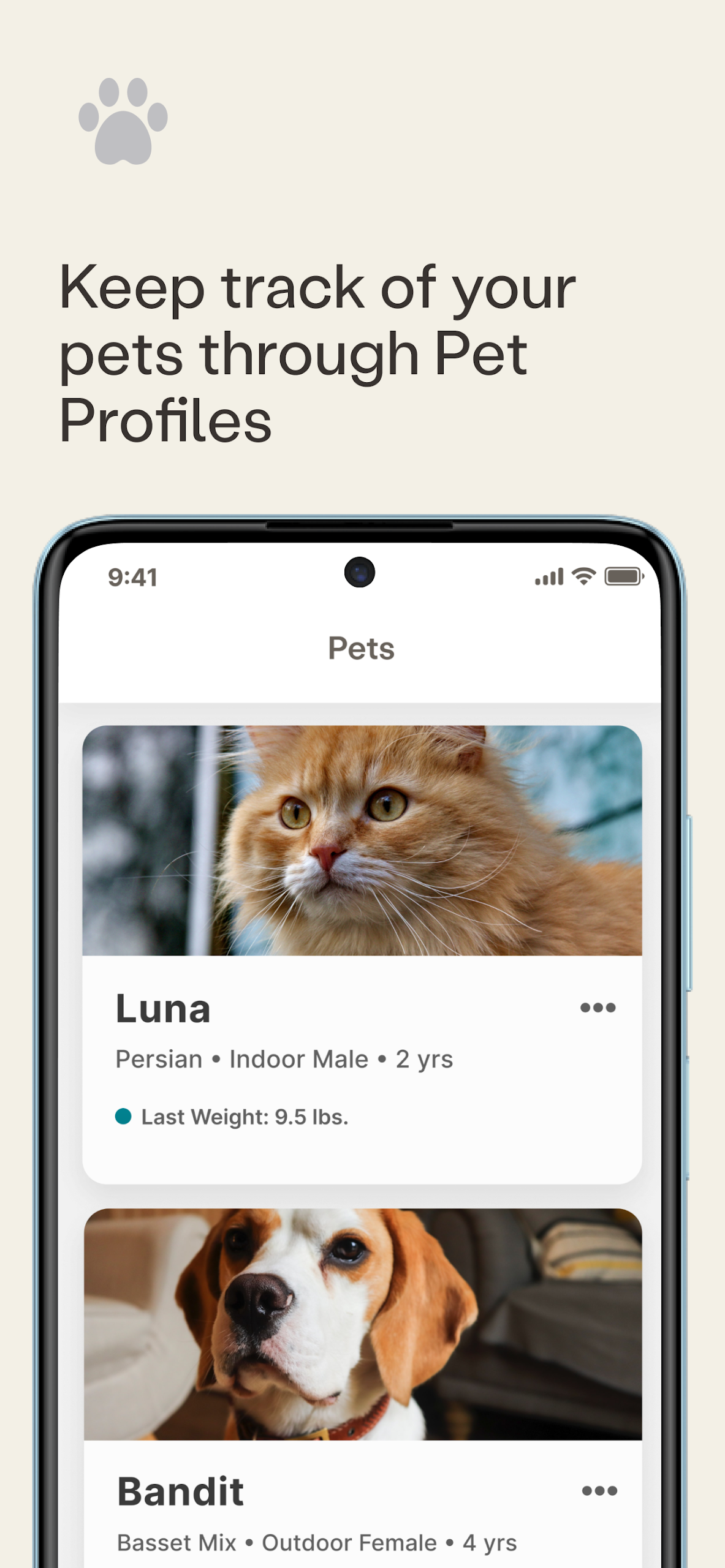
Link multiple litter boxes and feeders to the same account, allowing you to manage the toileting and feeding needs of multiple pets with a single click.
FAQs:
Q: What devices does the Whisker Connect™ app primarily manage? What are its core functions?
A: It primarily manages WiFi-enabled Litter-Robot (robot litter box) and Feeder-Robot (automatic feeder). Its core function is to allow users to centrally control both devices from their phone, such as checking litter box status, adjusting feeding times, and accessing pet usage data, allowing users to remotely monitor their pet's elimination and feeding habits.
Q: Does this app support all Litter-Robot and Feeder-Robot models? Are there any specific models it's compatible with?
A: Not all models. It's primarily compatible with the Litter-Robot 4 and Litter-Robot 3 Connect robot litter boxes, as well as the full range of Feeder-Robot automatic feeders. Non-WiFi devices cannot be connected and managed through the app.
Q: What practical problems can be solved by using the app to monitor a cat's litter box's "waste drawer capacity"?
A: It eliminates the need for users to frequently manually check if the litter box needs cleaning. Even when away from home, users can open the app to see if the drawer is full. This eliminates the need to constantly interrupt their pets while still allowing for timely cleaning and maintaining a clean home. It's especially suitable for office workers or pet owners who frequently travel.
Q: What exactly can I see when I "track my cat's litter box usage data"? Is it helpful for monitoring my cat's health?
A: You can see statistics such as the time and frequency of each litter box use. Long-term observation can help users understand their cat's normal bowel movements. For example, sudden increases in frequent use or extended periods of inactivity may indicate health issues (such as urinary tract abnormalities), allowing users to identify potential problems in a timely manner.
Q: What settings can I adjust on the Litter-Robot app? For example, can I disable the litter box at night?
A: There are many settings that can be adjusted, such as "waiting time" (how long after the cat leaves to start cleaning), locking the control panel (to prevent accidental touches), turning on the night light (to facilitate cat use at night), and setting "sleep mode" - if you don't want it to work at night, just turn on sleep mode and set a time period. It's very flexible.
- Version1.3.6
- UpdateOct 23, 2026
- DeveloperWhisker
- CategoryLifestyle
- Requires AndroidAndroid 7.0+
- Downloads282K+
- Package Namecom.whisker.android
- Signature25e64c81d2ca0f94ecde2b48893c9aa6
- Available on
- ReportFlag as inappropriate


















Ease of cleaning and maintenance
Provides notifications for bin status
Tracks cats' weight over time
Reduced odor in the home
Saves time on litter box upkeep
Allows remote monitoring via smartphone
User-friendly and easy to set up
Enhances cat care and health tracking
App often has connection issues
Cannot accurately assign weights to multiple cats
Notifications for full bin or errors are unreliable
Features can be buggy and inconsistent
Difficulties with app logging users out
Limited options for customizing notifications
App interfaces and controls are confusing
High initial cost with unclear long-term value