
Atomi Smart - Home automation & control
Easily control lights, TV & appliances with one app; schedule tasks & receive notifications for ultimate convenience

- 1.3.4 Version
- 1.0 Score
- 183K+ Downloads
- Free License
- 3+ Content Rating

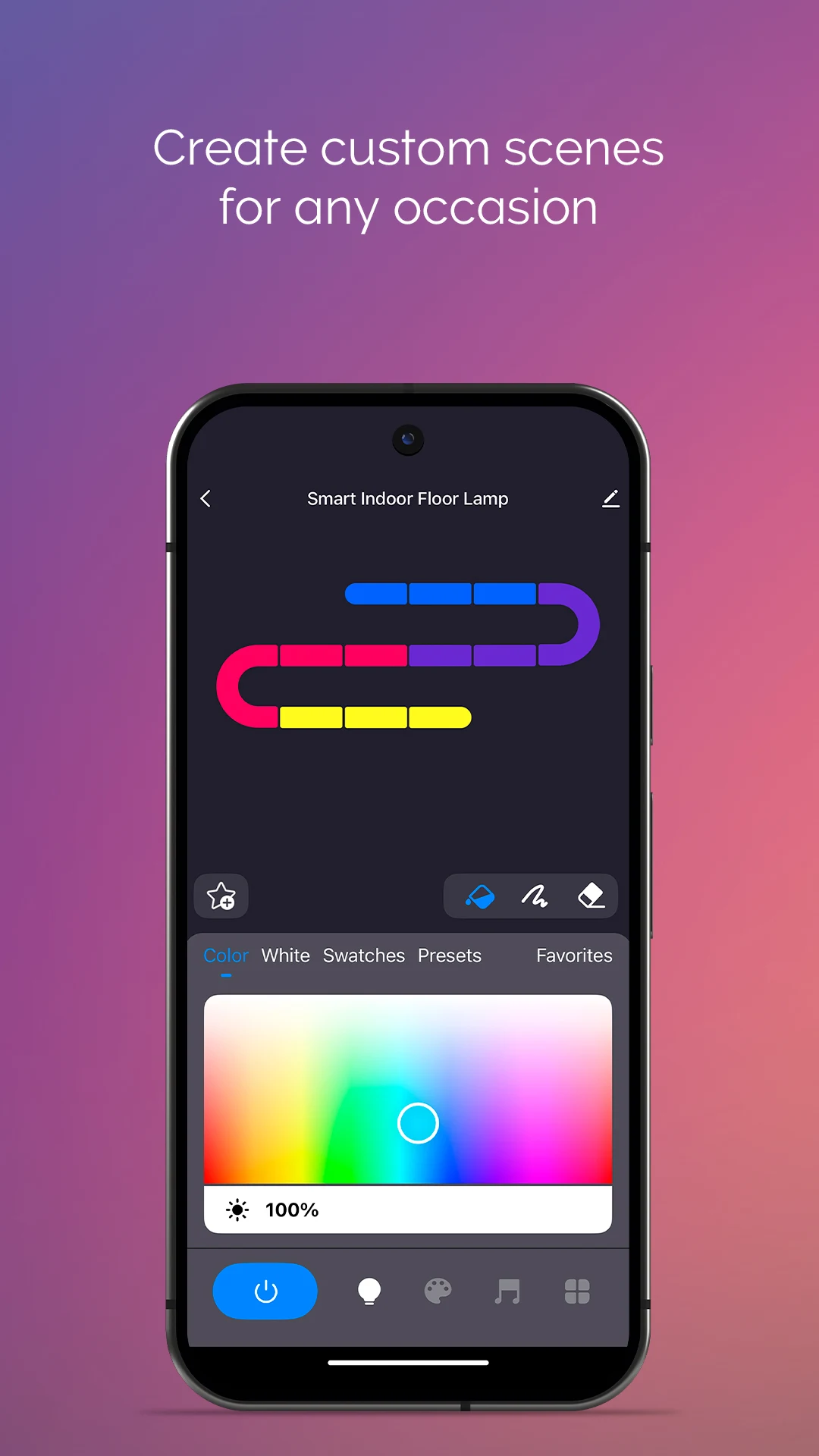
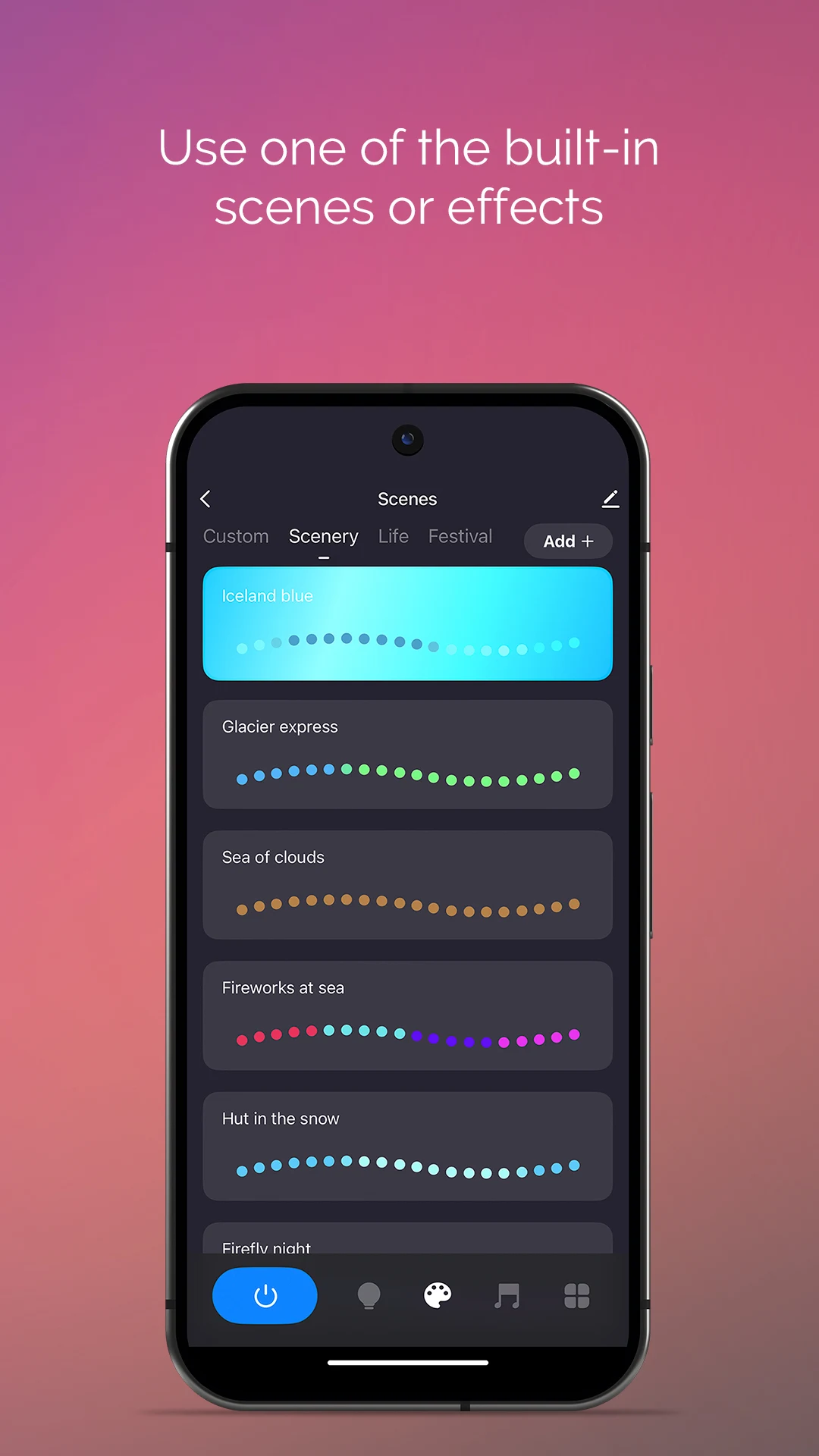
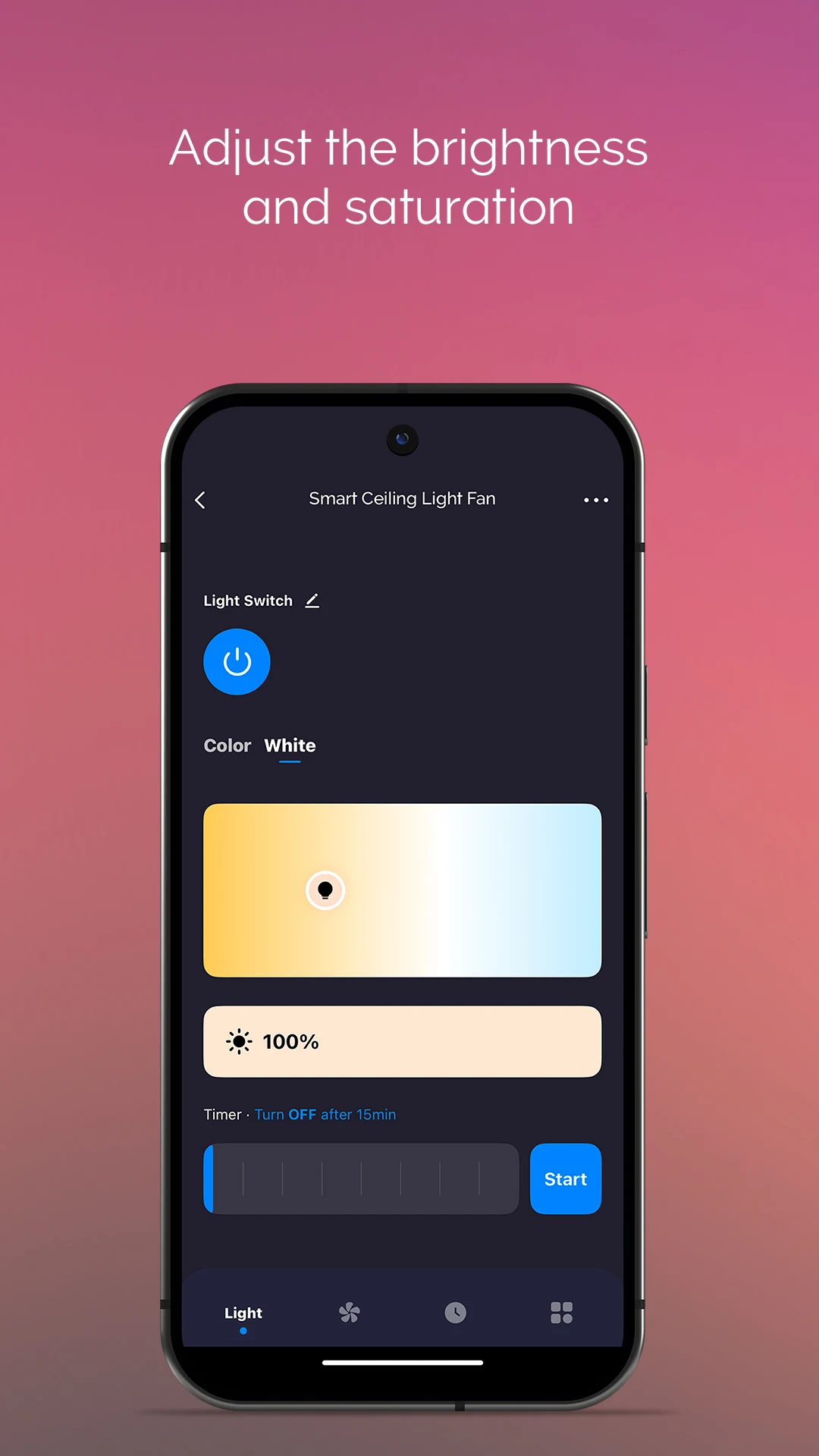
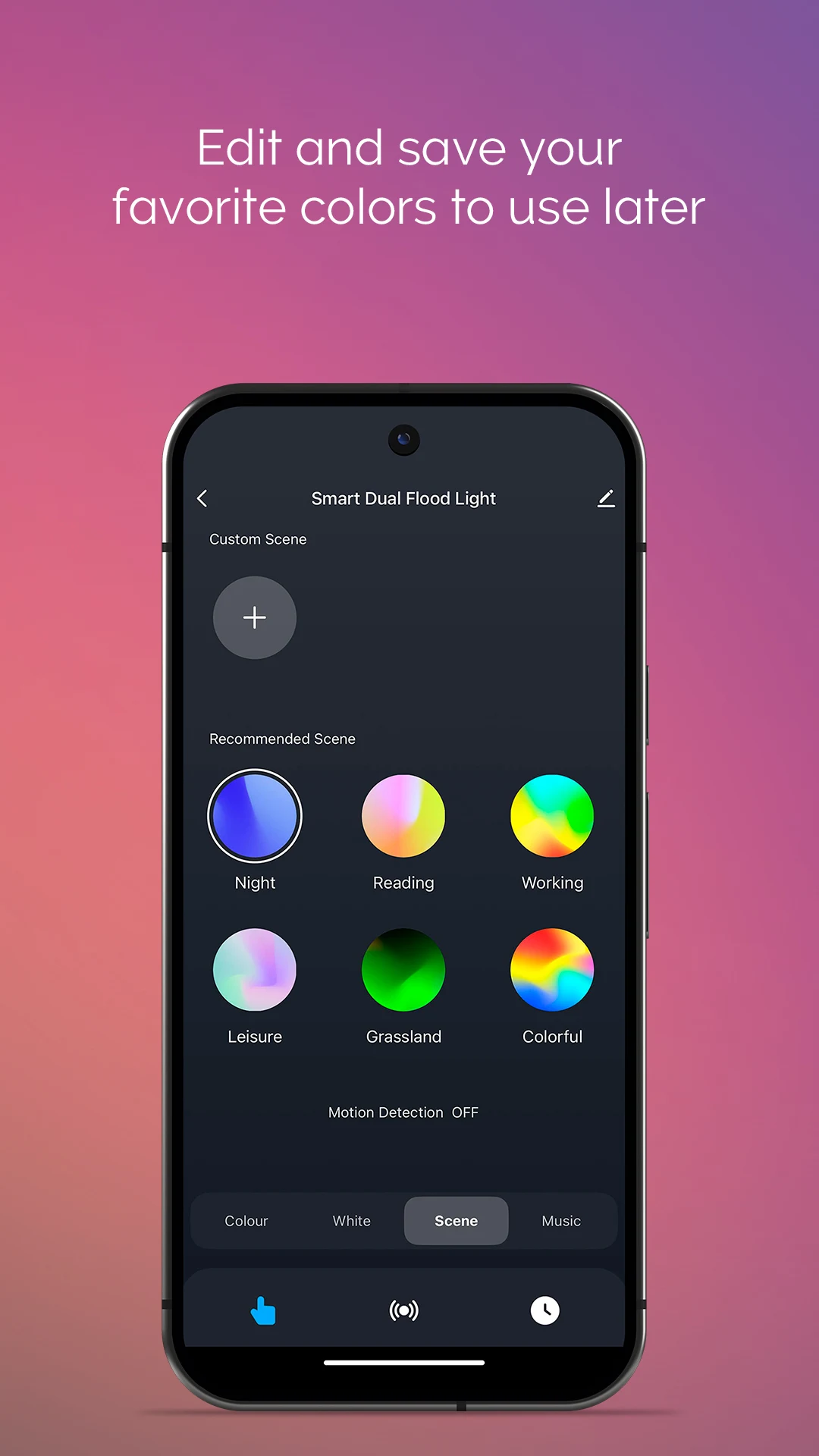
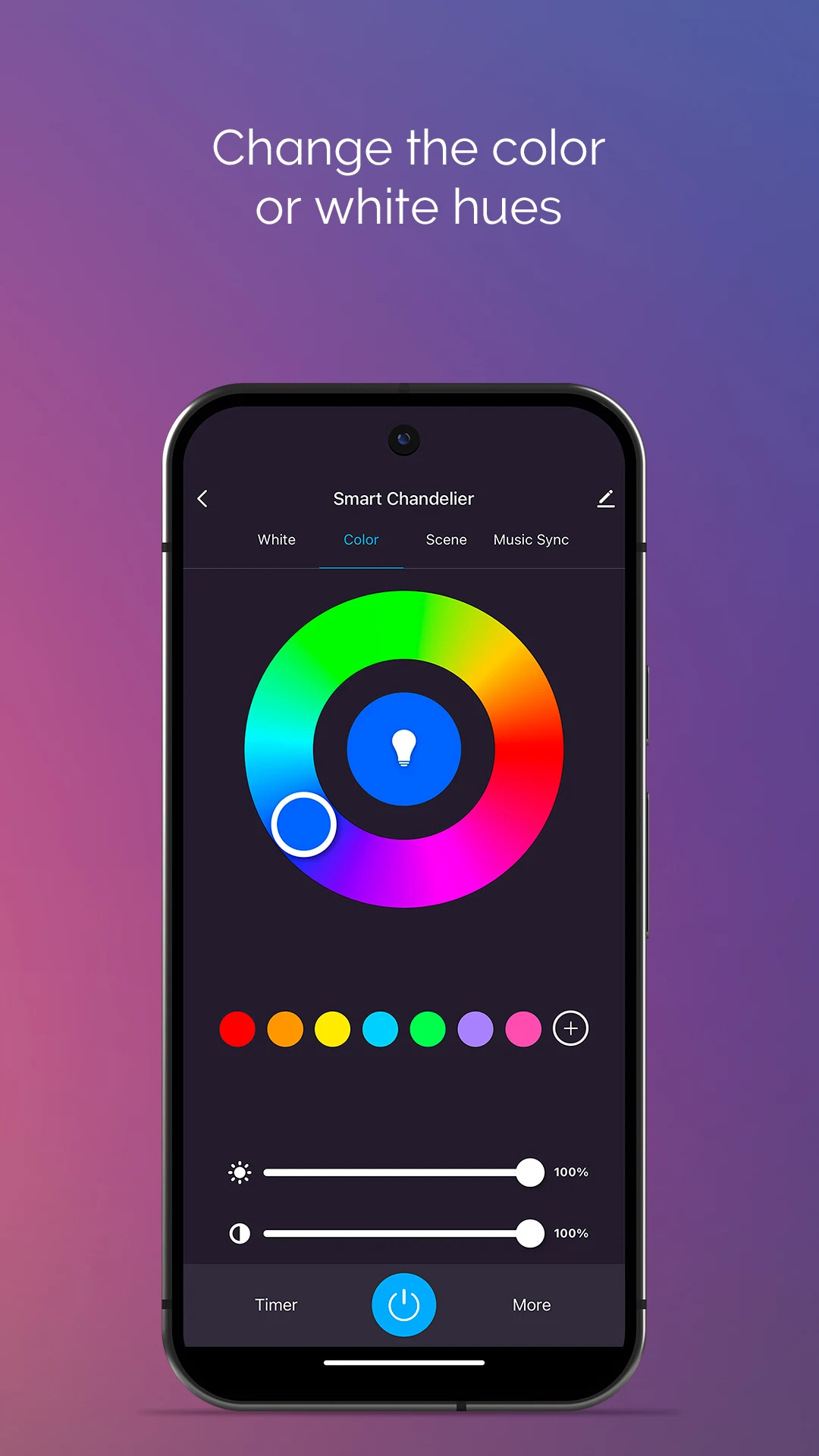
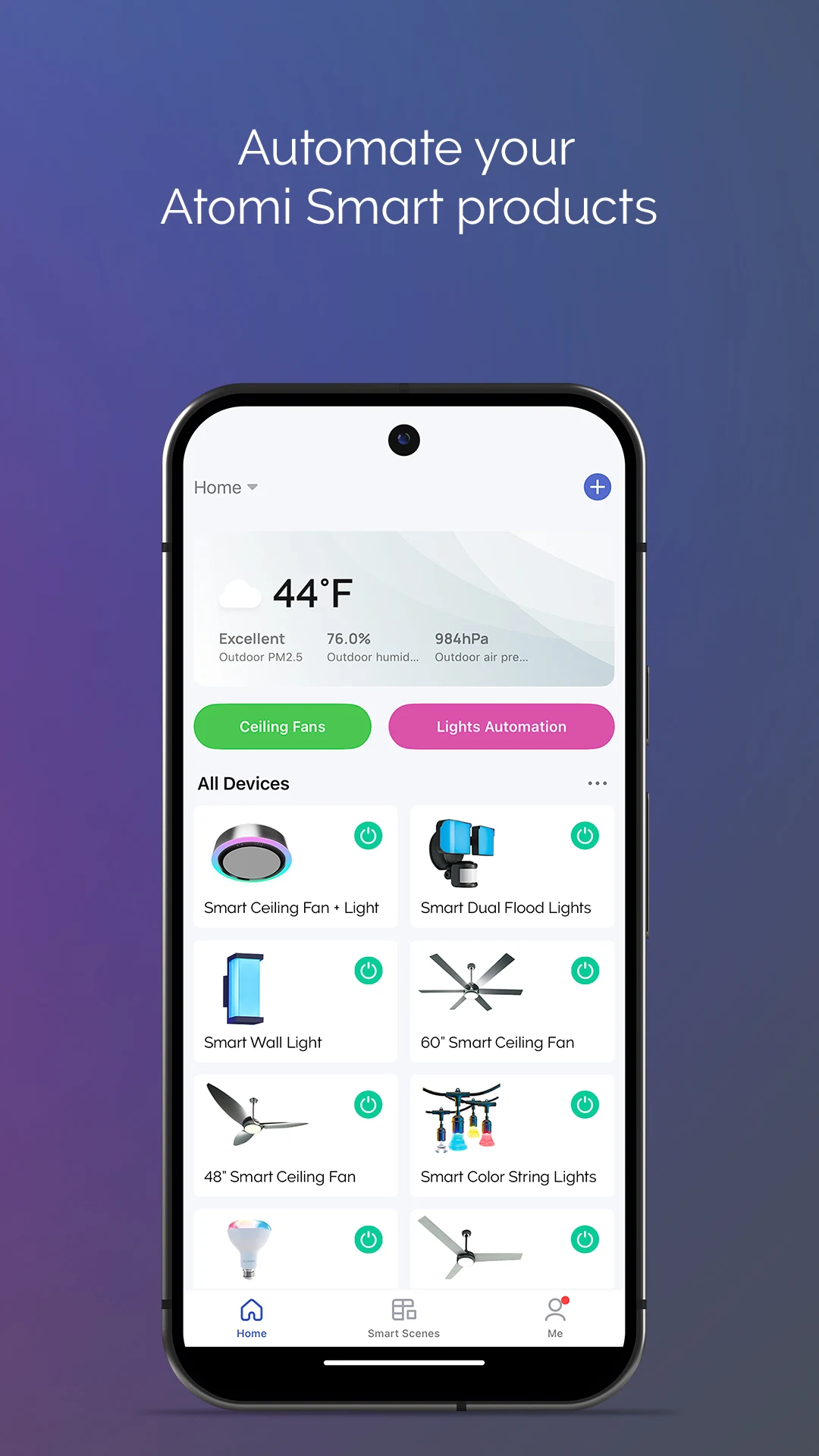
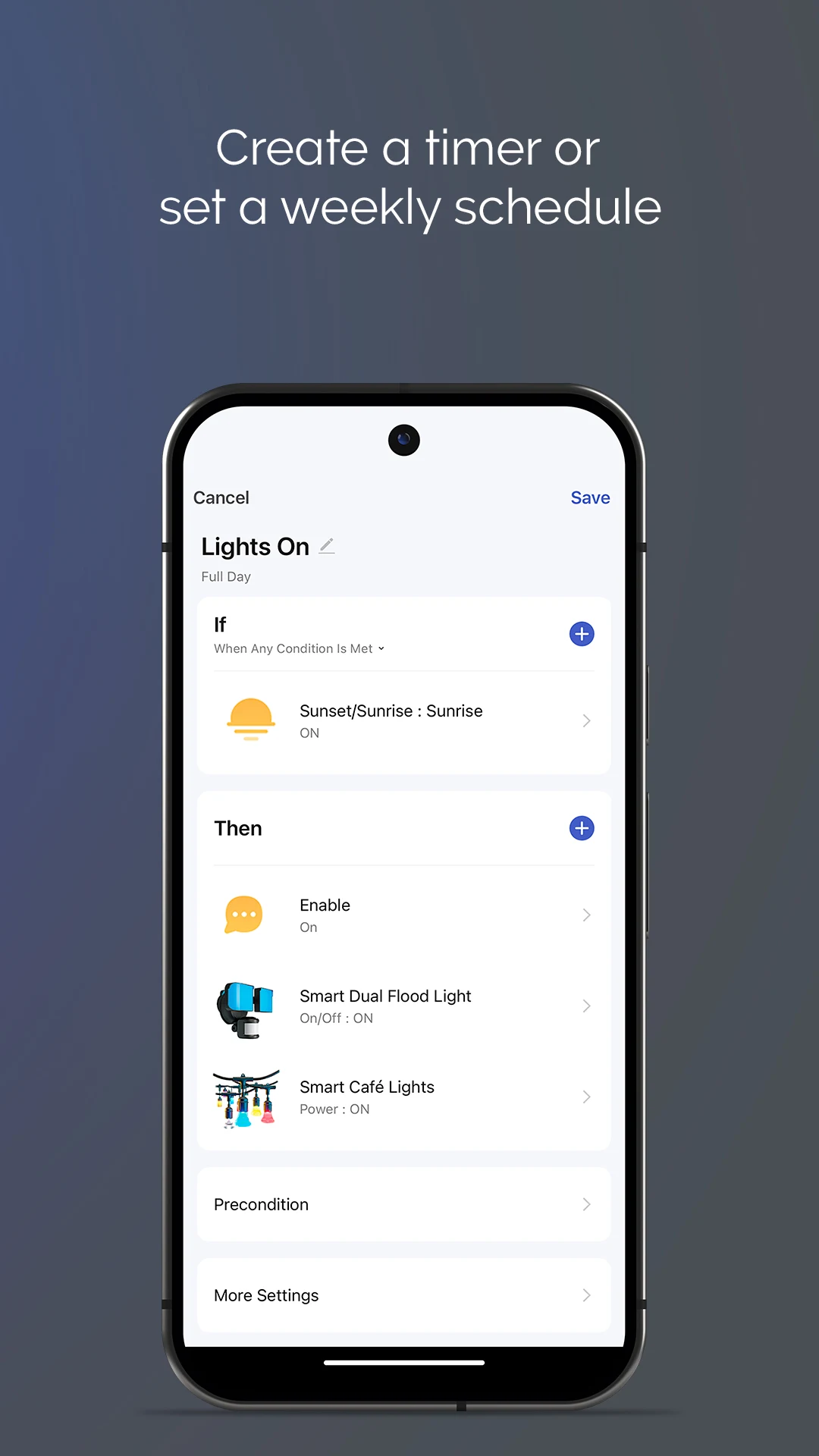
The Atomi Smart app, available for free, offers the ease of managing home automation directly from your device.
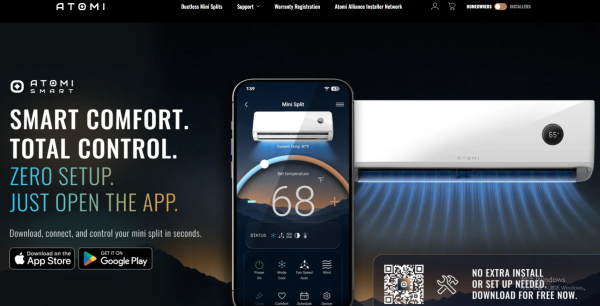
This allows you to operate your lighting, television, wall sockets, and various household devices all through a single mobile app.
Say goodbye to the hassle of looking for remotes or juggling multiple applications. You can create schedules that align with your routine and get alerts, ensuring you enjoy a worry-free experience.
Features:
- Rich device control features: Users can check the status of smart devices through the Atomi Smart app and also turn them on and off directly from the app. For example, they can control Atomi Smart smart ceiling fans, adjusting their speed and turning them on and off, as well as smart lighting devices, adjusting light color and brightness.
- Timer and schedule support: Users can set timers or weekly schedules for devices, selecting specific days and times for them to turn on or off to suit their lifestyle. For example, users can set the living room lights and fan to automatically turn on at 7 PM every day.
- Notifications: Users can turn notifications on or off to receive notifications about device status changes and other important information, ensuring they stay informed and have peace of mind.
- Device grouping: Users can name and create "groups" for simultaneous control of multiple devices. For example, group the living room lights, fan, and air conditioner into a single group and control them all with a single click.
- Voice assistant integration: The Atomi Smart app seamlessly integrates with voice assistants like Alexa and Google Assistant, allowing users to easily control devices with voice commands for hands-free operation.
- Simple and easy-to-use interface: The application's interface is simple and intuitive, making it easy to find various control options and settings, even for first-time users.
Usage Tips:
1. **Device Control**
Check device status on your phone, turn lights on/off, adjust light color and brightness, and adjust fan speed with a single tap.
2. **Timer/Grouping**
Set different timers for weekdays/weekends; group devices in the same area (e.g., bedroom light + fan) for one-tap control of the whole house.
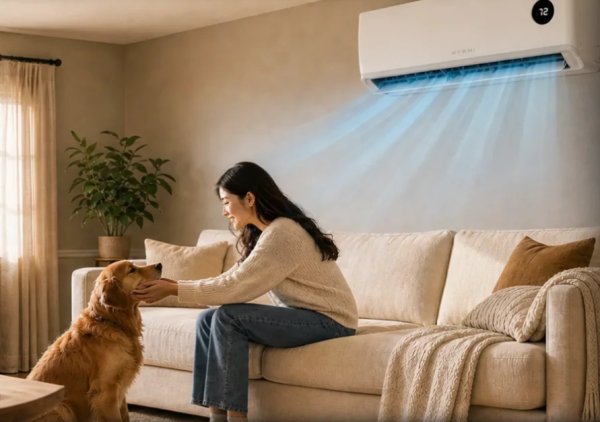
3. **Voice Control**
Pair with Alexa/Google Assistant for voice command control of devices.
4. **Notification Management**
Turn global or individual device notifications on demand, and only receive critical alerts (e.g., power outages).
FAQs:
Q: Is the "Device Grouping" feature in the app convenient to use in practice? Can you give a specific example?
A: It's very convenient, especially for controlling multiple devices in the same space. For example, you can group your bedside lamp, ceiling fan, and humidifier into a "Bedroom Group." When you get ready for bed at night, you don't have to open each device individually. You can simply tap the "Off" button in the "Bedroom Group" to turn off all three devices simultaneously, saving both time and effort.
Q: When setting "Schedulers and Schedules," can I flexibly adjust the time? For example, can I set a device to turn on and off at different times on weekends than on weekdays?
A: Yes, you can set different schedules per week. For example, if you want your bedroom lights to automatically turn on at 7:00 AM on weekdays and want to sleep in a little longer on the weekends, you can set them to turn on at 7:00 AM on weekdays and 9:00 AM on weekends. This perfectly suits your lifestyle.
Q: Are the app's notifications intrusive? Can users choose which notifications they receive?
A: No, users can control this. Notifications can be turned on or off globally, or set for specific devices—for example, you can only receive notifications about "the living room outlet has unexpectedly lost power" and not "the light is on and off normally." This prevents unnecessary interruptions while keeping tabs on the status of key devices.
Q: If I have Alexa or Google Assistant at home, how can I control devices connected to Atomi Smart with my voice?
A: First, add the device in the Atomi Smart app. Then, follow the in-app instructions to link the app with Alexa or Google Assistant. Once linked, you can control the device directly with voice commands. For example, you can say to Alexa, "Turn the living room ceiling fan to level 3," and the device will respond accordingly.
Q: How long does it take for someone using this type of smart app for the first time to learn how to use Atomi Smart?
A: It usually takes just a few minutes. This is because its interface is intuitive, with key functions (such as adding devices, controlling switches, and setting timers) clearly visible and easy to navigate. Simply following the in-app instructions allows you to connect and control your devices.
- Version1.3.4
- UpdateOct 23, 2026
- Developeratomi
- CategoryLifestyle
- Requires AndroidAndroid 5.0+
- Downloads183K+
- Package Namecom.atomi.smart
- Signature47b5a1dbb232a081037f583371e3e447
- Available on
- ReportFlag as inappropriate
-
NameSizeDownload
-
117.36 MB
-
116.25 MB
-
112.63 MB












User-friendly interface for home automation
Ability to control multiple devices with one app
Customize lighting ambiances easily
Convenient scheduling options for devices
Potential for energy savings by controlling appliances remotely
Quick setup and installation process
Access device features through smartphone notifications
Integration with voice assistants like Alexa and Google Home
Responsive customer service when issues arise
Limited functionality and customizability for light settings
Frequent connectivity issues between the app and devices
Complicated initial setup process requiring specific Wi-Fi configurations
Lack of technical support or timely updates from developers
Inconsistent app performance on different phone models
Difficulties in managing scheduled tasks and automations
Unclear instructions leading to user frustration
Risk of reduced device responsiveness due to app glitches
Privacy concerns related to data collection and permissions requested by the app