
WaterDo:To Do List & Schedule - Task management fun & rewards
Transform mundane chores into delightful tasks with bouncy water balls, reminders & a stunning interface to boost productivity!

- 3.7.0 Version
- 2.7 Score
- 343K+ Downloads
- In-app purchases License
- 3+ Content Rating

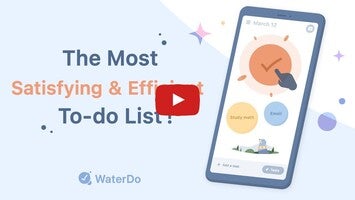
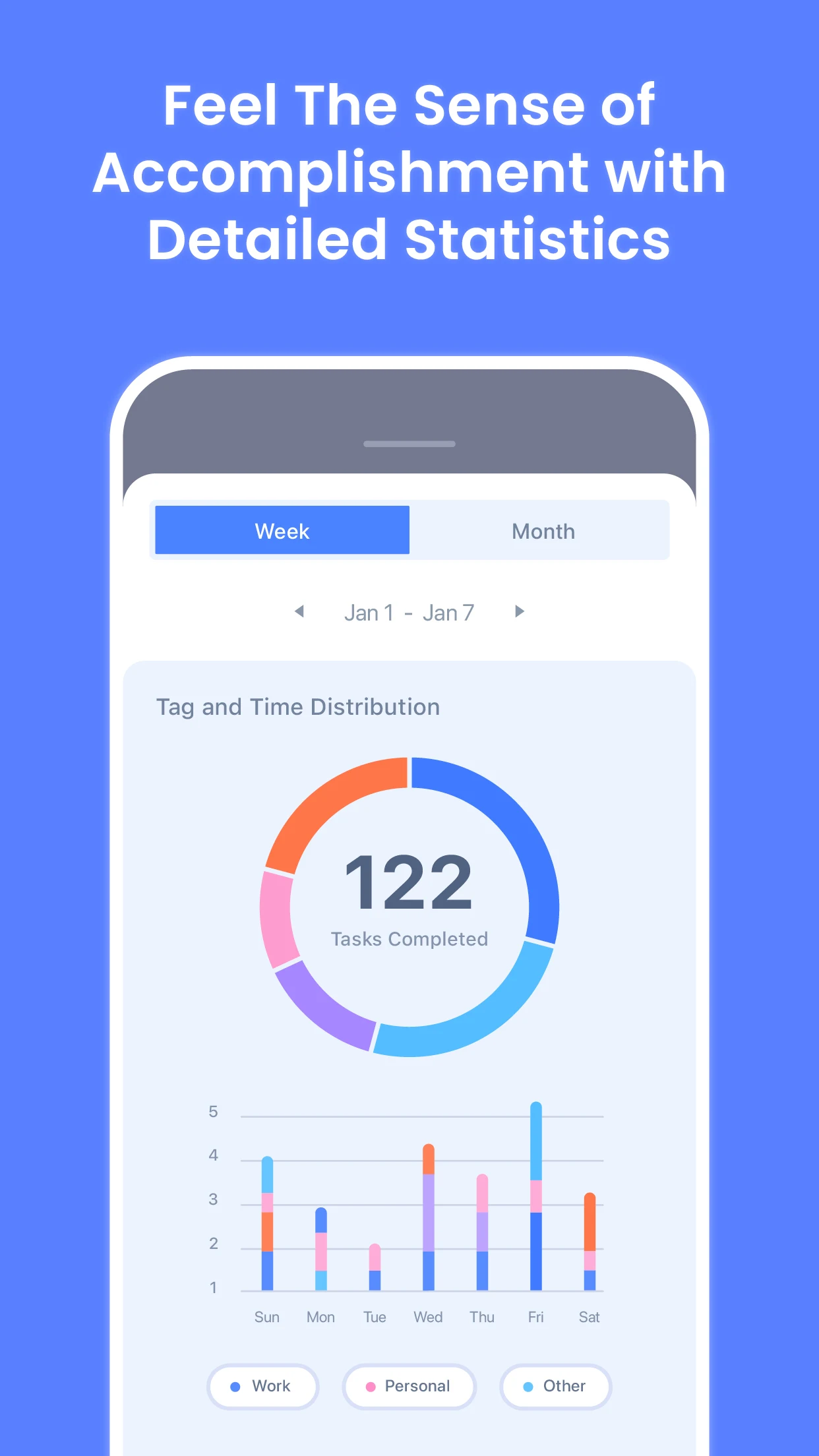
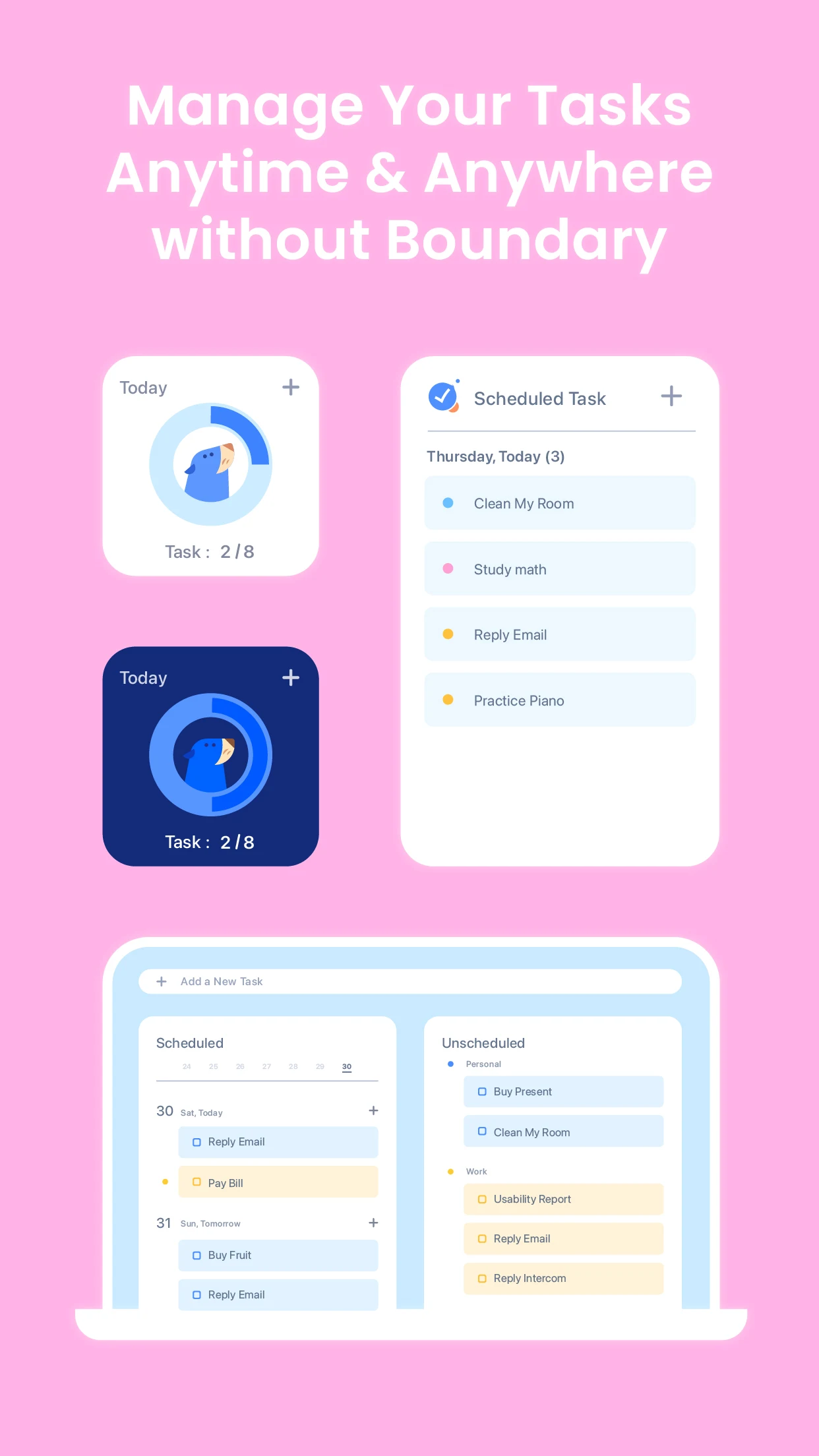
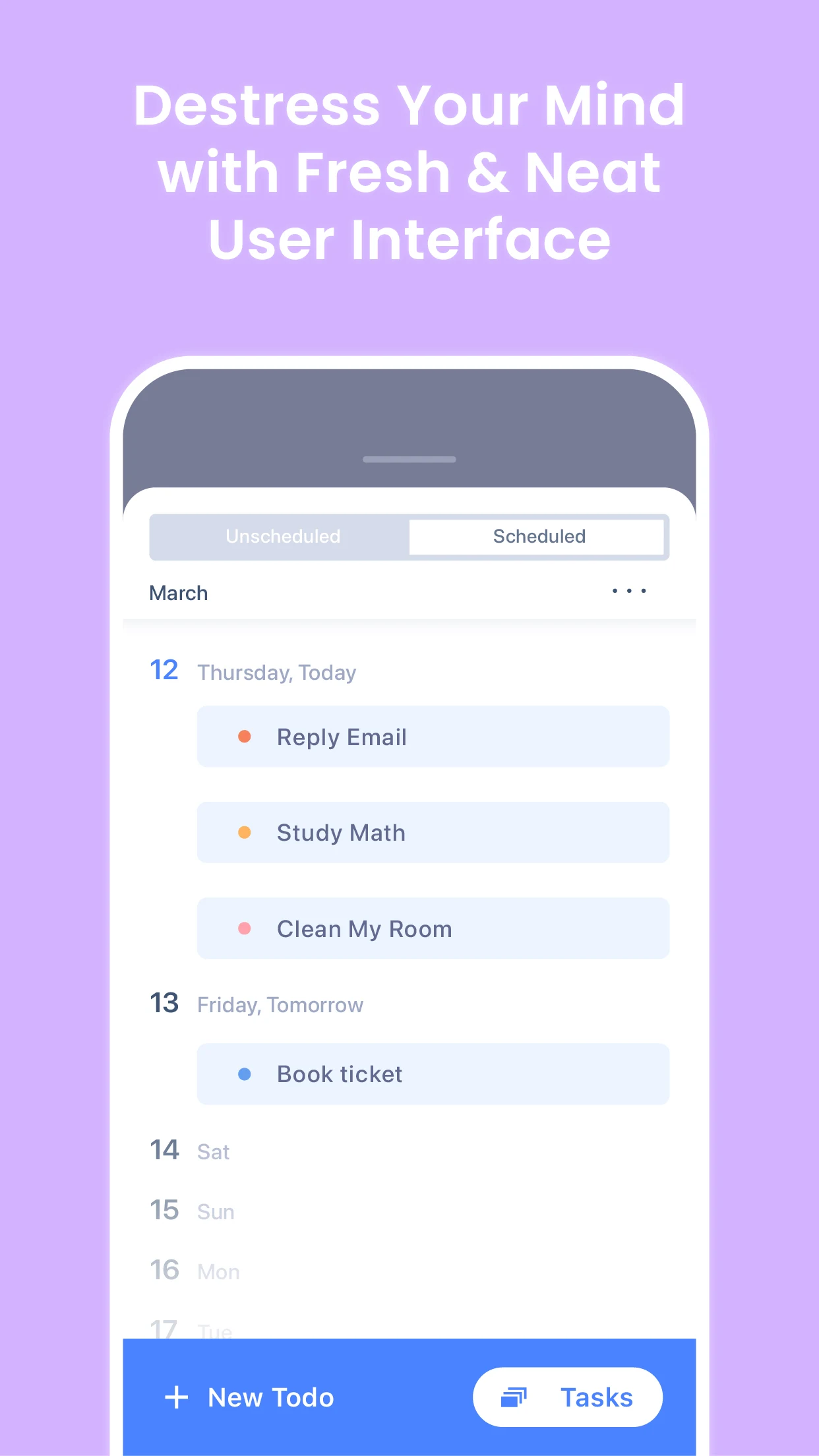
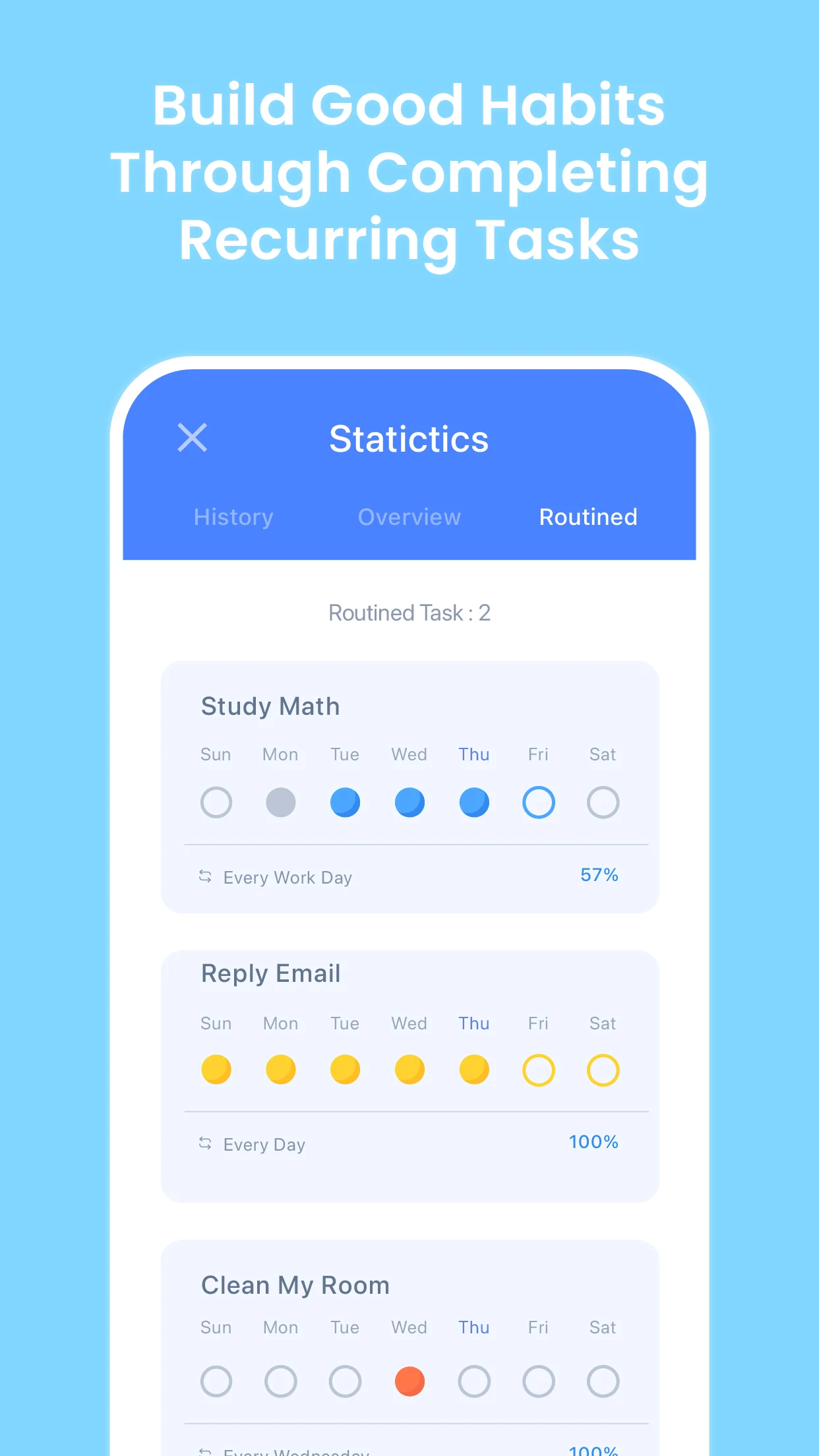
WaterDo is an elegantly designed to-do application developed by the creators of Forest: Stay Focused, which is recognized as the top productivity app with over 40 million users. This app helps you stay organized and manage your daily tasks in a uniquely engaging manner!
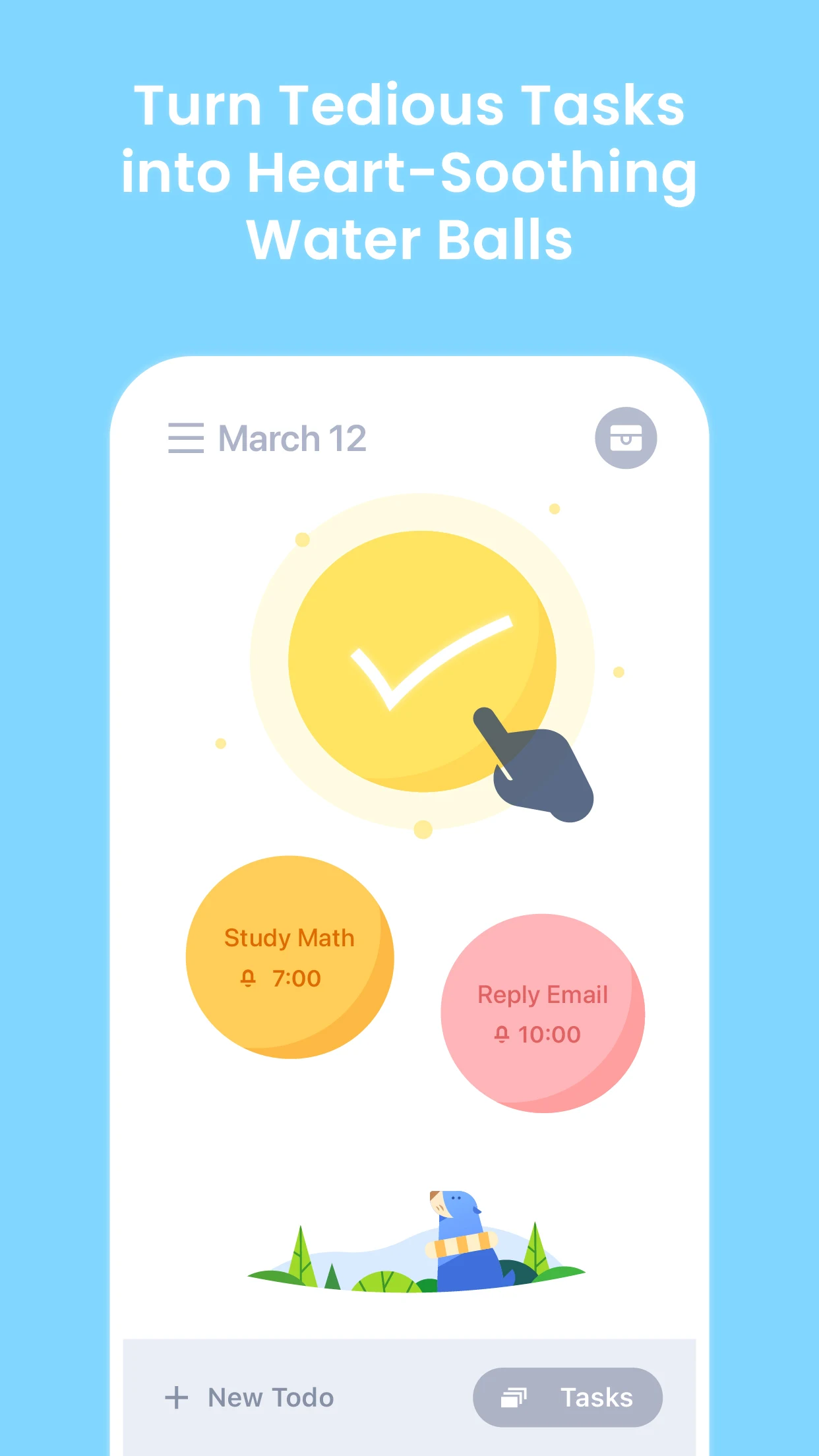
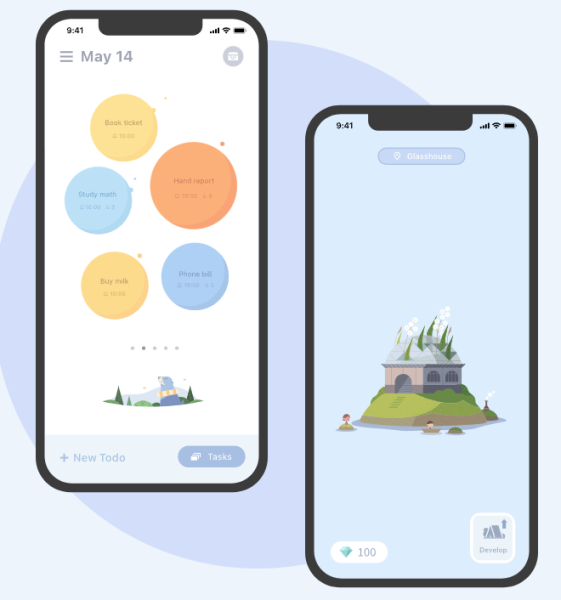
While mundane chores cannot be avoided, you have the option to approach them in a more enjoyable way! Alongside its calming interface and entertaining features, WaterDo includes reminders and a calendar that enhance your efficiency! Your agenda transforms into a series of playful water balls. Enjoy the delightful experience of popping them once you've completed your objectives.
*Caution! The sensation of bursting them is highly satisfying. Have fun!
Missions:
To-Do Mission - Transform into a Water Ball
Complete Mission - Pop the Water Ball
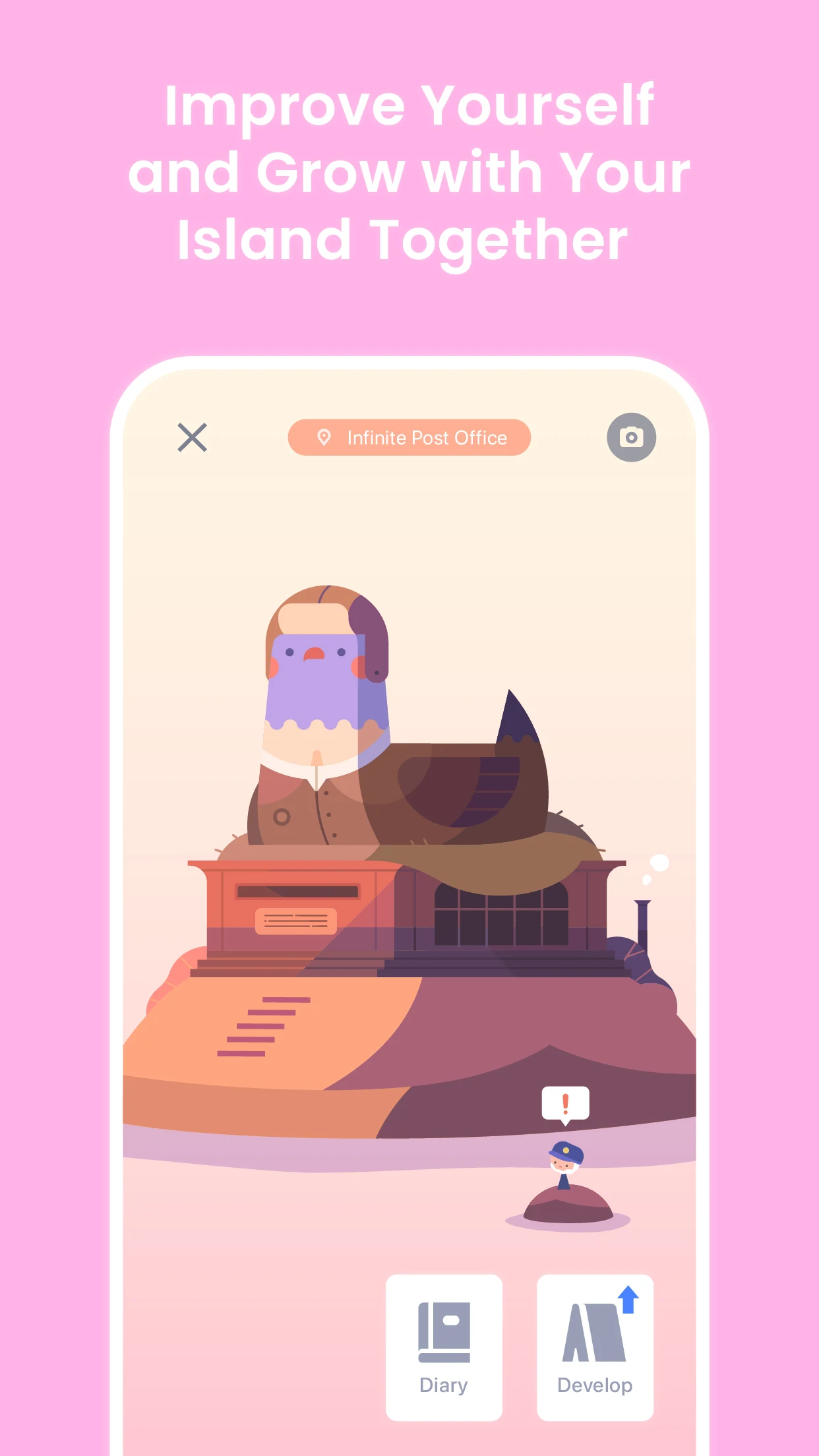
Reward - Build an Island
What WaterDo offers:
- Transform your to-do list by visualizing each task as a water ball.
- Take notes anytime inspiration strikes.
- Utilize the 'Water Ball of the Day' feature to focus on your most crucial task.
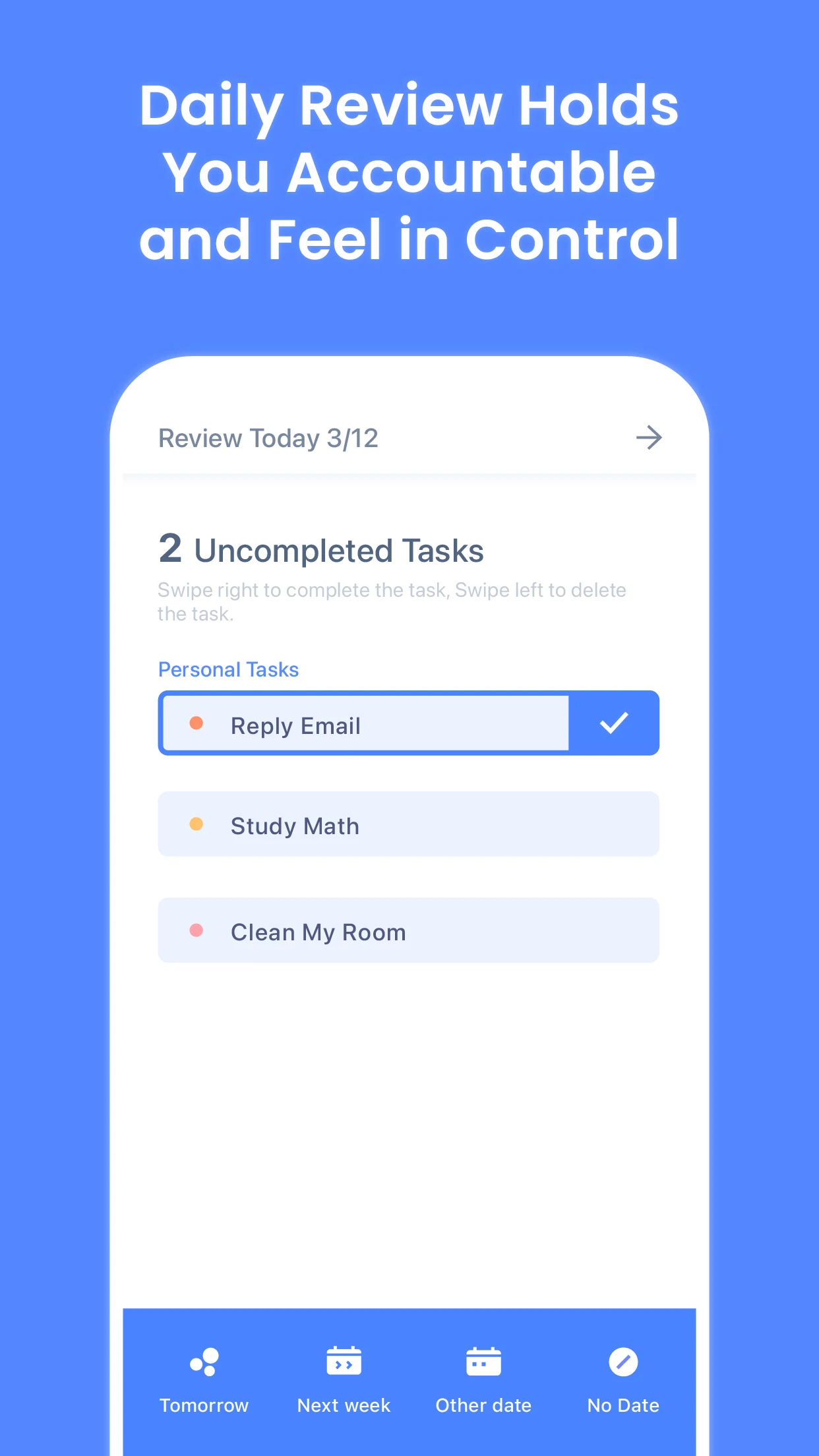
- Conduct a daily review of your tasks to assess your progress and regain control over your life.
- Easily schedule your tasks to master your time management skills.
- Set reminders, relax, and snooze. We cater to all procrastinators!
- Complete tasks to earn treasure chests as recognition for your hard work.
- Discover different themed islands and embark on a whimsical adventure!
How to Use:
1. **Add Task**: Click the Add button to enter the task name and set a completion date. You can also add notes to clearly record the task details.
2. **Schedule Task**: Quickly add a task and drag it to the corresponding date in the calendar to schedule it.
3. **Set Reminder**: After creating a to-do, you can set a reminder time, and the software will automatically remind you to complete the task on time.
4. **View Task List**: Open the calendar to view your daily to-do list and filter the displayed tasks by date, priority, and tag.
5. **Complete Task**: After completing a task, click on the water ball to pop it for a sense of accomplishment and possibly unlock a treasure chest for achievement rewards.
6. **Use the "Water Ball of the Day" feature: Use the "Water Ball of the Day" feature to focus on your most important tasks. 7. **Daily Review**: Tap the menu icon in the top left corner and select "Settings" from the pop-up window. Scroll down to "Daily Review" and tap to enable a reminder. Set a time and spend 5 minutes reviewing your daily checklist to ensure you don't forget important tasks and stay on top of them.
8. **Explore Themed Islands**: Completing tasks unlocks themed islands. Explore countless unique islands in this fun and engaging world of checklists.
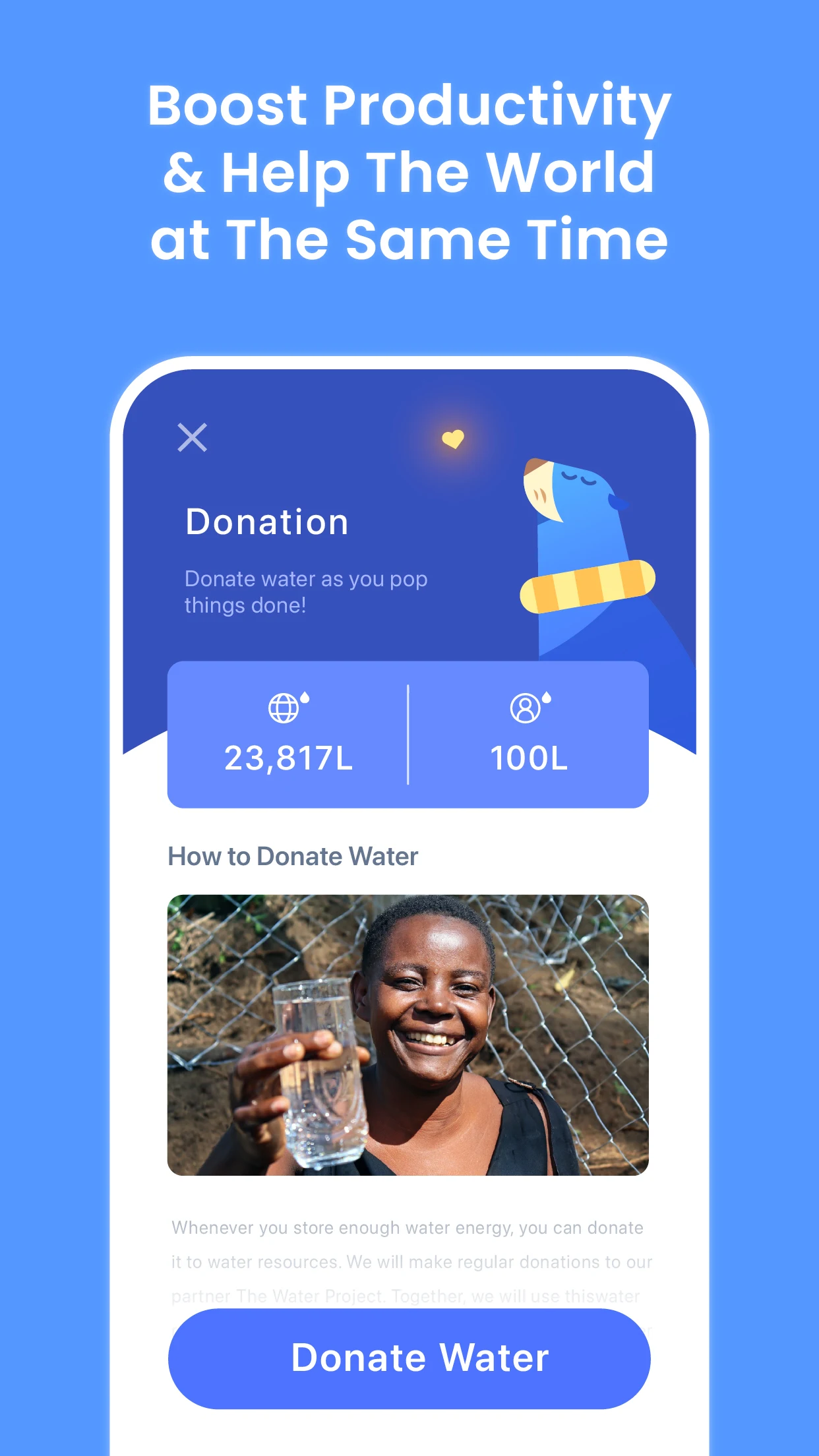
Gamification serves as a source of motivation, which in turn enhances productivity.
Download WaterDo today and transform tedious to-dos into exciting motivators!
FAQs
Q1: What type of app is WaterDo?
A: It's a fun to-do list management app developed by the Forest team. It uses water balloons to visualize tasks and unlock islands, focusing on gamified check-ins to improve work efficiency and is suitable for procrastinators.
Q2: What are its core features?
A: Tasks are represented by water balloons; popping them upon completion gives a sense of accomplishment; daily focus water balloons highlight key tasks; completing tasks unlocks treasure chests and themed islands; it supports note-taking, setting reminders, scheduling, and daily reviews.
Q3: How do I add and complete tasks?
A: Click the "Add" button, fill in the task name, set the date/notes, or drag and drop tasks to your calendar; after completion, pop the water balloon to unlock a treasure chest reward.
Q4: How do I set reminders and daily reviews?
A: You can set reminder times directly after creating a task; to enable reviews, go to the top left menu - Settings, find Daily Review, enable it, and set the time. Spend 5 minutes reviewing your tasks.
Q5: How do I unlock islands and get rewards?
A: Complete various to-do tasks to accumulate progress and unlock different themed islands; pop the water balloons that indicate you've completed a task for a chance to unlock treasure chests and earn achievement rewards.
- Version3.7.0
- UpdateOct 10, 2026
- DeveloperSeekrtech
- CategoryProductivity
- Requires AndroidAndroid 6+
- Downloads343K+
- Package Namecom.seekrtech.waterapp
- Signature5c9c7b6cc832a7e2e2d67ebb43a64025
- Available on
- ReportFlag as inappropriate
-
NameSizeDownload
-
95.60 MB
-
94.83 MB
-
94.83 MB



















Encourages productivity through gamification
Satisfying experience of popping task bubbles
Creative and engaging interface design
Daily review feature helps in planning
Motivation to complete tasks with visual rewards
Supports habit formation by tracking recurring tasks
Minimalistic layout reduces overwhelming feelings
Fosters community spirit with contribution to a good cause
Simple to use for individuals with ADHD or forgetfulness
Premium features locked behind paywall
Limited functionality in free version
Slow loading times and occasional bugs
Requirement of internet connection for basic functions
Repeating tasks can get duplicated incorrectly
Lack of dark mode causes eye strain
User support response times are slow
Limited customization options for task views and colors
Experience may vary across different devices (e.g., Android vs. iPhone)