
VPeeps - Share & engage Peeps
Connect, share moments, & interact with friends through Peeps—explore a vibrant timeline of creativity and conversation!

- 1.7.6 Version
- 2.0 Score
- 137K+ Downloads
- Free License
- 12+ Content Rating

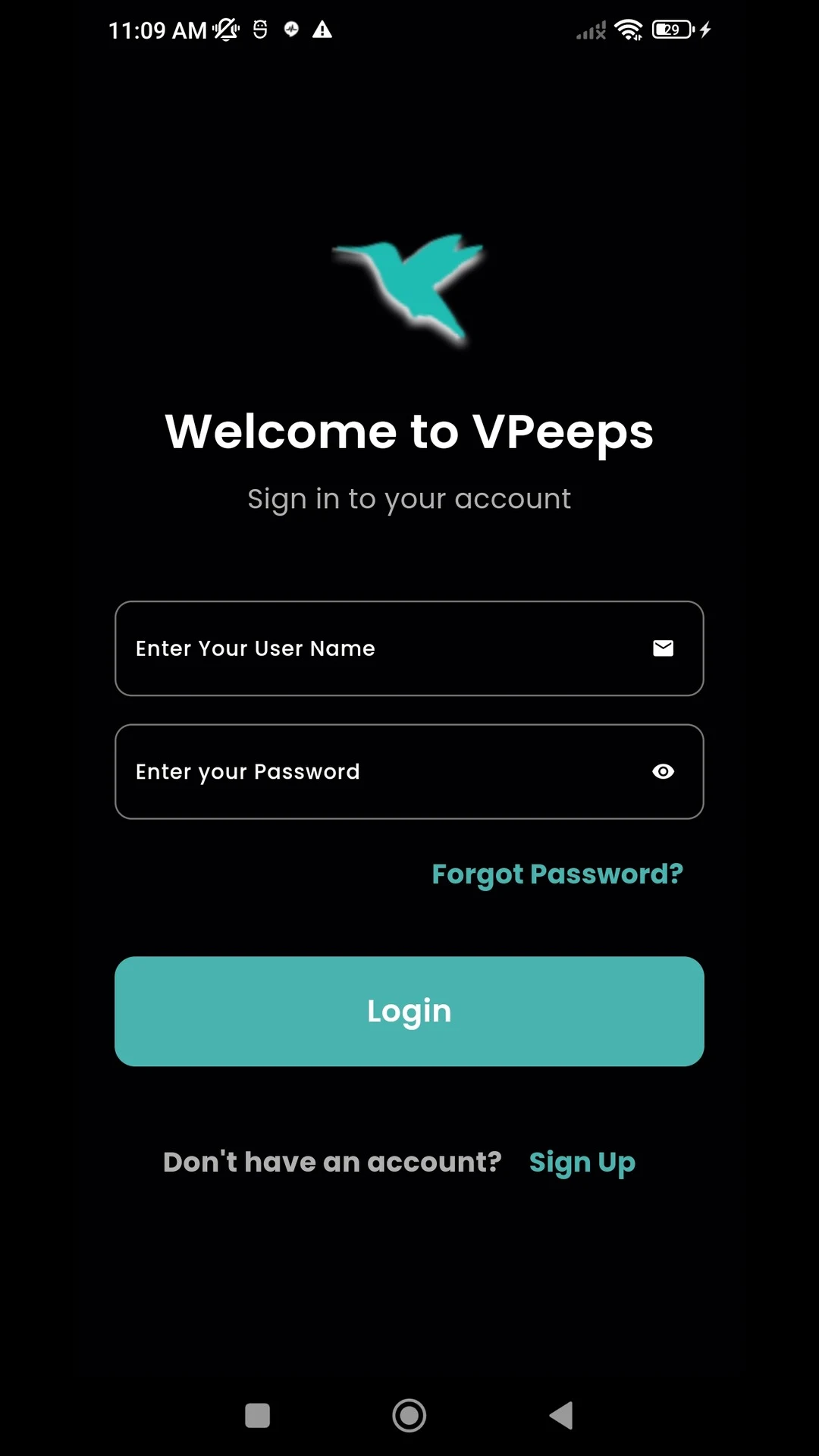
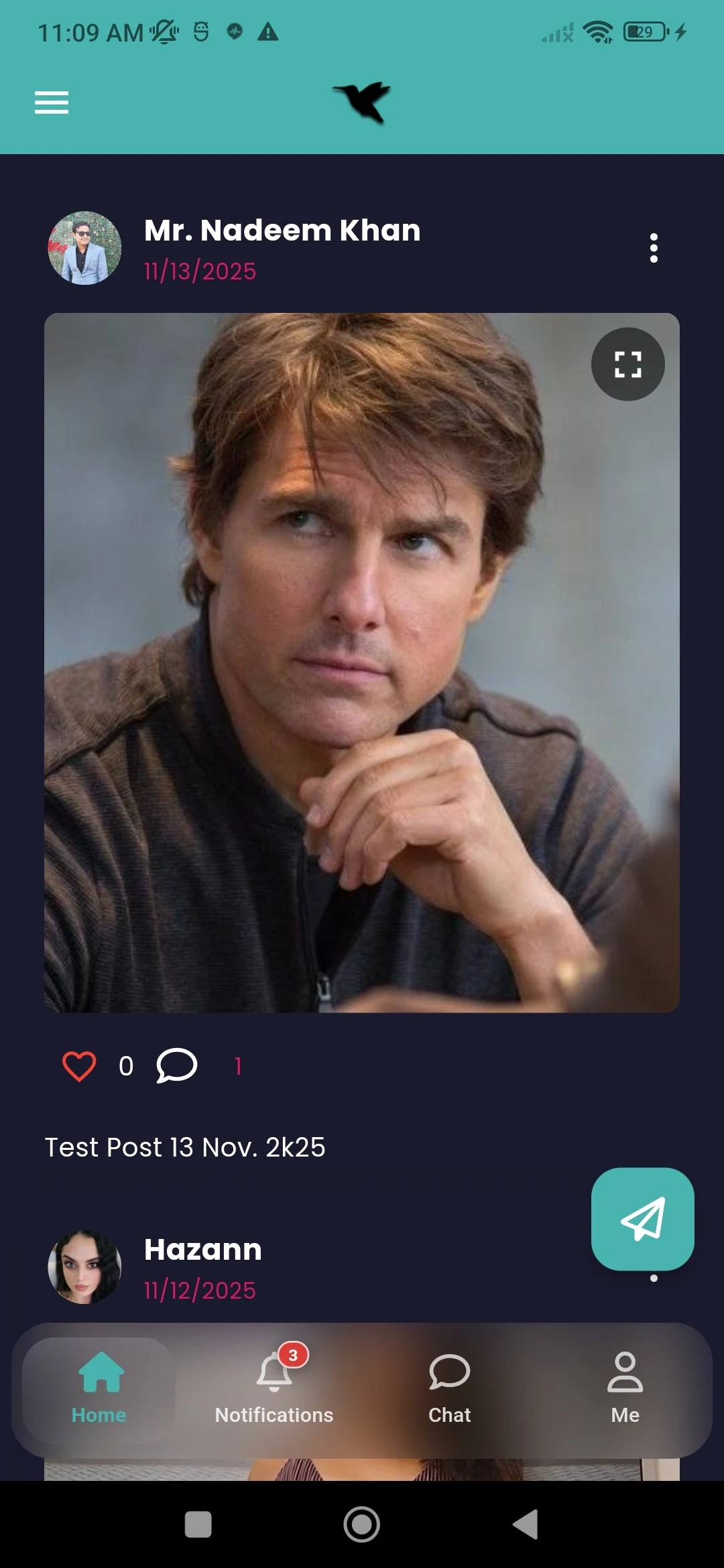
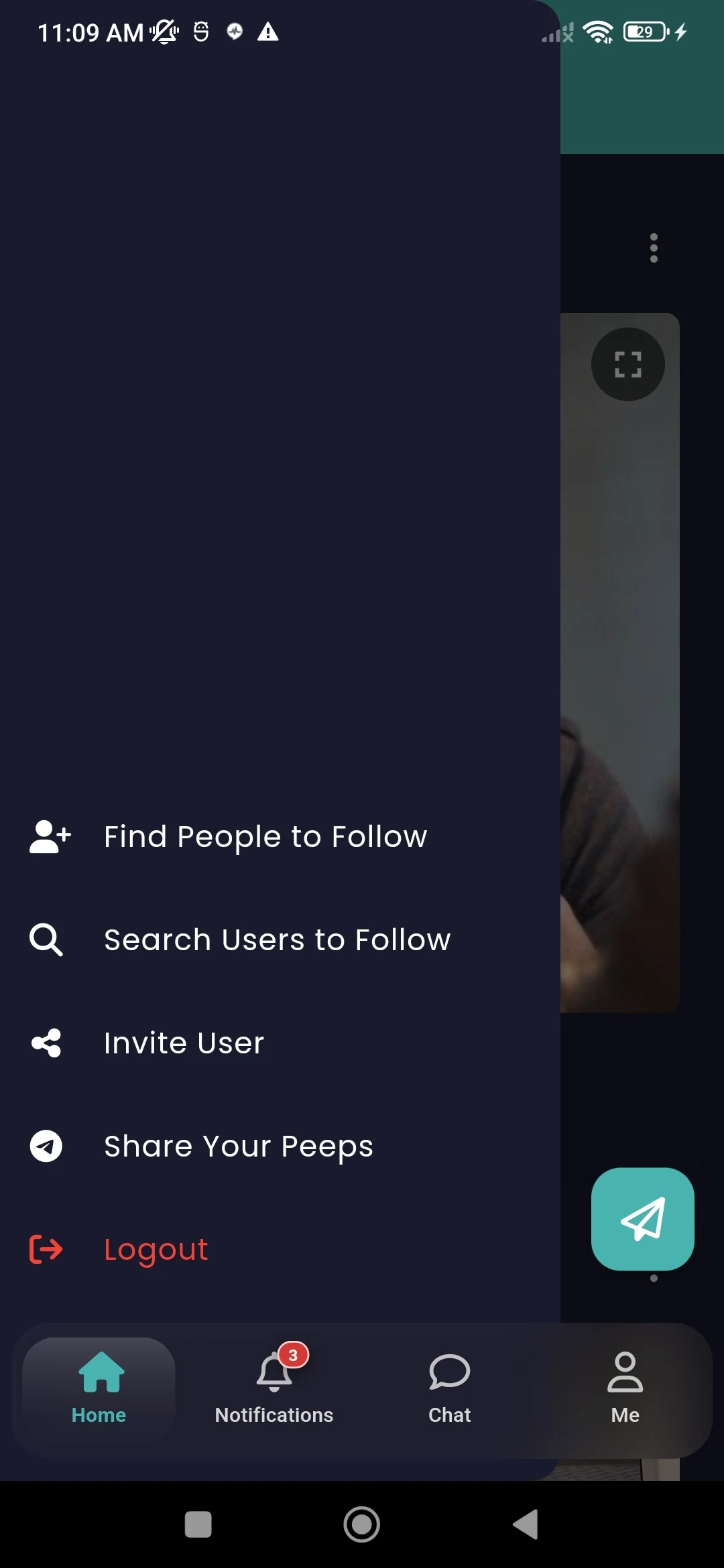
Functions:
Overview
- Engage with Peeps in your feed by peeping, repeeping, favoriting, or replying
- Create a Peep to update others on your current activities
Alerts
- Find out which of your Peeps received favorites
- Interact with replies or get notifications about Peeps
Conversations
- Communicate with friends and followers
- Share Peeps along with other forms of media
User Profile
- Personalize your profile by adding a picture, a brief bio, location, and a background image
- Review your past Peeps, repeeps, shared media, and favorites
Features Summary:
- Lightweight: Functionality focuses on "dynamics + interaction + communication," with no redundant modules, a low barrier to entry, and quick learning curve.
- Strong Interaction: Designed with features like "Favoriting/Replying Notifications" and "Repeating Forwards," this feature enhances instant feedback between users and avoids the "one-way flow" of social interaction.
- Personalized Presentation: The simple yet crucial homepage customization feature allows users to express their individuality while allowing others in their social network to quickly establish a connection.
Usage Process:
1. **Register and Login**: Download the VPeeps app. Search "VPeeps" on the App Store or Google Play. After downloading, open the app and follow the prompts to complete the registration process. You can register using your email address, phone number, or other methods. Once successfully registered, log in to your account.
2. **Complete Your Profile**: Click to enter your profile page. You can add a photo, write a brief bio, set your location, and choose a background image to enrich and personalize your profile.
3. **Post Content**: Find the post button on the home screen (usually a "+" sign or similar icon). Click it to create a new "Peep." Enter text to update your current activities or thoughts, and add media such as images and videos to enhance your post.
4. **Interact**: Browse Peeps posted by other users in the news feed. You can interact with them by "peeping," "repeeping," "favoriting," or "replying." When you receive a reply, like, or favorite from another user, you'll receive a corresponding notification, which you can view and respond to in the Notification Center.
5. **Start a Chat**: You can start a one-on-one or group chat with friends and followers. Tap the message icon to enter the chat interface, select the person you want to chat with, enter text or send other media to communicate, and even share Peeps to the chat.
6. **View Personal History**: On your profile page, you can view your past Peeps, repeeps, shared media, and favorites, making it easy to review your activities and highlights.
Key Questions & Answers:
1. **Q: What is VPeeps mainly used for?**
A: A lightweight social application that allows you to post updates (Peeps) to share your daily life, view, forward, like, and reply to others' updates, and chat with friends and followers while sharing updates and media content.
2. **Q: What are its core highlights?**
A: Simple and concise functionality, easy to learn; highly interactive, with notifications for likes and replies, avoiding one-way communication; supports personalized homepage settings, allowing you to add avatars, background images, bios, etc., to showcase yourself.
3. **Q: How can beginners quickly get started?**
A: After downloading and registering, complete your profile; then click the "+" to post updates; browse and interact with others' content on the homepage; chat with friends through the message entry; and view your historical updates and interaction records on your personal homepage.
4. **Q: What notifications will I receive?**
A: You will receive timely notifications for likes on your own updates and replies from others, facilitating quick participation in interactions.
- Version1.7.6
- UpdateOct 20, 2026
- DeveloperViddi LLC.
- CategorySocial
- Requires AndroidAndroid 7.0+
- Downloads137K+
- Package Namecom.corewebconnections.vpops
- Signature57c6b1999c577cdf3bb975fa3e7cb171
- Available on
- ReportFlag as inappropriate










Diverse ways to interact
Convenient content publishing
Personalized profile
Relatively limited functionality
Limited privacy settings
Lacks a deep social experience