
UNIVidaApp - SOAT purchase & coverage
Effortlessly buy SOAT, check coverage & find nearby outlets with this all-in-one insurance app for your vehicle!

- 7.3.1 Version
- 1.5 Score
- 173K+ Downloads
- Free License
- 3+ Content Rating

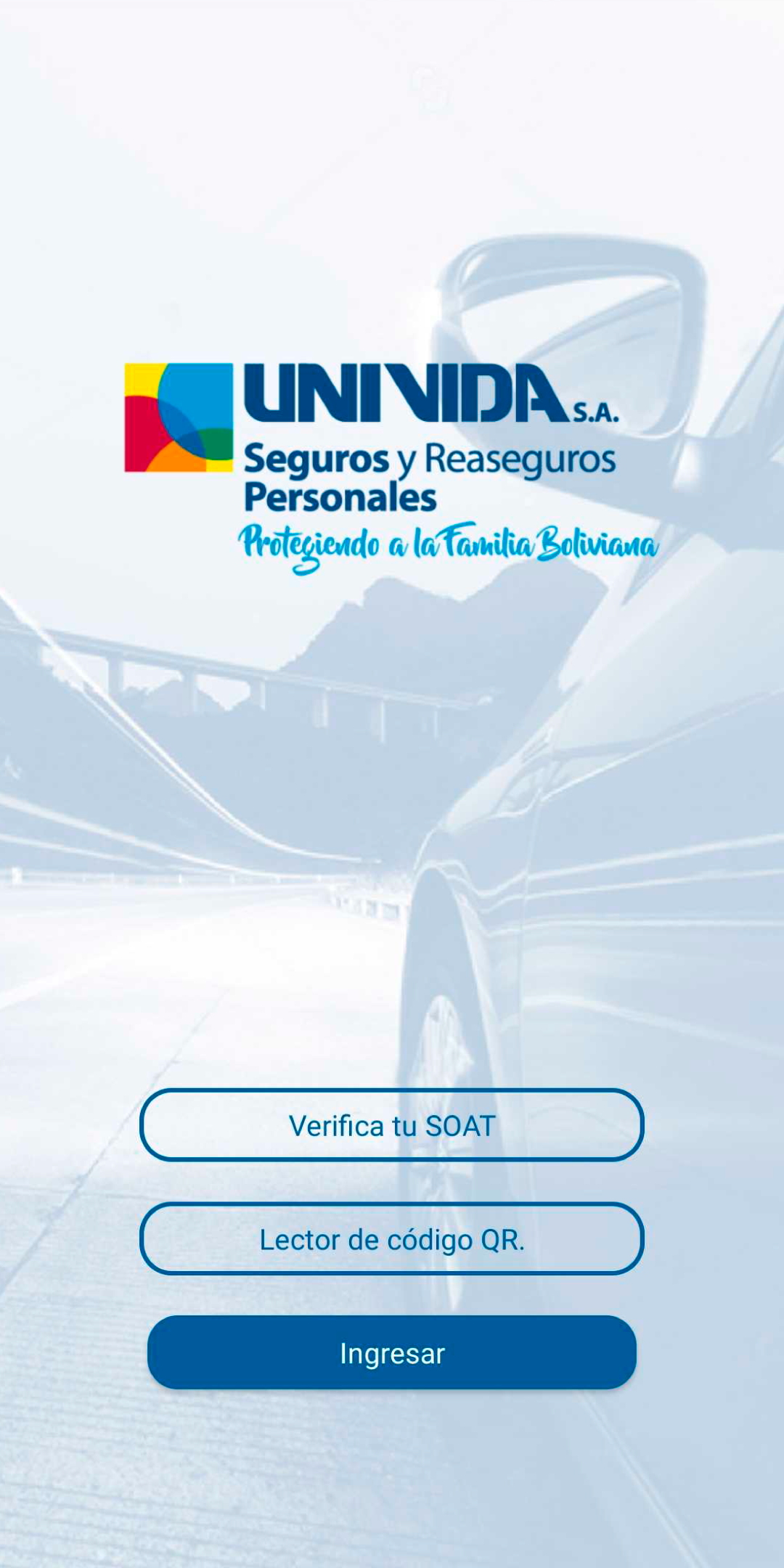
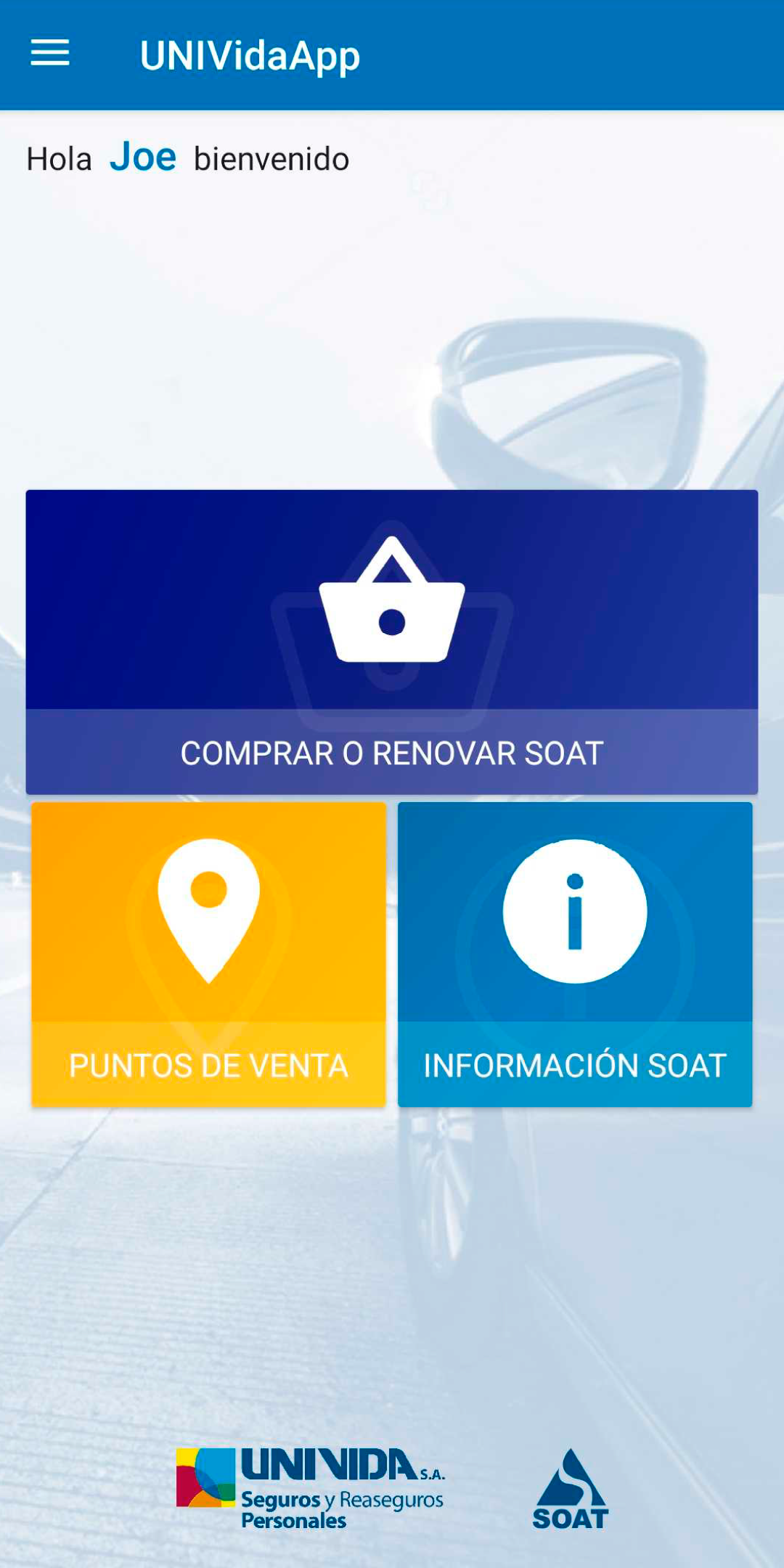
App Overview
UNIVida is a mobile insurance app for vehicle owners in Colombia. It allows users to purchase mandatory traffic accident insurance (SOAT) online, find authorized sales locations, and check information about their insured vehicles and policies.
After purchasing a policy, users can access its electronic document directly through the app. The document displays important details such as the policy number and validity period, eliminating the need to carry a printed copy. The app also provides information about SOAT coverage, including medical expenses, ambulance transportation, disability compensation, and death benefits resulting from traffic accidents.
Key Features
Online SOAT Purchase: Purchase mandatory vehicle insurance by entering the required vehicle details and completing payment through the app
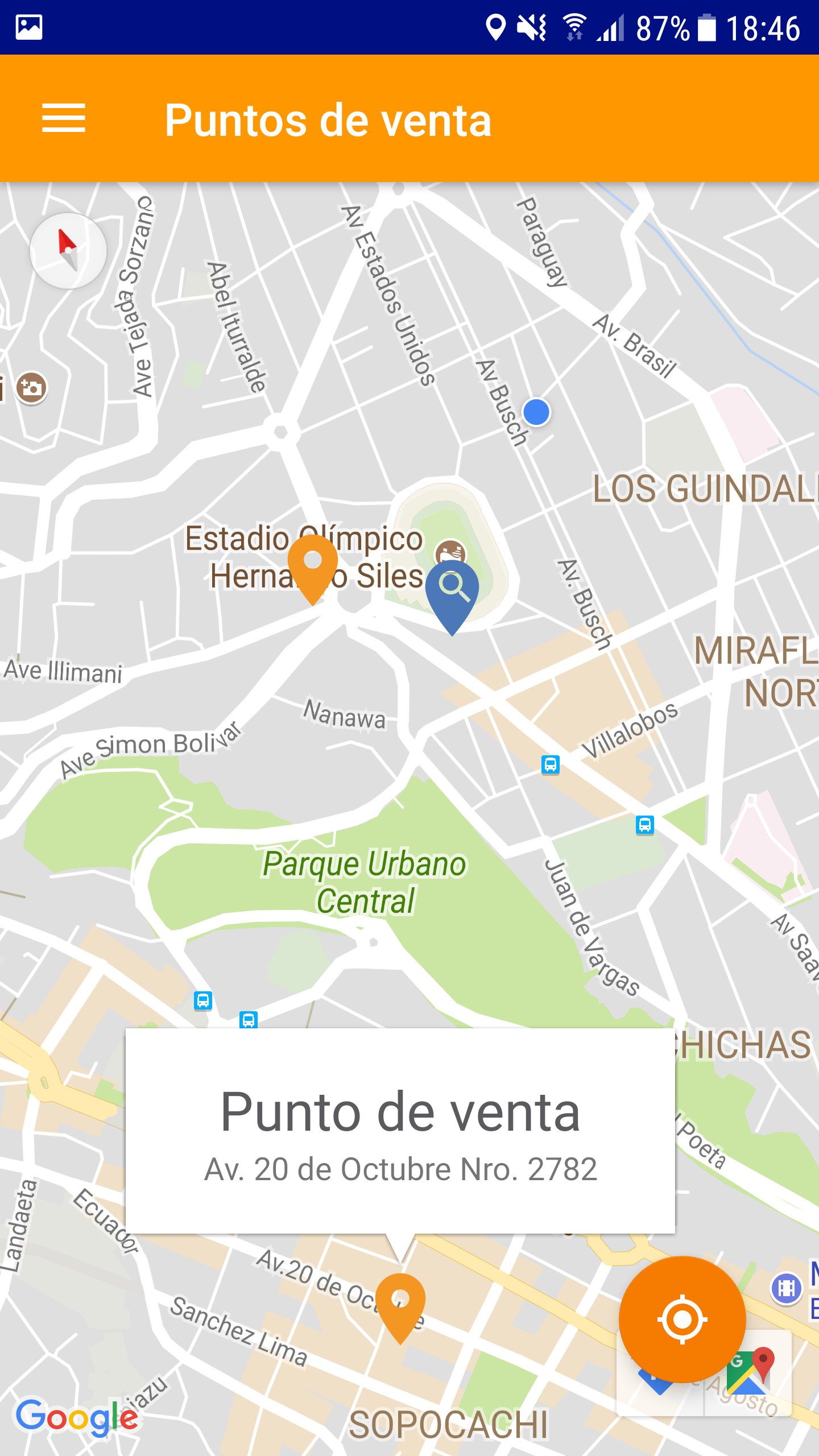
Sales Point Locator: Find SOAT sales locations and view their addresses, opening hours, and contact details
Coverage Information: Check the benefits covered by SOAT, including medical treatment, ambulance transportation, disability compensation, and death benefits
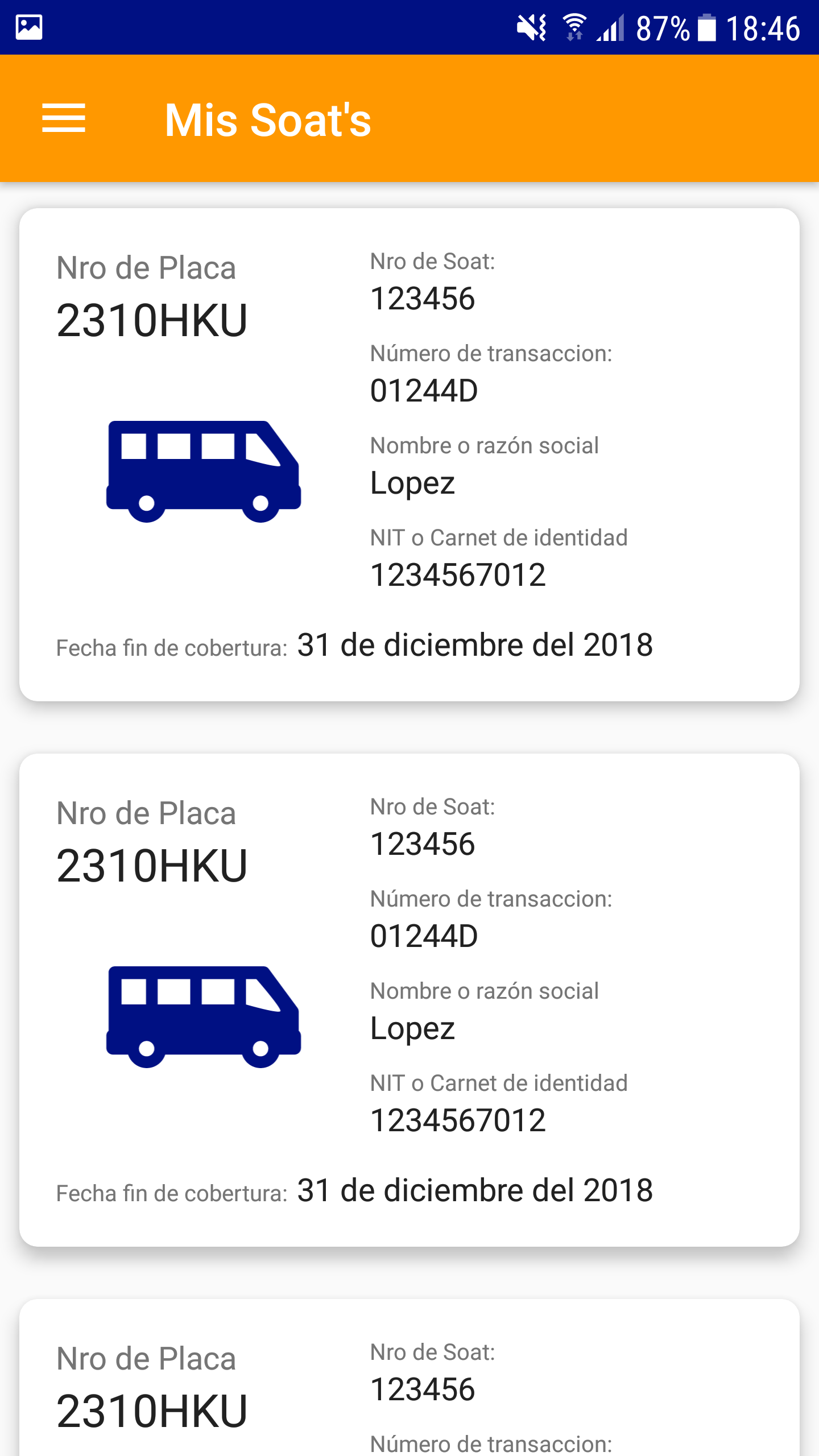
Vehicle Information: View details of insured vehicles and their associated insurance policies
Digital Policy Access: Retrieve electronic insurance documents and check policy numbers and validity dates on a mobile device
How to Use
1. Purchase SOAT
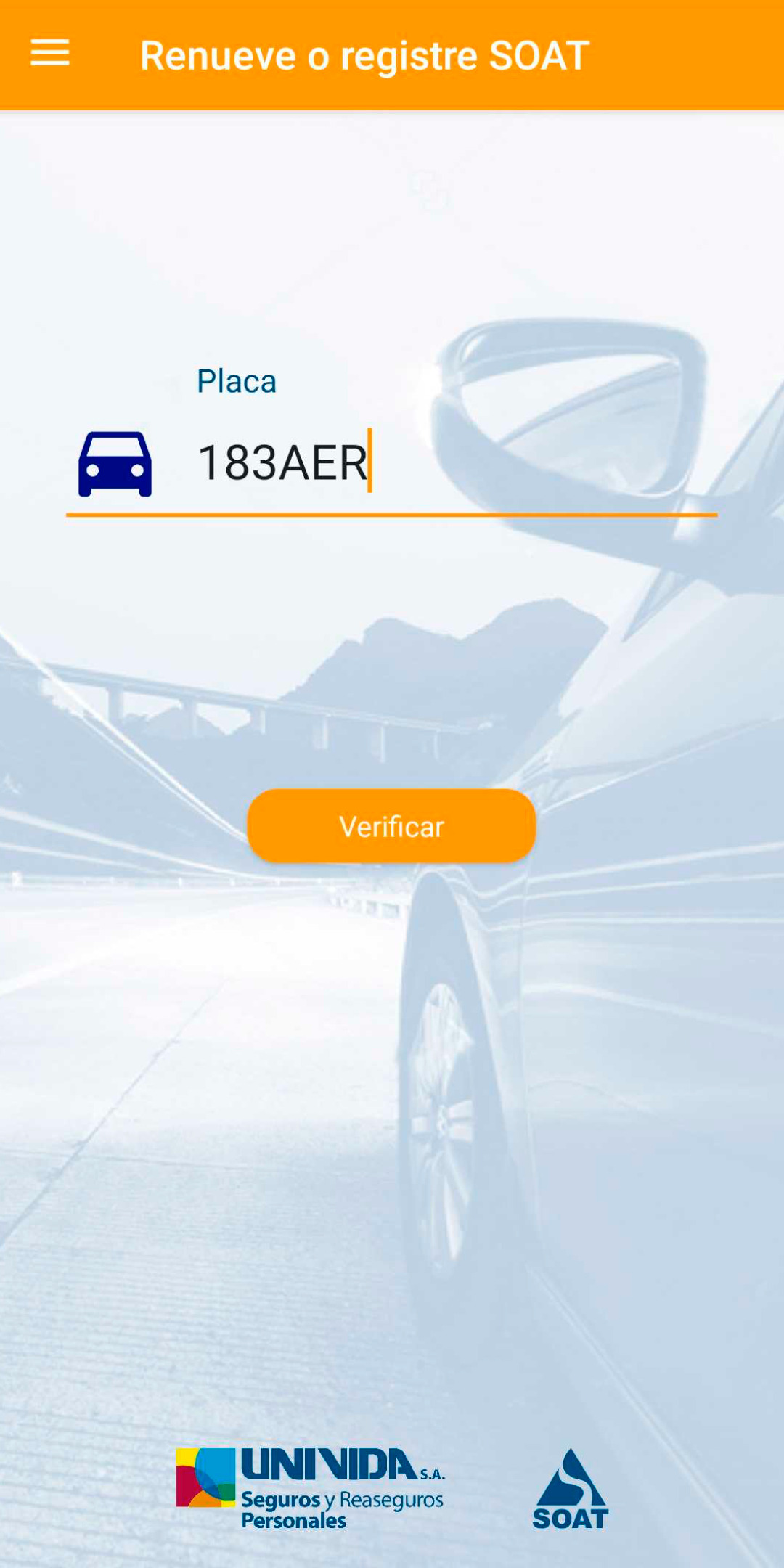
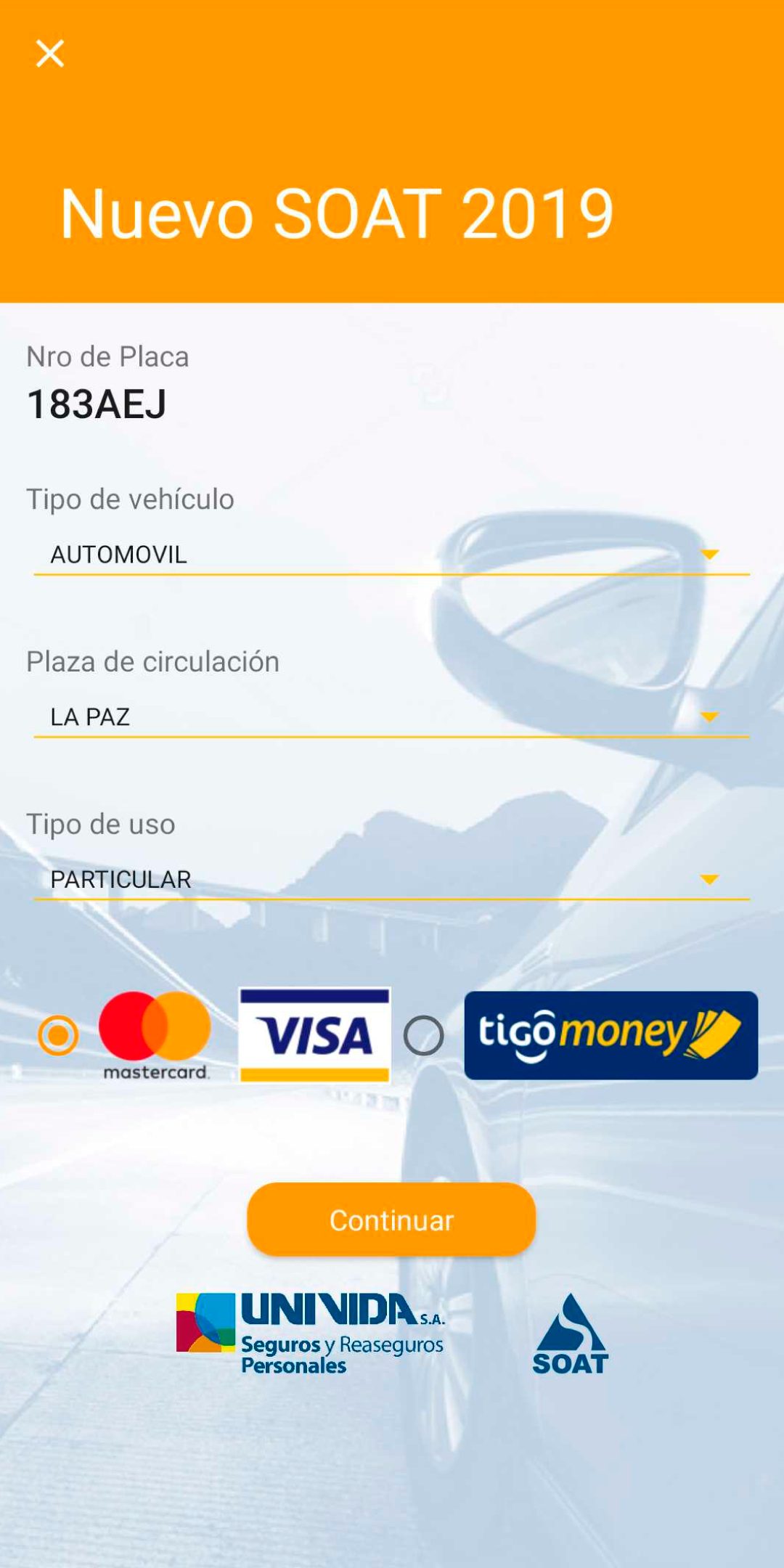
Select the purchase option from the app's homepage and enter the requested vehicle information, such as the license plate number, model, and vehicle age. Review the insurance premium and complete the payment process. Once payment is confirmed, the electronic policy becomes available in the app.
2. Find a Sales Location
Open the sales point locator and allow location access if required. Browse the available locations and select one to view its address, opening hours, and contact information.
3. Check Insurance Coverage
Go to the coverage information section to review the benefits included in SOAT. These generally cover personal injuries resulting from traffic accidents, including medical treatment, ambulance transportation, disability compensation, and death benefits. Vehicle damage and theft are not covered.
4. View Your Insurance Policy
Log in to your account and open the vehicle or policy section. Select an insured vehicle to check its policy number, validity dates, and other insurance details. The electronic document can also be accessed whenever proof of insurance is needed.
Application Experience
UNIVida SOAT brings insurance purchasing and policy management into a single mobile application. Its main advantage is the ability to complete purchases online and retrieve electronic policy documents without visiting a sales office or carrying printed paperwork.
The separate sections for purchasing, locating sales points, and checking insurance information also give users direct access to the service they need. Whether reviewing an expiration date or checking the available coverage, users can handle these tasks through the corresponding section of the app.
Frequently Asked Questions
1. Is SOAT mandatory in Colombia?
Yes. SOAT is compulsory for vehicles operating on public roads in Colombia. Driving without valid coverage can result in fines and vehicle immobilization.
2. How can I check my SOAT expiration date?
Open your electronic policy in the app. Its validity period, including the expiration date, is displayed in the policy details.
3. Can I purchase SOAT directly through UNIVida SOAT?
Yes. Select the purchase option, enter the required vehicle information, review the premium, and complete the payment.
4. Where can I find my SOAT policy number?
Log in to your account and open the vehicle or policy section. Select the insured vehicle to view its policy number.
5. Does SOAT cover vehicle repairs or theft?
No. SOAT covers personal injuries and related expenses resulting from traffic accidents. It does not cover vehicle repairs or theft.
6. Do I need to print my SOAT policy?
No. Electronic SOAT policies are legally recognized in Colombia. You can keep the digital document on your mobile device as proof of insurance.
- Version7.3.1
- UpdateNov 11, 2026
- DeveloperUNIVida
- CategoryAuto & Vehicles
- Requires AndroidAndroid 5.0+
- Downloads173K+
- Package Namebo.vulcan.unividasoat
- Signature0f09ab12f8d239eb4c14d5664411c955
- Available on
- ReportFlag as inappropriate
-
NameSizeDownload
-
13.78 MB
-
13.60 MB
-
18.29 MB












Practical and focused functionality
Easy and efficient operation
Transparent and clear information
Relatively limited functionality
Relies on network and device
May have usage limitations