
Ubigi: Travel eSIM & data plan - Global eSIM Connectivity
Experience seamless internet access worldwide with instant activation, flexible plans, & no SIM swaps for travelers.

- 3.2.4 Version
- 2.9 Score
- 895K+ Downloads
- Free License
- 3+ Content Rating


Ubigi eSIM – App Overview, Key Features, Usage Guide, and FAQs
1. App Overview
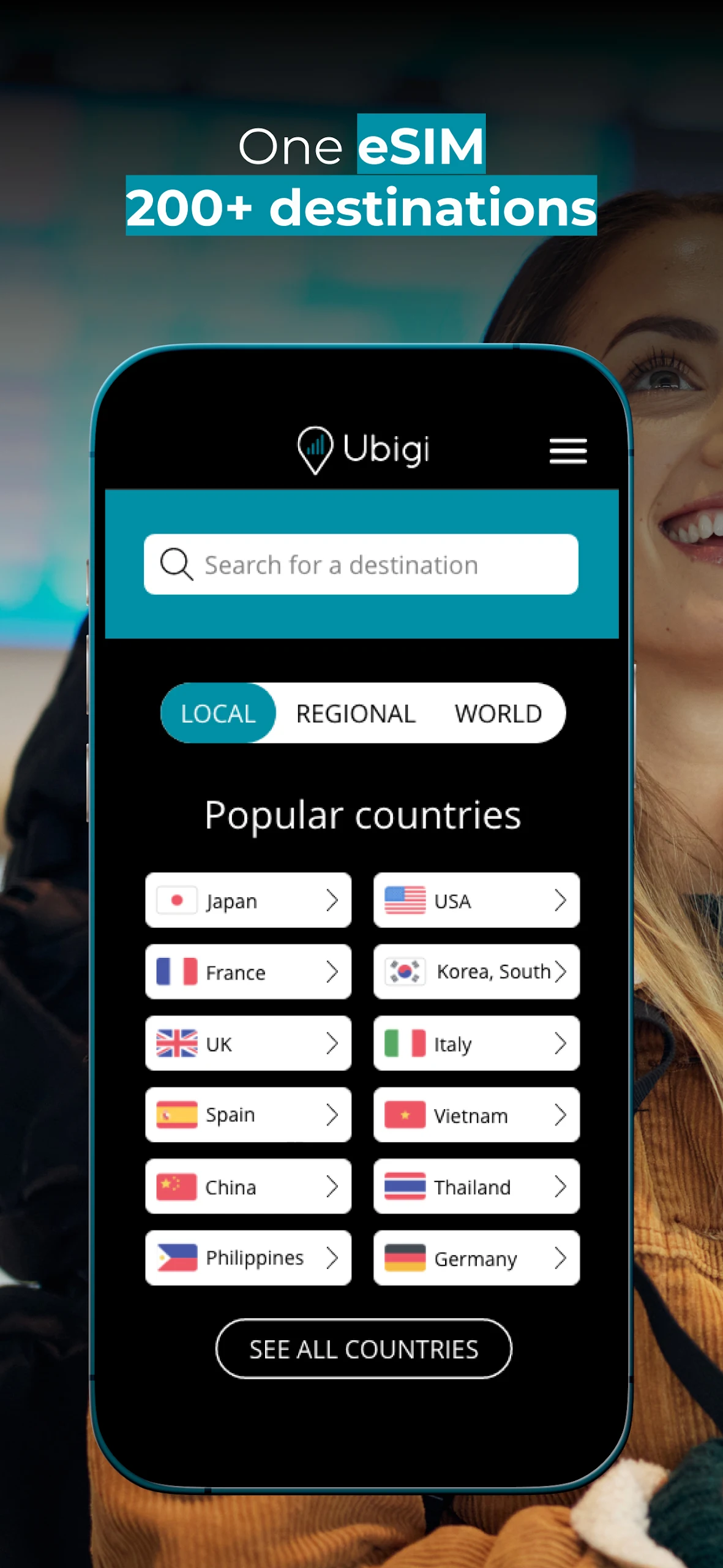
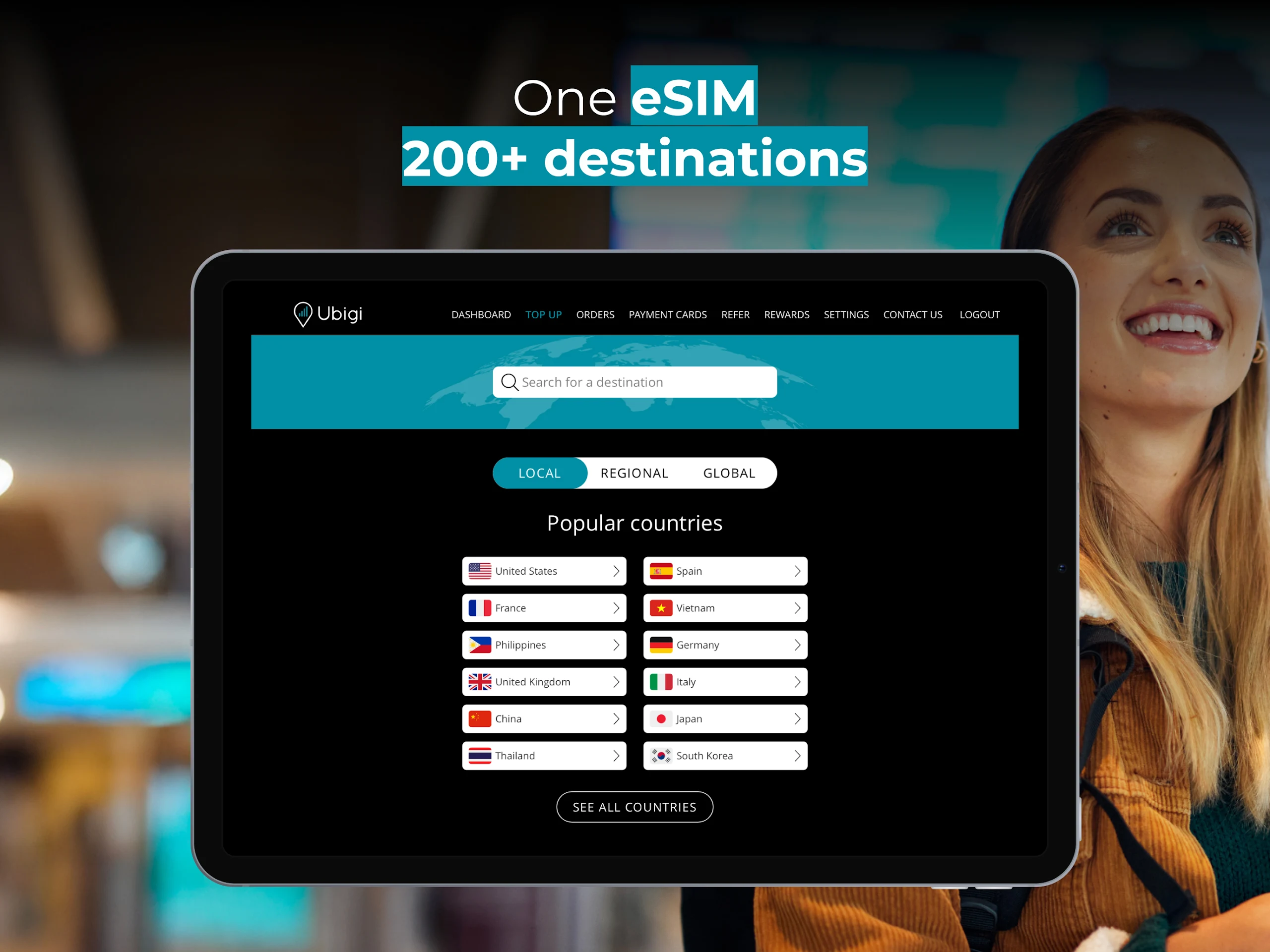
Ubigi eSIM is a mobile connectivity app that provides international mobile data through digital SIM technology. It is designed for international travelers, digital nomads, and people who regularly work or travel abroad. The service covers more than 200 destinations, allowing users to connect to local mobile networks without purchasing or replacing a physical SIM card.
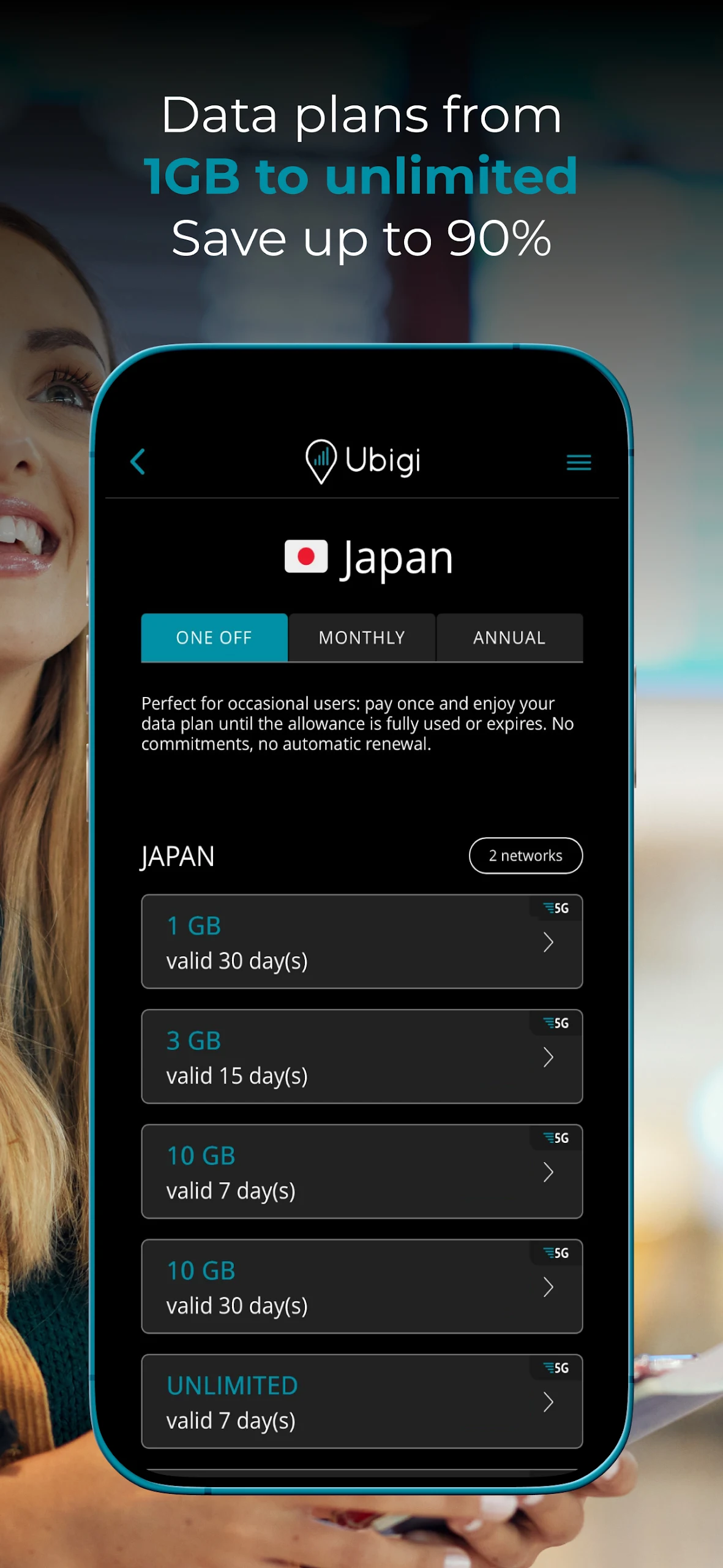
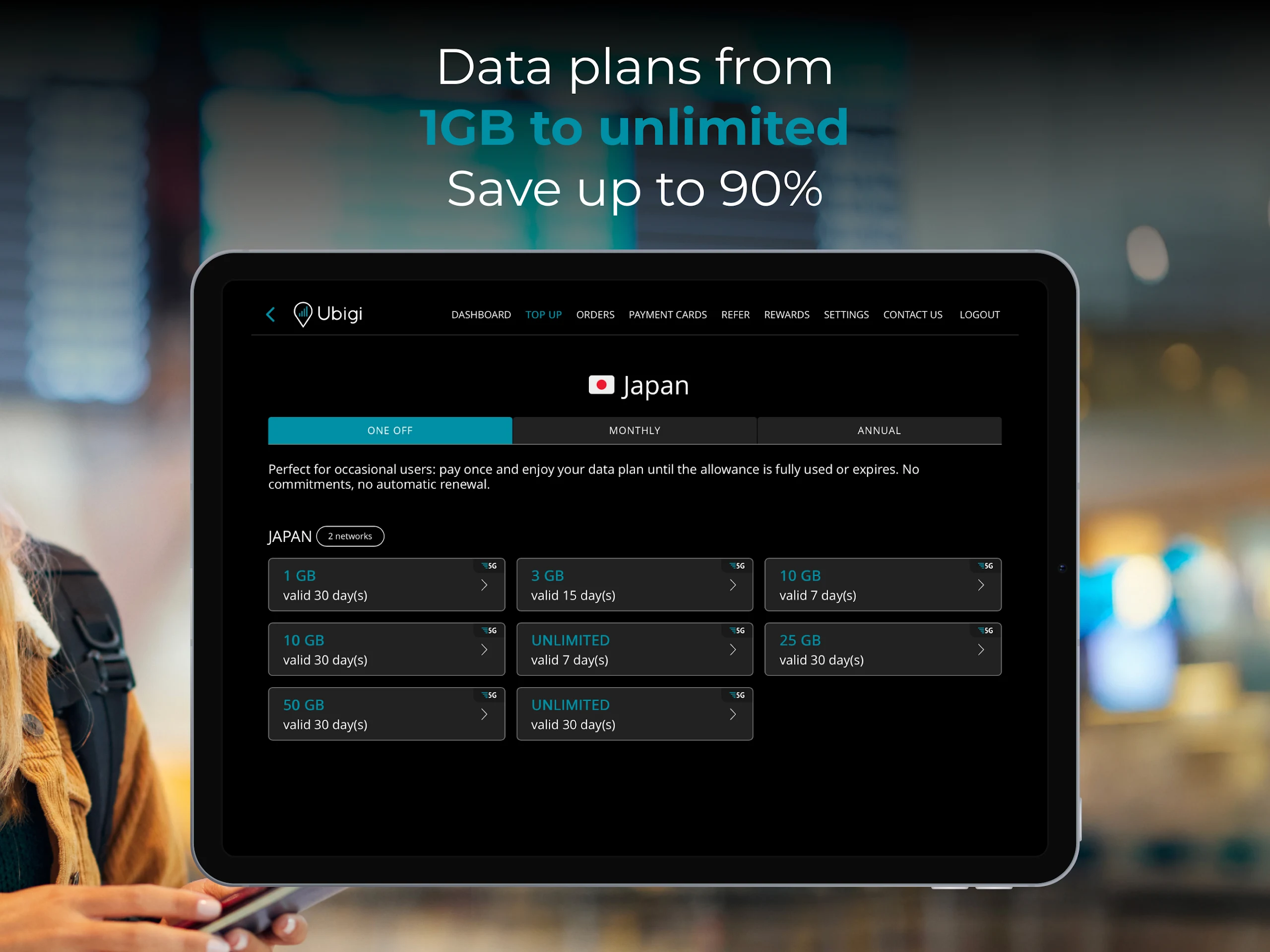
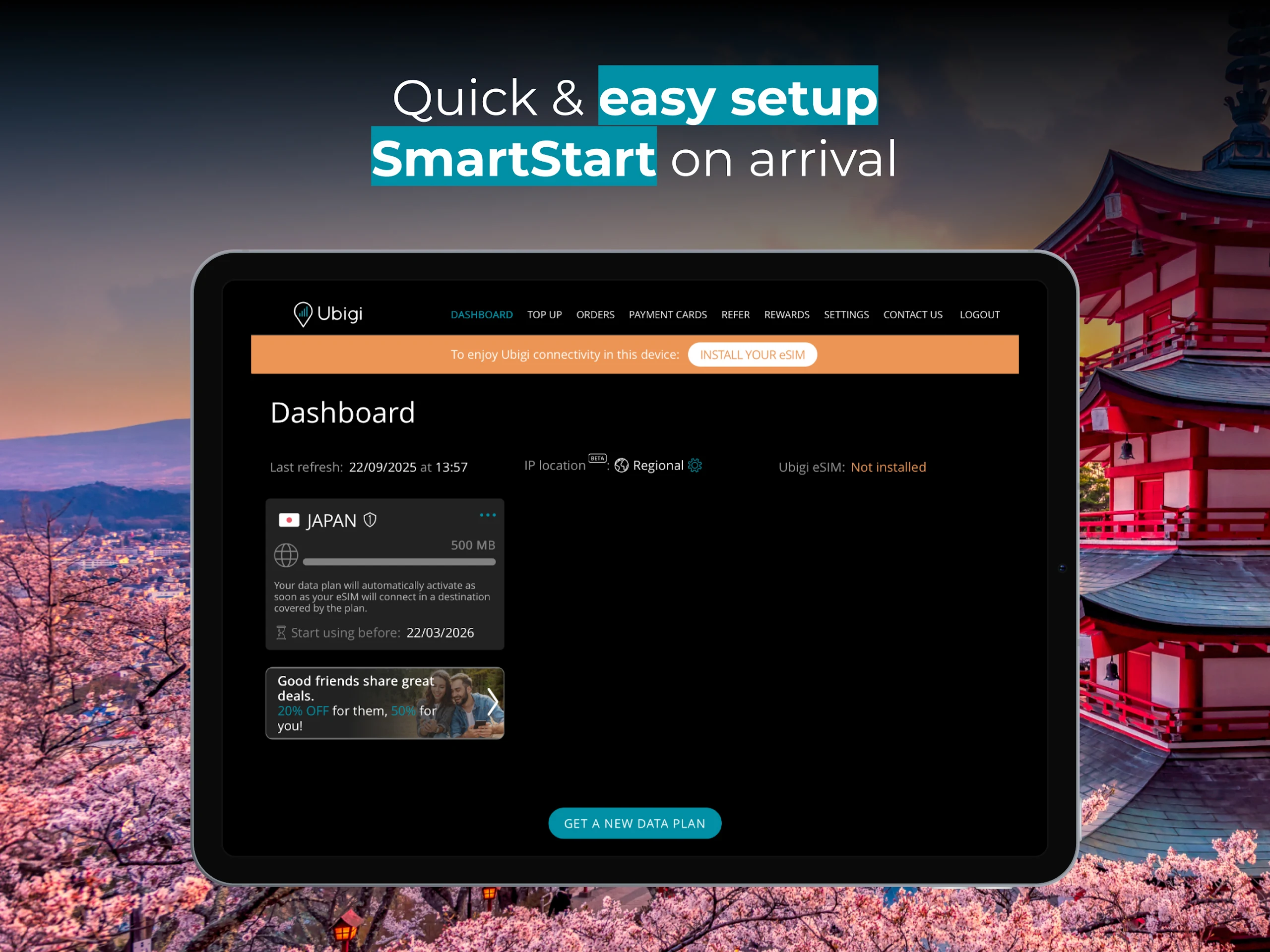
Through the app, users can browse prepaid data plans for individual countries and regions, compare available packages, and choose one based on their destination and expected data usage. Plans come with different data allowances and validity periods, making them suitable for both short trips and extended stays. Once an eSIM profile is installed, users can manage their connection, check their remaining data, monitor consumption, and purchase additional packages directly through their account.
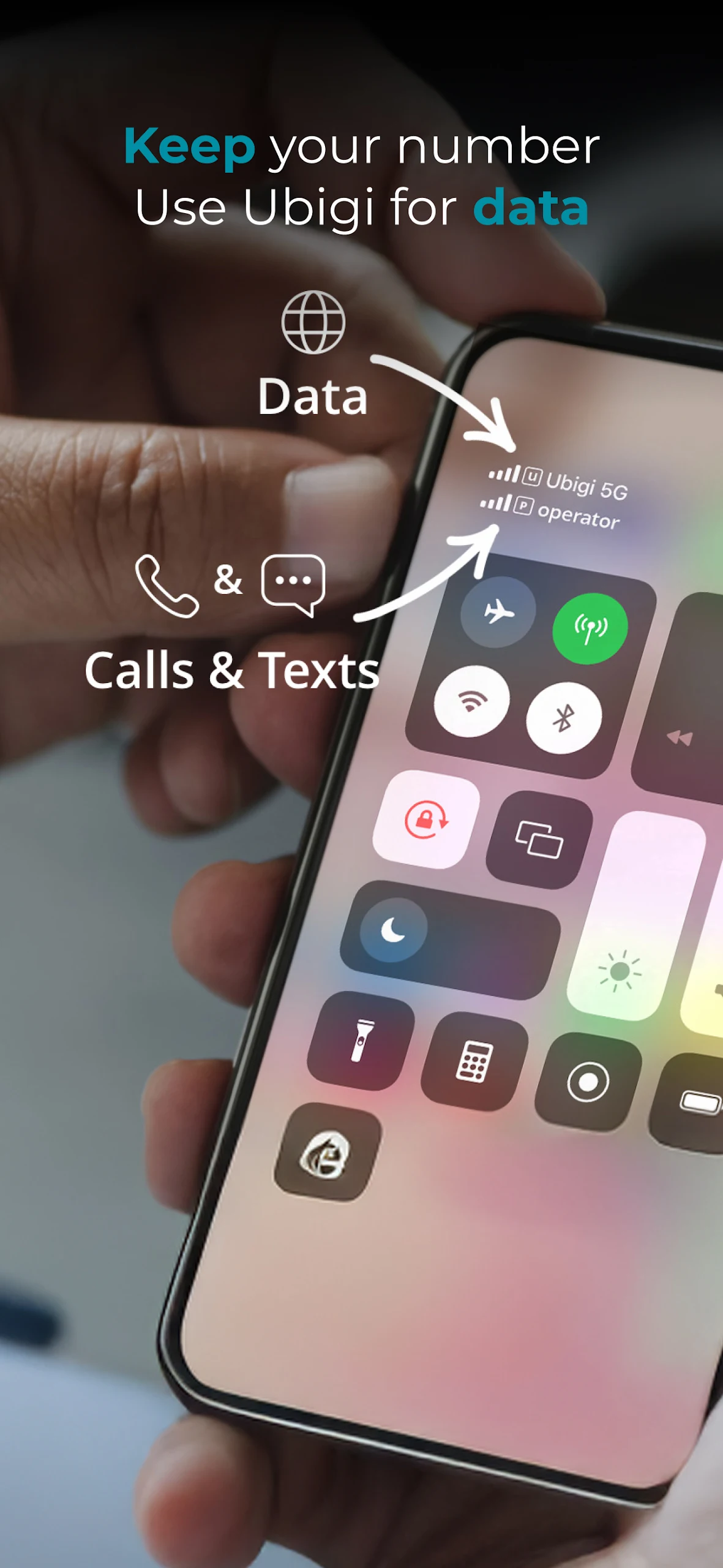
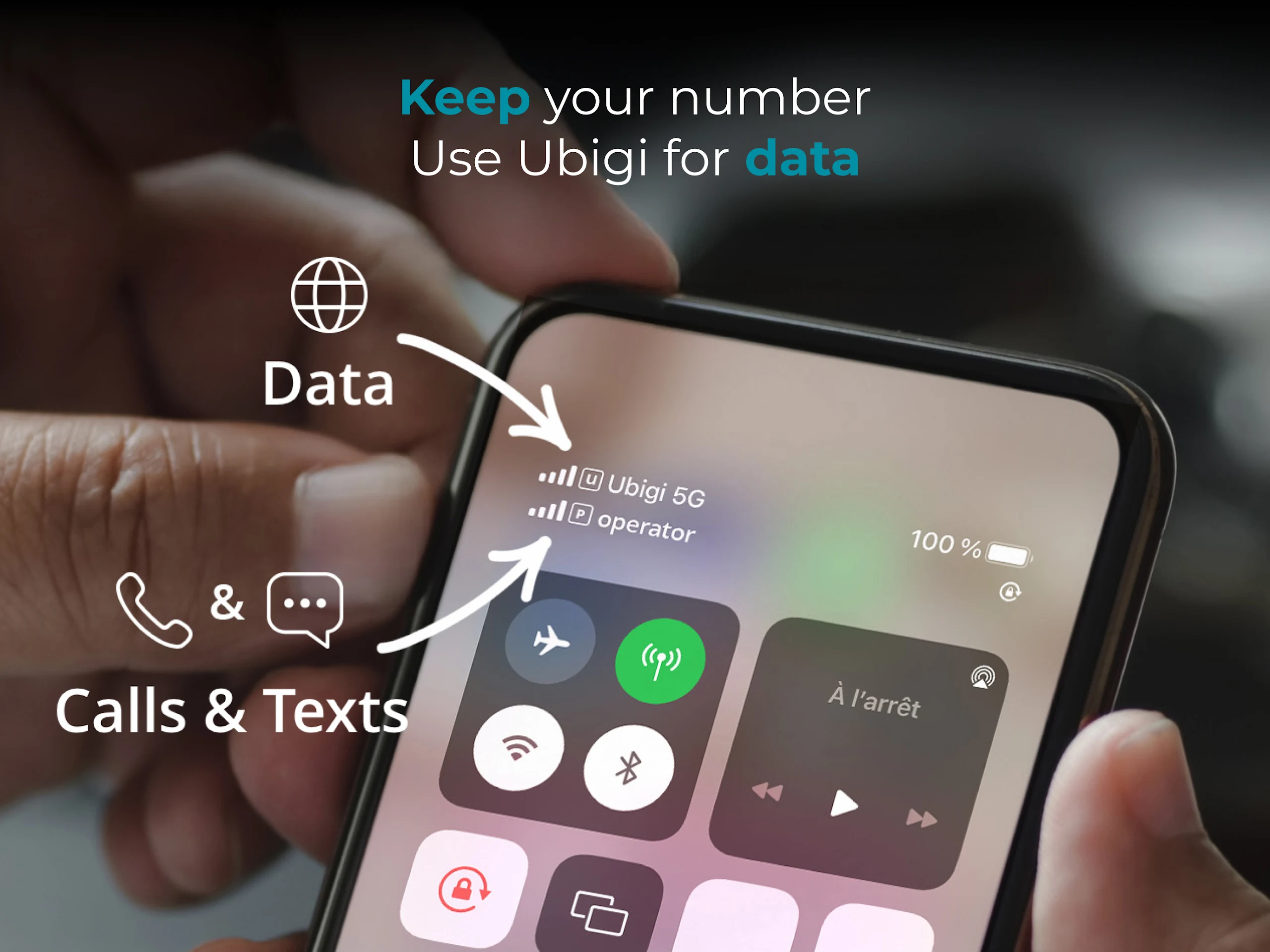
Ubigi can also work alongside a regular SIM card on compatible devices. This allows users to access mobile data through Ubigi while keeping their usual phone number available for calls and text messages, depending on their device and carrier settings.
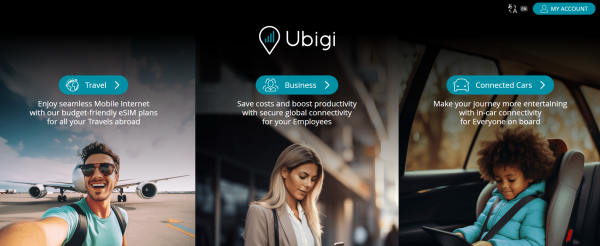
Beyond smartphones and tablets, Ubigi provides connectivity services for selected connected-car models. These services include in-car Wi-Fi and vehicle-specific data plans, giving drivers and passengers internet access through the car's built-in hotspot.
2. Key Features
Global Coverage: Access mobile data in more than 200 countries and destinations through Ubigi's international eSIM service.
Prepaid Data Plans: Choose country-specific or regional packages with different data allowances and validity periods.
Digital eSIM Installation: Install an eSIM profile directly on a compatible device without inserting a physical SIM card.
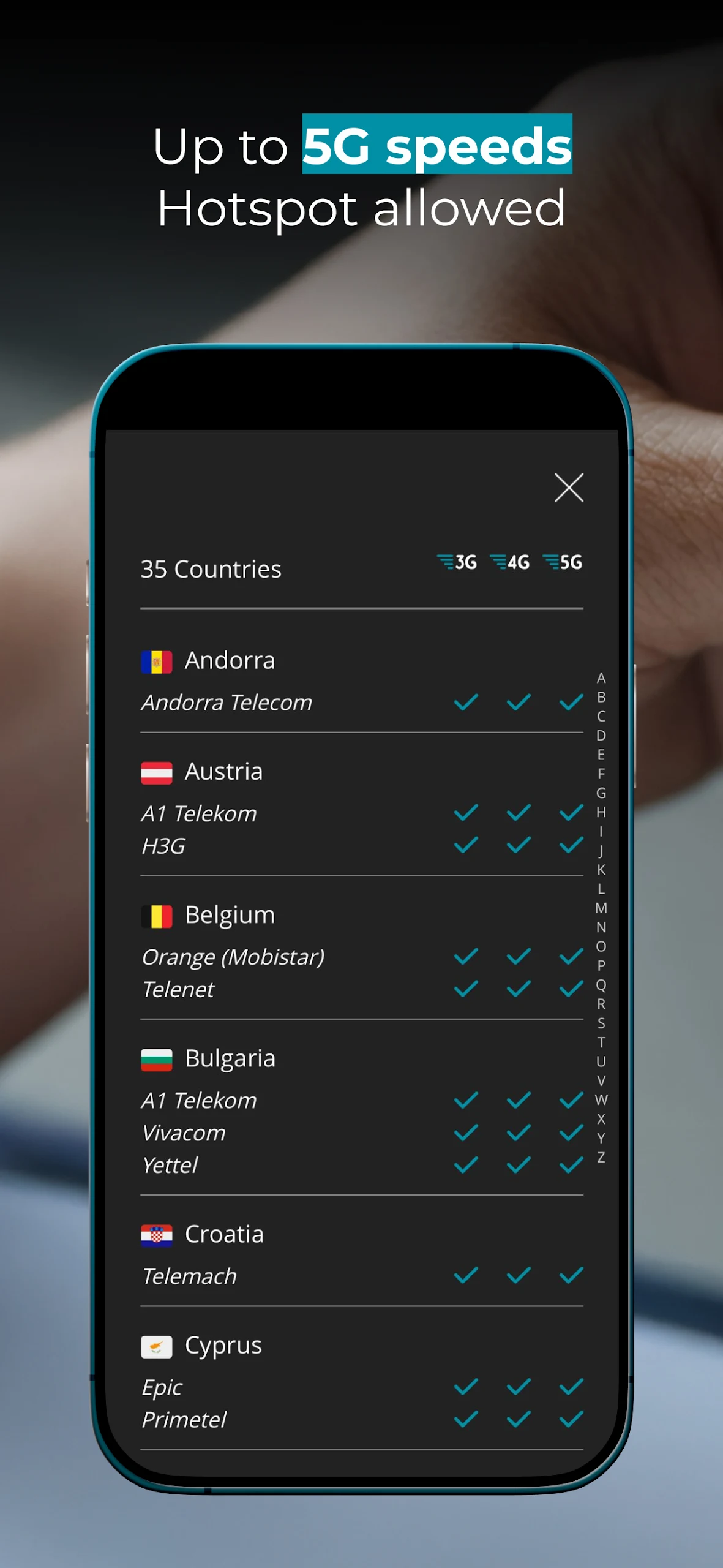
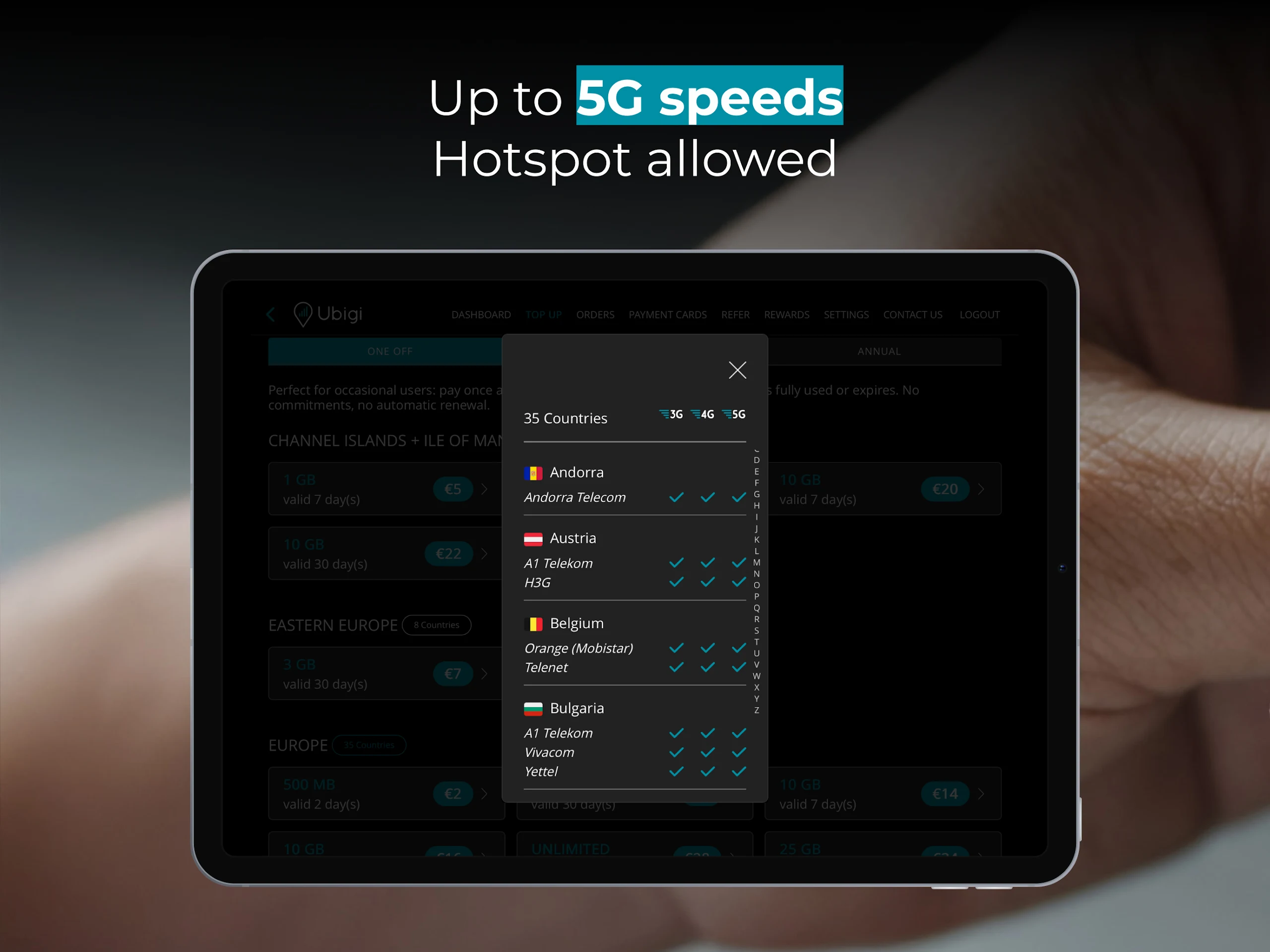
5G Connectivity: Connect to 5G networks in supported locations with a compatible device and network.
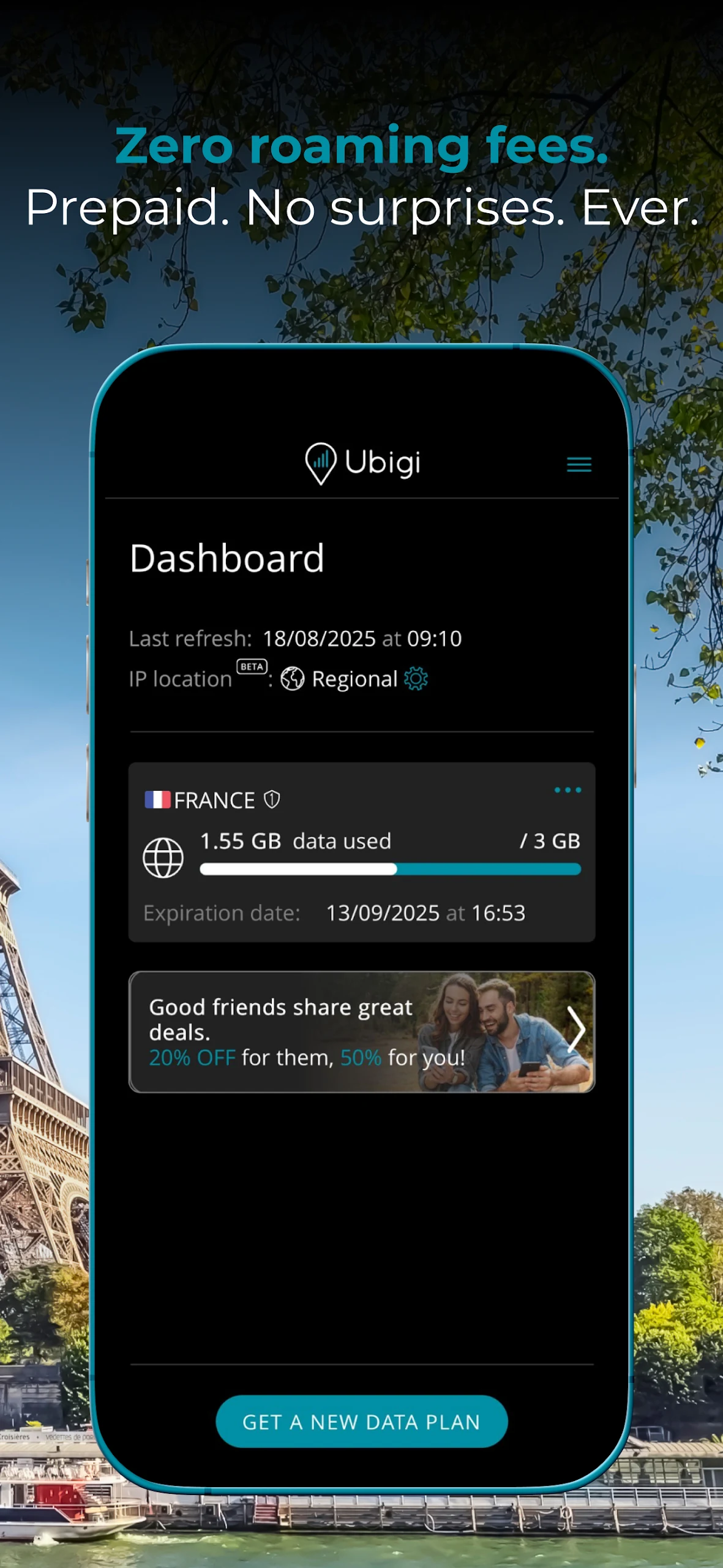
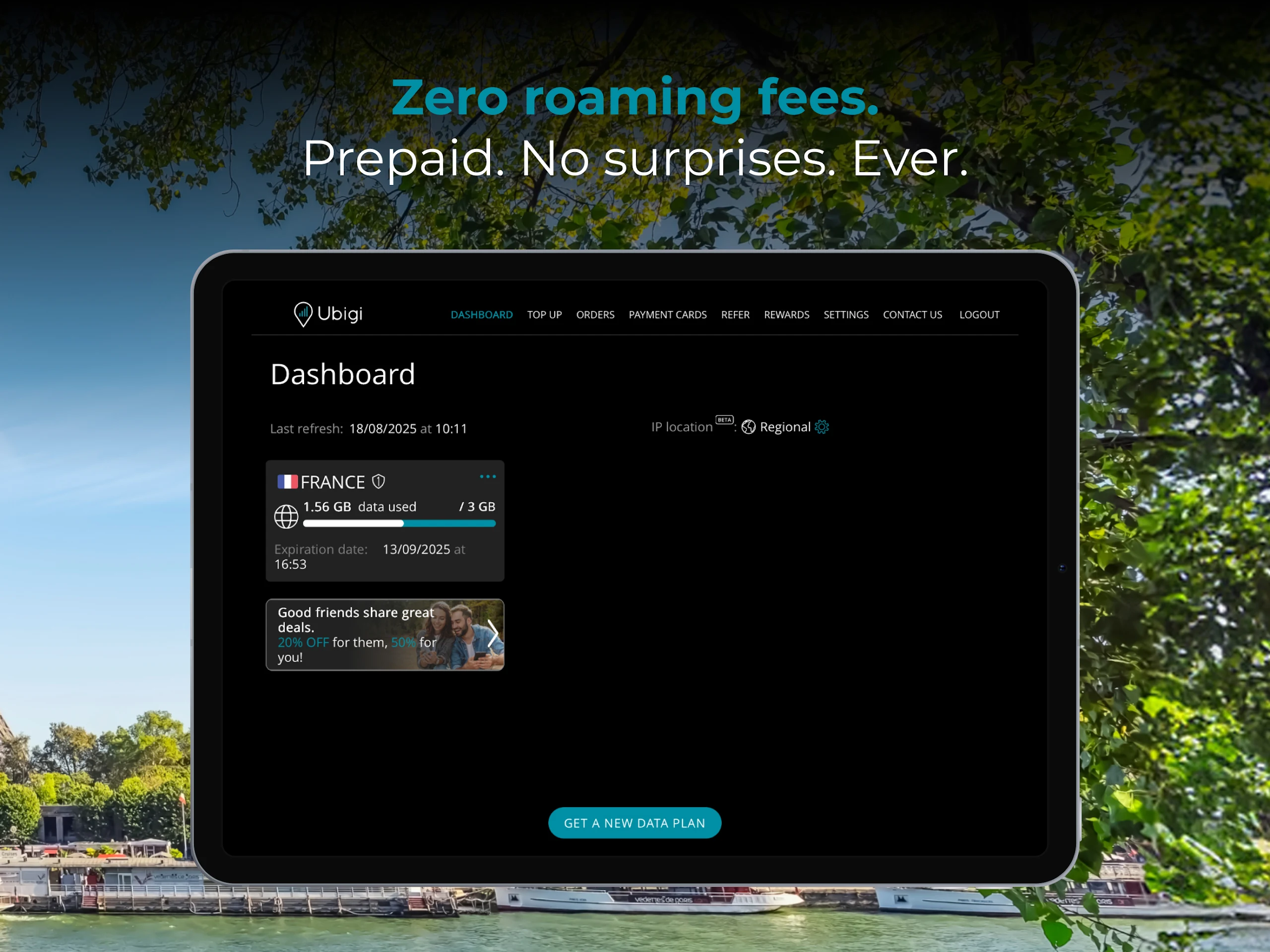
Data Usage Tracking: Check remaining data and monitor consumption through the app.
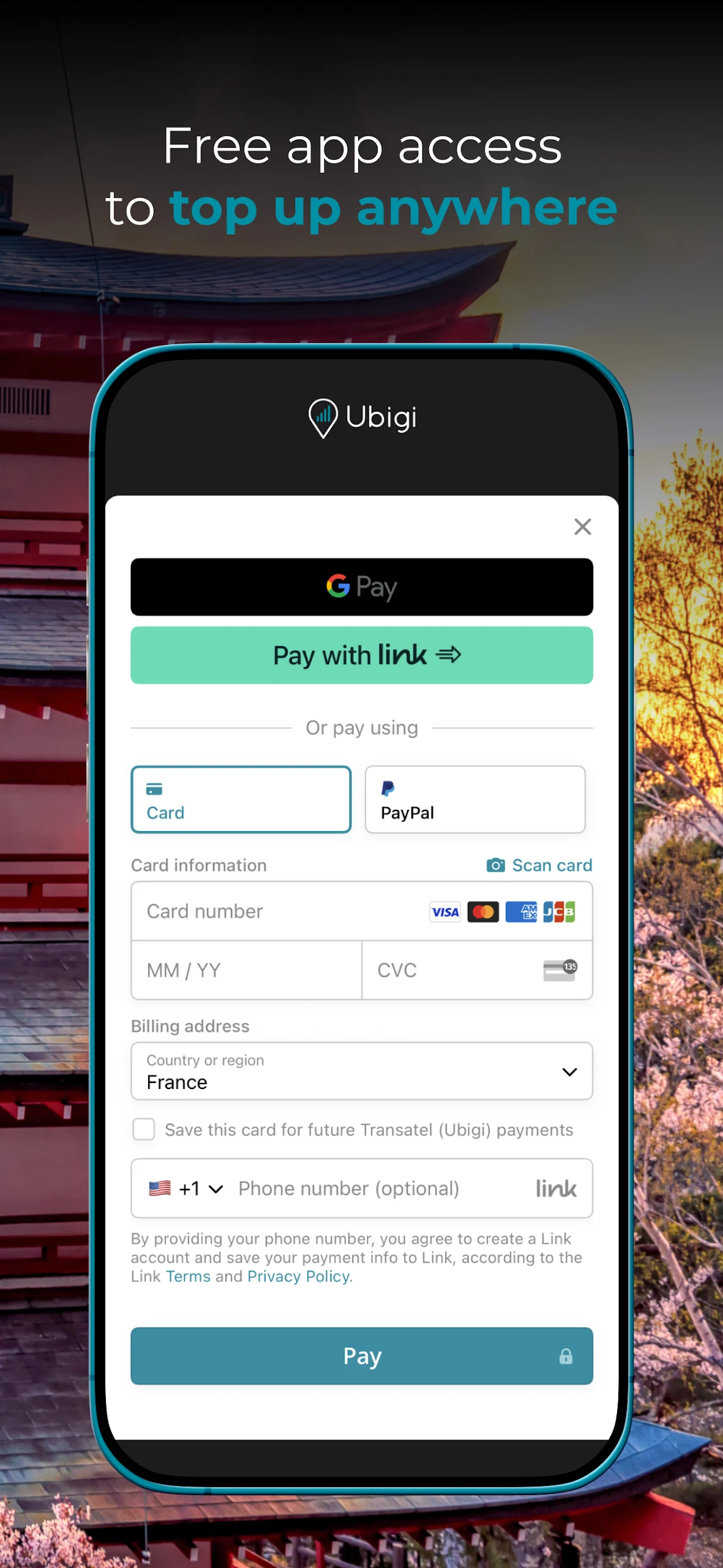
Data Top-Ups: Purchase additional data using your existing eSIM profile without reinstalling it or scanning another QR code.
Dual SIM Support: Use Ubigi for mobile data while keeping your regular SIM available for calls and text messages.
Personal Hotspot: Share your mobile data connection with other devices through hotspot or tethering, where supported.
Connected-Car Internet: Access in-car Wi-Fi in supported vehicle models and connect multiple devices to the vehicle's hotspot.
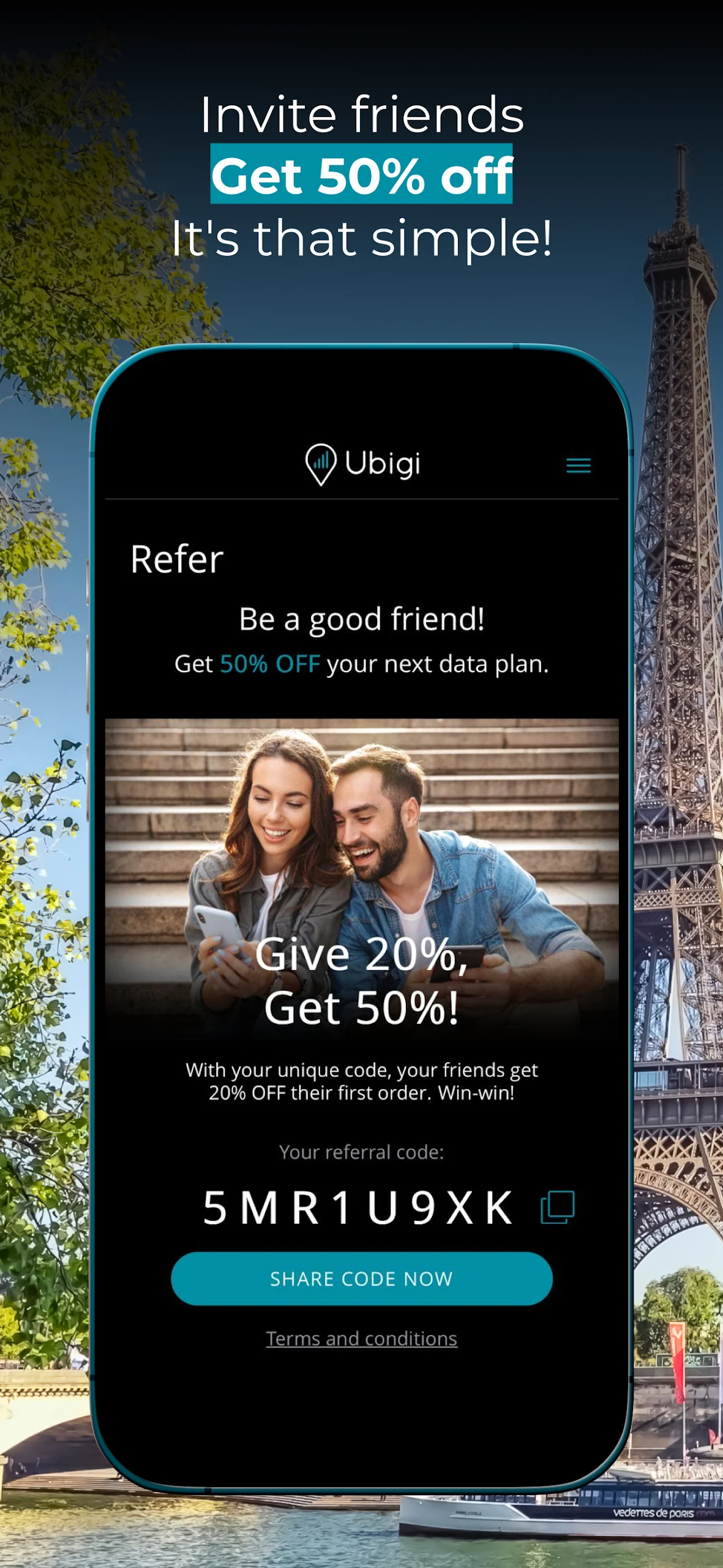
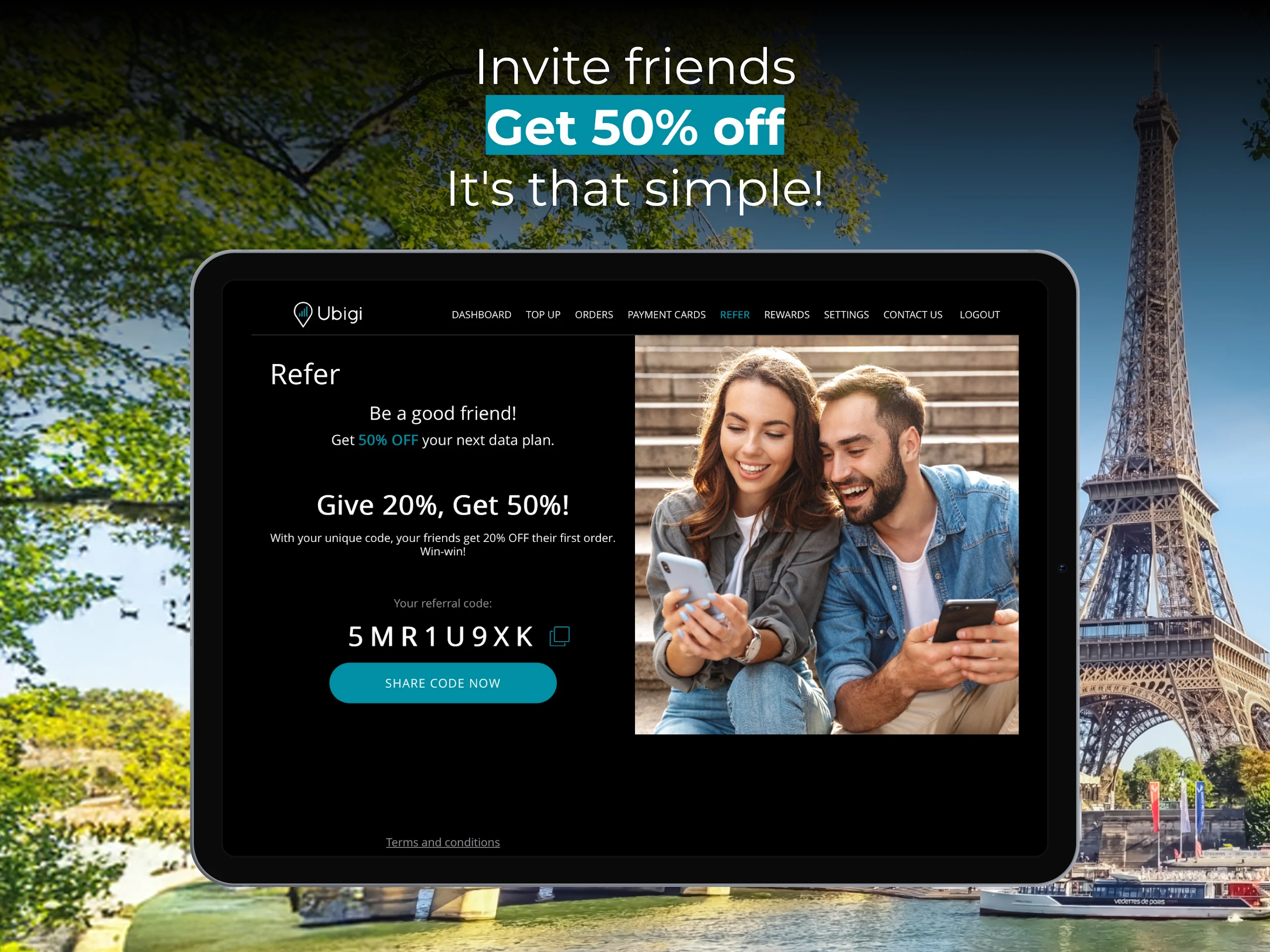
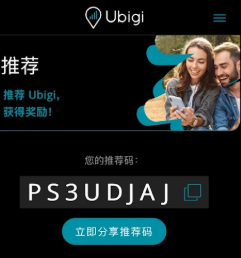
Referral Discounts: Invite friends to join Ubigi and receive discounts on eligible data plans.
3. How to Use Ubigi eSIM
Follow these steps to set up your Ubigi account and connect to a mobile network.
Create an Account: Download the Ubigi app and register for an account.
Check Device Compatibility: Make sure your phone supports eSIM technology and is not locked to a specific mobile carrier.
Install the eSIM: Follow the in-app instructions to install your Ubigi eSIM profile. You can also scan a QR code if one is provided.
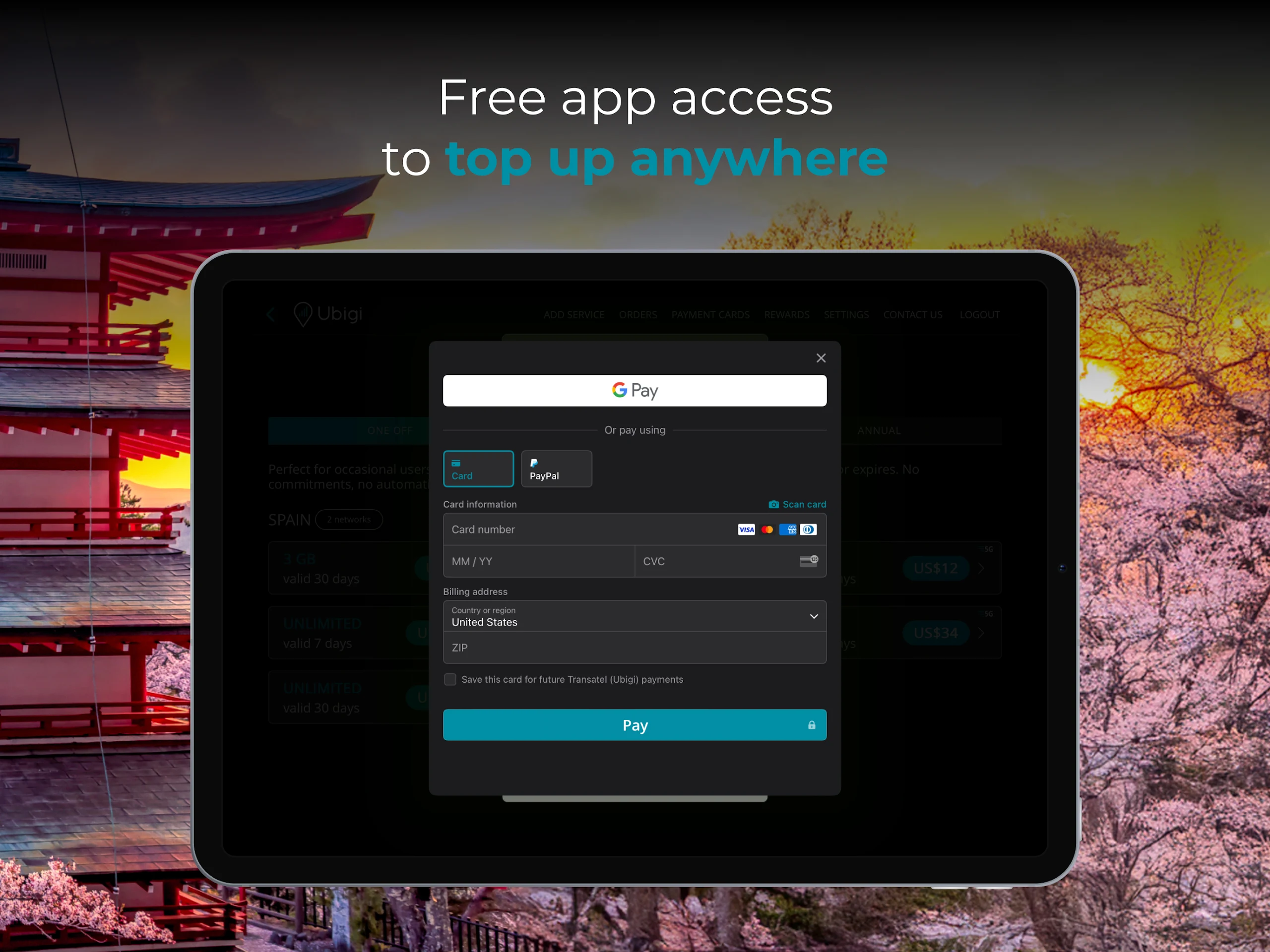
Purchase a Data Plan: Browse the available packages and select one that covers your destination and expected data usage.
Configure Your Connection: Follow the activation instructions and select Ubigi as your mobile data provider in your device settings.
Monitor Data Usage: Open the app to check your remaining data, review consumption, or purchase another package.
4. Using Ubigi for Connected Cars
Ubigi also provides internet connectivity for selected connected-car models. The service allows drivers and passengers to access the internet through the vehicle's built-in Wi-Fi hotspot.
Depending on the vehicle model and available services, the hotspot can connect up to eight devices simultaneously. Passengers can use the connection to browse websites, access online apps, stream entertainment, and use other internet-based services during journeys.
To set up the service:
Sign In: Open the Ubigi app and sign in to your account.
Select Your Device Type: Choose "Connected Car" from the available device options.
Choose Your Vehicle Brand: Select your vehicle manufacturer from the supported options.
Complete the Setup: Follow the instructions provided for your specific vehicle model.
Choose a Data Plan: Select a suitable package and manage your purchases through your Ubigi account.
5. Frequently Asked Questions
Q1: What is Ubigi eSIM?
A: Ubigi eSIM is a digital SIM service that provides mobile data access in international destinations. Users install an eSIM profile on a compatible device and purchase prepaid data plans through the app instead of using a physical SIM card.
Q2: How can I check whether my phone supports Ubigi eSIM?
A: Your phone must support eSIM technology and be carrier-unlocked. On many compatible devices, checking whether an EID number appears in the device settings can help confirm eSIM support. You can also consult your phone manufacturer's specifications and Ubigi's compatibility information.
Q3: Can I install Ubigi eSIM before traveling?
A: Yes. You can install the eSIM and purchase a data plan before departure. Follow the activation instructions for your selected plan to ensure it is ready for use at your destination.
Q4: Can I keep my regular phone number when using Ubigi?
A: Yes. You can use Ubigi for mobile data while keeping your regular SIM active for calls and text messages, provided your device supports dual SIM functionality. Check your home carrier's roaming settings to avoid unexpected charges.
Q5: How do I add more data to my Ubigi eSIM?
A: Open the Ubigi app, sign in to your account, and browse the available data plans. Select a suitable package and complete the purchase. You can continue using your existing eSIM profile without reinstalling it.
Q6: Can I use Ubigi eSIM in my car?
A: Yes. Ubigi offers connected-car internet services for selected vehicle brands and models. Availability depends on vehicle compatibility and the connected services provided by the manufacturer.
- Version3.2.4
- UpdateNov 06, 2026
- DeveloperTransatel
- CategoryTravel & Local
- Requires AndroidAndroid 7.0+
- Downloads895K+
- Package Namecom.transatel.selfcare.ubigi
- Signatureeb97e20ac9deaa7a9184e3da908507a6
- Available on
- ReportFlag as inappropriate
-
NameSizeDownload
-
72.24 MB
-
67.97 MB
-
64.52 MB










Easy setup and installation process
Affordable pricing compared to competitors
Reliable service in Japan and other countries
Functional app with minimal confusion
Ability to purchase a plan while the current one has expired
Good coverage in various locations
No need for physical SIM cards or in-store activation
Quick activation upon arrival at the destination
Occasional signal drops, especially in indoor areas
App navigation issues and slow performance
Poor customer support response times
Limited data plan options for short-term needs
Complicated account management and installation process
Inconsistent connection reliability in certain regions
Higher prices compared to some local SIM providers
Difficulty in transferring eSIMs to new devices