
Topo GPS - Offline GPS & topographic maps
Transform your device into a powerful GPS for all outdoor activities with detailed offline maps & real-time route tracking.
- 8.1.1 Version
- 3.0 Score
- 377K+ Downloads
- In-app purchases License
- 3+ Content Rating

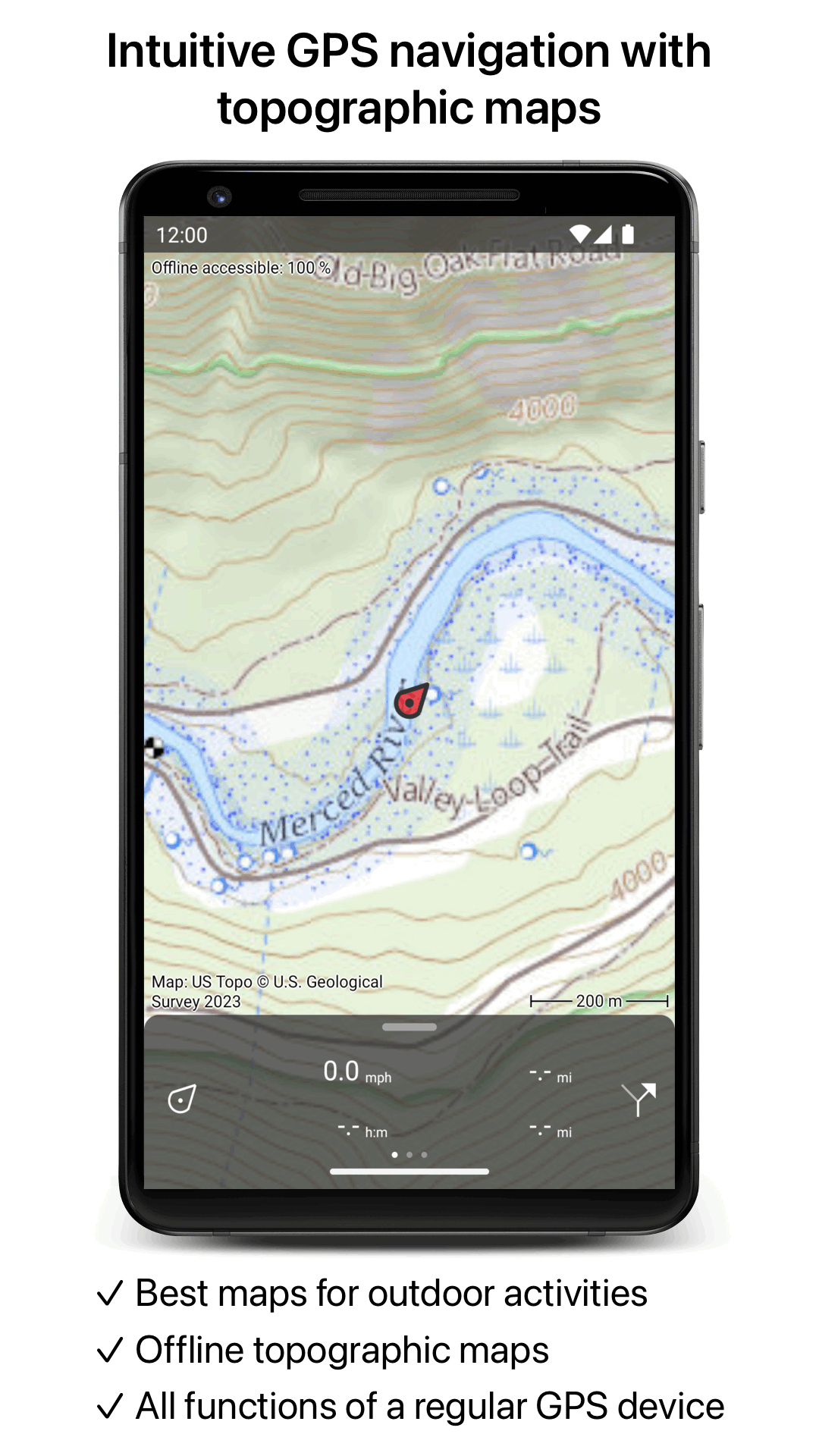
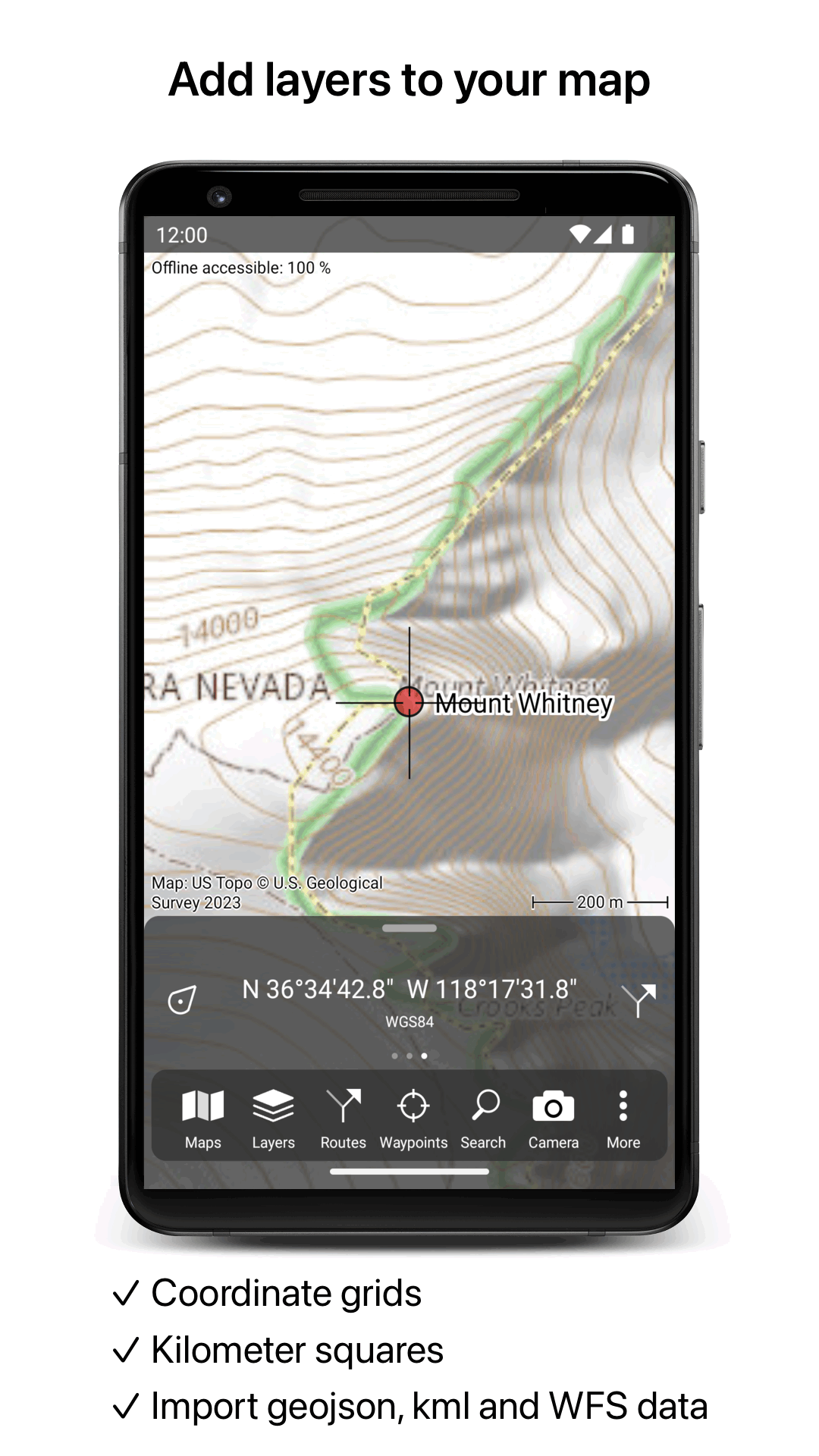
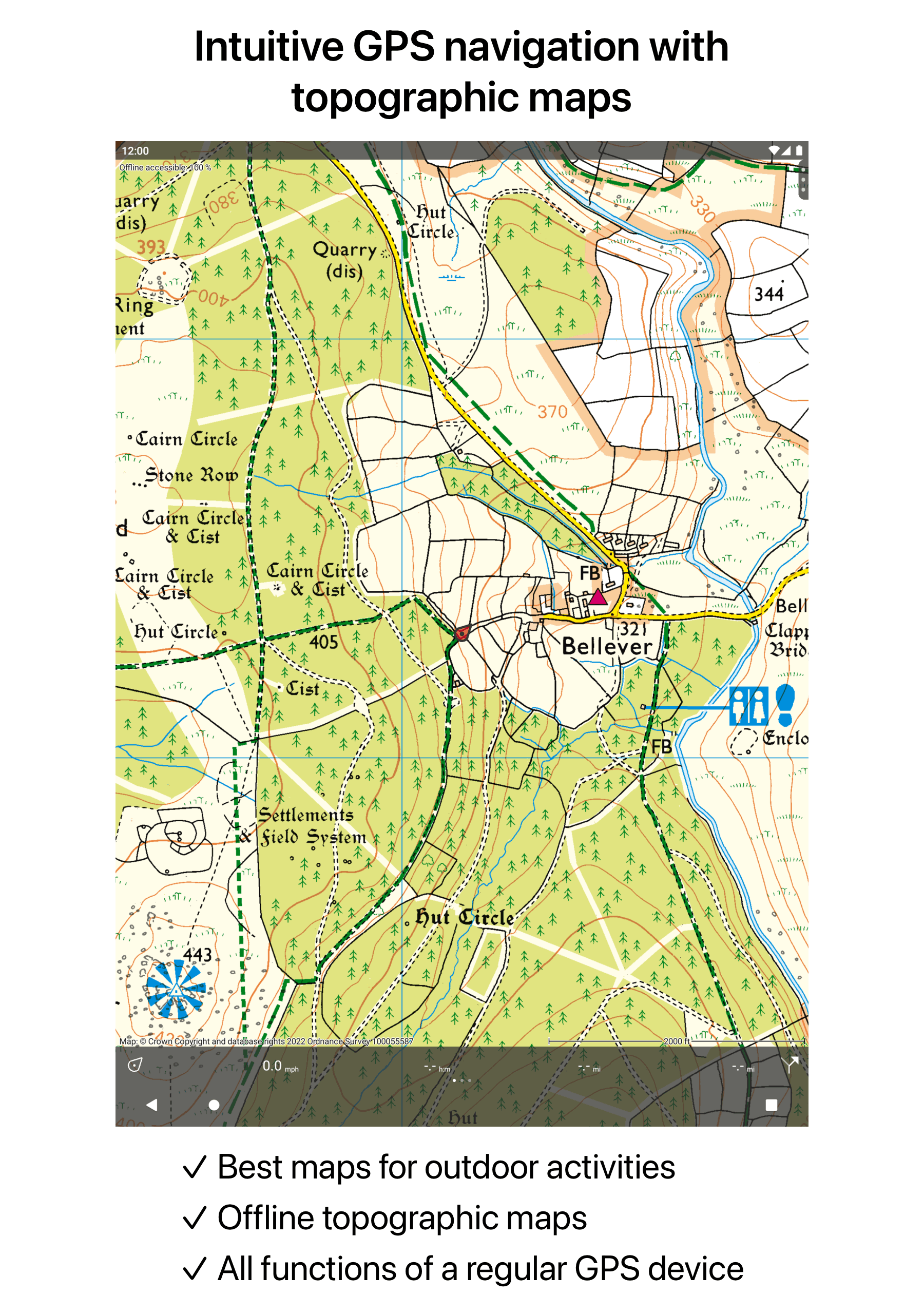
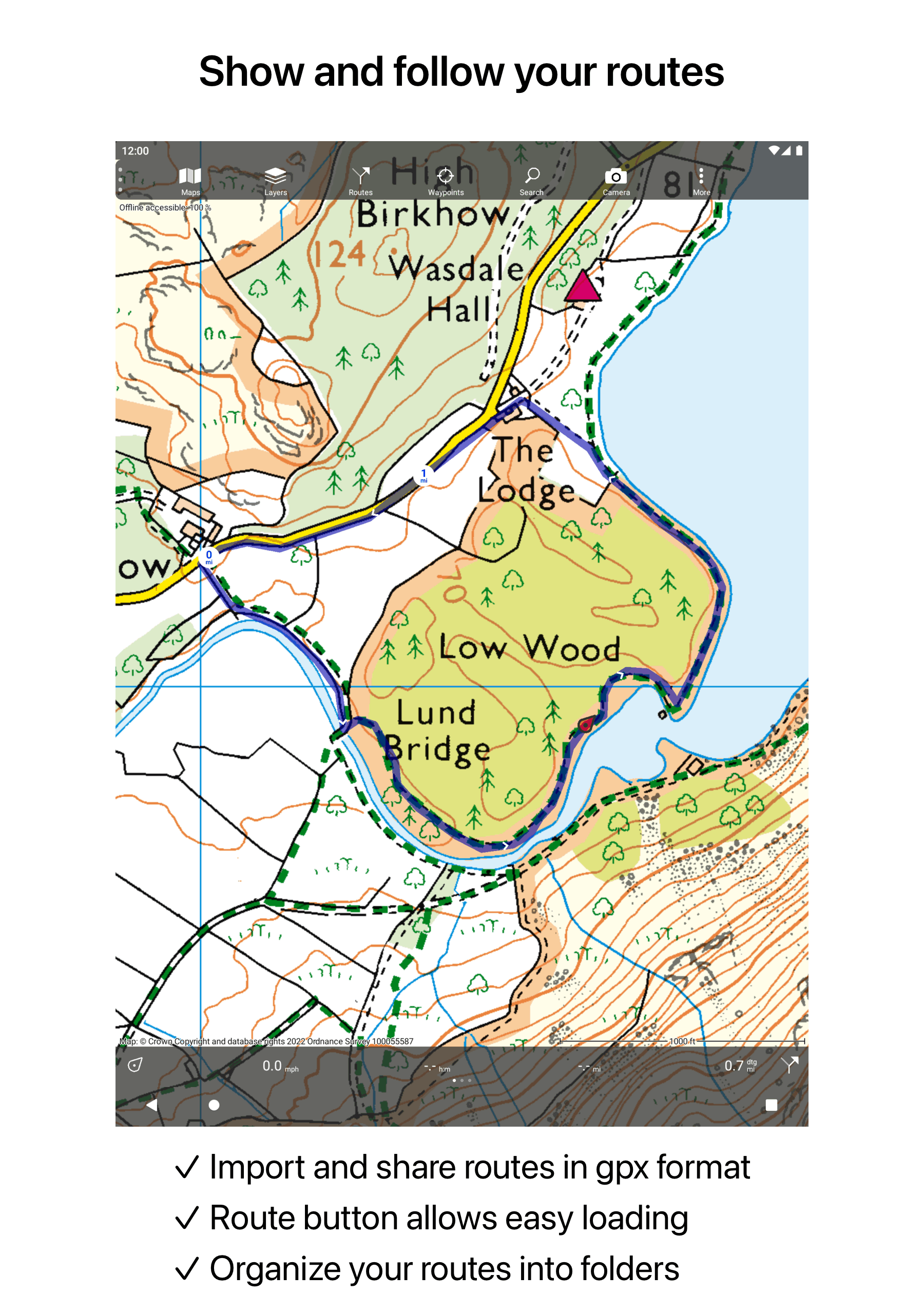
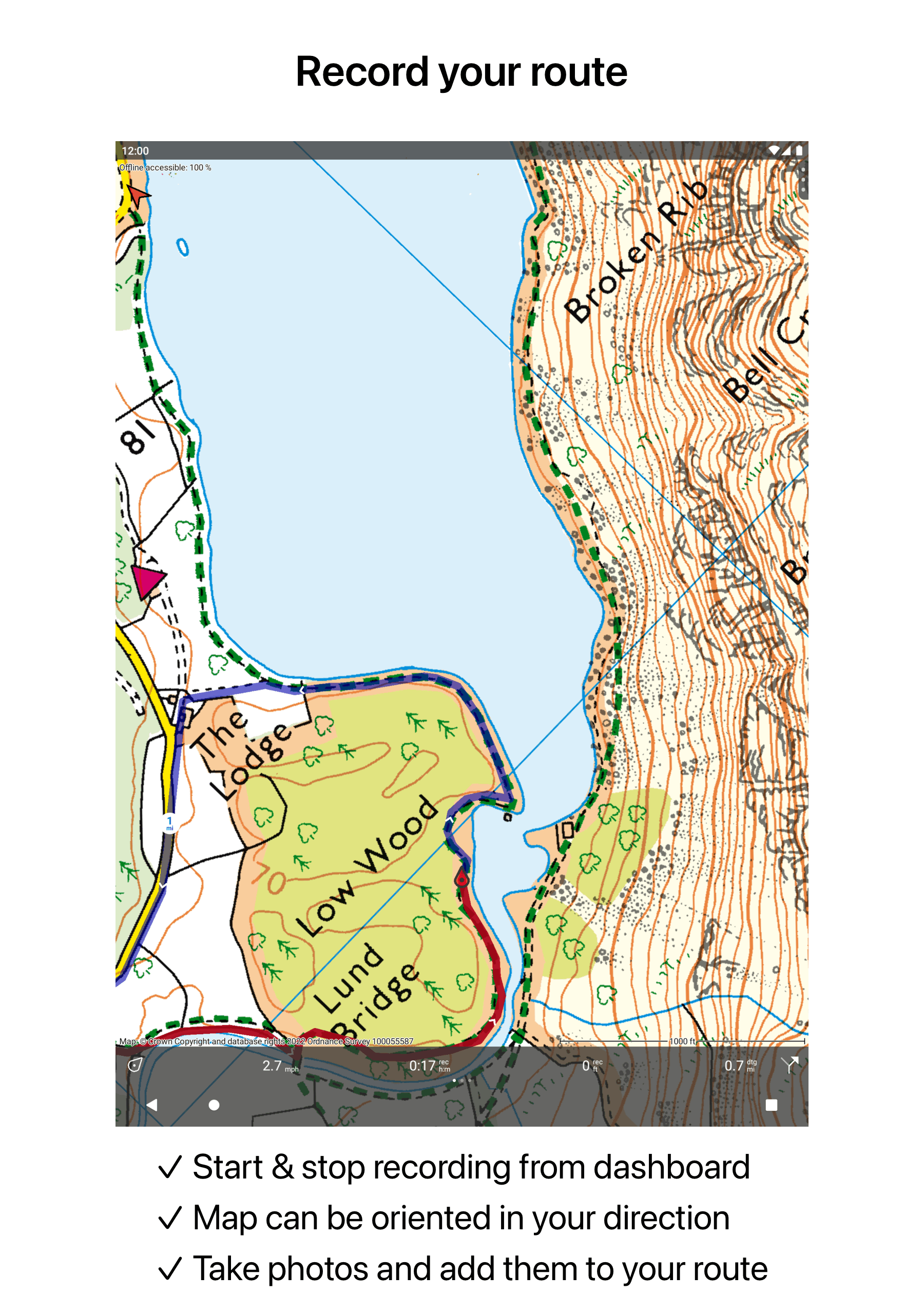
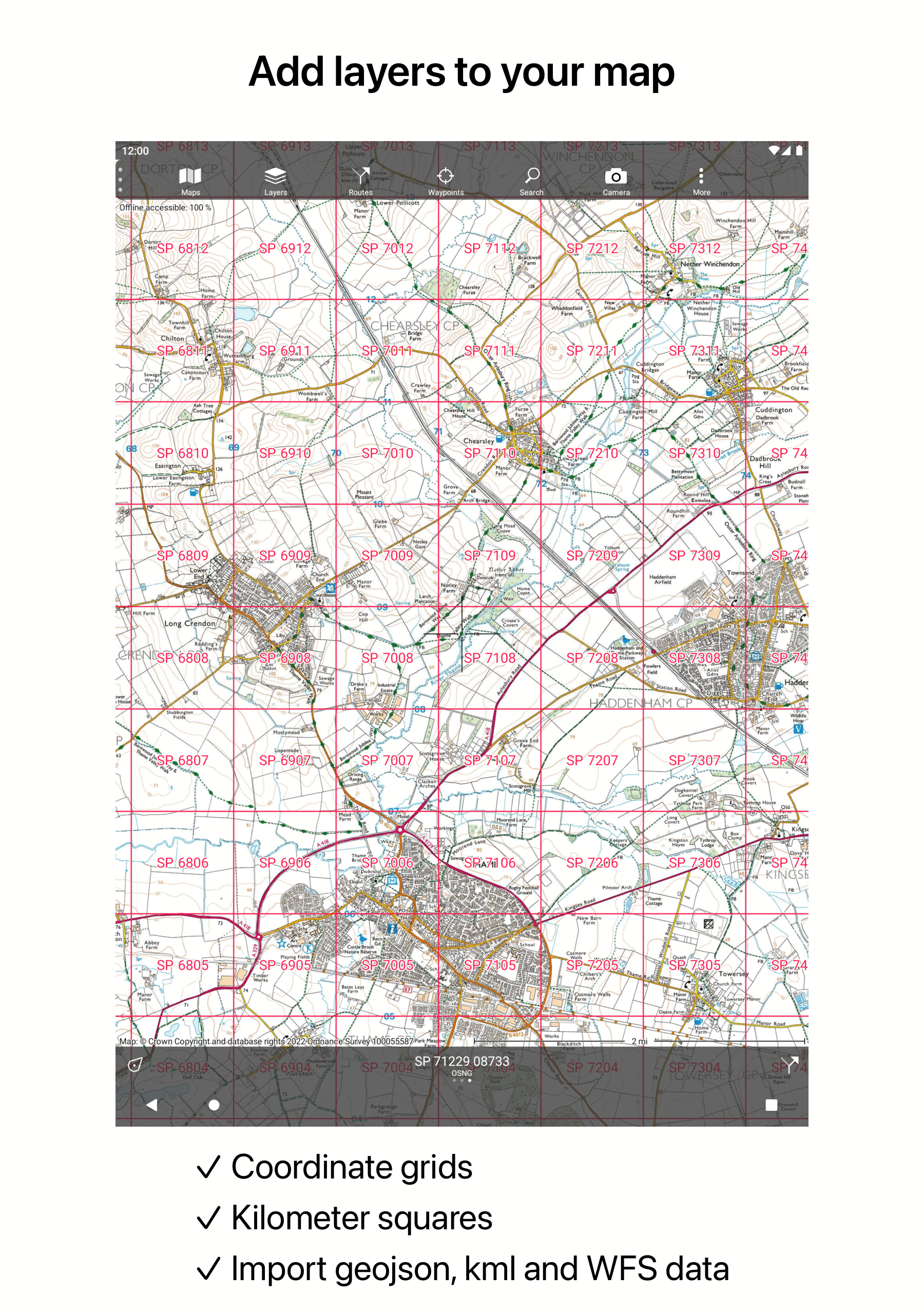
Transform your smartphone or tablet into an all-encompassing GPS device featuring comprehensive topographic maps.
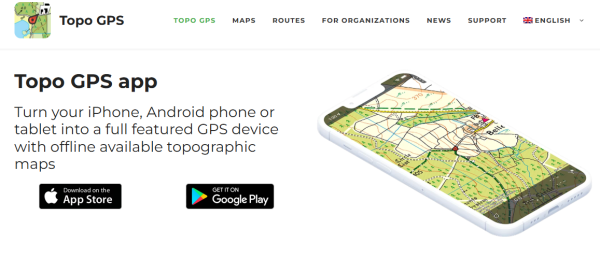
The maps you view are saved directly on your device, allowing for offline use of Topo GPS.
Why invest in a costly GPS gadget when you can download Topo GPS? This app offers all the capabilities of traditional GPS devices at a lower price, boasts significantly more detailed mapping, and is easier to navigate. Under ideal conditions, positional accuracy can reach approximately 5 meters.
This tool is perfect for activities like walking, hiking, cycling, mountain biking, sailing, horseback riding, geocaching, scouting, trail running, and various other outdoor pursuits. It is also suitable for professionals working outdoors.
Features:
Map
* To utilize Topo GPS, a map purchase is necessary.
* Official topographic maps from many countries, such as the USA, Great Britain (OS Explorer), New Zealand, and Australia, can be bought within the app.
* These topographic maps are intricate, displaying elevation contours that are particularly useful for outdoor adventures.
* You can make all maps of a particular area available offline through the map download feature.
* Seamless switching between different maps is possible.
* OpenStreetMap provides worldwide coverage with elevation contours.
* Certain countries, including the USA, offer aerial imagery.
Routes
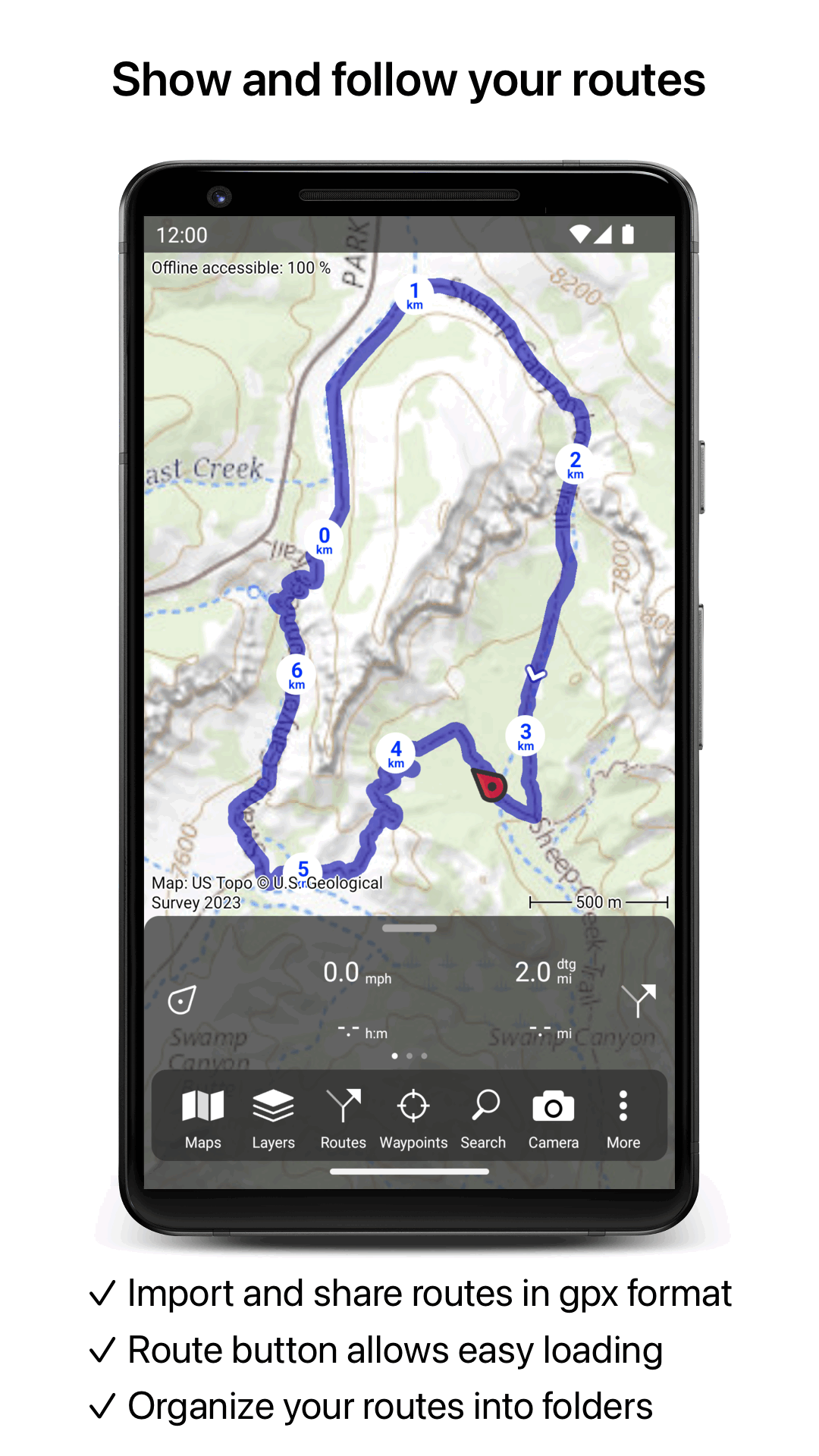
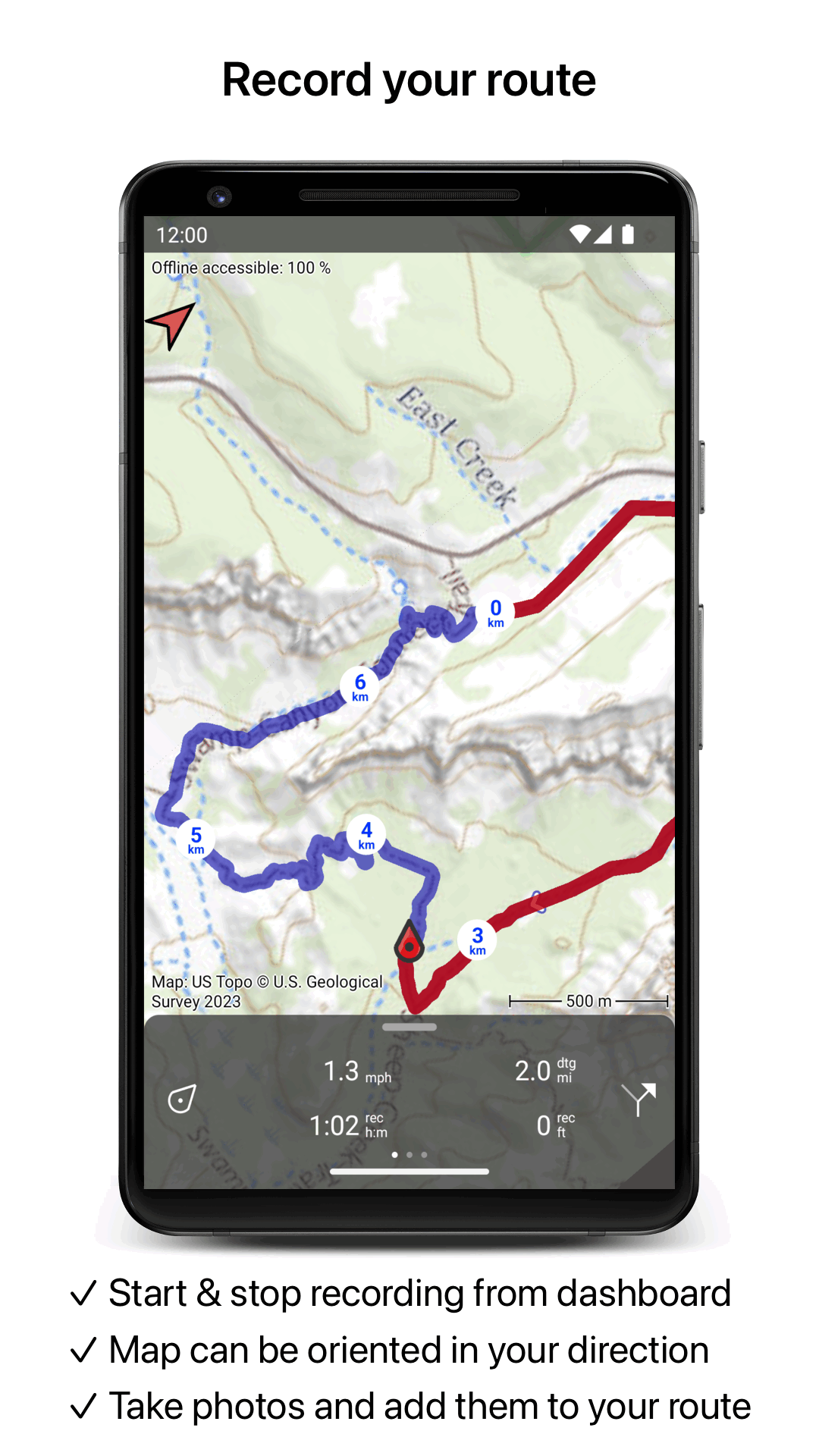
* You can record routes with options to pause and restart.
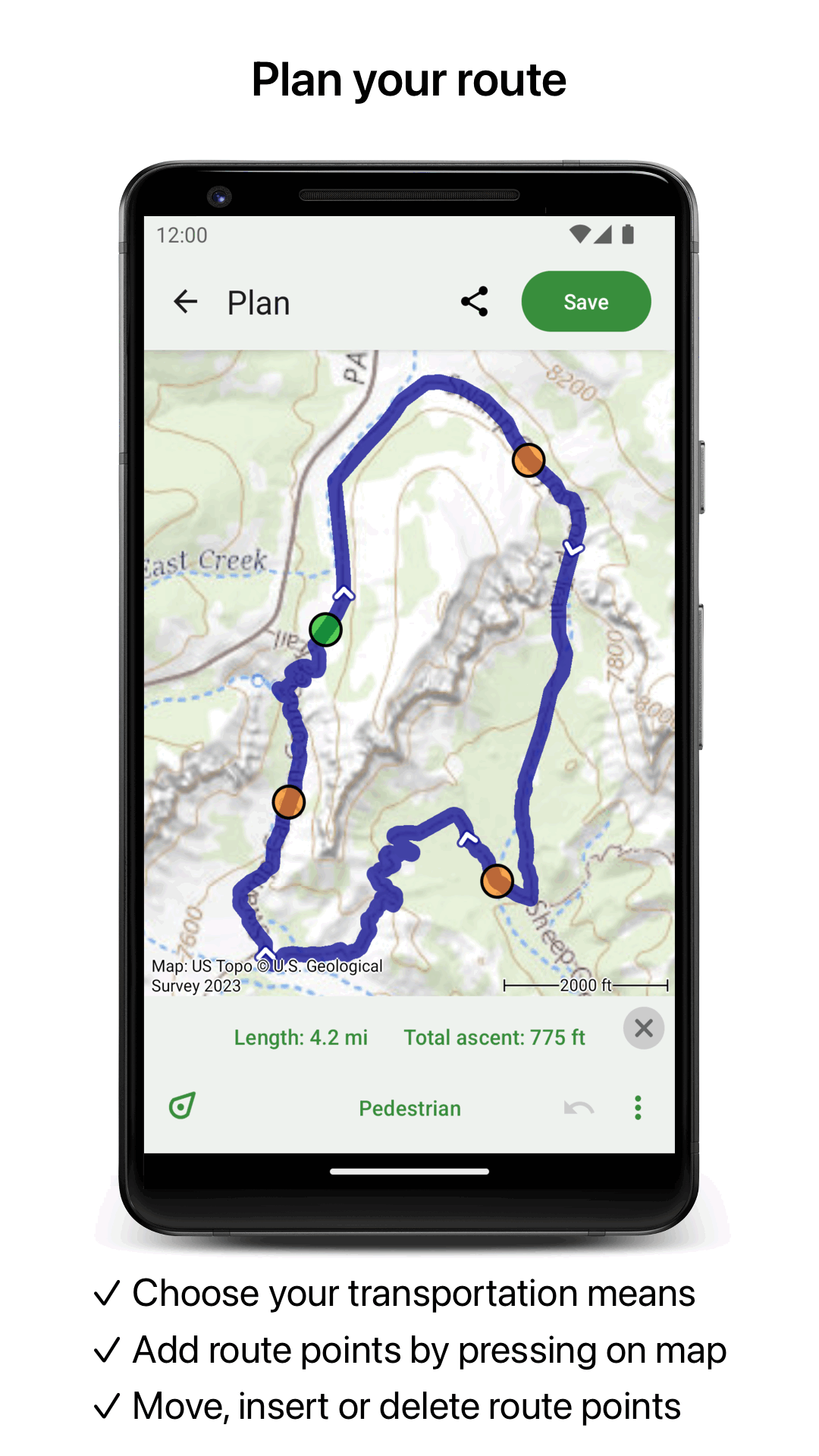
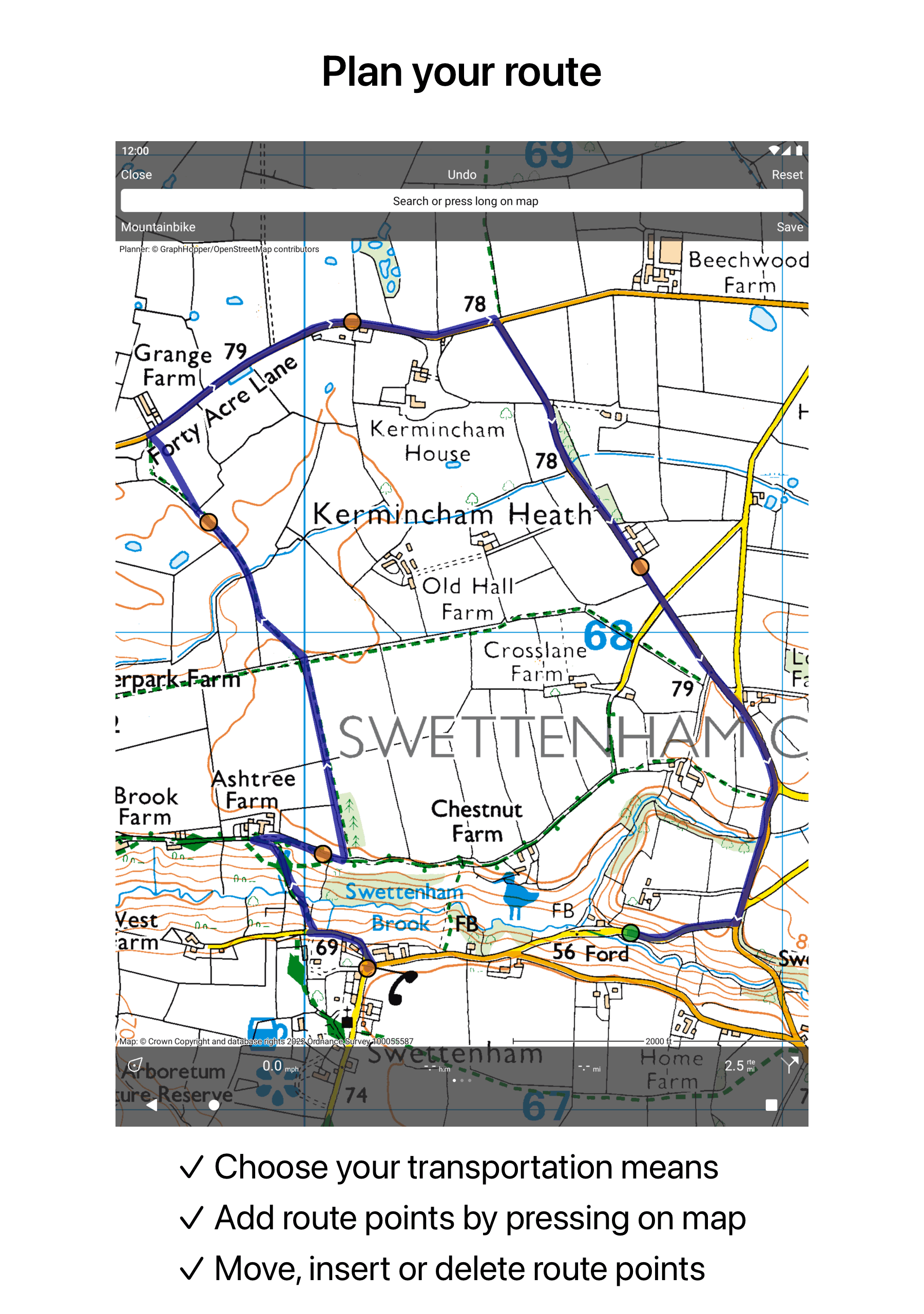
* Plan routes using designated waypoints.
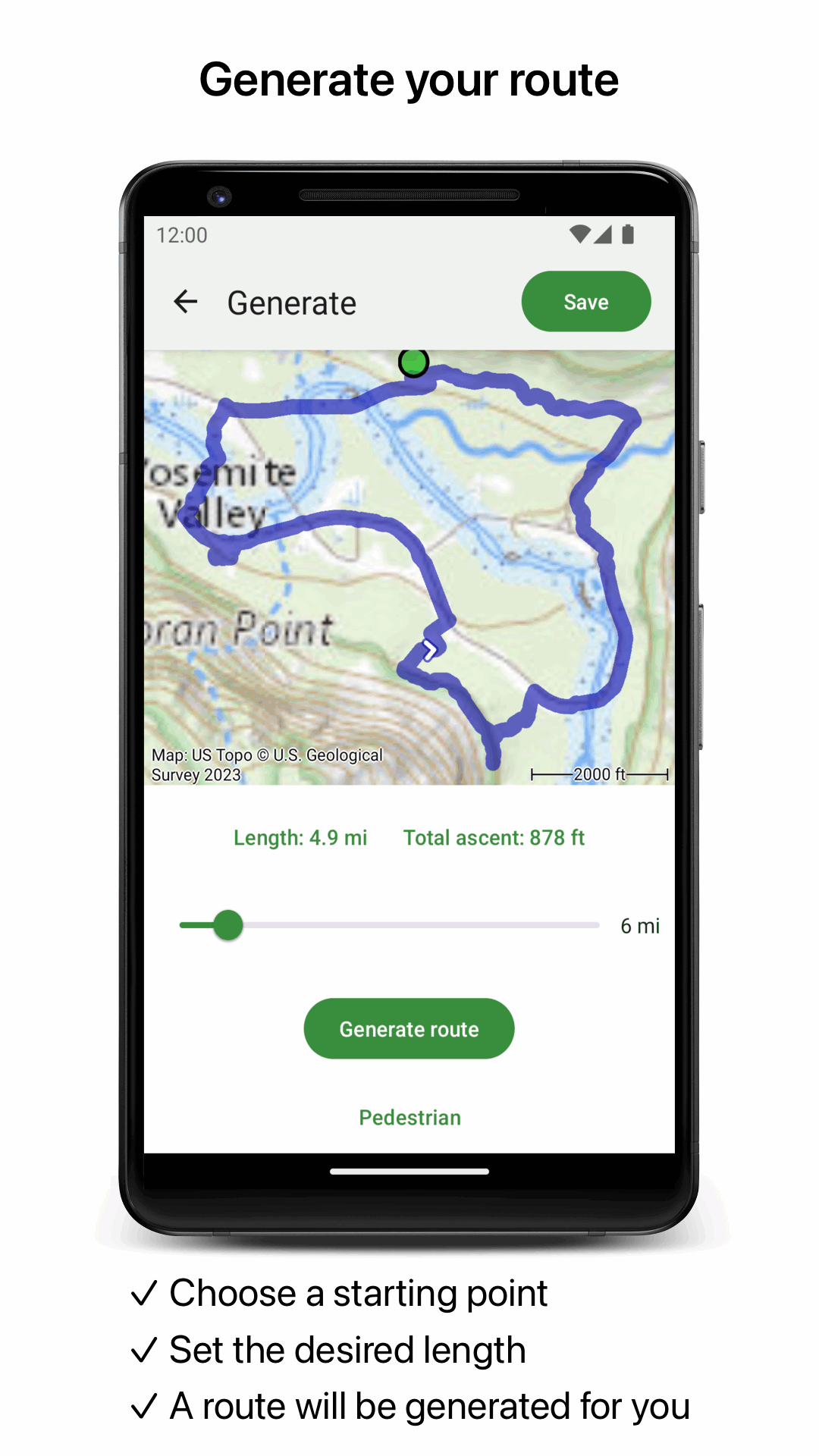
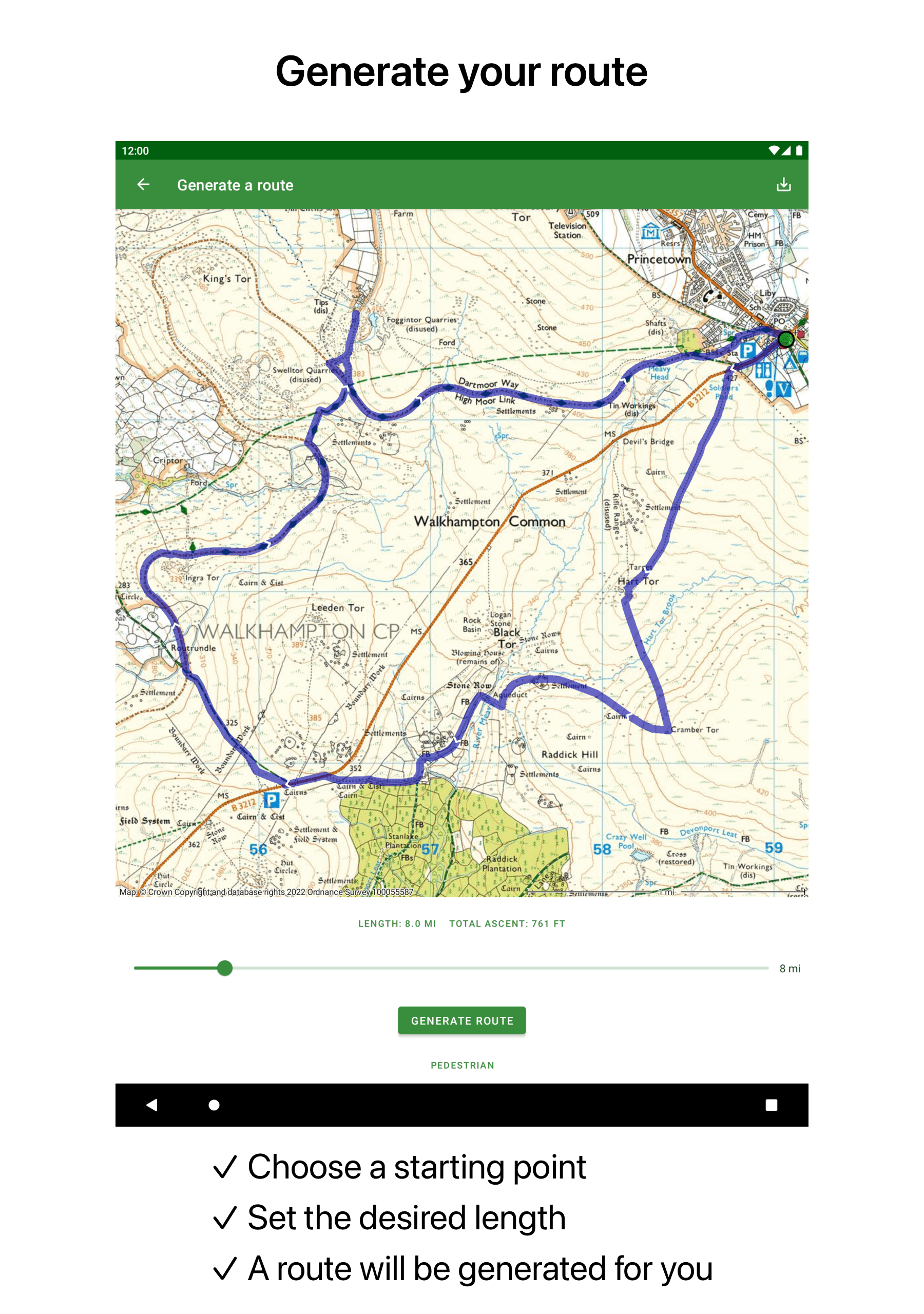
* Generate new routes easily.
* Edit established routes as needed.
* Search for routes using specific filters.
* Organize routes into categorized folders.
* Access height profiles for further details.
* Import and export routes in formats such as gpx/kml/kmz.
Waypoints
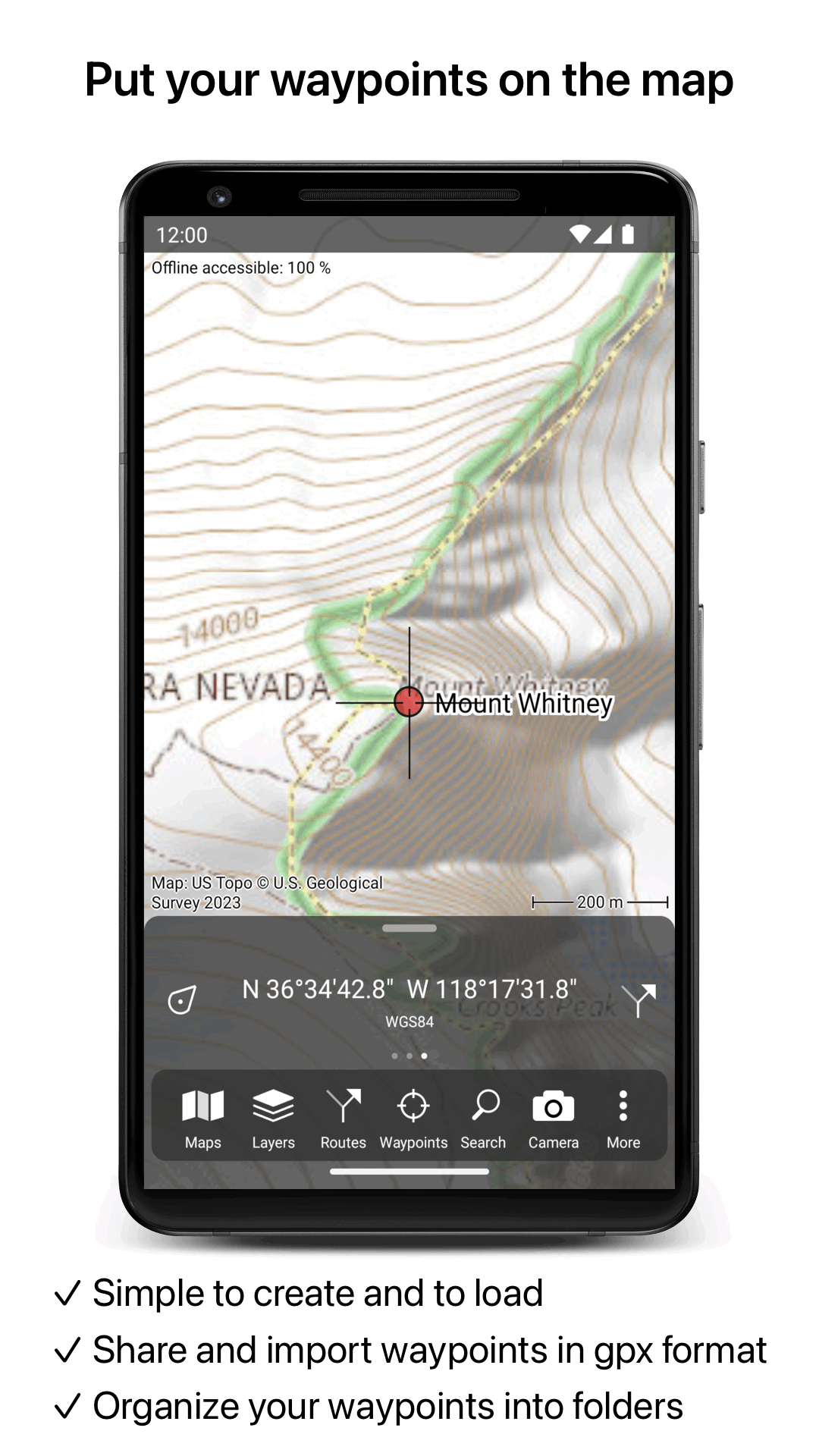
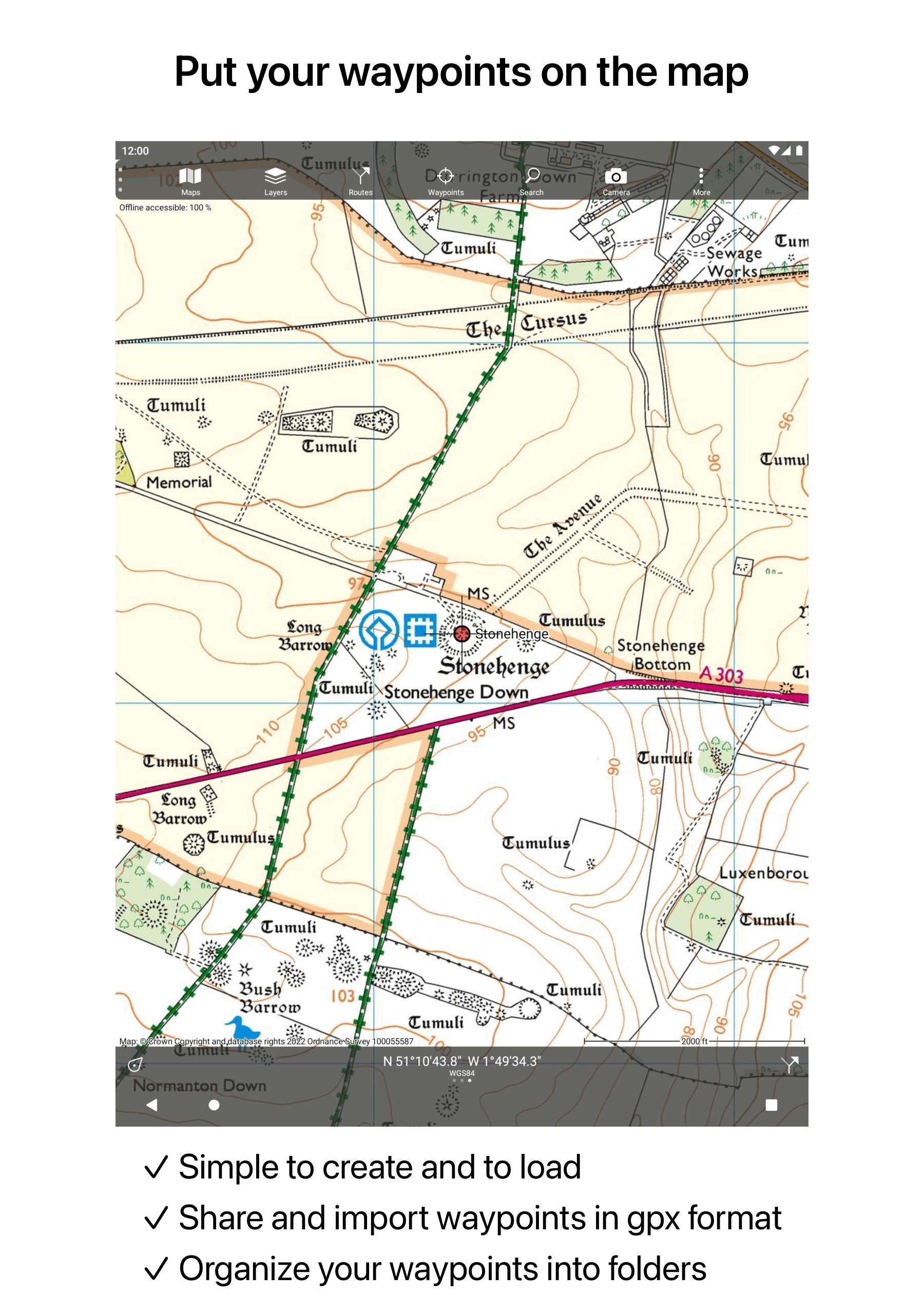
* Waypoints can be effortlessly added by pressing and holding on the map.
* You can add waypoints by entering addresses or coordinates.
* Editing existing waypoints is straightforward.
* Import and export waypoints in various formats including gpx/kml/kmz/csv/geojson.
Layers
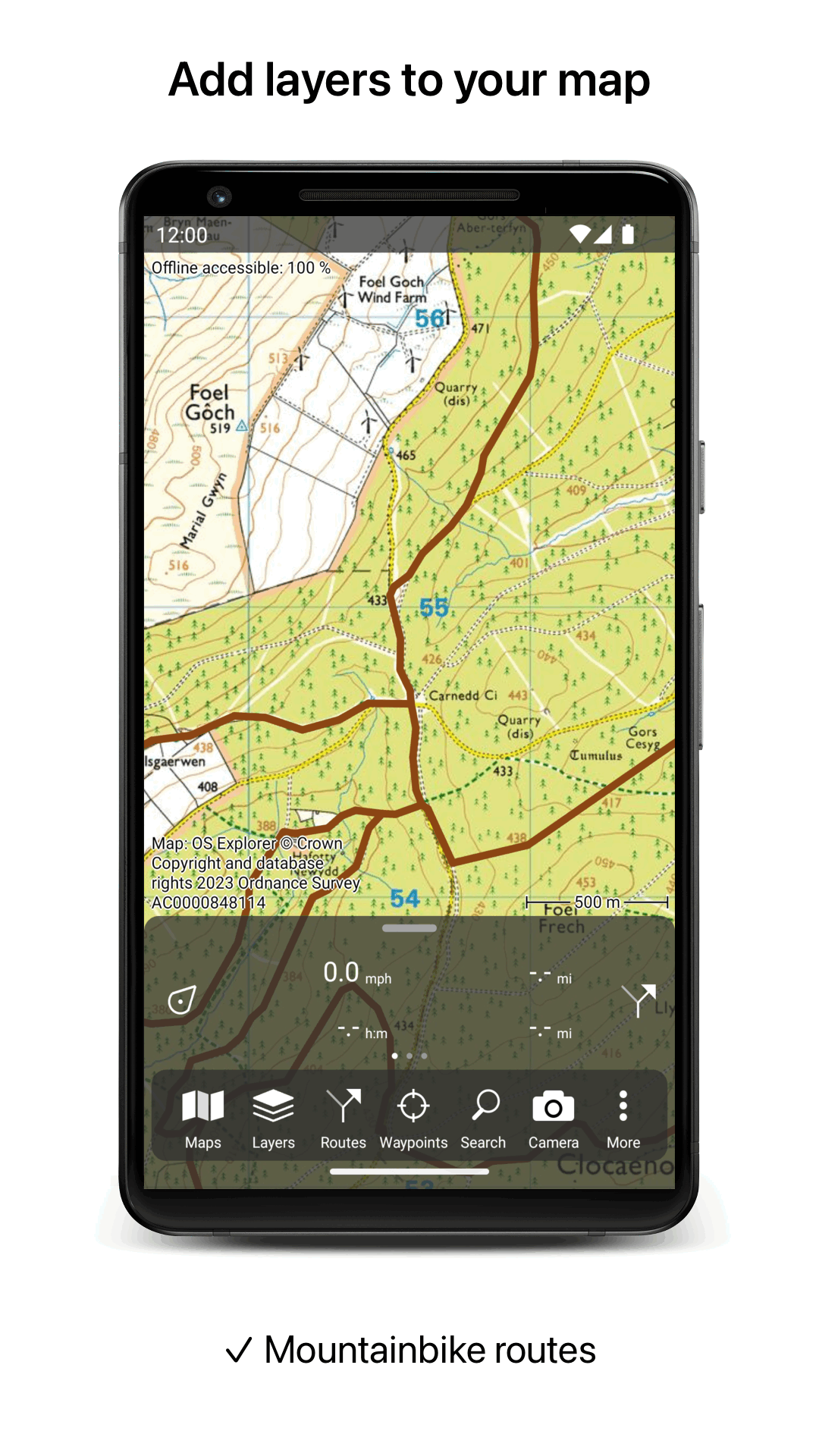
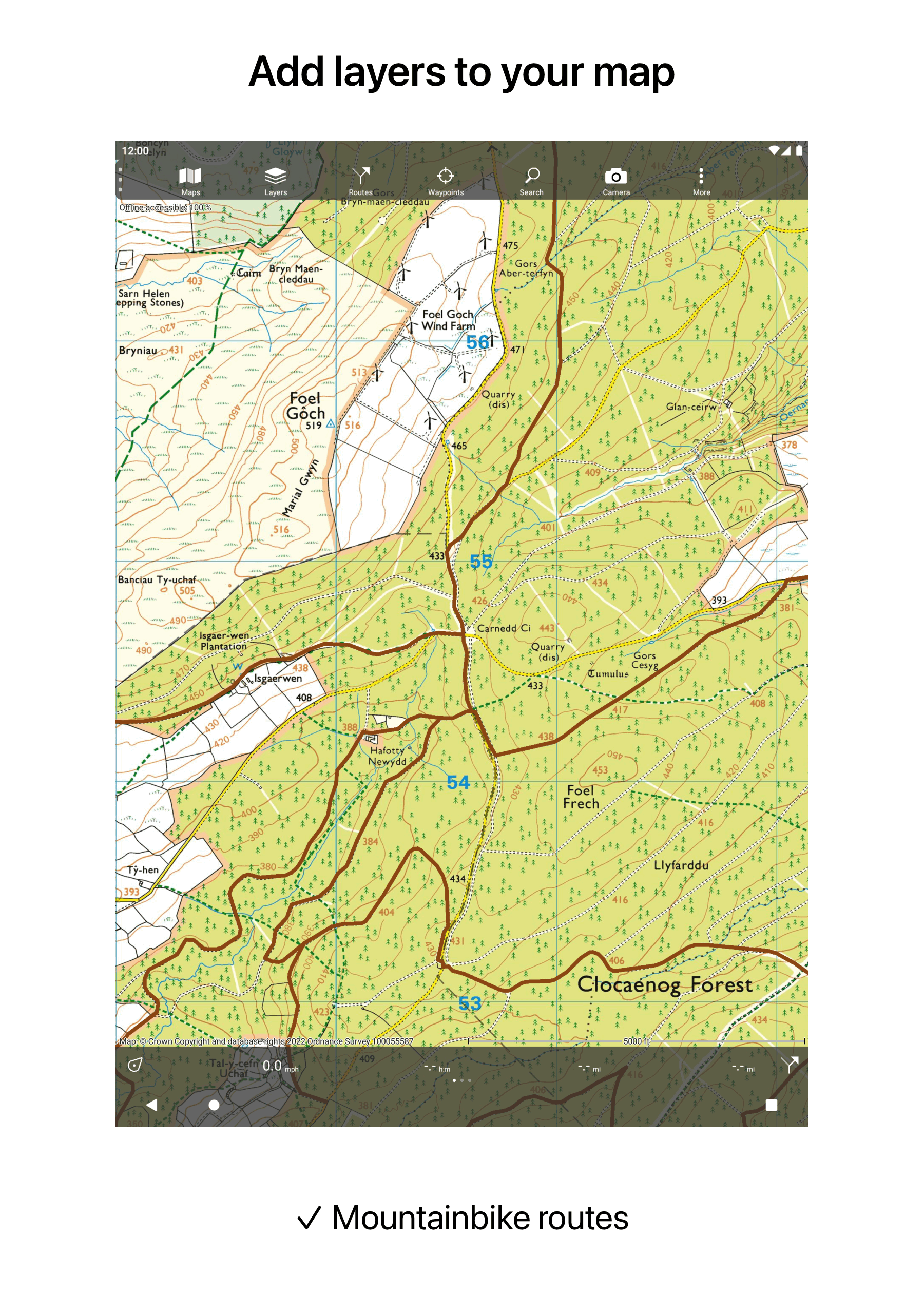
Layers provide additional information that can be applied to or removed from the map.
* Includes long-distance bicycle routes.
* Features mountain biking trails.
Coordinates
* Inputting coordinates is simple.
* Coordinate scanning functionality is included.
* Compatible coordinate systems include:
WGS84 decimal, WGS84 degree minutes (seconds), UTM, MGRS, along with various country-specific systems.
* Option for coordinates grid layers.
Intuitive interface
* An organized menu highlights the most essential functions.
* Different dashboard panels provide information on distance, time, speed, altitude, and coordinates.
* A clear manual is available online.
Supported file formats
* Supports gpx, kml/kmz (all can be zip compressed), csv.
Applicable Scenarios and User Groups:
1. Outdoor Enthusiasts
- **Hiking**: Offline topographic maps and route functions accurately display trails to prevent getting lost;
- **Mountaineering**: Clear contour lines and rock formations, with support for map printing and backup for enhanced safety;
- **Bicycling**: Dedicated cycling layer and dashboard for road and mountain biking navigation;
- **Geocaching**: Convenient coordinate scanning and input, combined with high-precision maps to quickly locate caches;
- **Trailrunning**: Apple Watch compatible for route navigation in complex terrain.
2. Professional and Workplace Use
- **Conservationists**: Use waypoints to mark important ecological locations, add photos and detailed information, and use a coordinate grid to assist with plant and animal counting.
- **Search and Rescue**: Accurate offline navigation and reliable route tracking make it the preferred tool for search and rescue teams from multiple countries.
- **Other Professional Uses**: Used by forest firefighters, the military, and archaeologists for field navigation and point recording.
User Data and Experience:
- **Low-Barrier Operation**: A simple and intuitive design allows users to master basic navigation without complex functions, while retaining advanced features for professional users.
- **Customer Service**: Detailed user manuals are available for iOS and Android devices, and customer service is highly responsive to address user issues.
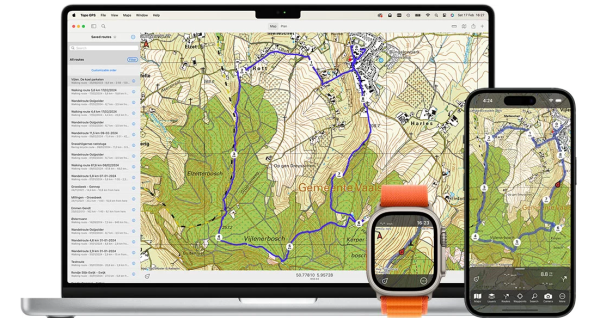
While recording a route, the GPS will continue running in the background. Note that this may lead to quicker battery drain on your device due to background usage.
Rdzl, the firm behind Topo GPS, prioritizes user privacy. The Topo GPS application does not require user accounts or track user locations in any form. Additionally, Rdzl does not store data created or imported by users, such as routes and waypoints, unless manually shared by the user within the app. There are no advertisements in Topo GPS; we focus on selling our product rather than user data.
FAQs:
1. **Q: What type of application is Topo GPS? What are its core advantages?**
A: It's an outdoor navigation application that turns your phone or tablet into a versatile GPS device. Its core advantage is support for offline high-precision terrain maps, with positioning accuracy up to approximately 5 meters. Its functionality rivals traditional GPS devices, but it's cheaper, offers more detailed maps, is easier to operate, and eliminates the need for expensive additional hardware.
2. **Q: Do I need to purchase maps to use Topo GPS? Which regions' maps are supported?**
A: You need to purchase maps to use the core functions. The app offers official topographic maps for many countries, including the US, UK, New Zealand, and Australia. These maps contain detailed contour lines, suitable for outdoor scenarios. It also supports **OpenStreetMap** (with contour lines) covering the globe, and aerial imagery is available for some countries (such as the US).
3. **Q: What core functions does Topo GPS support? What activities and groups of people is it suitable for?**
A: Core functions include offline map download and switching, route recording/planning/editing/importing/exporting, point marking (added by long-pressing the map, entering an address, or coordinates), switching between multiple coordinate systems, and dedicated cycling/mountain bike layers.
Suitable for two main groups and activities: first, **outdoor enthusiasts** such as hikers, mountaineers, cyclists, and orienteering enthusiasts; second, **outdoor professionals** such as environmentalists, search and rescue teams, forest firefighters, and archaeologists.
- Version8.1.1
- UpdateOct 27, 2026
- DeveloperRdzl
- CategoryMaps & Navigation
- Requires AndroidAndroid 5.0+
- Downloads377K+
- Package Nameuk.rdzl.topo.gps
- Signatured1709dd7c972e46d30c4daa64f13b43f
- Available on
- ReportFlag as inappropriate














Simple to use interface
Accurate GPS tracking
Ability to purchase only necessary map sections
Good value for money compared to subscription-based apps
Excellent for offline navigation
Helpful for planning routes and hiking
Responsive customer support
Easy import of GPX files
Useful features like distance ruler and bearings
Additional charges for every map tile
Limited functionality for Android users compared to iOS
Inconsistent map detail and quality
Issues with route planning and editing
Difficulty in syncing maps across devices
Unreliable location recording
Slow map downloading process
User interface can be unintuitive
Potential problems when using without internet connectivity