
Tennis Channel - Tennis streaming & highlights
Experience the thrill of tennis with live matches, expert commentary, and on-demand content all in one app!

- 10.0.1 Version
- 2.5 Score
- 205K+ Downloads
- In-app purchases License
- 3+ Content Rating

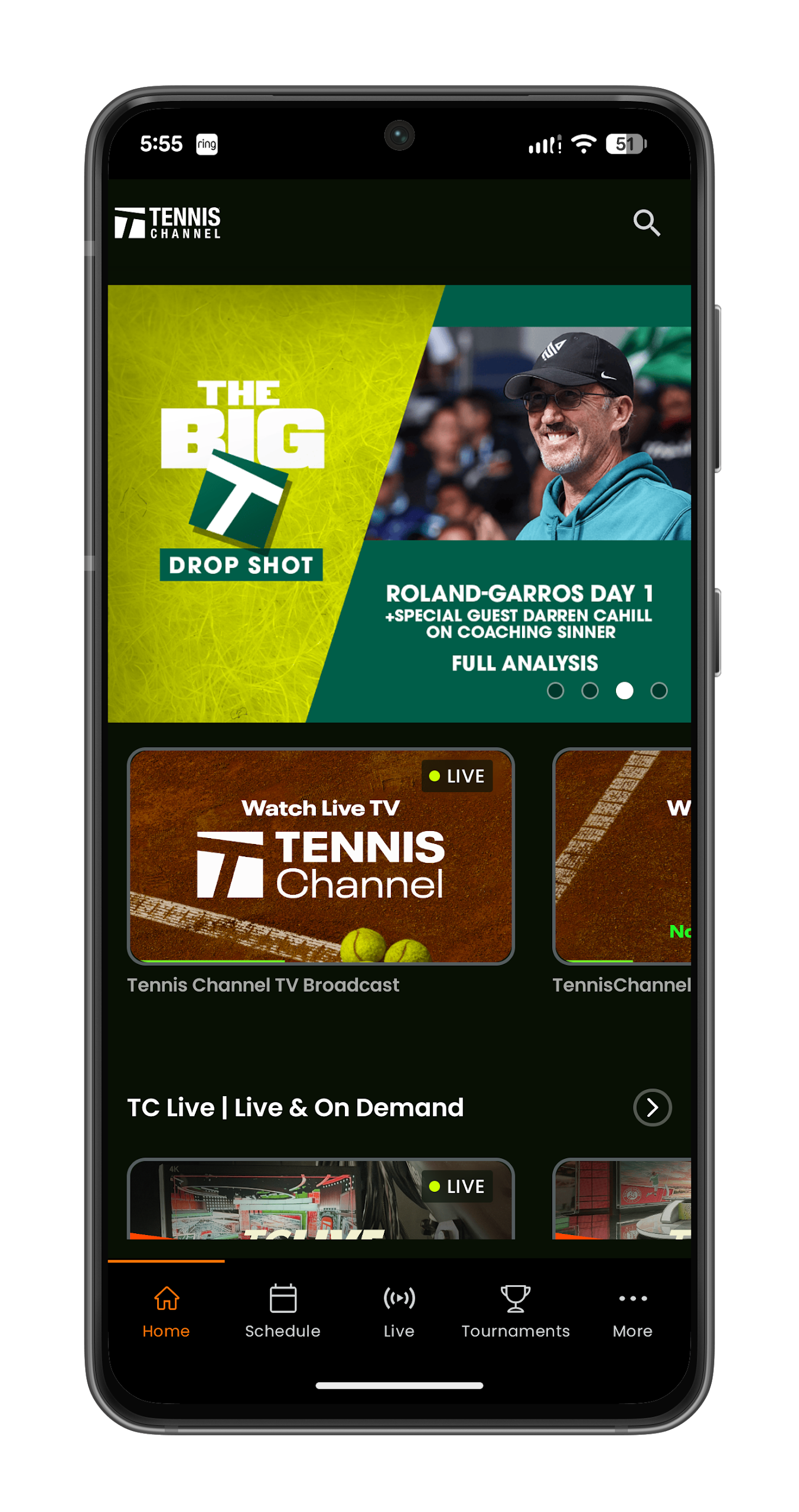
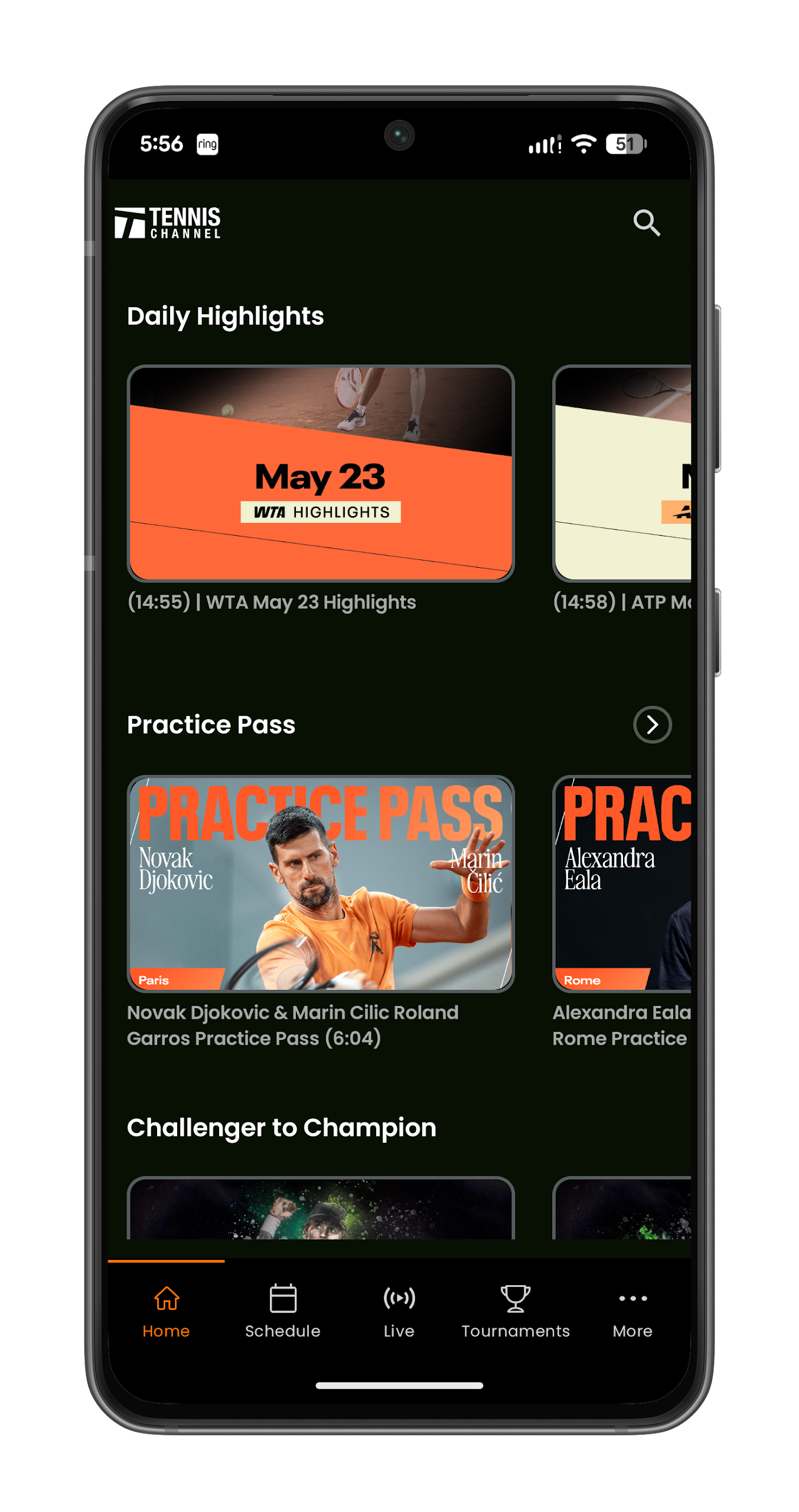
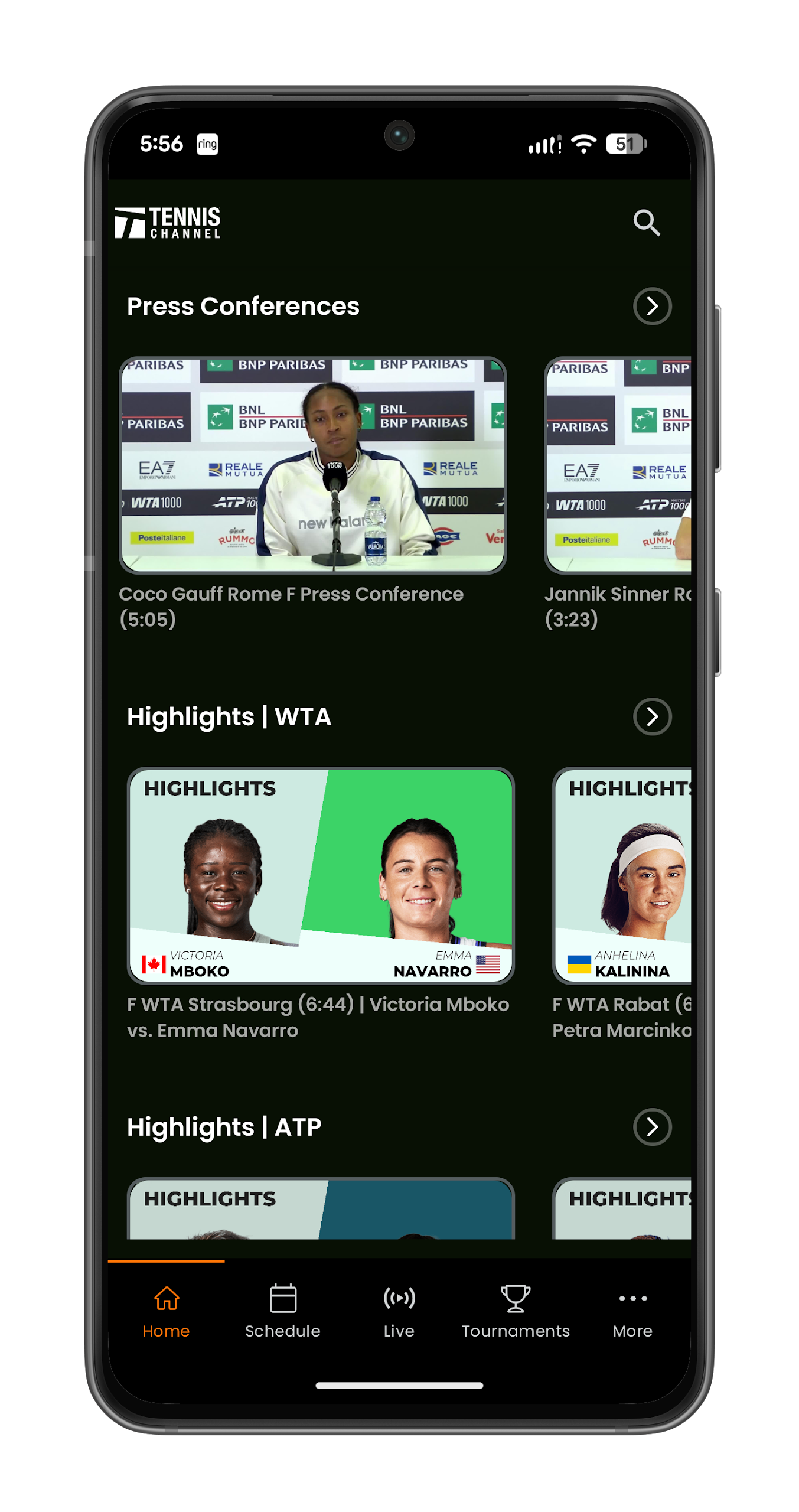
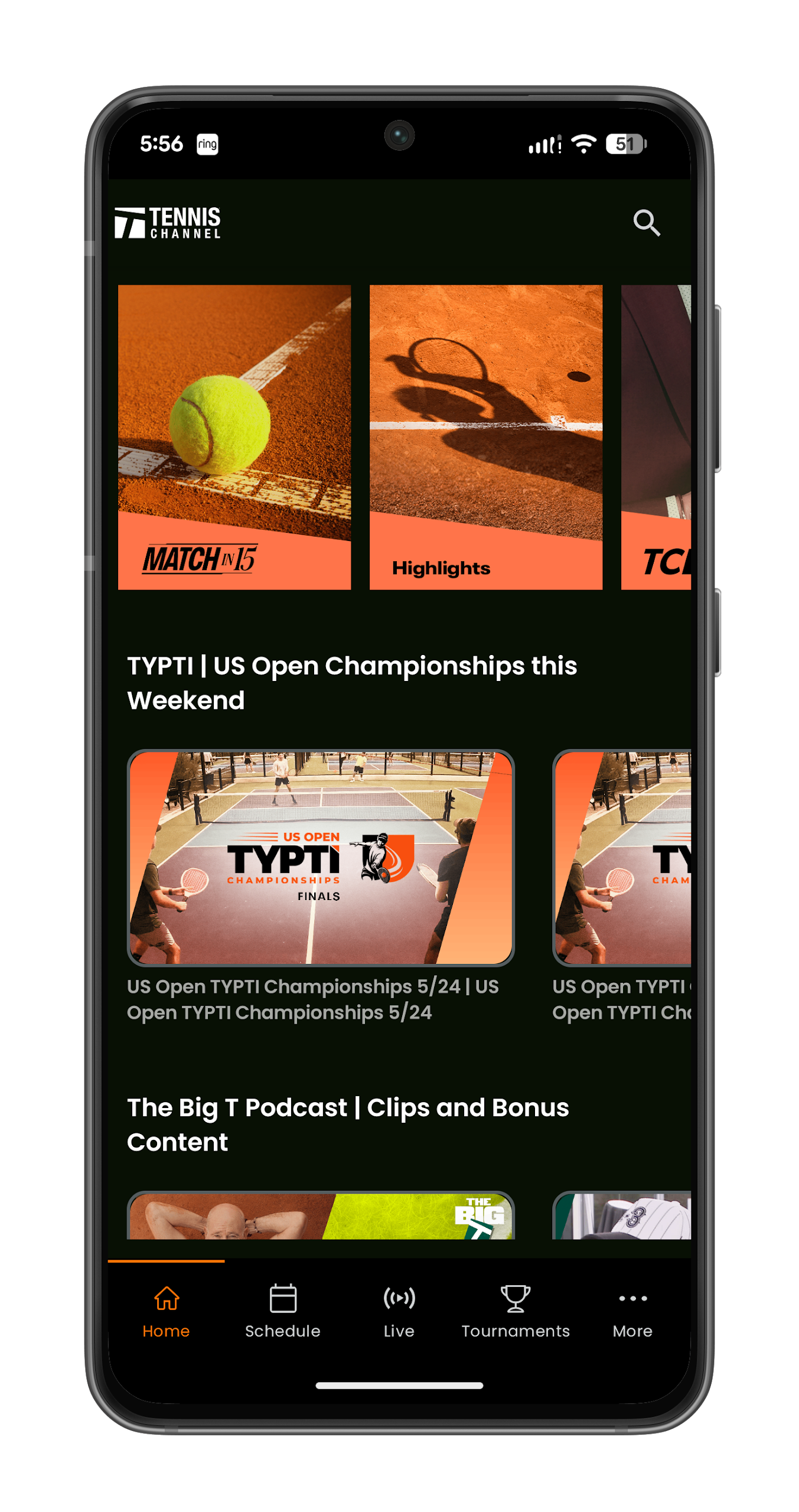
What Is the Tennis Channel App
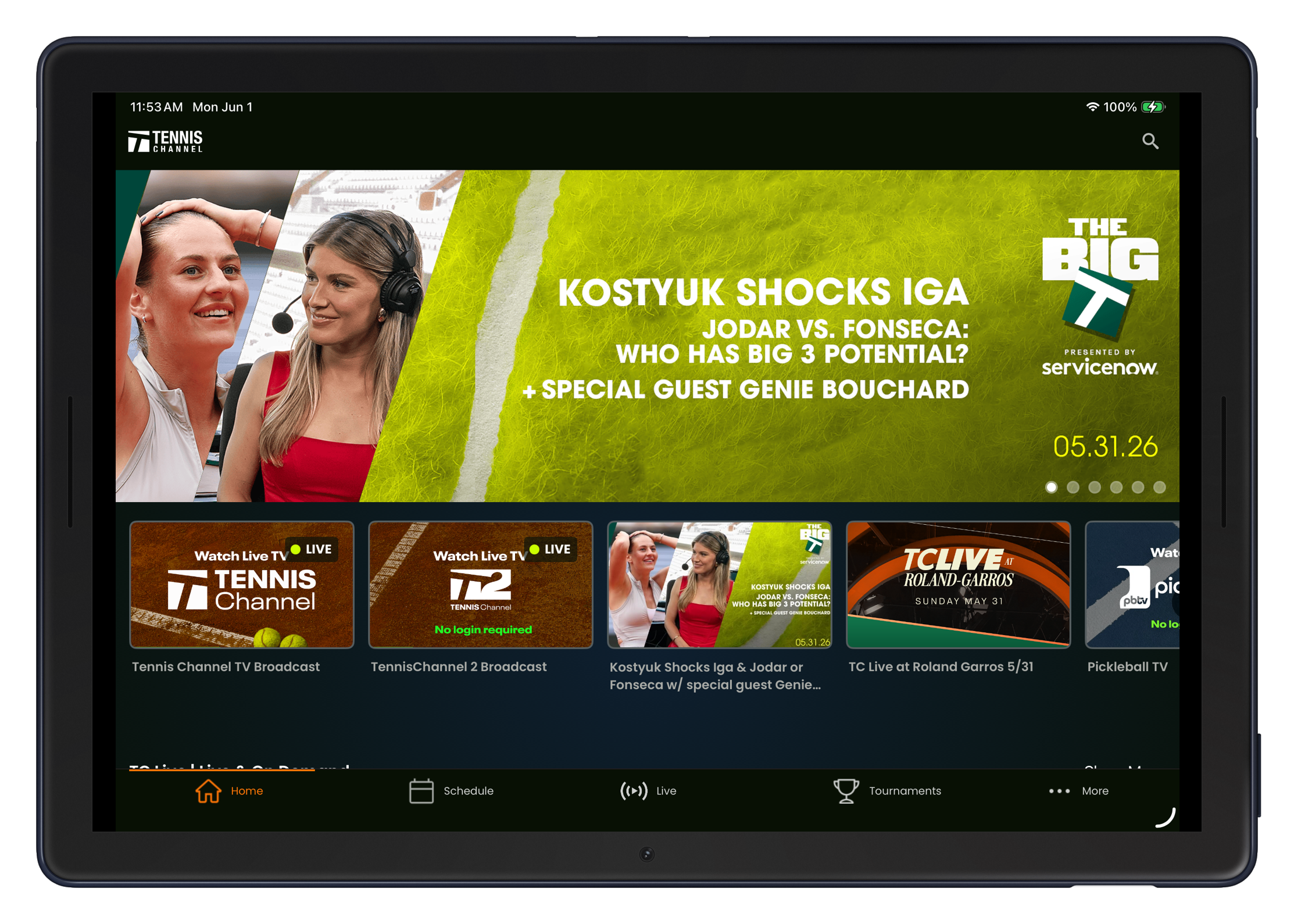
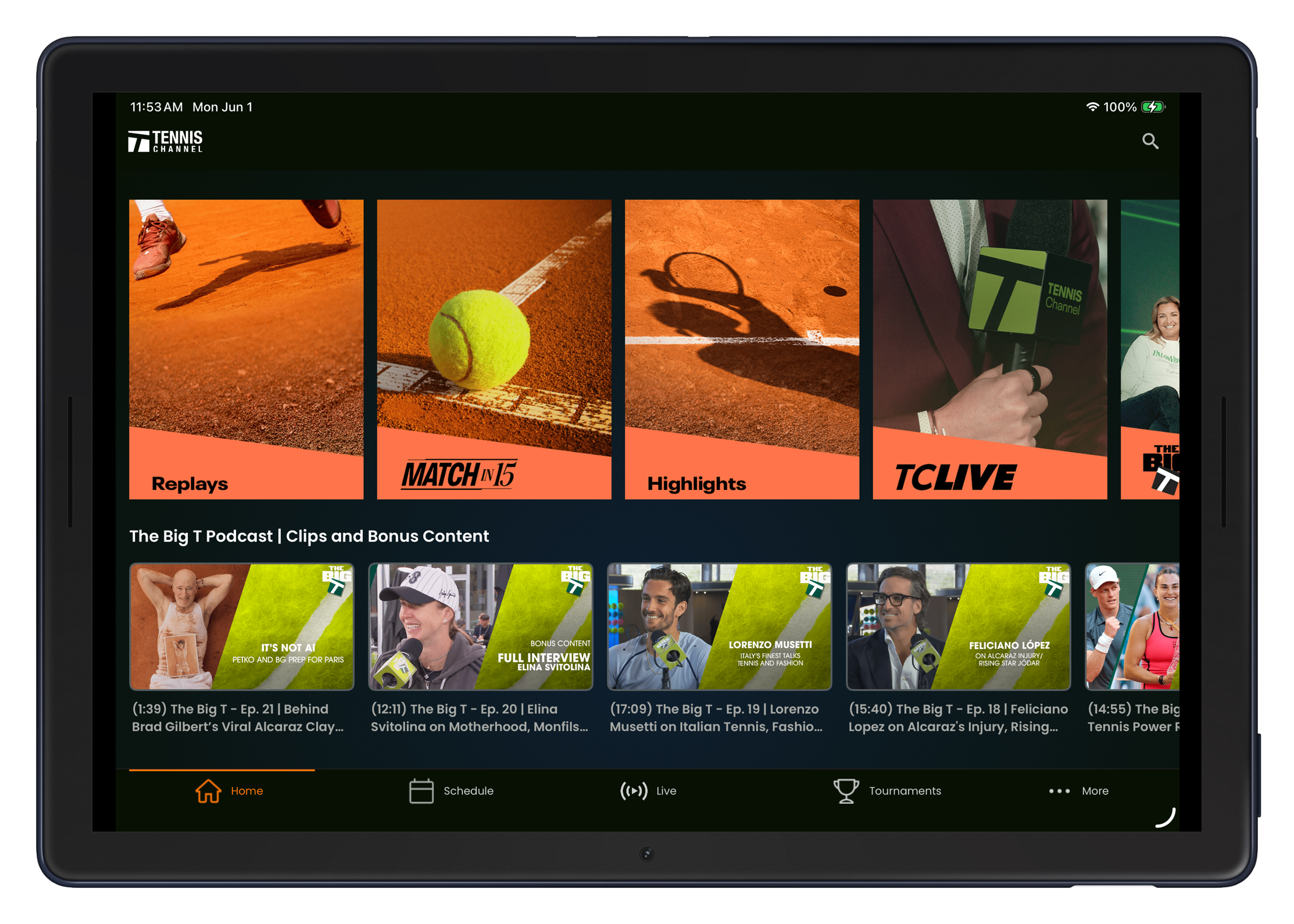
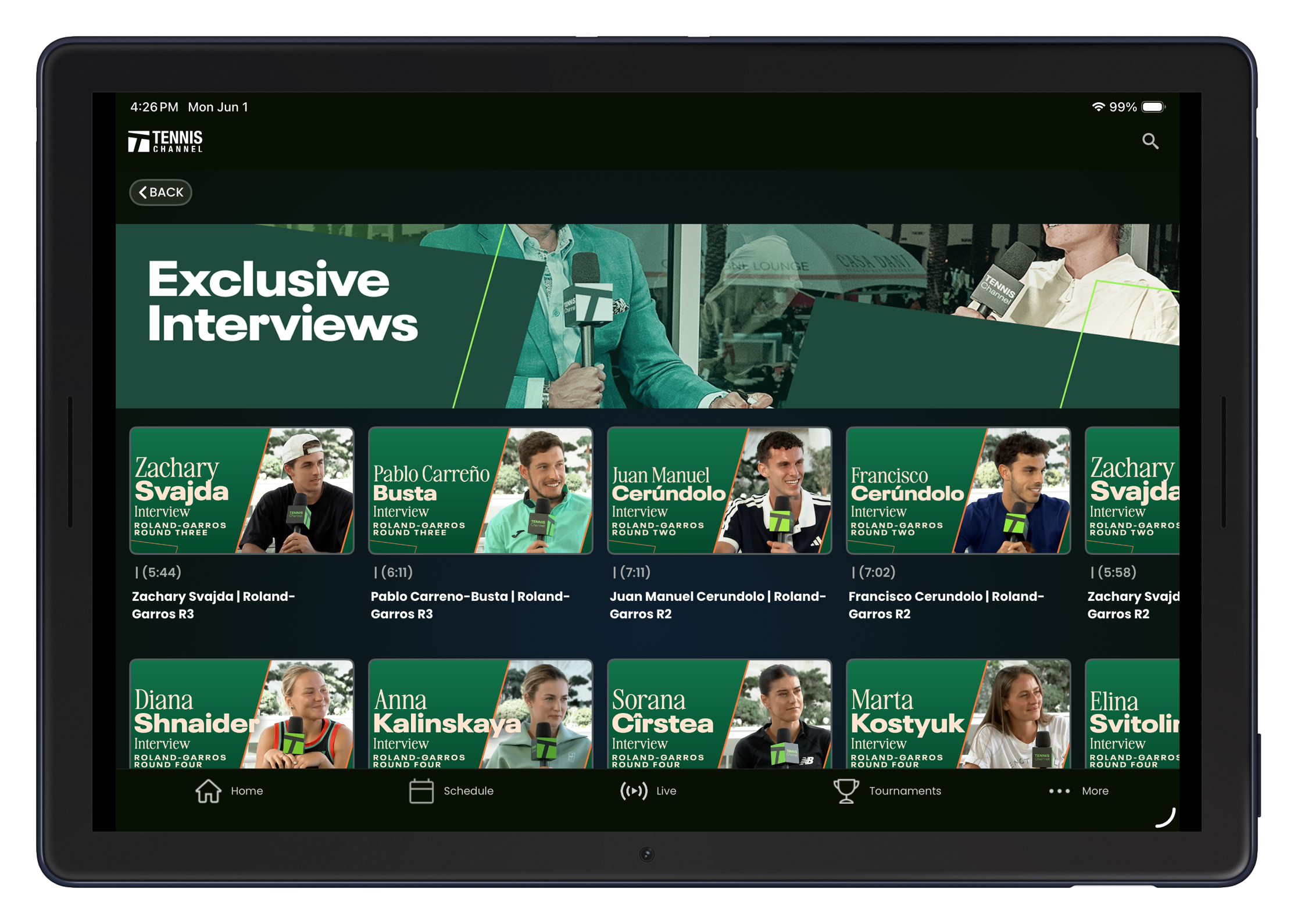
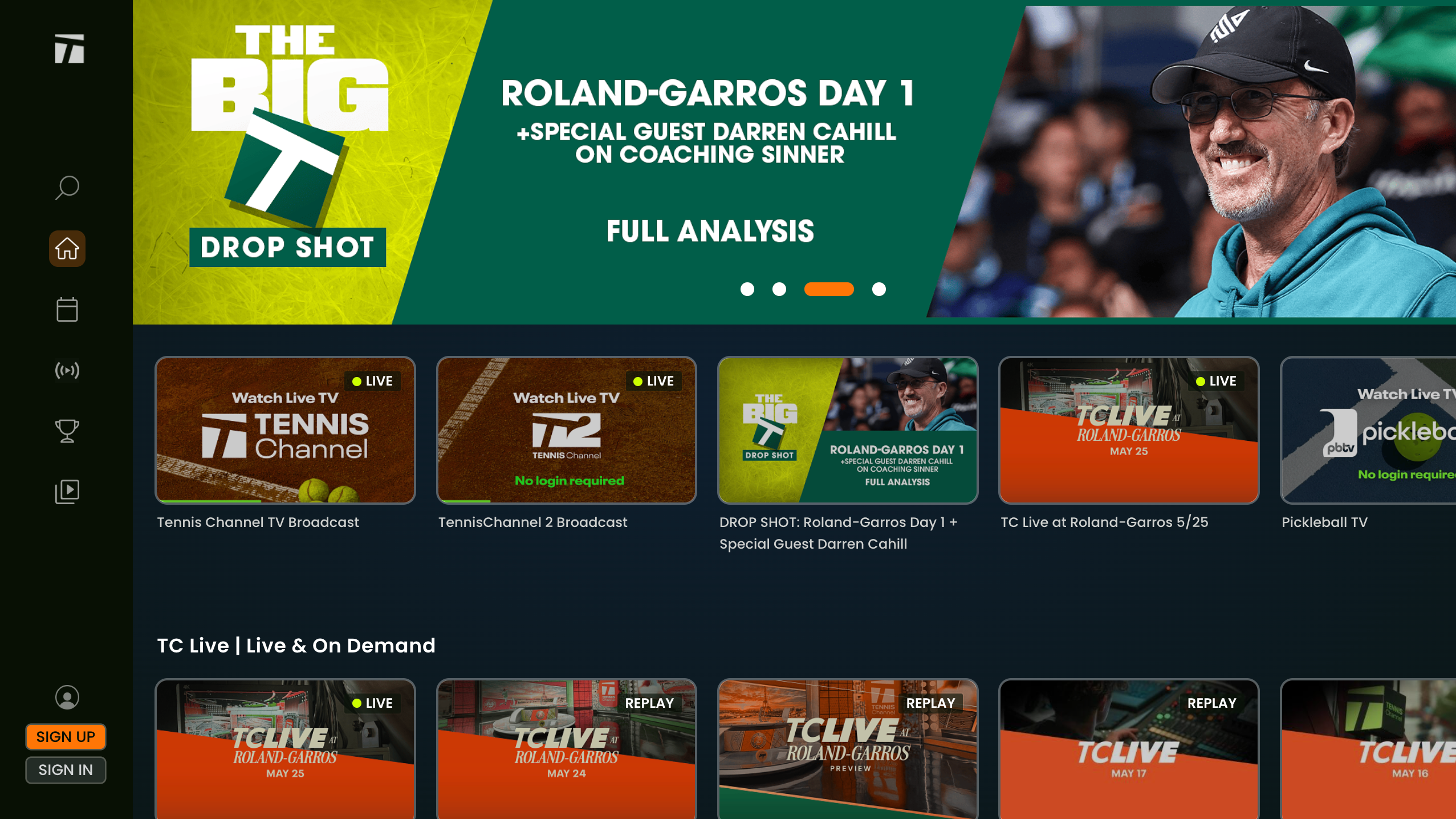
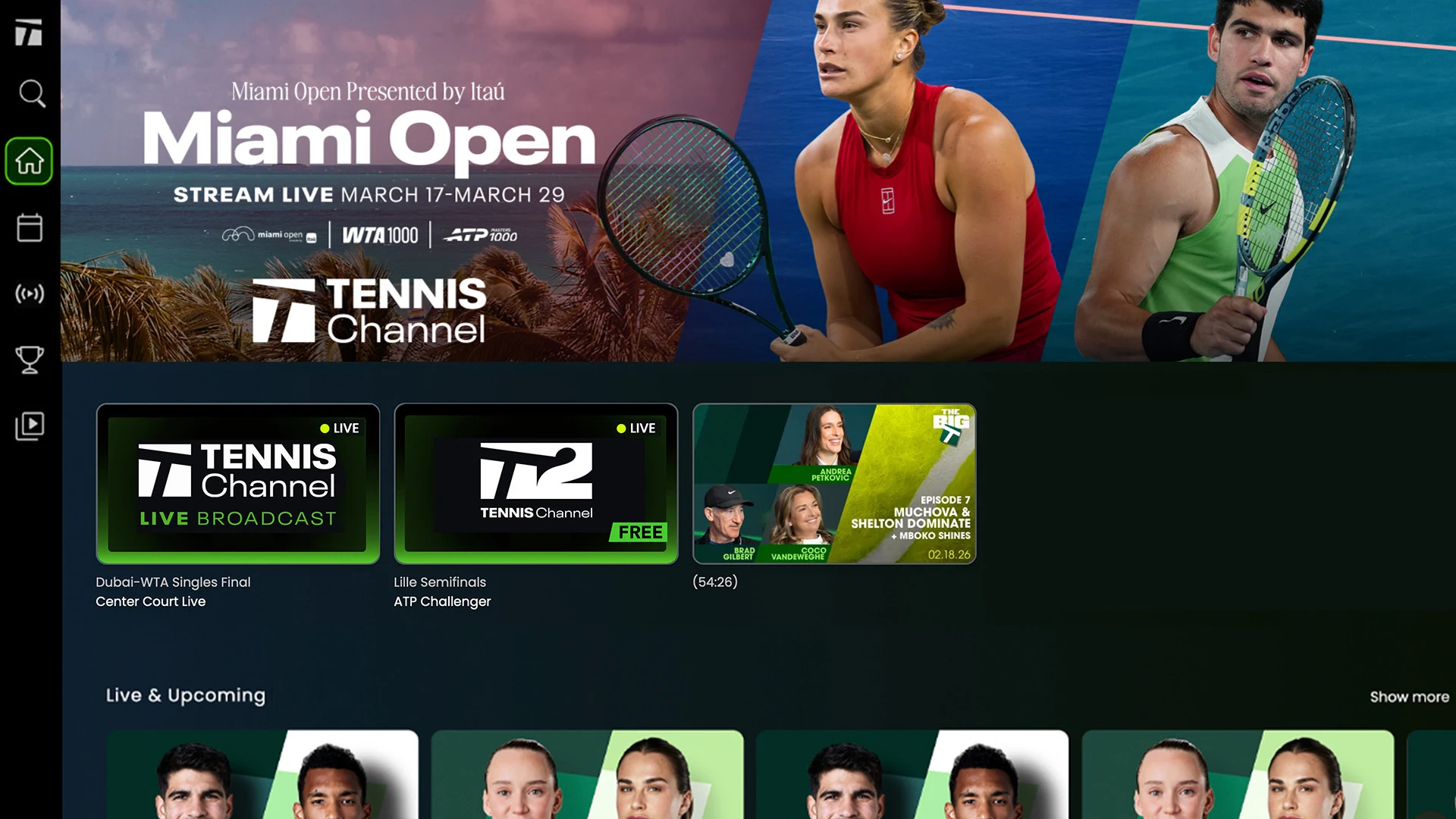
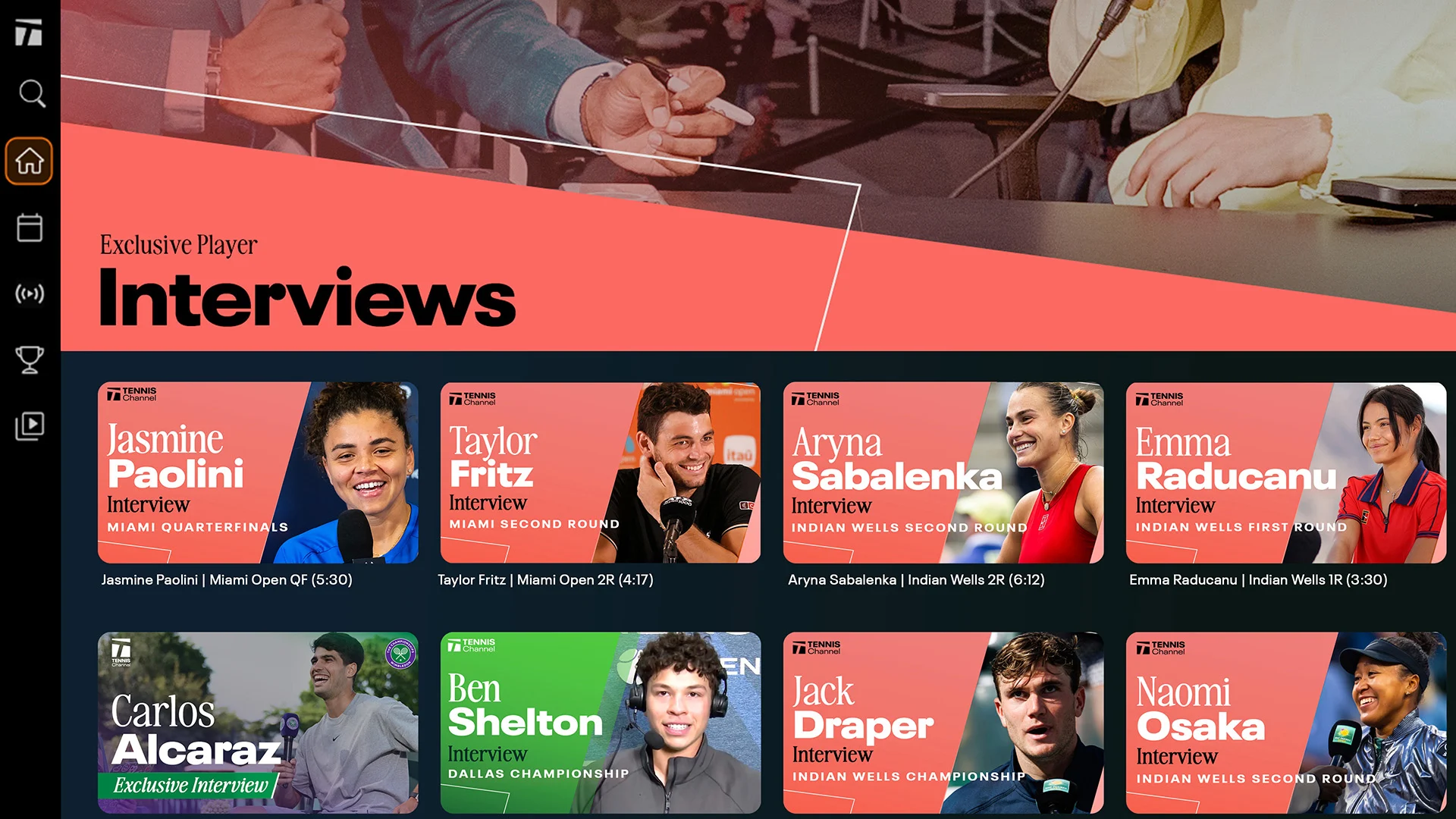
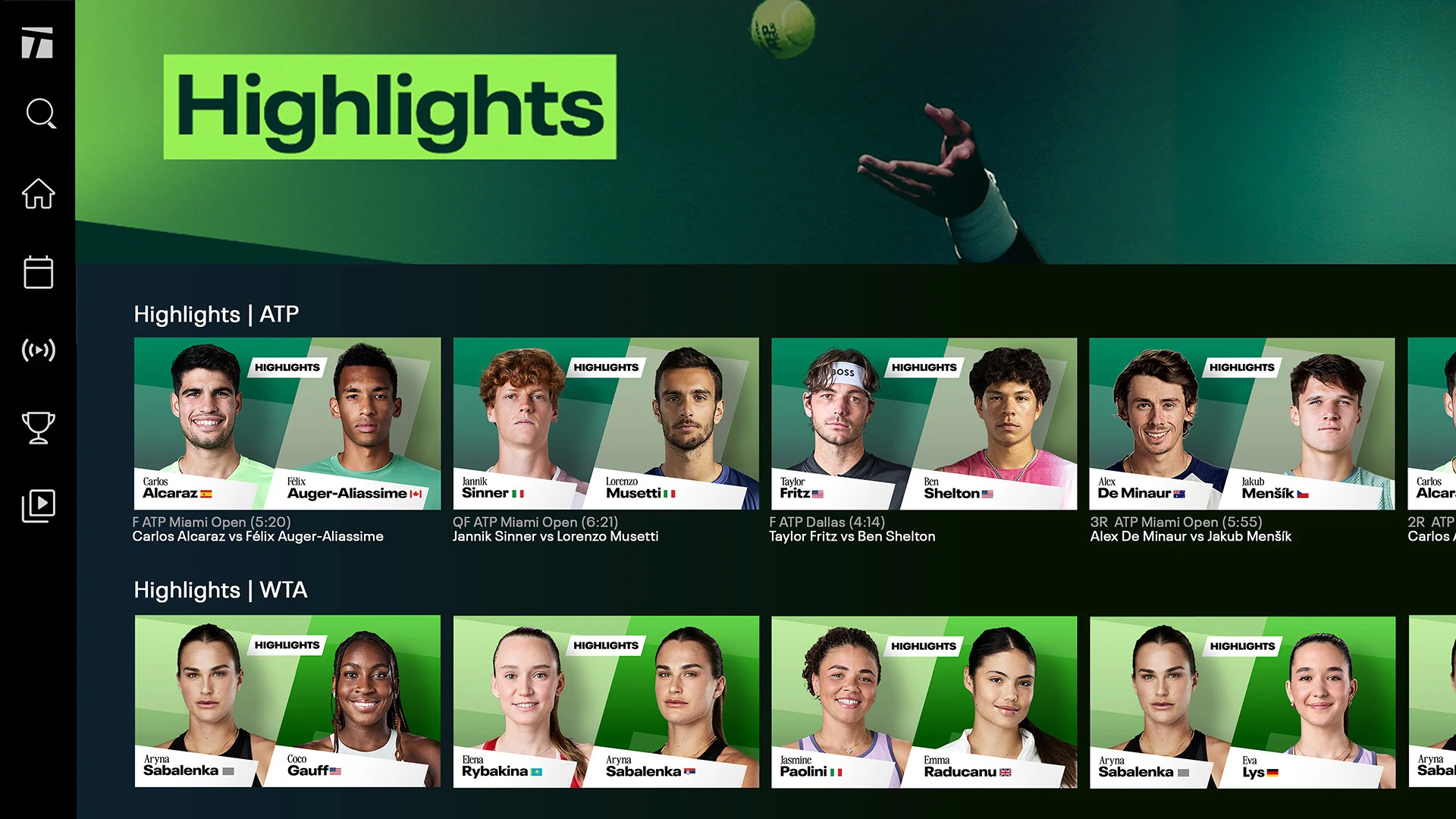
The Tennis Channel App is a sports streaming platform built for tennis fans who want access to live matches, on demand replays, highlights, studio programming, interviews, and other tennis content. Subscribers can watch Tennis Channel Live and browse a broad library of match coverage across supported devices.
How to Watch Tennis Channel
Watch With a TV Provider
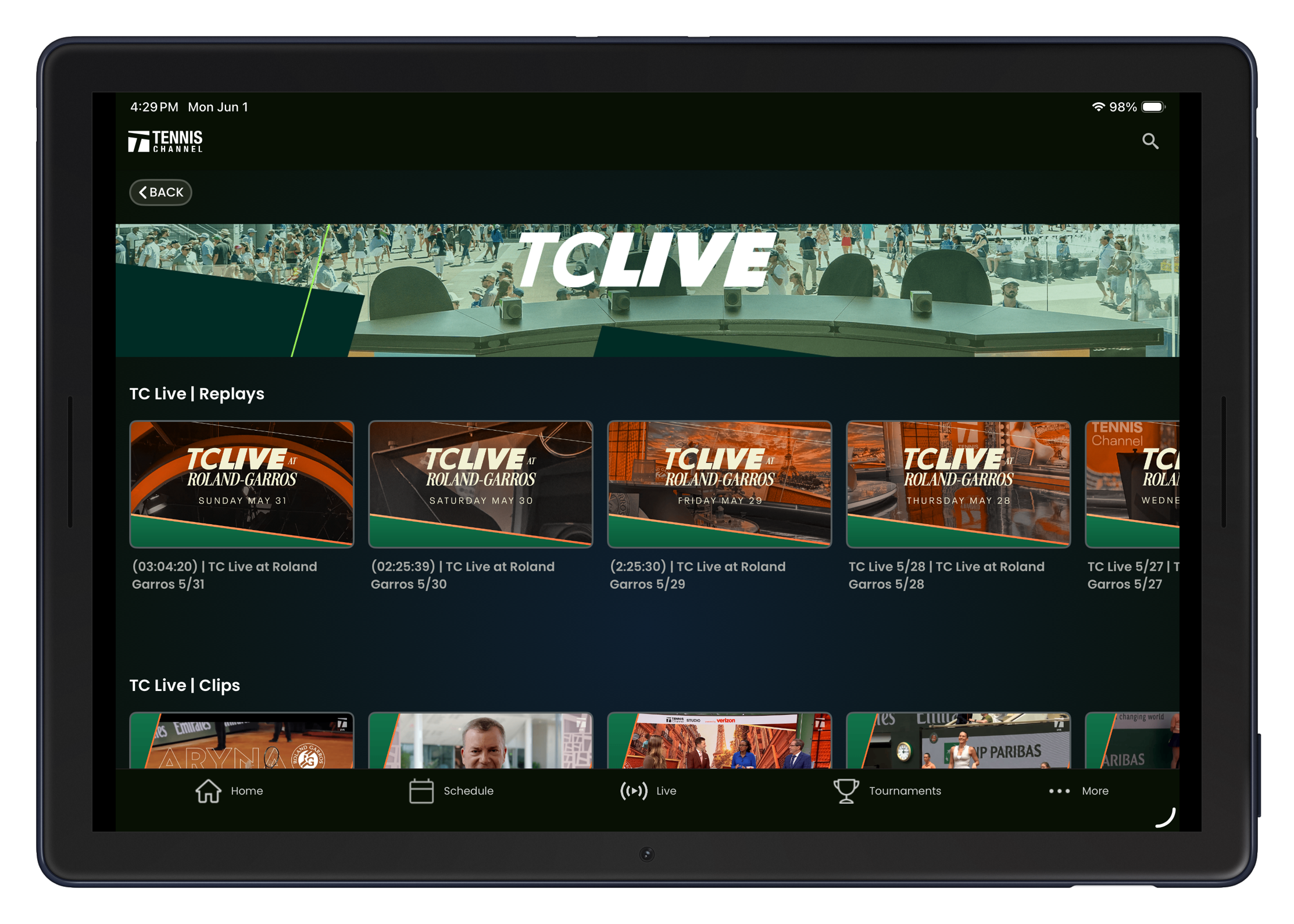
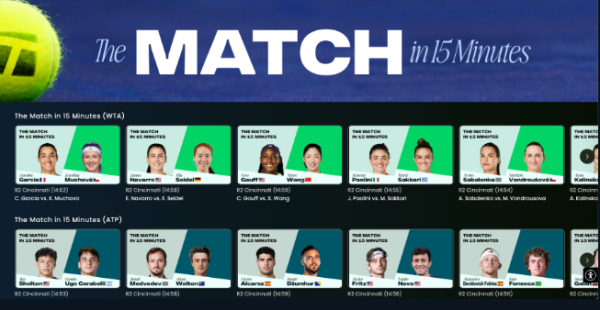
Use a participating cable or satellite provider to watch the Tennis Channel broadcast. Available programming includes the 24/7 Tennis Channel feed, marquee live matches, TC Live studio programming, expert commentary and analysis, replays, and daily coverage. Channel availability depends on the providers package.
Stream Tennis Channel Online
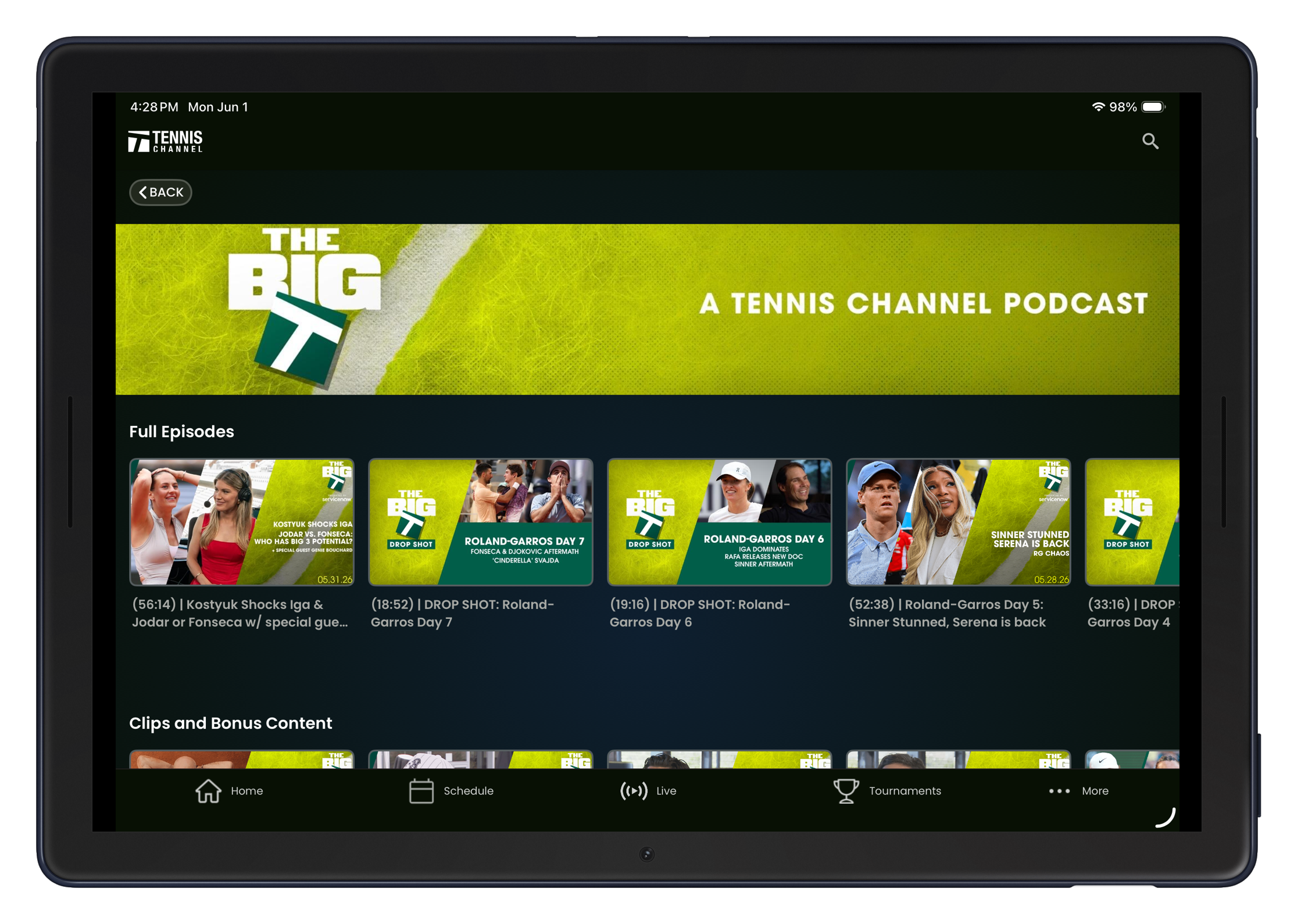
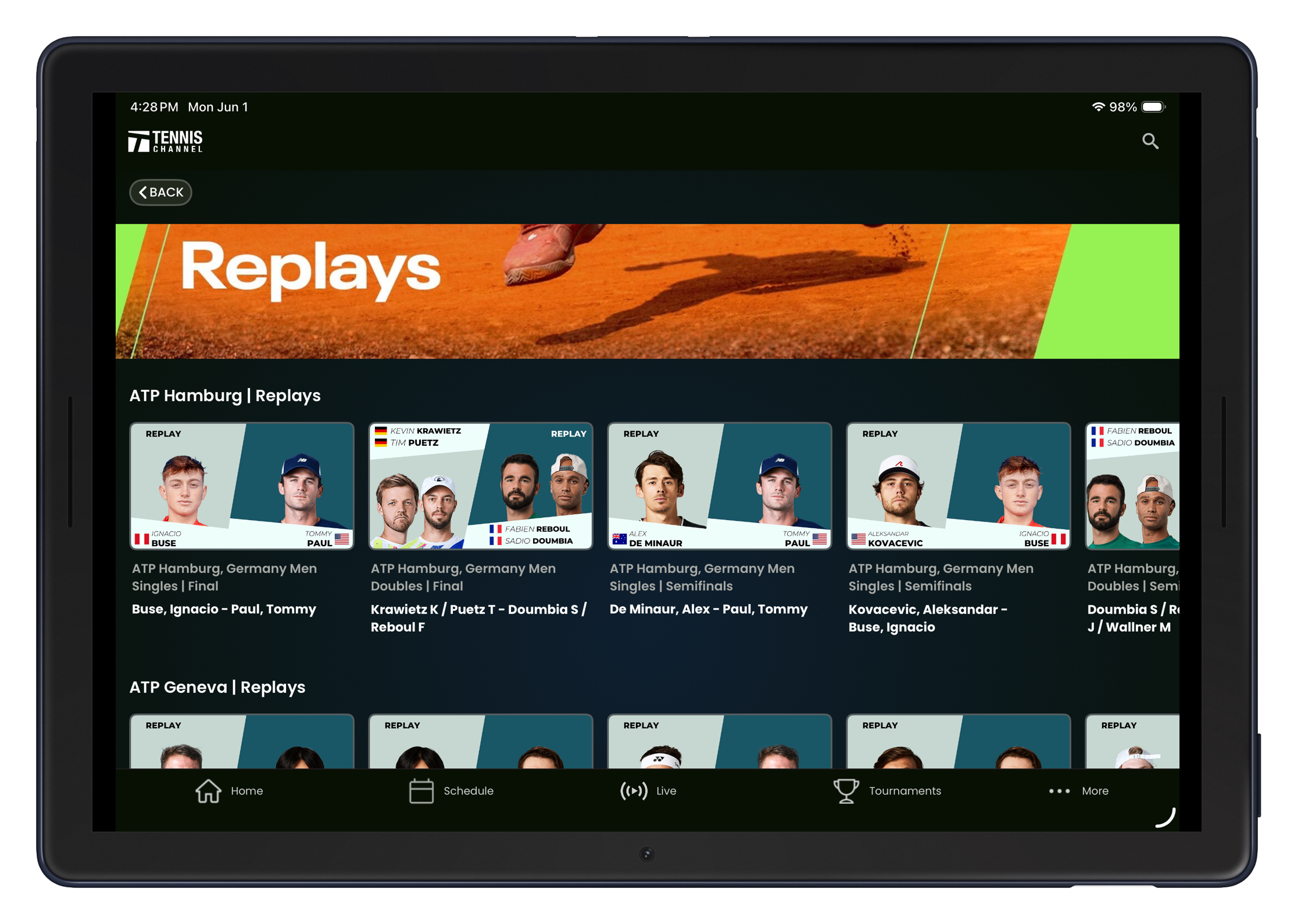
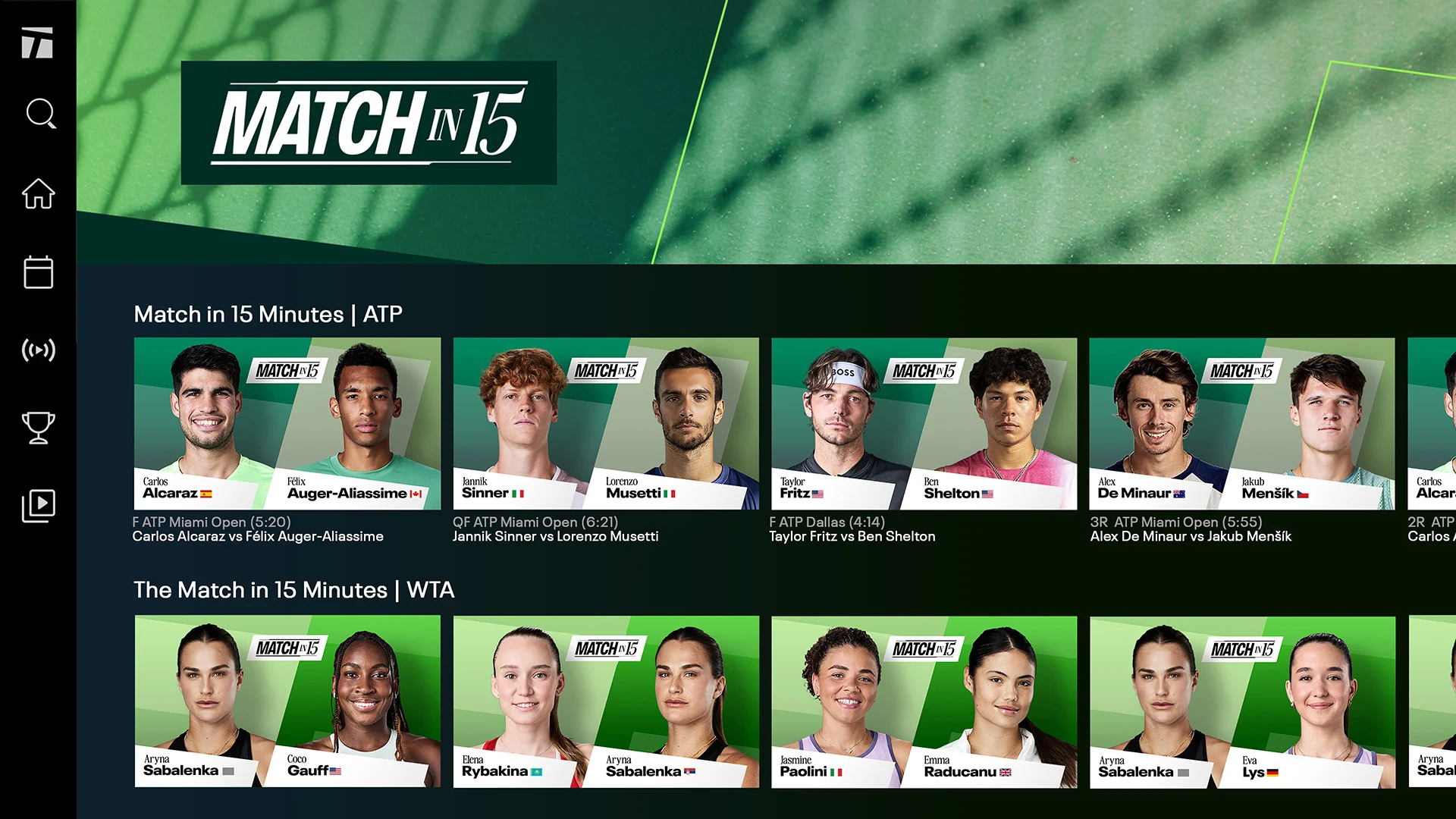
A Tennis Channel streaming subscription provides live and on demand tennis access on supported devices. Streaming content includes ATP and WTA live matches, outer court coverage, replays, highlights, player interviews, event recaps, practice sessions, press conferences, ceremonies, and additional studio and original programming.
Watch Free Content
Tennis Channel also offers selected live matches and replays at no cost. Free programming can include classic marathons, Second Serve studio content, and selected event coverage.
Supported Devices
The Tennis Channel App supports a range of devices and platforms, including:
Web browsers on computers
Apple TV
Vizio Smart TV
Samsung Smart TV 2022 or newer
Amazon Fire TV and Fire Stick
Roku
Apple phones and tablets
Android phones and tablets
Android TV and Google TV 2022 or newer
An internet connection and an active subscription are required for subscription based streaming access.
Tennis Channel Coverage
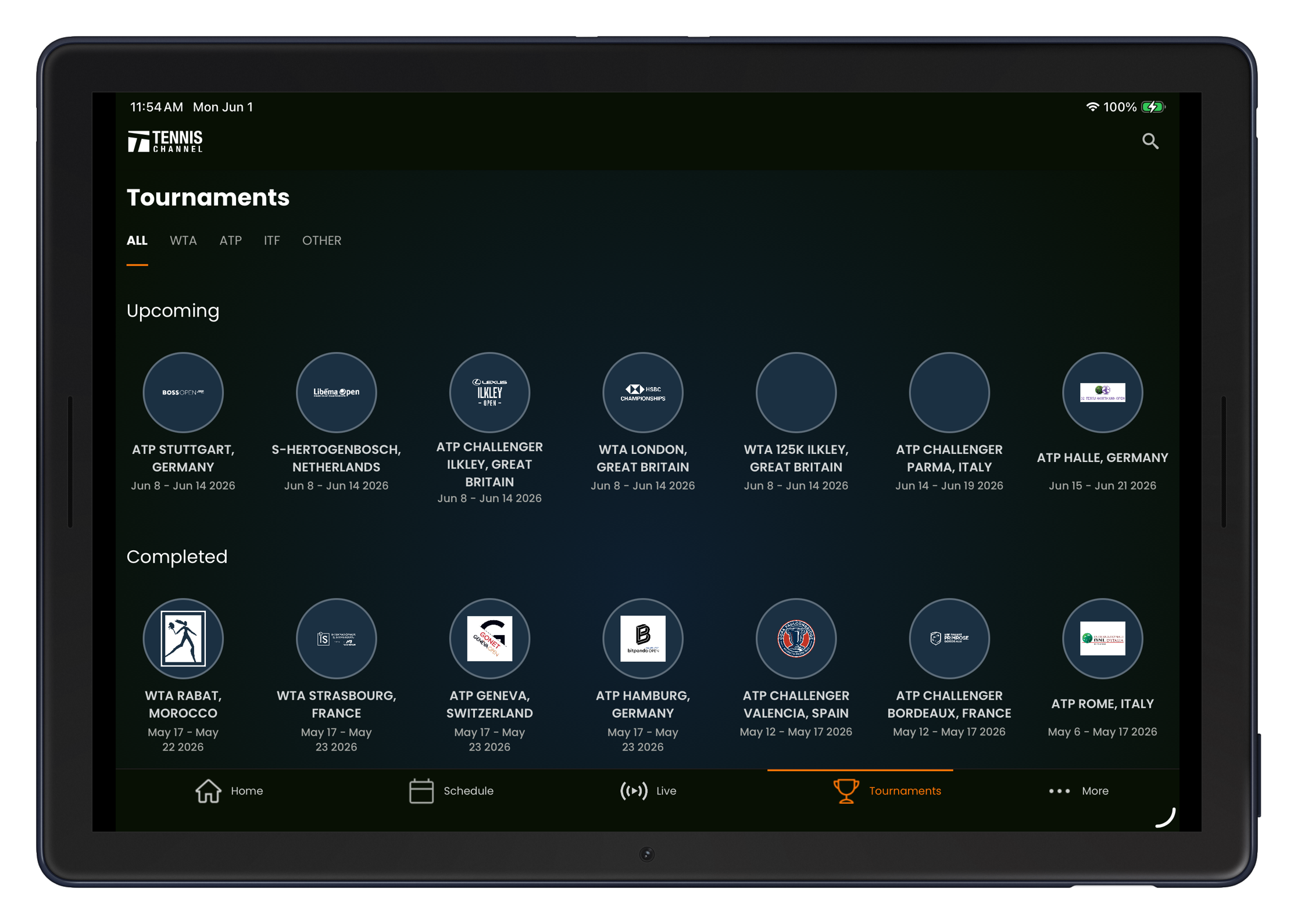
WTA and ATP live matches
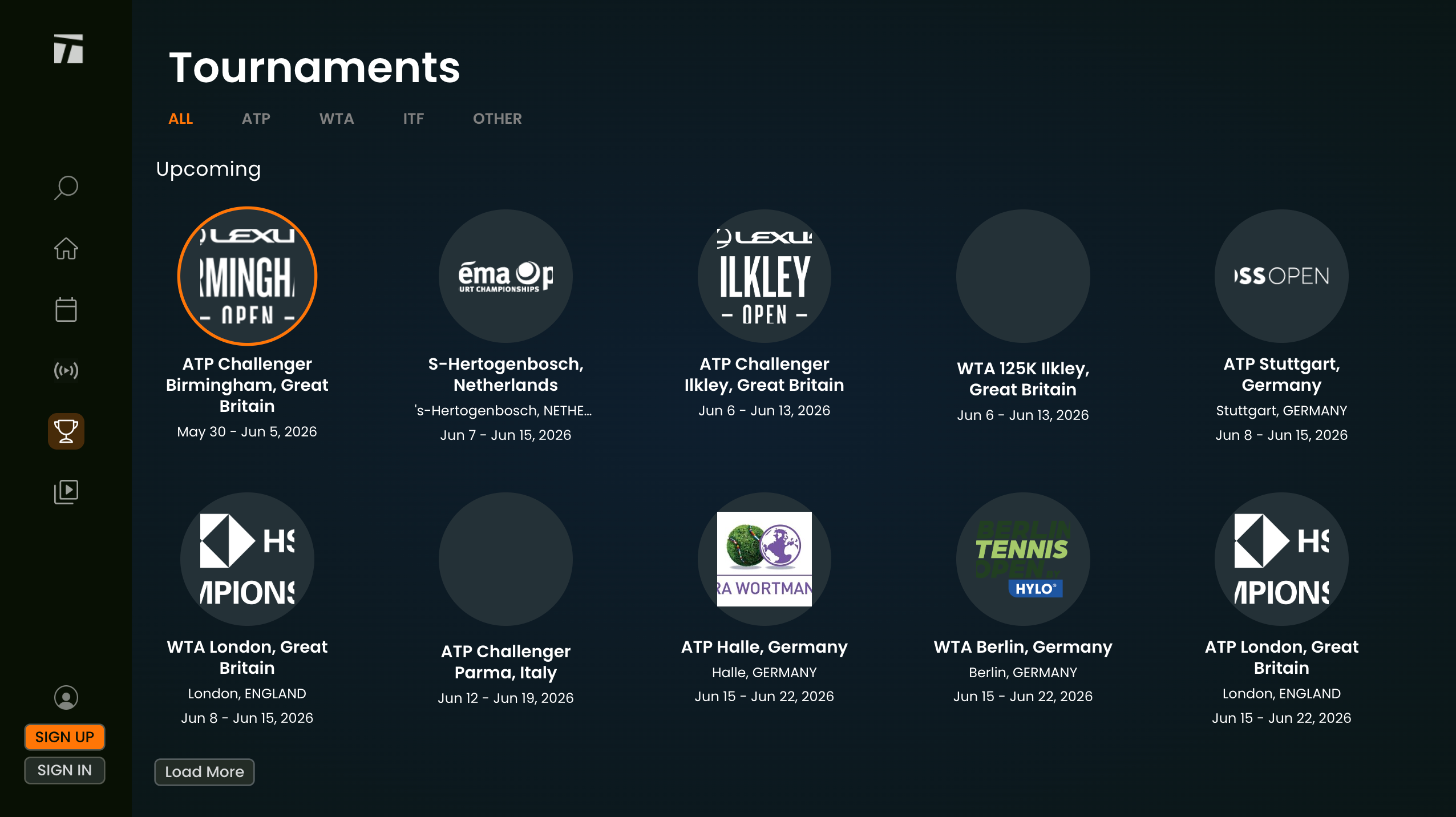
Every WTA and ATP 1000 level tournament
500 and 250 level events
Cups and exhibitions
Outer court coverage
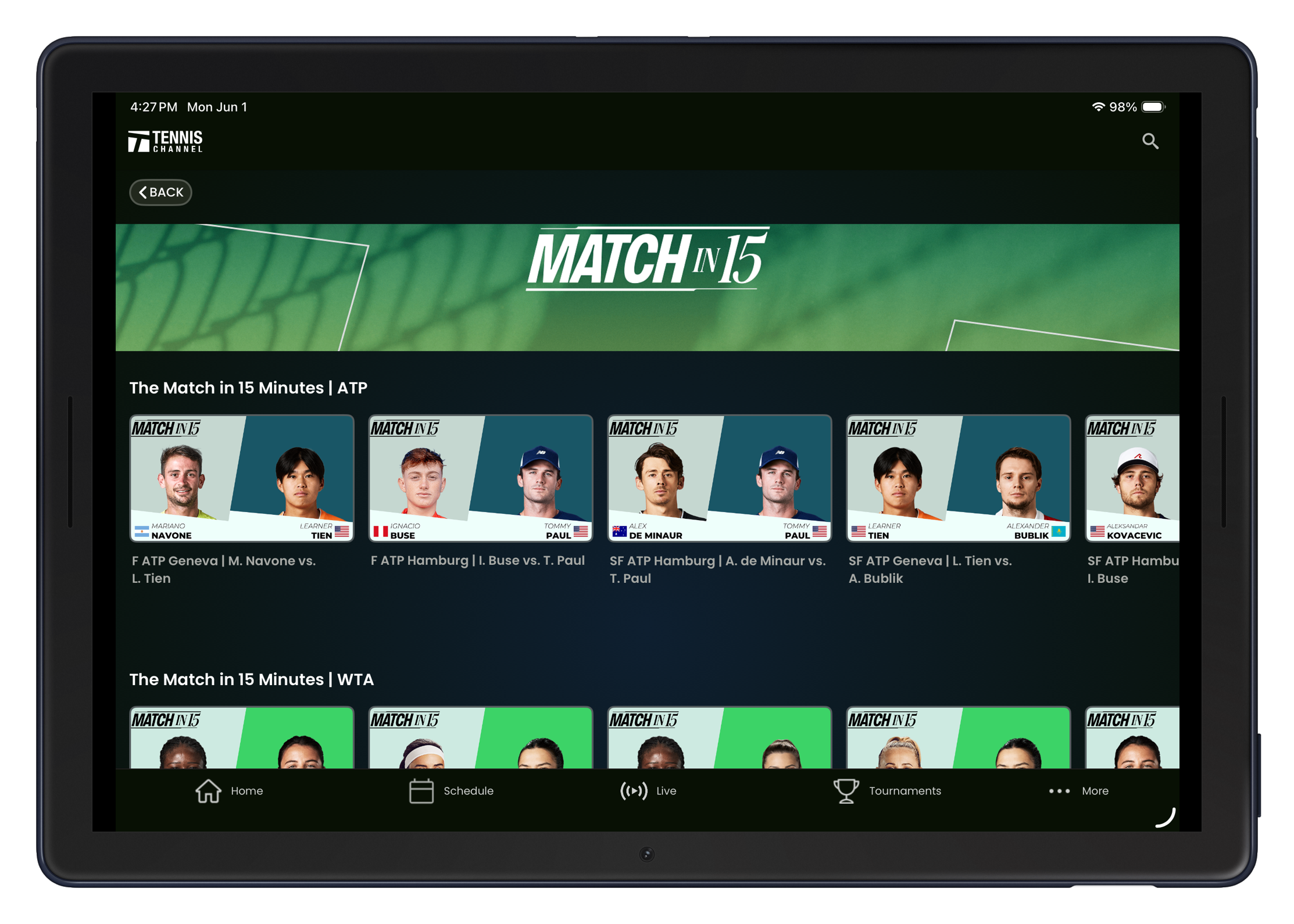
Replays and daily tennis coverage
Highlights interviews and player features
FAQs
• Q: Can I watch on multiple devices simultaneously, like my phone and smart TV?
◦ A: This depends on your specific subscription tier. The service typically allows for a certain number of concurrent streams per account. It's best to check the current subscription details on their website or in the app store to confirm the exact number permitted.
• Q: Are matches available for download to watch offline later?
◦ A: Yes, a key feature for on-the-go fans is the ability to download full match replays and select on-demand content to your mobile device. This is perfect for watching during a commute or anytime you lack a stable internet connection.
• Q: Does the service include coverage of Grand Slam tournaments like Wimbledon or the US Open?
◦ A: Typically, Grand Slam tournaments have their own separate broadcasting rights and are not included in this platform's core coverage of the ATP and WTA tours. The app focuses on the extensive calendar of tour events, as listed, while the Grand Slams are usually accessed through other network providers.
- Version10.0.1
- UpdateSep 23, 2026
- DeveloperTennis Channel
- CategorySports
- Requires AndroidAndroid 8.0+
- Downloads205K+
- Package Namecom.tennischannel.tceverywhere
- Signature787b7fb340d8716c43a5f6782a873413
- Available on
- ReportFlag as inappropriate
-
NameSizeDownload
-
23.93 MB
-
22.57 MB
-
27.71 MB












Wide ATP and WTA coverage
Live and on demand matches
Useful match schedule
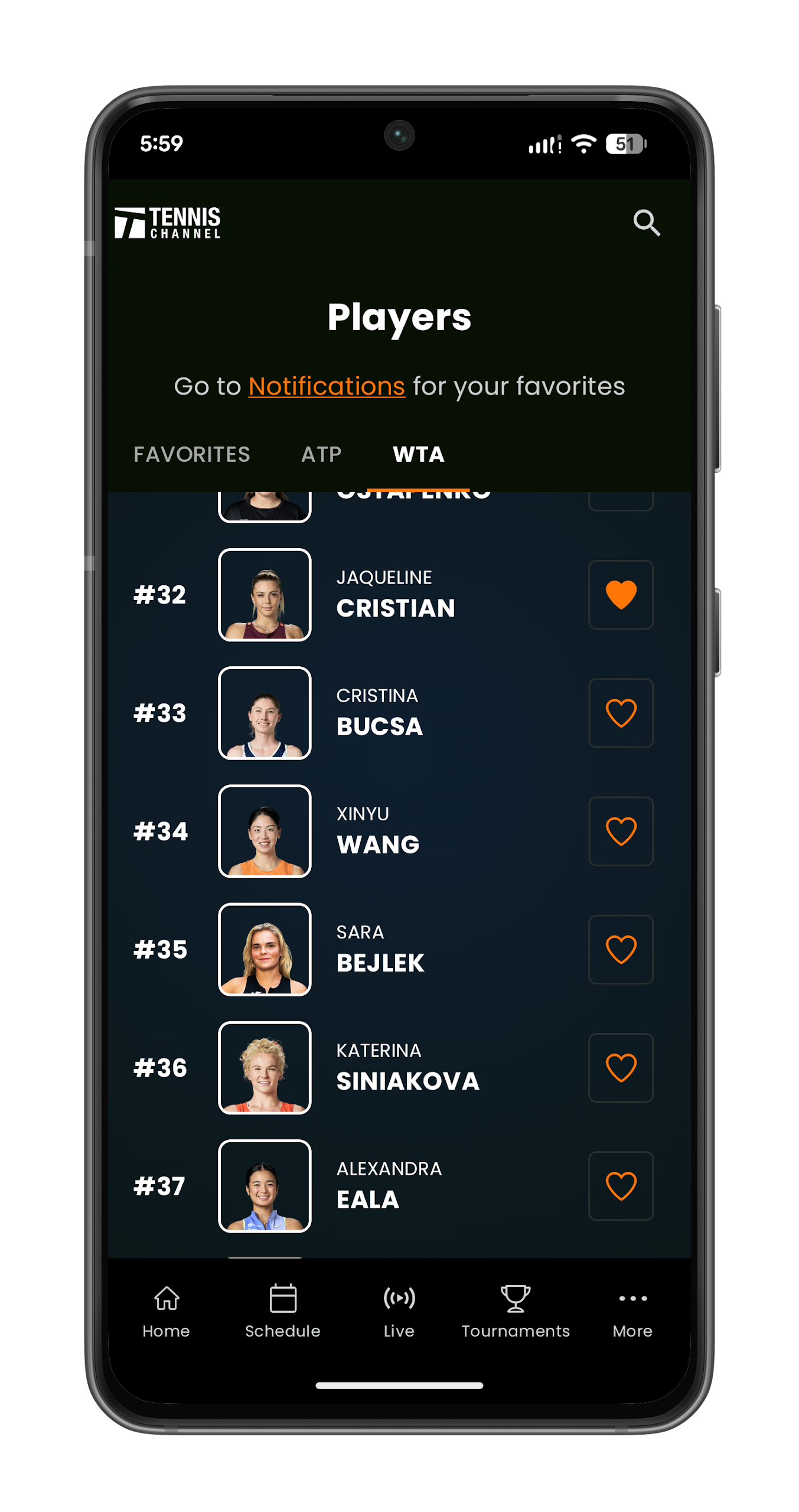
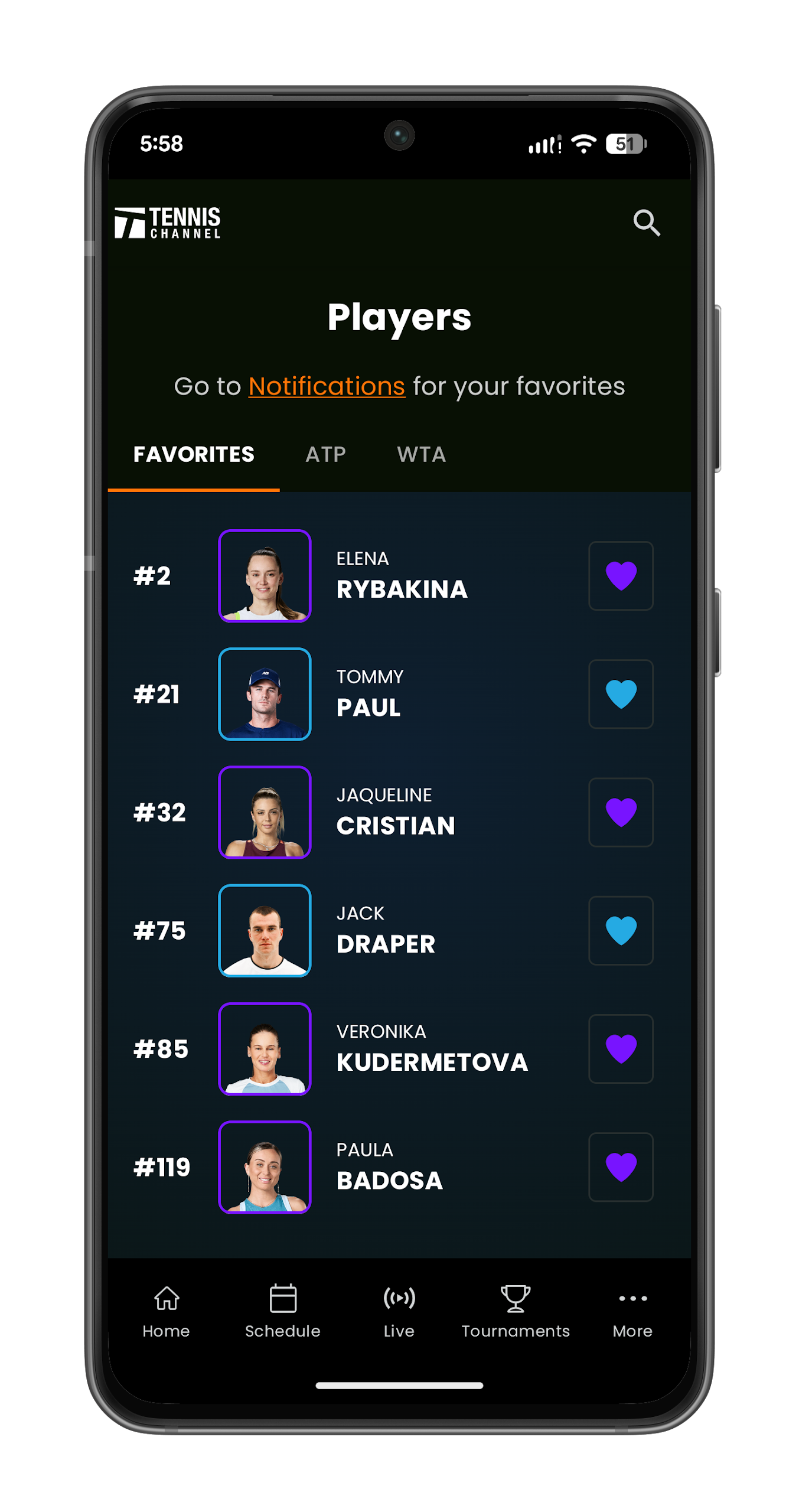
Easy access to favorite players
Good replay options
Helpful match highlights
Excellent split screen viewing
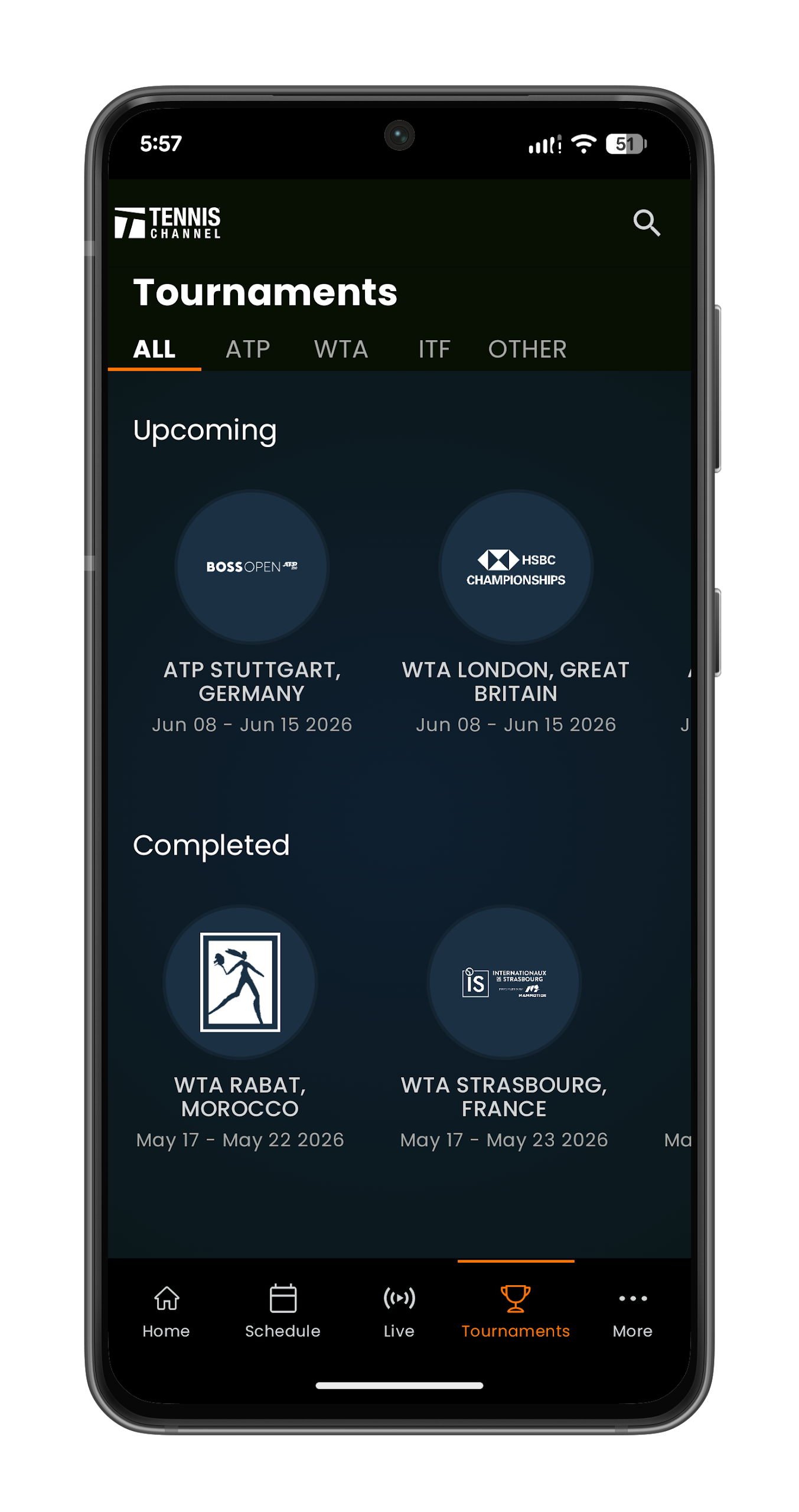
Clear tournament organization
Strong coverage of lower level tournaments
Good video quality for some users
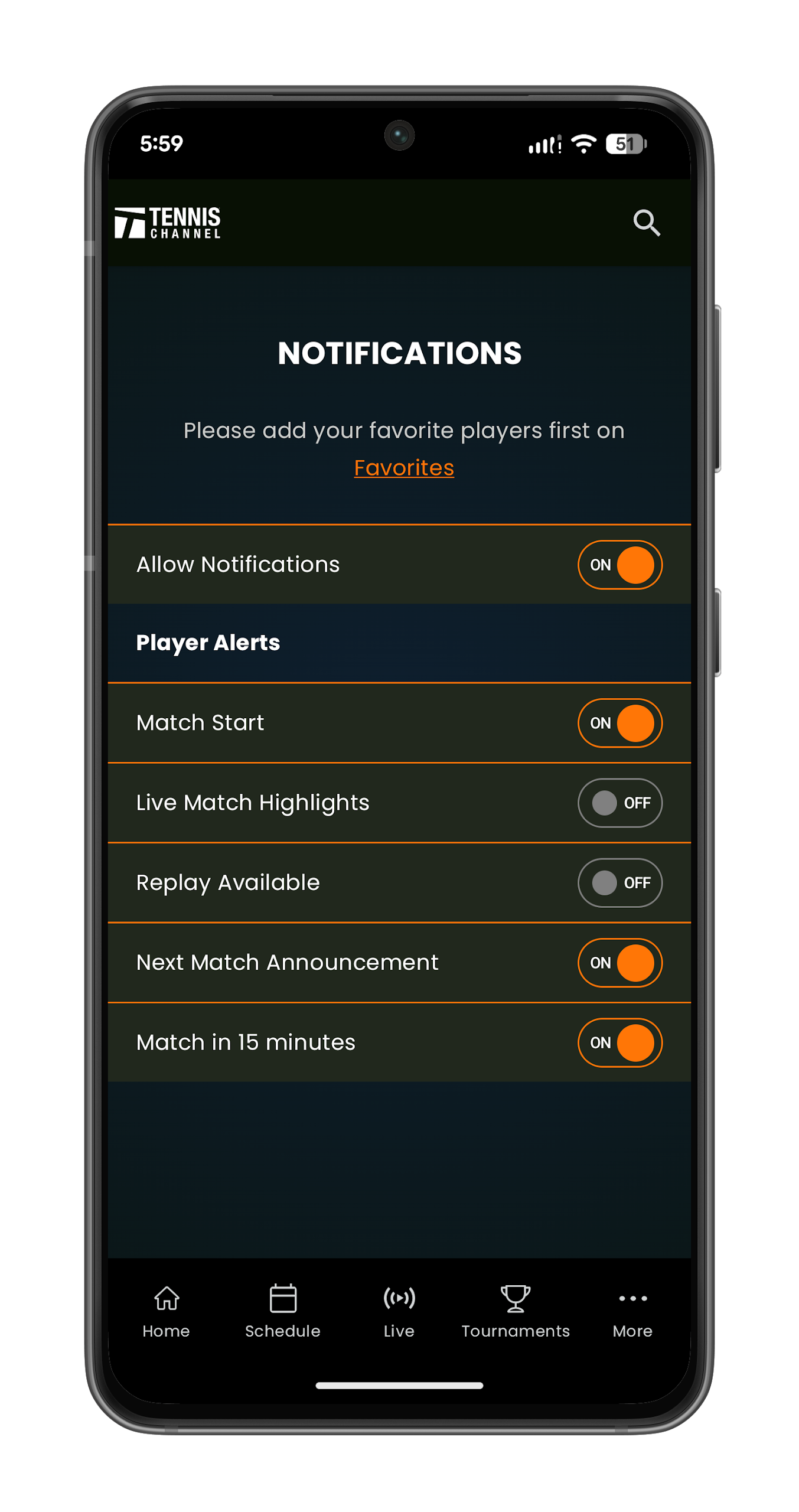
Useful mobile notifications
Good content and player interviews
Frequent streaming interruptions
Constant app crashes
Poor streaming reliability
Out of sync audio
Matches sometimes fail to load
Subscription recognition problems
Repeated login issues
Limited search and filter options
No clear commentary indicator
Too much commentator talking
No option to disable commentary
Frequent complaints about match selection
Full screen disrupted by updates
Poor customer service
Billing and renewal complaints
Some users report poor connectivity
Grand Slam coverage not included in the app