
TaxiF - Ride hailing service
Skip the wait and book your ride with ease

- 0.47.05 Version
- 3.1 Score
- 4M+ Downloads
- Free License
- 3+ Content Rating

TaxiF
App Overview
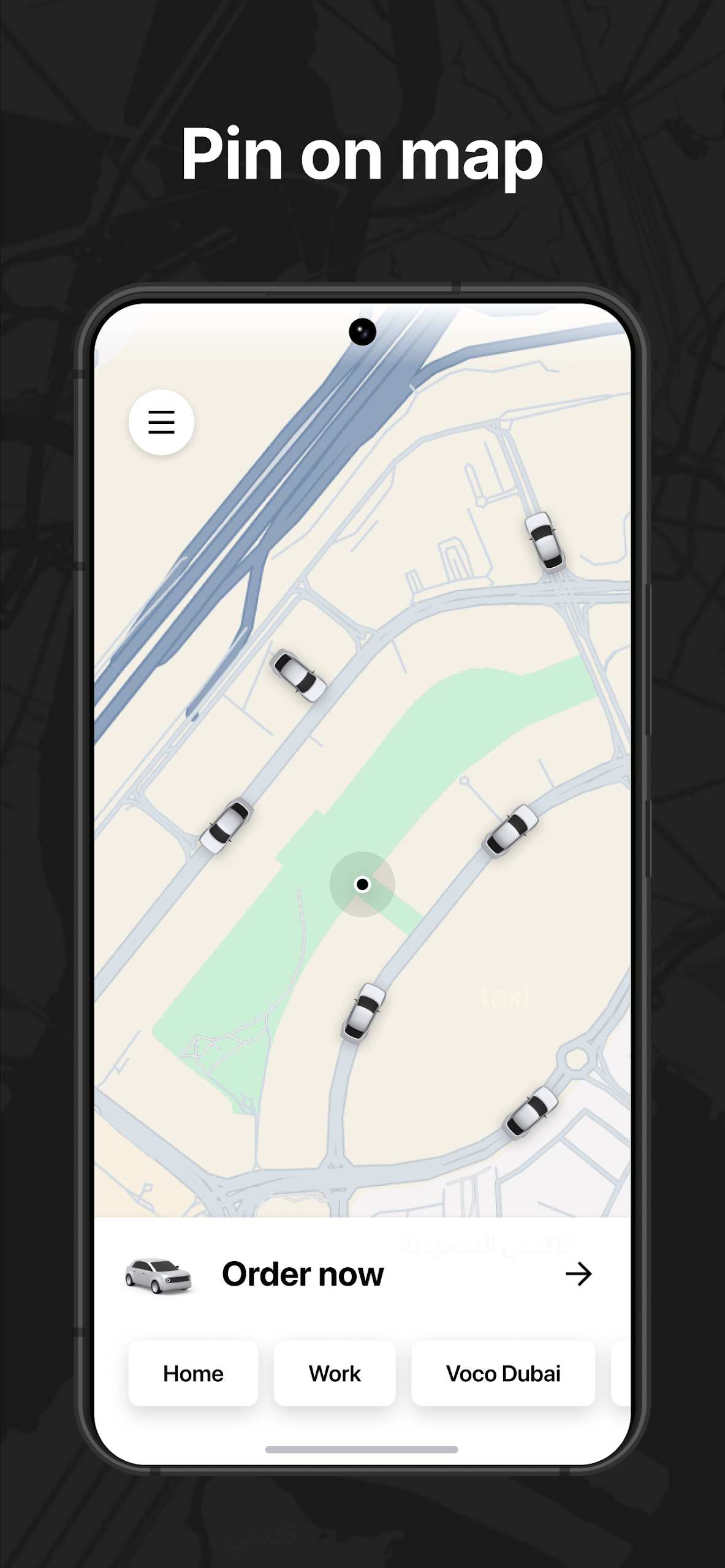
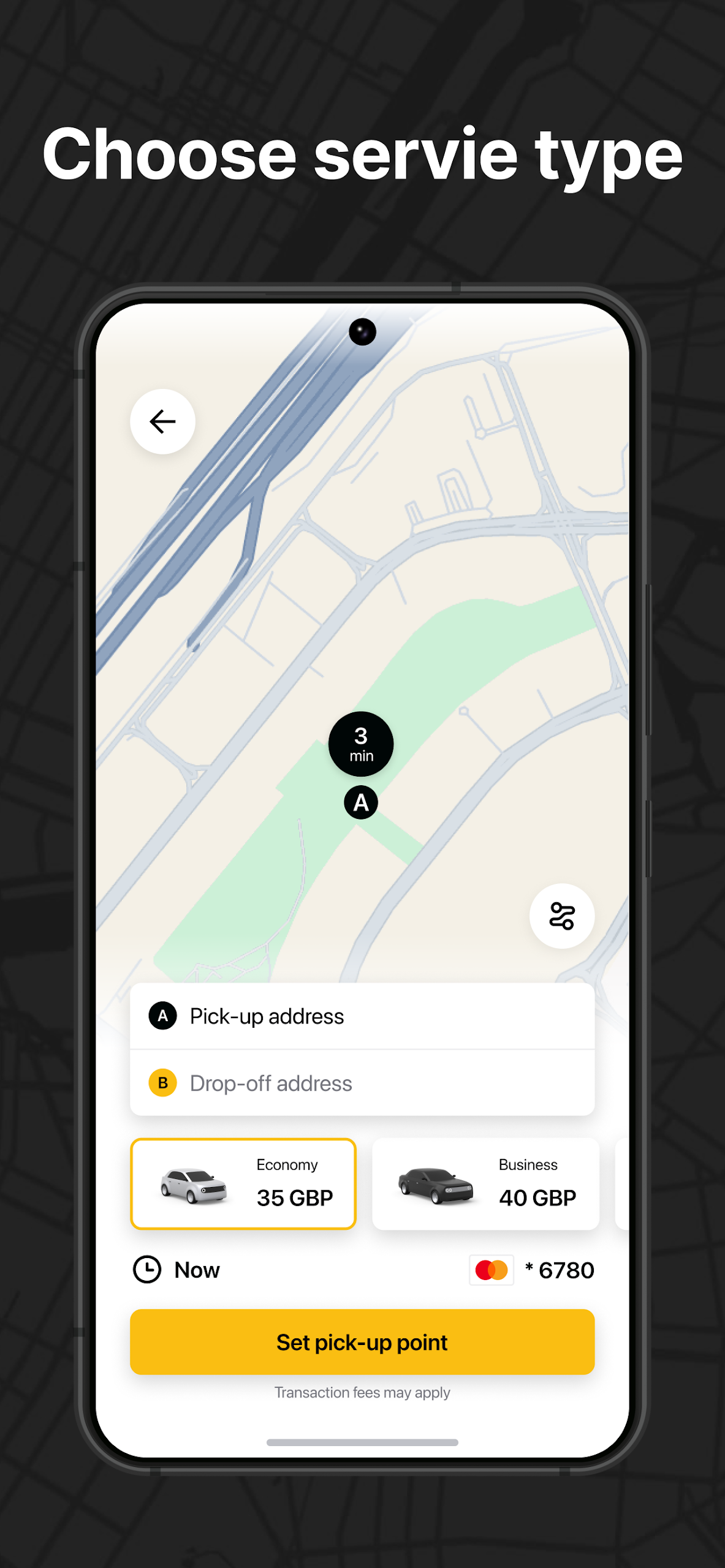
TaxiF is a ride-booking app for arranging local journeys, airport transfers, and other trips. Passengers can enter their pickup and drop-off locations, view the estimated fare and driver arrival time, and request a taxi directly through the app.
Once a driver accepts a request, the app displays their details and vehicle information. Passengers can also track the driver's location on a live map and see their distance from the pickup point. TaxiF works with licensed drivers and offers different vehicle options depending on local availability.
The service operates in multiple countries, but coverage and available ride types vary by location.
Key Features
• On-Demand Taxi Booking: Enter pickup and drop-off locations to request a ride.
• Driver and Vehicle Details: View information about the assigned driver and vehicle after booking confirmation.
• Live Driver Tracking: Monitor the driver's location and distance from the pickup point on a map.
• Fare Estimates: Check the estimated trip cost before submitting a ride request.
• Arrival Time Estimates: See the expected driver arrival time when arranging a trip.
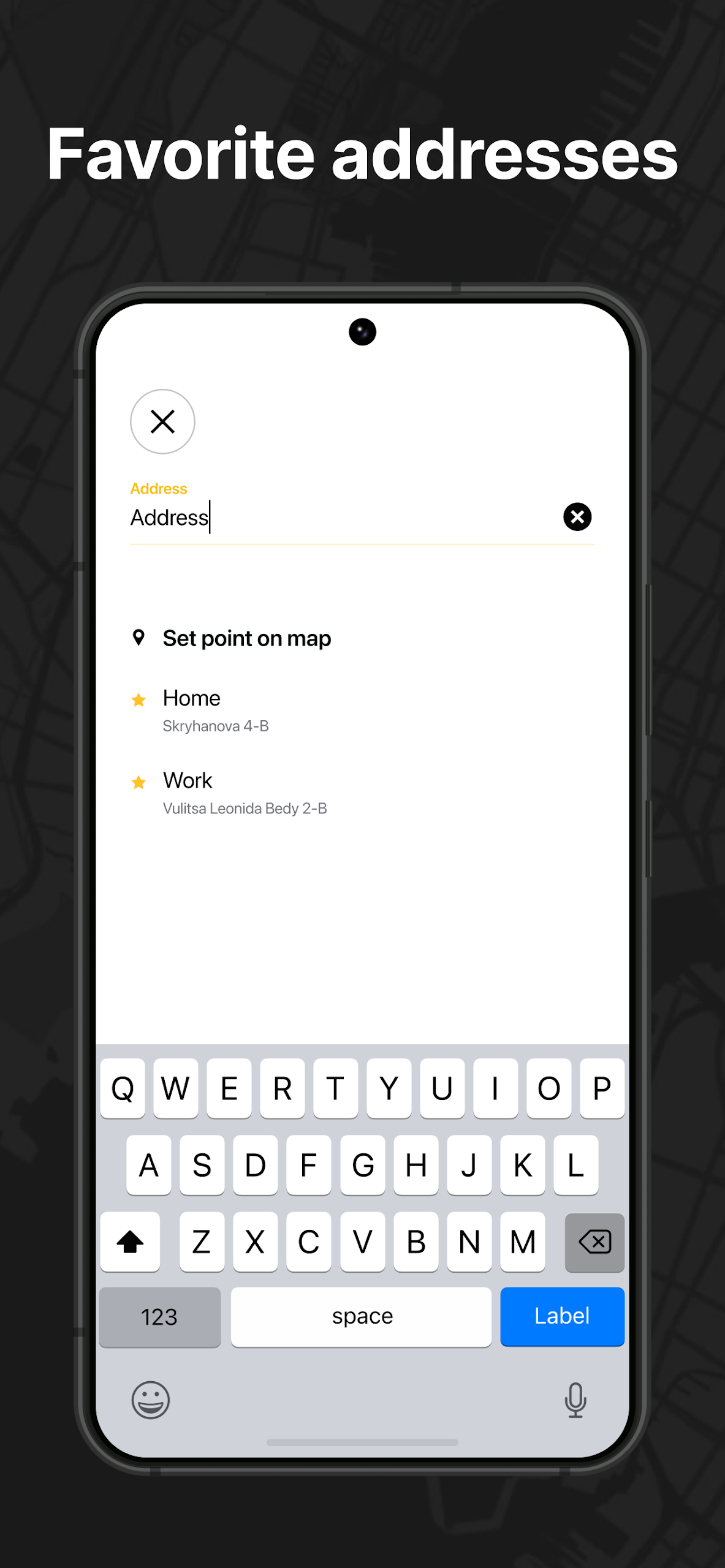
• Saved Locations: Store frequently used addresses for easier access when booking future rides.
• Ride Ratings and Feedback: Rate completed journeys and leave comments about the service.
• Airport Transfers: Arrange rides to or from airports through the standard booking process.
How to Use TaxiF
1. Set Your Pickup Location: Open TaxiF and confirm your current location or enter another pickup address.
2. Enter Your Destination: Add the drop-off address and check that the correct location is selected.
3. Review the Estimate: Check the estimated fare and expected driver arrival time.
4. Submit Your Request: Confirm the booking and wait for a driver to accept it.
5. Track Your Driver: View the assigned driver's details and follow their location on the map.
6. Rate Your Ride: After reaching your destination, submit a rating and optional feedback.
FAQs
1. Can I use TaxiF for airport transfers?
Yes. Enter the airport as your pickup or drop-off location and request a ride through the app.
2. How can I track my assigned driver?
Once a driver accepts your request, their location and distance from your pickup point are displayed on the live map.
3. Does TaxiF show the fare before booking?
Yes. TaxiF displays an estimated trip fare before you submit your ride request.
4. Can I save frequently used addresses?
Yes. You can store common pickup and destination addresses for use in future bookings.
5. Can I leave feedback about a driver?
Yes. After completing a journey, you can rate the ride and submit comments about your experience.
6. Is TaxiF available in every country?
No. TaxiF operates in multiple countries, but service availability depends on local coverage and the presence of participating drivers.
- Version0.47.05
- UpdateNov 12, 2026
- DeveloperTaxiF
- CategoryTravel & Local
- Requires AndroidAndroid 8.0+
- Downloads4M+
- Package Namecom.taxif.passenger
- Signatured6d539a80f23f05587d116640bbdd7fc
- Available on
- ReportFlag as inappropriate
-
NameSizeDownload
-
24.38 MB
-
24.07 MB
-
24.02 MB

















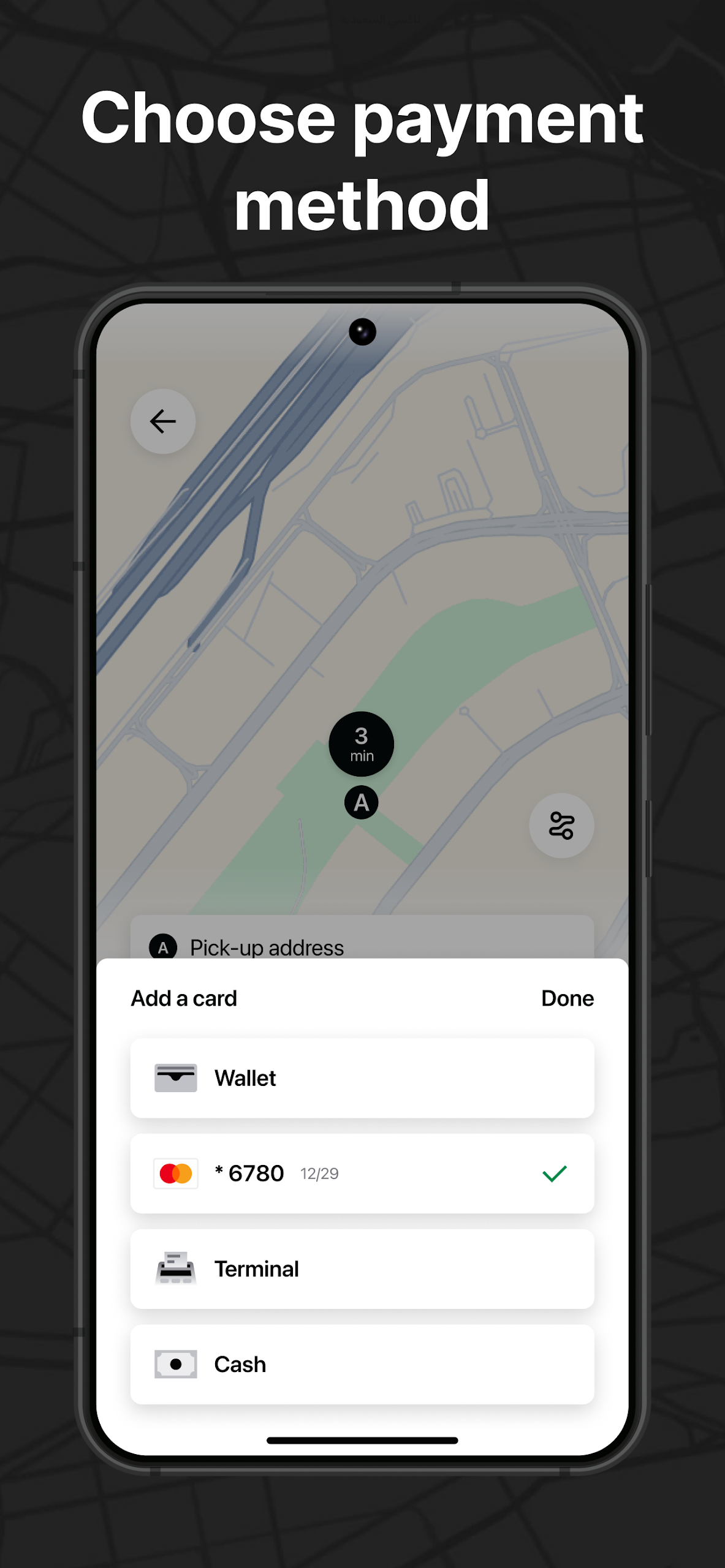
Convenient payment options
Easy to use
Clean UI design
Inaccurate map
Show a cheaper price when booking but ask for more in the end
Can't rate the driver like on the Uber app