
Tamil smart keyboard - Tamil typing made easy
Unlock seamless Tamil typing with our user-friendly keyboard app, perfect for social media & messaging!

- 4.0.2 Version
- 2.0 Score
- 212K+ Downloads
- In-app purchases License
- 3+ Content Rating

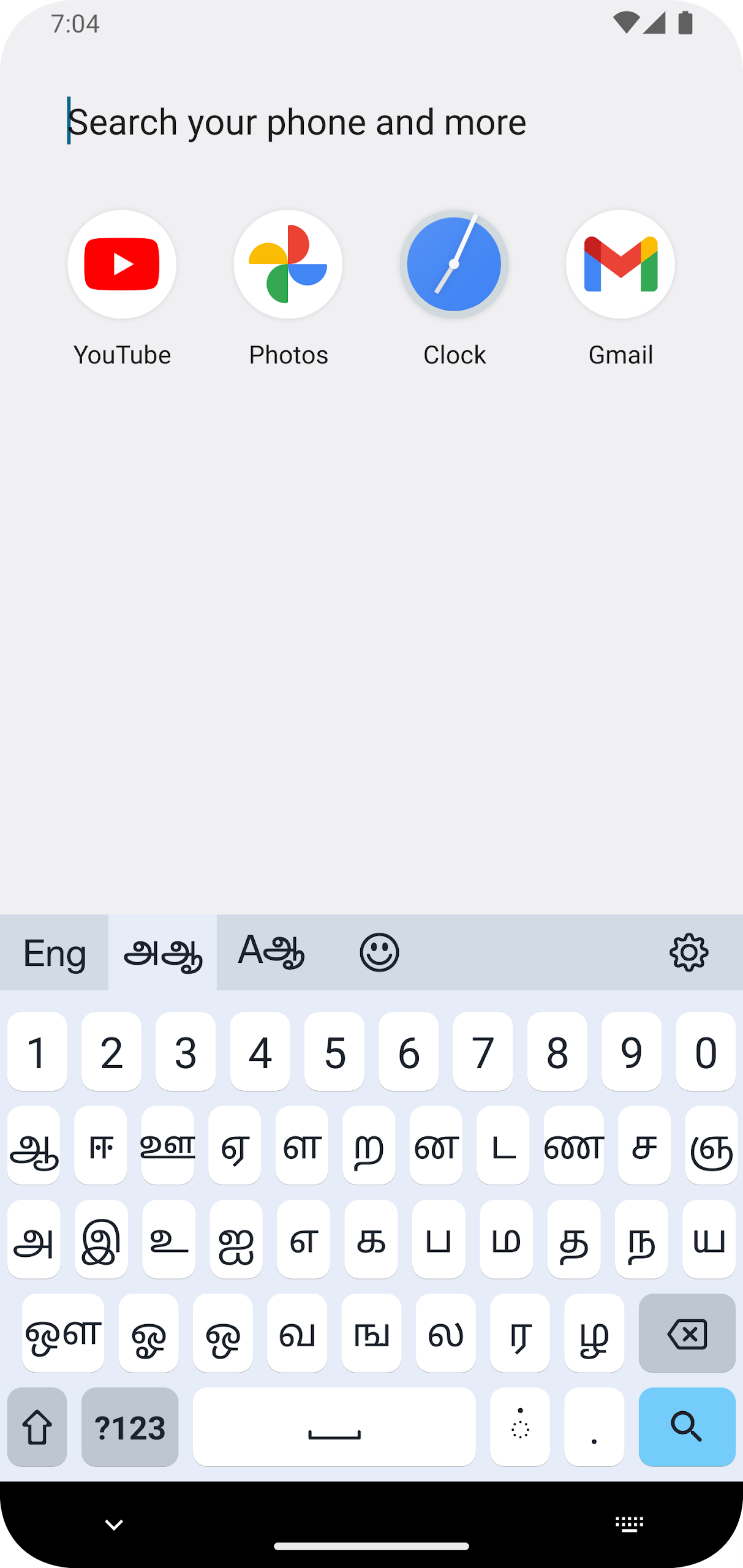
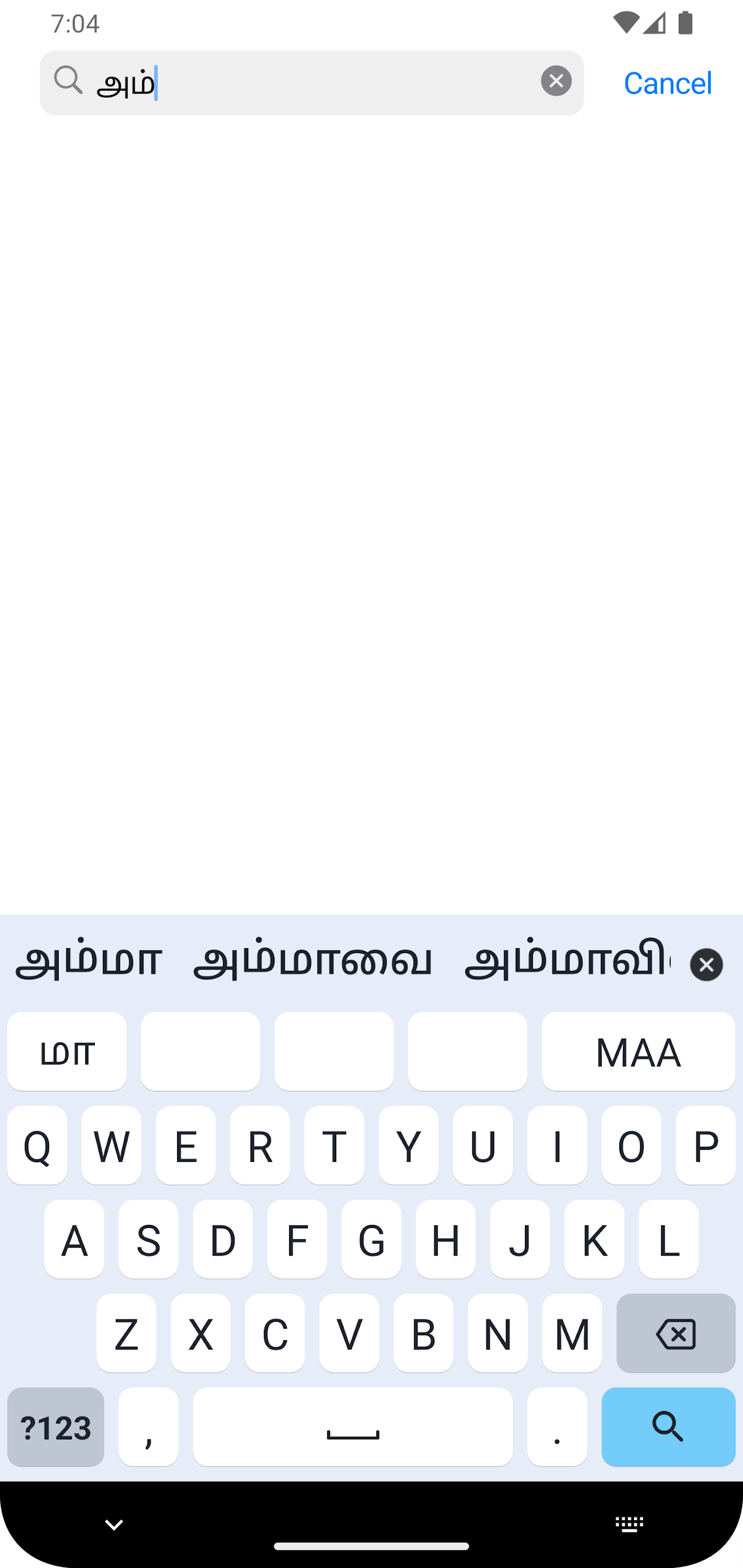
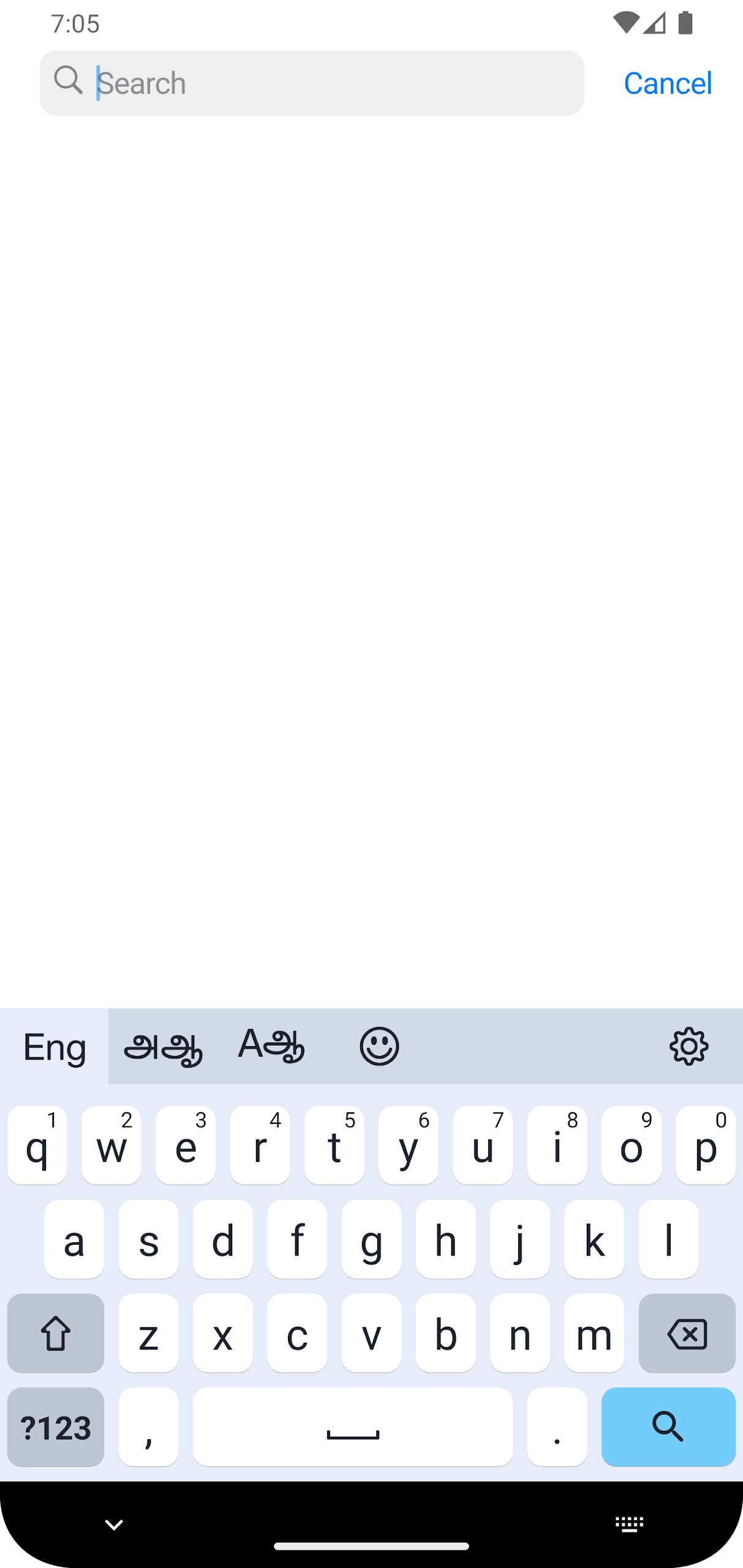
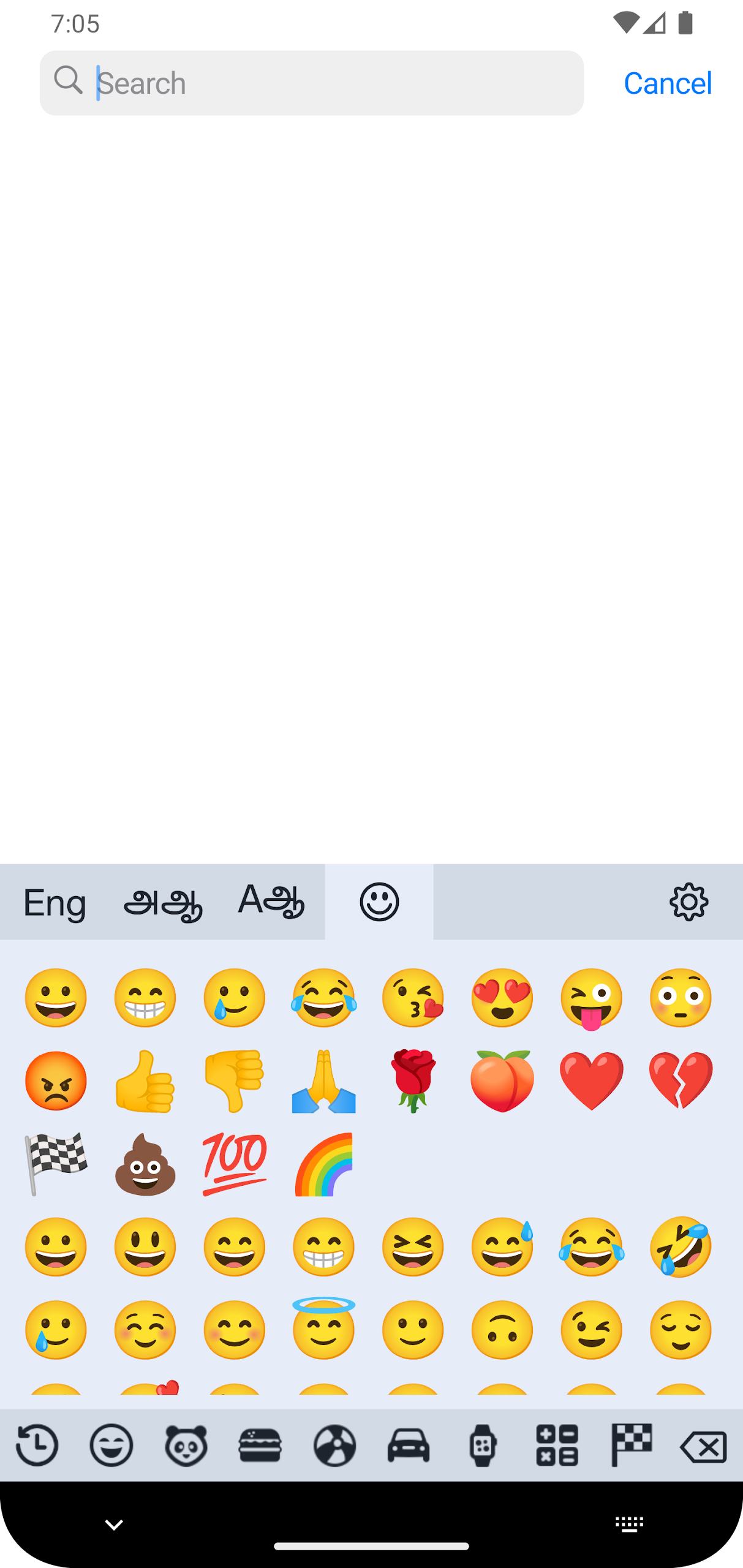
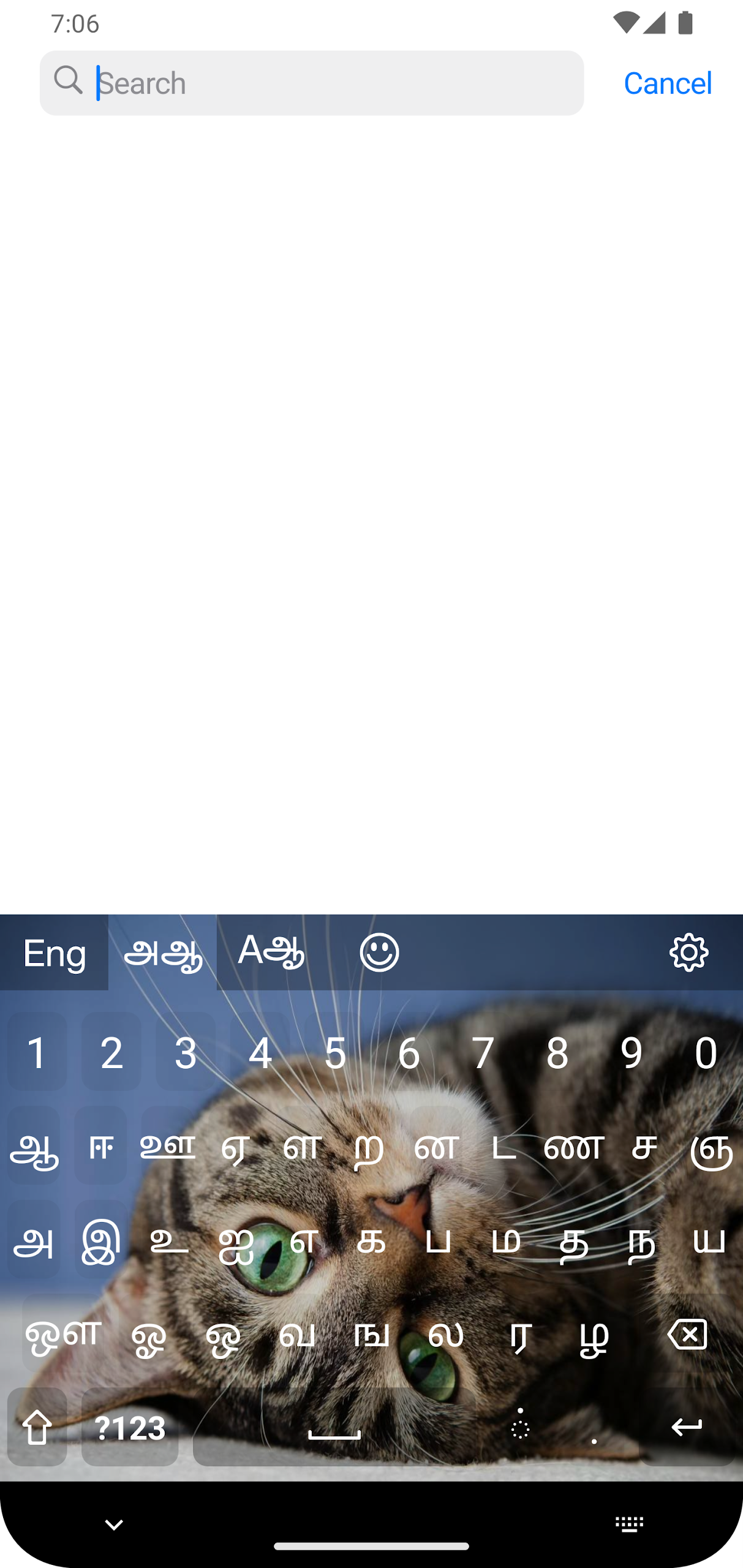
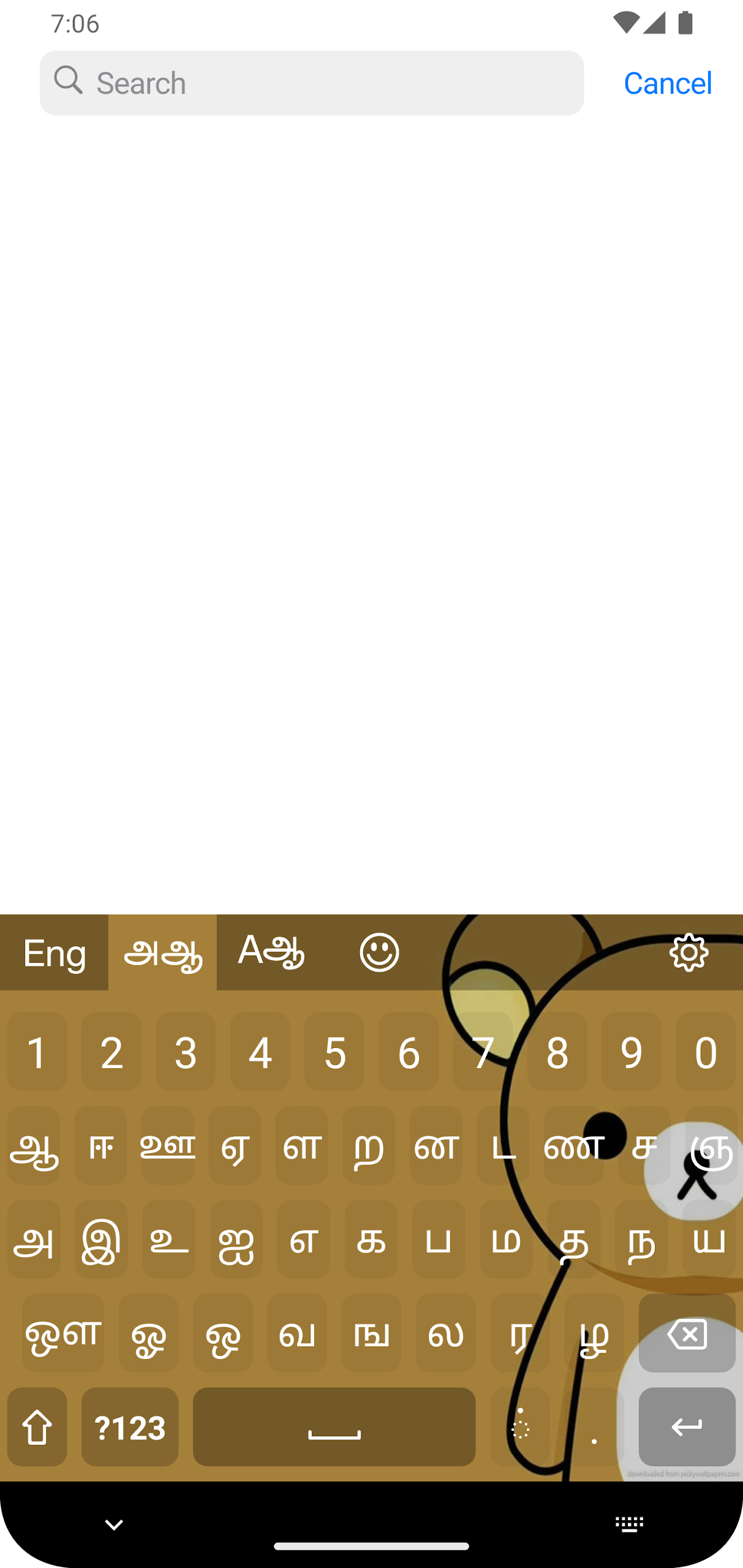
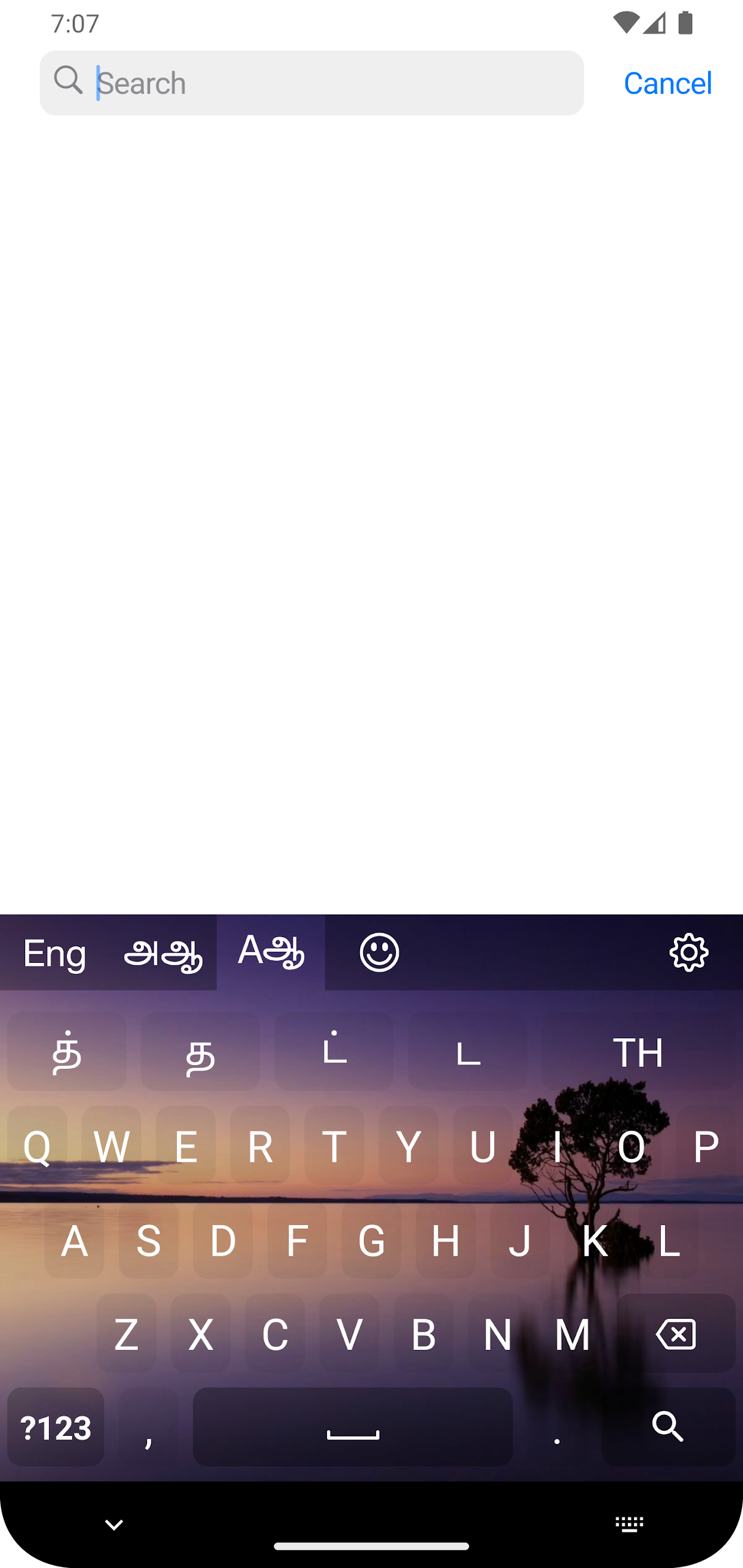
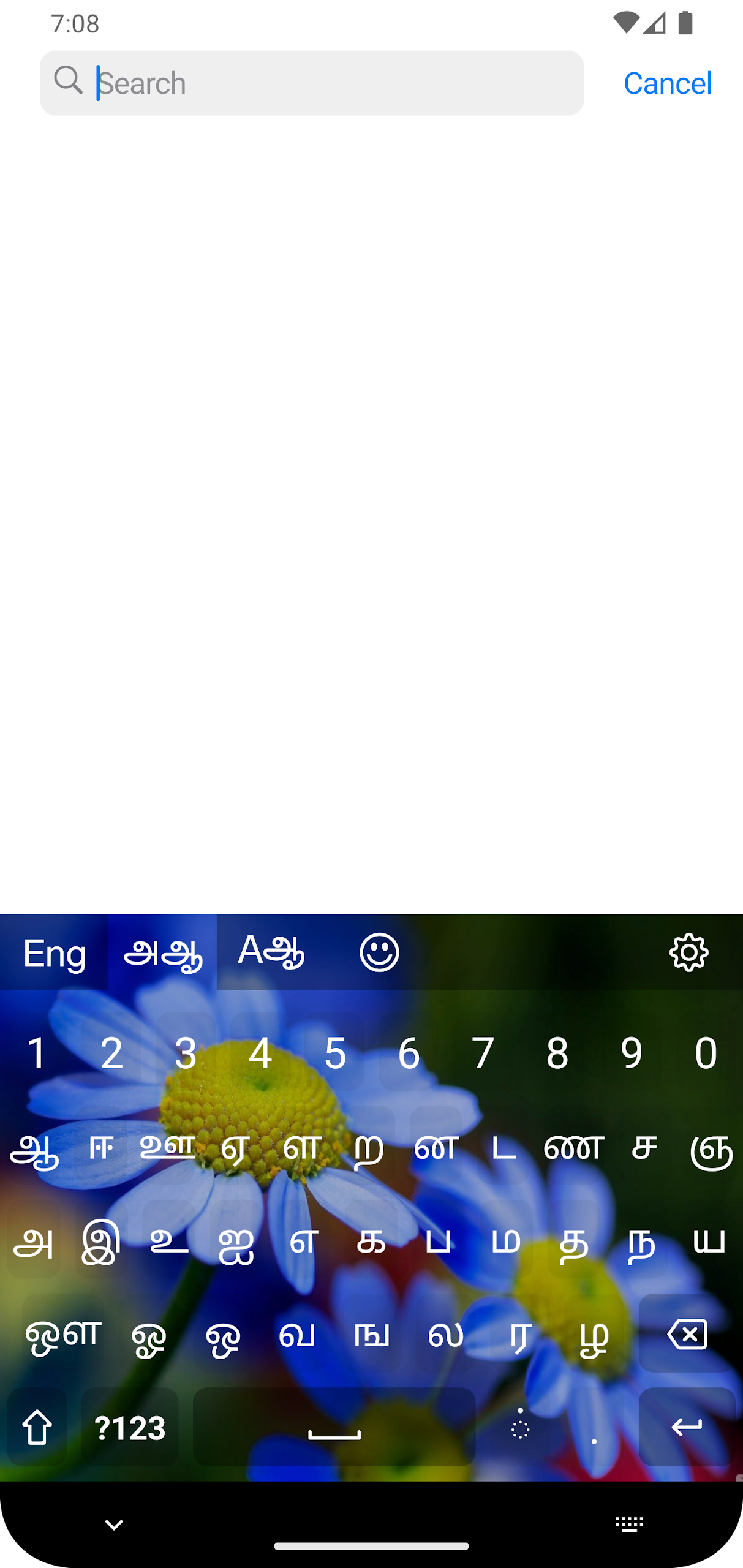
Tamil smart mobile keyboard
The Tamil smart mobile keyboard is a highly user-friendly and straightforward application for typing in native Tamil Unicode, readily available on the Google Play Store.
This app is compatible with any Android device running Android version 10 or later.
- Requirements:
Your device must support Tamil Unicode fonts for this app to function properly. The application does not install Tamil Unicode on your device; therefore, you should ensure that Tamil Unicode support is enabled beforehand.
The Tamil Keyboard app will incorporate the keyboard into the Android operating system, allowing you to access it from any application, including social media platforms like Facebook, X, Viber, WhatsApp, or others on your Android device.
Instructions for activating the Tamil keyboard:
**** Quick method ****
1) Select the `Activate this keyboard` option on the main screen
2) Choose and enable `Tamil` in the On-screen keyboard section
3) Confirm by pressing OK
4) Switch to the Tamil keyboard using the keyboard switcher in any text field
5) Start typing...
**** Longer method **** (steps may vary with different OS versions)
1) Access 'System Settings' and navigate to 'System'
2) Proceed to 'Language & input'
3) Tap on 'On-screen keyboard'
4) Select and enable `Tamil` in the On-screen keyboard section
5) Confirm by pressing OK
6) Switch to the Tamil keyboard using the keyboard switcher in any text field
7) Start typing...
You can easily switch between 'Tamil' and other keyboards in any application.
This application is designed to ensure user privacy and does not collect any information from users.
App Review
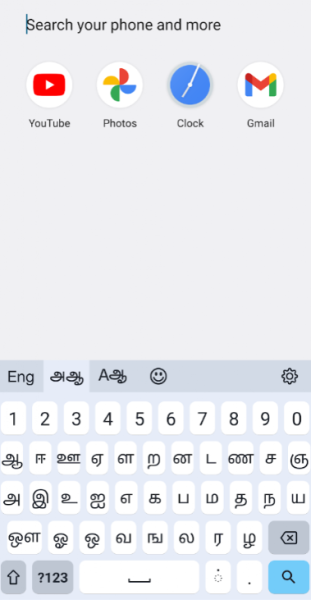
Tamil Smart Mobile Keyboard is a Tamil input tool compatible with Android 10 and above. It boasts a low learning curve and strong compatibility, with two activation methods: quick activation and system settings. The operation steps are clear and easy to understand, allowing even beginners to quickly get started. After activation, it can be used in all apps that require input, including social media and communication apps, and can seamlessly switch with other keyboards. Daily Tamil typing is incredibly smooth, fully meeting native text input needs.
This Tamil keyboard offers excellent privacy protection, collecting no user information throughout the process, making it safer to use. The only drawback is that the app itself does not include a built-in Tamil Unicode font installation function. You must ensure that font support is enabled on your device beforehand; otherwise, it will not work properly. This might be slightly inconvenient for some novice users, but as long as the font requirement is met, you can obtain a stable and convenient Tamil input experience, making it a practical tool for daily use.
FAQs
1. **Which devices does the Tamil smart mobile keyboard support? **
It's compatible with Android devices running Android 10 and higher, but requires the device to already support the Tamil Unicode font (the app won't automatically install the font; you'll need to confirm that support is enabled on your device in advance).
2. **How do I activate the Tamil keyboard? **
There are two methods: Quick activation: Select "Activate this keyboard" on the app's home screen, enable "Tamil," confirm, and then switch to it using the keyboard switcher in any text field. Alternatively, enable "Tamil" in the system settings (Settings → System → Language & input → On-screen keyboard) and then switch to it.
3. **Which apps can I use this keyboard with? **
Once activated, it can be used in all apps, including social platforms like Facebook, X, Viber, WhatsApp, and other scenarios where text input is required.
4. **How do I switch between Tamil and other keyboards? **
In any text input field, you can quickly switch using the device's built-in keyboard switcher (usually the toggle icon on the keyboard).
5. **Does the app collect user information? **
No. This app prioritizes user privacy and does not collect any user information.
6. **Will the keyboard work properly if the device does not support Tamil Unicode fonts? **
No. The device must support Tamil Unicode fonts for the app to work properly. Please ensure that font support is enabled on your device.
- Version4.0.2
- UpdateOct 15, 2026
- DeveloperSITHITEC
- CategoryLifestyle
- Requires AndroidAndroid 6+
- Downloads212K+
- Package Namecom.glasseagle.tamilkb
- Signature70686f58b2ddd81a0050d000b7d51034
- Available on
- ReportFlag as inappropriate

















It's highly compatible with devices running Android 10 and above, and can be used across a wide range of apps.
It's easy to use, with simple activation and switching.
It prioritizes privacy and doesn't collect user information.
It relies on the device's native Tamil Unicode font support. If the device does not support it, it will not work out of the box.