Swahili Quran - Quran audio & themes
Discover the Quran with interactive audio, prayer times, and engaging features to enhance your spiritual journey.
- 20240809 Version
- 1.5 Score
- 164K+ Downloads
- Free License
- 3+ Content Rating

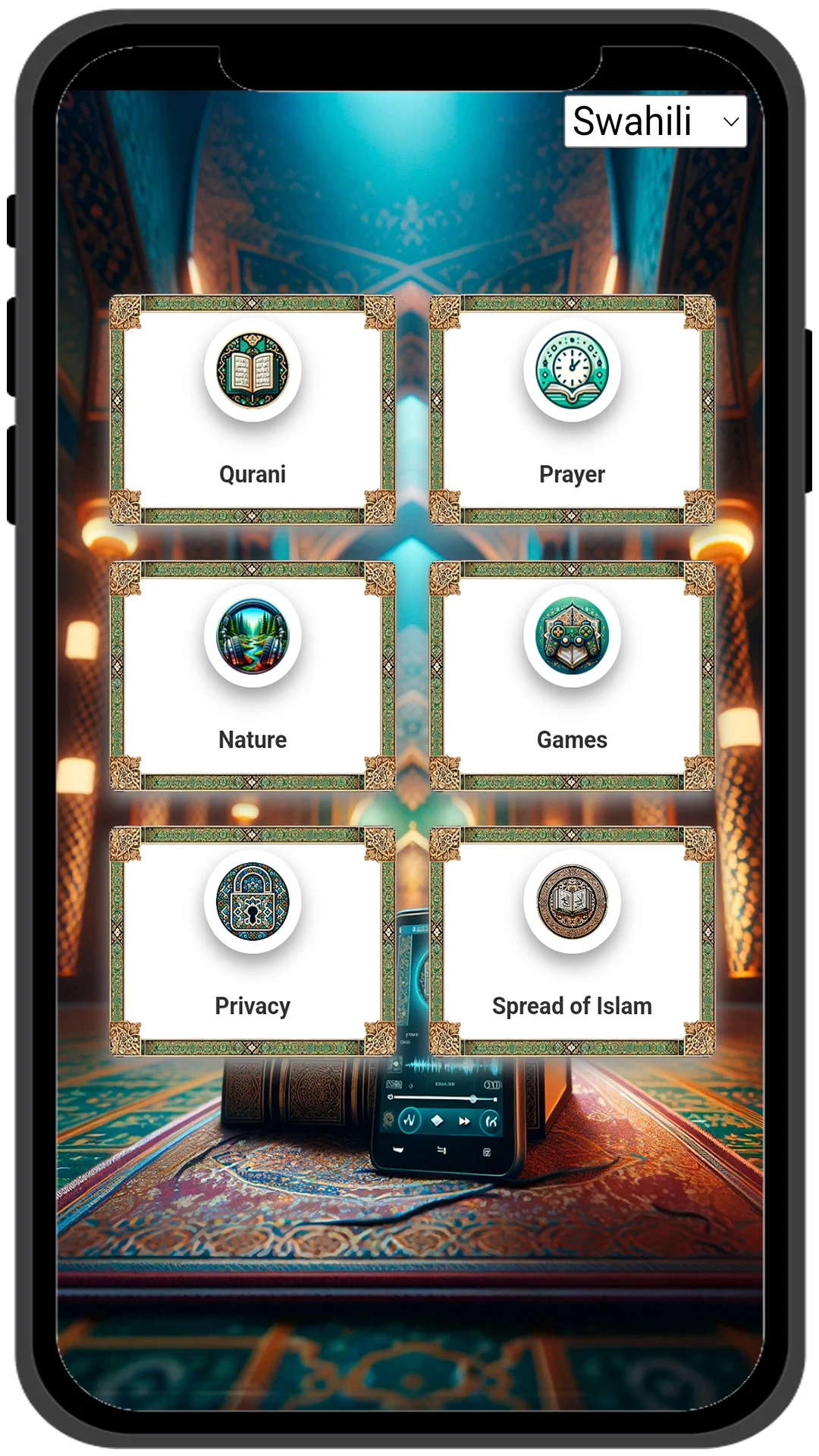
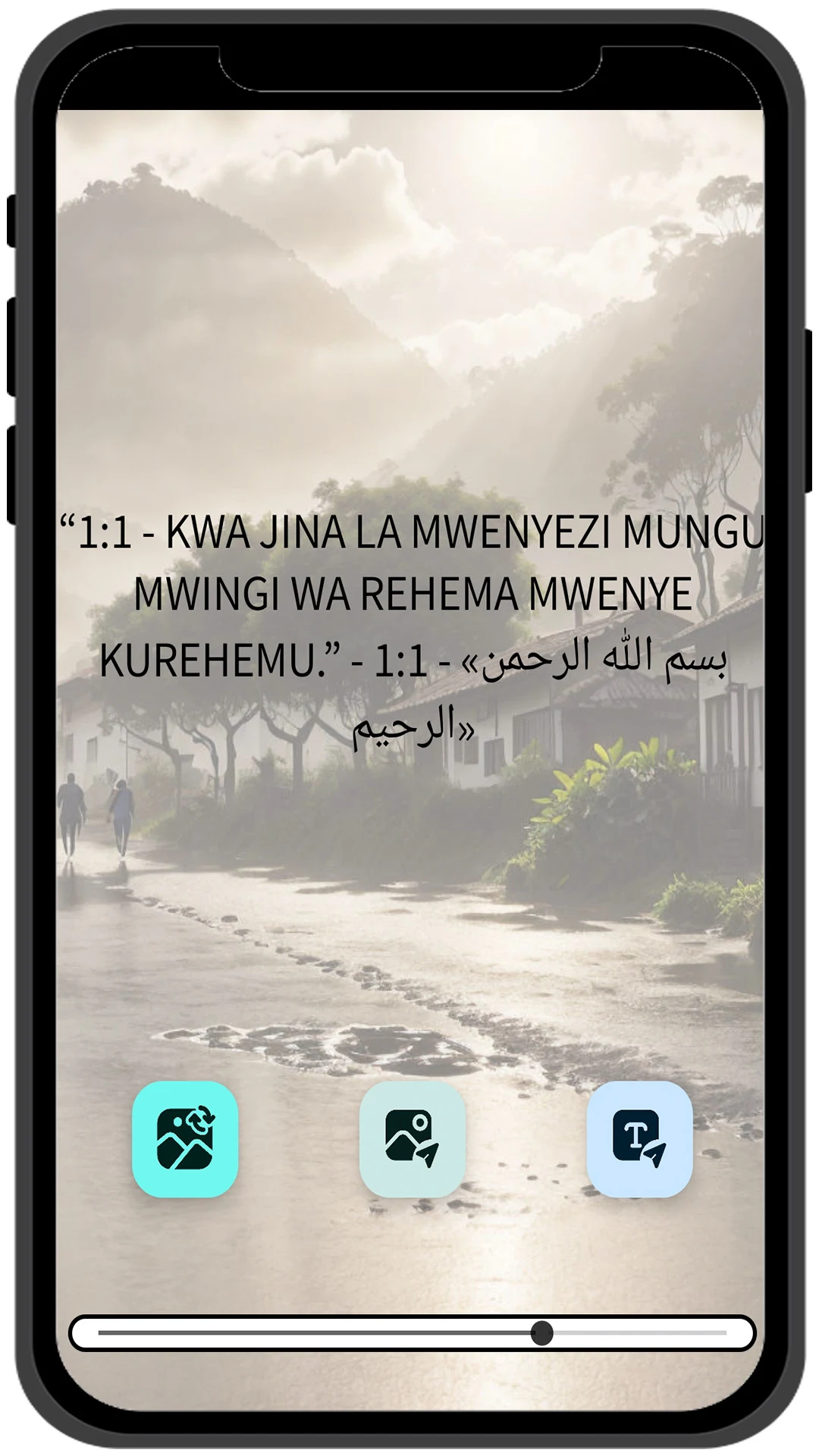
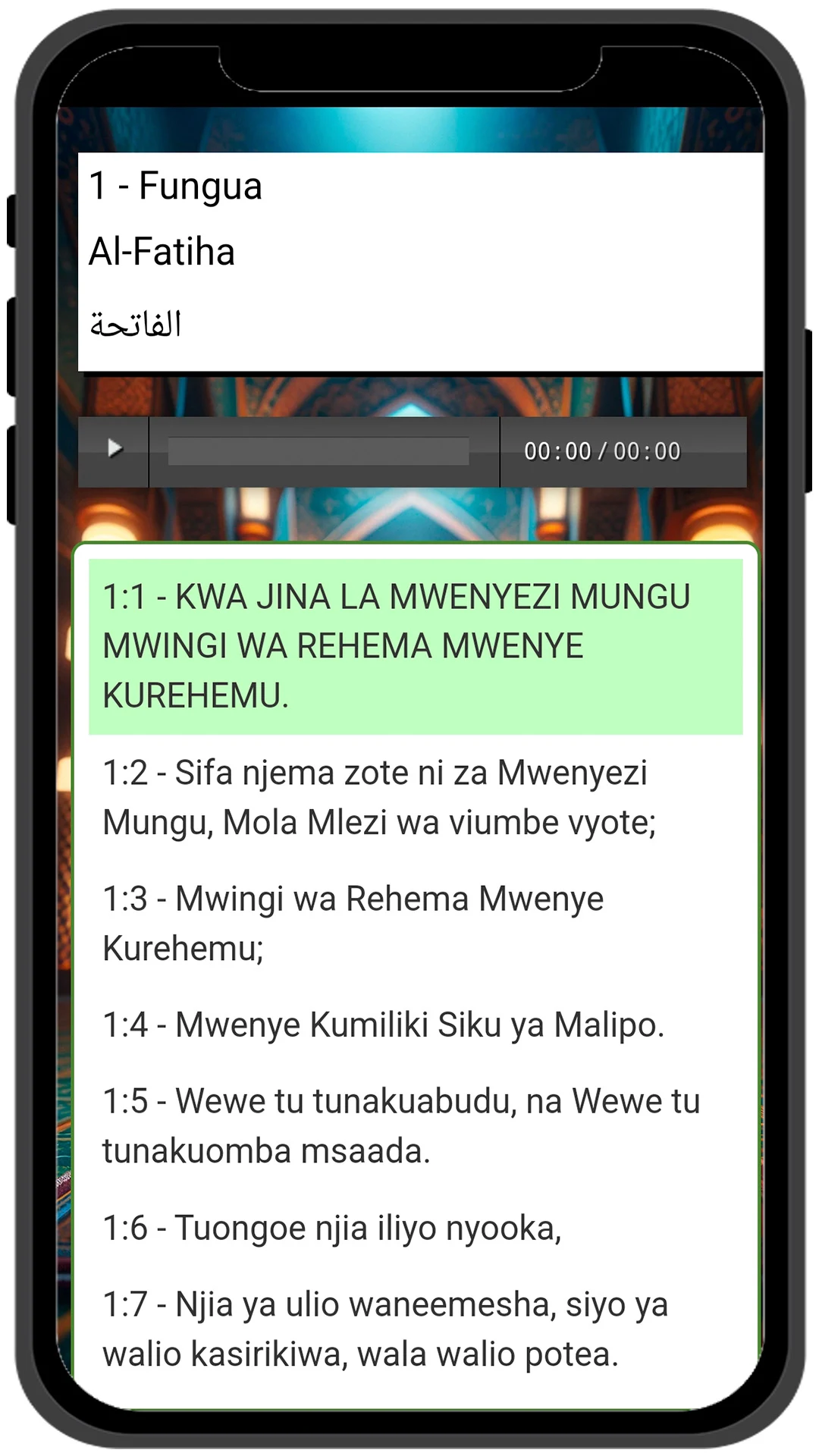
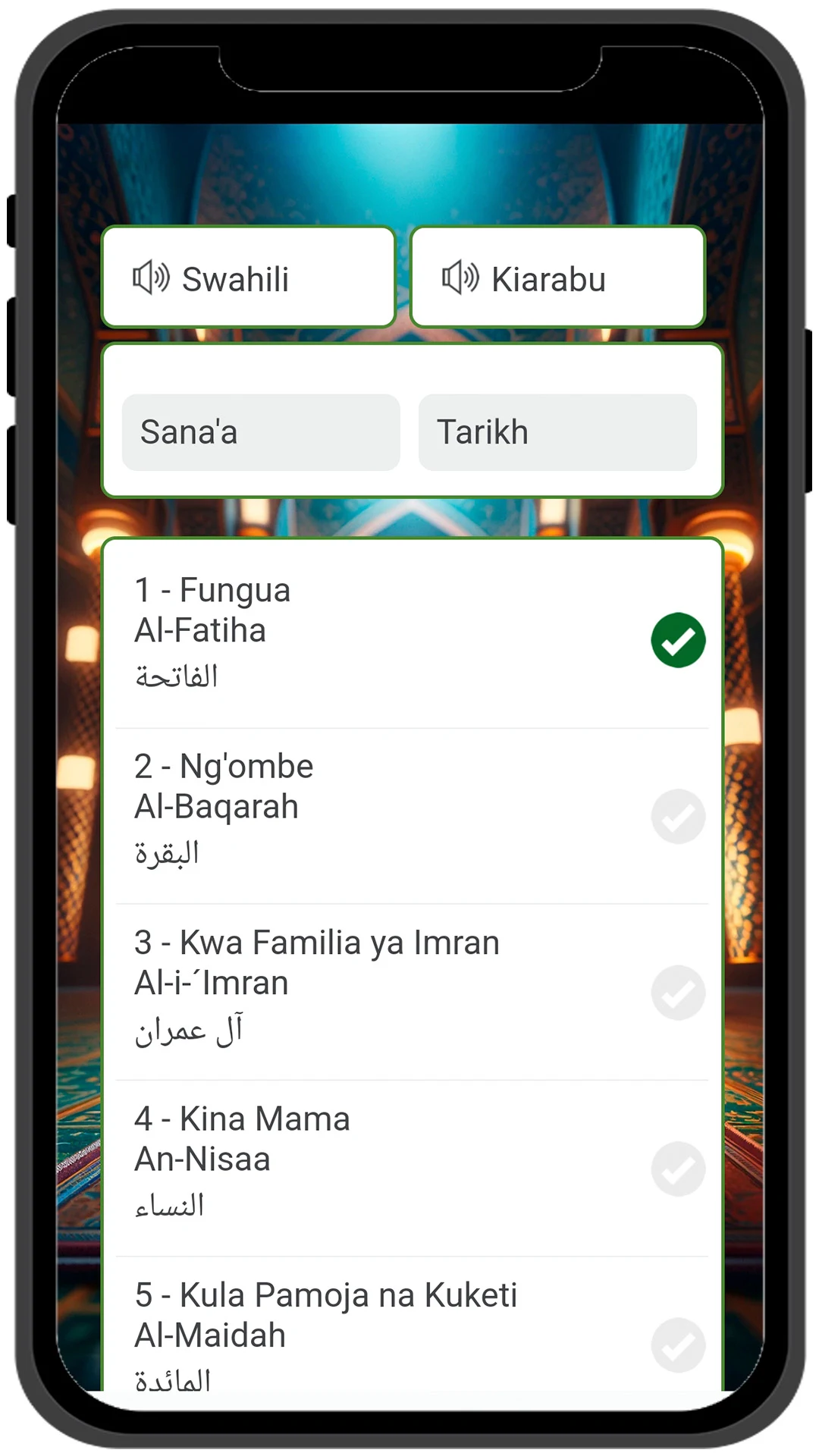
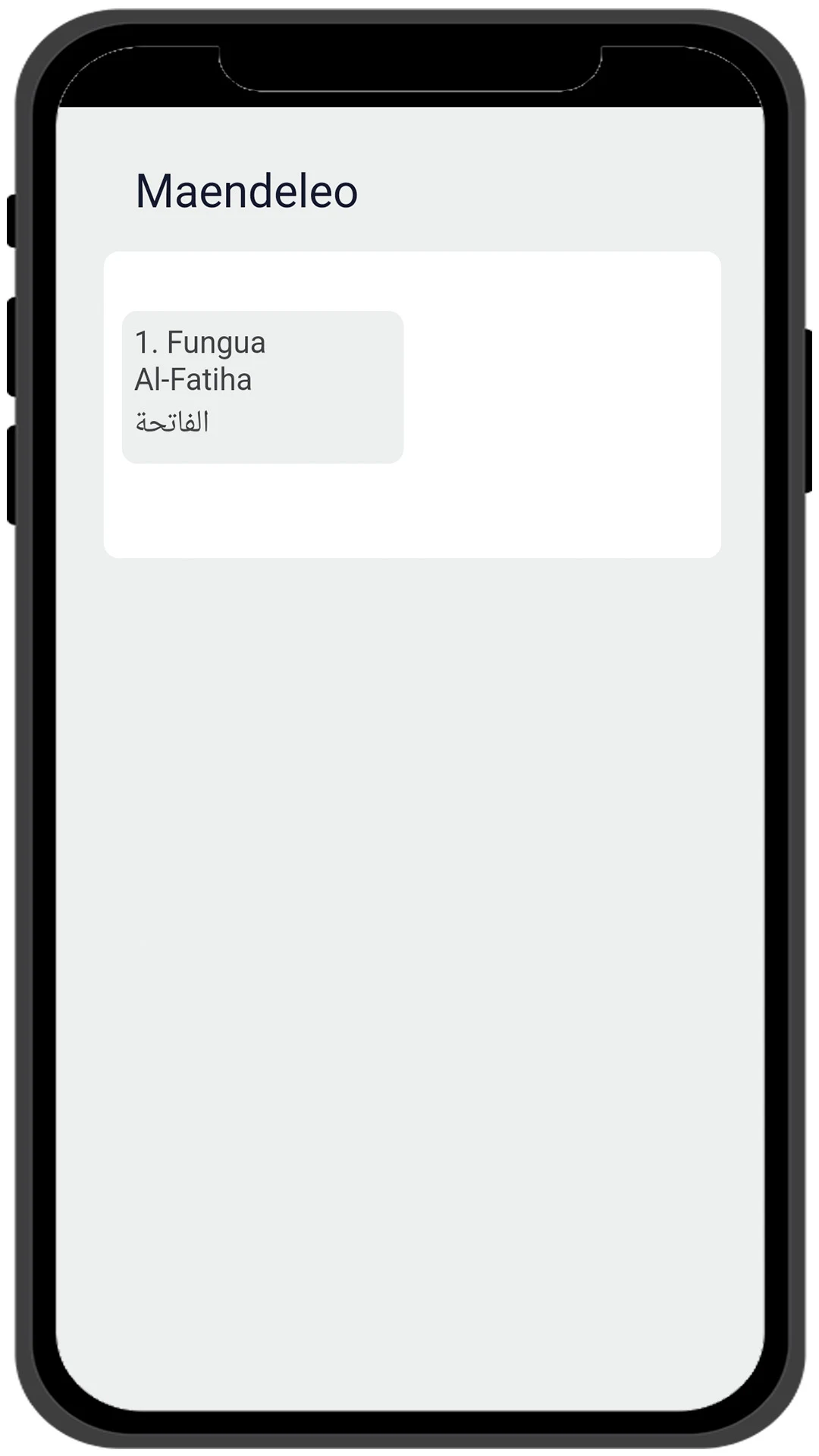
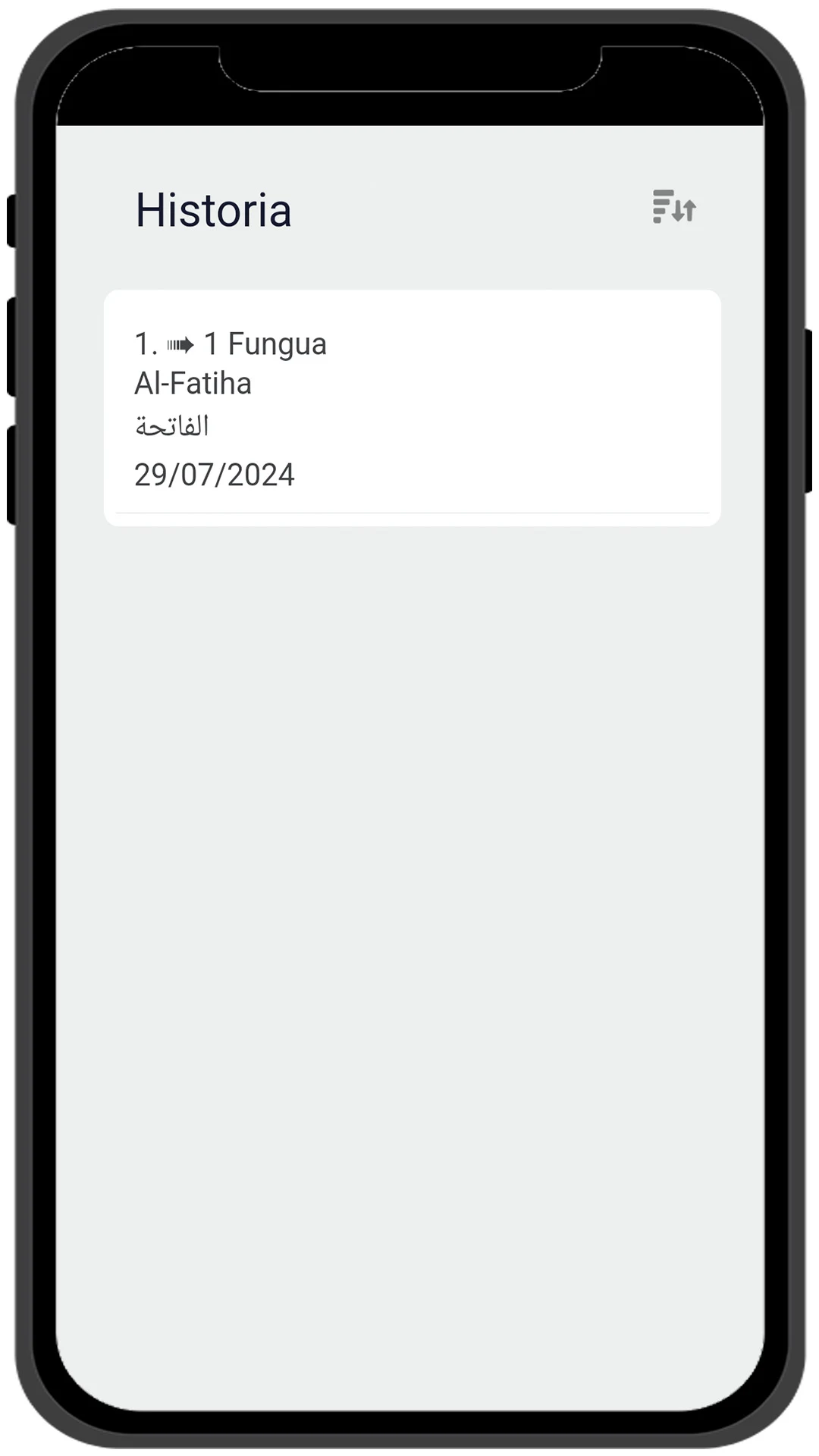
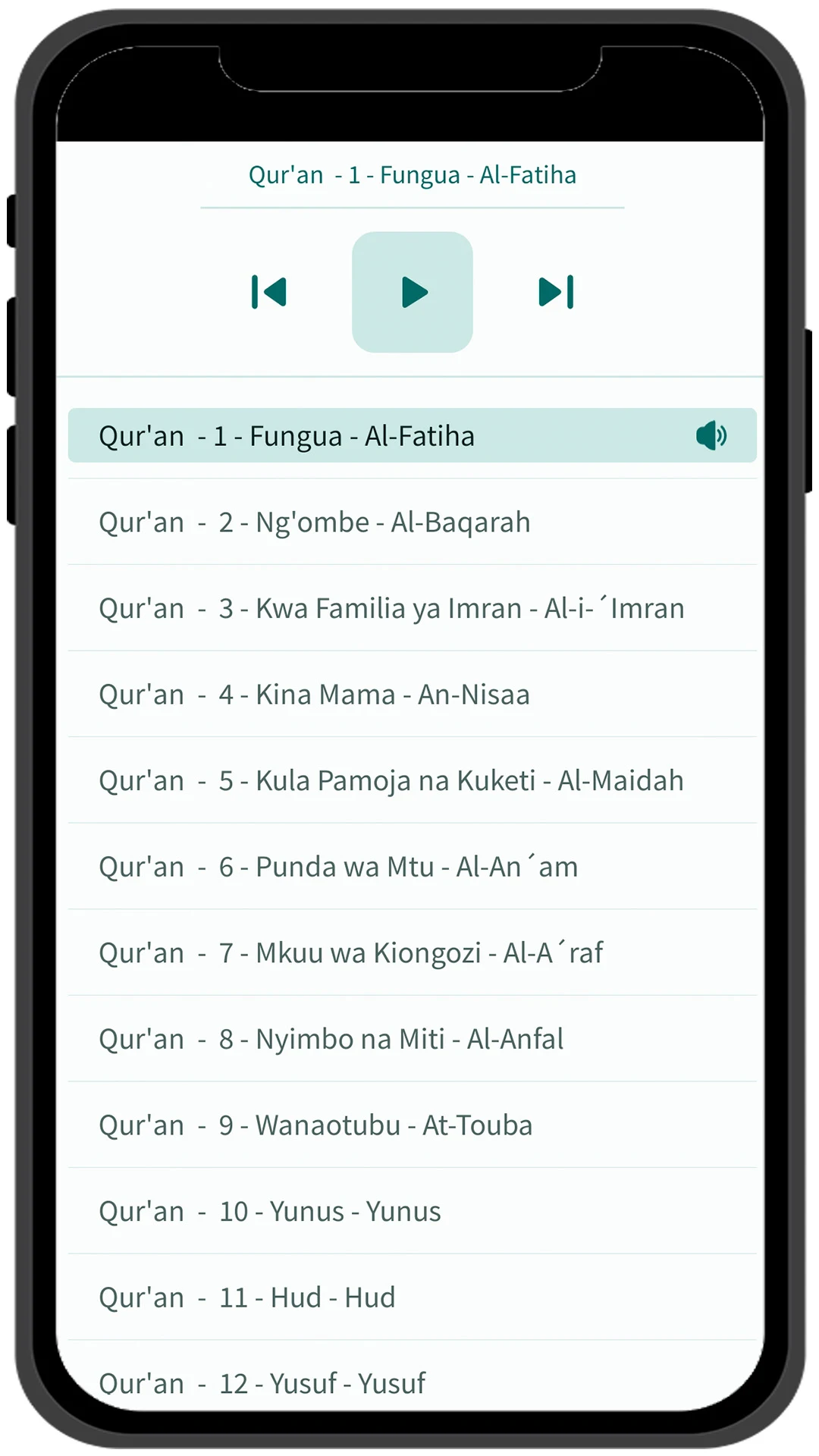
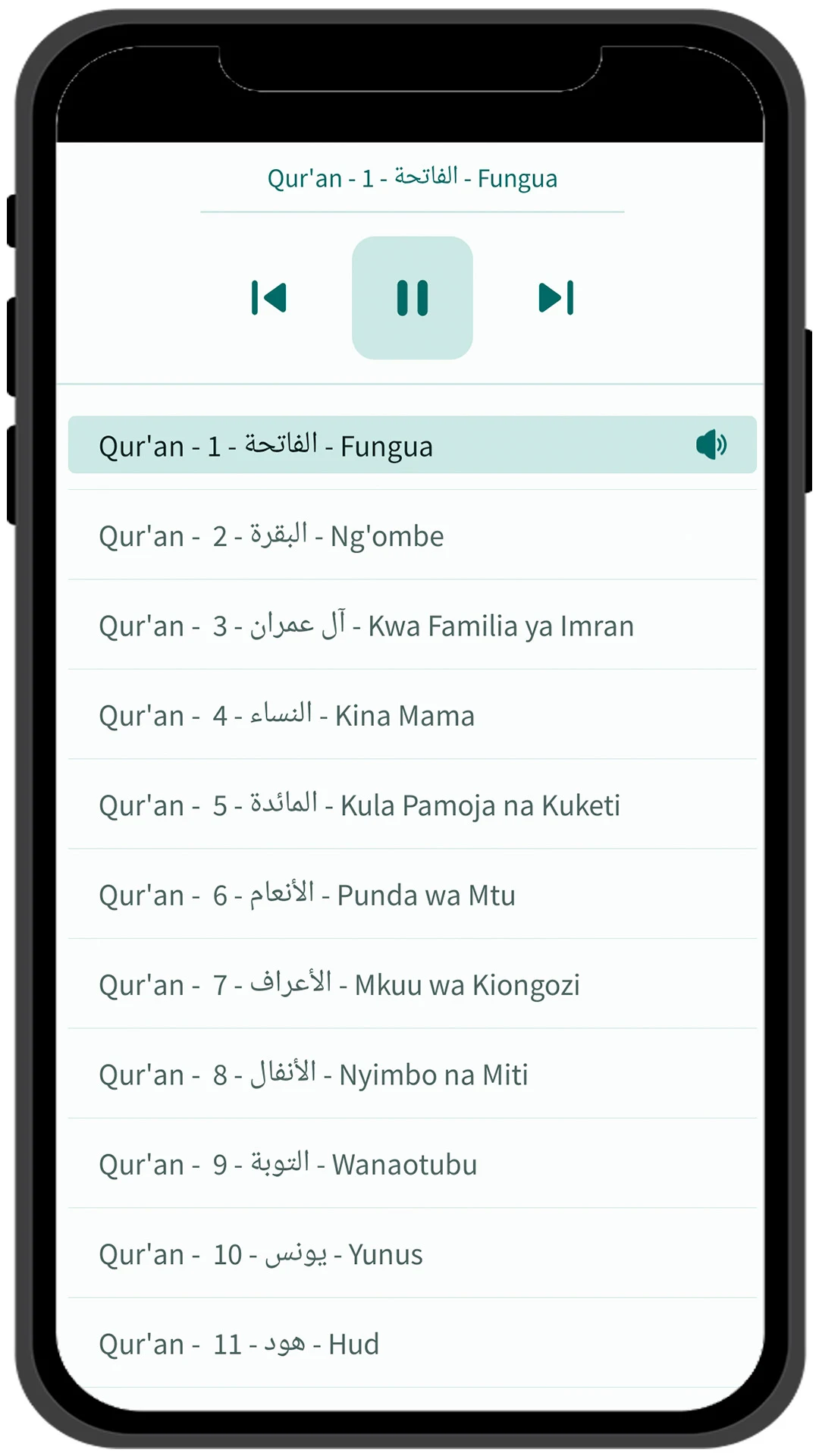
Explore the Holy Quran with auditory features, categorized themes, and customized settings.
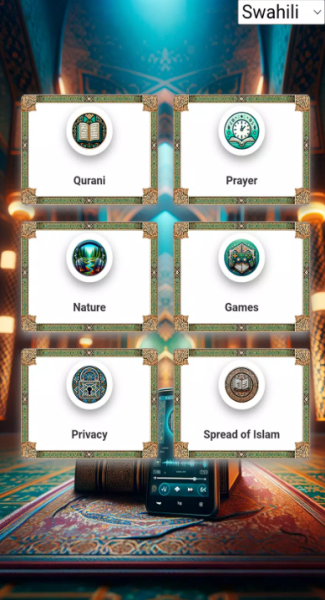
HIGHLIGHTS:
- LANGUAGES: Offered in Swahili, French, English, and Arabic.
- TEXT AND AUDIO OF THE QURAN: Listen to curated playlists of Quranic chapters.
- PRAYER TIMES: Displays precise prayer times (Fajr, Dhuhr, Asr, Maghrib, and Isha).
- NIGHT MODE: Minimizes eye fatigue while reading.
- FAVORITES: Users can bookmark verses for quick access and sharing.
- GAMES: Features puzzles, quizzes, and memory activities centered around Islamic themes.
- TEXT MARKERS: Assist in swift navigation during reading sessions.
- READING HISTORY: Tracks the dates and times when readings are completed.
- THEMATIC VERSES: Allows users to find verses on specific subjects.
- GAMIFICATION: Encourages progress in reading through reward systems.
- IMAGE SHARING: Users can share verses as images.
- TEXT SIZE ADJUSTMENT: Facilitates resizing text for enhanced readability.
- SALAH (Prayer): Offers accurate prayer times and reminders.
- READING THE QURAN: Includes night mode, text size options, and bookmarking.
- REMEMBRANCE OF ALLAH (Dhikr): Daily reminders for dhikr along with audio recitations.
- DAILY HADITH: Provides a new insightful Hadith each day.
- REFLECTIVE READING (Tadabbur): Delivers explanations and interpretations of various verses.
HOW TO USE
1. **Select Language**: Open the app and select a common language like Swahili or English from the Settings or home screen.
2. **Read/Listen to Scripture**: Enter the reading interface to read the text, tap Play to listen to the audio, and scroll or use text markers to skip through chapters.
3. **Adjust Reading Settings**: Adjust the font size as needed, and use "Night Mode" for better eye protection at night.
4. **Save and Share**: Bookmark important Scriptures and share them with others. Select "Image Share" to share.
5. **Check Prayer Times**: View the five prayer times in the corresponding section and enable reminders to avoid missing them.
6. **Accessibility**: Use "Topic Search" to find Scriptures on a specific theme, play Islamic-themed games, or view your study history in "Reading History."
APP EXPERIENCE
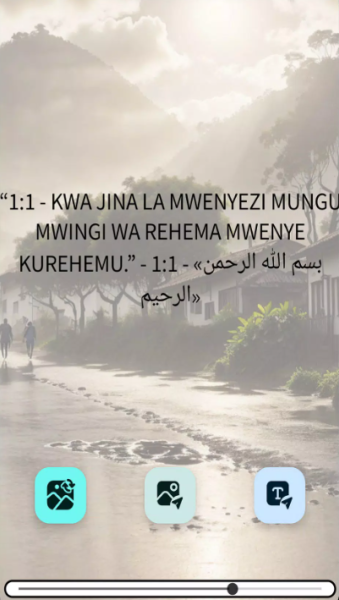
This Quran learning app offers a comprehensive and user-friendly experience, combining practicality and fun. It supports four languages: Swahili, French, English, and Arabic, catering to the reading and listening needs of diverse users. Audio readings are paired with text reading, and users can quickly jump to chapters using text markers, facilitating verse-by-verse study. The app thoughtfully includes a night mode and adjustable font size to effectively reduce eye strain during extended reading sessions. Features such as saving and sharing text images allow users to easily save and share favorite passages. Accurate display and reminders for the five daily prayers, daily hadiths, and audio recordings of daily prayers align with religious life needs. Furthermore, Islamic-themed puzzles and quizzes help users solidify their religious knowledge in a fun and engaging way. The overall operation is simple and easy to understand, making it a highly practical tool for daily recitation, in-depth study, and as an aid in religious life.
FAQS
1. **Q: What languages are available for this app? **
A: It's available in Swahili, French, English, and Arabic. If you prefer learning the Quran in Swahili, you can choose the Swahili version directly. If you have a good command of French, English, or Arabic, you can also switch to the corresponding language version, meeting the Quran learning needs of users with different language backgrounds.
2. **Q: I want to listen to the Quran via audio. How do I do that? **
A: After entering the app, find the "Text & Audio" section, which contains a carefully curated playlist of Quranic passages. Click the play button to begin listening to the recitation. During playback, you can use functions such as pause, fast forward, and rewind, allowing you to learn at your own pace. For example, if you want to listen to a passage repeatedly to deepen your understanding, you can use the rewind function to repeat it.
3. **Q: What are the functions of the games in the app, and how do you play them? **
A: The games are designed around Islamic themes and include puzzles, quizzes, memory activities, and more. Jigsaw puzzles can deepen your understanding of religious elements as you piece them together; quizzes can test your knowledge of the Quran; and memory activities can hone your memory for verses or religious allusions. Find the "Games" entry on the app's main screen, select the type of game you want to play, and follow the in-game prompts. Playing games is a fun and easy way to consolidate religious knowledge and boost learning motivation.
4. **Q: How do I use the "Themed Verses" feature to search for verses on a specific theme? **
A: Find the "Themed Verses" option in the app and tap it. An input box will appear. Enter the keyword you want to search for, such as "Faith," "Mercy," or "Day of Judgment." Once you've entered, tap Search. The app will quickly filter for verses related to that theme, helping you pinpoint verses on a specific topic and deepen your understanding of the relevant religious teachings.
5. **Q: How do I set a prayer reminder? **
A: Find the "Prayer Times" or "Prayer Reminders" settings section in the app. Once logged in, you'll see the precise times for Fajr, Dhuhr, Asr, Maghrib, and Isha. Under the corresponding time settings, enable the reminder function and set the lead time and reminder method (such as vibration or ringtone) to suit your needs. Once configured, the app will remind you to pray at the corresponding prayer time.
- Version20240809
- UpdateOct 16, 2026
- DeveloperQuran, Bible and Dictionary
- CategoryMusic & Audio
- Requires AndroidAndroid 7.0+
- Downloads164K+
- Package Namecom.doceapps_alcorao_audio_swahili.doceapps_alcorao_audio_swahili
- Signaturec52ba51fc5792e38e70adbcf1d01a3c3
- Available on
- ReportFlag as inappropriate
-
NameSizeDownload
-
48.66 MB
-
32.00 MB
-
32.13 MB