
STV News - Scottish news updates & alerts
Stay informed with real-time Scottish news, breaking alerts, videos, and local weather all within a user-friendly app.

- 5.1.2 Version
- 1.6 Score
- 171K+ Downloads
- Free License
- 7+ Content Rating

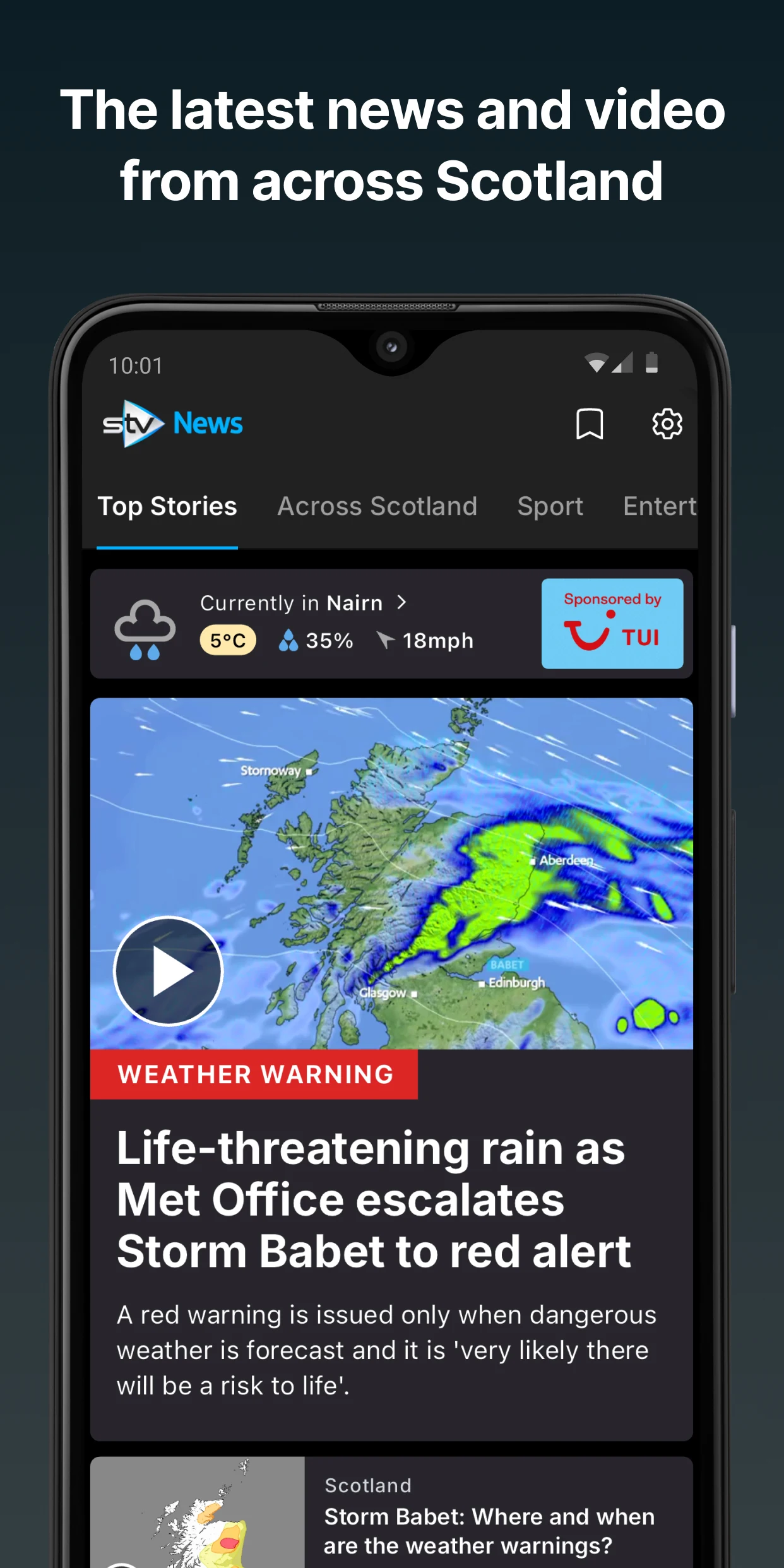
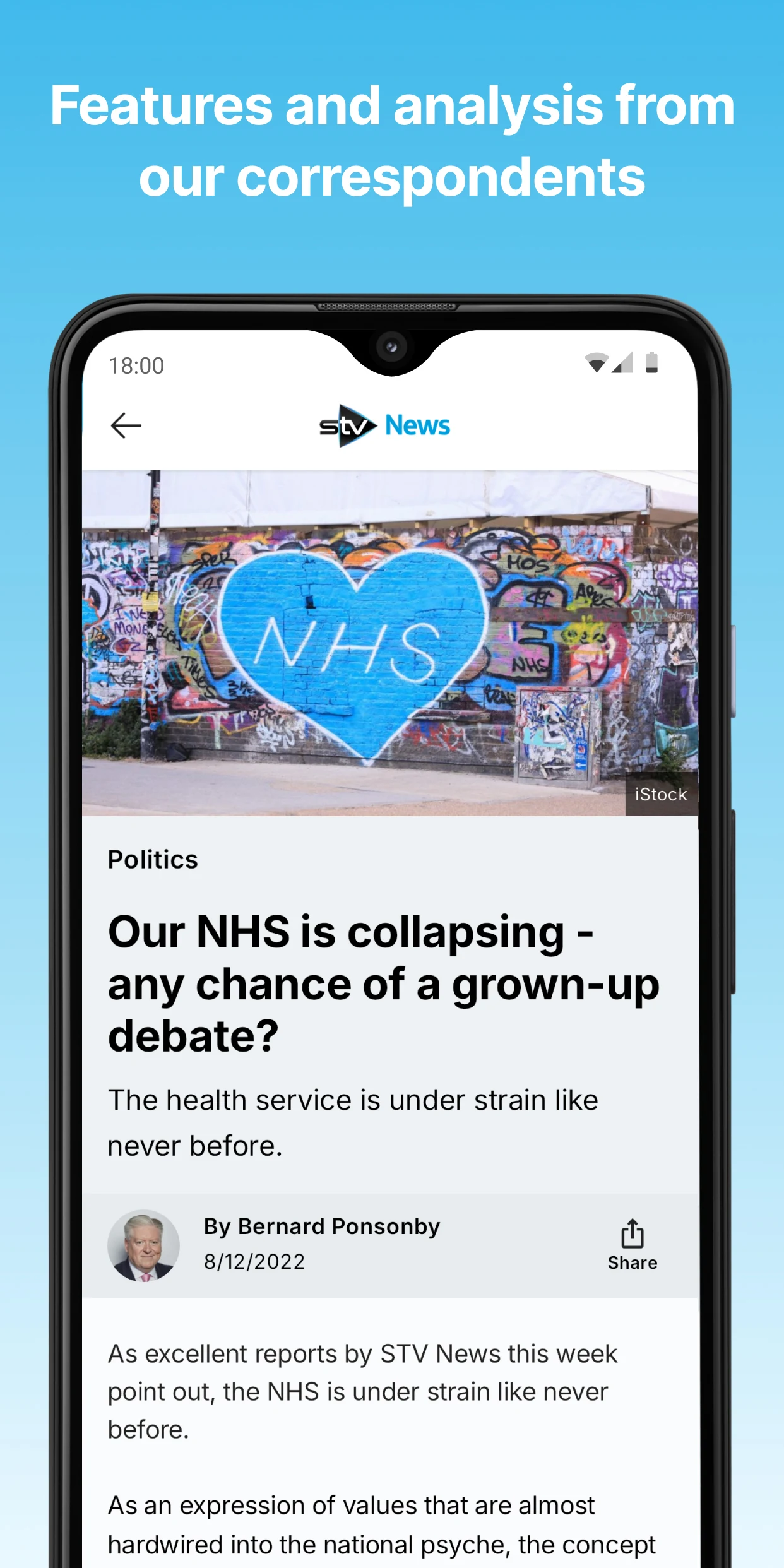
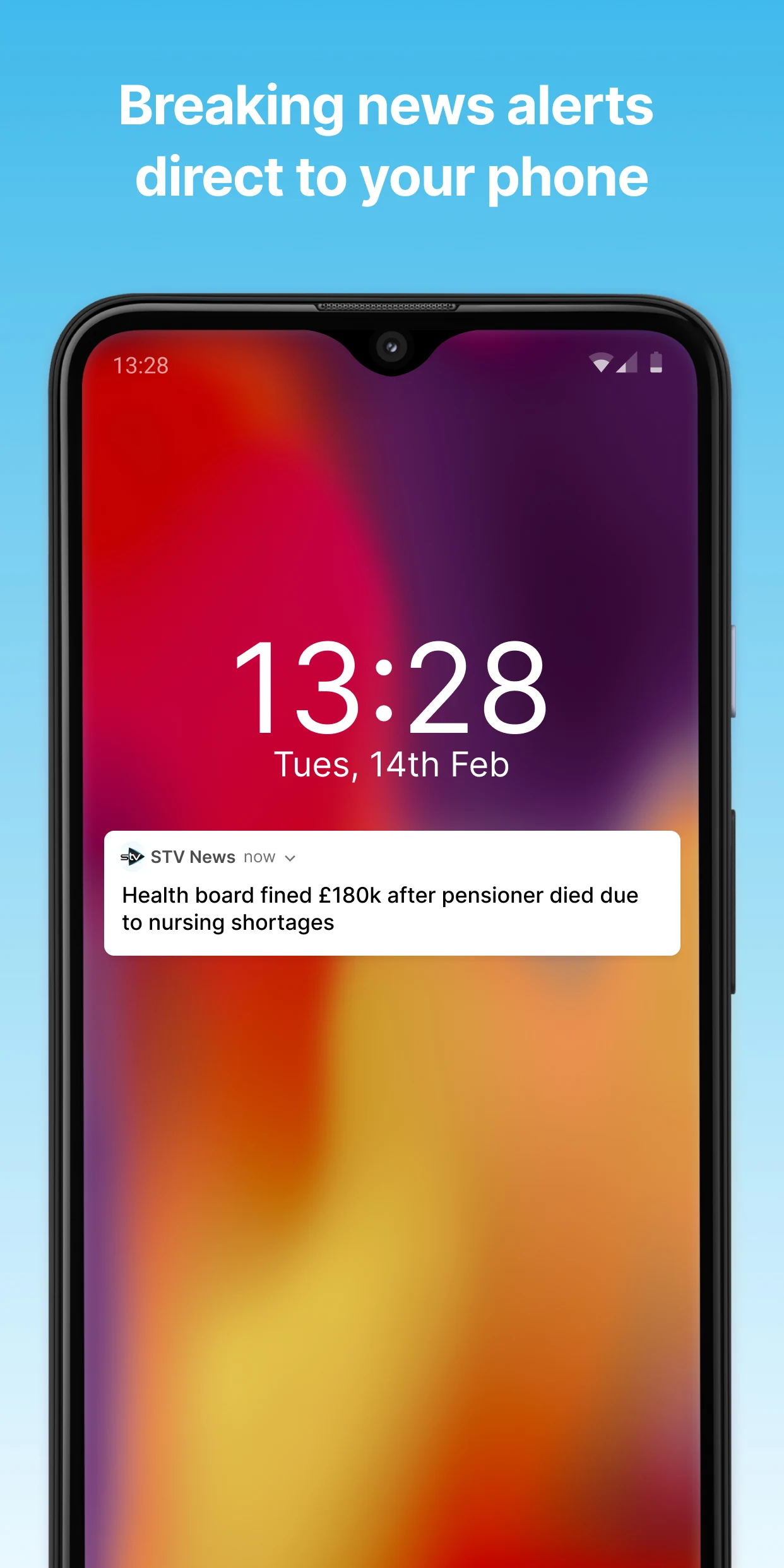
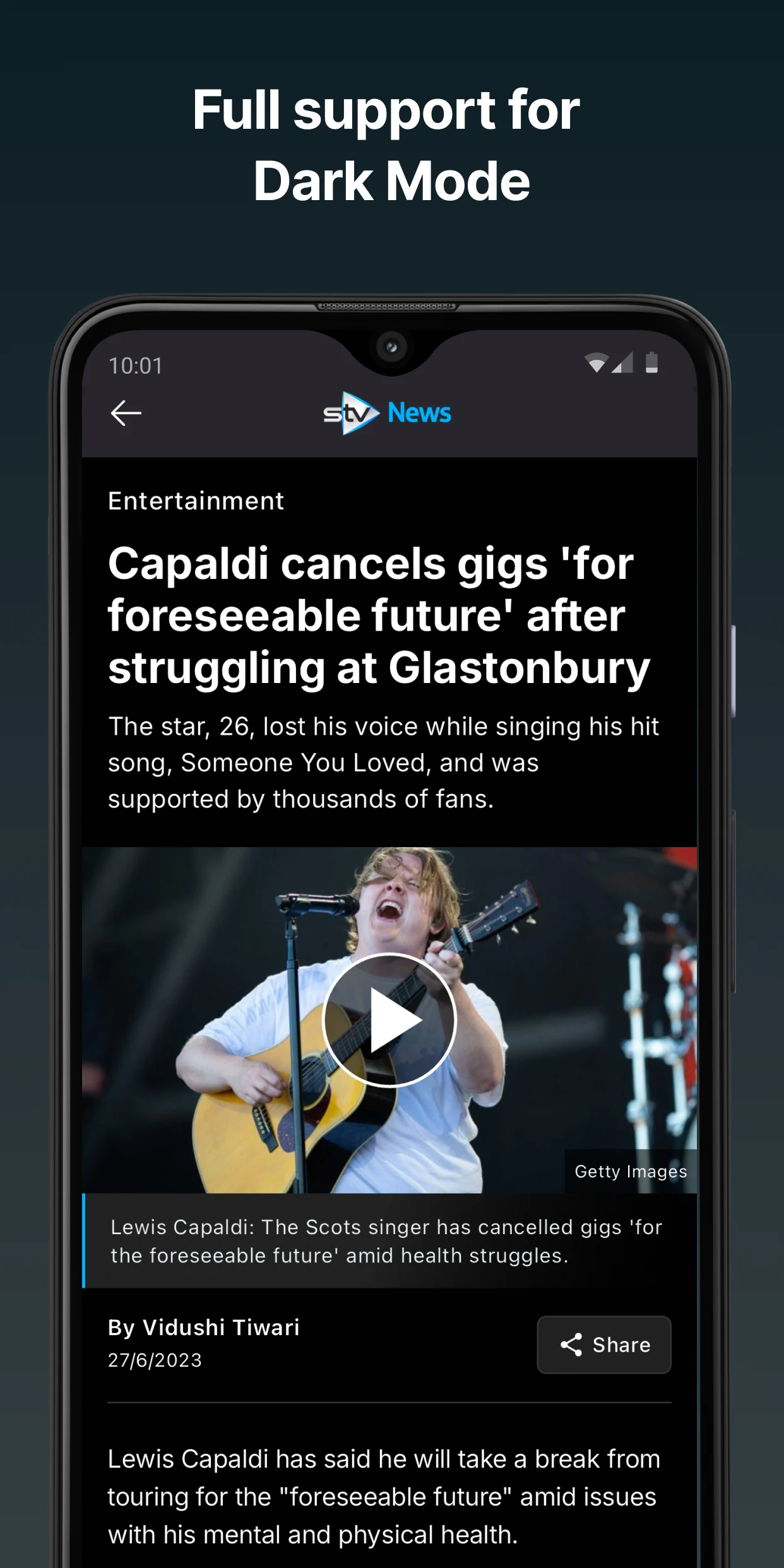
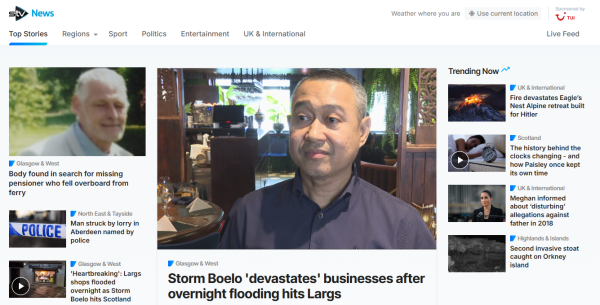
Stay updated with the latest happenings across Scotland brought to you by STV - a reliable team.
Key Features:
• Instant news alerts - be among the first to learn about significant events as they unfold
• Engaging videos - daily highlights of essential clips
• User-friendly interface - all the top stories available in one spot without complicated menus or navigation
• Local news coverage - timely updates from our news teams throughout Scotland
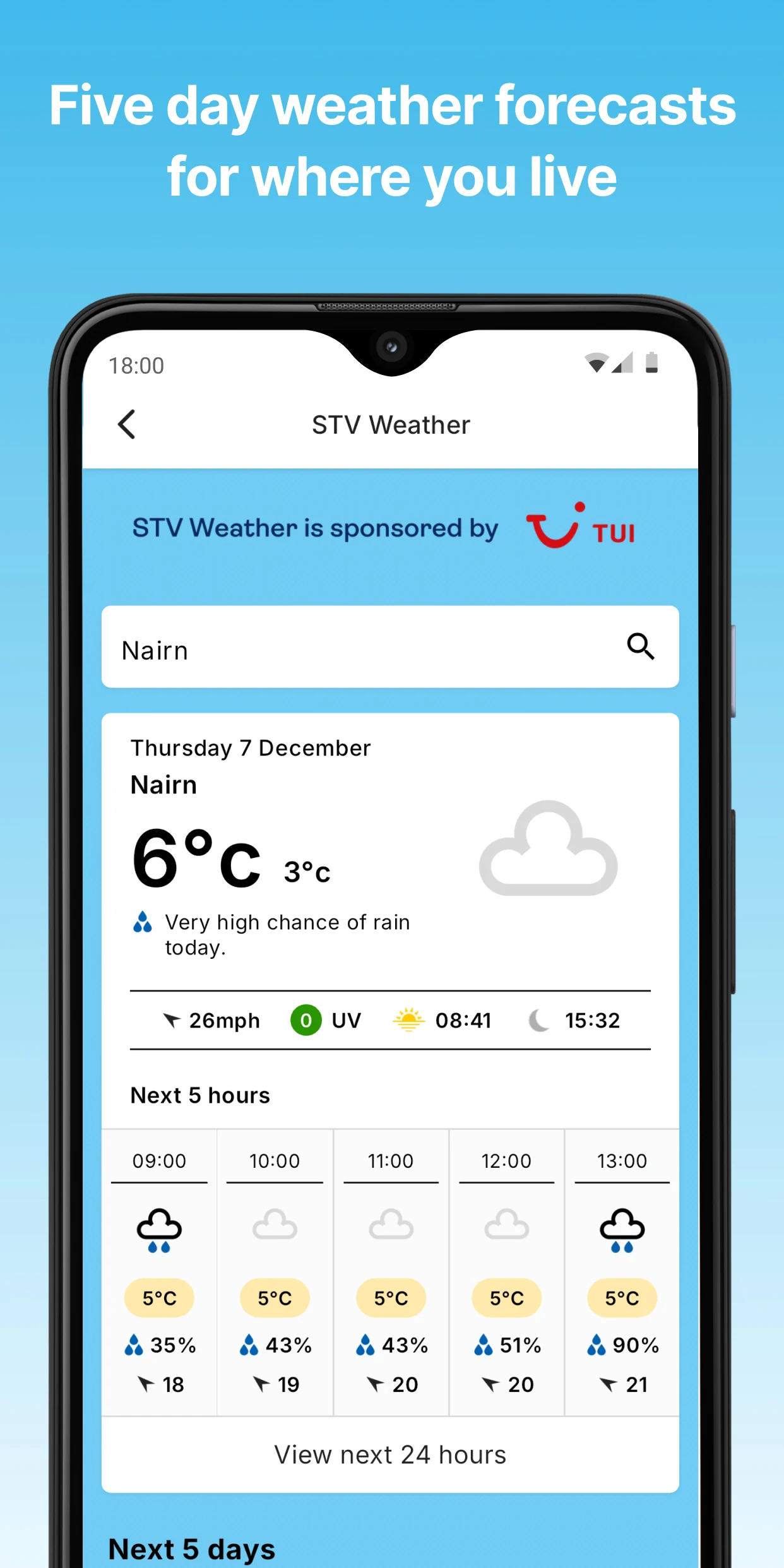
• Weather information - an easy-to-understand five-day forecast for your location
Other information:
- The STV News app is your go-to source for Scottish news
- Your feedback is valuable to us and helps shape future versions. However, we can address issues more efficiently if you reach out directly through social media.
- If you opt to receive push notifications from STV News, a unique identifier will be recorded by our partner, allowing messages to be delivered to your device without processing any additional personal information. You can unsubscribe from notifications easily through your device settings.
- Usage of this application adheres to STV News’s regulations.
- We hope you find enjoyment in using the STV News app.
Guide:
1. **Get News**
Open the app to view top news from across Scotland on the homepage – no complicated steps required. Local news has a dedicated section; click to view real-time updates for your region (e.g., Edinburgh, Glasgow).
2. **Enable Breaking News Notifications**
Enable the in-app "Breaking News Notifications" feature. Important events will be sent directly to you via push notifications, eliminating the need to manually refresh the page. Push notifications only record your device's unique identifier and do not process personal information, ensuring privacy and security.

3. **Check Weather Information**
The app supports **5-day weather forecasts** based on your current location. The data is accurate to your specific location, not a general forecast for all of Scotland, making it easy to plan your daily trips.
4. **Submit Feedback and Suggestions**
For feedback on feature optimizations or content suggestions, contact the official account directly through social media. This method is more efficient than in-app feedback.
5. **Turn Off Push Notifications**
If you find push notifications intrusive, you can directly find STV News in your phone's "Notification Settings" to turn them off. No need to search for the toggle switch within the app.
Related Questions and Answers:
1. **Q: If I don't want to miss breaking news in Scotland, besides opening the app and refreshing the homepage, what's a more timely way to stay informed? **
A: You can enable the app's "Breaking News Alerts" feature. Once enabled, the app will notify you directly via push notifications whenever a major event occurs (such as a disaster, important sporting event results, or policy changes). This allows you to get critical information immediately without having to frequently refresh the homepage. However, please note that these notifications will be uniquely identified based on your device to ensure delivery, but your personal information will not be processed, ensuring privacy.
2. **Q: When using STV News to quickly find local news for my area in Scotland, do I need to navigate through complex menus? **
A: No. The app's interface is simple, without complex, multi-level menus. Local news is organized into dedicated sections, making it easily accessible upon opening the app. Simply tap to see the latest updates from your area (e.g., Edinburgh, Glasgow, etc.), including local events and community happenings. It's very intuitive.
3. **Q: If I have a suggestion for an app feature, such as adding a dedicated section for a specific type of news, how can I submit it so that it's more efficiently addressed? **
A: We recommend submitting feedback directly through social media platforms. Compared to submitting general feedback within the app, social media communication allows issues or suggestions to be more precisely conveyed to the team, leading to more efficient processing. You can follow STV News' official social media accounts (such as X, Facebook), then share your ideas via private messages or comments. We'll use this feedback to optimize subsequent versions.
4. **Q: When I check the weather on the app, does the "five-day forecast" shown is for Scotland as a whole, or is it accurate to my specific location? **
A: It's accurate to your location. The app's weather feature uses your location to provide a five-day forecast for your current location, not a generalized forecast for the entire country. For example, the forecast you see in Aberdeen will be different from the forecast you see in Inverness. This is more tailored to your daily travel needs, and the forecast is simple and easy to understand, without complex technical terms.
5. **Q: If I find the app's push notifications too intrusive and I want to turn them off, do I need to find a setting within the app, or can I do it directly on my phone? **
A: Both methods are possible, but it's more convenient to do it directly in the phone's settings. You don't need to open the app; just go to "Notification Settings" on your phone, find STV News, and you can turn push notifications off directly. If you want to turn them back on later, you can do it from the same location, eliminating the need to search for notification switches within the app itself. It's very flexible.
- Version5.1.2
- UpdateOct 26, 2026
- DeveloperSTV Central Limited
- CategoryNews & Magazines
- Requires AndroidAndroid 5.0+
- Downloads171K+
- Package Nametv.stv.android.news
- Signature6044d6507353214bc546f8ee0c2a56c8
- Available on
- ReportFlag as inappropriate
-
NameSizeDownload
-
23.14 MB
-
16.24 MB
-
626.94 KB


















Offers up-to-date news coverage
User-friendly layout and design
Good variety of topics covered
Regular updates by developers
Provides breaking news notifications
Positive feedback for certain updates
Availability on multiple platforms (iOS and Android)
Frequent crashing upon opening
Slow loading times for news articles
Difficulty navigating between articles
Lack of options for selecting favorite regions or teams
Invasive cookie consent process
Consistent complaints about app stability
Poor response to user feedback and issues
Issues with grammar and spelling in reports
Too few local news stories presented