
Alhurra - News updates & live streaming
Stay informed with breaking news, live videos & personalized content from around the globe in a sleek new design!

- 6.2.8 Version
- 4.8 Score
- 161K+ Downloads
- Free License
- 3+ Content Rating

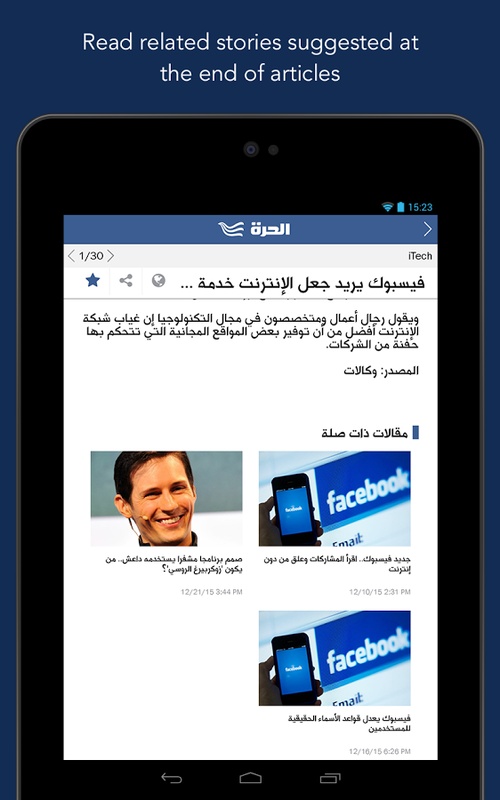
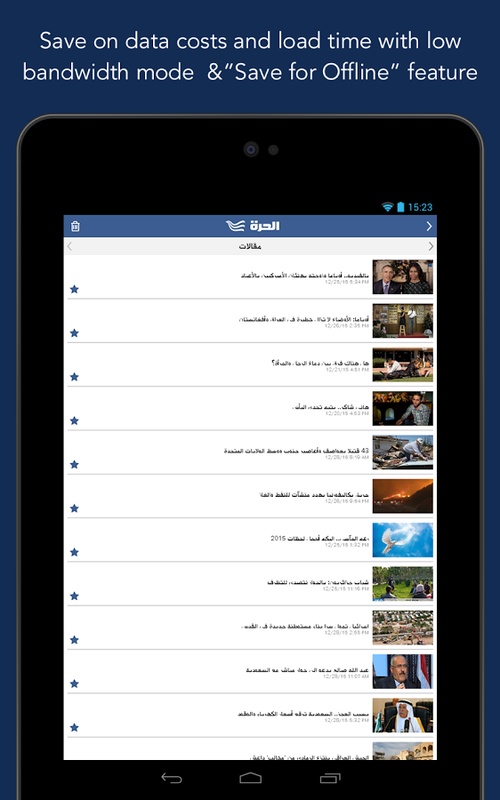
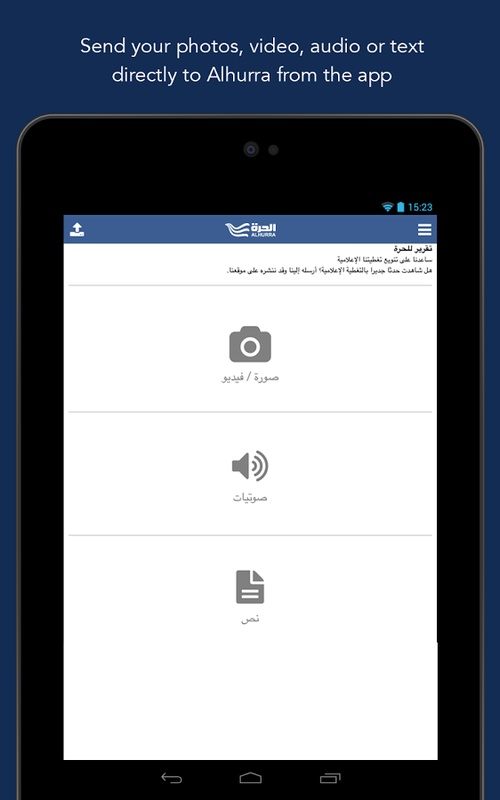
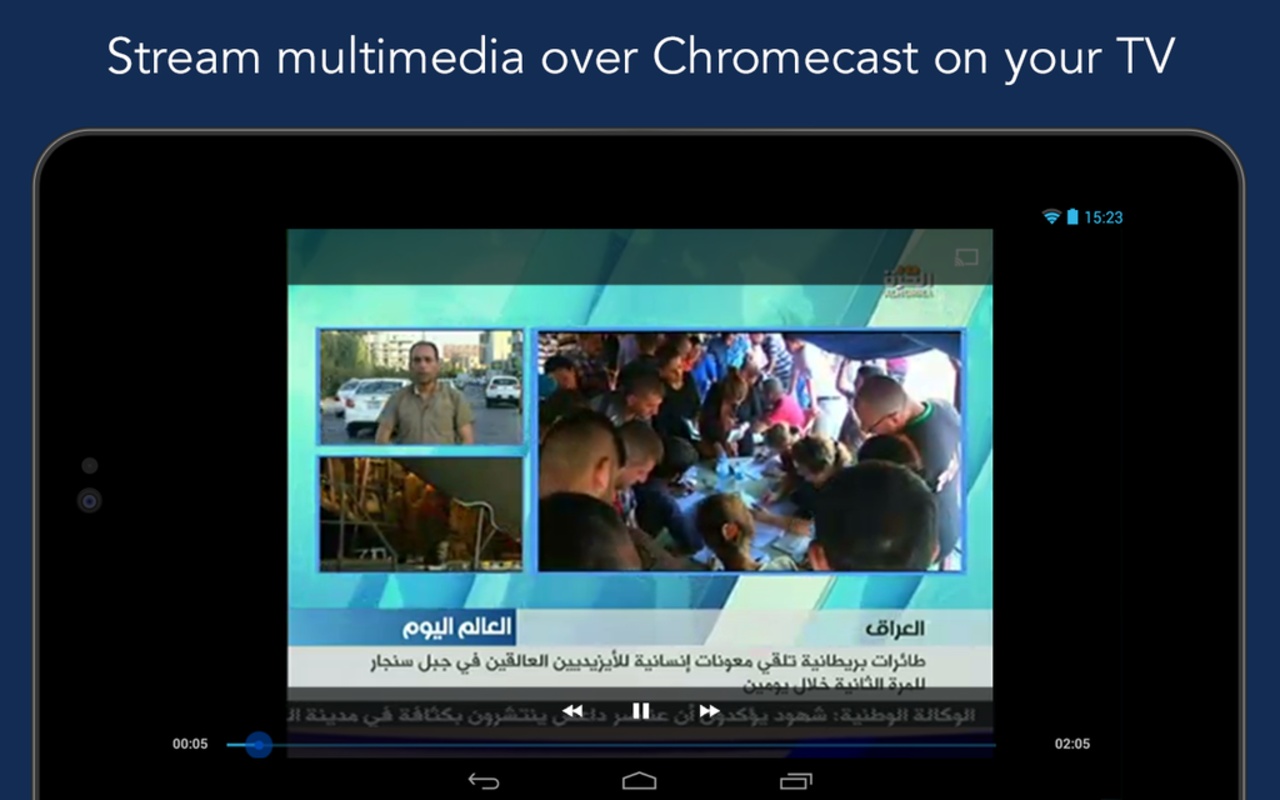
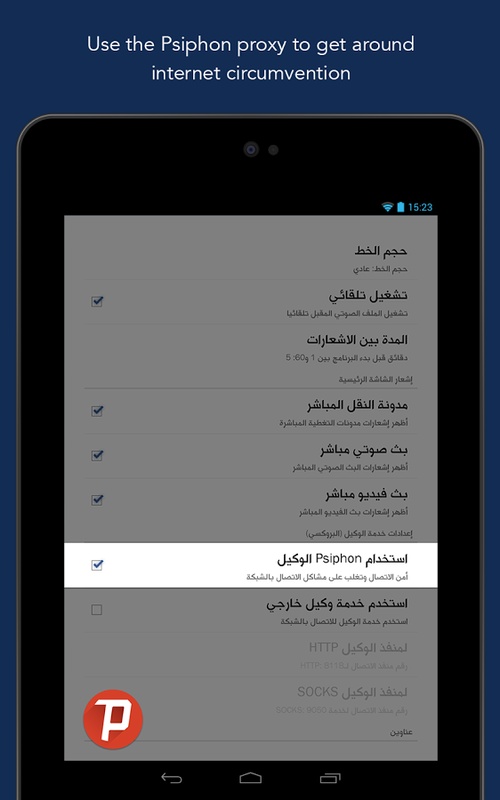
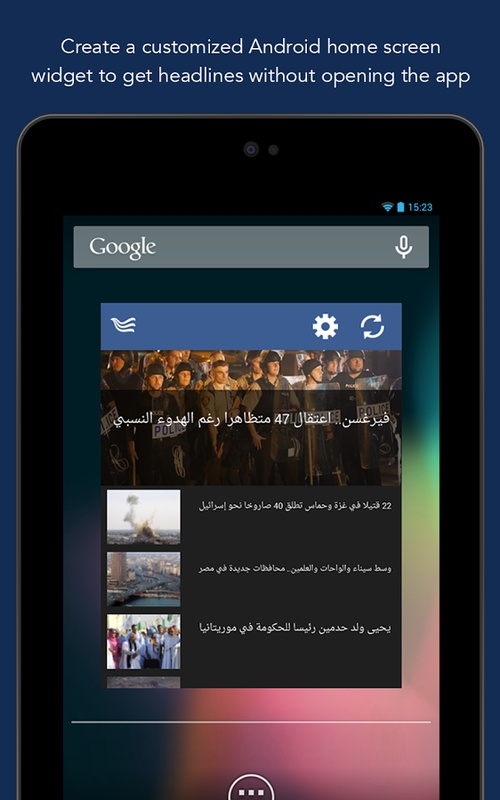
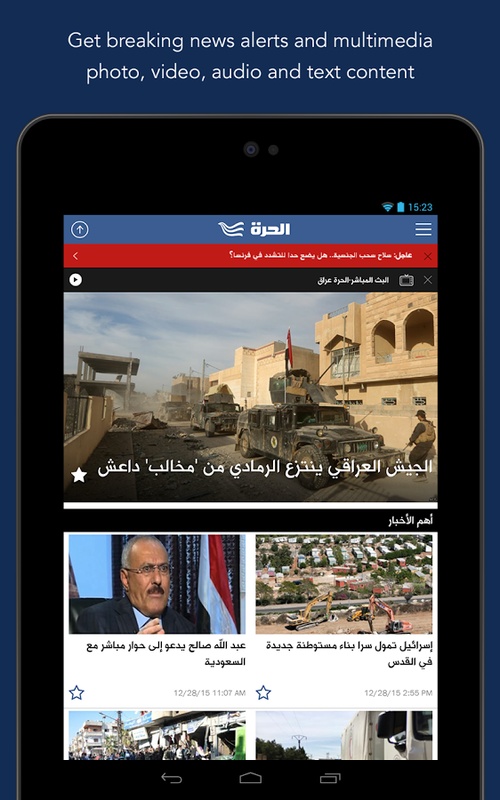
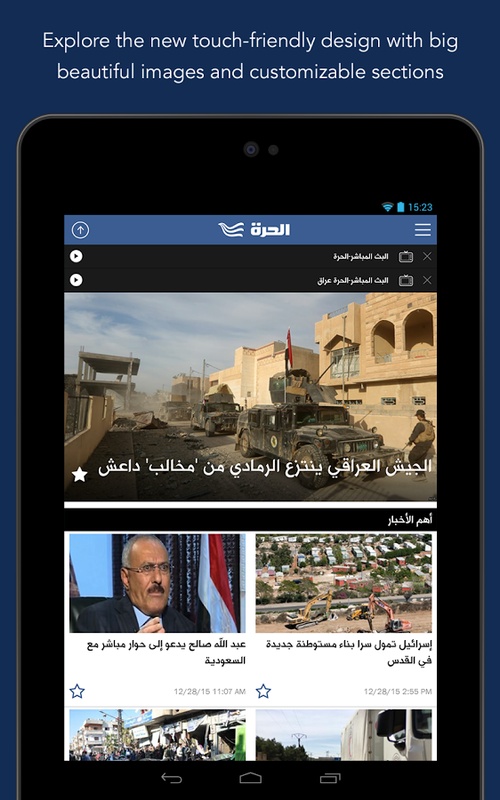
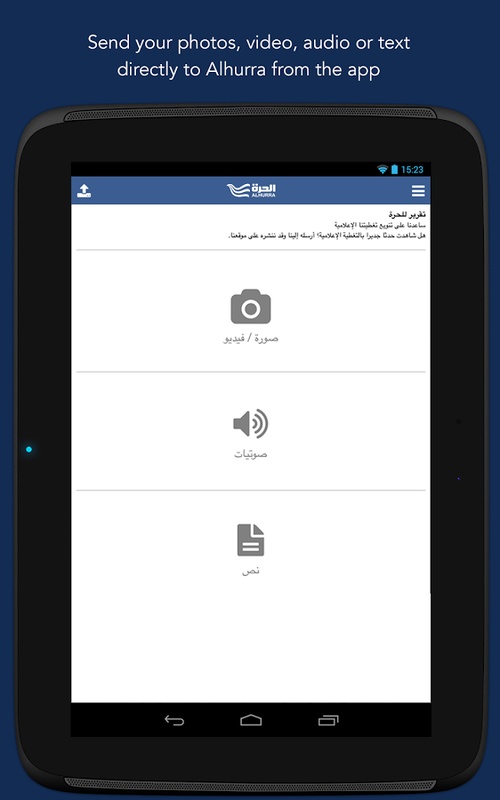
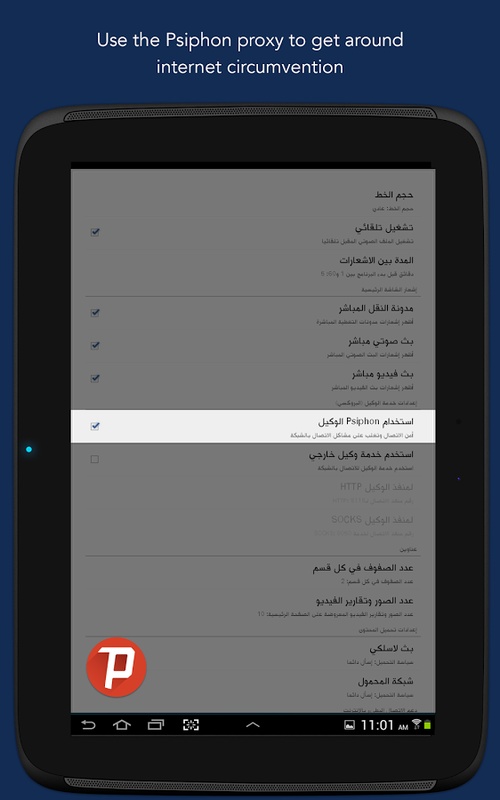
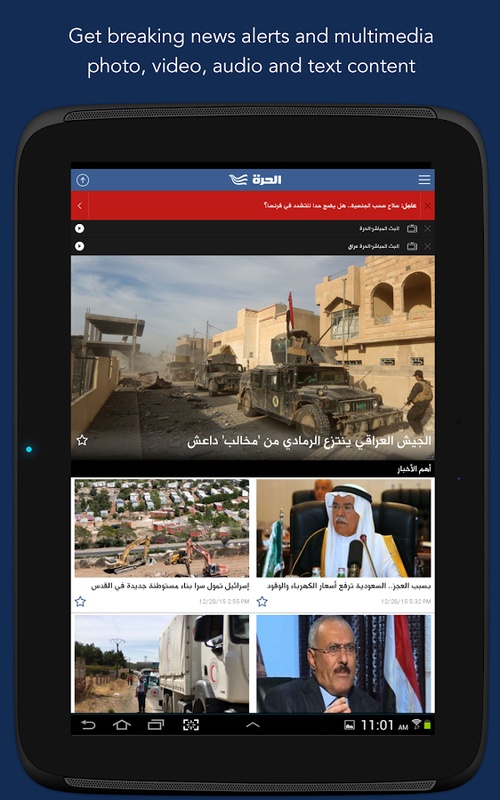
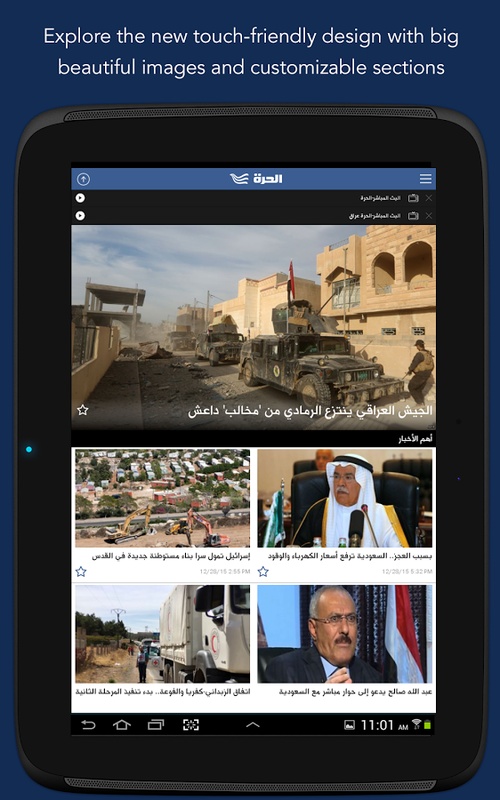
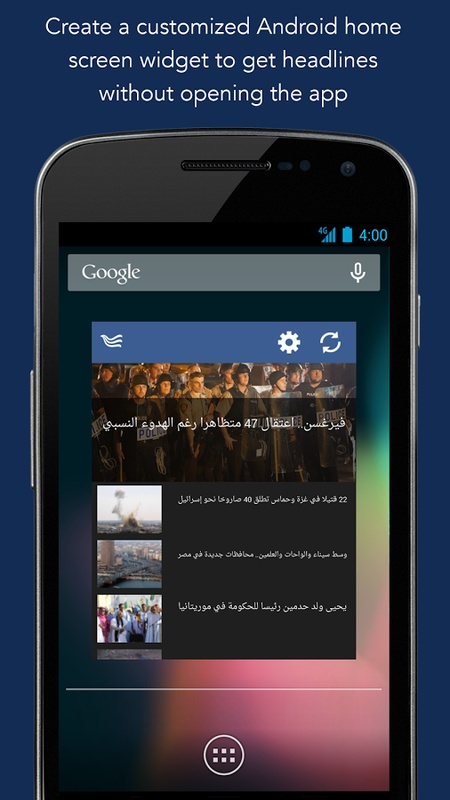
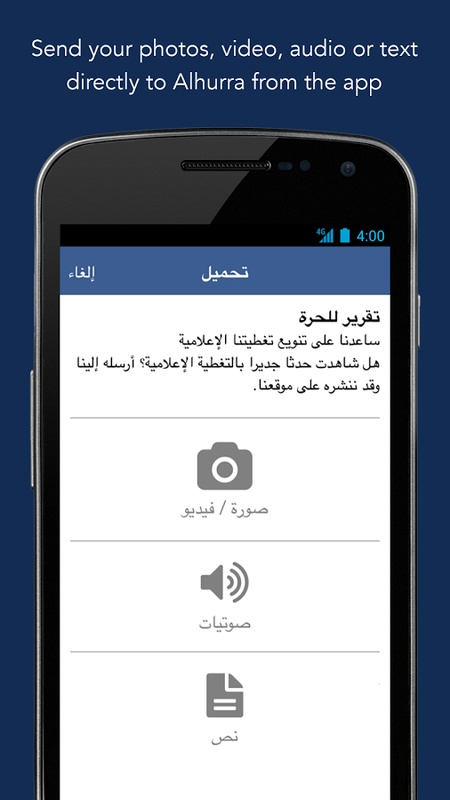
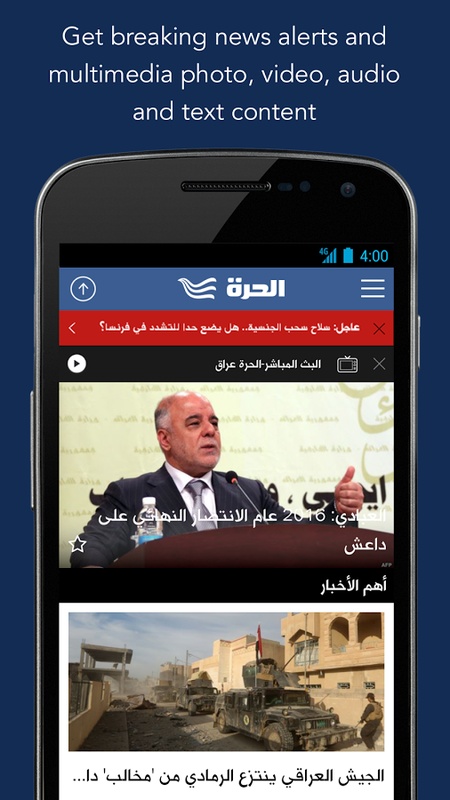
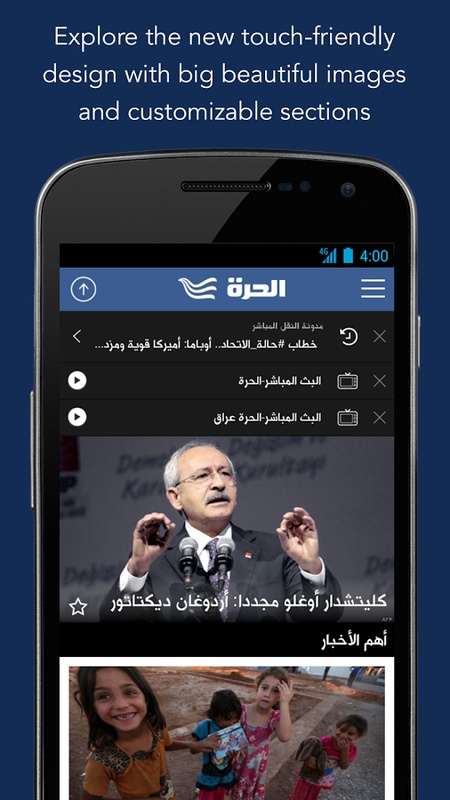
Alhurra App – Overview, Features, User Guide, and FAQ
1. App Overview
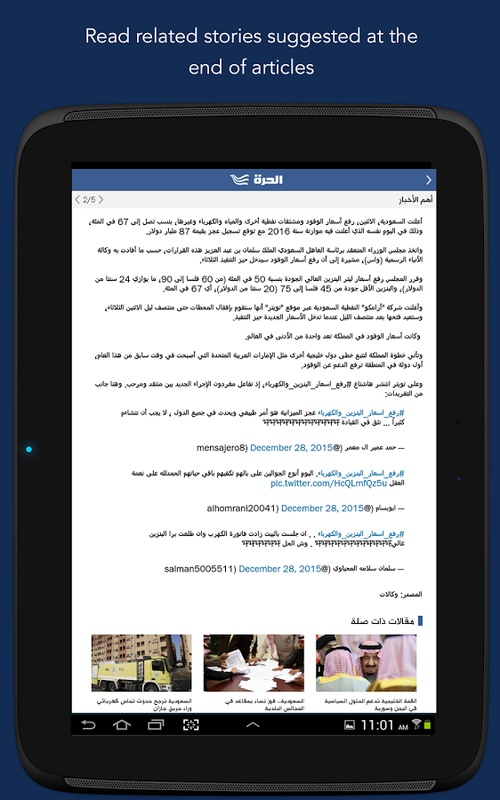
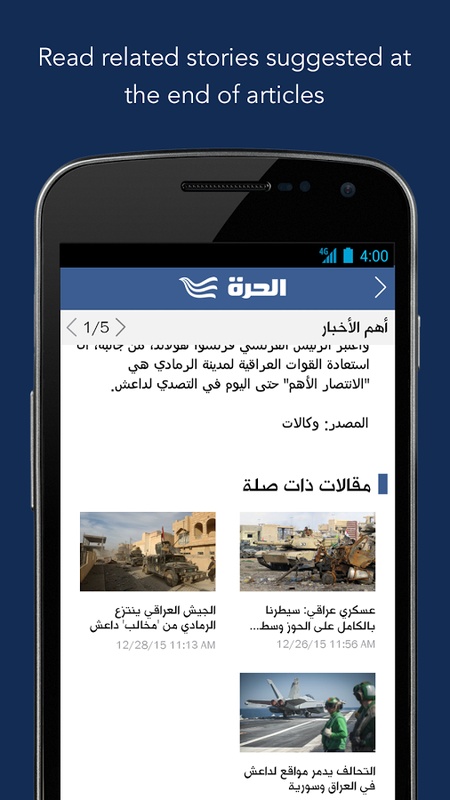
The Alhurra app provides news coverage from the Middle East and North Africa (MENA), the United States, and around the world. It covers politics, sports, business, science, health, and technology through breaking news, feature stories, and in-depth reports.
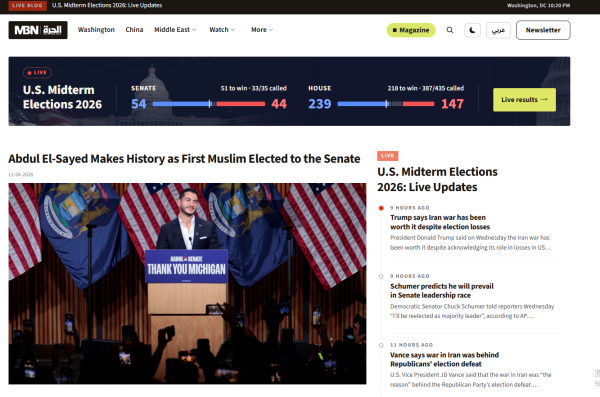
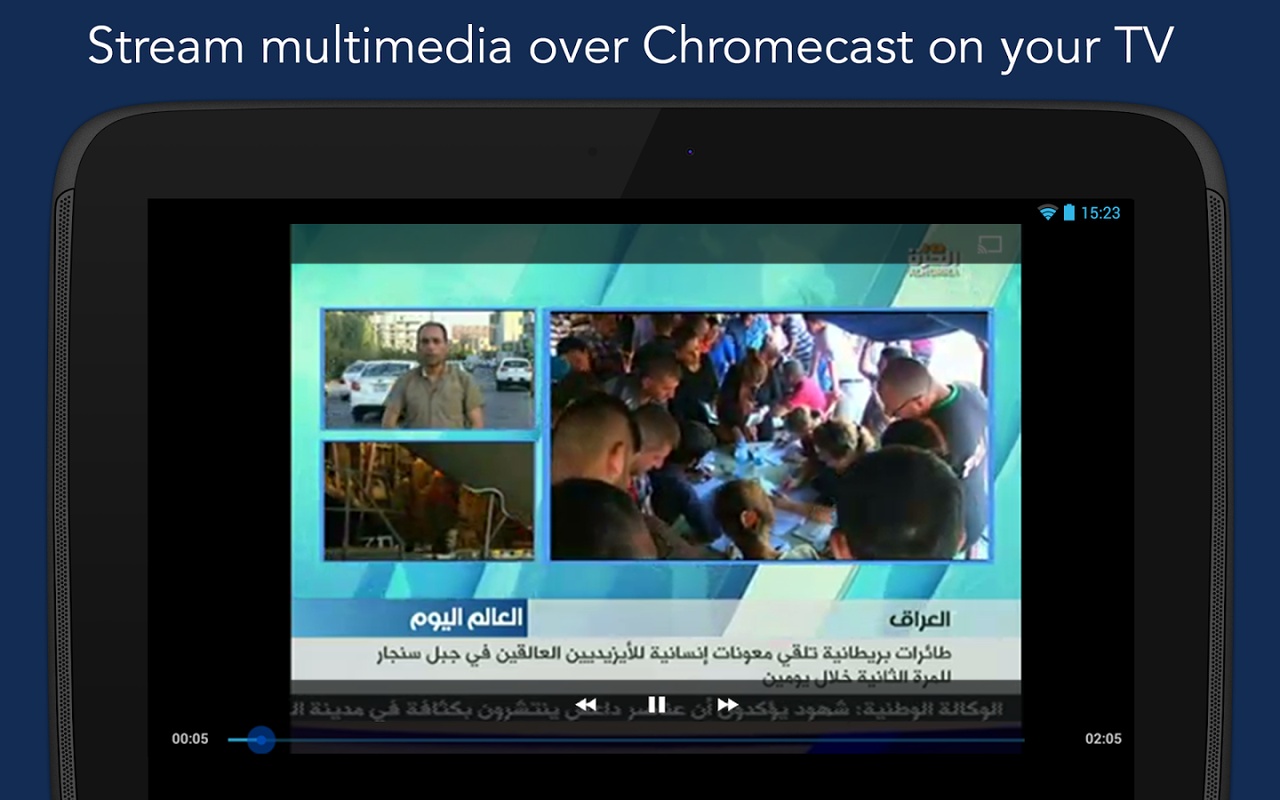
The app also offers video reports, infographics, opinion pieces, and live television broadcasts from Alhurra and Alhurra Iraq.
2. Key Features
News Coverage: Read breaking news, feature articles, and in-depth reports across multiple topics
Personalized News Feed: Select preferred topics and regions to customize homepage content
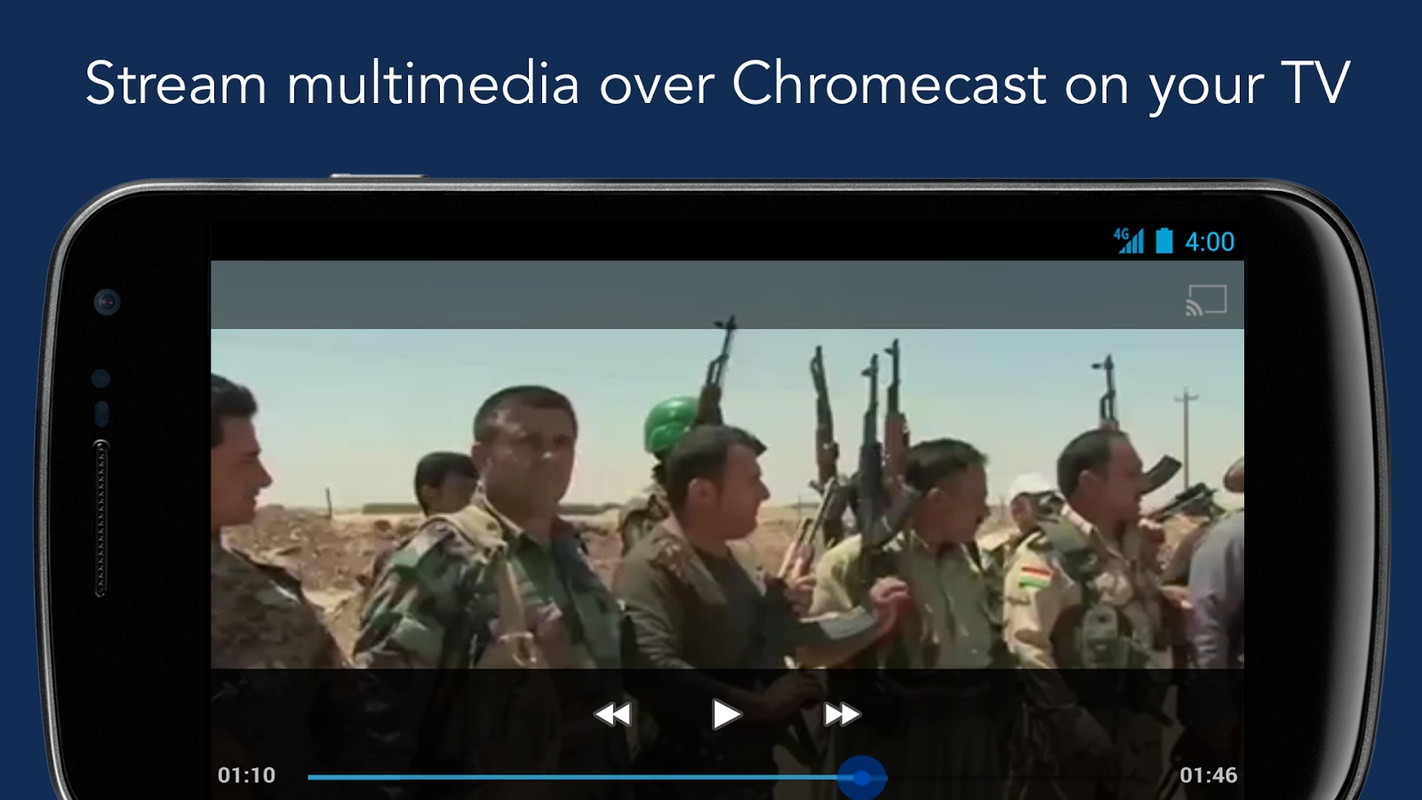
Live TV: Stream Alhurra and Alhurra Iraq directly through the app
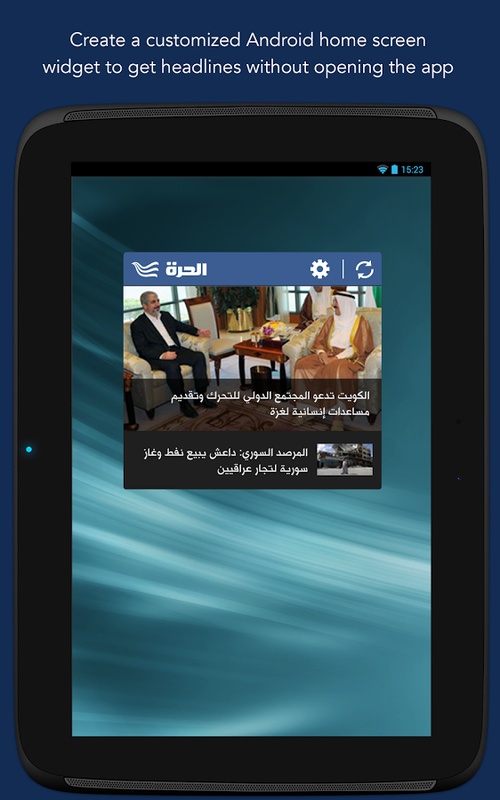
Breaking News Alerts: Receive notifications about major events and developments
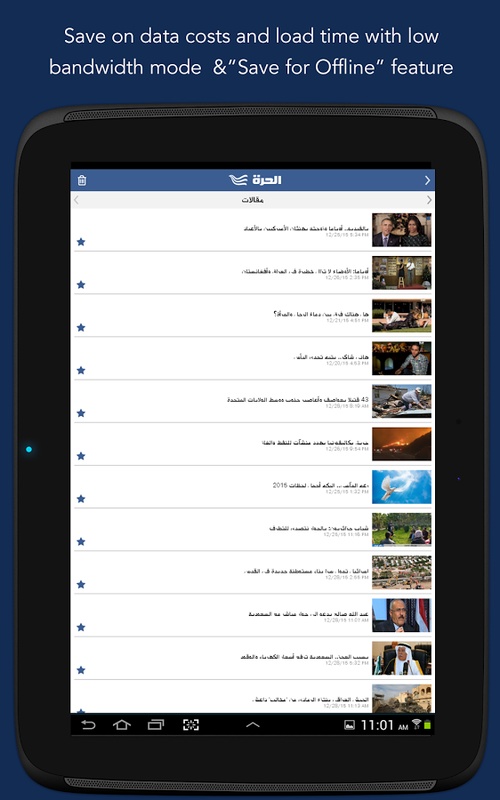
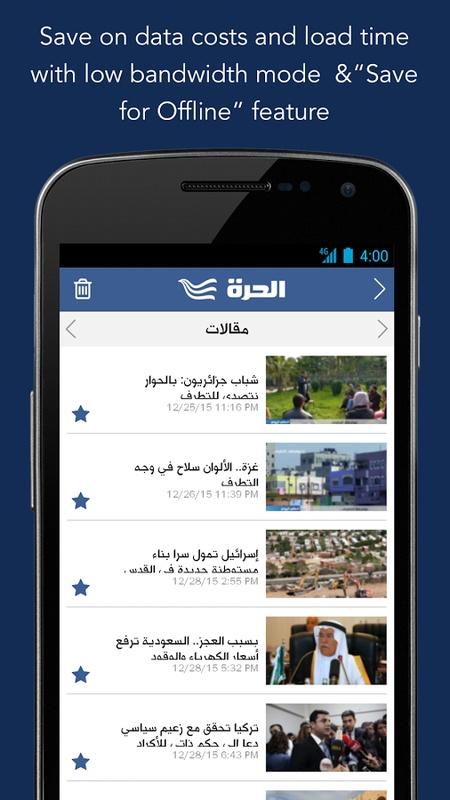
Favorites: Save articles and other content for later access
Multimedia Content: Watch video reports and view infographics
Content Sharing: Share articles, videos, and images through supported apps and social platforms
Updated Interface: Use the redesigned navigation menu to browse news sections
3. What's New
Recent updates introduce several improvements to navigation and content personalization:

Redesigned interface and navigation menu
Dedicated Favorites section for saved content
My News section for selecting preferred topics and regions
Breaking news notifications
Live streaming of Alhurra and Alhurra Iraq
Improved sharing options for articles, videos, and images
4. User Guide
4.1 Customize Your News Feed
Open the My News section.
Select the topics you want to follow, such as politics, sports, business, and technology.
Choose your preferred geographical coverage, including MENA, the United States, and international news.
Save your selections to update the content displayed on your homepage.
You can return to My News at any time to change your preferences.
4.2 Manage Notifications
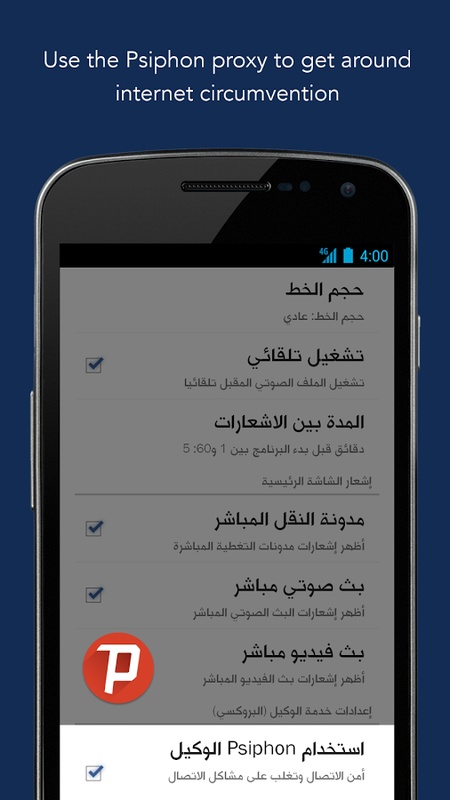
Open the app's Settings section.
Find Notification Management, if available.
Review the notification categories and disable unwanted alerts.
To turn off all Alhurra notifications, change the app's notification permissions in your device settings.
4.3 Read News and Watch Live TV
The homepage displays recent headlines, featured articles, videos, and other news content. Select a story to read the full report or browse the available sections to find specific topics.
To watch live broadcasts:
Open the Live TV section.
Select Alhurra or Alhurra Iraq.
Wait for the stream to load.
Both channels are available without an additional streaming subscription.
If a broadcast buffers or stops unexpectedly, check your internet connection and restart the stream. Switching between Wi-Fi and mobile data or selecting a lower video resolution, if supported, may improve playback.
4.4 Save and Share Articles
To save an article, select the Favorites option while viewing the content. You can access bookmarked stories later through the Favorites section.
To share content, tap Share and choose a supported messaging or social media app.
The app does not offer a bulk export function for Favorites. To keep articles outside the app, copy or share their individual links.
5. Frequently Asked Questions
Q1: Can I read Alhurra news without creating an account?
News articles and live broadcasts are accessible through the app. Certain personalization or account-related features may have additional login requirements.
Q2: Are Alhurra and Alhurra Iraq free to watch?
Yes. Both channels can be streamed through the app without an additional streaming subscription. An internet connection is required, and mobile data charges may apply.
Q3: Why does live TV keep buffering or fail to load?
Streaming problems may result from an unstable internet connection or temporary playback issues. Try switching networks, restarting the stream, or lowering the video resolution if the option is available.
You should also check whether an app update is available.
Q4: Can I export all my favorite articles at once?
The app does not provide a bulk export feature for saved articles. You can access them through Favorites or preserve individual articles by copying or sharing their links.
Q5: How can I disable Alhurra notifications?
Open the app's Settings to manage available notification preferences. You can also disable Alhurra notifications entirely through your device's app notification settings.
- Version6.2.8
- UpdateNov 05, 2026
- DeveloperMiddle East Broadcasting Networks, Inc.
- CategoryNews & Magazines
- Requires AndroidAndroid 5.0+
- Downloads161K+
- Package Namegov.bbg.mbn
- Signaturec3c43bae381475dd1e49b3947db48c9f
- ReportFlag as inappropriate
-
NameSizeDownload
-
36.73 MB
-
36.84 MB
-
36.66 MB










Rich and comprehensive content
Various and practical features
Excellent user experience
The objectivity of the content is questionable.
The application is updated infrequently.