
Studentpro - Real-time updates & tracking
Stay updated with performance reports, schedules & attendance for your classes all in one easy app!

- 4.8.0 Version
- 1.3 Score
- 198K+ Downloads
- Free License
- 3+ Content Rating

Studentpro — Student & Parent App by Classpro

Studentpro, developed by Geeklabs Software Private Limited, is the official student and parent app made by Classpro for coaching classes. It is a beautiful, simple mobile app that gives students and parents real-time updates from their coaching class on Android and iOS.
Search-friendly summary: Studentpro is a coaching class app, Classpro student app, and parent communication app for performance tracking, lecture and exam schedules, attendance, shared notes, and pending fee installments.
Key features:
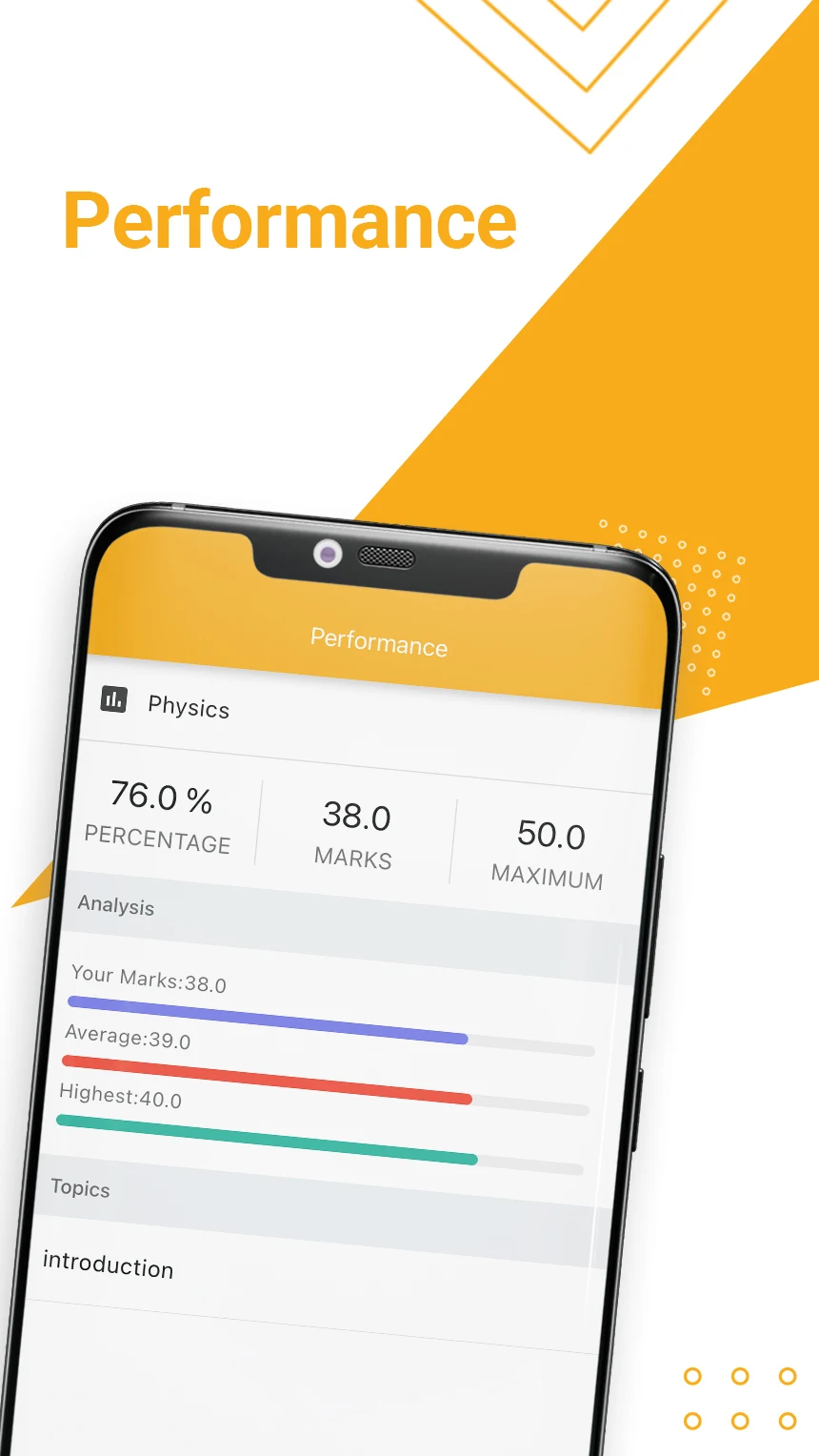
- Performance reports: get detailed reports and graphical representation of results.
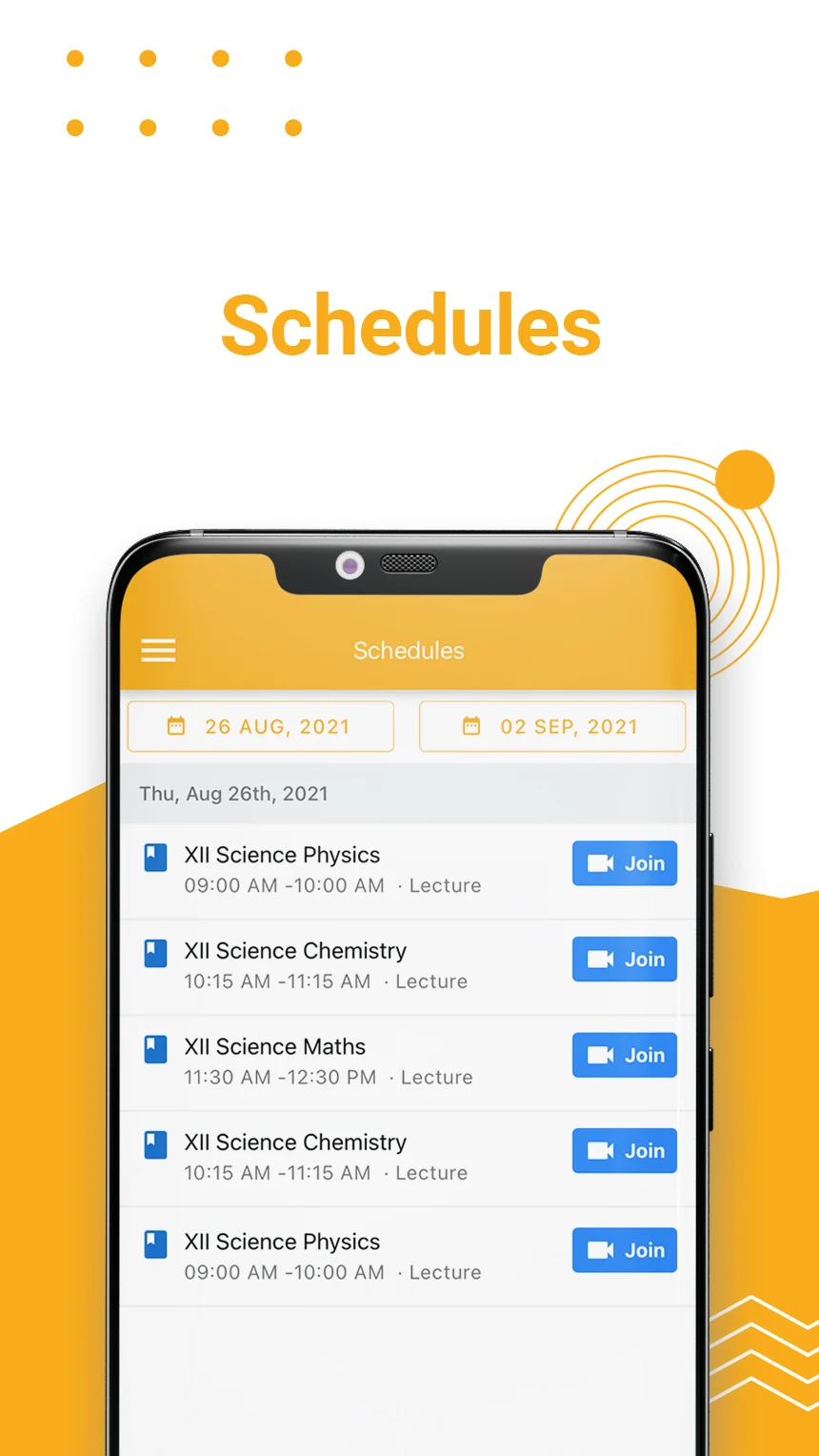
- Lecture & exam schedule: view upcoming tests and lectures with real-time updates.
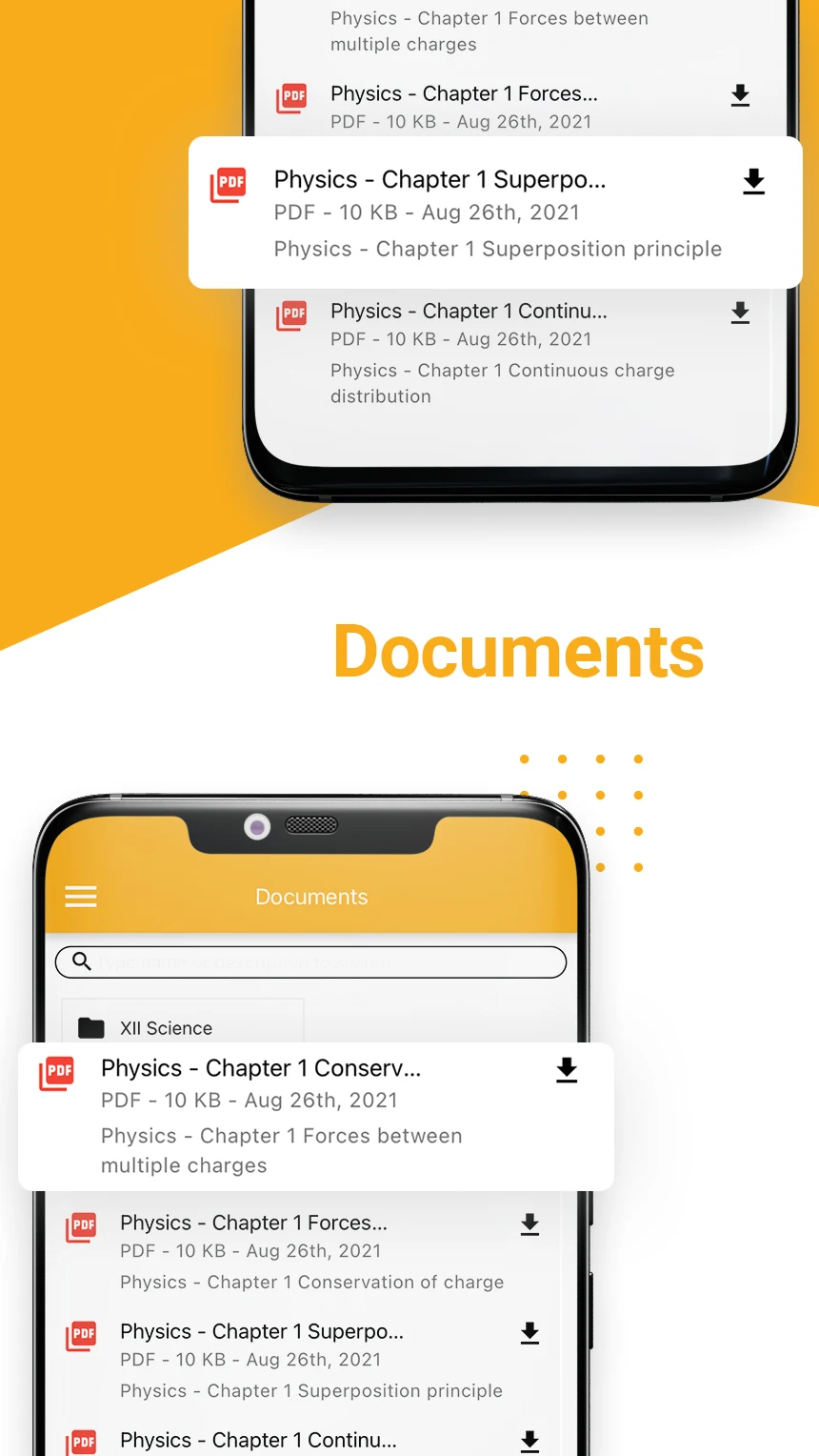
- Study material downloads: download test answer papers, notes, and shared documents.
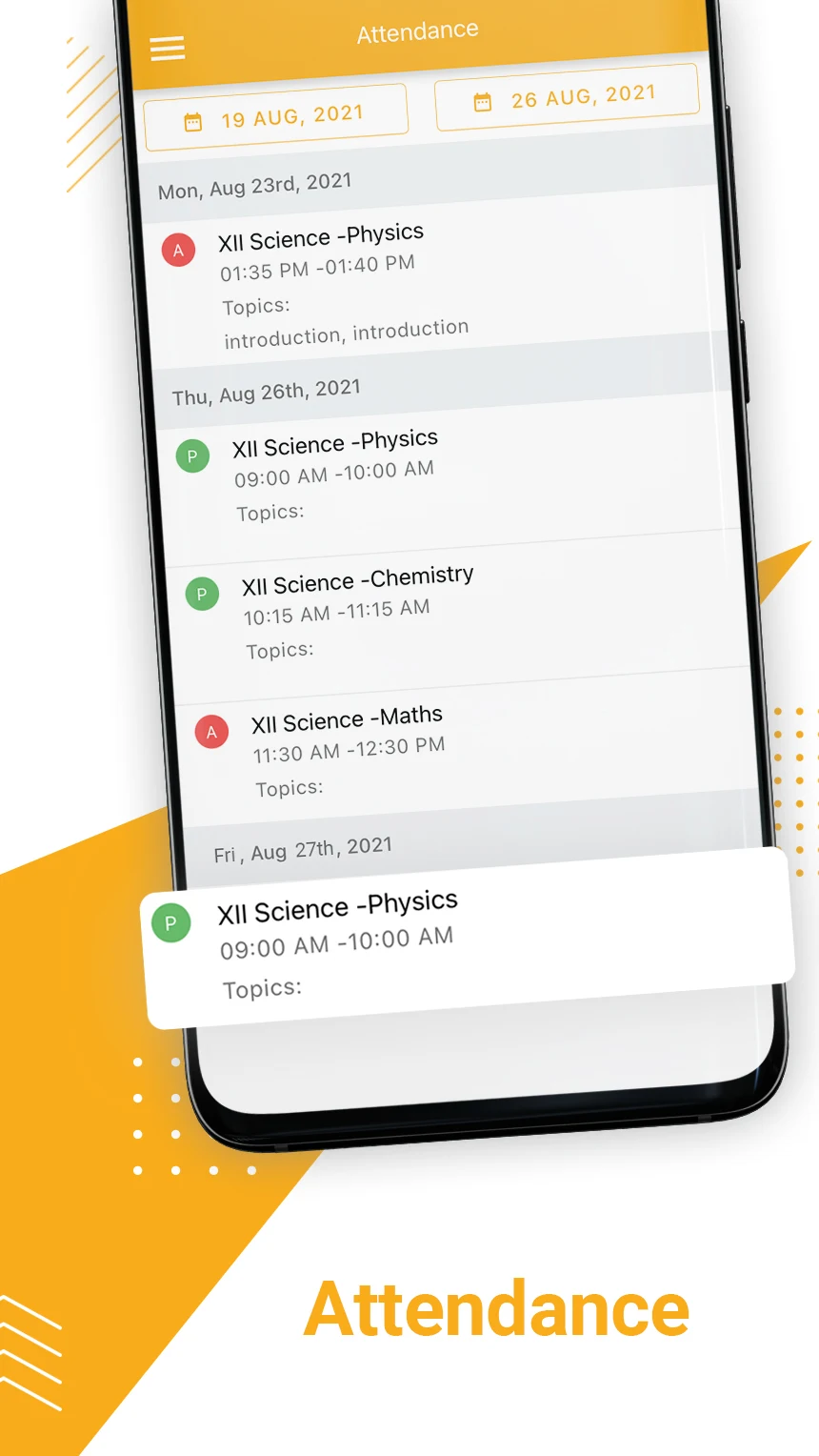
- Attendance tracking: track daily attendance across subjects.
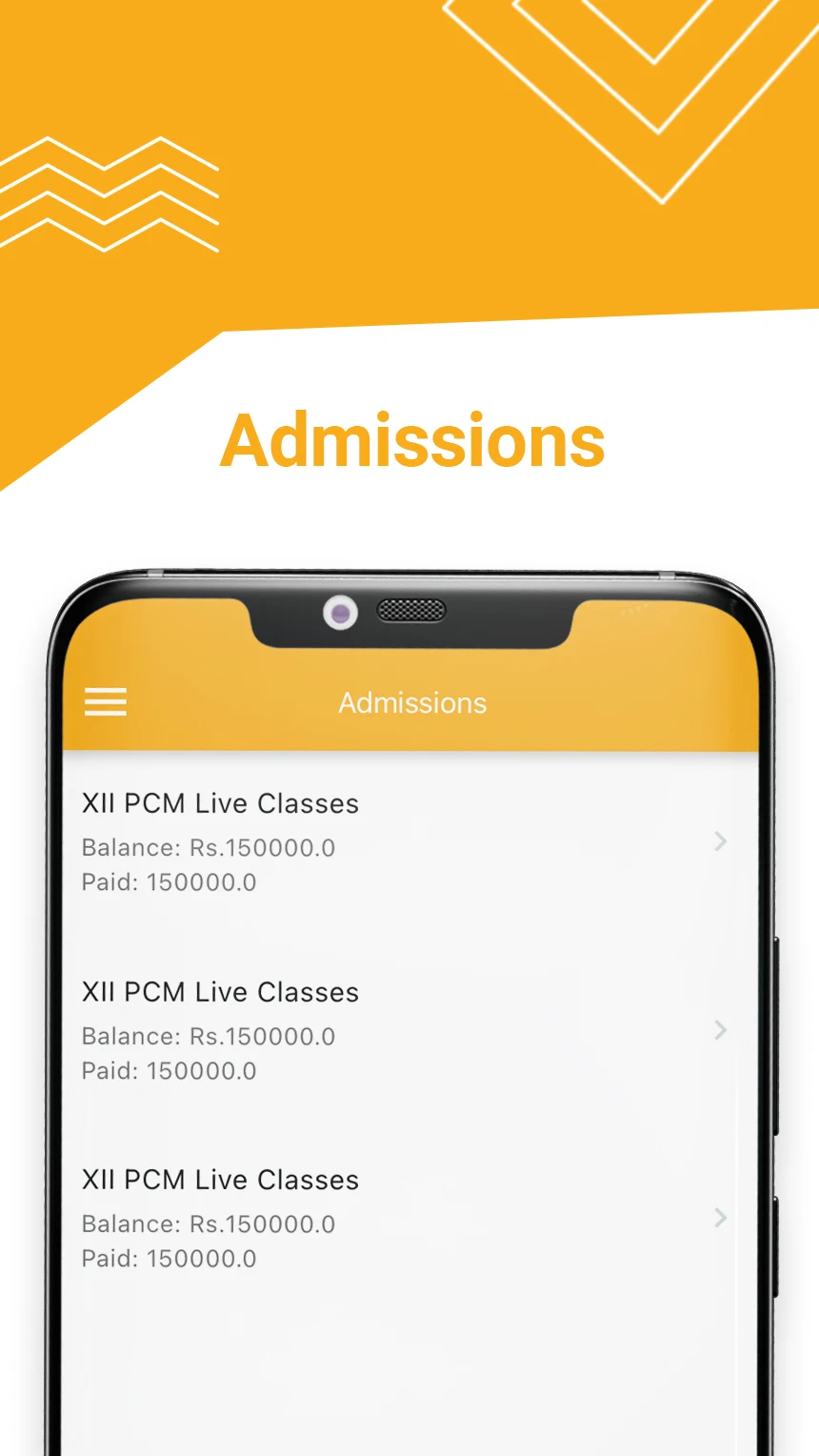
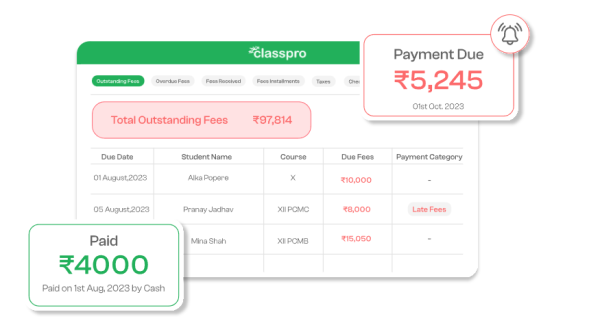
- Fee installments: efficiently track pending fee installments.
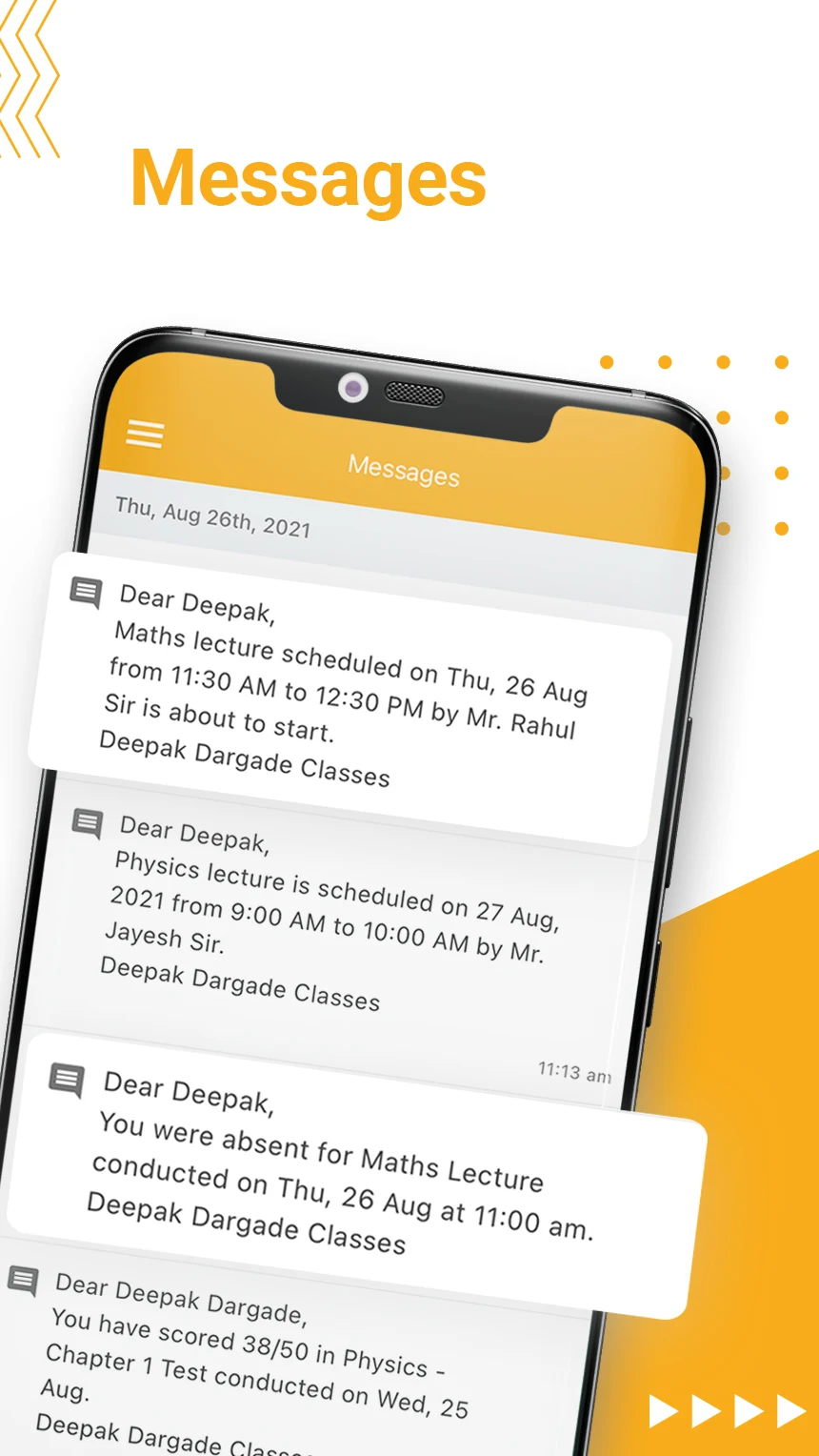
- Instant updates: receive timely messages, reminders, and announcements from the coaching class.
- Separate logins: students and parents get personalized access to relevant information.
- Multi-child access: parents can switch between children’s profiles without logging out.
- Data security: secure logins and encrypted data access for students and parents.
Studentpro is listed on Google Play as com.classprostudentapp, rated around 3.9 stars with 100K+ downloads, and is free to install. The latest Android update shown on Google Play is June 27, 2026.
Getting Started & Daily Use Tips
Use Studentpro as your everyday coaching class dashboard. After your coaching class activates your login, follow these steps:
- Log in with your assigned credentials. Students and parents have separate access, so use the login provided by your institute.
- Check the performance tab first. Look at detailed reports and graphical result charts to see strengths, weak topics, and recent test trends.
- Open the schedule before studying. Studentpro shows upcoming lectures and exams. Treat schedule notifications as your daily study planner.
- Download answer papers and notes immediately. Do not wait until exam week. Save test answer papers, notes, and shared documents while they are fresh.
- Track attendance by subject. If attendance looks wrong, screenshot it and message your coaching class from the app.
- Watch pending fee installments. Studentpro helps you track due installments, so parents are not surprised by payment dates.
- Enable notifications. Timely communication is a core Studentpro feature—missed notifications mean missed lectures, tests, or reminders.
- Parents with more than one child: switch profiles inside the app instead of logging out and in.
Studentpro FAQ
1、What is Studentpro?
Studentpro is a beautiful and simple app made by Classpro for students and parents to get real-time updates from associated coaching classes. It is developed and published by Geeklabs Software Private Limited.
2、Who should use Studentpro?
Students who want performance reports, lecture/exam schedules, attendance, and study materials. Parents who want updates, reminders, attendance visibility, and pending fee installment tracking.
3、Can parents manage multiple children in one app?
Yes. Parents can switch between children’s profiles without logging out.
4、Do students and parents get instant updates?
Yes. Studentpro supports timely notifications for important updates, reminders, and announcements.
5、Is Studentpro secure?
Studentpro uses secure authentication and encrypted data access. Personalized logins ensure sensitive information is accessed only by authorized students or parents.
6、What platforms is Studentpro available on?
Studentpro is available on Google Play for Android and Apple App Store for iPhone. The Google Play package is com.classprostudentapp.
- Version4.8.0
- UpdateOct 14, 2026
- DeveloperGeeklabs Software Private Limited
- CategoryEducation
- Requires AndroidAndroid 5.0+
- Downloads198K+
- Package Namecom.classprostudentapp
- Signature1581771ff991b70710d3ade72d4dcaa3
- Available on
- ReportFlag as inappropriate
-
NameSizeDownload
-
15.43 MB
-
76.02 MB
-
76.02 MB











Provides daily timetable for students
Helps track student performance and attendance
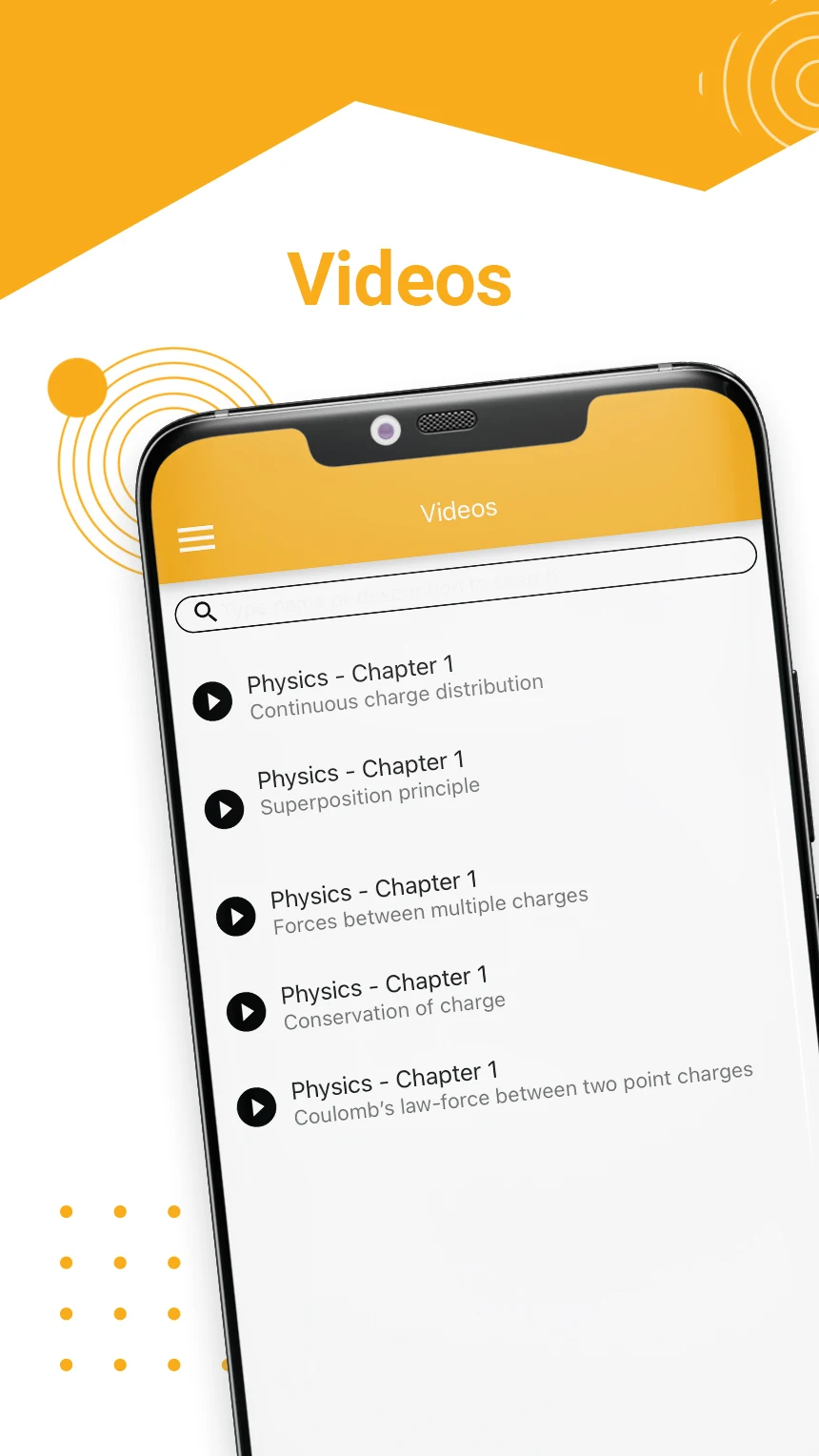
Offers clear video content and live lectures
Contains multiple features for easier study management
Facilitates communication between students and parents
Allows access to previous lectures and assignments
Organizes class schedules effectively
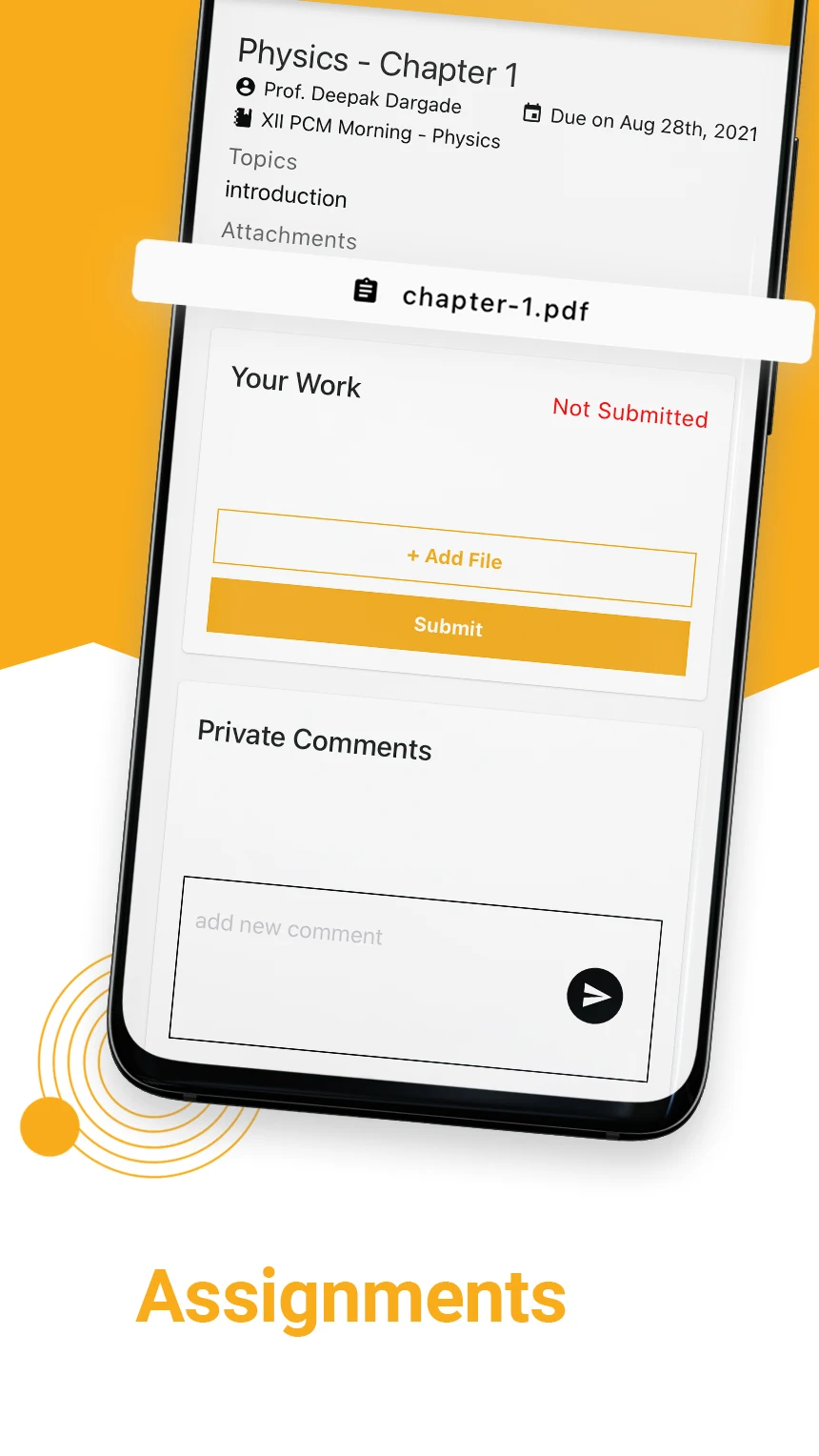
Supports submission of homework online
Frequent login issues with incorrect credentials
Video player lacks essential features such as downloading and forwarding
High data consumption and battery drain
App crashes or fails to open on certain devices
Lack of offline access and ability to download content
Problems with notifications and message retention
Interface improvements needed for clarity and usability
Frequent requests for updates disrupt the user experience