English

SmartQ - Queue-free food ordering

Discover hassle-free dining with SmartQ, your key to skip queues & enjoy tasty meals effortlessly.

SmartQ
  • 3.33 Version
  • 2.9 Score
  • 676K+ Downloads
  • Free License
  • 3+ Content Rating
Download Android APK (10.33 MB)
Old Versions
SmartQ SmartQ SmartQ SmartQ SmartQ
CONS

Unnecessary steps and delays in the ordering workflow

Poor customer service and difficulty obtaining refunds

Bugs and crashes reported frequently

Increased food prices and reduced portion sizes

Problems with payment processing and wallet recharging

Mandatory feedback requests are frustrating to users

Lack of synchronization between orders and actual availability

Complicated user interface and navigation issues

SmartQ – Food Ordering App by Bottle Lab Technologies PVT LTD

What Is SmartQ?

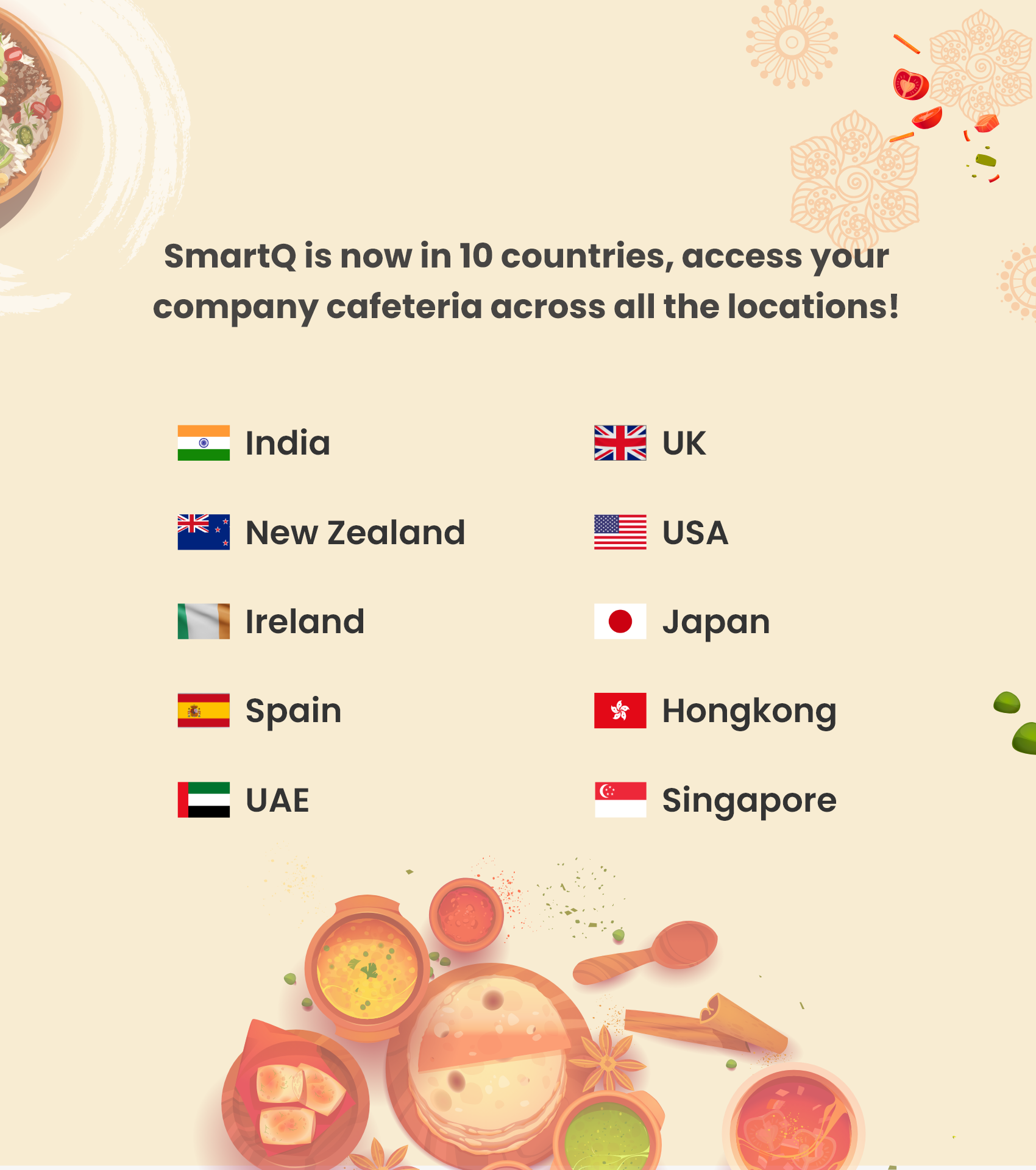
SmartQ is a food ordering app for large IT parks, business campuses, corporate cafeterias, universities, food courts, and live events. It is built by Bottle Lab Technologies PVT LTD, and is positioned as a digital cafeteria solution that helps employees pre-order food, pay cashlessly, and avoid long lunch queues.

The app is especially useful if you work in a busy tech park or corporate campus where the food court gets crowded during break time. Instead of waiting in line, SmartQ lets you browse the menu, place an order, and complete checkout from your phone.

SmartQ

Key store listing details:

Developer: Bottle Lab Technologies PVT LTD

Category: Lifestyle / Food ordering

Installs: 1M+ on Google Play

Rating: around 3.0 stars from 8.4K+ reviews on Google Play

Recent Google Play update: September 22, 2026

Brand status: SmartQ is a Compass Group company

SmartQ’s core promise is simple: skip the queue, order ahead, and make workplace meals less stressful.

Why Users Download SmartQ?

SmartQ is not a general food delivery app. It targets workplace and campus dining where the main pain points are queues, payment delays, and limited break time.

Main reasons to use SmartQ:

  • Queue-free ordering: Browse and order from your workstation or before reaching the cafeteria.
  • Cashless payment: Pay inside the app instead of standing at the counter.
  • Pre-order for pickup: Useful during peak lunch hours when counters are busy.
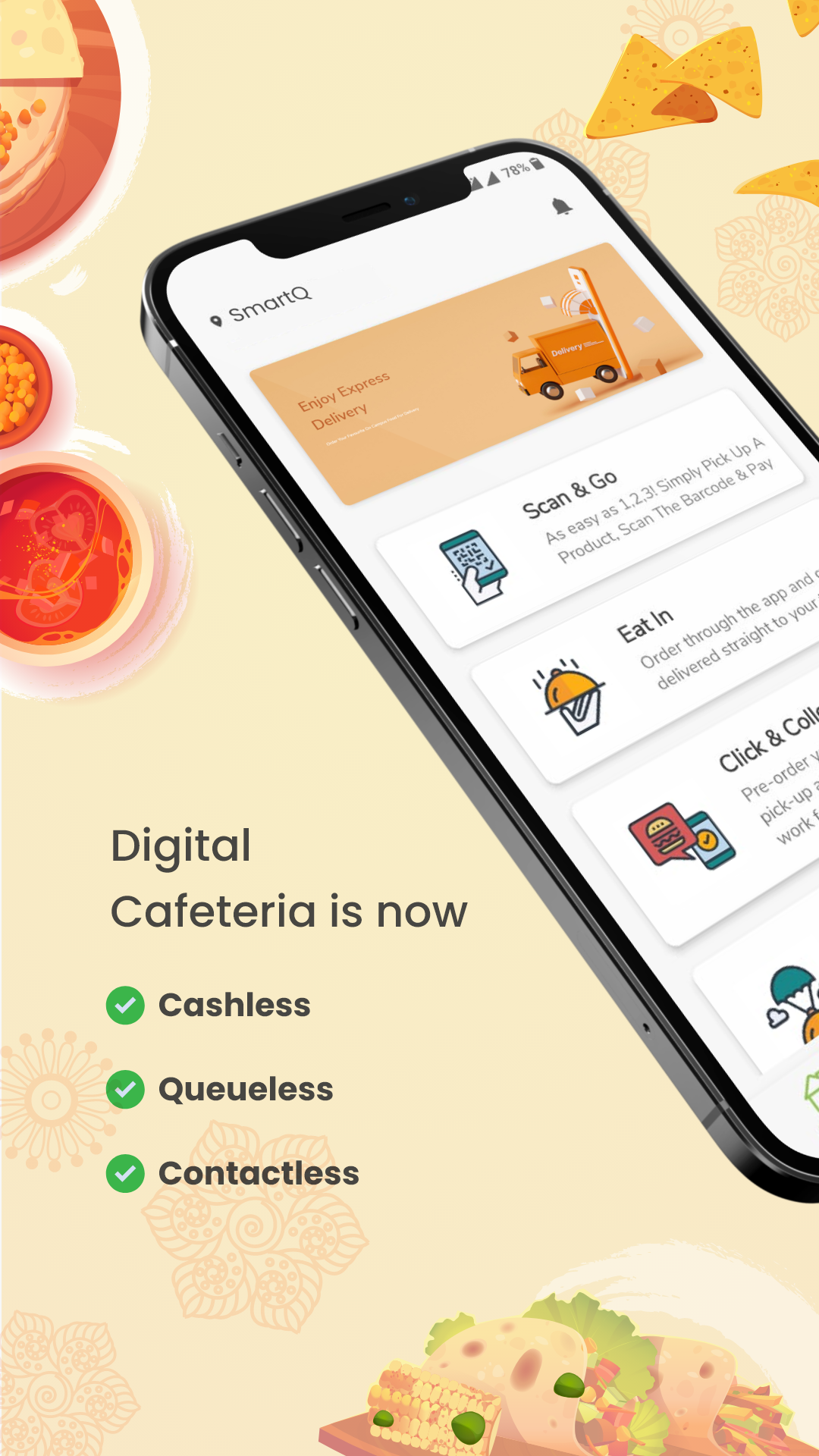
  • Digital cafeteria access: Some listings show Scan & Go, delivery, pre-order pickup, and contactless flows.
  • Workplace-focused menu: Menus are tied to your enabled office, campus, or participating food court.
  • Multiple ordering modes: App Store notes include Order on the Go, Scan & Go, Vending Machine, and Delivery.

For corporate admins and facility managers, SmartQ is also marketed as an end-to-end F&B and tech solution. The official site describes it as a digital cafeteria product with integrated payments, real-time order updates, and cash-free transactions.

How to Use SmartQ: Ordering Tips?

SmartQ works best when your organization or campus is already enabled in the app. If you do not see your cafeteria, the app may not be active at your location.

First-time setup

  1. Install SmartQ from Google Play or Apple App Store.
  2. Sign in with the account or workplace access enabled by your cafeteria.
  3. Allow necessary permissions for login, location, notifications, and payments.
  4. Select your office, campus, or food court if prompted.
  5. Browse available counters, vendors, or menus.

Best way to order

  • Pre-order early: During busy lunch windows, same-day items can show unavailable. Order ahead when possible.
  • Use Flash Order if available: App Store notes mention one-tap reorder from favorites.
  • Pick the right flow: Use pre-order pickup for cafeterias, Scan & Go for quick grab-and-pay, and Delivery only where enabled.
  • Check serving time: App Store listing mentions serving times and session details, so confirm before checkout.
  • Keep one payment method ready: The latest Android update puts cart and payment on one screen, auto-selects last-used method, and supports saved cards.

Payment tips after the latest update

The September 2026 Google Play update revamped the payment experience:

  • Cart and payment are now on one screen.
  • Last-used payment method is auto-selected.
  • Pluxee balance is editable inline.
  • Cards can be saved once for faster checkout.
  • Payments are powered by JusPay for bank-grade security and fewer payment failures.

If payment fails, do not retry the same amount repeatedly. Note the error, screenshot the screen, and contact support.

SmartQ

SmartQ FAQ:

1、Is SmartQ free to download?

Yes. SmartQ is free to install on Google Play and Apple App Store. You pay only for the food you order where checkout is enabled.

2、Who should use SmartQ?

Employees in large IT parks, business campuses, corporate offices, universities, and managed food courts. If your company cafeteria uses SmartQ, it can save time during peak hours.

3、Why can’t I see my cafeteria or menu?

Your location may not be enabled. SmartQ is venue-based, so menus depend on your office, campus, or participating food court.

4、Payment failed but money was deducted. What should I do?

Contact SmartQ support immediately with your order ID, payment screenshot, UPI/transaction reference, and registered email or phone number.

Email: support@thesmartq.com

Developer email: sharan@thesmartq.com

Customer service: 1800-570-0212

Refund-related complaints appear in user reviews, so keep proof of deduction and follow up through email.

5、The app is slow or crashes during lunch hours. How do I fix it?

Try these steps:

Update SmartQ to the latest version.

Restart the app and your phone.

Clear app cache if on Android.

Switch from office Wi-Fi to stable mobile data, or vice versa.

Pre-order earlier instead of ordering at peak time.

If it still fails, email support@thesmartq.com with device model, OS version, app version, and screenshot.

6、Can I cancel an order?

Cancellation depends on the cafeteria, vendor, and order status. Check the order screen first. If there is no cancel option, contact SmartQ support or your cafeteria counter quickly with the order ID.

7、Is SmartQ only for IT parks?

No. The store listing emphasizes large IT/business parks, but the official site also lists corporates, universities, food courts, and live events as use cases.

8、Which platforms are supported?

SmartQ is available on Google Play for Android and Apple App Store for iPhone/iPad. iOS requires a recent iOS version; check your device compatibility before installing.

Show More
Tags
Information
Old Versions
User Reviews
2.9 4 Reviews
5
4
3
2
1
  • Vivek Tiwari
    Vivek Tiwari

    Recharging the wallet feels like an endless struggle. Today, I attempted over a hundred times to add funds to my son's college account. Each time, the same frustrating message appeared: "Invalid RechargeID." Last month was no better, with dozens of tries before finally succeeding. It's incredibly annoying. The worst part? His college's food outlets rely solely on this app for transactions.

  • suryanarayana D
    suryanarayana D

    I had a terrible experience with customer service. I accidentally ordered food from a closed counter in the cafeteria. No one was around to help me sort out a refund. Frustrated, I placed another order at a different counter. It took ages, 25 minutes passed before I could finally eat. Then, when I got back to work, I noticed the meal from the first order had been delivered. Later that evening, I talked to a SmartQ representative about the refund. They said it would be processed. Still no refund received. It feels like a scam.

  • santosh reddy konathala
    santosh reddy konathala

    Using it feels super easy. The food service stands out in quality. Absolutely wonderful experience!

  • santosh reddy konathala
    santosh reddy konathala

    This app is amazing! Using it at the office cafeteria makes everything so much smoother. It's super easy to navigate, and pre-ordering really cuts down on waiting time at the food counter. Love it! 👍

Security Status
Clean

It’s extremely likely that this software program is clean.

What does this mean?

We have scanned the file and URLs associated with this software program in more than 50 of the world's leading antivirus services; no possible threat has been detected.

  • Name: SmartQ
  • Package Name: com.thesmartq.smartq
  • Signature: 85b61f4775cc45c9fca4bad829df53c0