
Sizzle - AI learning & homework help
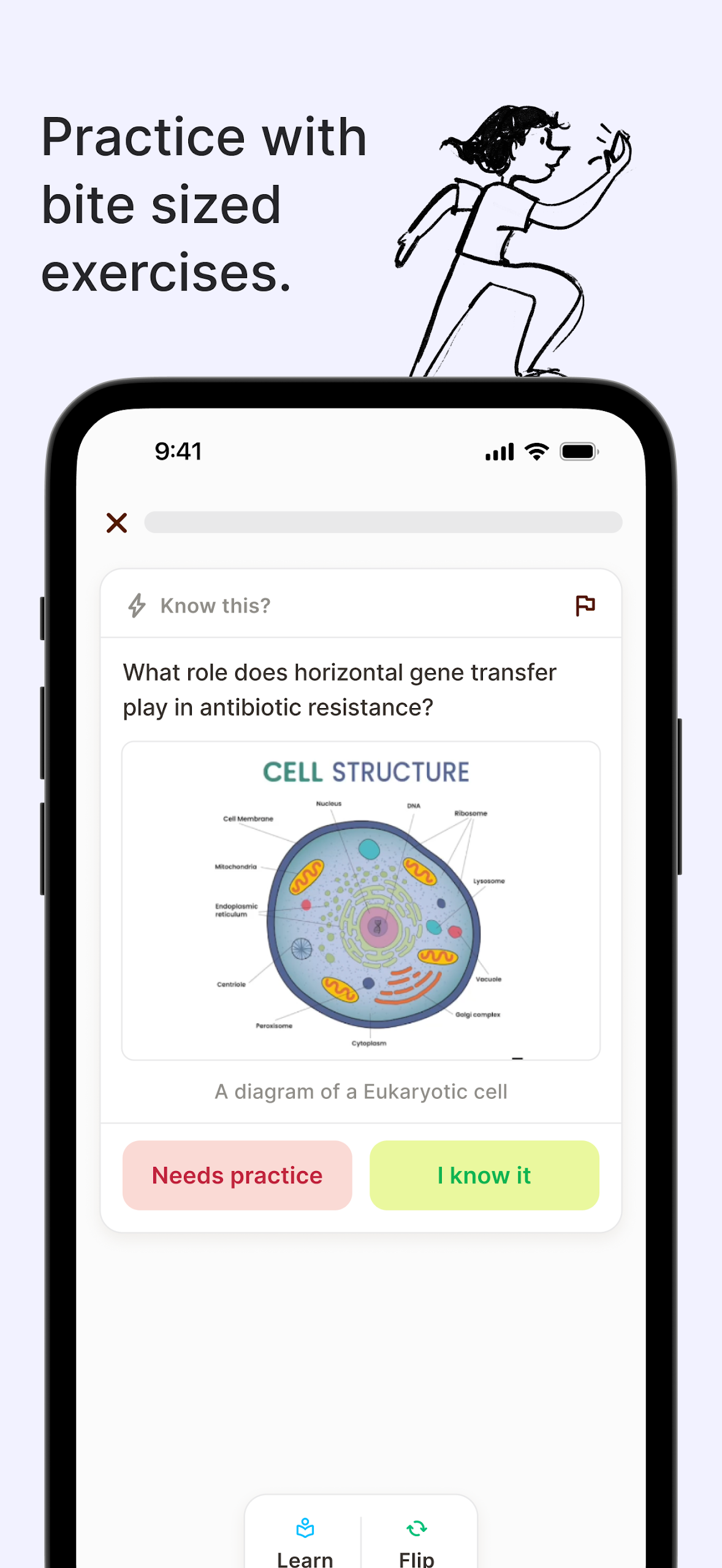
Discover a world of knowledge with personalized bite-sized exercises, deep dives into topics, & engaging quizzes for active learning.

- 1.0.27 Version
- 1.5 Score
- 1M+ Downloads
- In-app purchases License
- 3+ Content Rating

Sizzle AI Tutoring App
What Is Sizzle? (App Introduction)
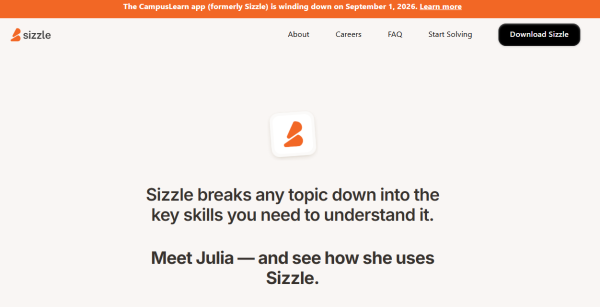
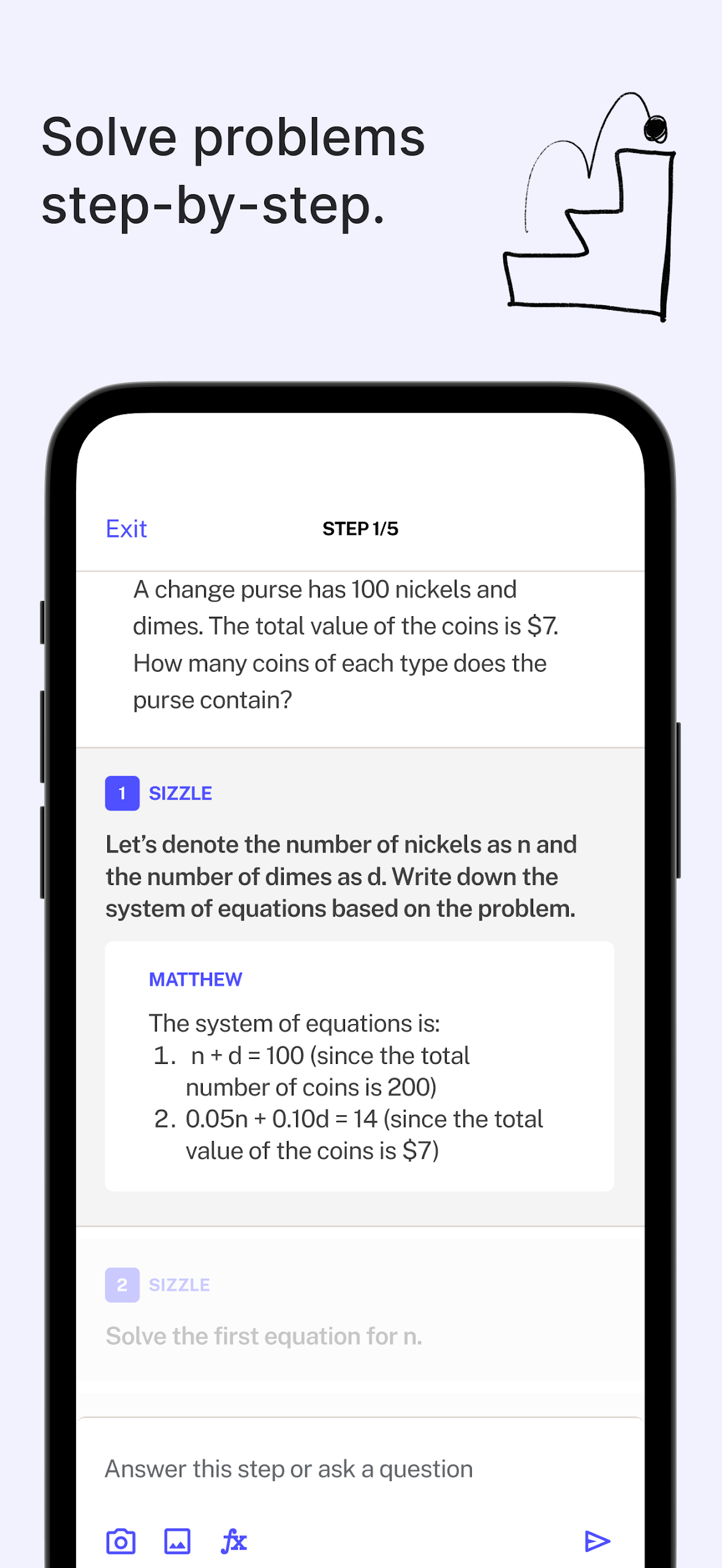
Sizzle — also listed as Sizzle – Learn Anything by Sizzle AI, Inc. — is a free AI tutoring app for homework help, test prep, and self-paced learning. Instead of just giving final answers, the Sizzle app acts like a step-by-step tutor: it breaks math, physics, chemistry, and biology problems into clear steps and explains the logic behind each one.
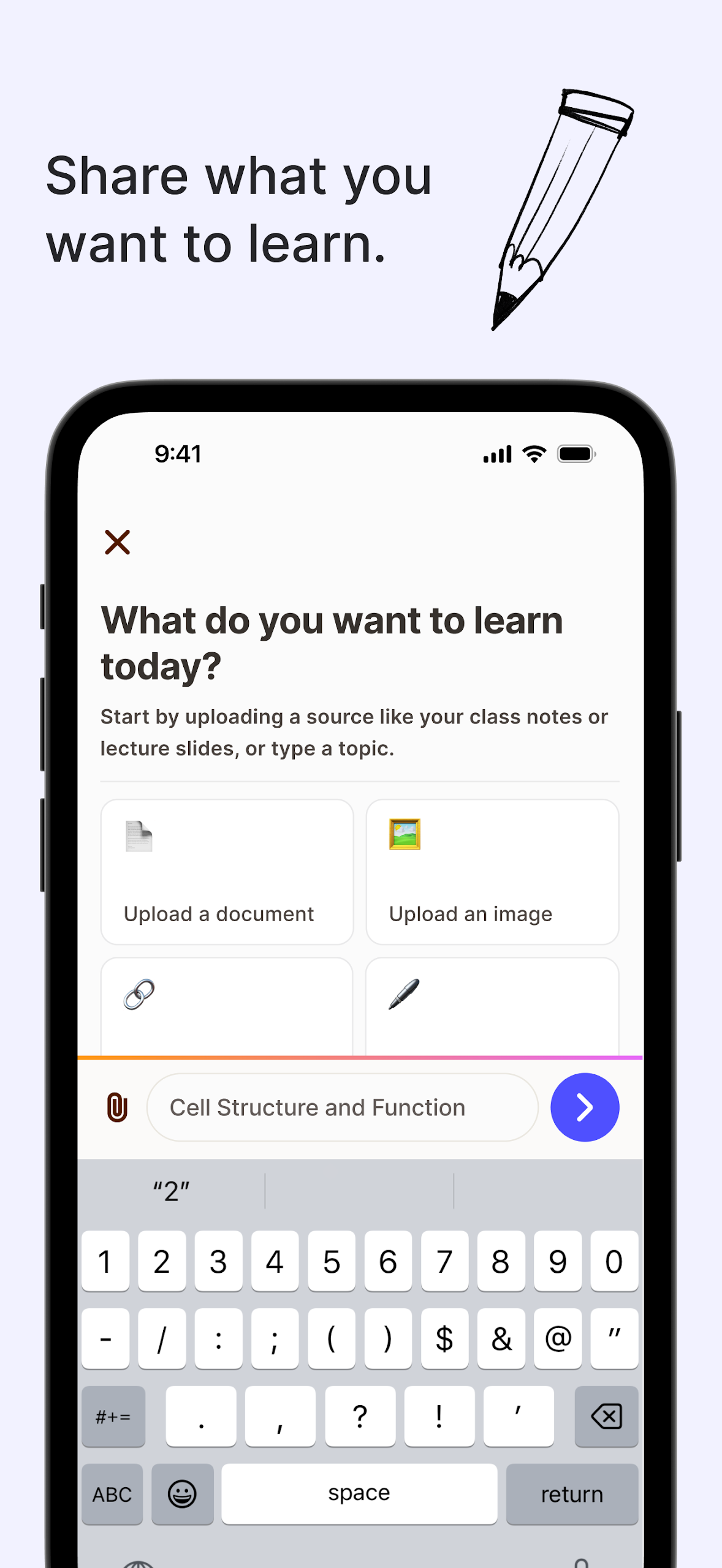
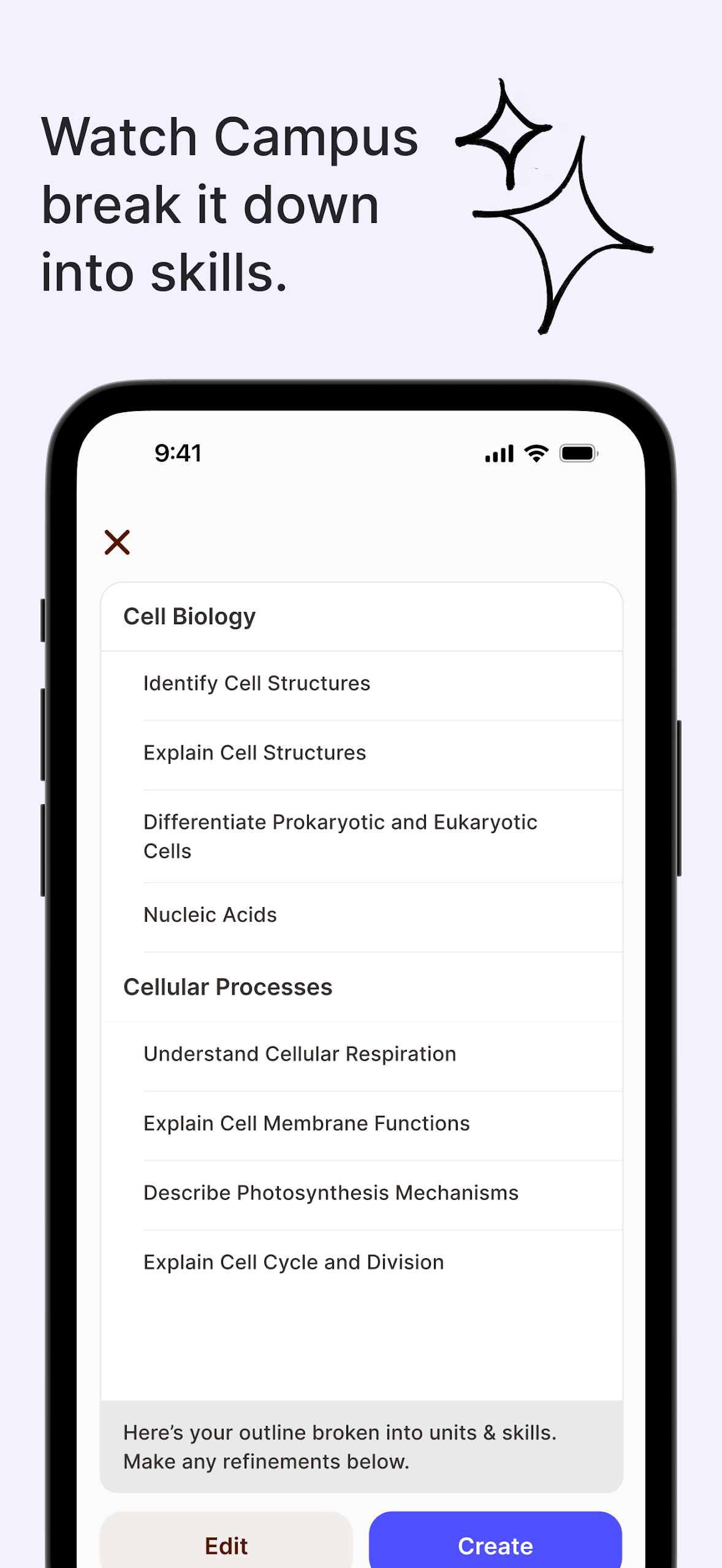
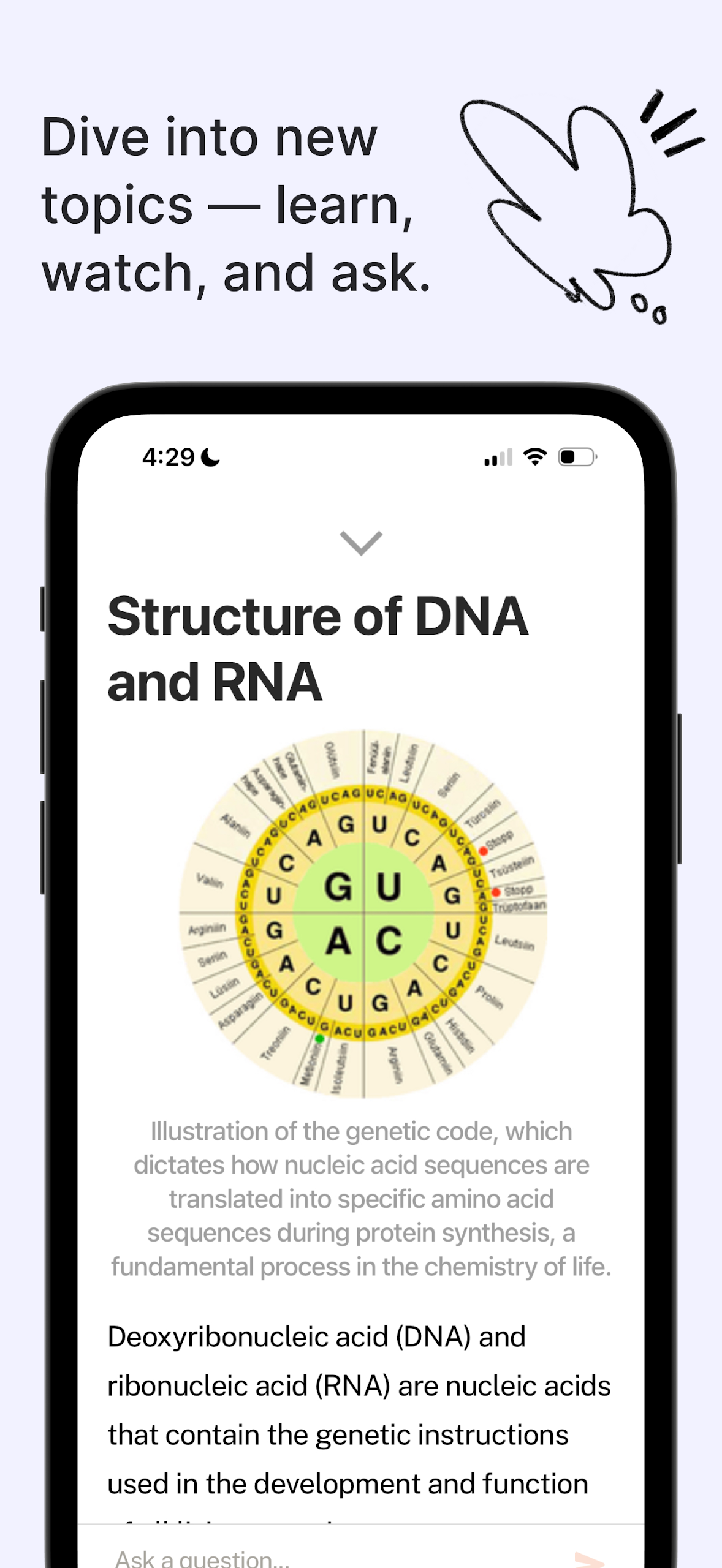
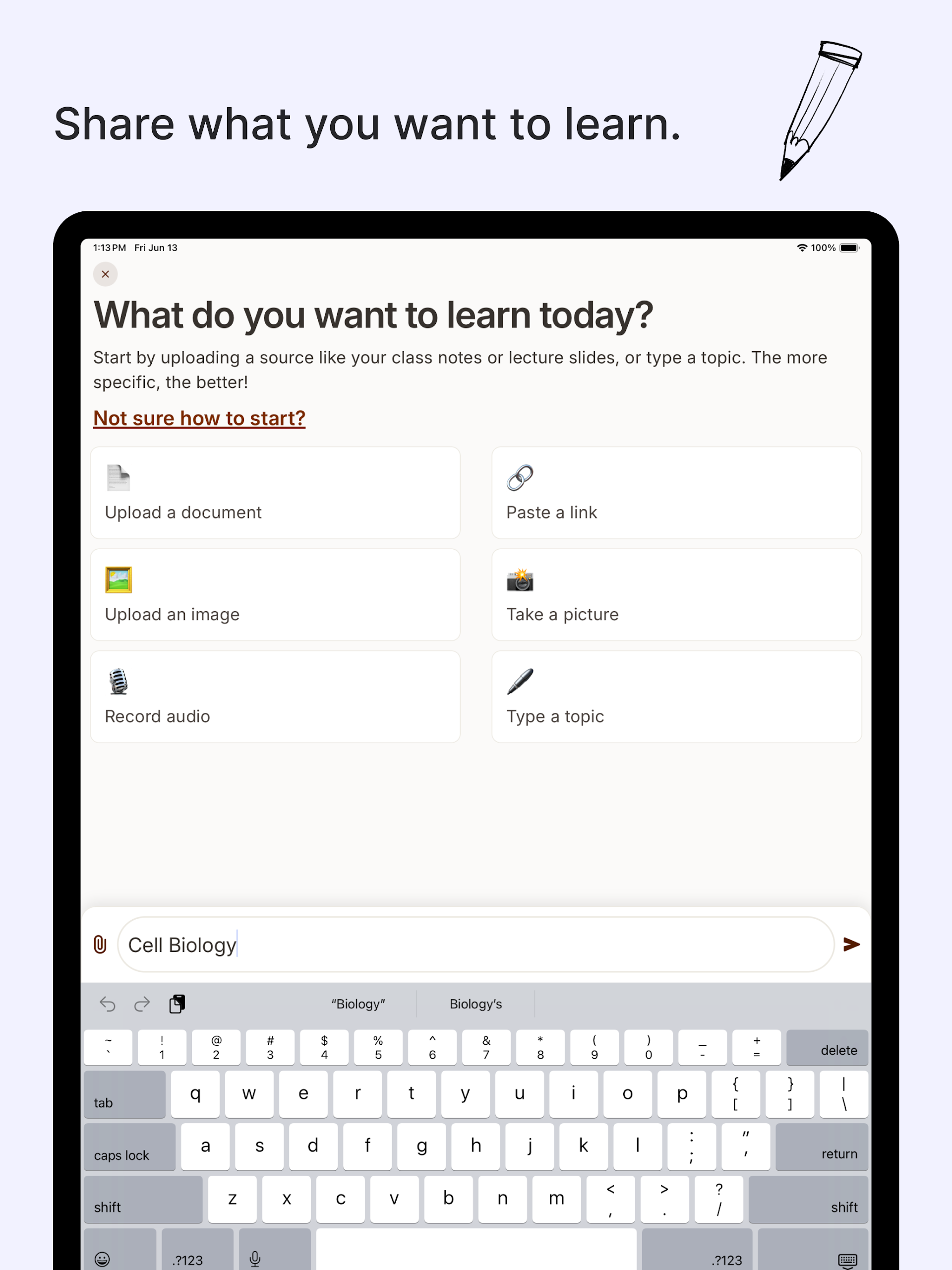
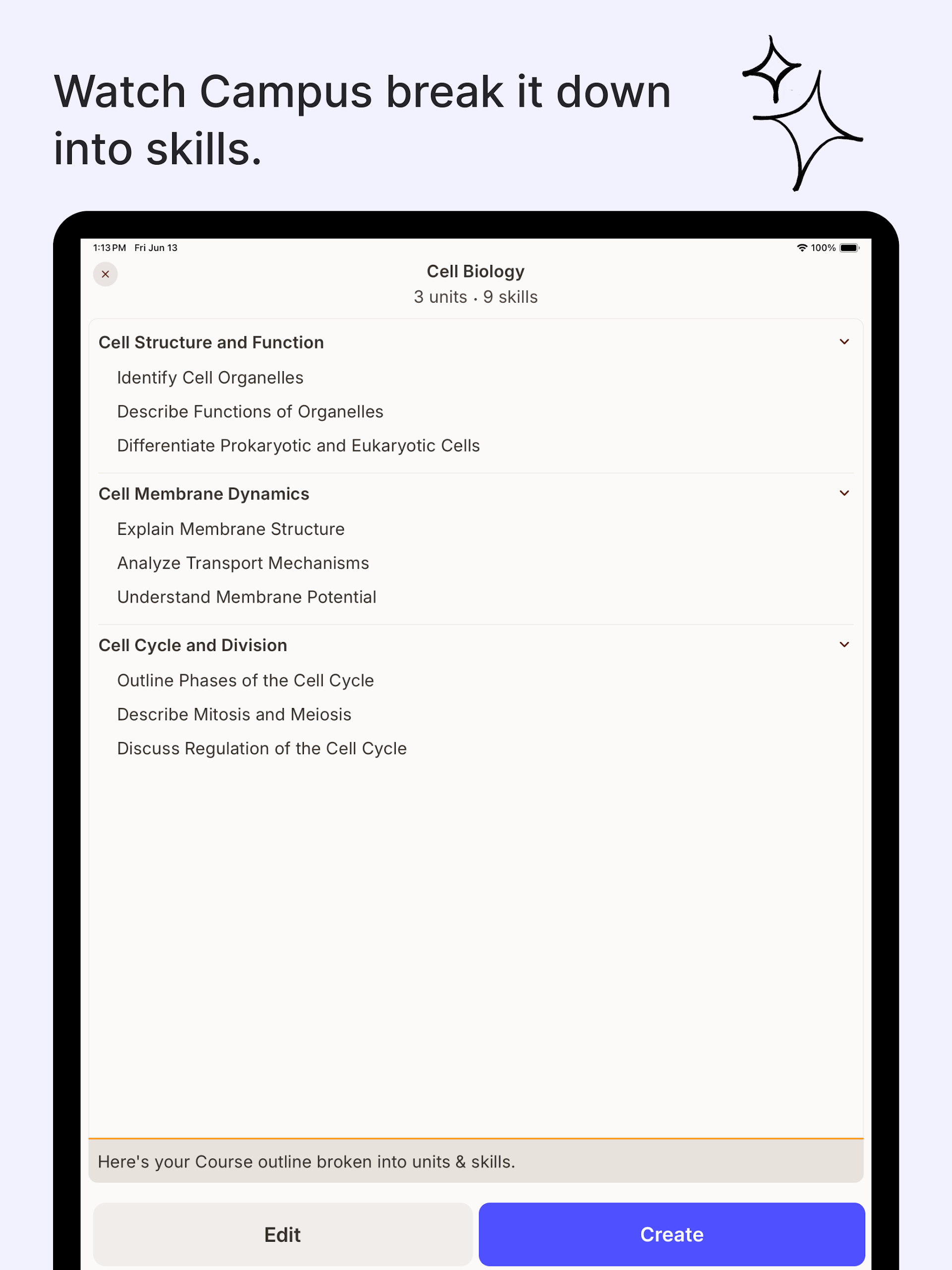
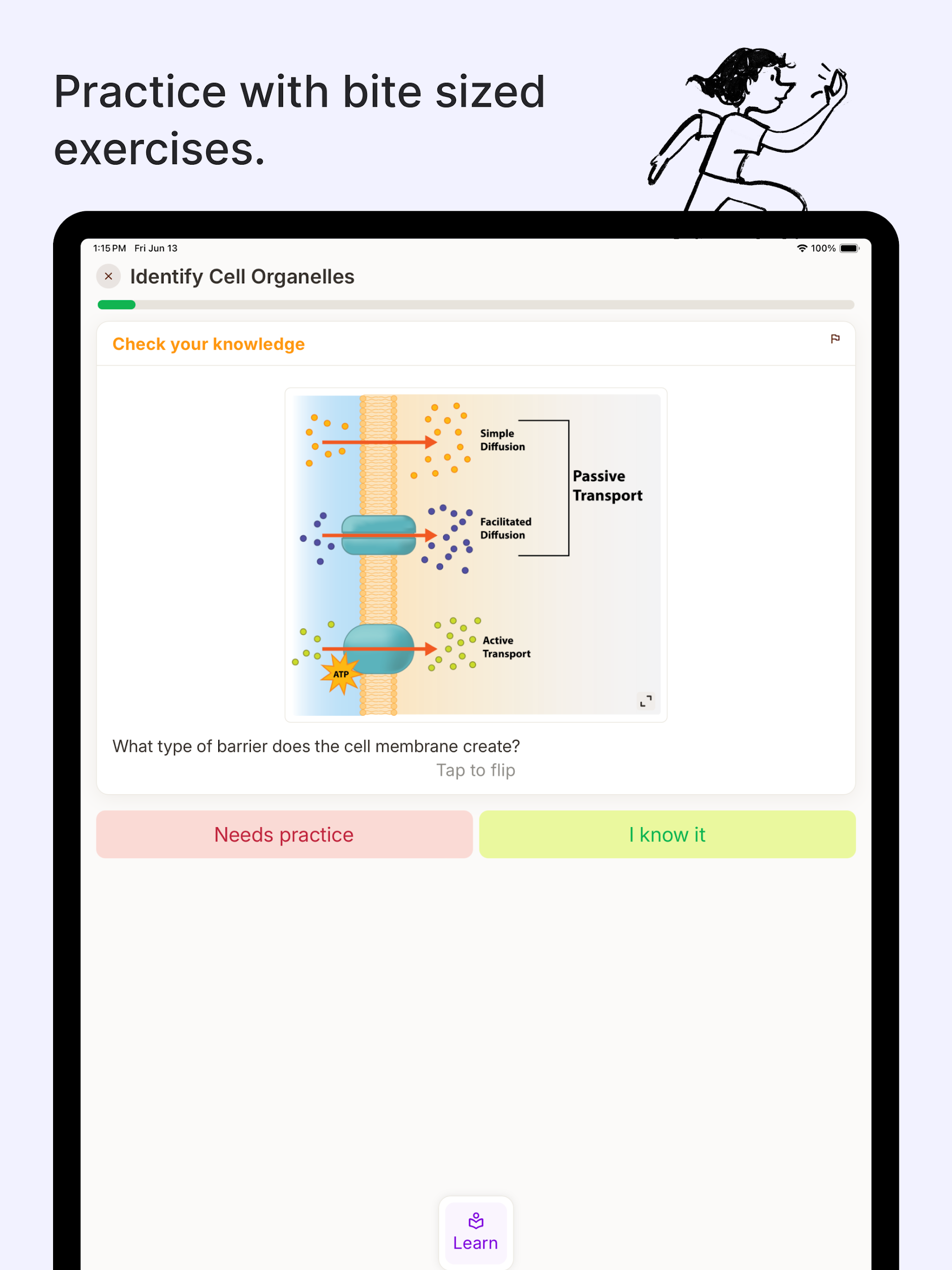
Students can type a topic, paste a question, upload class notes, or snap a photo of a worksheet. Sizzle then organizes the material into Knowledge Components (KCs) — the small skills you actually need to master — and generates bite-sized practice exercises that adapt as you improve.
Key app features:
- Step-by-step solver for math equations and word problems
- Science support including physics, chemistry, and biology
- Photo upload to solve or check homework
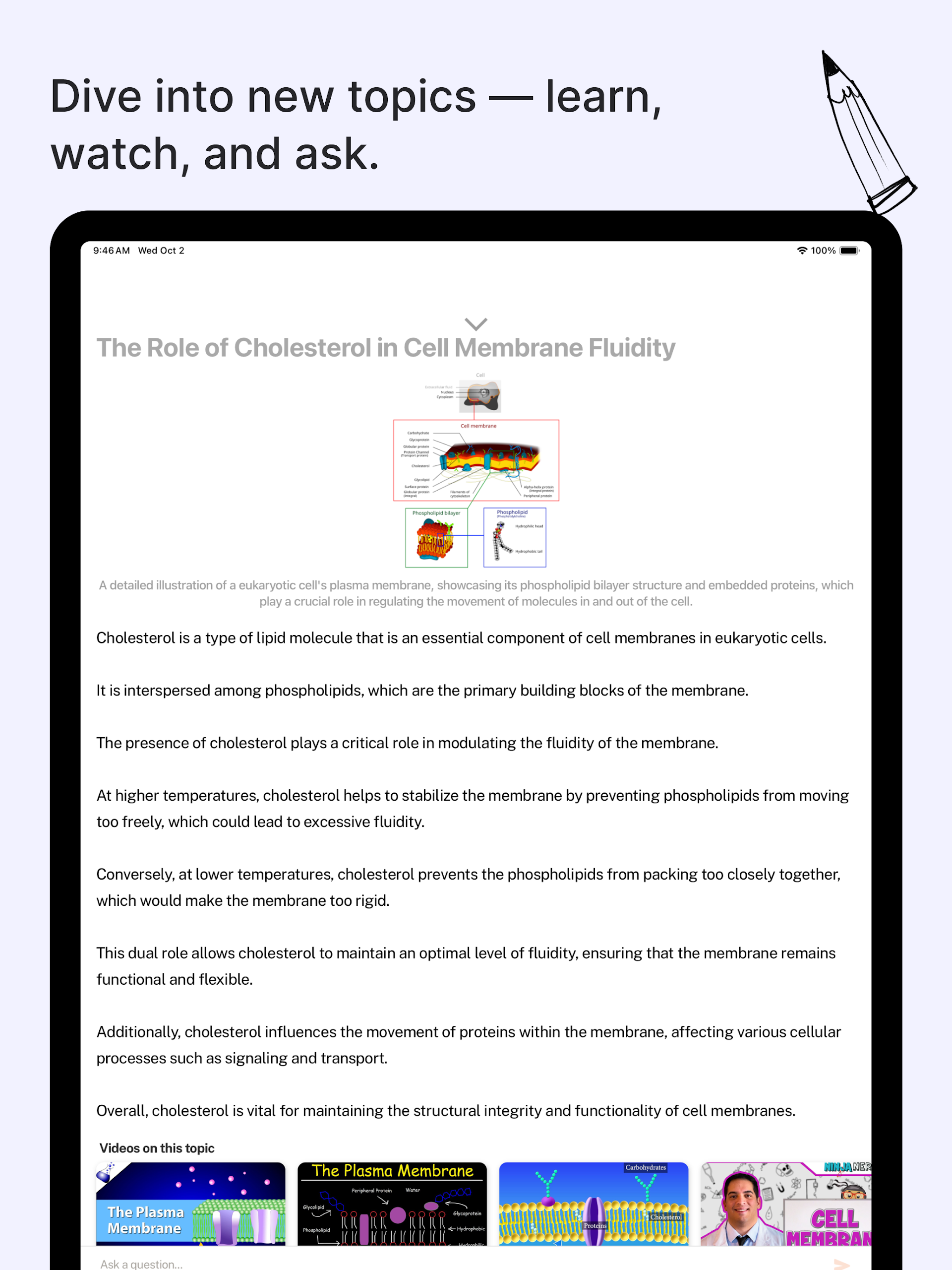
- AI tutor chat to ask follow-up questions
- Personalized practice from notes, study guides, or topics
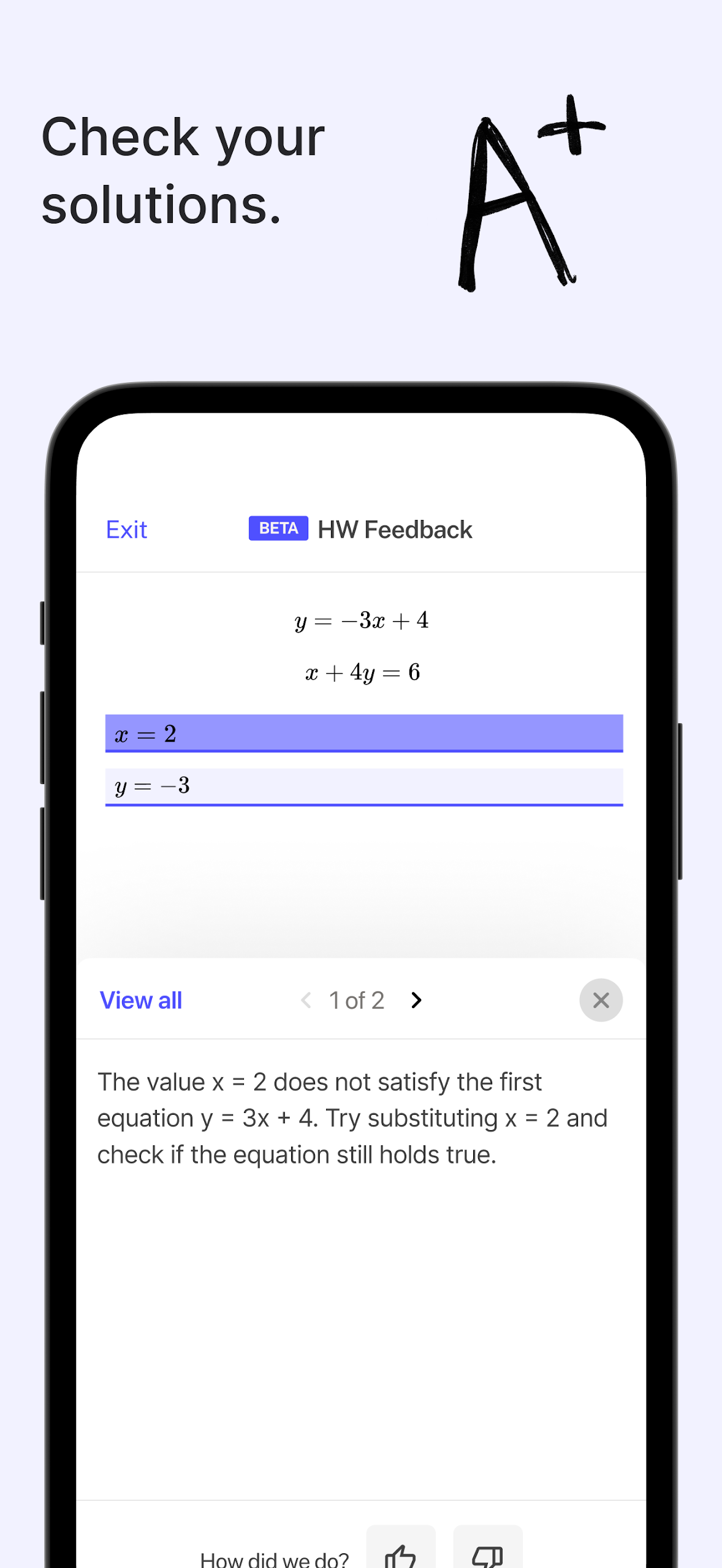
- Grade Your Homework feedback on completed work
Sizzle is positioned as a budget-friendly alternative to paid AI tutors: the core learning experience is free, with optional Sizzle Plus upgrades for advanced features.
How to Use Sizzle (Quick Guide):
Step 1 — Open the Sizzle app
Download Sizzle on iOS or Android, or use the web app at web.szl.ai.
Step 2 — Add your material
Choose one input method:
Type a topic like “quadratic equations”
Upload class notes, a study guide, or lecture slides
Take a photo of a textbook problem or handwritten homework
Step 3 — Let Sizzle break it down
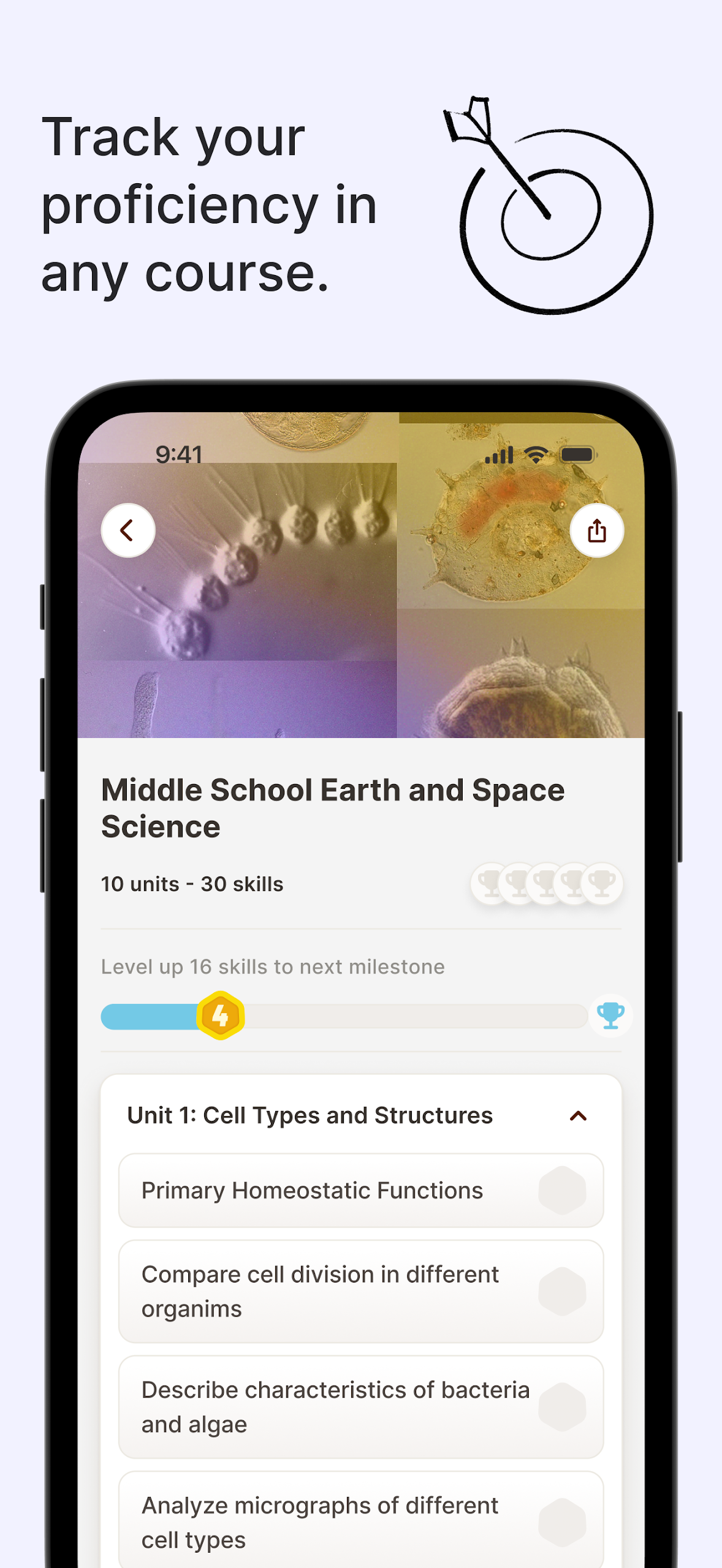
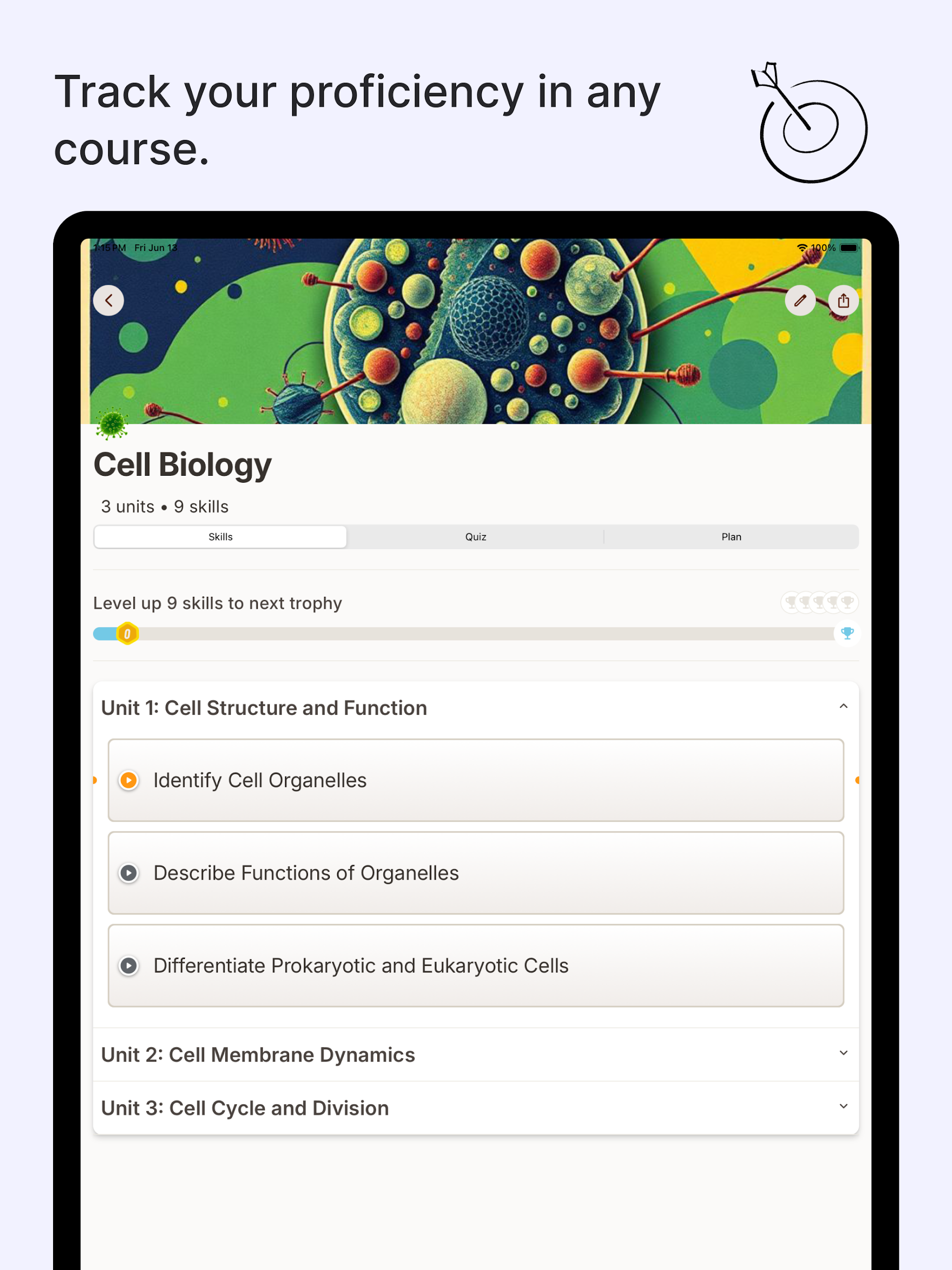
The app splits the topic into knowledge components and creates a practice path.
Step 4 — Solve step by step
Use Sizzle as a tutor:
Read each step
Ask “why” or request a simpler explanation
Use Try a Different Approach to regenerate steps
Use Give Me Choices to see multiple answer paths before a test
Step 5 — Check your homework
Upload a photo of finished work. Sizzle flags mistakes and walks you through the correction instead of just marking it wrong.
Best use cases

- Middle school, high school, AP, and early college STEM
- Exam prep and daily homework checks
- Parents helping at home
- Teachers recommending a free tutor app for extra practice
Sizzle App FAQ
1、Is Sizzle free?
The Sizzle app’s core problem-solving and learning features are free. Sizzle Plus is an optional upgrade for advanced reasoning, unlimited courses/uploads, and extra customization.
2、Which subjects does Sizzle cover?
Math, physics, chemistry, biology, and general topic learning from uploaded materials.
3、Can Sizzle solve word problems?
Yes. Unlike basic math scanners, Sizzle is built to parse word problems and guide students through variables, formulas, and steps.
4、How does photo homework checking work?
Use “Grade Your Homework” or check mode: upload a picture of completed work, and Sizzle gives feedback per step.
5、Does Sizzle just give answers?
No — the app is designed as a tutor chatbot. It encourages step-by-step learning and follow-up questions instead of copy-paste answers.
6、How accurate is Sizzle?
Older Sizzle marketing copy cited around 90% accuracy. Some users report lower accuracy on harder problems, so students and teachers should still review results.
- Version1.0.27
- UpdateOct 15, 2026
- DeveloperSizzle AI
- CategoryEducation
- Requires AndroidAndroid 5.0+
- Downloads1M+
- Package Nameai.szl.mobileapp
- Signature0d7e59a912d228447333a774d71855b2
- Available on
- ReportFlag as inappropriate
-
NameSizeDownload
-
63.59 MB
-
63.63 MB
-
62.60 MB













Customizable courses enhance personalization
Alternating tests and facts makes learning fun
Portable access via mobile app
Efficient quizzes to track progress
Detailed explanations aid understanding
Video lectures supplement learning materials
Strong community support for collaboration
Resourceful for both independent study and exam preparation
Crashes on certain devices like Google Pixel 8
Limited to one course upload in free version
Premium subscription costs may be prohibitive
Some bugs affecting user experience
Inconsistent AI quality with inaccuracies
Complex navigation can confuse users
Lack of offline access limits usability
Long loading times due to network issues