
Sauce Recipes - Recipe collection & shopping
Discover diverse sauces & relishes for every meal while enjoying a user-friendly experience & organized shopping lists!
- 20.0.0 Version
- 1.6 Score
- 278K+ Downloads
- In-app purchases License
- 3+ Content Rating


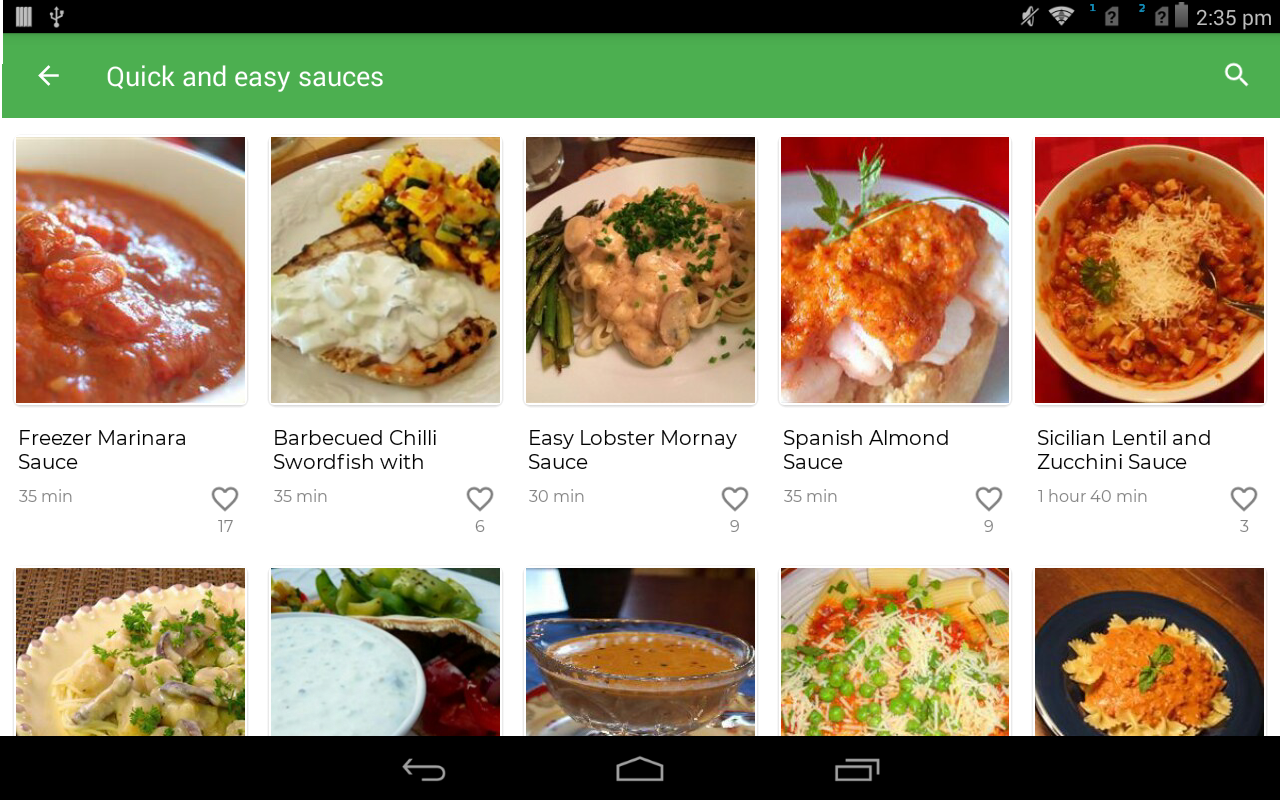
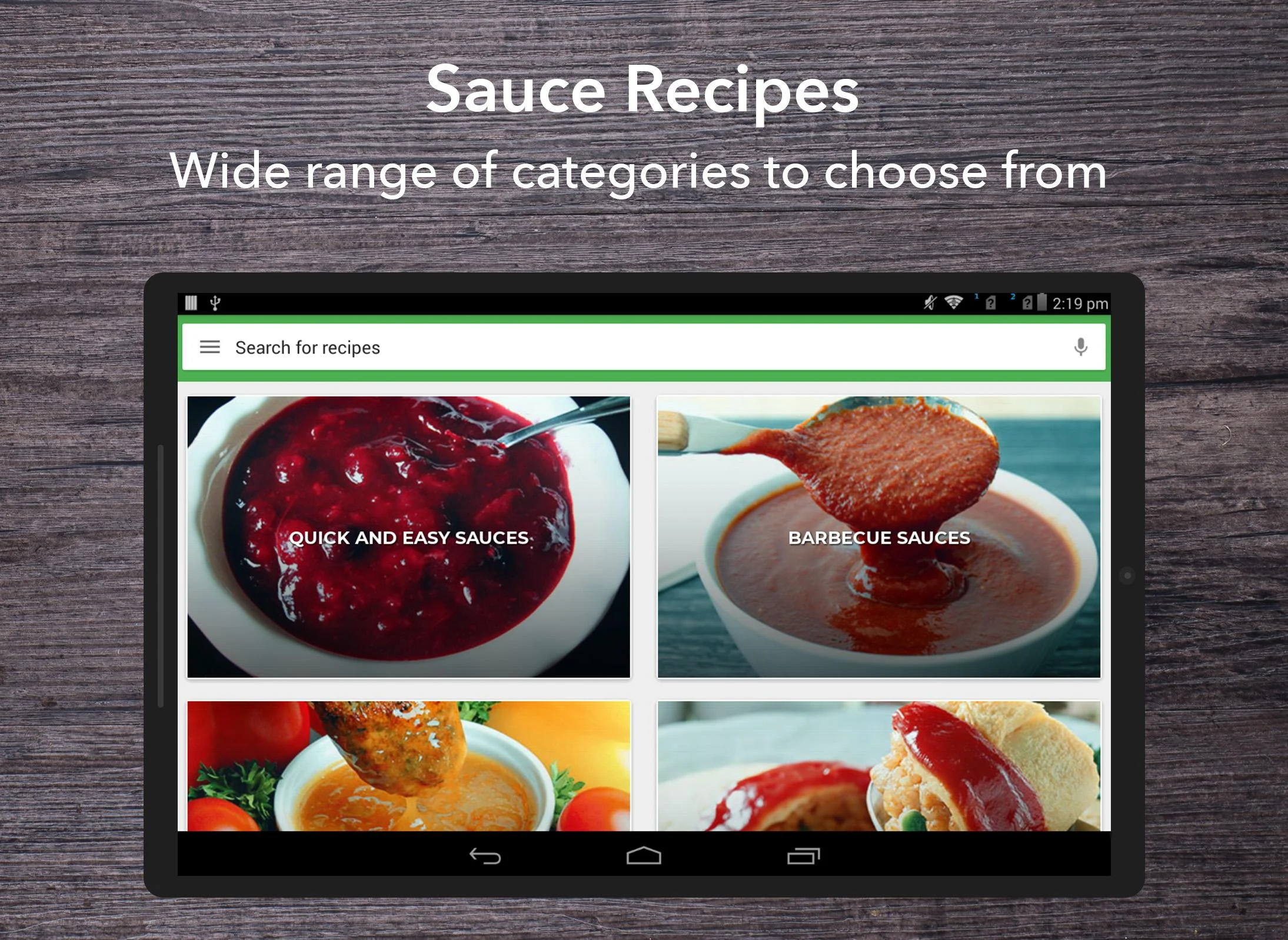
Sauce Recipes
1. App Overview
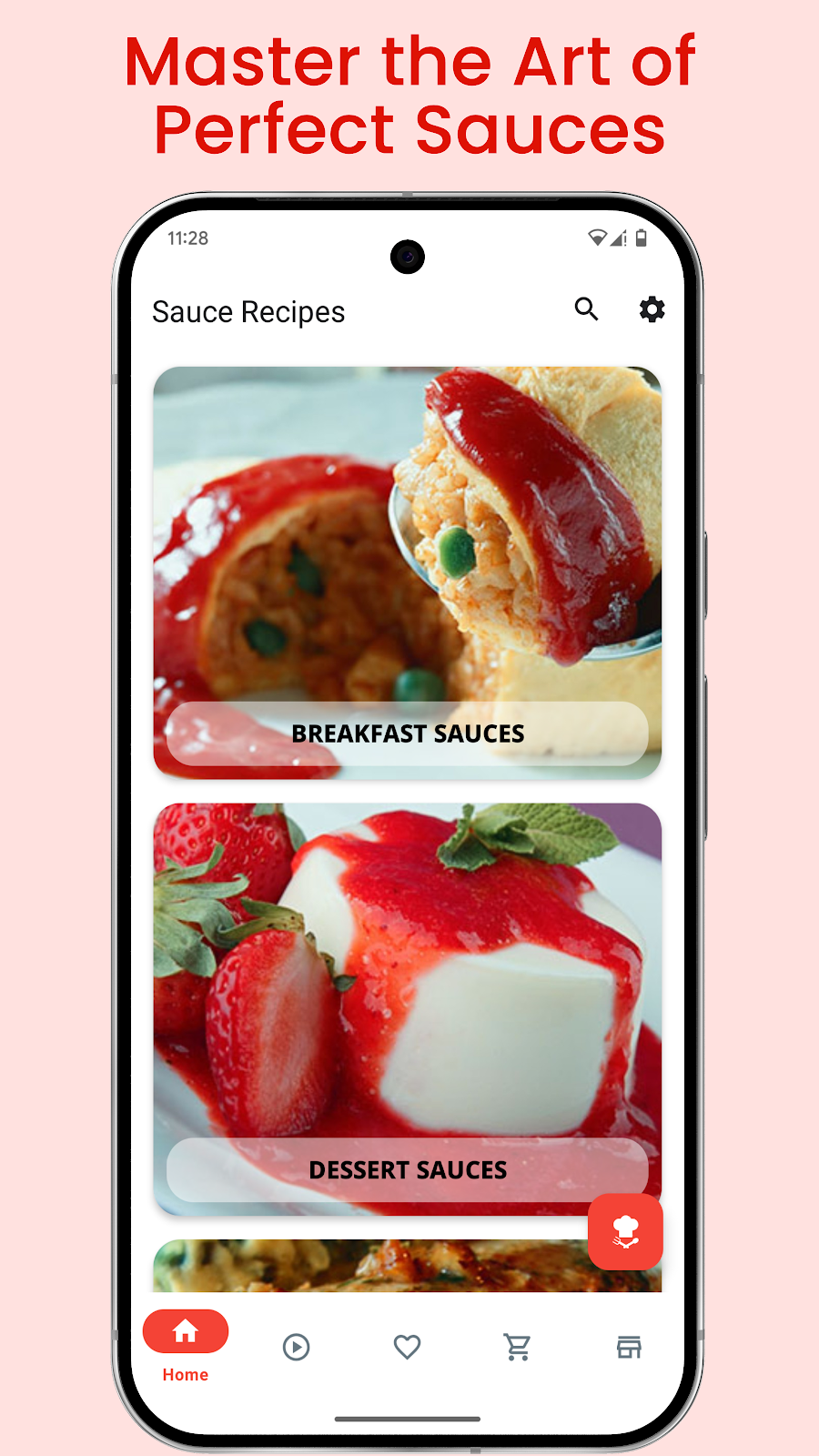
Sauce Recipes is a free cooking app for home cooks who enjoy making homemade sauces and discovering new flavors. Its collection includes more than one million recipes covering salad dressings, dipping sauces, condiments, and sauces for different dishes. Drawing inspiration from international cuisines, the app offers a variety of options for everyday cooking and experimenting with different ingredients.
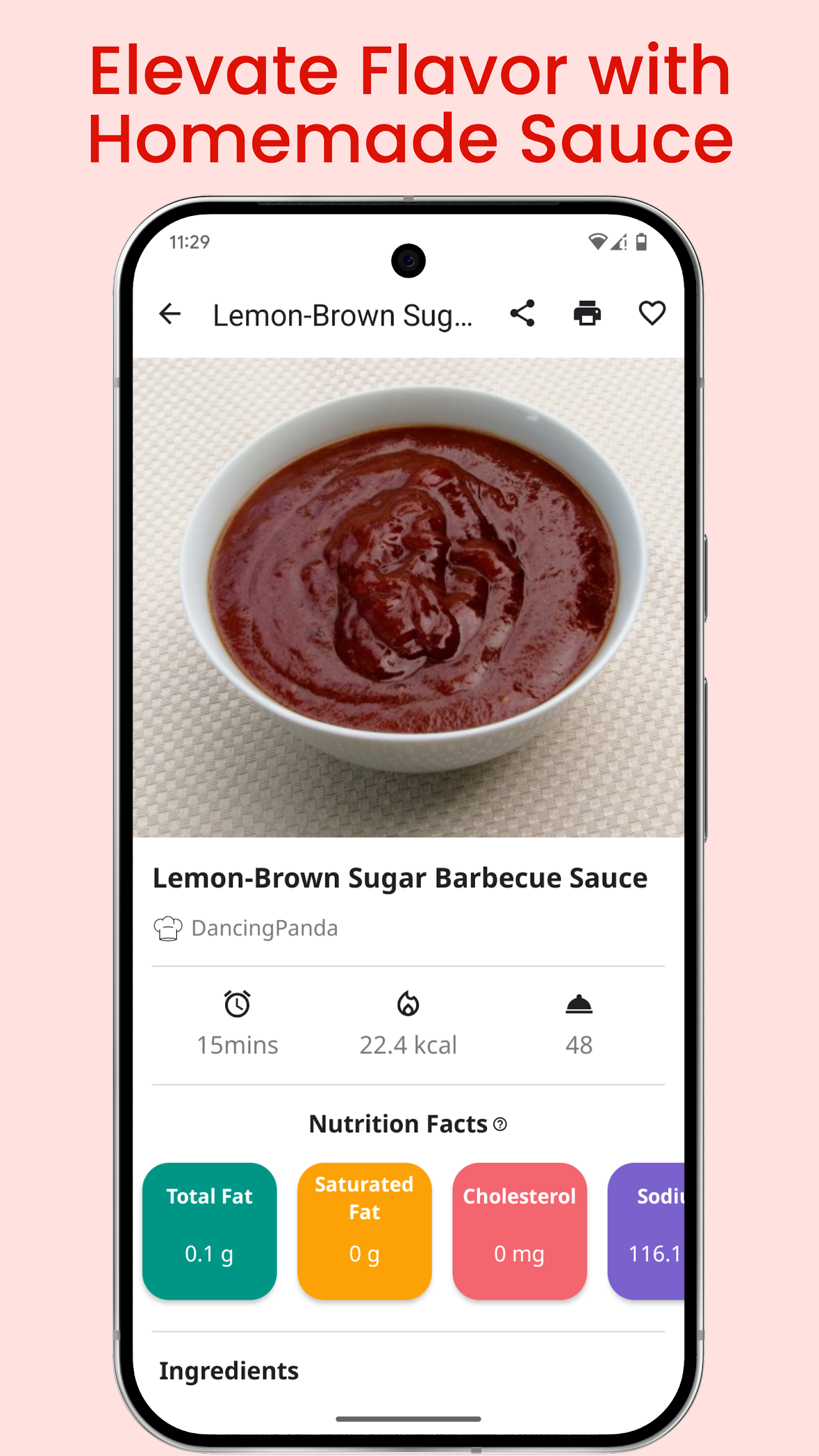
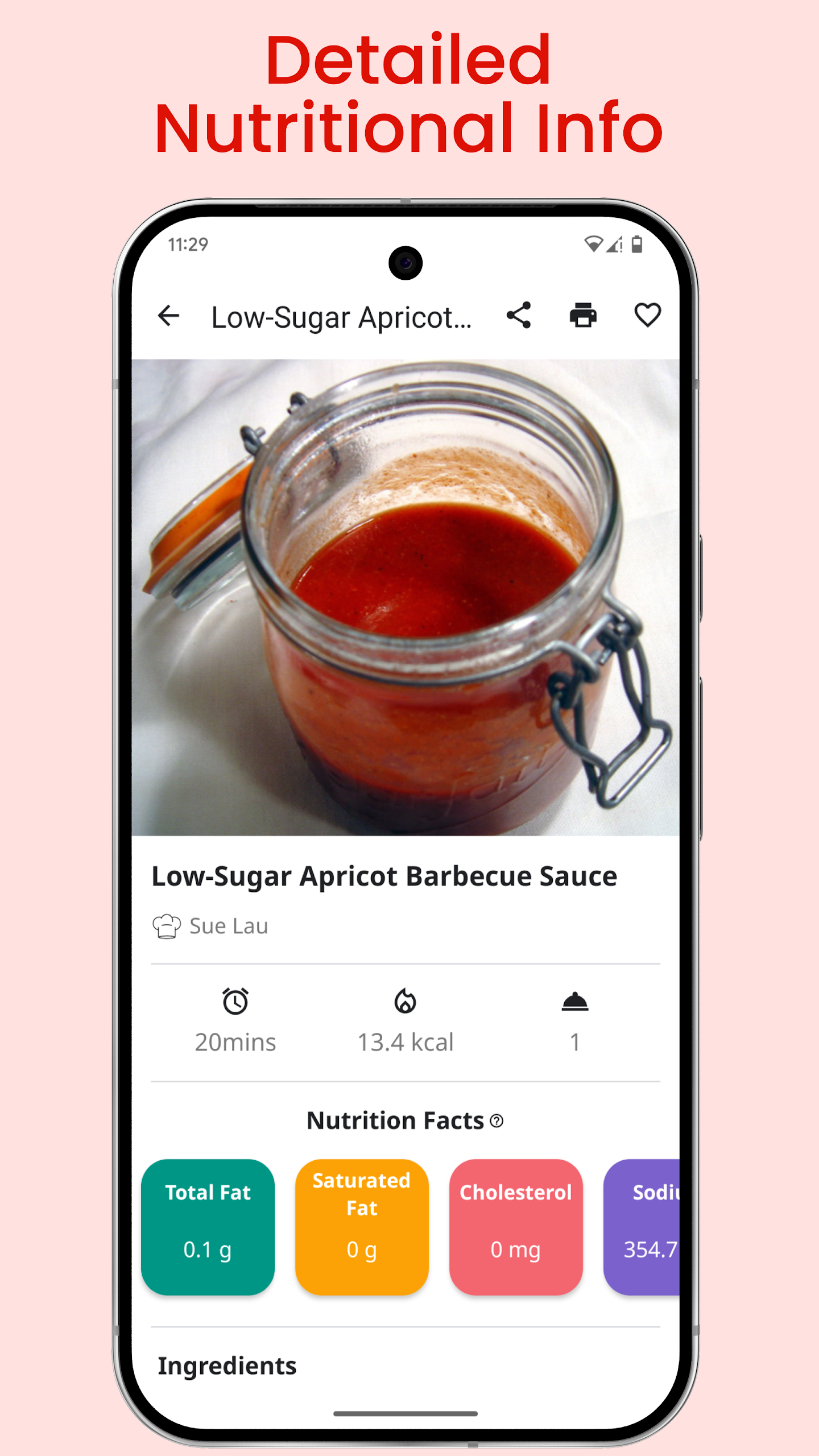
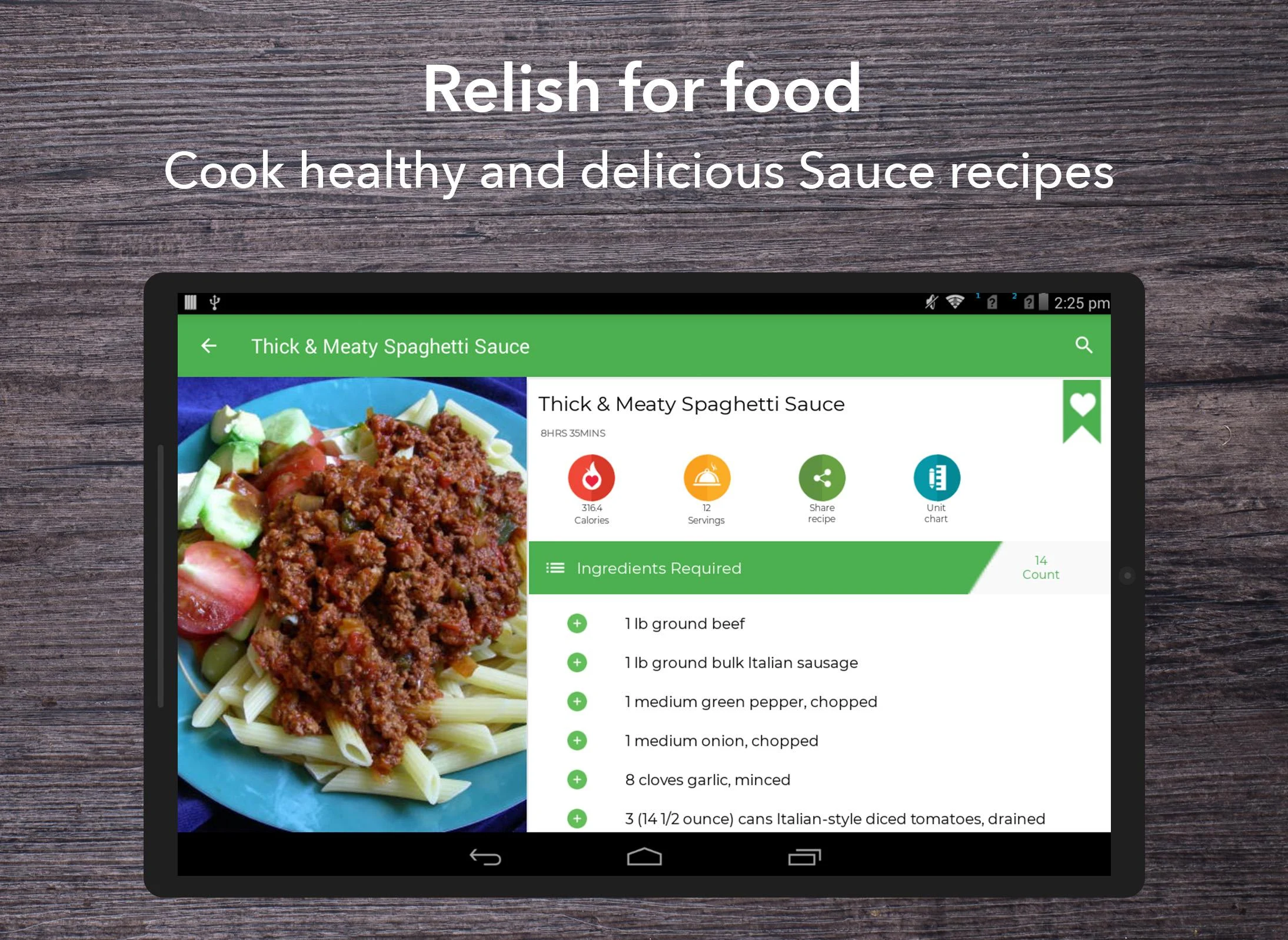
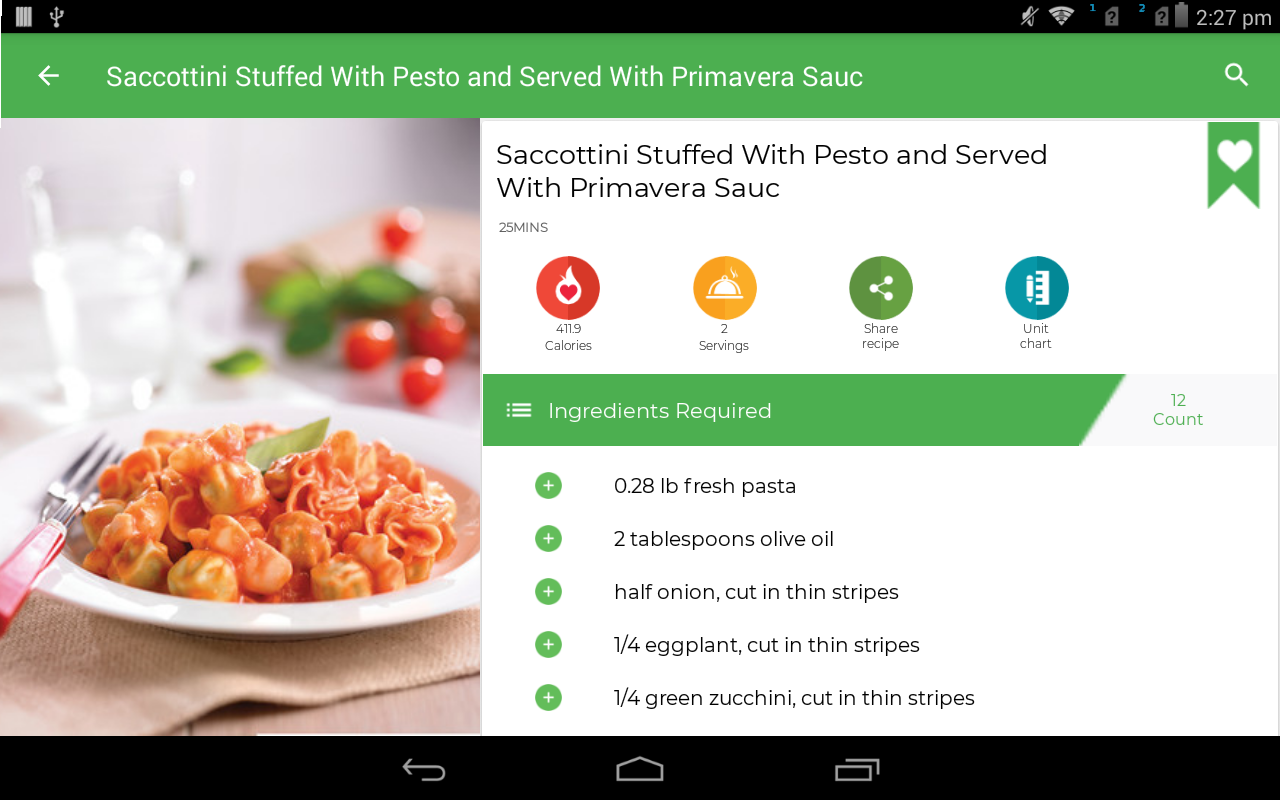
Each recipe provides practical cooking details, including ingredient lists, precise quantities, serving sizes, nutritional information, preparation instructions, and estimated cooking times. These details help users evaluate recipes and understand what is needed before preparing a dish.

Beyond browsing recipes, Sauce Recipes includes tools for finding, saving, and organizing cooking ideas. Its Recipe Finder recommends dishes based on ingredients users already have, while the built-in shopping list helps organize ingredients for upcoming meals. Users can also bookmark recipes for future reference and access previously loaded content offline.
The app offers additional personalization options, including dark mode and support for approximately 13 languages. Users who register an account can contribute their own recipes, upload photos of finished dishes, and manage their submissions through a personal profile. These features make Sauce Recipes a useful resource for discovering new sauce ideas, organizing recipes, and sharing homemade creations.
2. Key Features
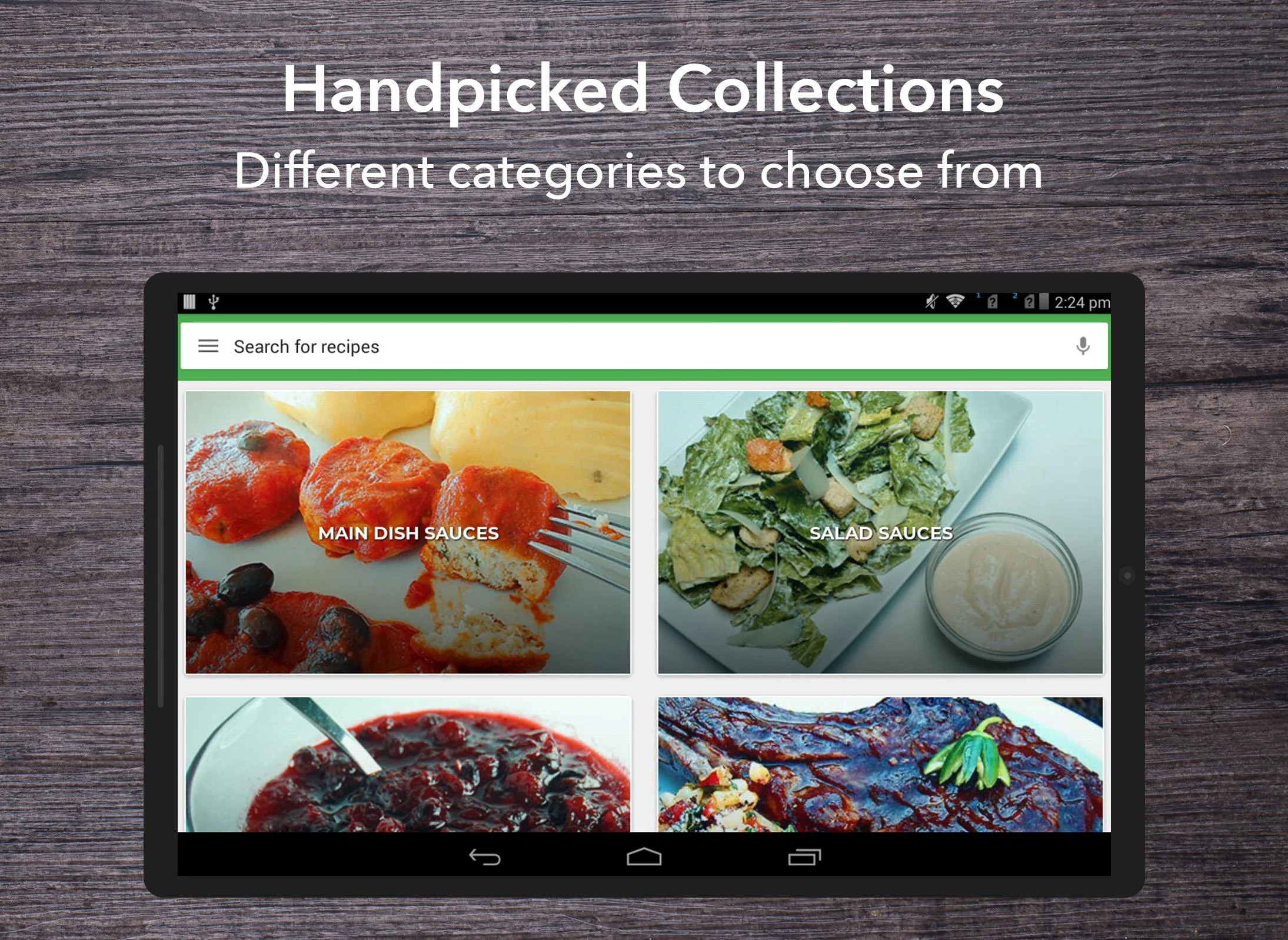
Extensive Recipe Collection: Explore more than one million recipes covering sauces, salad dressings, dips, condiments, and international flavors.
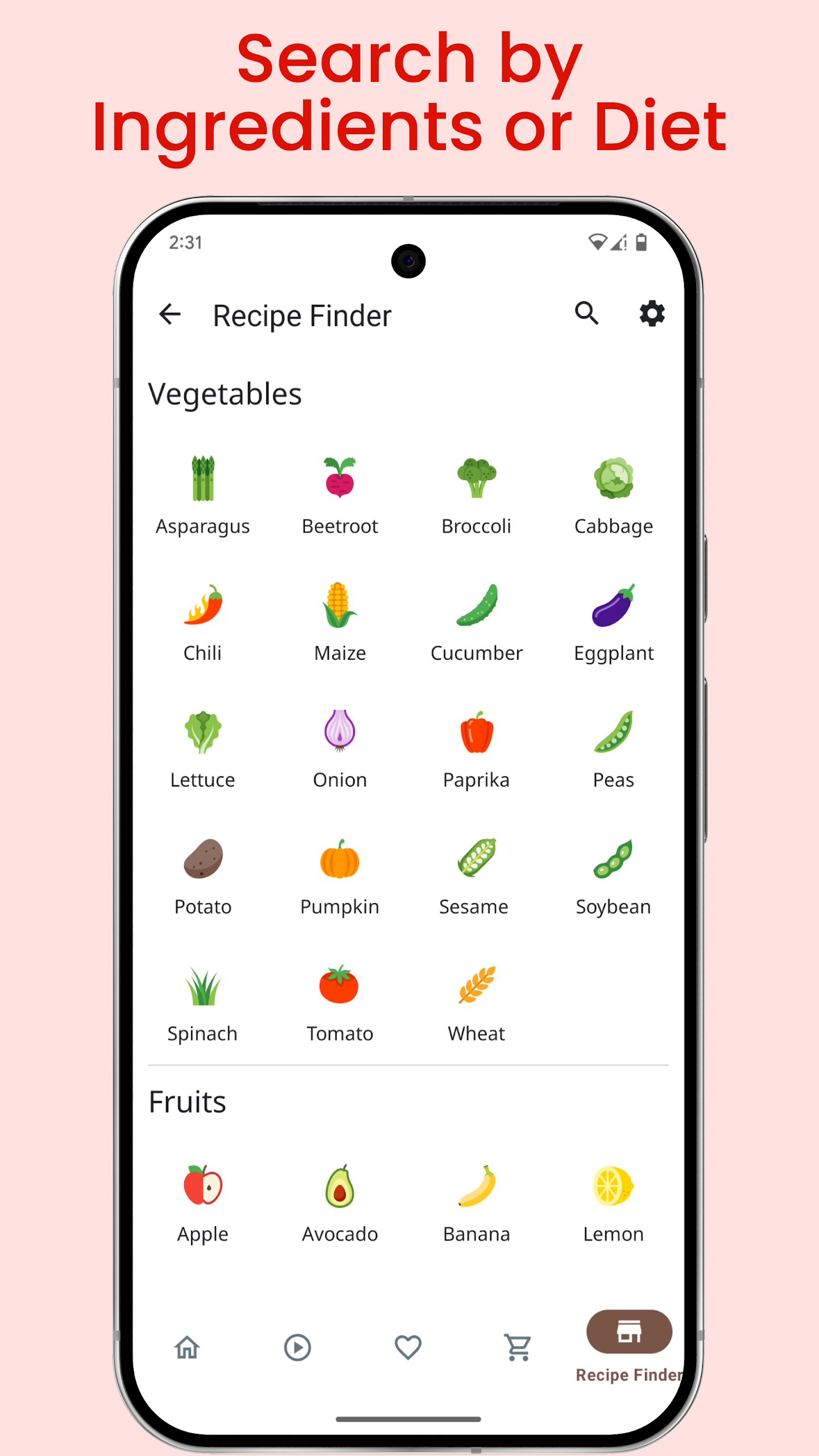
Ingredient-Based Recipe Finder: Discover recipes using ingredients already available in your kitchen.
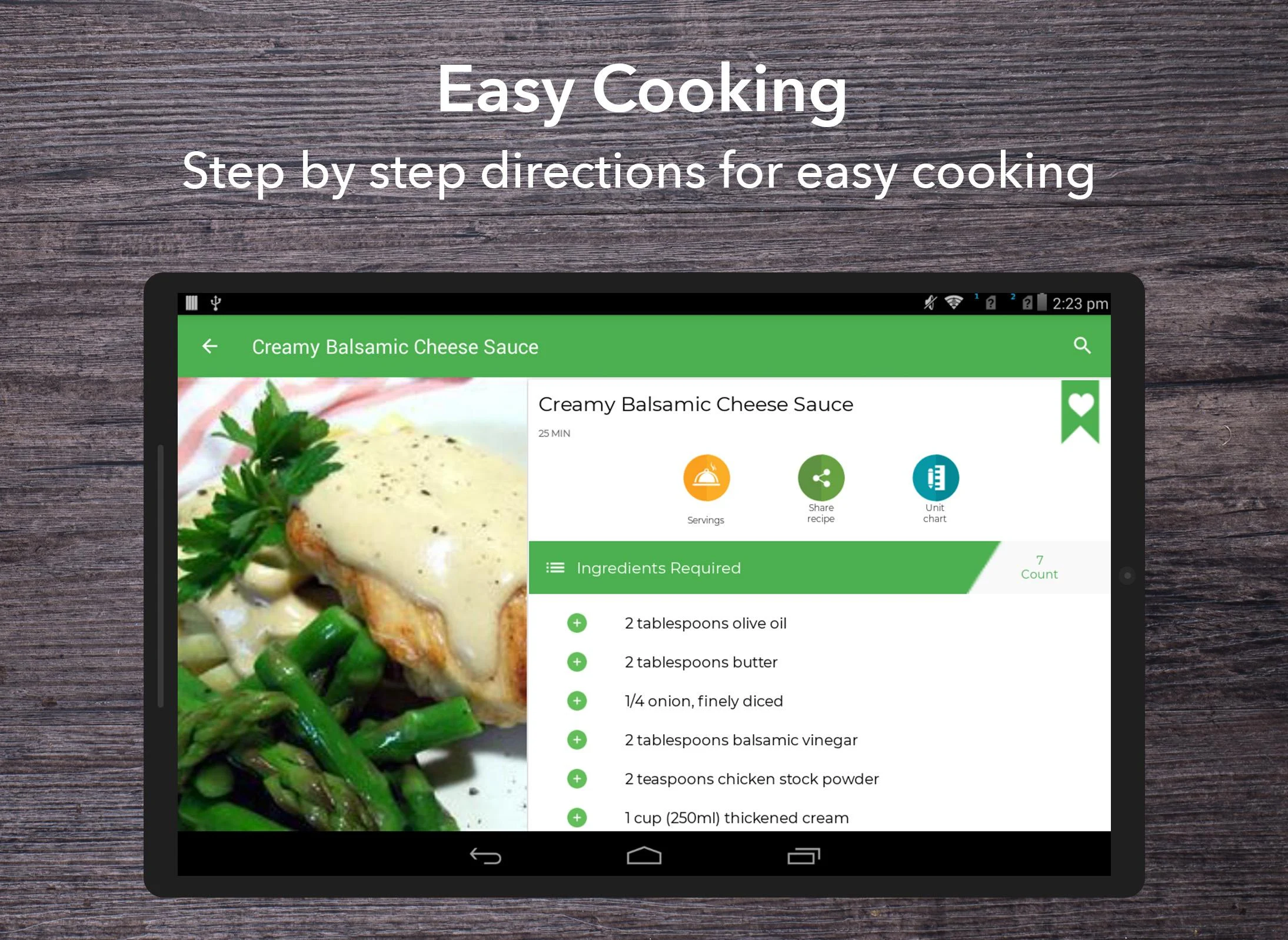
Detailed Cooking Instructions: View ingredient quantities, serving sizes, nutritional information, preparation steps, and estimated cooking times.
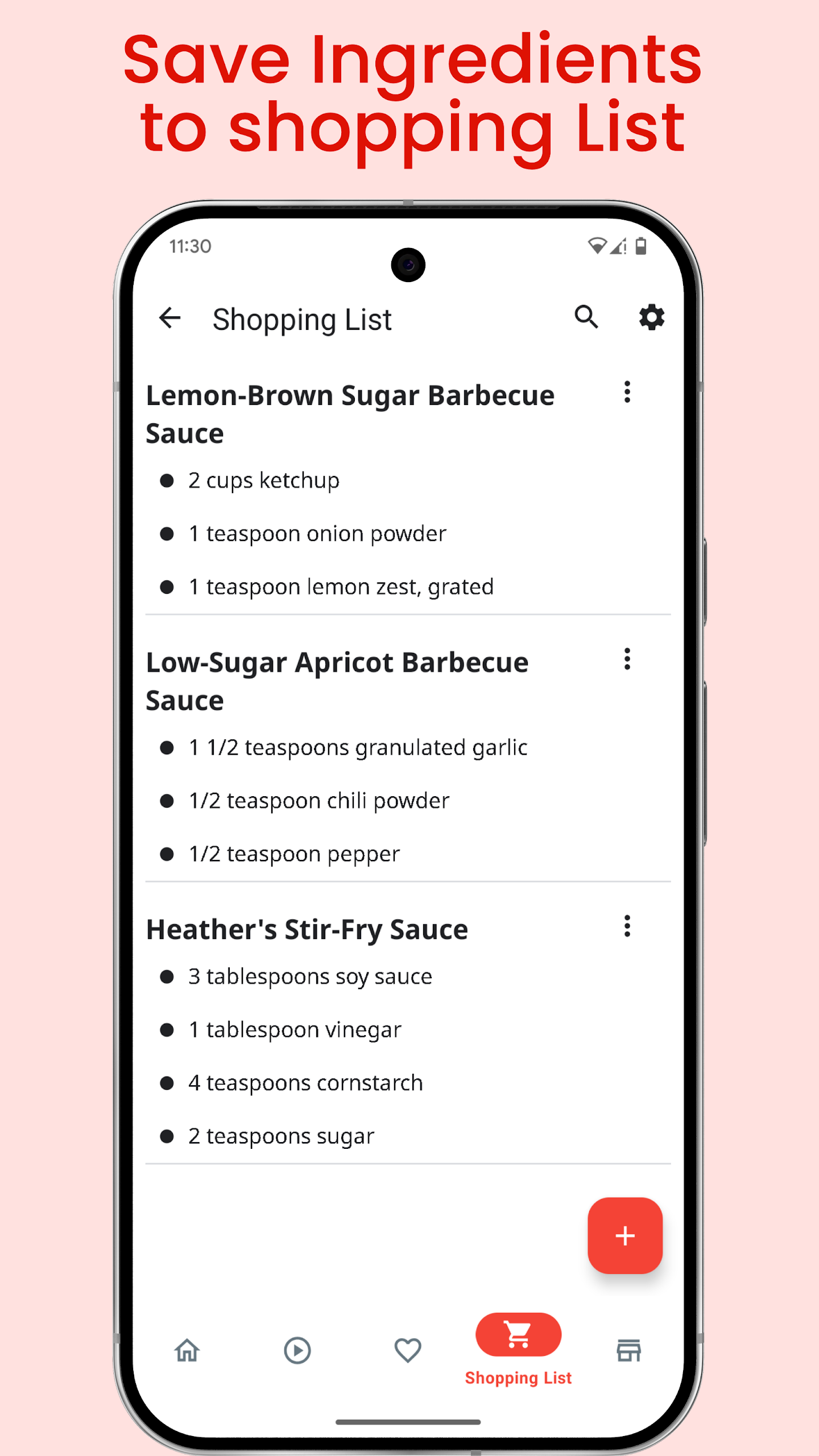
Shopping List Organizer: Add recipe ingredients, adjust quantities, and mark purchased items.
Recipe Bookmarks: Save favorite recipes for quick access whenever you want to prepare them again.
Offline Access: Revisit previously loaded recipes, saved favorites, and shopping lists without an internet connection.
Dark Mode: Switch to a darker interface for more comfortable browsing in low-light environments.
Recipe Contributions: Register an account to publish original recipes, upload dish photos, and manage submitted content.
Multilingual Support: Choose from approximately 13 available interface languages.
Built-In Tutorials: Follow introductory guides to learn how to use the app's main tools.
3. How to Use Sauce Recipes

Step 1: Set Up the App
Open Sauce Recipes and select your preferred language. New users can follow the introductory tutorials to become familiar with the app. Dark mode can also be enabled in the settings.
Step 2: Find Recipes
Browse the collection or enter a sauce name in the search bar. To find recipes based on ingredients you already have, open the Recipe Finder and enter the available ingredients.
Step 3: Check Recipe Details
Select a recipe to view its ingredients, quantities, serving size, nutritional information, cooking time, and preparation instructions. Follow the listed steps to prepare the sauce.
Step 4: Organize Shopping Items
Add the required ingredients to your shopping list. Long-press an item to adjust its quantity, then use the checkbox to mark it as purchased.
Step 5: Save Favorite Recipes
Tap the bookmark option on a recipe to add it to your favorites. You can return to your saved recipes whenever you need them.
Step 6: Share Your Own Recipes
Register an account to contribute original sauce recipes. You can upload photos of finished dishes and manage your published recipes through your personal profile.
4. Frequently Asked Questions
Q1: Can I use Sauce Recipes offline?
Yes. Previously loaded recipes, bookmarked content, and shopping lists can be accessed offline. An internet connection is required to discover new online recipes and use the online Recipe Finder.
Q2: Do I need to create an account to browse recipes?
No. You can browse the recipe collection and use the main discovery features without registering. An account is required to submit your own recipes and manage your contributions.
Q3: Can I edit or delete recipes I have submitted?
Yes. Registered users can manage their submitted recipes through their personal profiles, including editing existing entries and deleting unwanted submissions.
Q4: How does the Recipe Finder work?
Enter the ingredients you have available in the Recipe Finder. The app will display matching recipe suggestions based on your selections.
Q5: How do I update quantities in my shopping list?
Long-press the ingredient you want to modify to adjust its quantity. You can also mark individual items as purchased using the checkbox.
Q6: Does Sauce Recipes support multiple languages?
Yes. The app offers approximately 13 language options. You can select your preferred language through the available language settings.
- Version20.0.0
- UpdateNov 06, 2026
- DeveloperHitbytes Technologies
- CategoryFood & Drink
- Requires AndroidAndroid 4.0.1 – 4.0.2+
- Downloads278K+
- Package Namecom.cookware.saucerecipes
- Signature163ccae8eb50e3806b119b0c77b6cc6e
- Available on
- ReportFlag as inappropriate



















Highly practical
Flexible to use
Interactive and user-friendly
Limited offline functionality
Insufficient filtering features
Possible advertising interference