
Plan to Eat: Meal Planner - Meal planning & recipes
Effortlessly organize recipes, create meal plans & generate shopping lists for stress-free cooking experiences!
- 3.0.2 Version
- 3.2 Score
- 211K+ Downloads
- In-app purchases License
- 3+ Content Rating


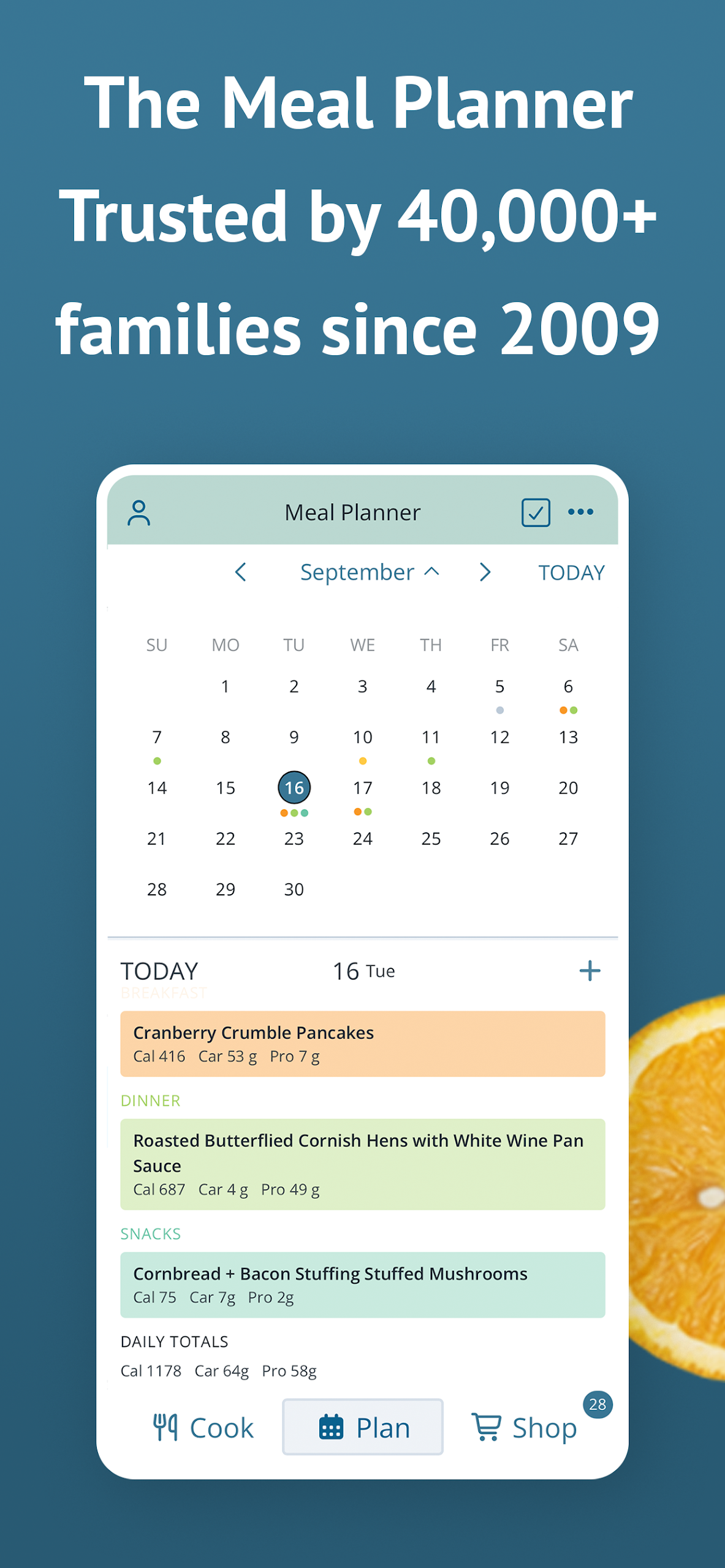
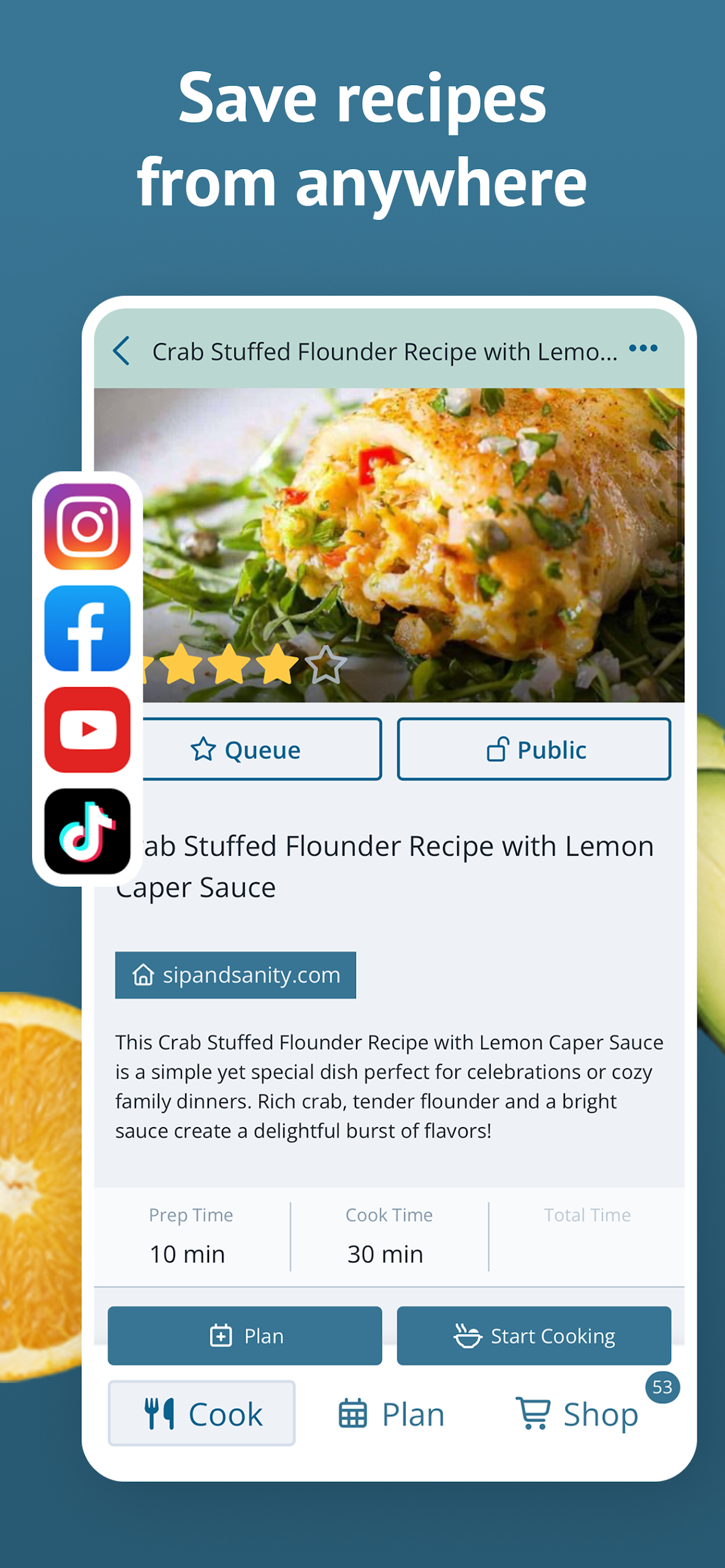
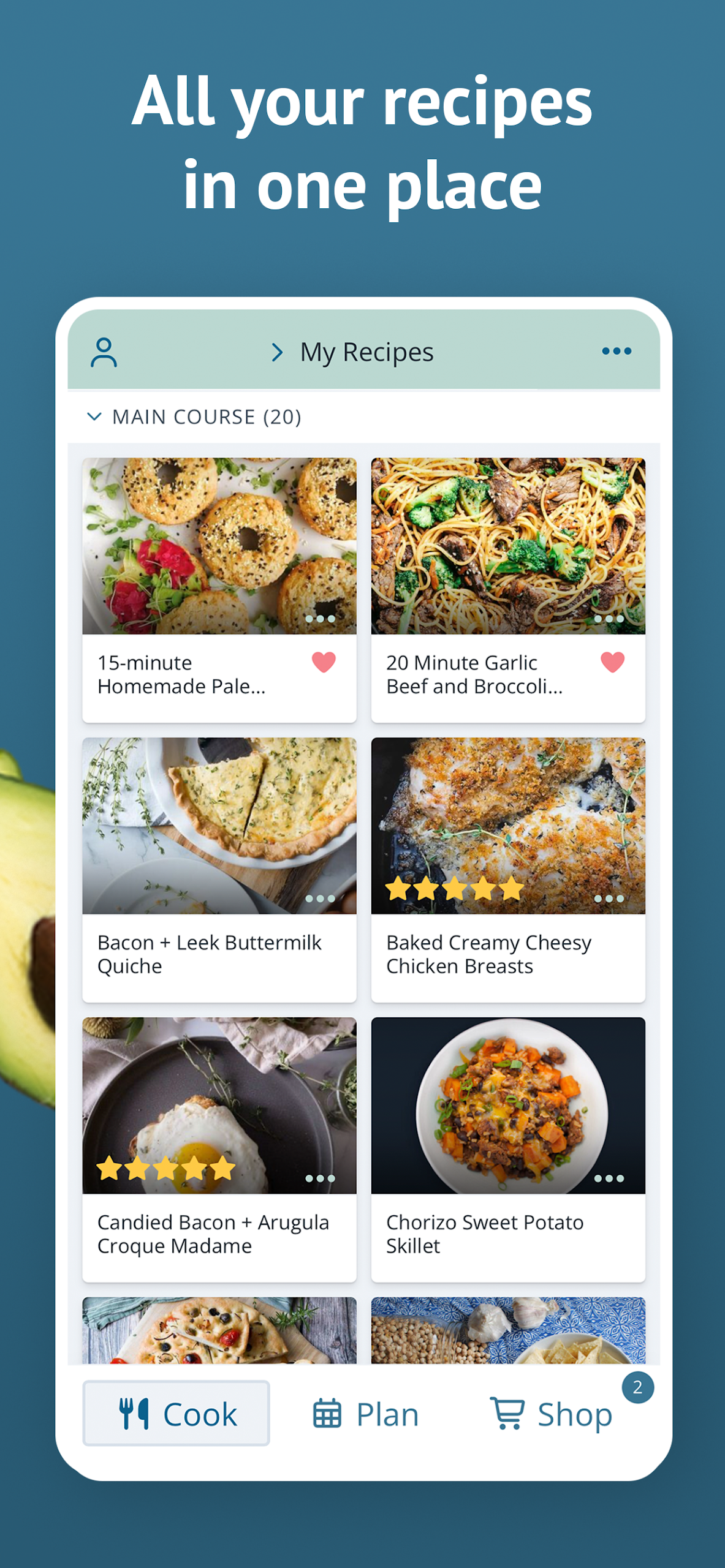
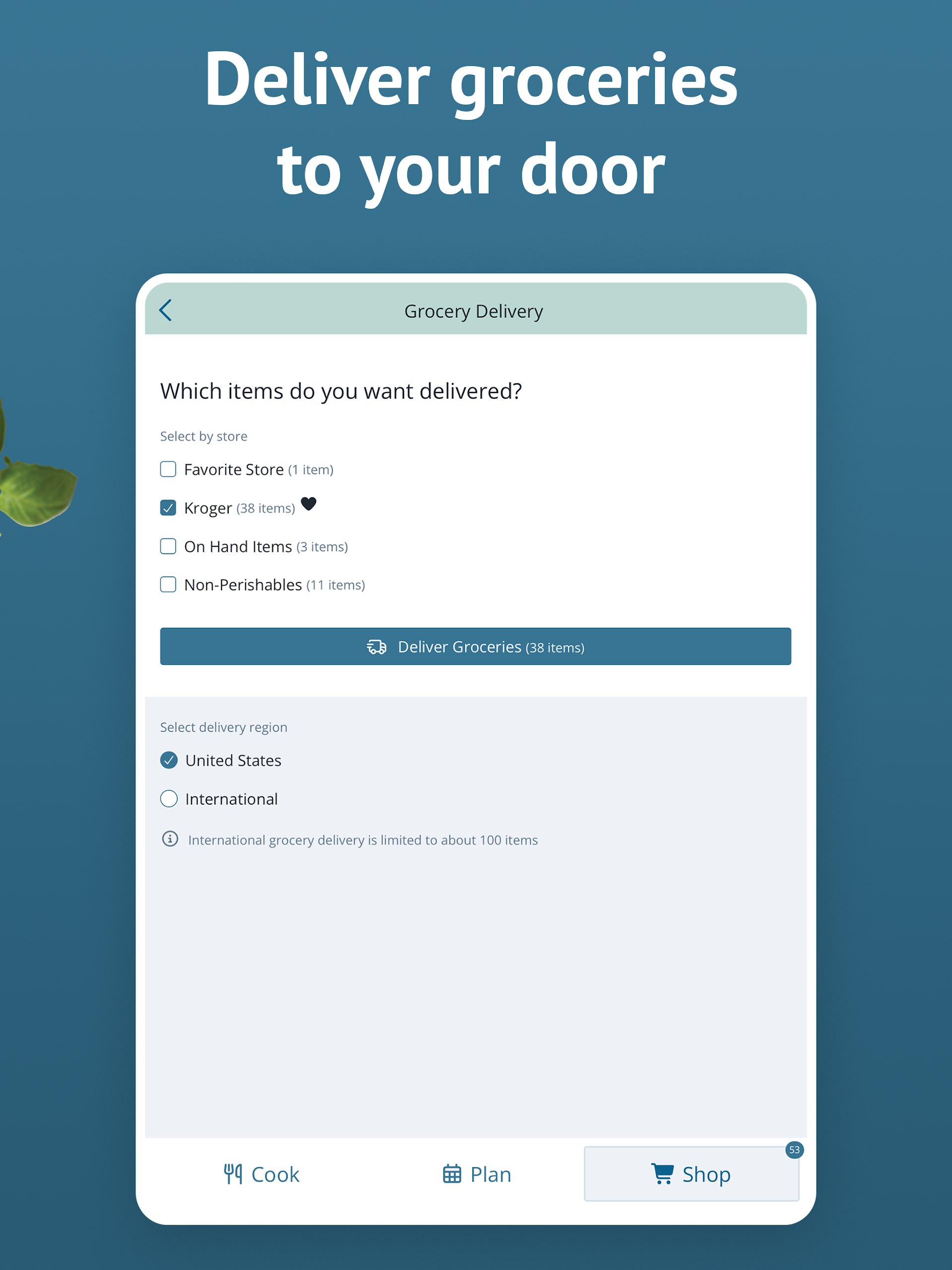
Carry your planning tools right in your pocket!
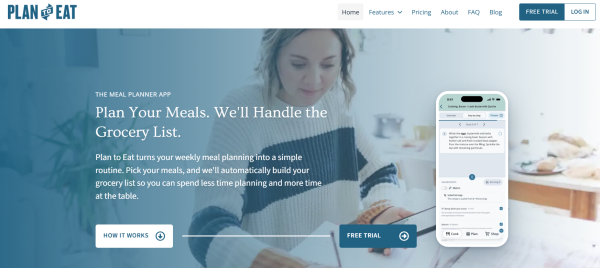
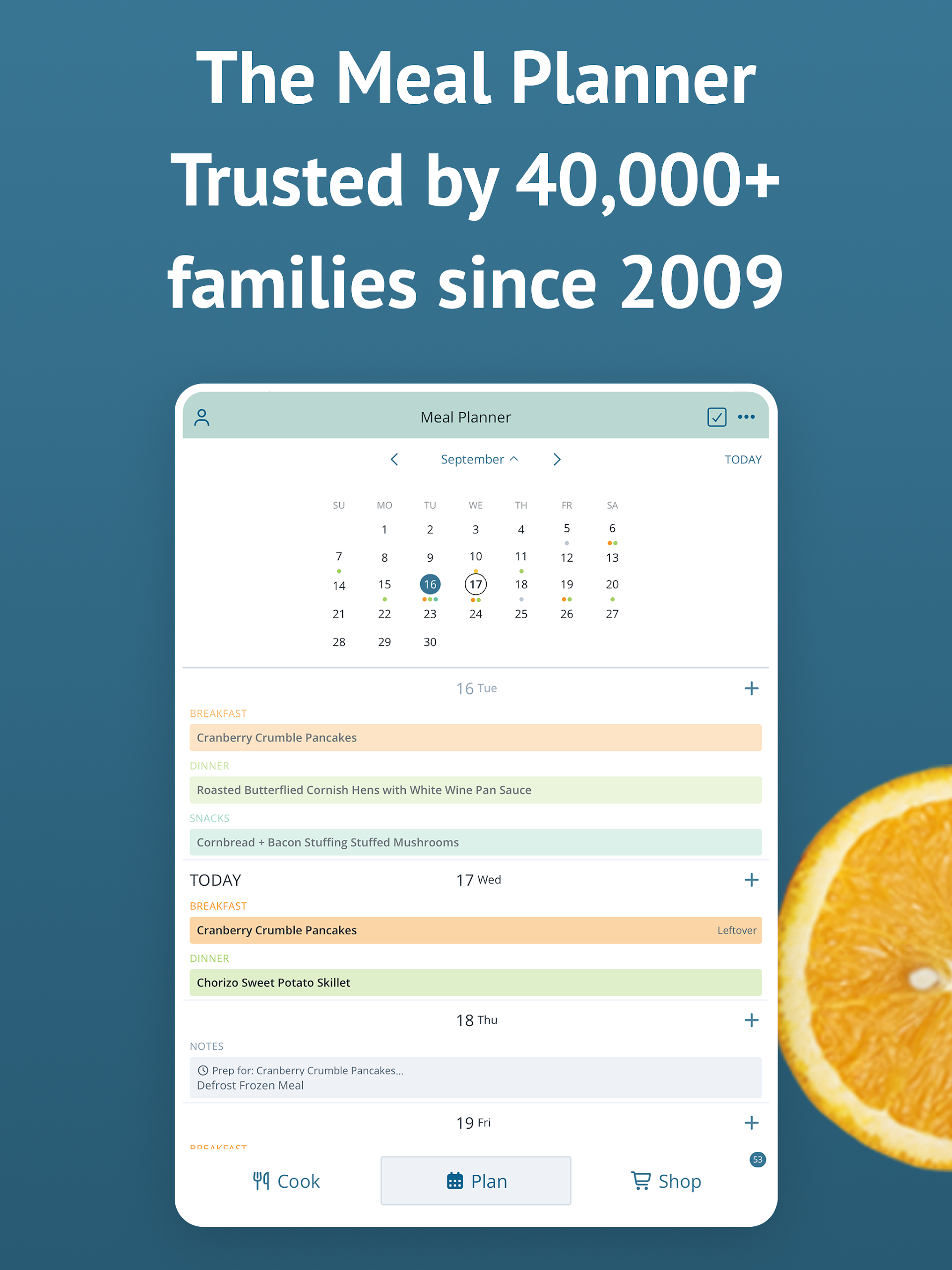
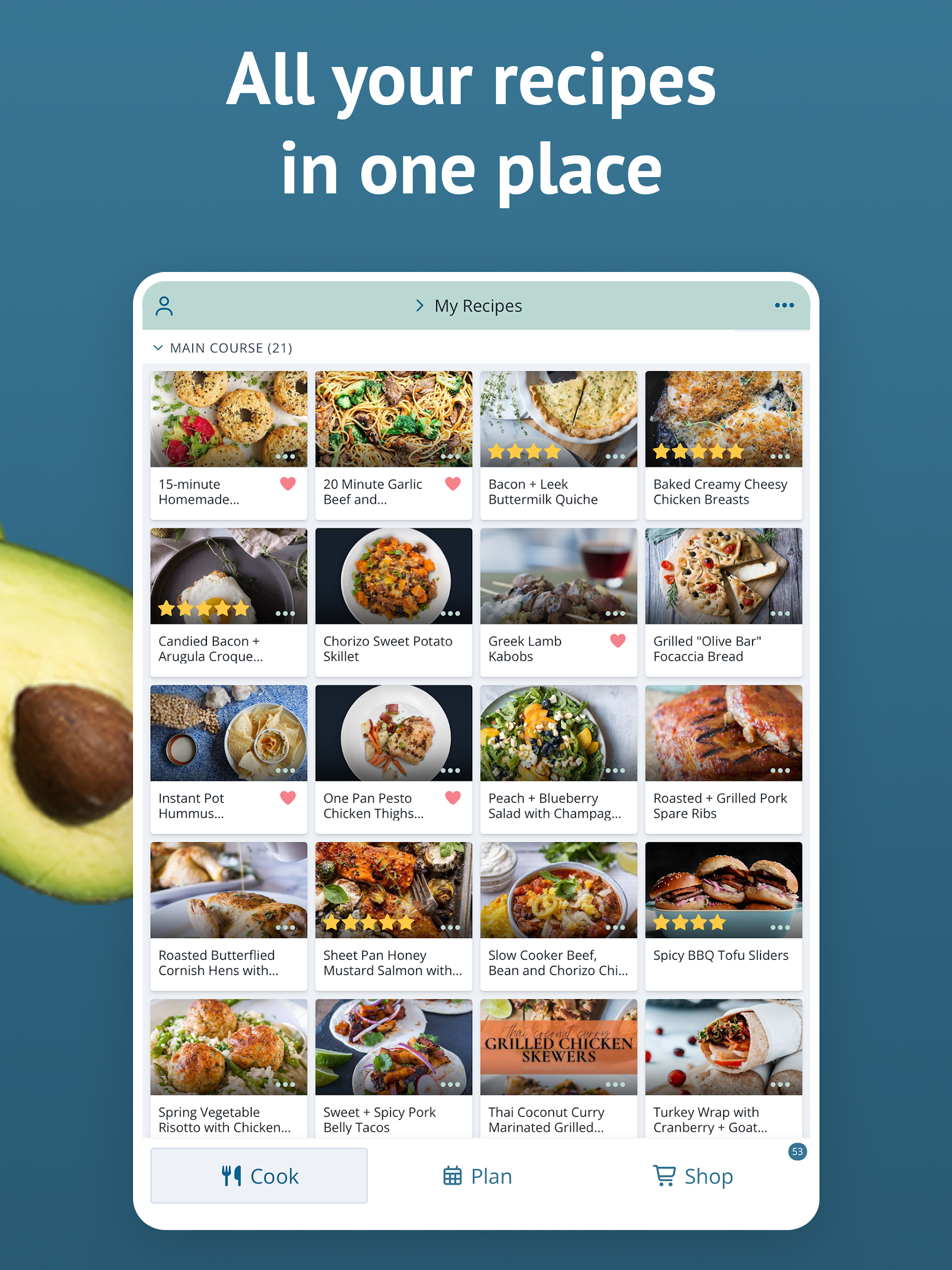
Keep all your recipes in a single location, automatically generate a shopping list for the week, and rediscover the joy of meal planning with Plan to Eat, the app crafted specifically for planners.
Experience Plan to Eat FREE for a 14-day trial without needing to enter any payment details during sign-up. Following the trial, you can choose an annual subscription at $5.95/month or $49/year.
The app's standout features include:
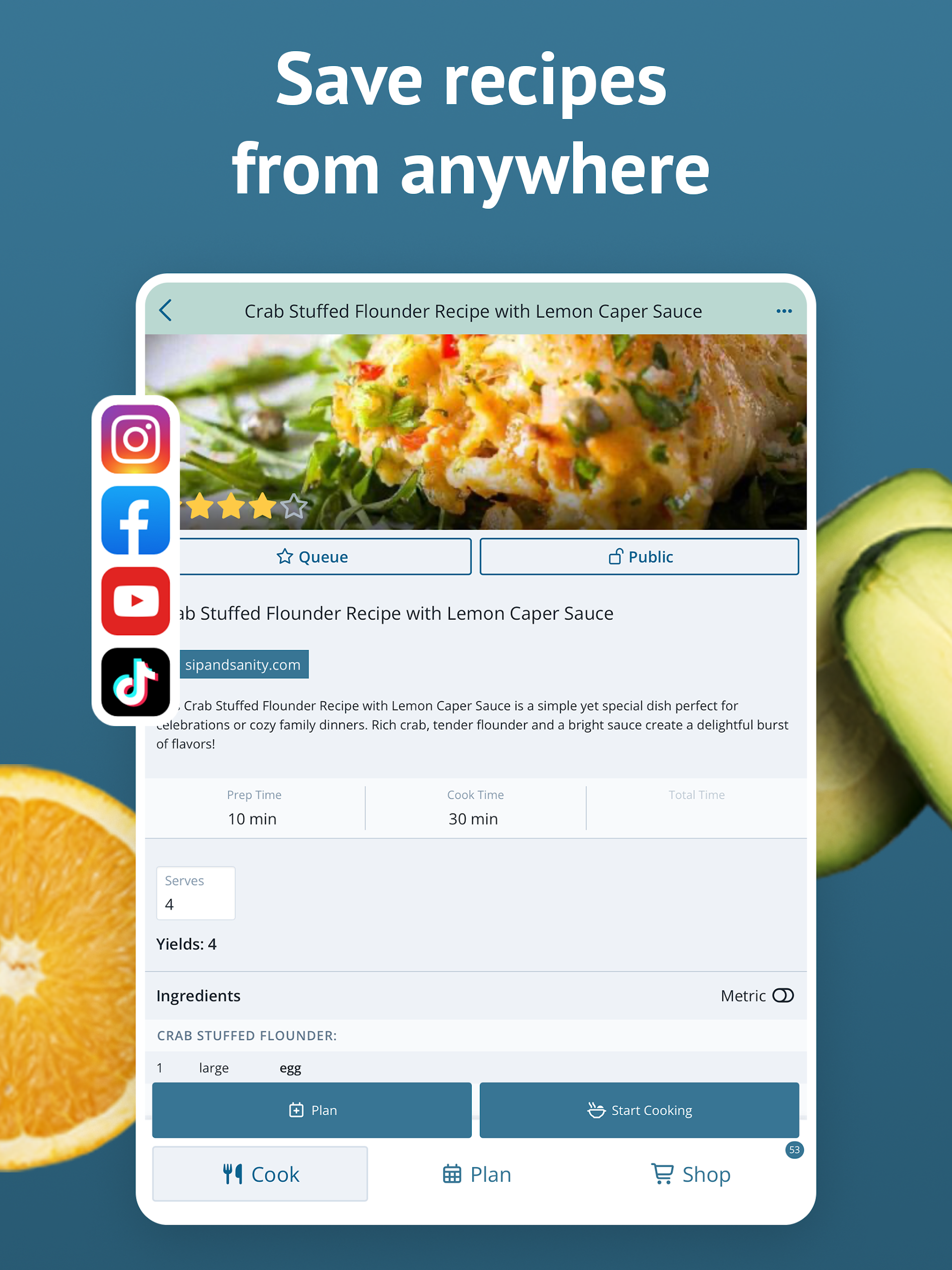
- ALL YOUR RECIPES IN ONE PLACE: Use the share icon in your web browser to import online recipes, or manually input your family recipes into the app.
- PERSONALIZED PLANNING: Develop meal plans tailored to your unique schedule. Adjust serving sizes, rearrange recipes, plan for leftovers, and keep track of frozen meals.
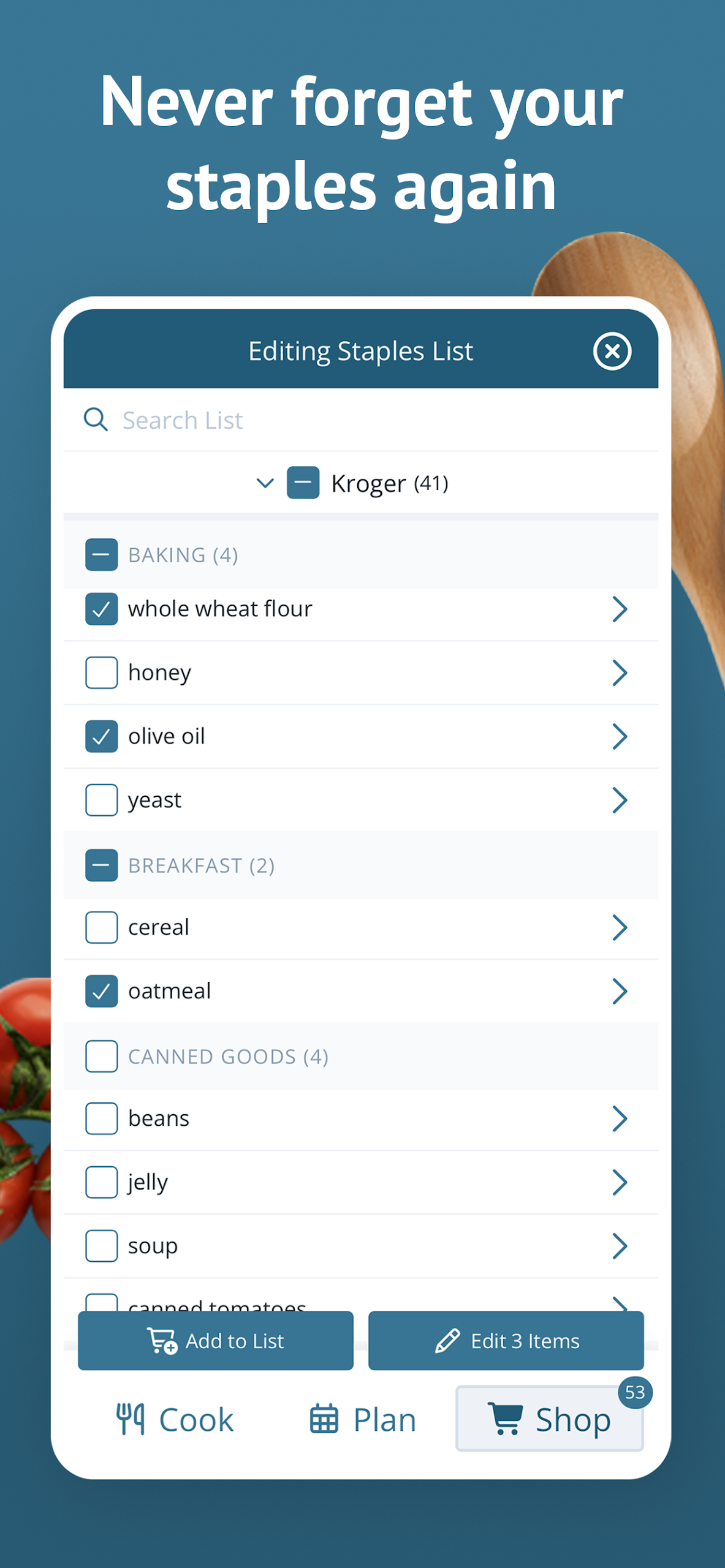
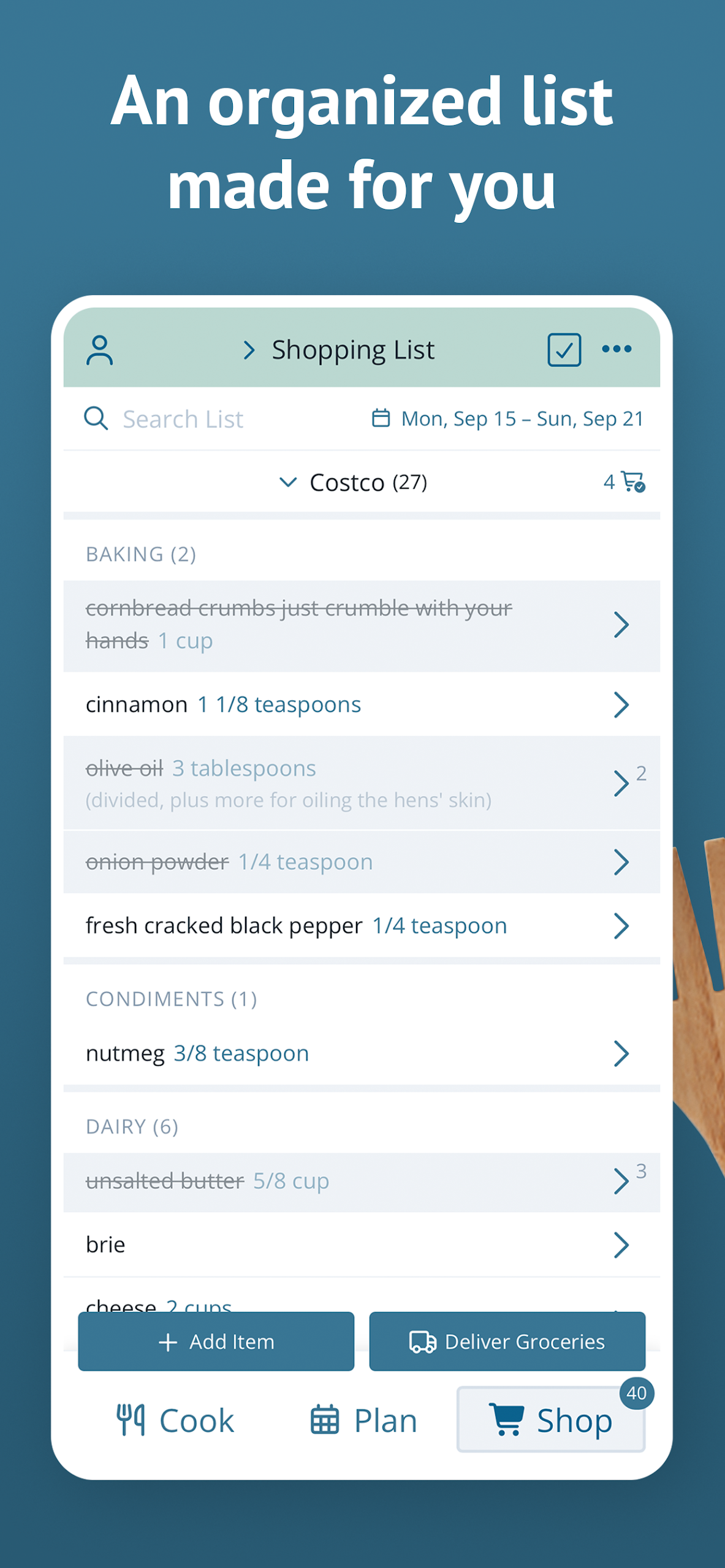
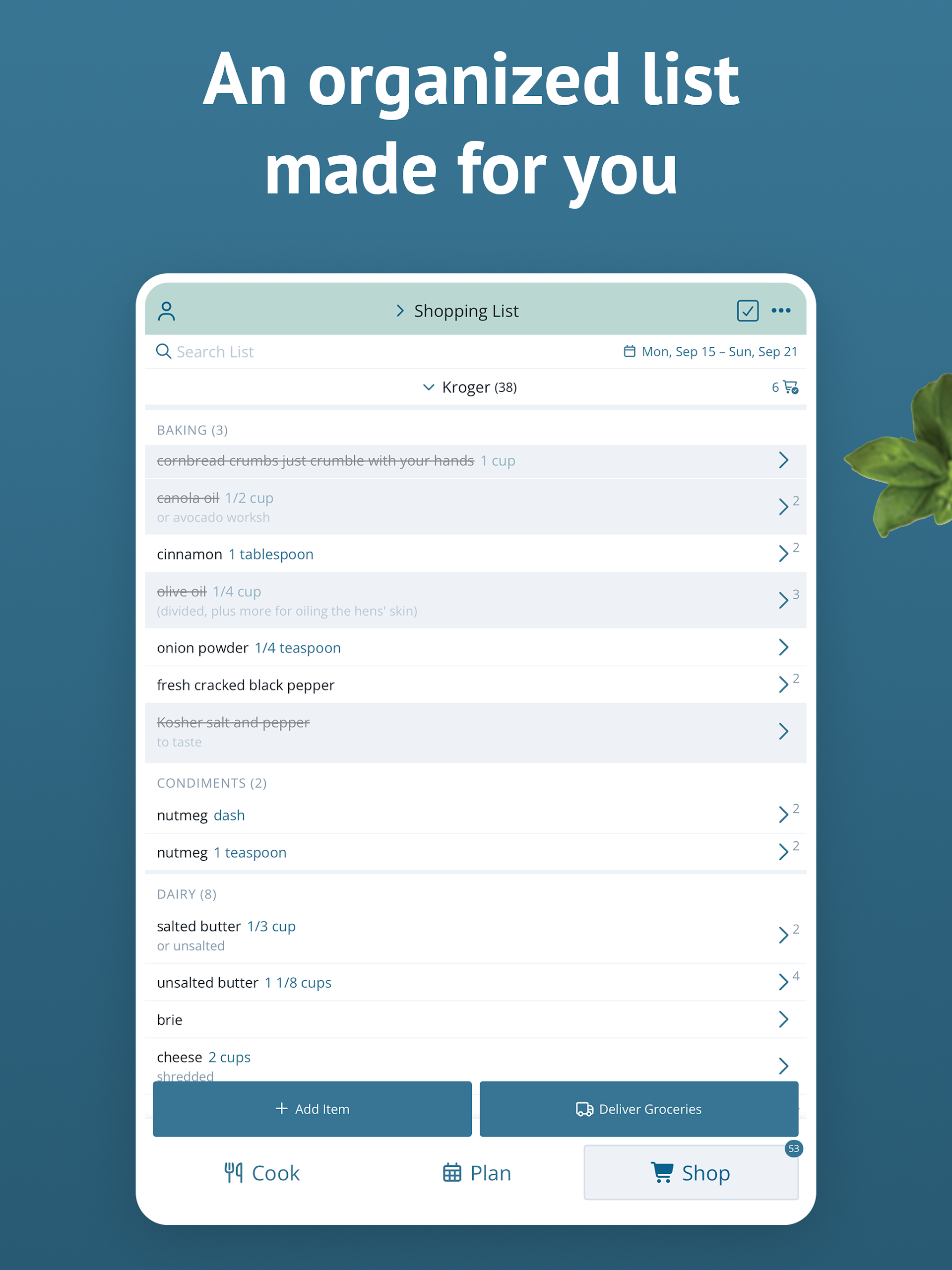
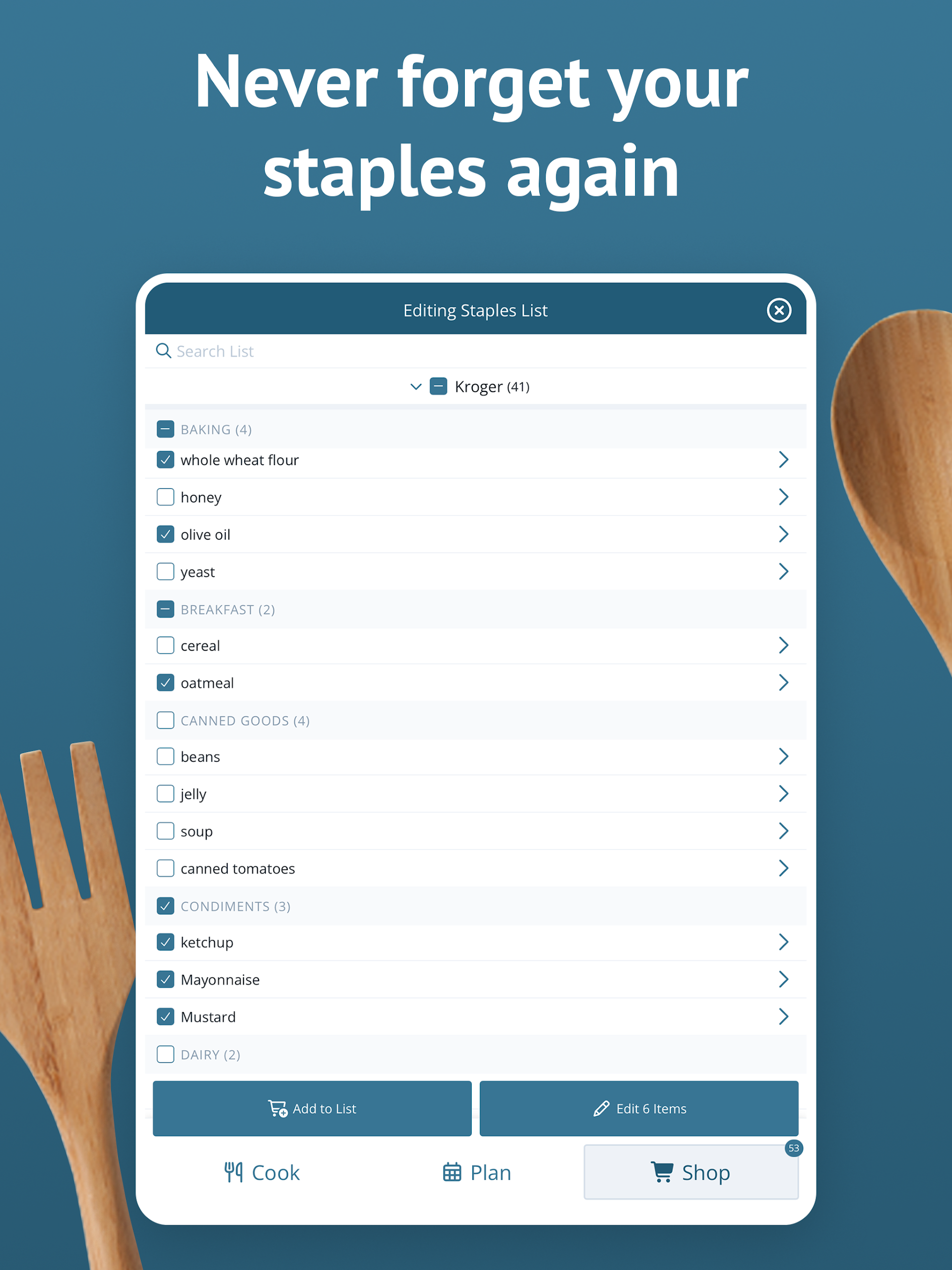
- ENHANCED SHOPPING LIST: The shopping list creates a neatly organized grocery list based on the ingredients required for your meal plan. Additionally, you can add extra items, include frequent purchases from a staples list, customize and rearrange categories, and make lists for specific stores.
- SHARE WITH FRIENDS: Collaborate with friends and family by sharing recipes and saved menus, or send a recipe through text or email.
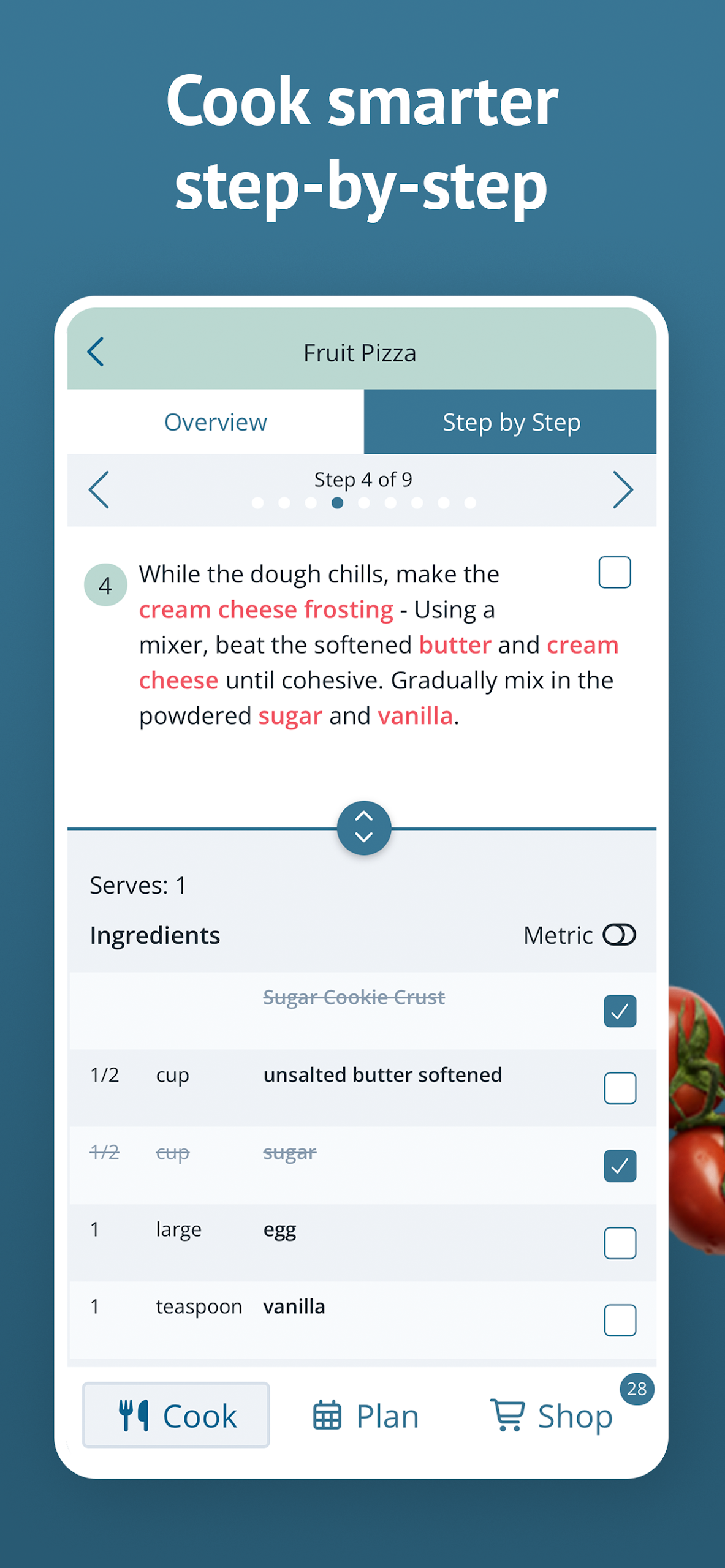
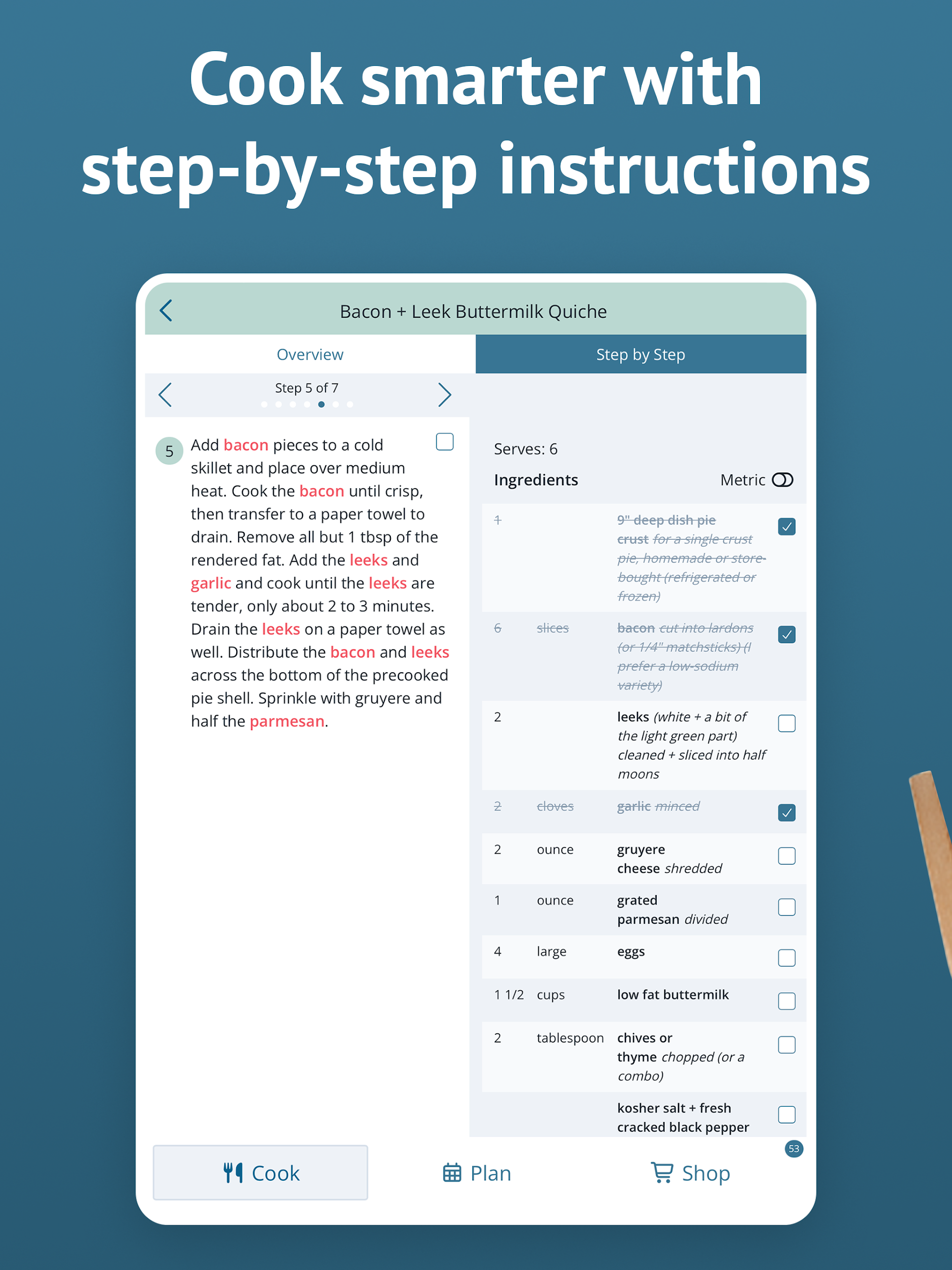
- STEP-BY-STEP COOKING: Click "Start Cooking" while viewing a recipe to access detailed instructions that simplify the cooking process.
- DISCOVER THE PERFECT RECIPE: Utilize search functions in your recipe book to find dishes by title, ingredients, course, main ingredient, tags, recipe ratings, and more!
- STAY SYNCHRONIZED: Your Plan to Eat account syncs your recipes, meal planner, and shopping list seamlessly across all devices, including those of family members! Log in on any mobile device and at plantoeat.com to share recipes, meal plans, and shopping lists.
If you're looking to become more organized, save money, and easily share your favorite recipes, register today!
User Guide:
1. Registration: Start with a 14-day free trial without payment information. Subsequent subscriptions are $5.95/month or $49/year (60-day money-back guarantee).

2. Save Recipes: Import recipes via browser sharing or manually enter recipes for centralized management.
3. Plan: Customize meal plans according to your schedule, adjust portion sizes and order, and plan for leftovers/frozen ingredients.
4. Make Lists: Automatically generate categorized shopping lists, add extra items, and break down by supermarket.
5. Share: Share recipes/menus, or send individual recipes via SMS/email.
6. Cooking Assistance: Click "Start Cooking" on the recipe page to view step-by-step instructions.
7. Find Recipes: Search by dish name, ingredients, cuisine, and other criteria.
8. Multi-device Support: Supports Android/iOS/web, account synchronization across multiple devices, and can be shared with family.
Frequently Asked Questions:
▸How much does Plan to Eat cost?
It’s $5.95/month or $49/year. We do not ask for credit card information before starting a free 14-day trial.
We have a 60-day, no-questions-asked refund policy. And by default, we do not automatically bill you when your yearly subscription expires.
▸Why isn't there a free plan?
You may have heard the saying if you're not paying for the product, then you're the product. We don't believe in making money by selling your data to the highest bidder, but we still need funds to create the best meal-planning software available.
When you pay us a monthly or annual subscription, you're contributing to a fully customer-funded business, which allows us to be customer-focused and avoid being sleazy data salespeople.
Read more about our stance on not selling your data.
And if you don't love Plan to Eat, you can get a prompt and courteous refund within the first 60 days.
▸Do you have an app?
Yes, along with our desktop site, we have an app for both Android and iOS devices!
You can use the same Plan to Eat account across all platforms, so download the app on all your devices and your information will sync automatically.
Learn more about the Plan to Eat app
▸Can I use my subscription on multiple devices?
Yes! You can use one Plan to Eat account on as many devices as you'd like! You can also share your account with other members of your household by sharing your login credentials.
- Version3.0.2
- UpdateOct 26, 2026
- DeveloperPlan to Eat
- CategoryFood & Drink
- Requires AndroidAndroid 5.1+
- Downloads211K+
- Package Namecom.plantoeat.mobile
- Signaturefc1f4681293c080711cebb4ba458eafc
- Available on
- ReportFlag as inappropriate
-
NameSizeDownload
-
12.22 MB
-
6.82 MB
-
5.44 MB


















Easy recipe import from various websites
Automatic grocery list generation
Meal planning made simple and efficient
User-friendly interface for recipe organization
Ability to adjust servings and ingredient quantities
Syncing between app and desktop version
Shareable recipes with friends and family
Reduce food waste through better planning
Regular updates with new features
Some imported recipes may have formatting issues
Monthly or annual subscription model can be perceived as expensive
Limited customization options for recipe tagging
App not fully intuitive for all users
Occasional bugs in grocery list functionality
Redundant entries for the same recipe possible
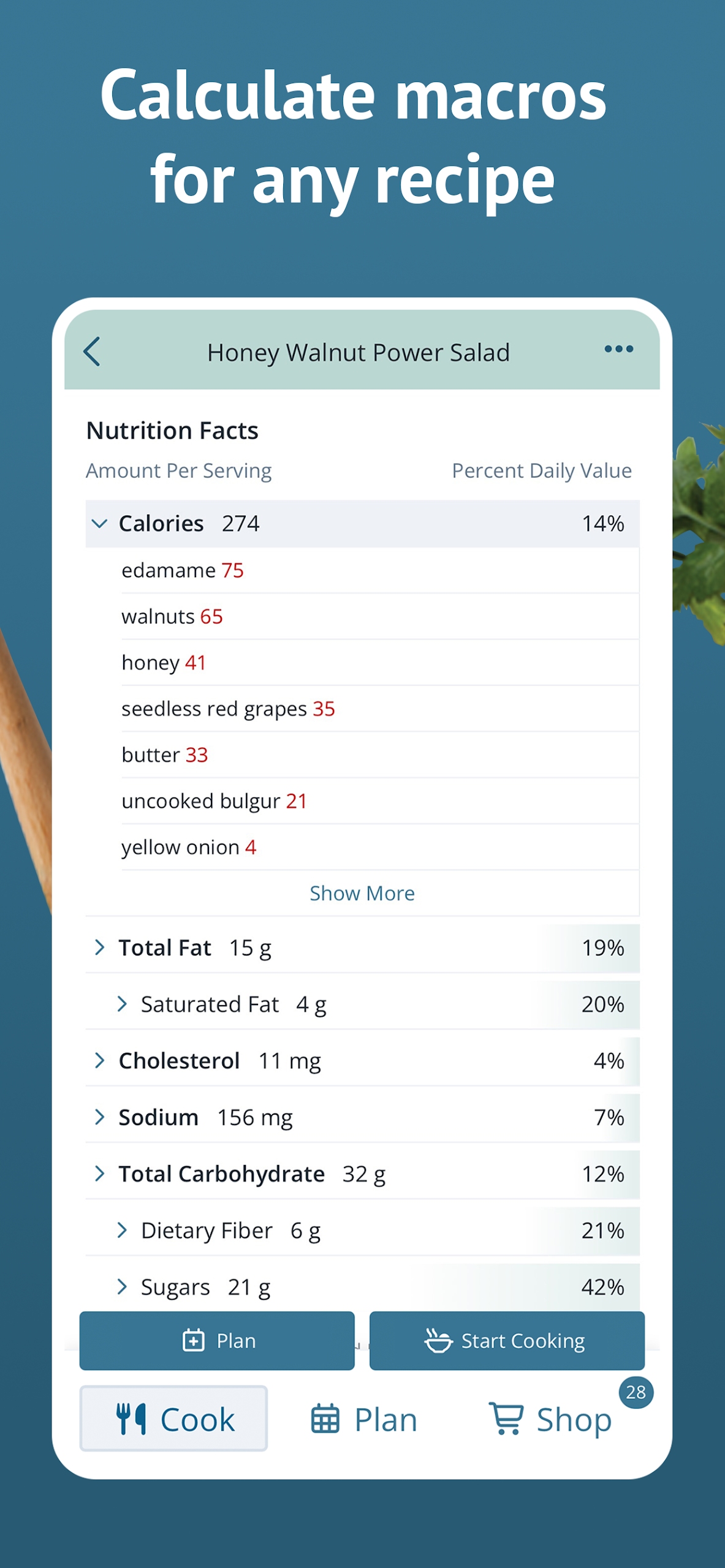
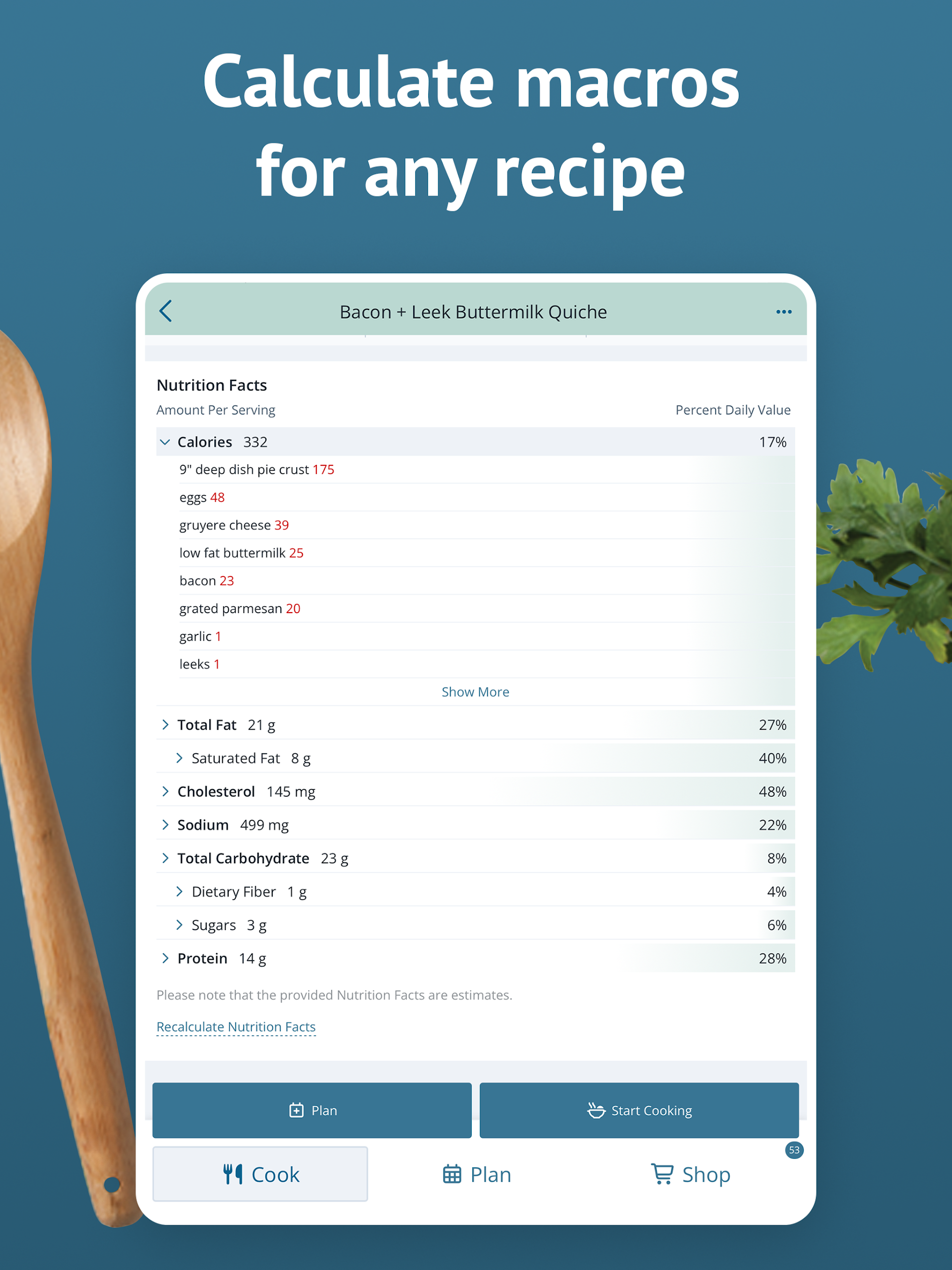
Nutritional info needs to be entered manually for custom recipes
Difficulties with online ordering in beta phase
Potential frustration with pop-ups requesting ratings while shopping