
Rosetta Stone - Learn & track progress
Experience seamless learning with personalized lessons, instant feedback, & accessible content on any device.

- 3.16.0 Version
- 2.6 Score
- 308K+ Downloads
- Free License
- 3+ Content Rating

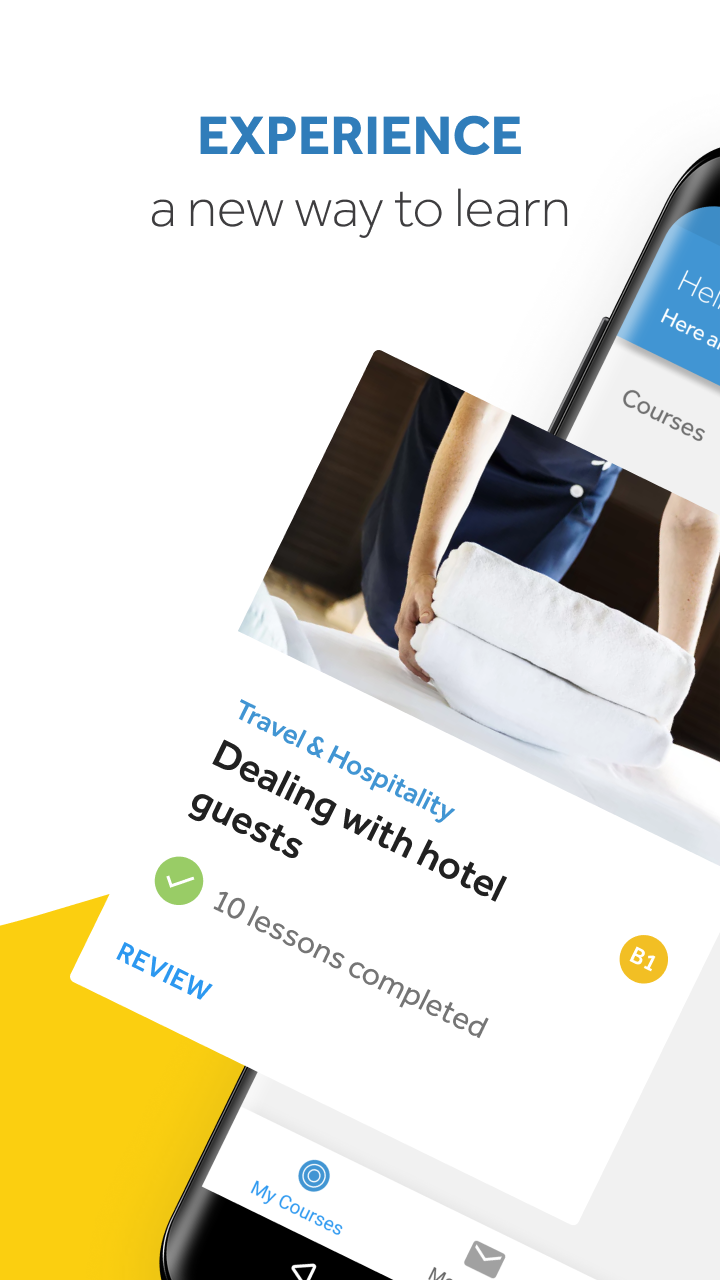
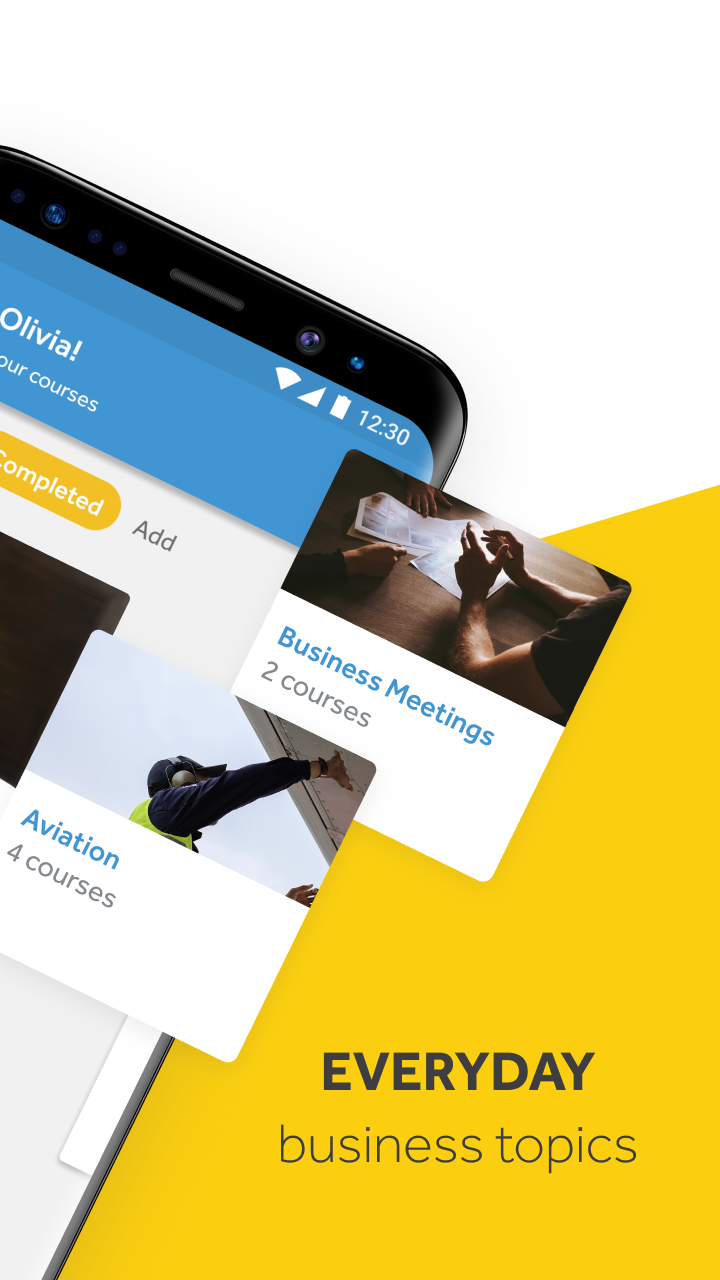
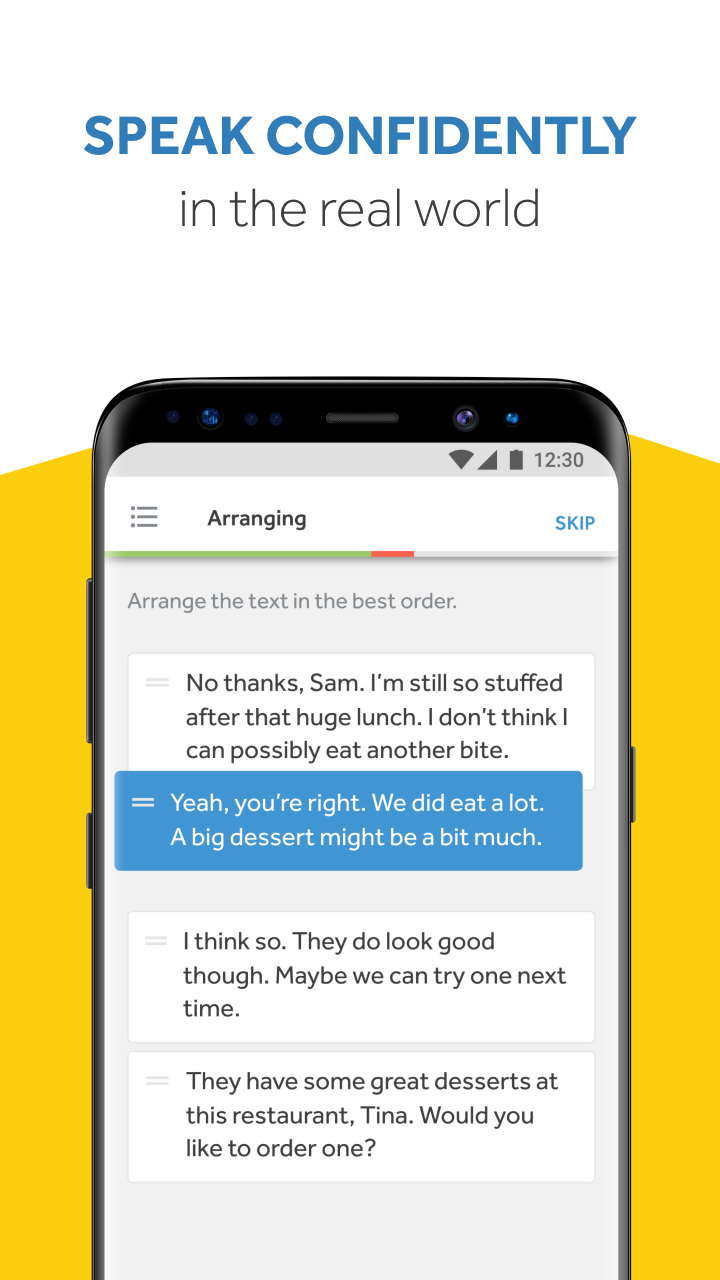
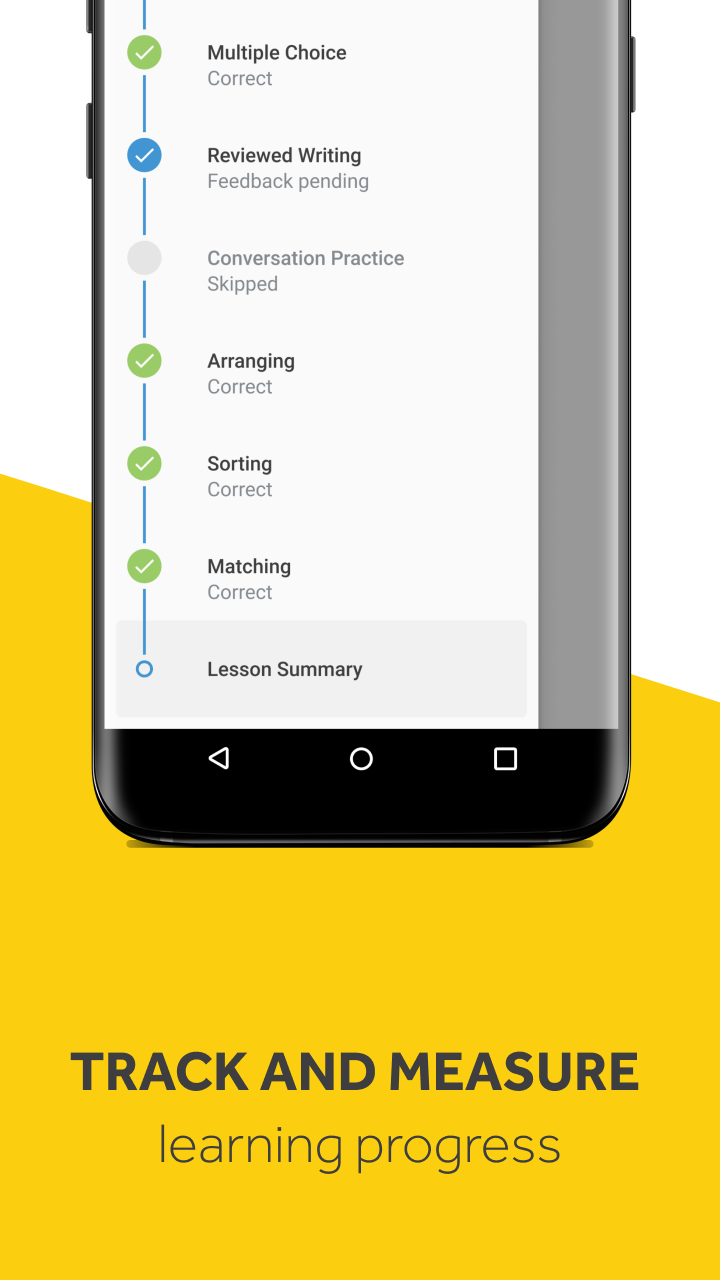
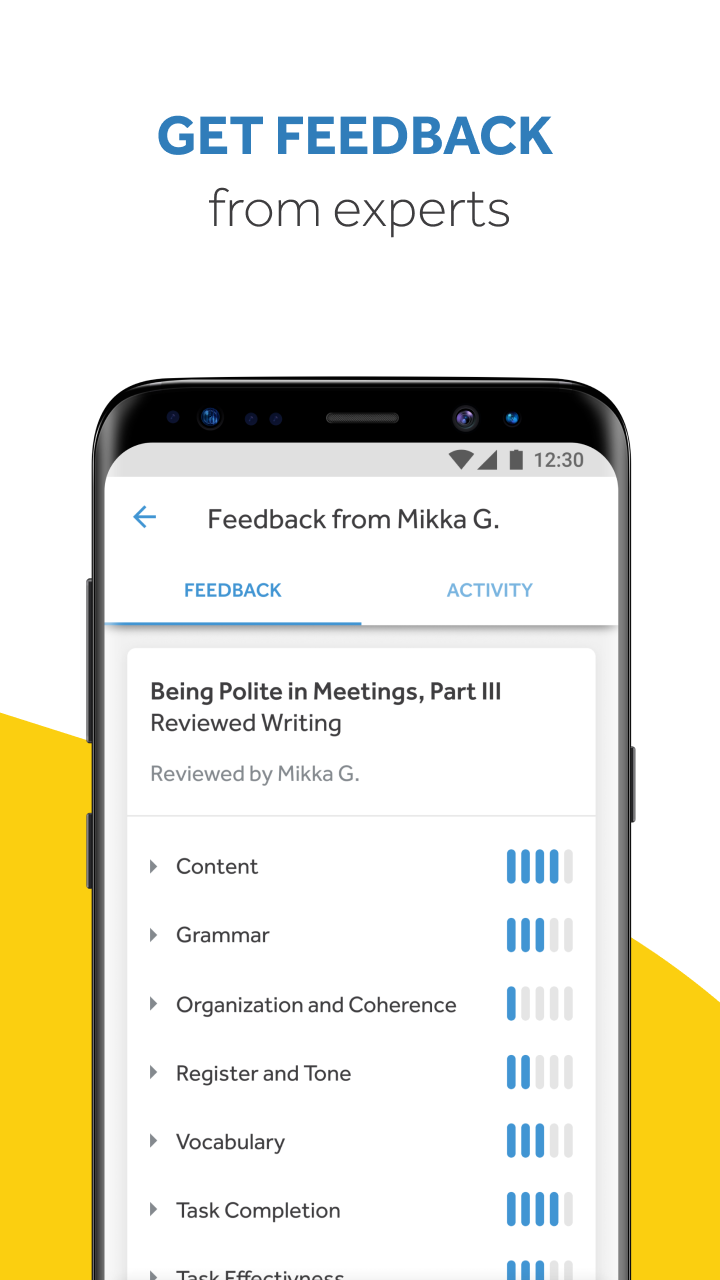
The mobile application provides you with the flexibility to engage in your educational journey at any time and from any location. With seamless synchronization, transitioning between your computer and mobile device is effortless, ensuring you never lose your progress through a lesson.
FEATURE
• Access to saved lessons whenever needed, regardless of your location.
• A personalized learning experience tailored to your expertise and objectives.
• Practical communication skills that can be applied right away.
• Prompt feedback regarding your reading abilities and pronunciation.
• Distinct indicators showing your advancement towards your educational targets.
** Currently, this app is exclusively available for corporate learners. **
How Rosetta Stone works
Rosetta Stone has been helping millions of people learn languages for over 30 years. Start speaking a new language within minutes using our research-backed method! Our lessons immerse you in the language with real-world images and scenarios, so you learn faster and retain more.
The Rosetta Stone method
Rosetta Stone's Dynamic Immersion method enables you to tap into your innate ability to learn language. By mirroring the way you first acquired language as a child, Dynamic Immersion provides maximum exposure to your new language through audio spoken by native speakers, written words, and real-world images. You'll use visual and conceptual clues to help you interpret the meaning of new words, phrases, and sentences rather than relying on translations and rote memorization. Dynamic Immersion is a research-based approach to effective language learning that allows you to build a deeper, more enduring understanding of your new language.
With Rosetta Stone, you'll start speaking your new language right away—during your very first lesson! And our bite-sized lessons make progressing easy, even if you only have 5 minutes.
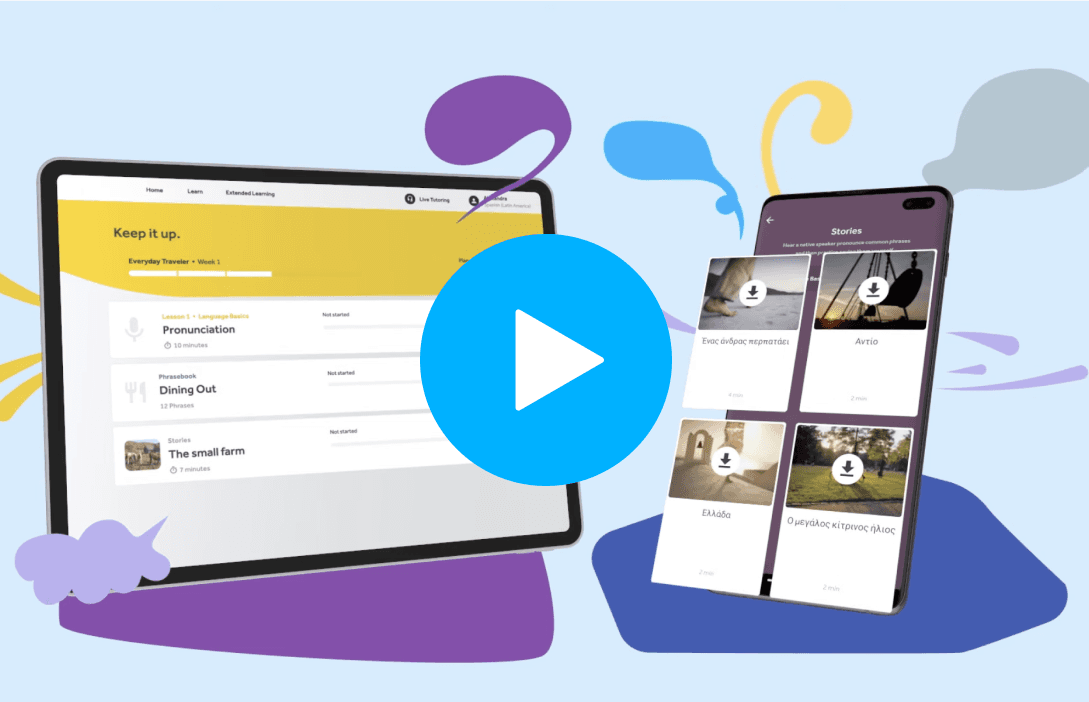
What you'll learn with Rosetta Stone
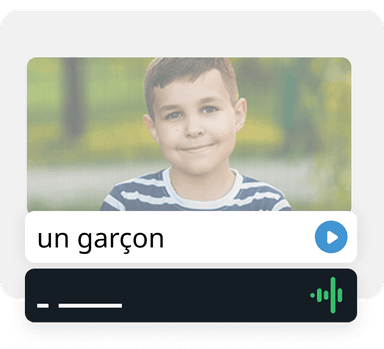
Speaking and Pronunciation
With Rosetta Stone lessons, you start speaking your new language instantly. Each lesson starts with key vocabulary, which you'll be asked to speak aloud. As you practice, TruAccent, our proprietary speech recognition software, compares your pronunciation to native speakers and offers immediate feedback. This means you'll learn how well you're saying each word, in addition to learning the word itself. At the end of each unit, you will complete a Milestone. In this speaking activity, you will have a two-way conversation with a pre-recorded native speaker, giving you the chance to practice a real-world conversation in a supportive environment.

Listening Comprehension
As you work through lessons, you will hear words and phrases spoken aloud by native speakers and be asked to choose the image that corresponds. This immersive learning experience will help you to learn the language intuitively through imagery and reasoning instead of rote memorization as you build your listening skills.
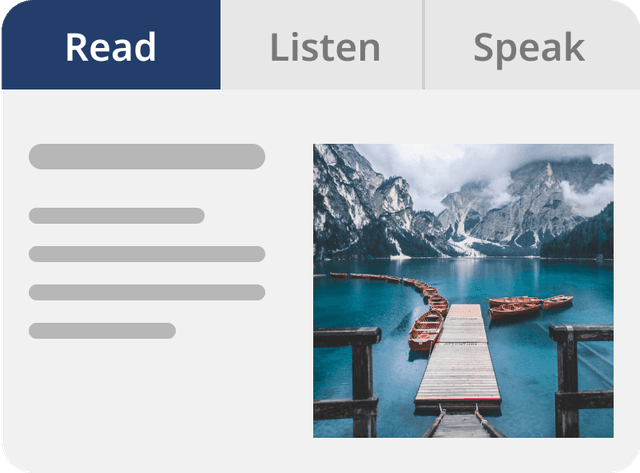
Reading and Writing
Rosetta Stone lessons take a scaffolded approach so that as you progress through content, the vocabulary and grammar you are learning increases in complexity. You will start by learning common words, then move gradually through simple phrases, and finally to complete sentences and ideas. Since all of this happens in your new language, there is no need for translation or memorization—instead you'll be reading in the language right away. And with Stories and writing prompts, you are able to apply what you've learned through structured immersion, building ever-increasing reading and writing abilities in your new language.
- Version3.16.0
- UpdateOct 10, 2025
- DeveloperRosetta Stone Ltd
- CategoryEducation
- Requires AndroidAndroid 7.0+
- Downloads308K+
- Package Namecom.rosettastone.gaia
- Signatureac5c74d2b404eb1e2d2666182dce0bd7
- Available on
- ReportFlag as inappropriate
-
NameSizeDownload
-
230.84 MB
-
212.50 MB
-
40.73 MB

















User-friendly interface for language learners
Interactive activities to enhance learning experience
Access to a variety of lesson topics
Provides immediate feedback on pronunciation and writing
Opportunities to practice multiple skills: listening, speaking, reading, and writing
Helps build vocabulary and improves communication skills
Incremental difficulty to cater to different learning levels
Free access to basic features for users
Numerous bugs causing app crashes and login issues
Inaccurate time tracking for completed hours
Confusing user interface and navigation challenges
Limited support options for troubleshooting
Audio recognition problems leading to incorrect feedback
Some exercises not functioning properly or marking right answers as wrong
Content loading issues hindering lesson access
Overall poor experience compared to the desktop version