
Reader+ - Read, note & bookmark
Navigate your library effortlessly with Reader+, enhancing your reading through notes, bookmarks & interactive content.
- 4.5.9 (1716383903) Version
- 2.4 Score
- 183K+ Downloads
- Free License
- 3+ Content Rating

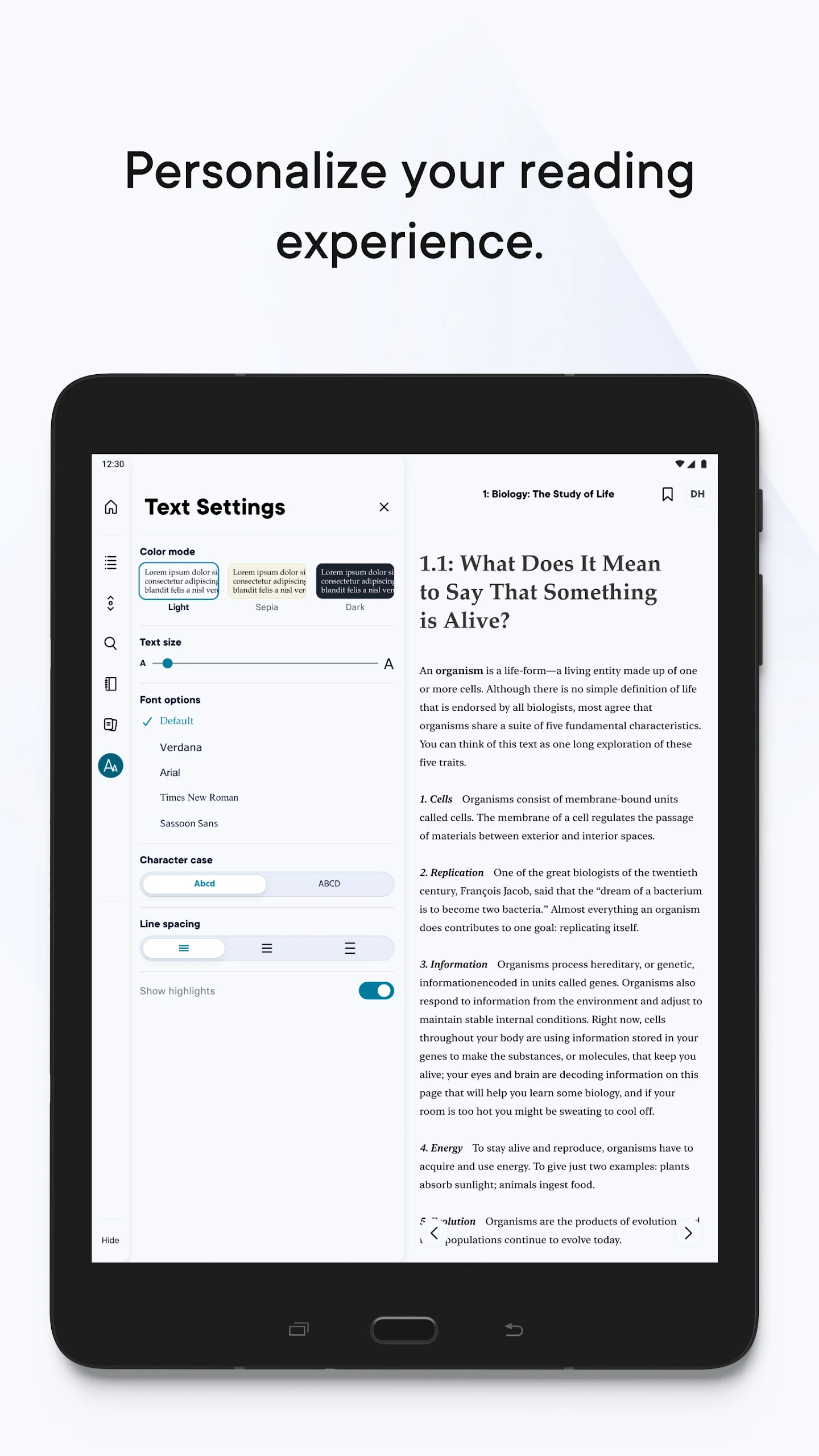
Reader+ by Pearson Education, Inc. — Official Pearson eBook & Study App:
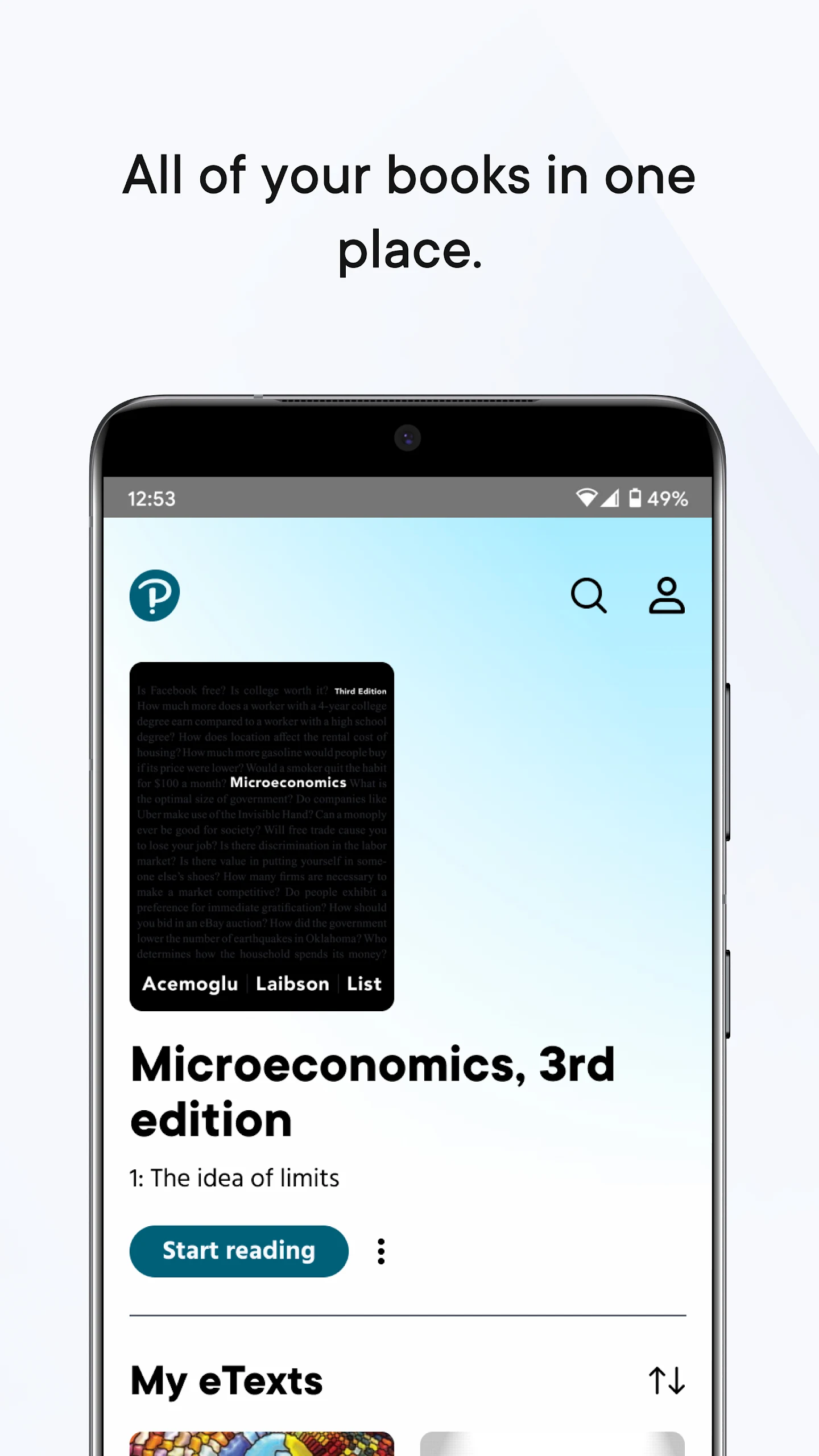
Reader+ is the official Pearson eReader app for students and educators using Pearson Reader+ courseware. It turns assigned textbooks into a portable digital bookshelf — read your eBooks, take notes, highlight key passages, save bookmarks, and work through integrated multimedia and interactive activities, whether you're online or offline.
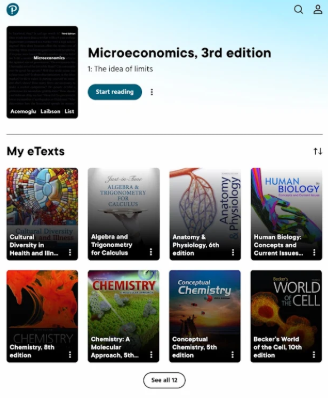
Instead of carrying physical books or switching between a browser and a PDF, Reader+ keeps your titles, annotations, and supplementary resources in one place across phone, tablet, and desktop.
What Reader+ does:
Read Pearson eBooks offline — download titles in the Reader+ app and keep studying without Wi-Fi or mobile data.
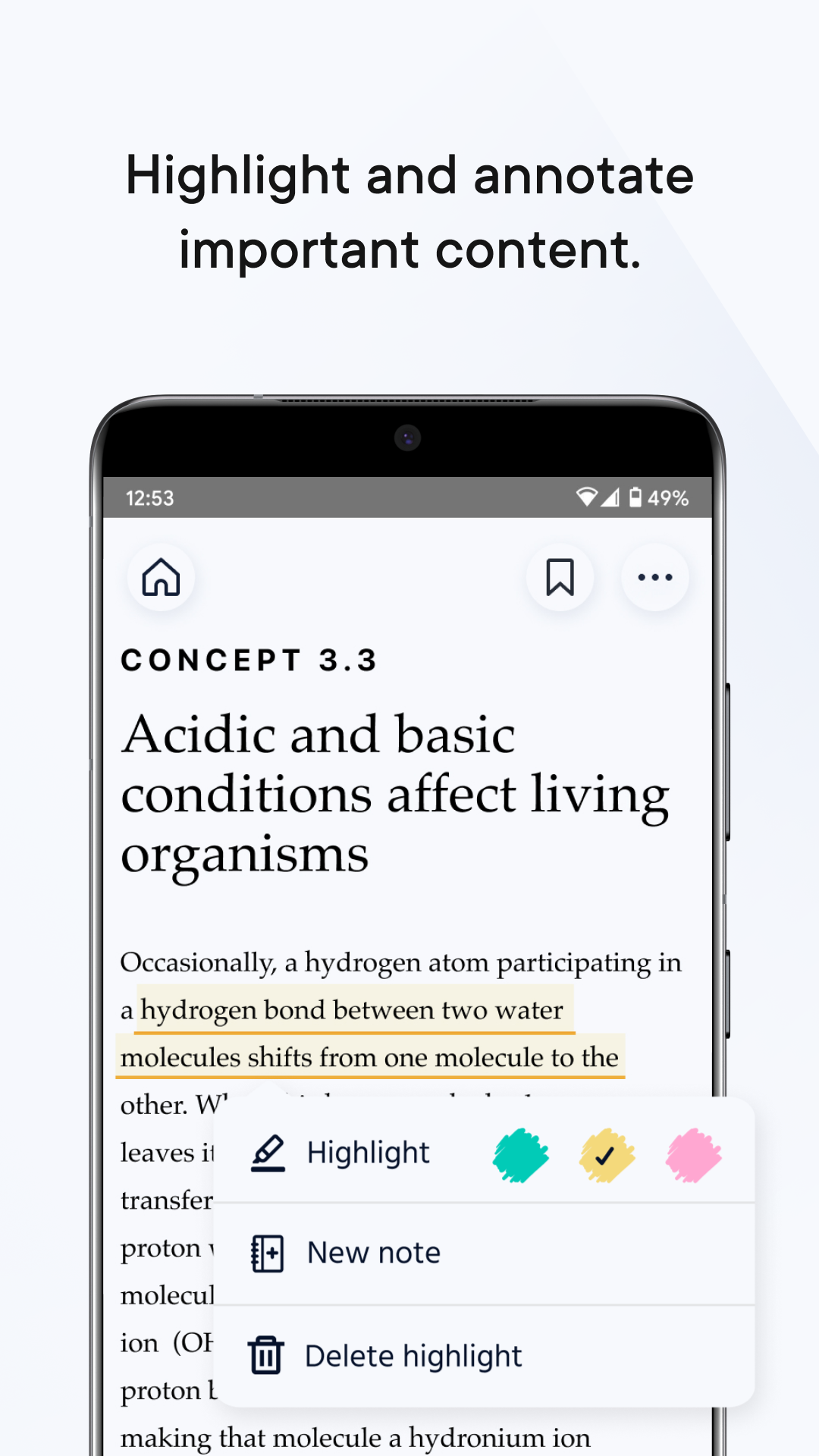
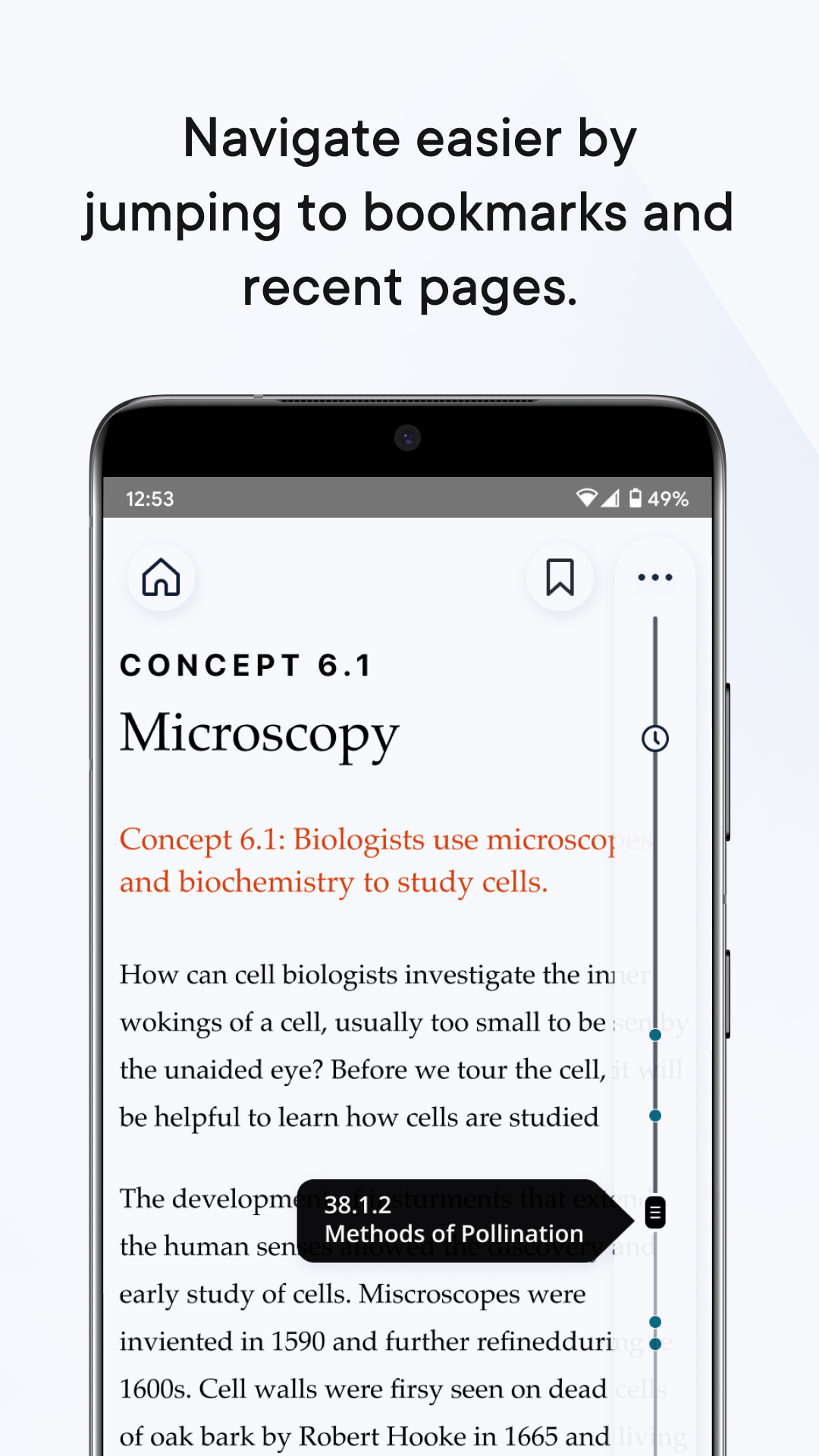
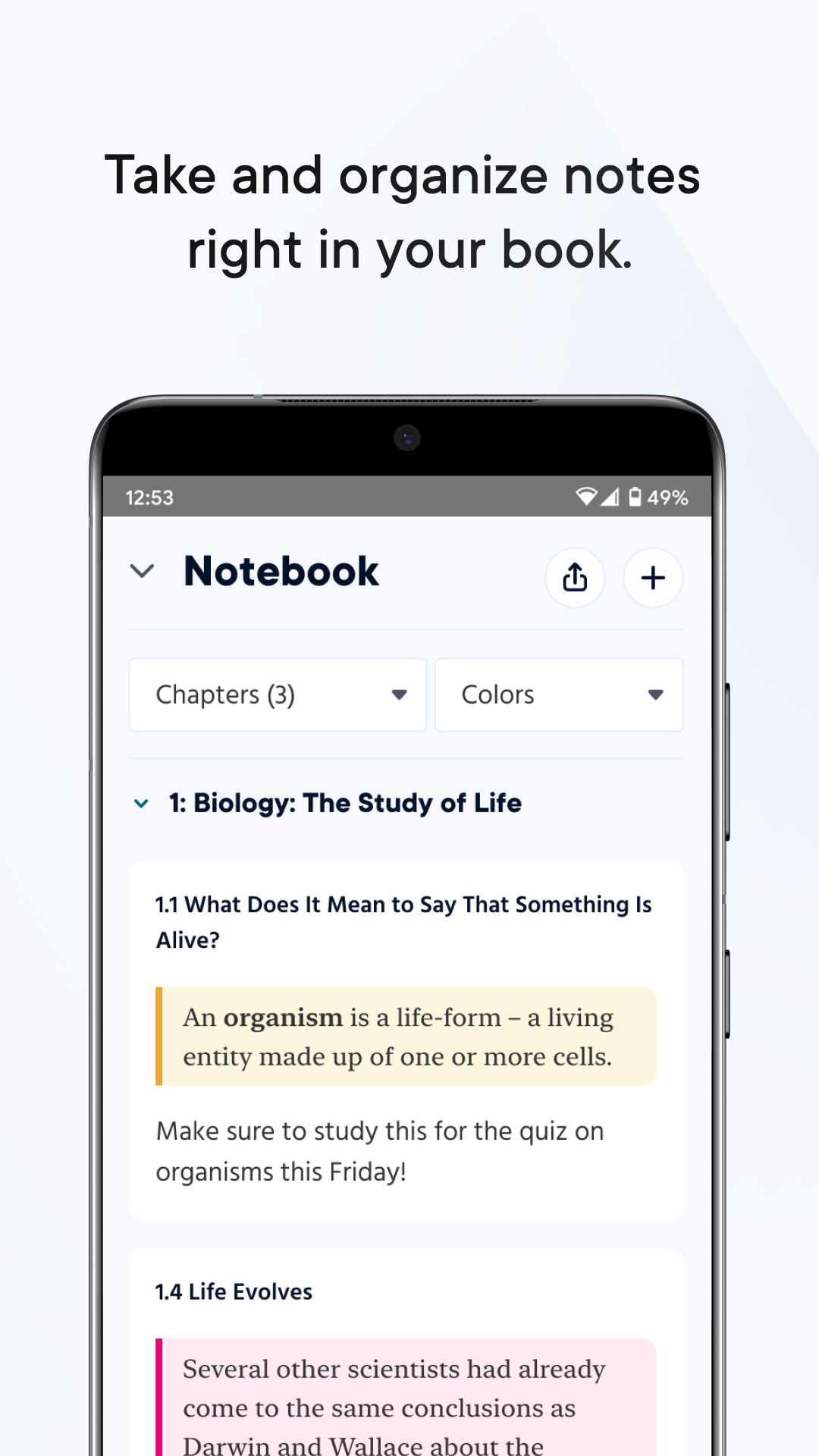
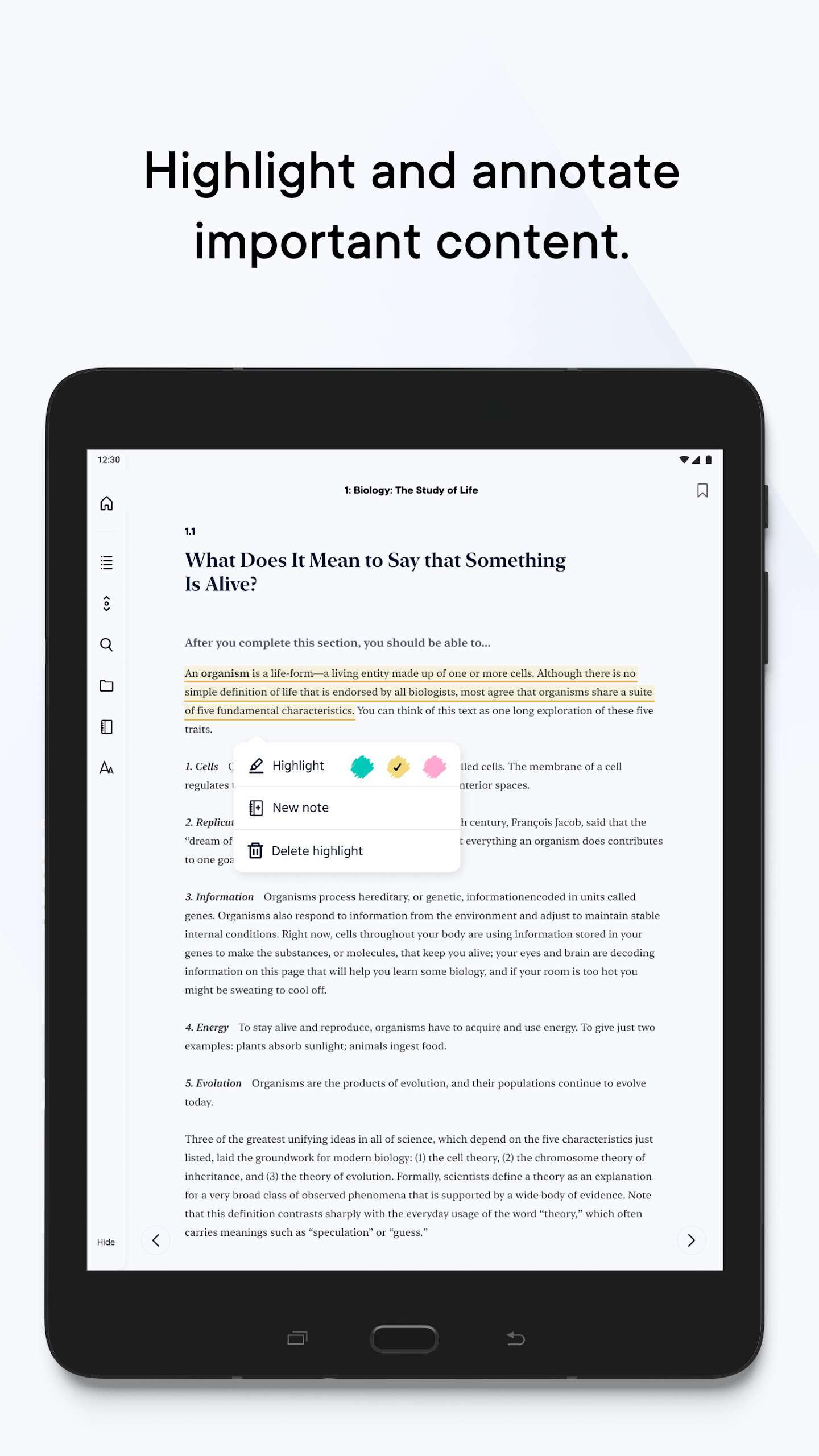
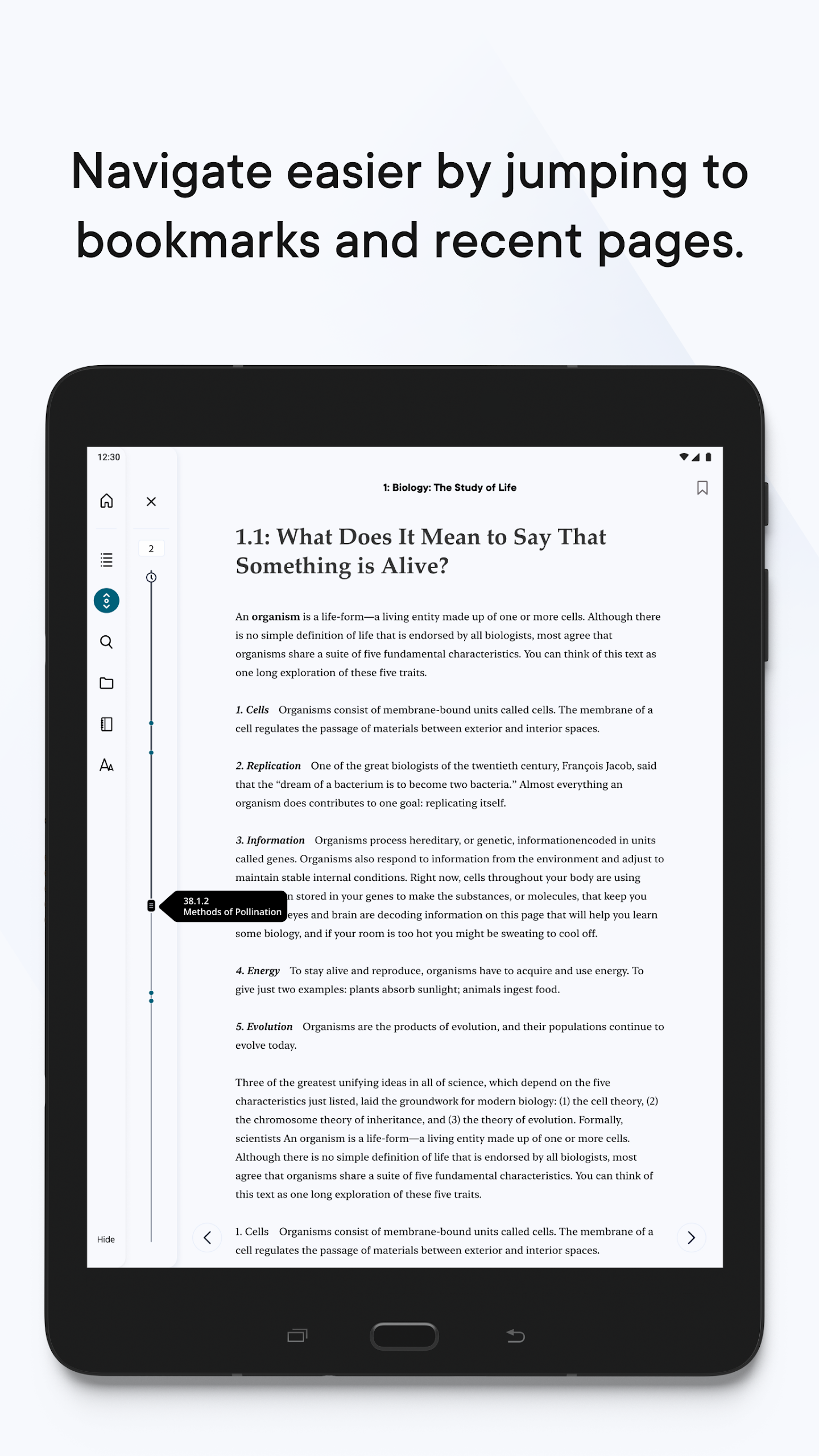
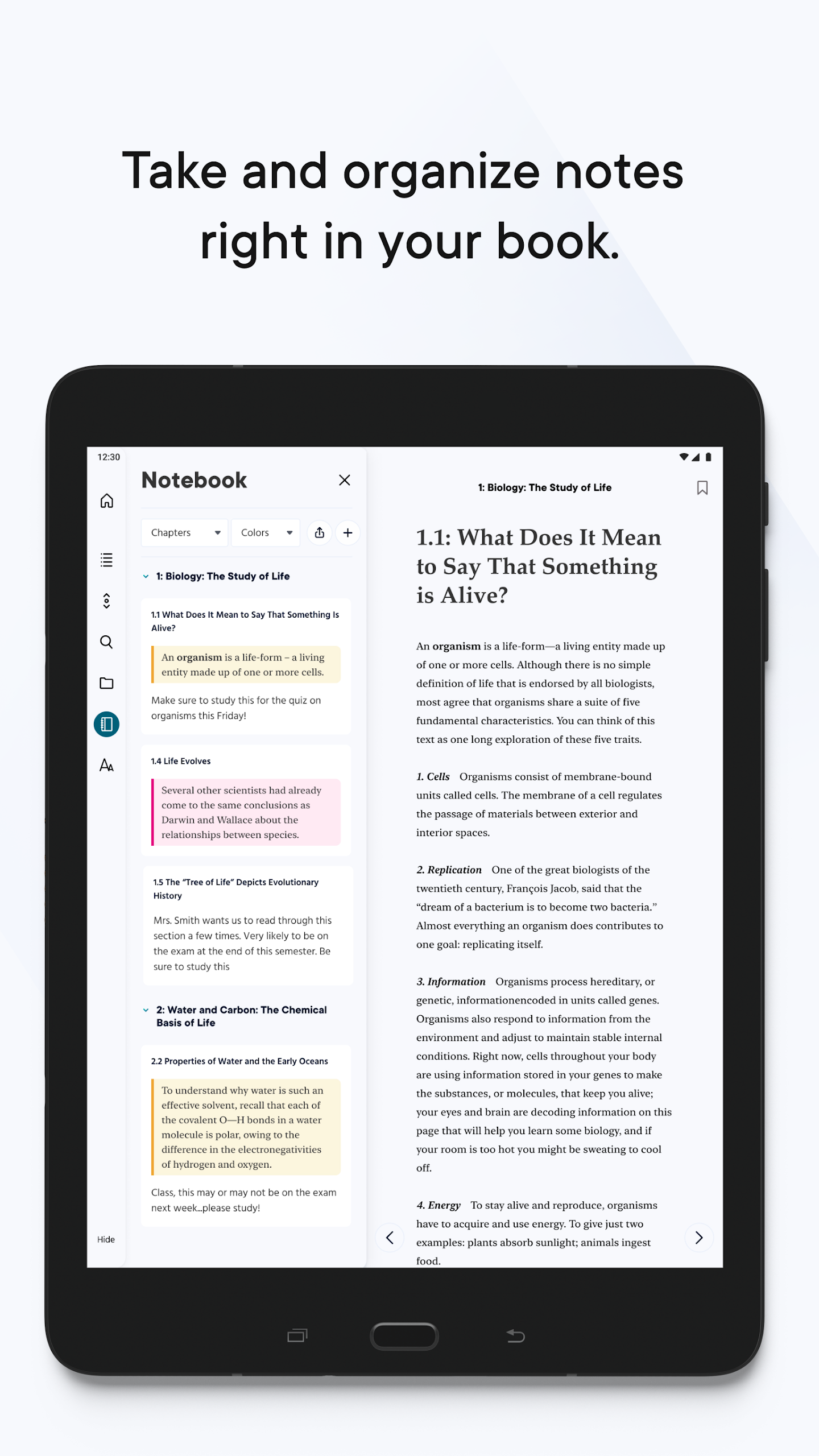
Notes, highlights & bookmarks — annotate inside the book, colour-code highlights, and jump back to important pages.
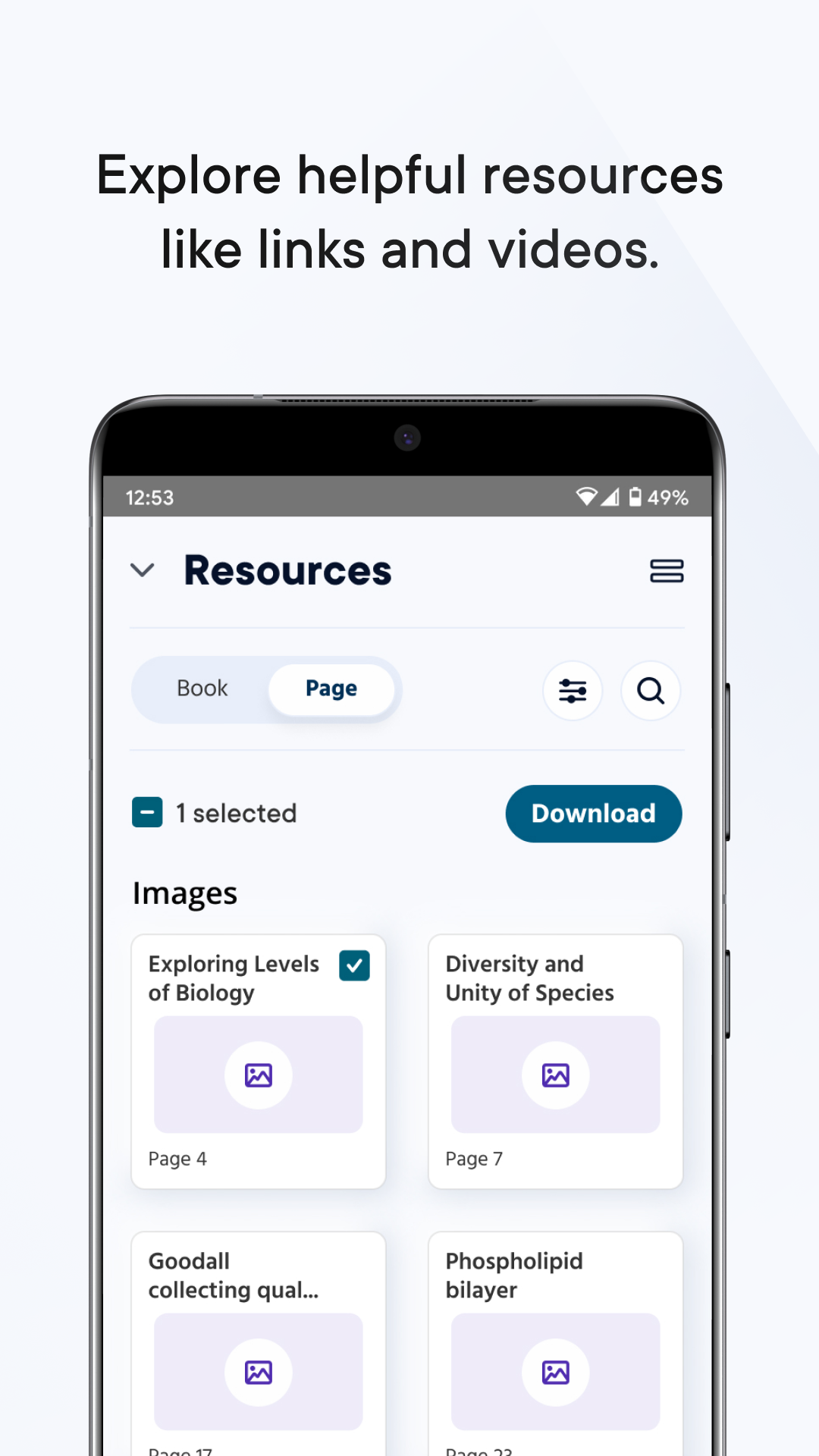
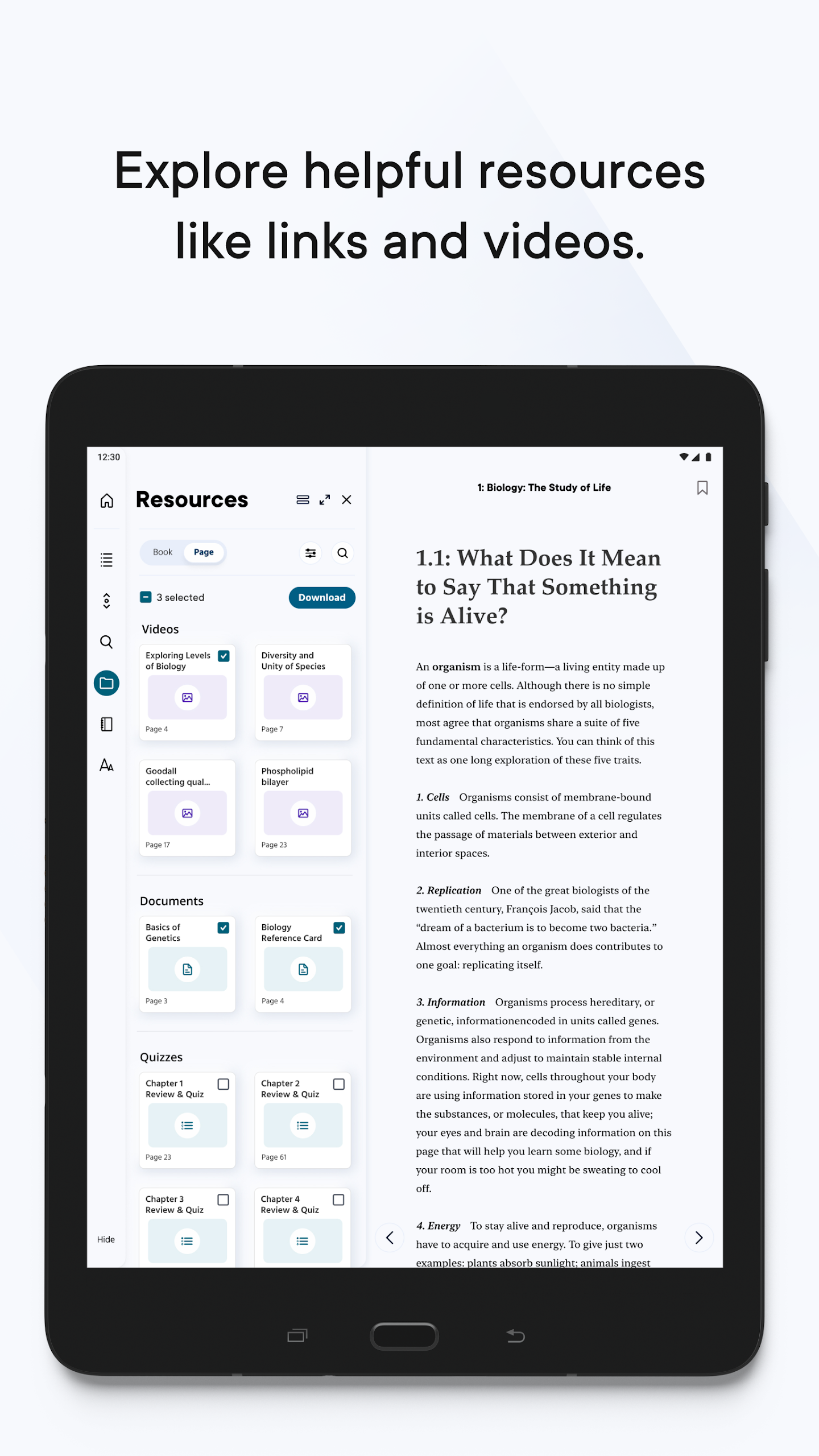
Multimedia & interactive activities — videos, audio, infographics, quizzes, and supplemental resources bring course content to life.
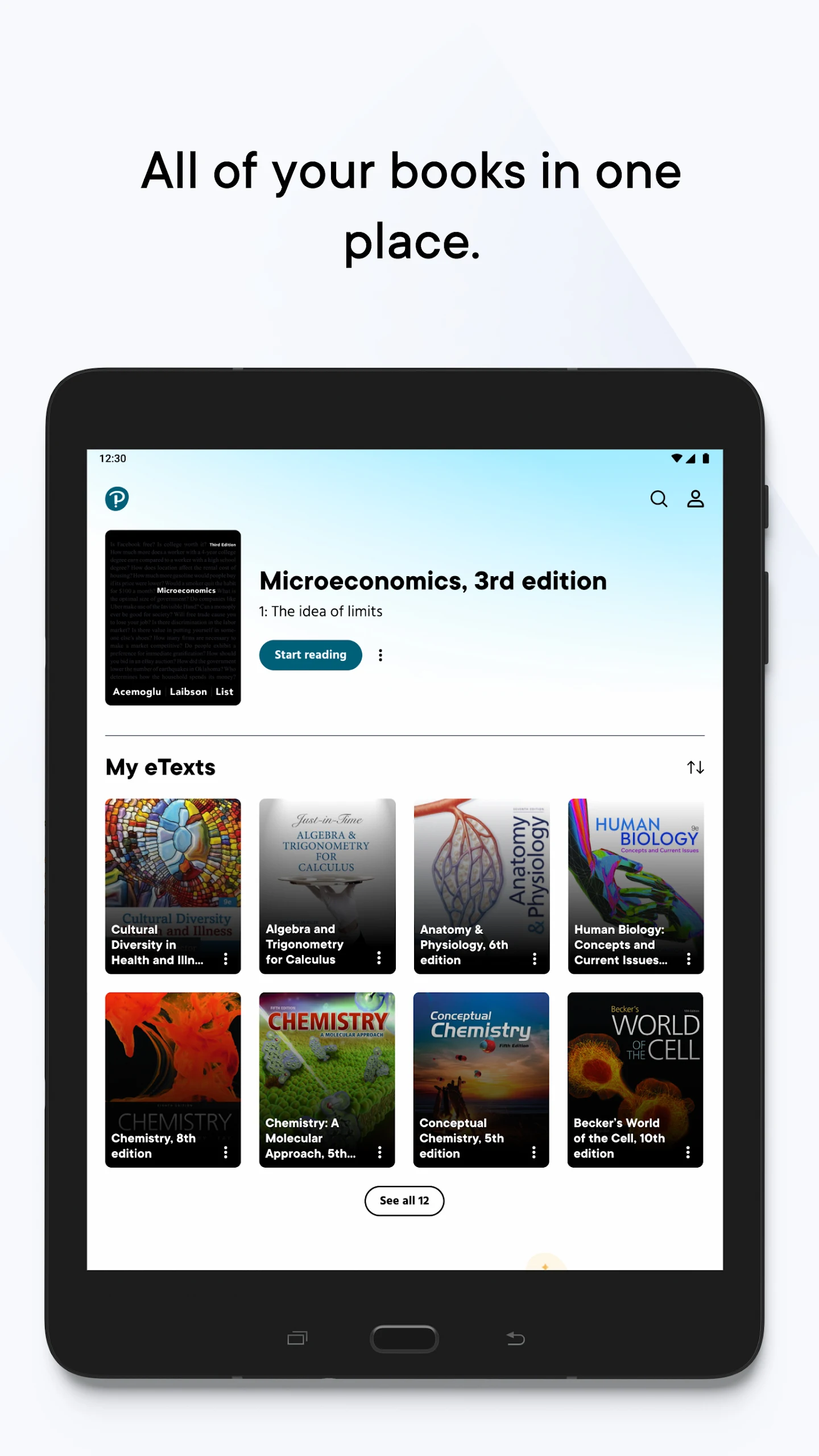
Updated bookshelf — find the right textbook faster with a cleaner library view.
Redesigned navigation — simplified interface and a card view in the Resource Panel for a more visual way to browse extra materials.
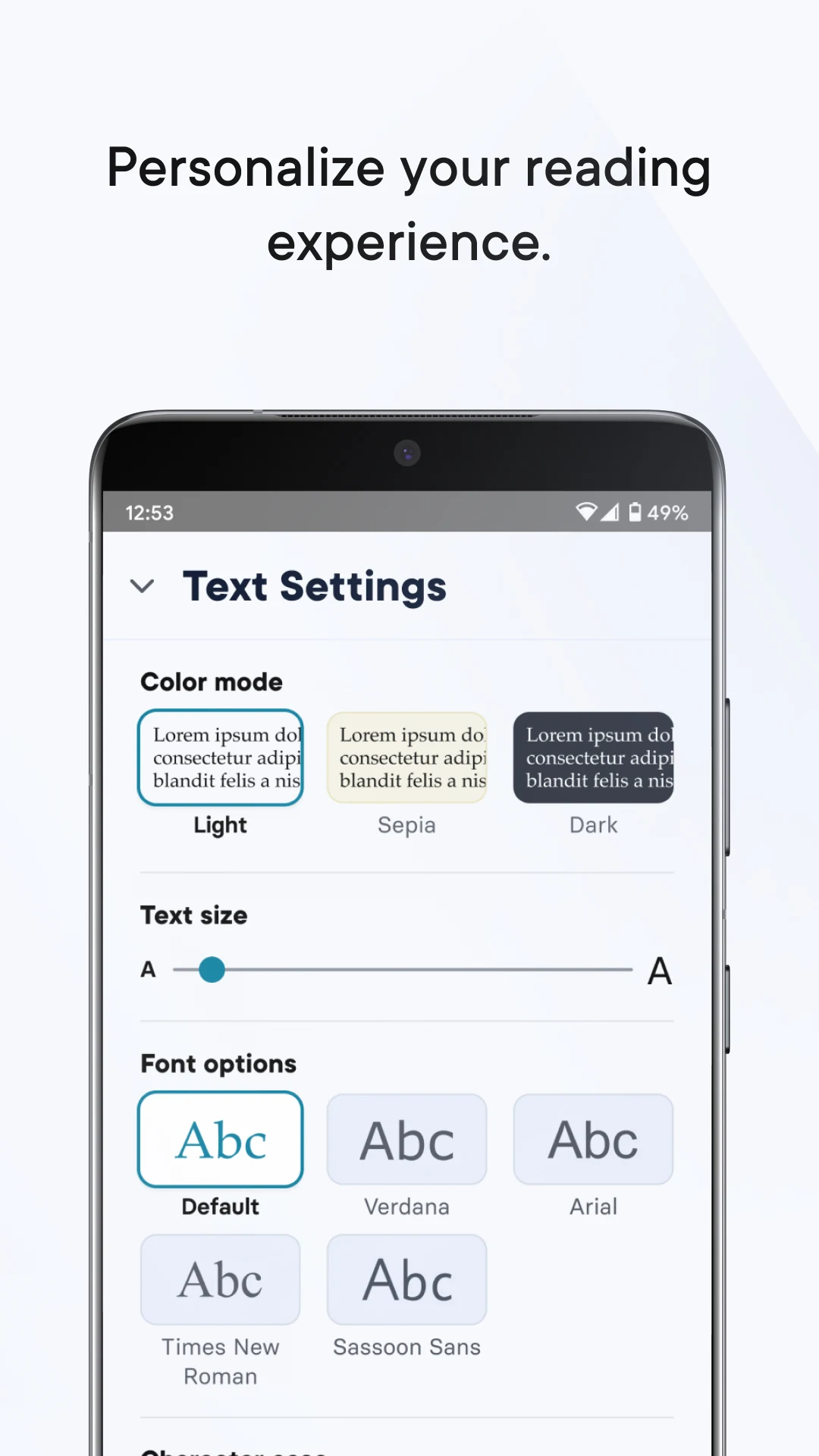
Accessibility improvements — better support for display and reading needs; plus annotation tools such as the masking tool.
Cross-device study — use Reader+ online via Pearson Places, or through the desktop (Windows/Mac) and mobile (iOS/Android) apps.
Getting Started & Smart Study Guide for Reader+:
1. Install from the right place
Android: Google Play → Reader+ by Pearson Education, Inc. (packagecom.pearson.android.readerplus).
iOS / desktop: use the official Apple App Store, or the Windows/Mac Reader+ desktop app.
No download needed? You can also open Reader+ in a browser via Pearson Places — but for offline study, install the app and download your titles.
2. First-time setup
Sign in with your Pearson / Pearson Places account.
Open your bookshelf and tap Download on each assigned eBook while you have a stable connection.
Set display preferences (text size, contrast, layout) so reading is comfortable before class.
Test one notebook entry + one bookmark to confirm your annotations save.
3. Daily study workflow
Before class: download the chapter, skim with bookmarks, pre-highlight key terms.
During reading: take margin notes, use the masking tool for active recall, and open videos/quizzes from the Resource Panel.
Offline commute / low Wi-Fi: keep using Reader+ — already-downloaded eBooks, notes, and bookmarks stay available.
Exam prep: filter your Notebook, revisit highlights, and re-open linked practice activities when back online.
Reader+ FAQ — Offline Use, Pearson+ Confusion, Login & Fixes:
What is Reader+ used for?
Reader+ is Pearson's dedicated eReader for Reader+ courseware — reading assigned eBooks, annotating them, and completing built-in multimedia or interactive activities. It is not a general bookstore app.
Does Reader+ work offline?
Yes. Once a title is downloaded, Reader+ lets you read, highlight, and review notes offline. Some supplemental resources (certain videos, downloadable teaching materials, interactives) may still need a connection the first time you open them.
I have Pearson+ — is Reader+ the same app?
Not necessarily. Some Pearson titles and accounts are tied to Pearson+, while others use Reader+. Pearson's own support replies confirm users sometimes install the wrong app. Before setting up:
Check the platform named by your school, university, or course code.
Confirm via a web browser / Pearson Places which bookshelf your title belongs to.
If your book doesn't appear after login, you may be on the wrong Pearson app.
Why don't my textbooks show up after signing in?
This usually means the title is on a different Pearson platform, the eBook hasn't been activated, or the download didn't finish. Try:
Verifying the correct login domain with your institution
Reinstalling Reader+ from the official store, then re-downloading titles on Wi-Fi
Contacting Pearson support at ReaderPlusFeedback@pearson.com
Can teachers use Reader+ too?
Yes — educators can share notes, use additional resources, and organise course texts. In markets like Australia, Reader+ is widely used for secondary Years 7–12 titles (Science, Maths, English, Languages, Humanities, Media).
Is my data safe?
Google Play's data-safety section states Reader+ may collect and share personal info, with data encrypted in transit and a data-deletion request option. Review Pearson's privacy policy before heavy use.
- Version4.5.9 (1716383903)
- UpdateOct 27, 2026
- DeveloperPearson Education, Inc.
- CategoryEducation
- Requires AndroidAndroid 5.1+
- Downloads183K+
- Package Namecom.pearson.android.readerplus
- Signaturef06bcb57edb19602652d7f2e6e95645c
- Available on
- ReportFlag as inappropriate
-
NameSizeDownload
-
172.10 MB
-
168.28 MB
-
101.93 MB








User-friendly interface on iPad
Interactive version enhances engagement
Smooth performance reported by some users
Convenient access to e-books
Ability to download content
Listening feature while reading
Inability to log in successfully
Poor loading times and frequent crashes
Small text size and lack of landscape mode
Limited accessibility options for visibility
Difficulty in accessing purchased e-books
Audio features not functioning properly
Words overlaying and distorted graphics
Insufficient customer support or troubleshooting
Frustrating user experience with repetitive issues