
Oltursa Móvil - Pasajes de Bus - Bus Tickets & Promotions
Discover a fast & secure way to buy bus tickets while exploring exclusive offers across stunning destinations!

- 10.6.0 Version
- 2.7 Score
- 151K+ Downloads
- Free License
- 3+ Content Rating

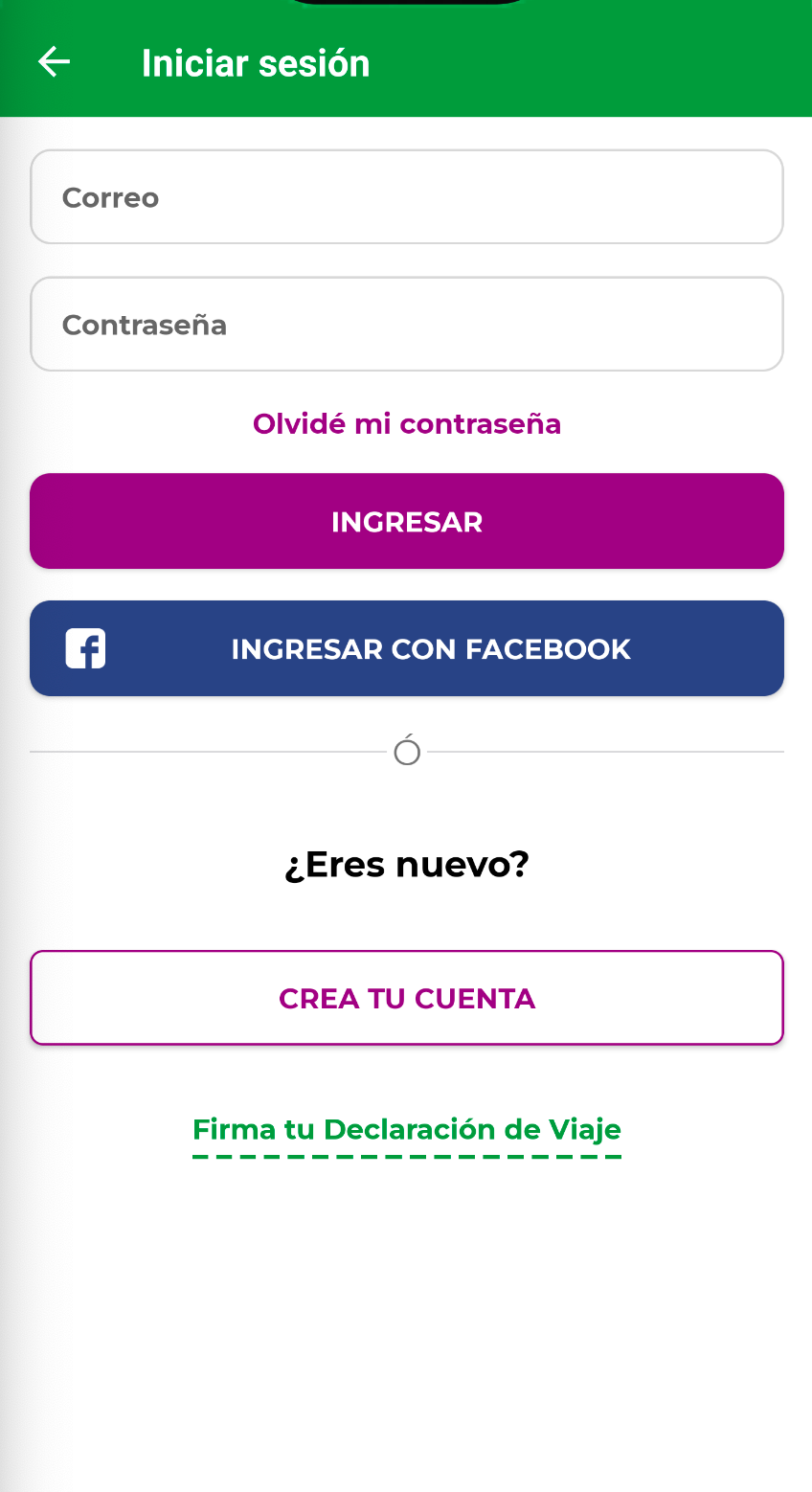
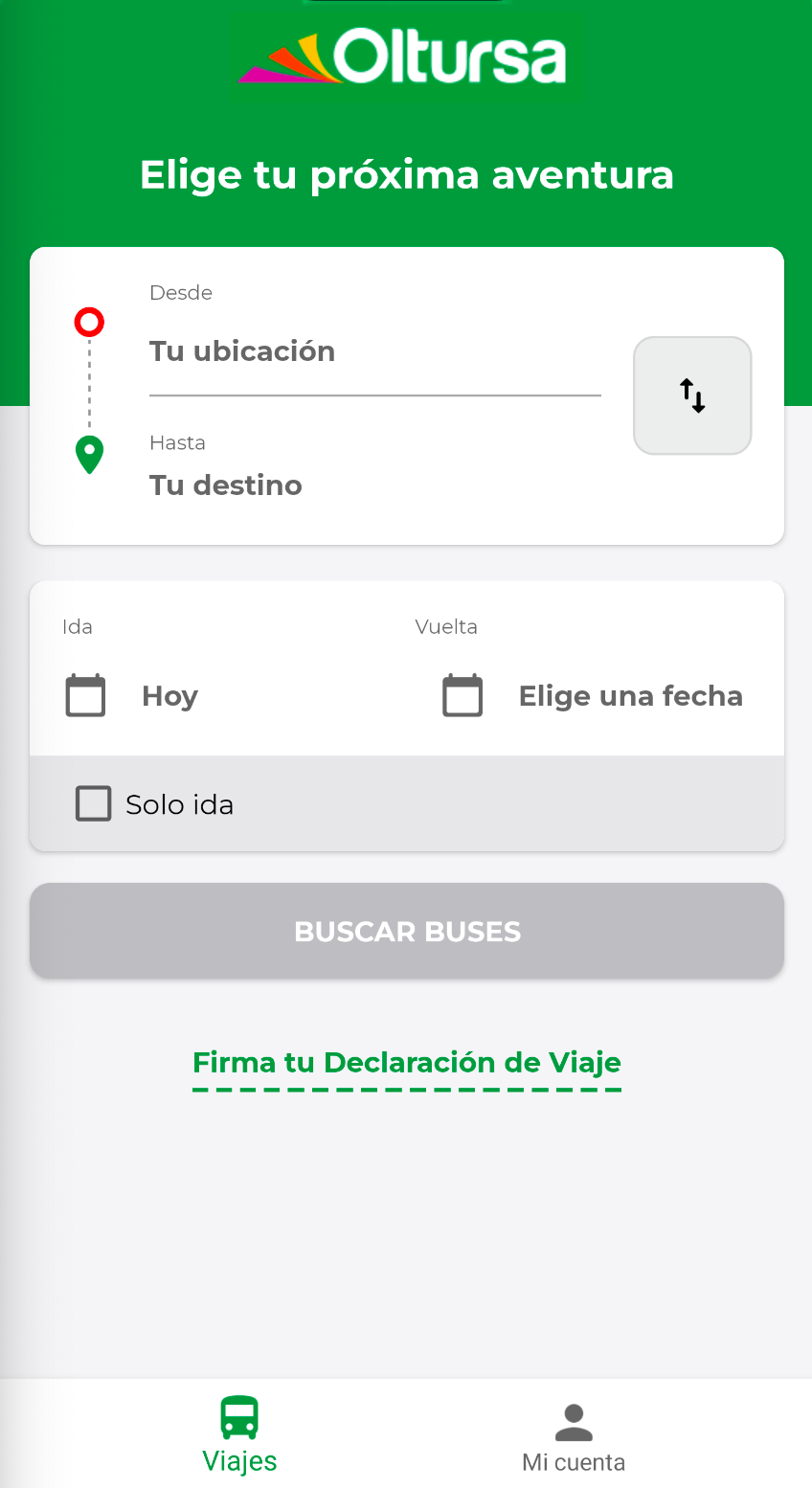
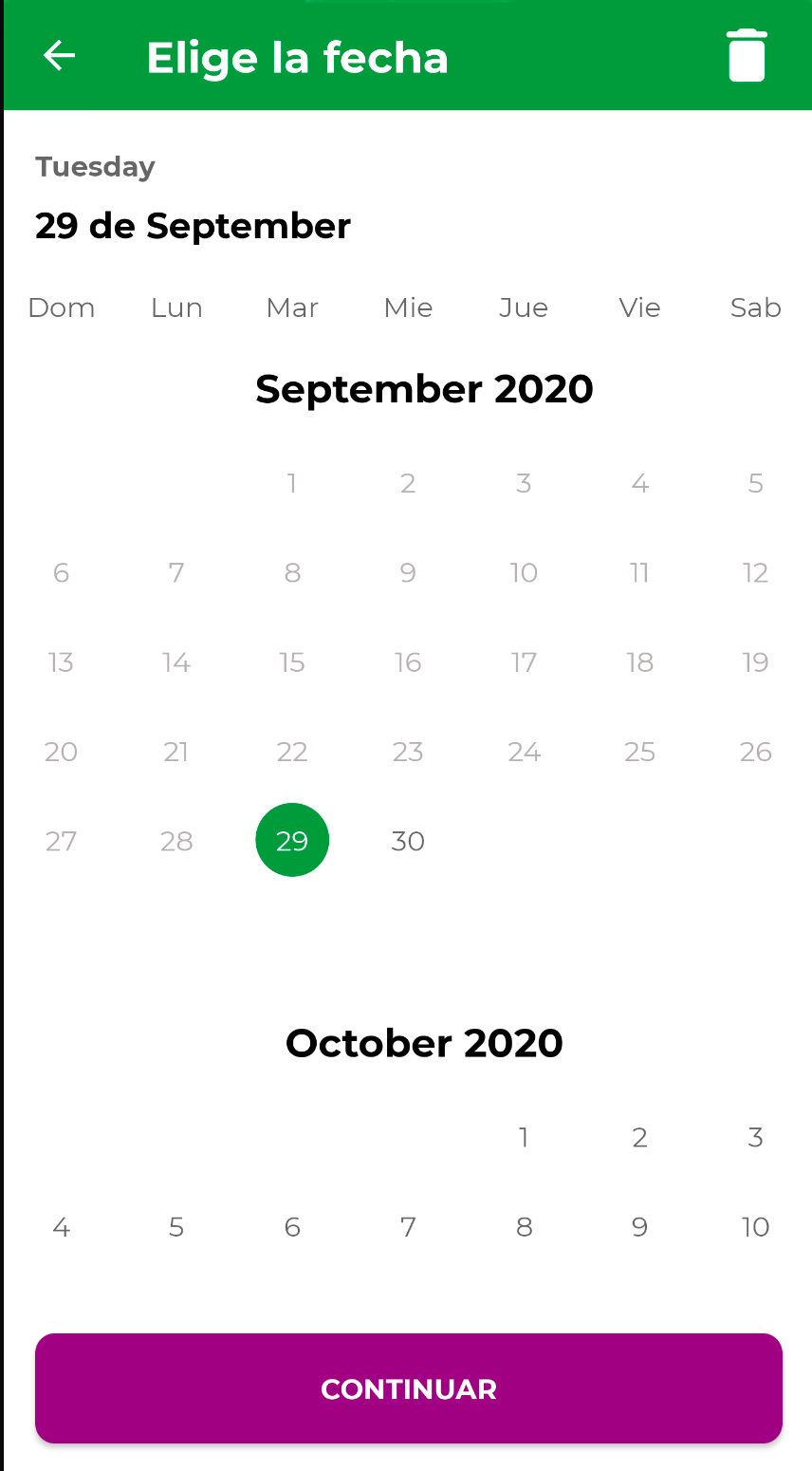
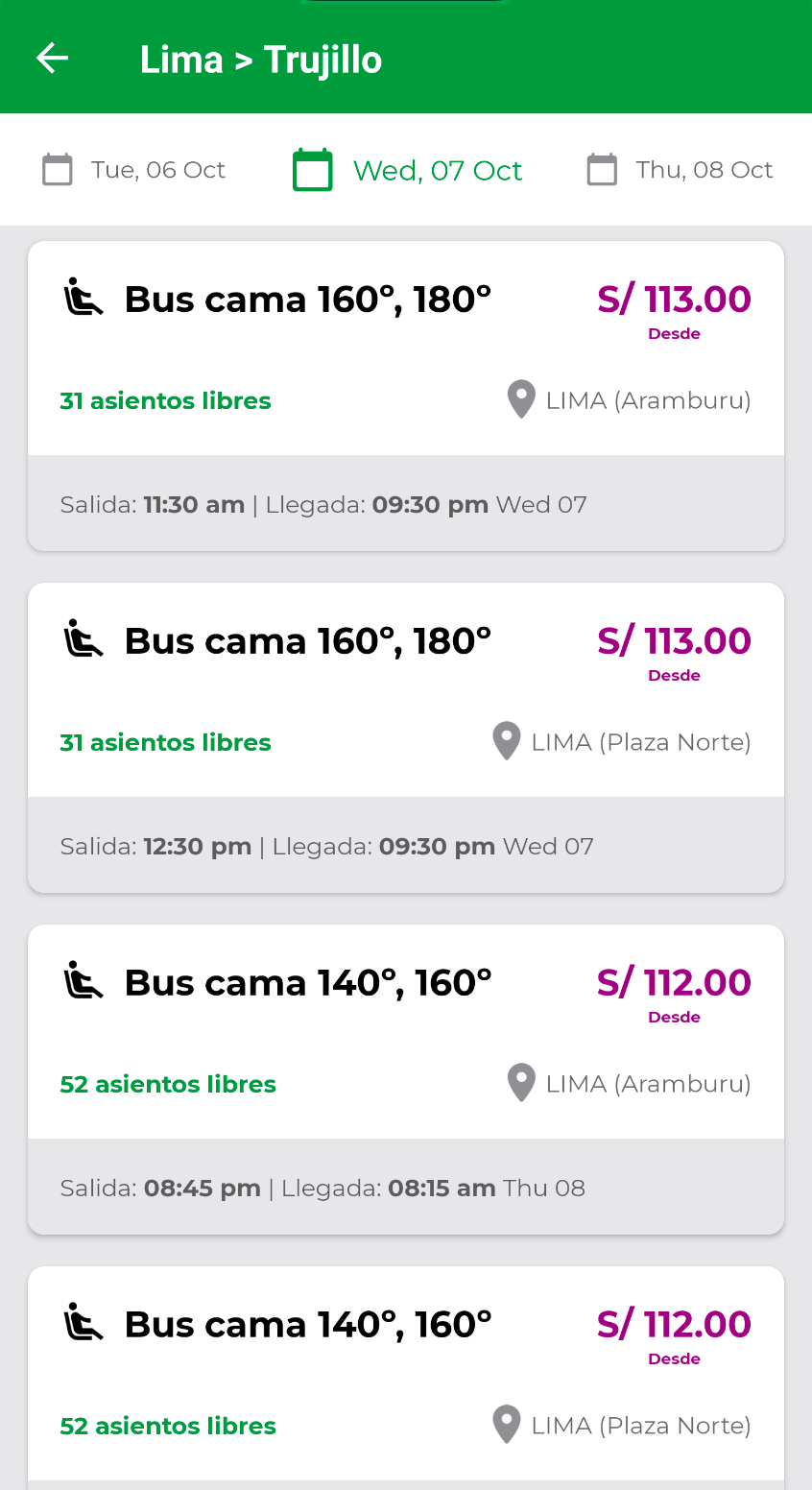
Oltursa Móvil
1. Overview
Oltursa Móvil is a bus ticket-booking app for passengers traveling with Oltursa in Peru. It allows users to search for routes, check departure schedules, select seats, and purchase tickets directly from their mobile devices.
The app also provides information about Oltursa offices, authorized sales points, travel destinations, and special promotions. Its route network includes destinations such as Lima, Cusco, Arequipa, Piura, Trujillo, Ica, and Huaraz.
Passengers can use the app to book journeys, review available travel options, and check promotional fares.
2. Key Features
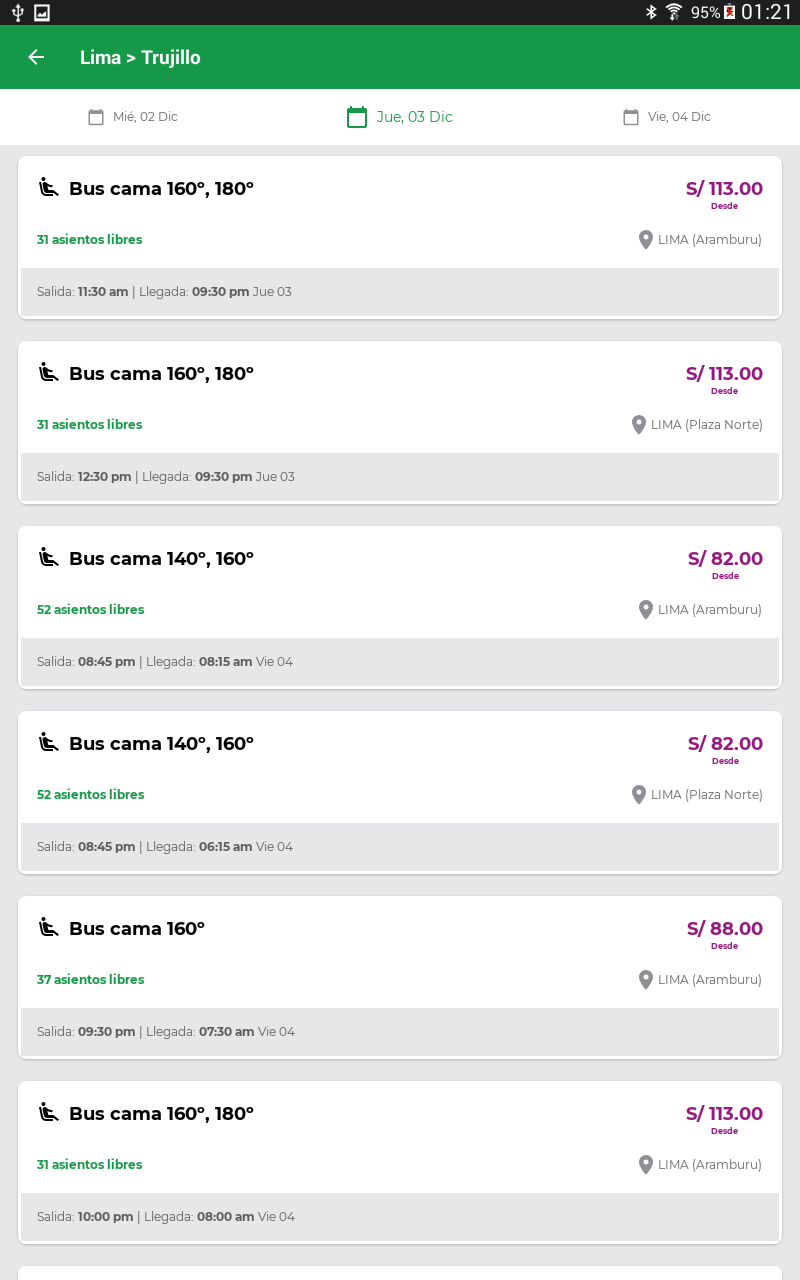
• Online Ticket Booking: Search for routes, check departure schedules, and purchase bus tickets
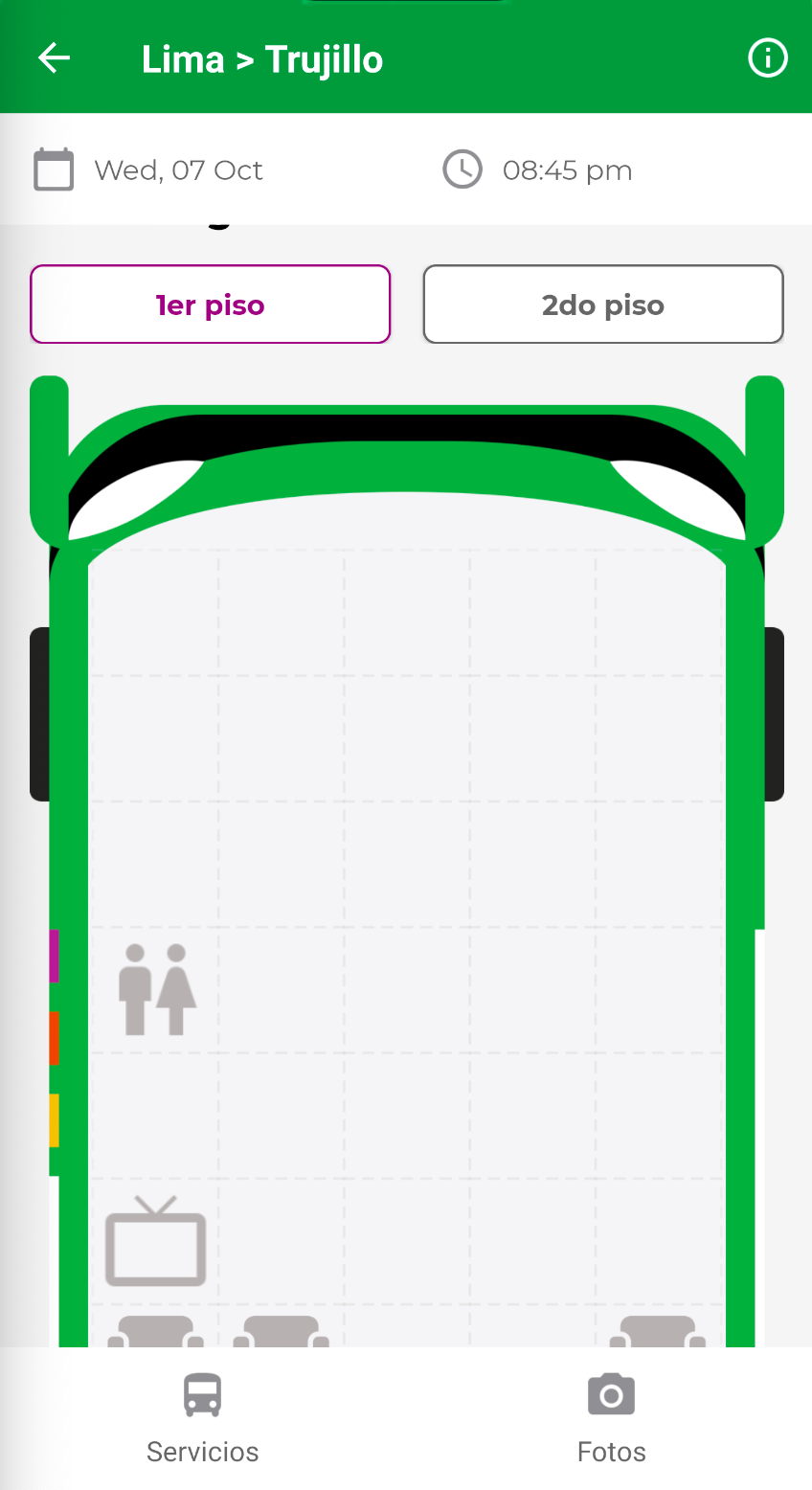
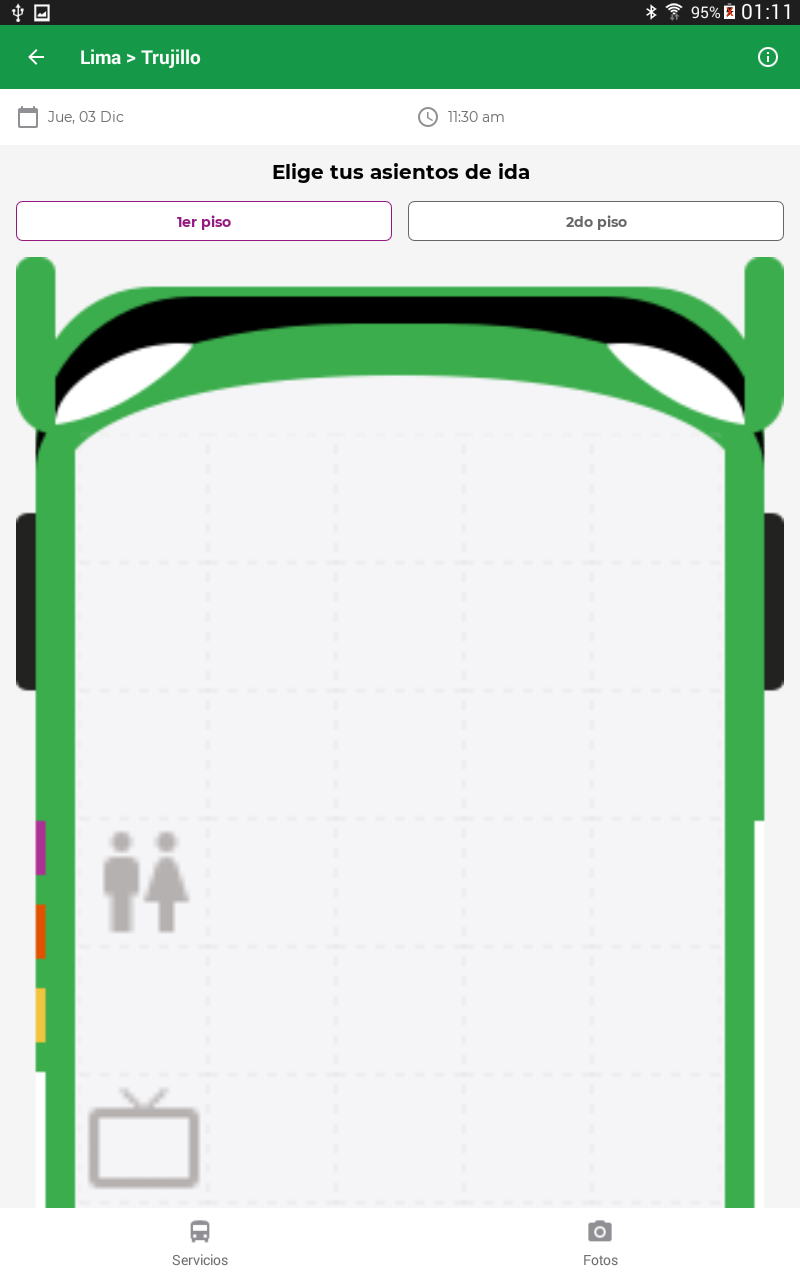
• Seat Selection: Choose from available seats during the booking process
• Booking Details: Review reservation information, including travel dates, departure times, and seat assignments
• Office Locations: Find Oltursa offices and authorized ticket sales points
• Destination Information: Explore destinations served by Oltursa across Peru
• Special Promotions: Check available offers and promotional fares
• Online Payments: Pay for tickets using the methods available during checkout
3. How to Use Oltursa Móvil
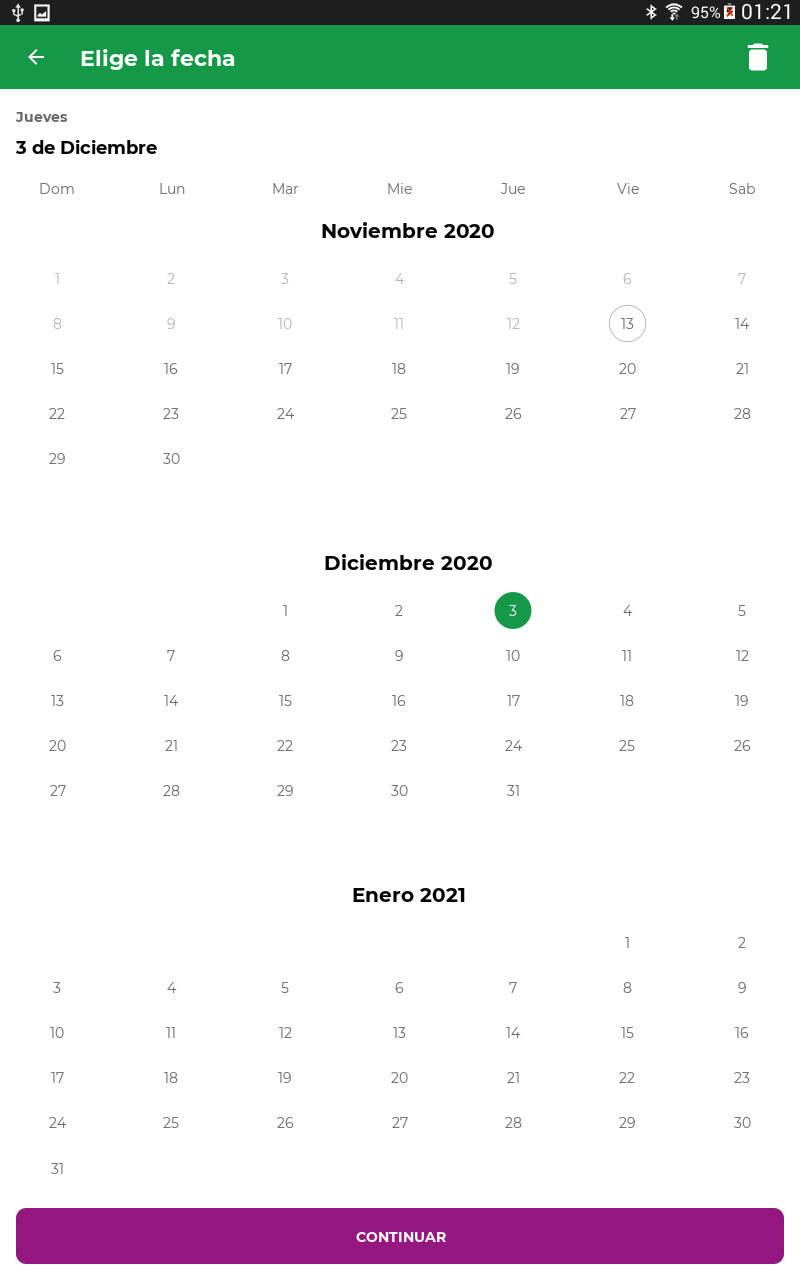
1. Search for a Journey: Enter your departure city, destination, and travel date to view available services.
2. Choose a Departure: Review the available schedules and select your preferred departure.
3. Select a Seat: Choose an available seat and enter the required passenger details.
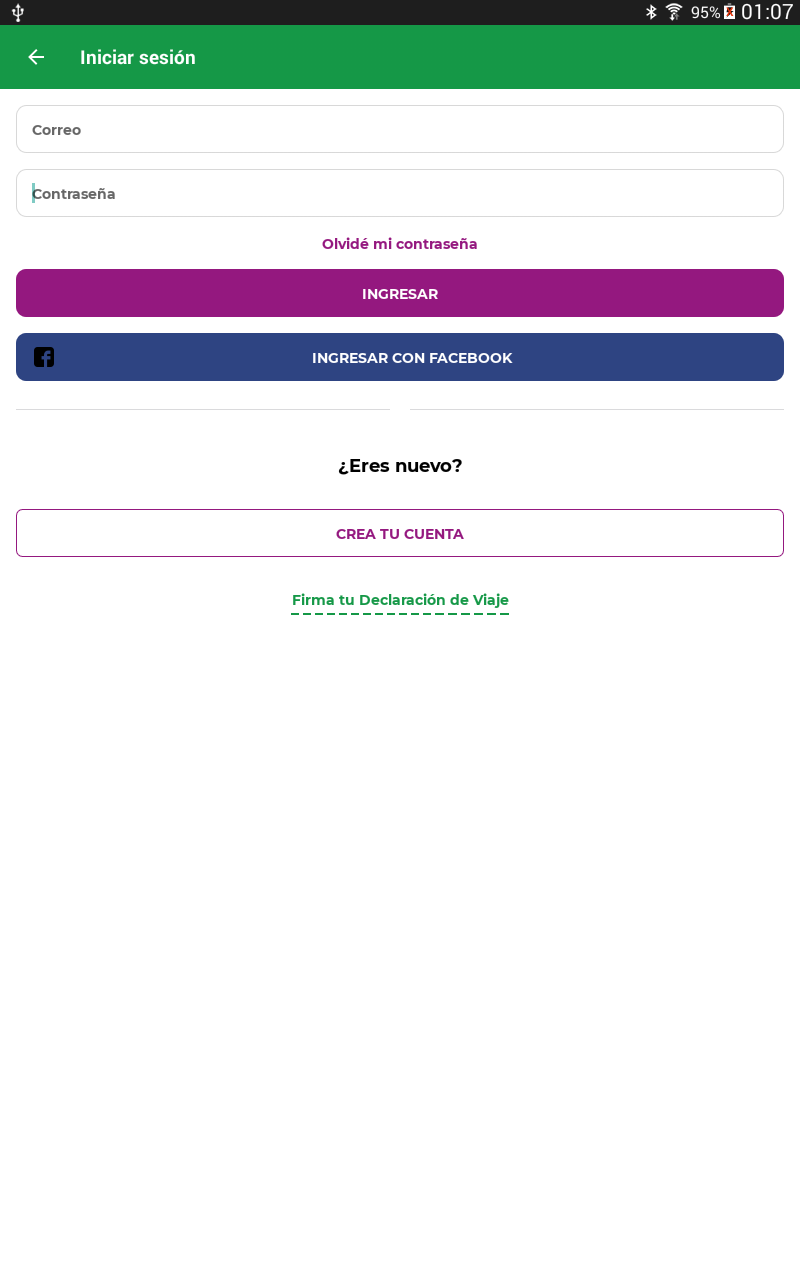
4. Complete Payment: Follow the checkout instructions and pay using an available payment method.
5. Review Your Booking: Check your reservation details, including the departure time and seat assignment.
6. Prepare for Boarding: Keep your ticket or booking confirmation accessible and follow Oltursa's boarding instructions.
4. User Experience
Oltursa Móvil brings ticket booking, route information, and promotional offers together in one app. The reservation process follows a clear sequence, from searching for a journey to selecting a seat and completing payment.
Passengers can also consult office locations and destination information without leaving the app. Booking details remain accessible on their mobile devices, making it easier to check journey information before departure.
5. Frequently Asked Questions
Q1: Do I need to print my bus ticket?
A: Check the ticket conditions and boarding instructions provided with your booking to see whether a digital ticket is accepted or a printed copy is required.
Q2: Which payment methods are accepted?
A: The available payment methods are displayed during checkout. Accepted options may vary depending on the purchase conditions.
Q3: Can I change or cancel a ticket through the app?
A: Changes and cancellations depend on the fare conditions and Oltursa's policies. Check your ticket conditions or contact Oltursa customer service for assistance.
Q4: Why can't I find a particular route?
A: The route may not operate on your selected date or may not be available for online booking. Try another date or contact Oltursa to confirm its availability.
Q5: What should I do if a payment fails?
A: Check your bank or payment account to confirm whether the transaction was processed. If no charge appears, verify your payment details before trying again. If the payment status remains unclear, contact Oltursa or your payment provider.
- Version10.6.0
- UpdateNov 10, 2026
- DeveloperOLTURSA
- CategoryTravel & Local
- Requires AndroidAndroid 5.0+
- Downloads151K+
- Package Namecom.devos.oltursa
- Signatured51e1b8dd949dac84b8fc3703bb805af
- Available on
- ReportFlag as inappropriate
-
NameSizeDownload
-
21.93 MB
-
18.02 MB
-
18.02 MB









Convenient and efficient ticket purchase
Comprehensive and practical information
Payment and refund guidelines
Price not competitive
Safety reputation is controversial
App rating is average