
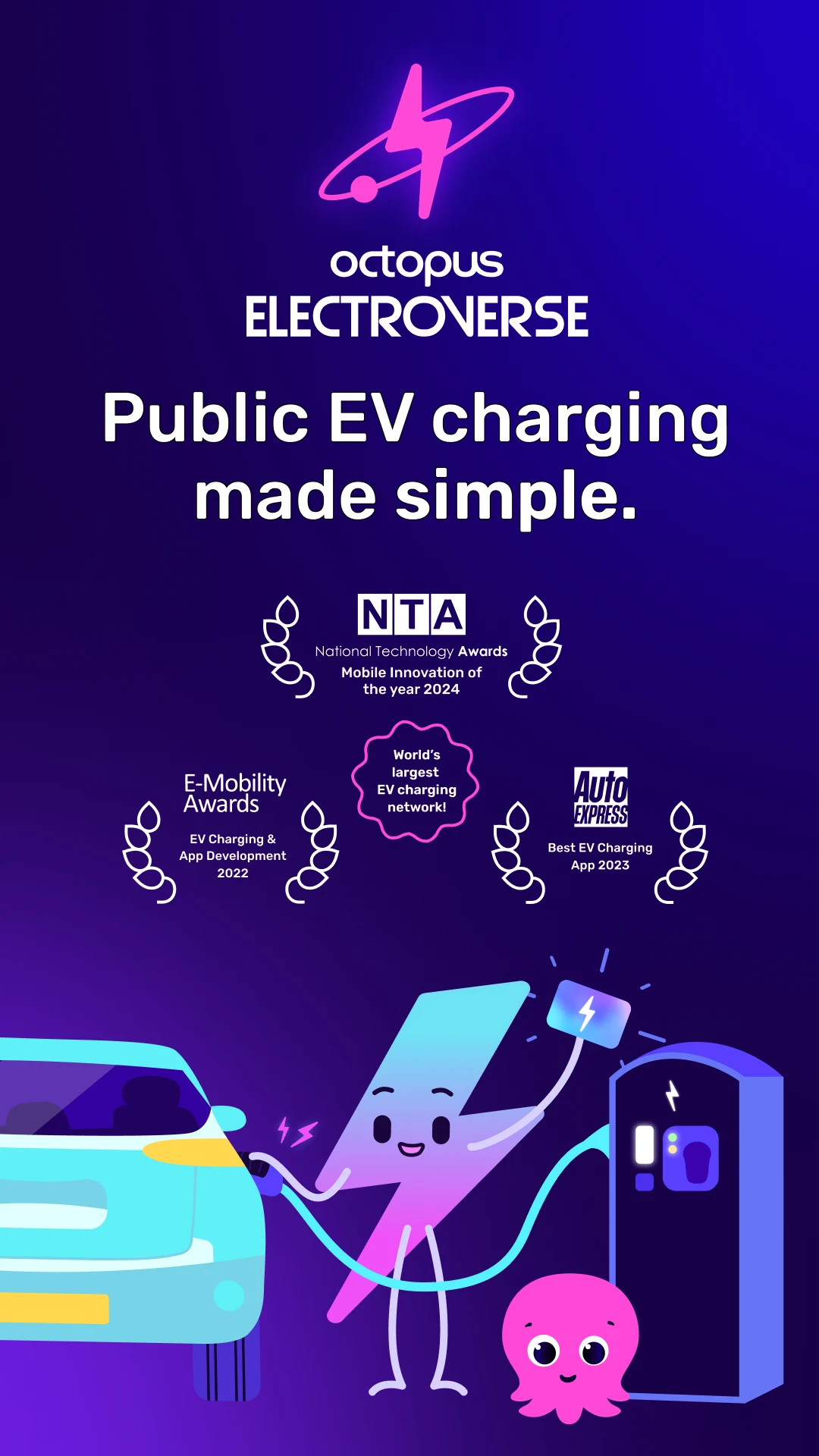
Octopus Electroverse - EV charging simplified & discounted
Charge on-the-go with competitive pricing, map filters, and seamless payment options for effortless electric vehicle journeys.

- 2024.14.0 Version
- 1.4 Score
- 723K+ Downloads
- Free License
- 3+ Content Rating

Octopus Electroverse EV Charging App Guide
Octopus Electroverse is a free EV charging service designed to make public electric vehicle charging easier across the UK. Drivers can connect a payment card to their Electroverse account and start a charging session through the Electroverse app or a charging card.
Getting started is simple. Sign up in under 30 seconds, then start using compatible public EV chargers the same day.
Electroverse also offers savings on public EV charging, including Plunge Pricing and account benefits for eligible Octopus Energy customers.
Intelligent Octopus Go customers receive an 8% discount on public charging through Electroverse, while Octopus Go customers receive a 5% discount.
Features :
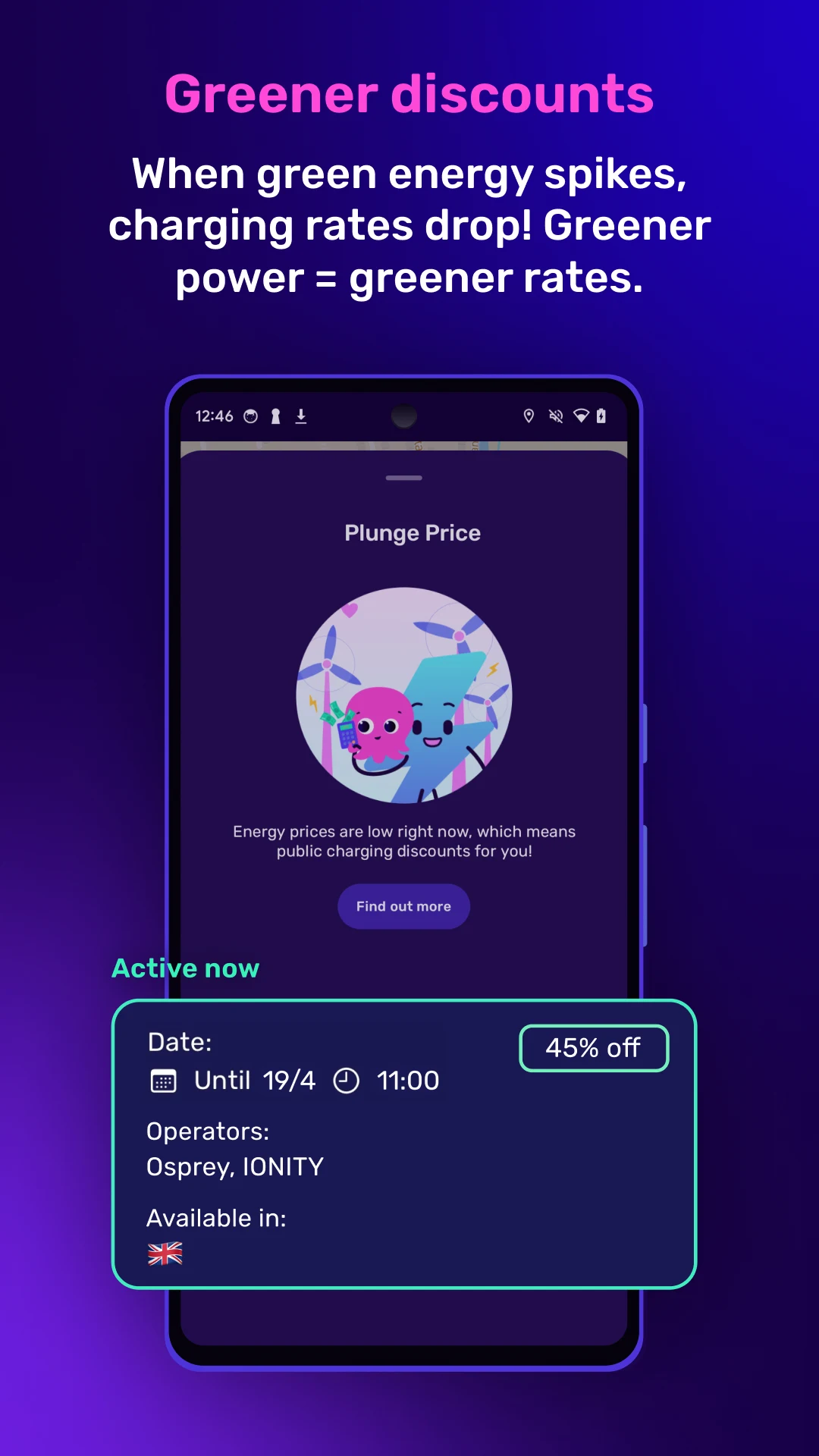
- Plunge Pricing discounts
In addition to our standard discounts, we offer Plunge Pricing: savings when energy prices decrease. Green energy means even greener discounts.
- Electroverse map toggle
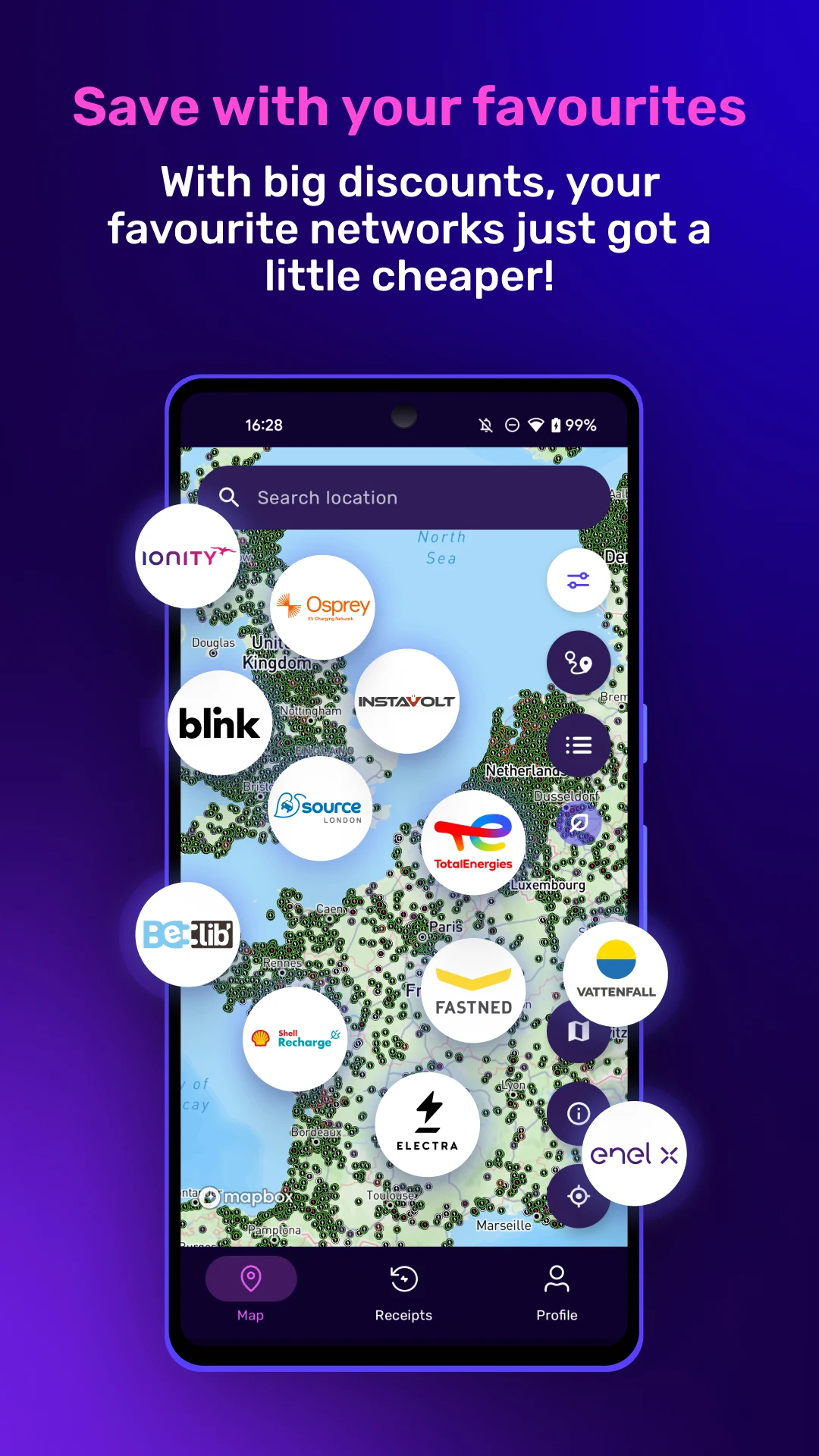
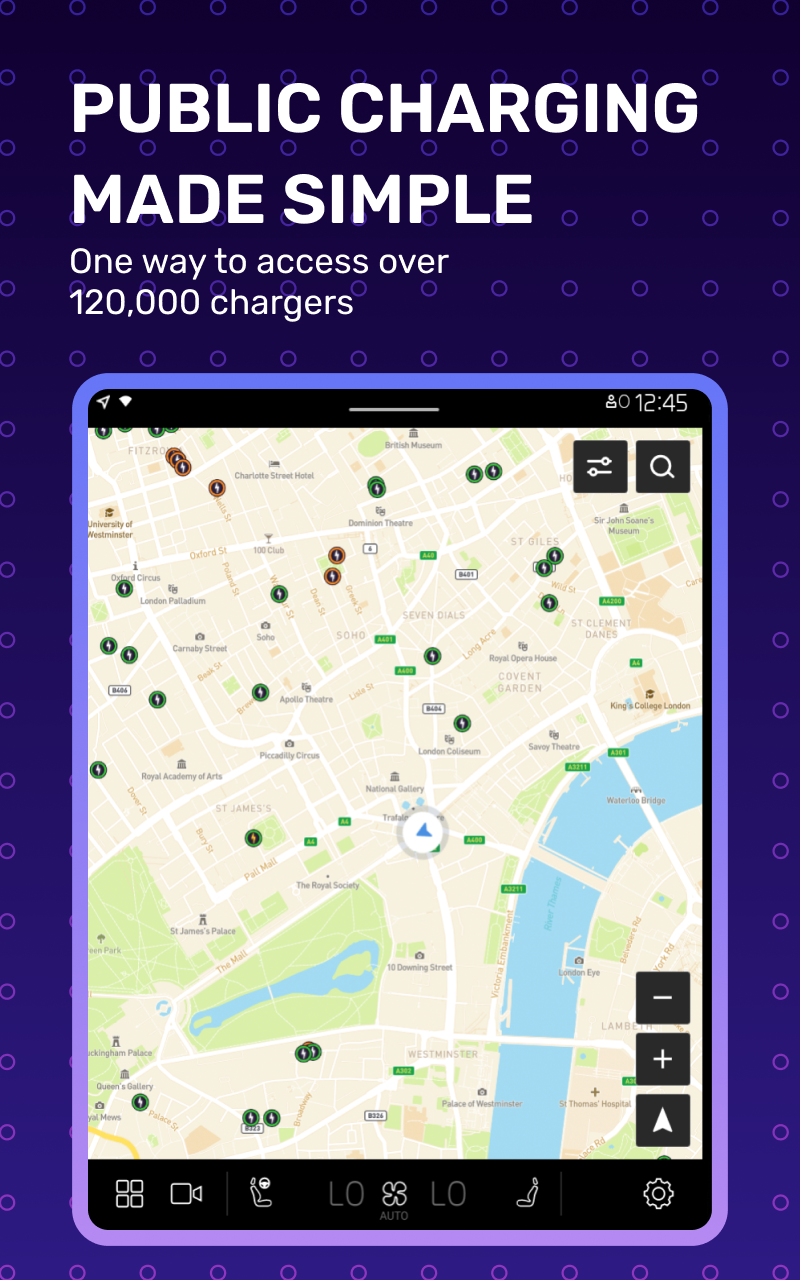
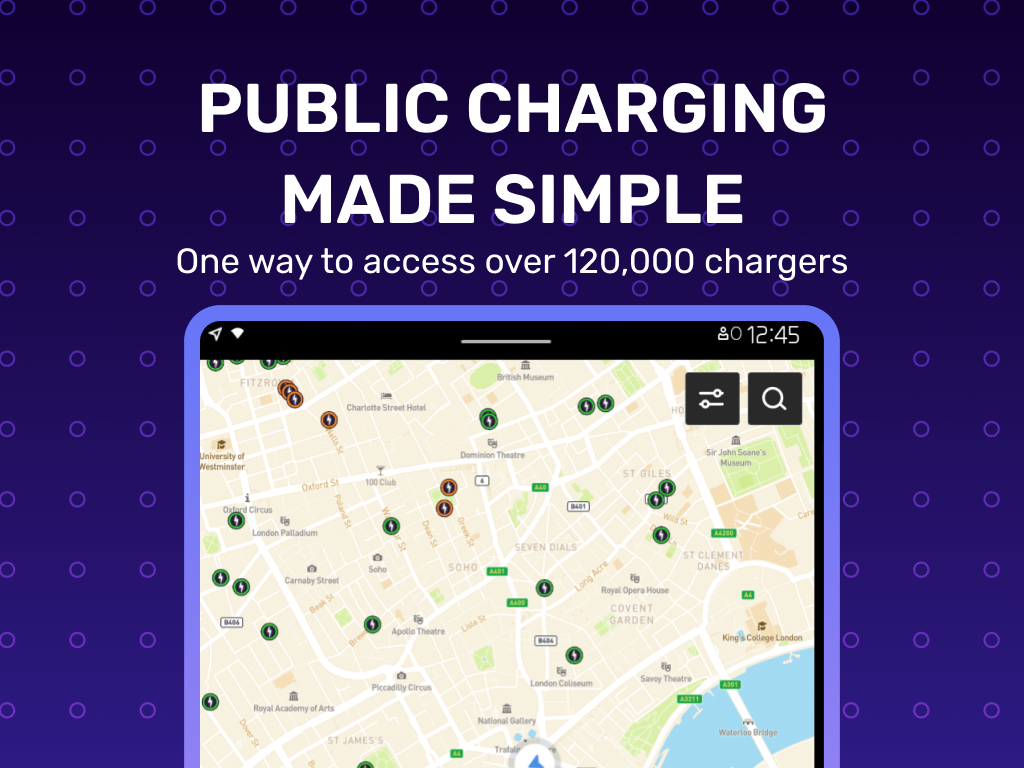
Easily switch between viewing all chargers and those that are compatible with Electroverse, providing you with essential information for choosing a charger.
- Map filters
Find charging stations based on charging speeds, connector types, and preferred networks.
- Detailed Charger Information
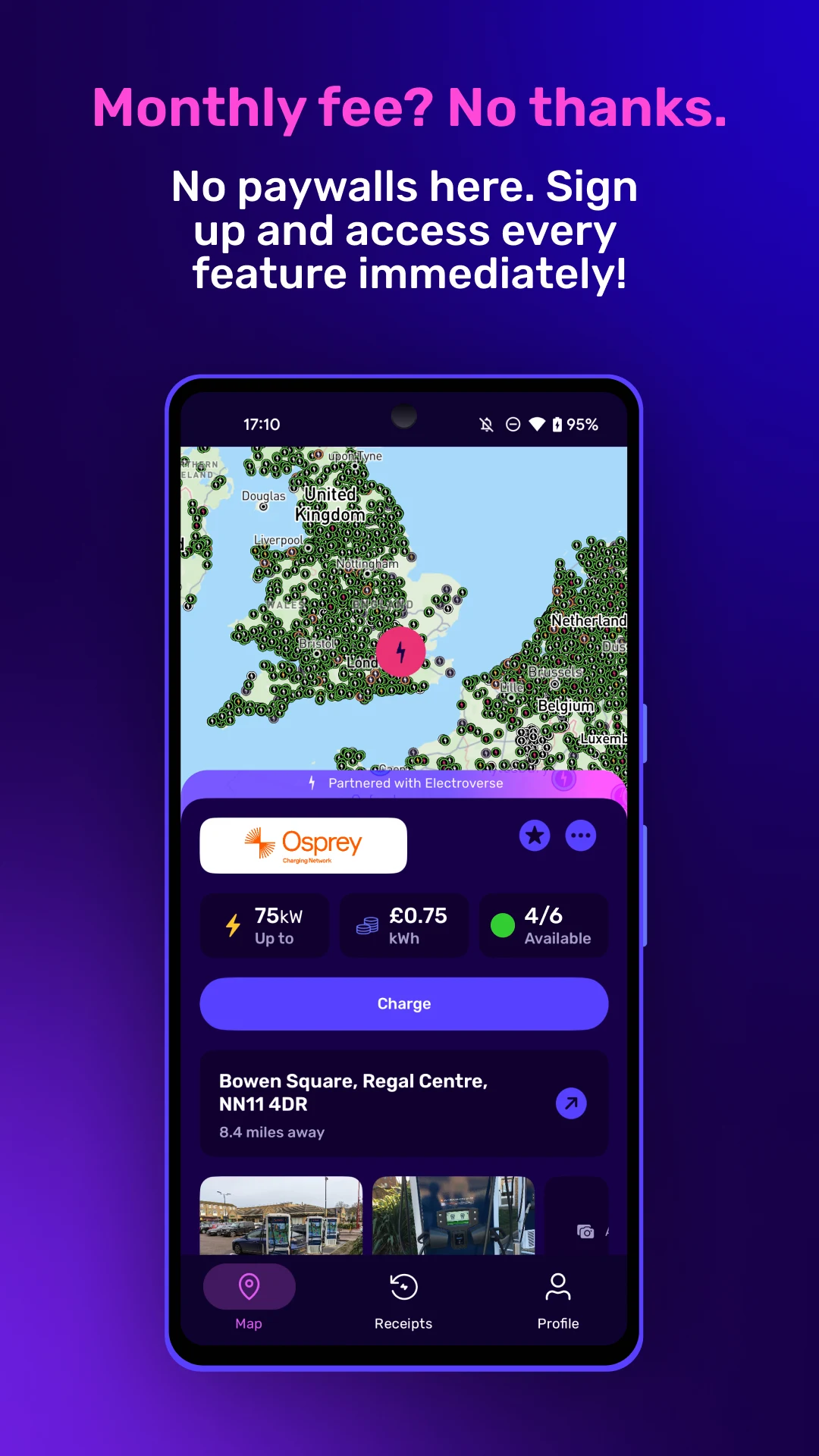
Access live availability of chargers, a renewable energy badge indicating 100% green energy options, along with crucial location details like charging costs and parking restrictions.
- In-app charging
Initiate charging directly through the app! Just plug in and hit 'start charge' on your mobile device.
- Route planner
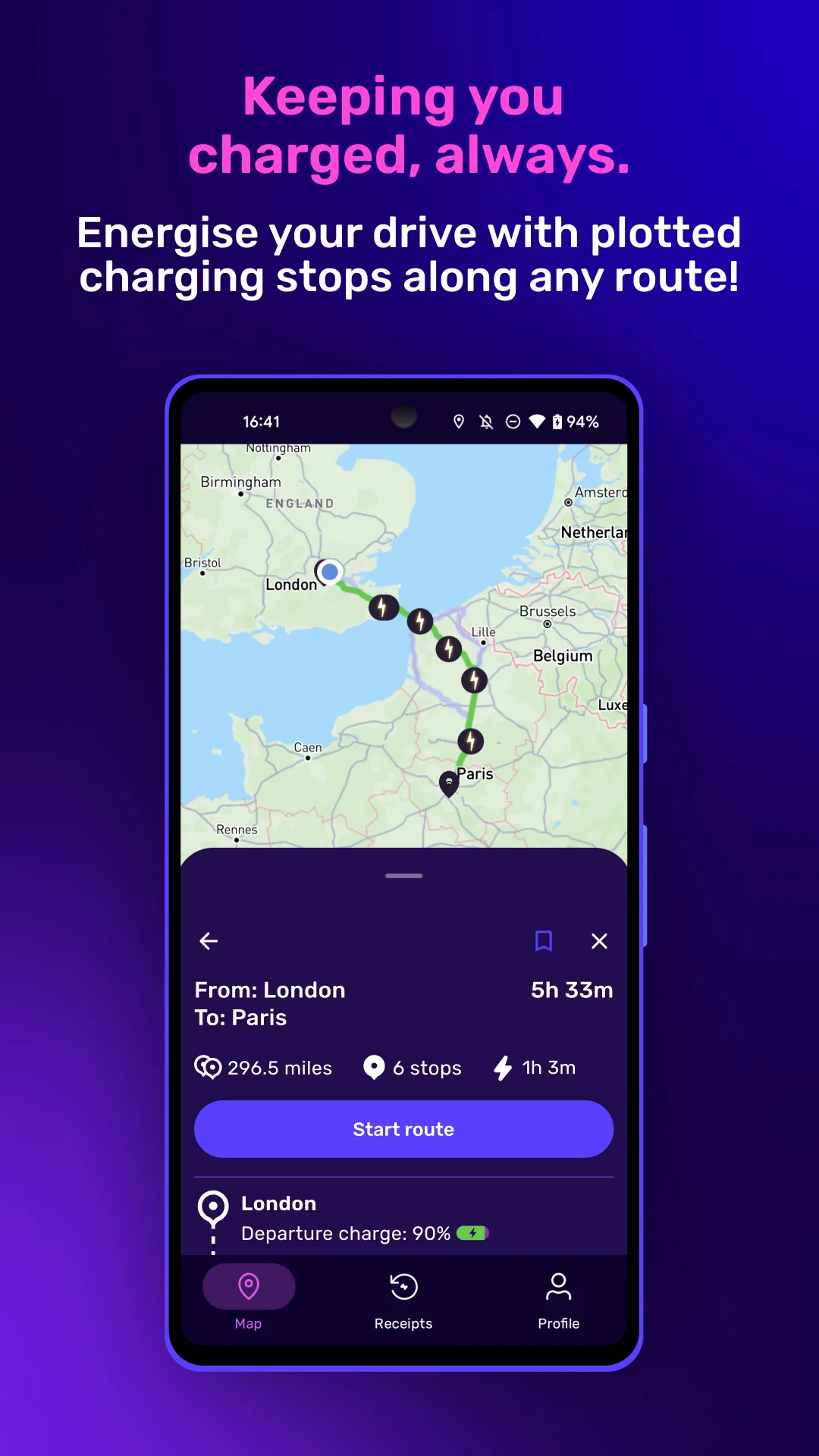
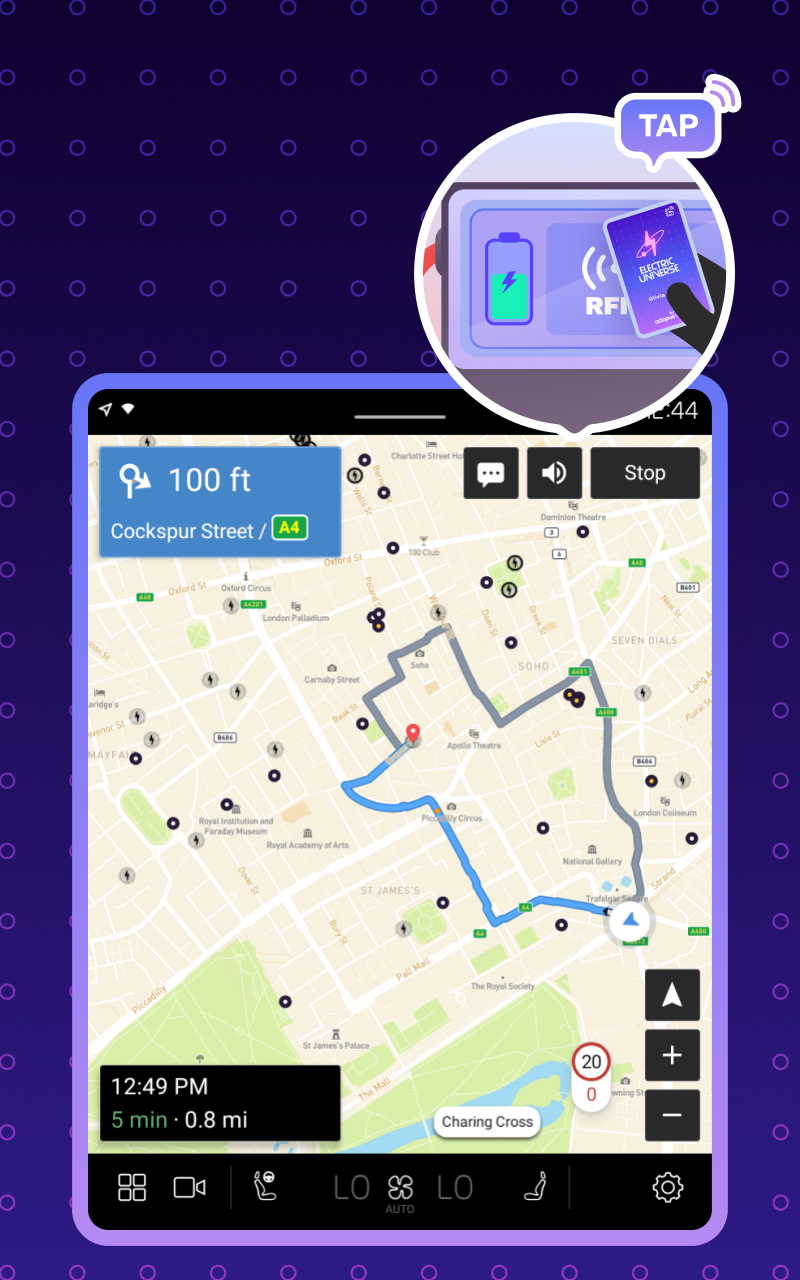
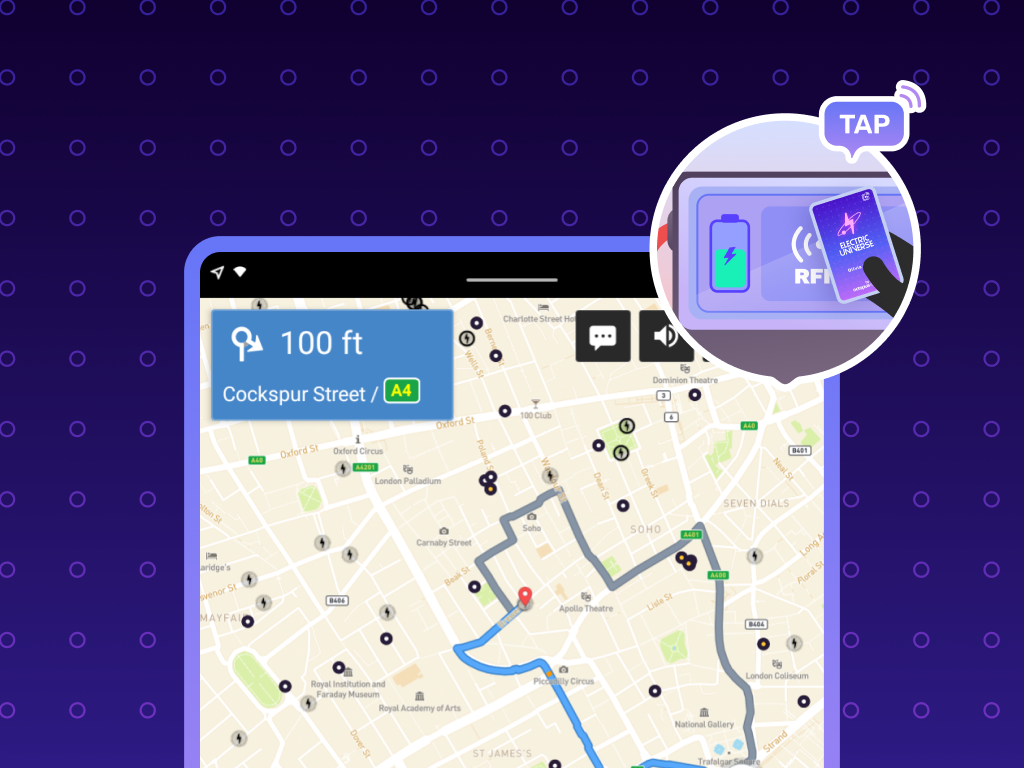
Enhance your journey with mapped charging stops along any route, making long-distance driving effortless.
- Pay your way
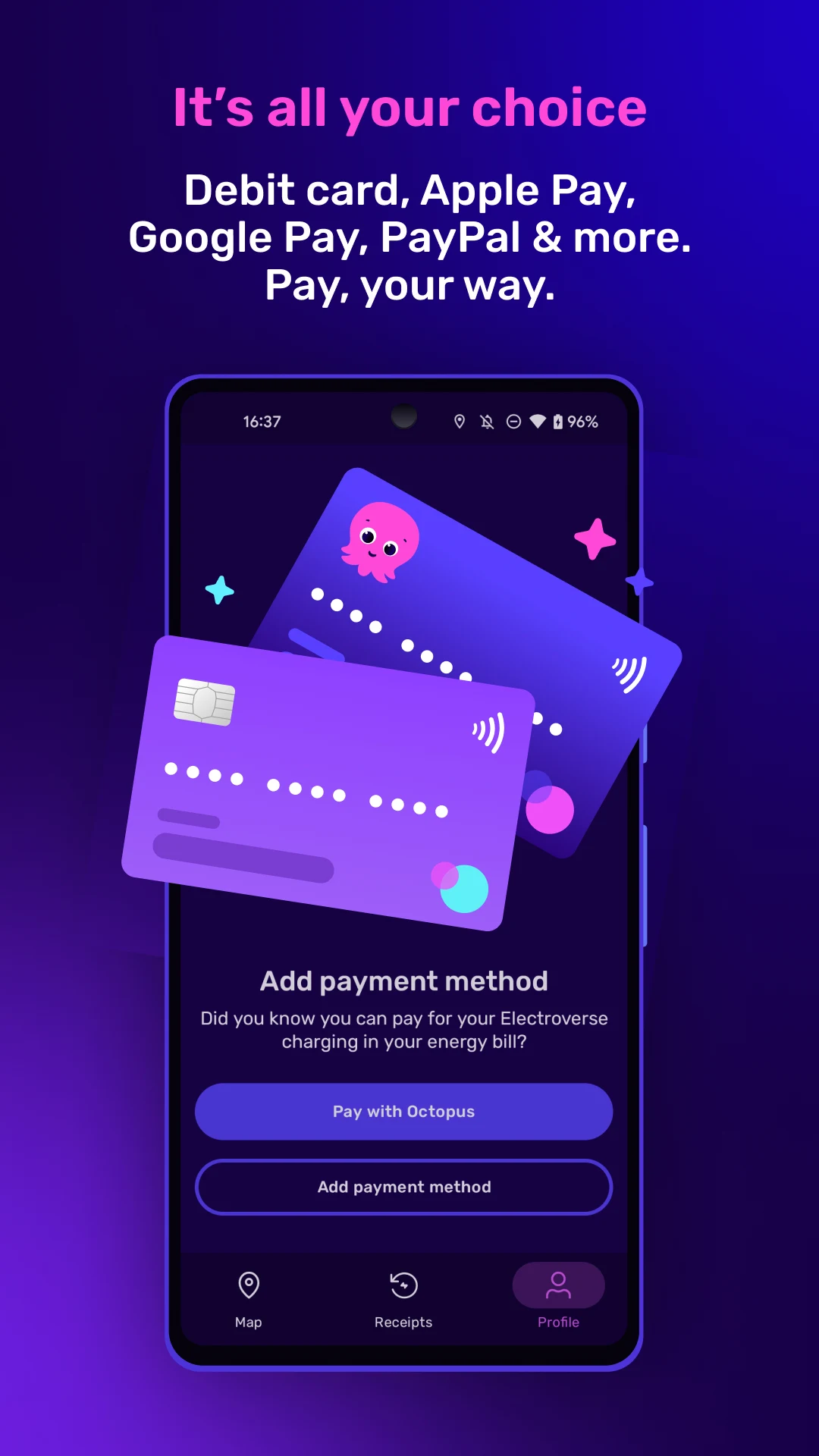
Options to pay with debit cards, Google Pay, and more. The choice is yours.
How to Start a Charge Using the Octopus Electroverse App ?
To check whether a charging station supports in app charging, open the Electroverse app map and select the charger location. Check the Access information. If the location supports app based charging, Electroverse app will be listed.
In the charger information tab, select Charge, choose the correct charger, and follow the on screen instructions.
Scroll down to view the available chargers at the chargepoint and select a charger to see the Electroverse charging options for each connector.
When prompted, plug your EV into the chargepoint and tap Start charge in the app.
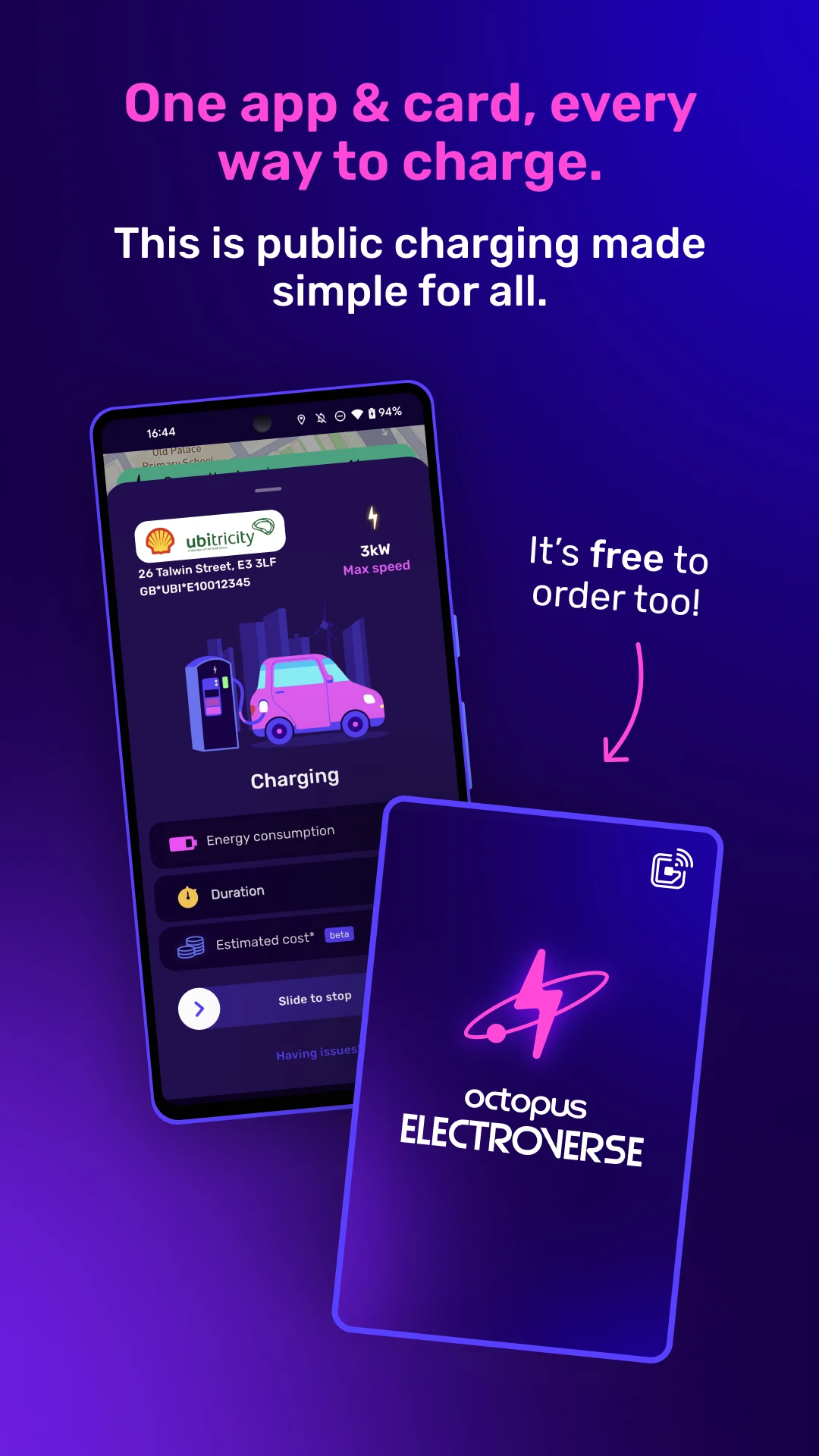
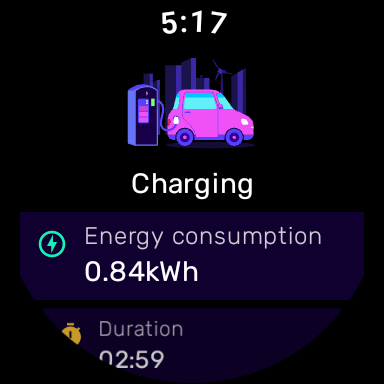
During an active charging session, the Charging screen shows how long the session has been running and, with certain operators, the energy used in kWh and the estimated charging price.
When your EV is fully charged and you are ready to leave, drag the Slide to stop control to end the charging session.
How to Order an Octopus Electrocard ?
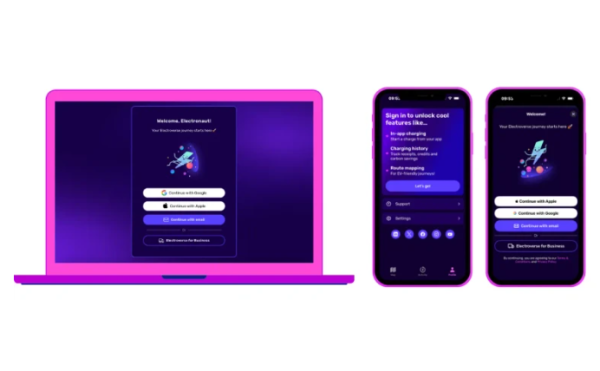
Step 1: Create an Electroverse account
You can explore the Electroverse charger map without signing in, but you need an Electroverse account to access and charge at compatible public EV chargers. You can sign in through the Electroverse website or the Electroverse app on Google Play and the App Store.
Step 2: Add a payment method
A valid payment method is required before an Electrocard can be sent. Available options include a payment card, Google Pay, or Apple Pay.
Open Manage my account and go to Payment methods to add a payment card. You can also choose Pay with Octopus by linking your Octopus Energy account so your energy bills and EV charging can be managed in one place.
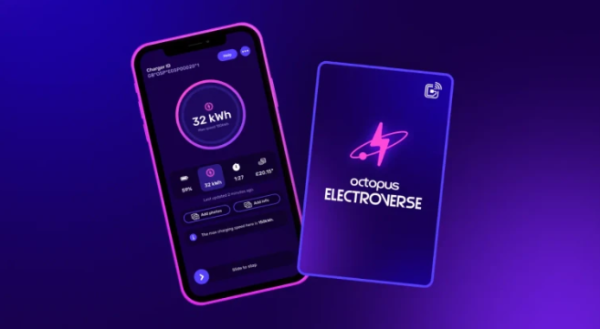
Step 3: Order and activate your Electrocard
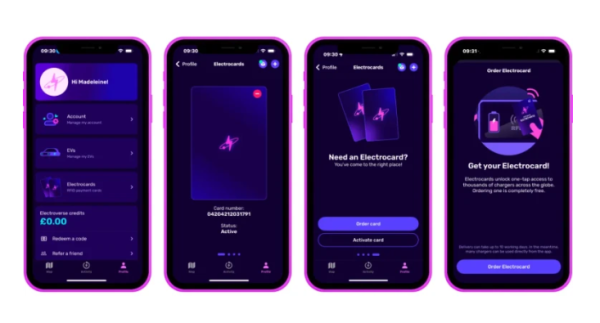
Open the Electroverse app and go to My Electrocards to manage your active cards and order a new RFID charging card.
Select order new card on the blank card screen and follow the on screen instructions. After confirming your delivery details, the order will be processed and the new Electrocard will generally arrive within 7 days. A confirmation email will also be sent.
You do not need to wait for your Electrocard to start charging. You can use the Electroverse app to begin a charging session at compatible chargers.
Step 4: Cancel an Electrocard
If you lose an Electrocard or need to cancel an existing card, open My Electrocards in the app and select the relevant card. Match the card number shown in the app with the physical card, then choose cancel card and follow the instructions. You will receive an email confirming the cancellation.
Step 5: Use your Electrocard
The Octopus Electrocard provides a simple way to start charging at compatible Electroverse chargepoints. The Electroverse app also provides guides and account tools for managing your charging experience.
Octopus Electroverse FAQs
1、How do I use Octopus Electroverse?
After signing up, you can order a free Electrocard and use it to start charging at compatible Electroverse chargers. You can also download the Electroverse app to start charging directly from your phone, find compatible chargers on the app or web map, and manage your account, payment details, and Electrocard information.
2、Do I need to be an Octopus Energy customer to use Electroverse?
No. Electroverse is available to EV drivers in the UK whether or not they use Octopus Energy for their home energy supply.
3、What are the benefits for Octopus Energy customers?
Octopus Energy customers can receive additional public EV charging benefits through Electroverse. Octopus Go customers receive a 5% discount on public charging through Electroverse, while Intelligent Octopus Go customers receive an 8% discount.
- Version2024.14.0
- UpdateSep 23, 2026
- DeveloperOctopus Energy
- CategoryMaps & Navigation
- Requires AndroidAndroid 8.0+
- Downloads723K+
- Package Nameenergy.octopus.electricjuice.android
- Signature6dfb371571ba81482d0807f63eedd401
- Available on
- ReportFlag as inappropriate
















Easy to use
Simple public EV charging
Large charger network
Clear EV charger map
Useful map filters
Easy charger availability checks
Helpful EV route planning
Convenient charging card
Fast charging session setup
Useful charging information
Convenient account based billing
Helpful charging discounts
Inaccurate charger locations
Incorrect charger power information
Difficult navigation
Limited price comparison
No nearby cafe or restaurant information
Limited CarPlay and Android Auto support
Confusing charging status
Difficult payment method setup
Outdated charger data
Slow customer support
Charging troubleshooting required
Delayed charging card delivery