
noon - Meal delivery tracking
Plan your day effortlessly with weather updates and schedule management tools.

- 4.84 (11338) Version
- 3.7 Score
- 30M+ Downloads
- Free License
- 12+ Content Rating


About noon
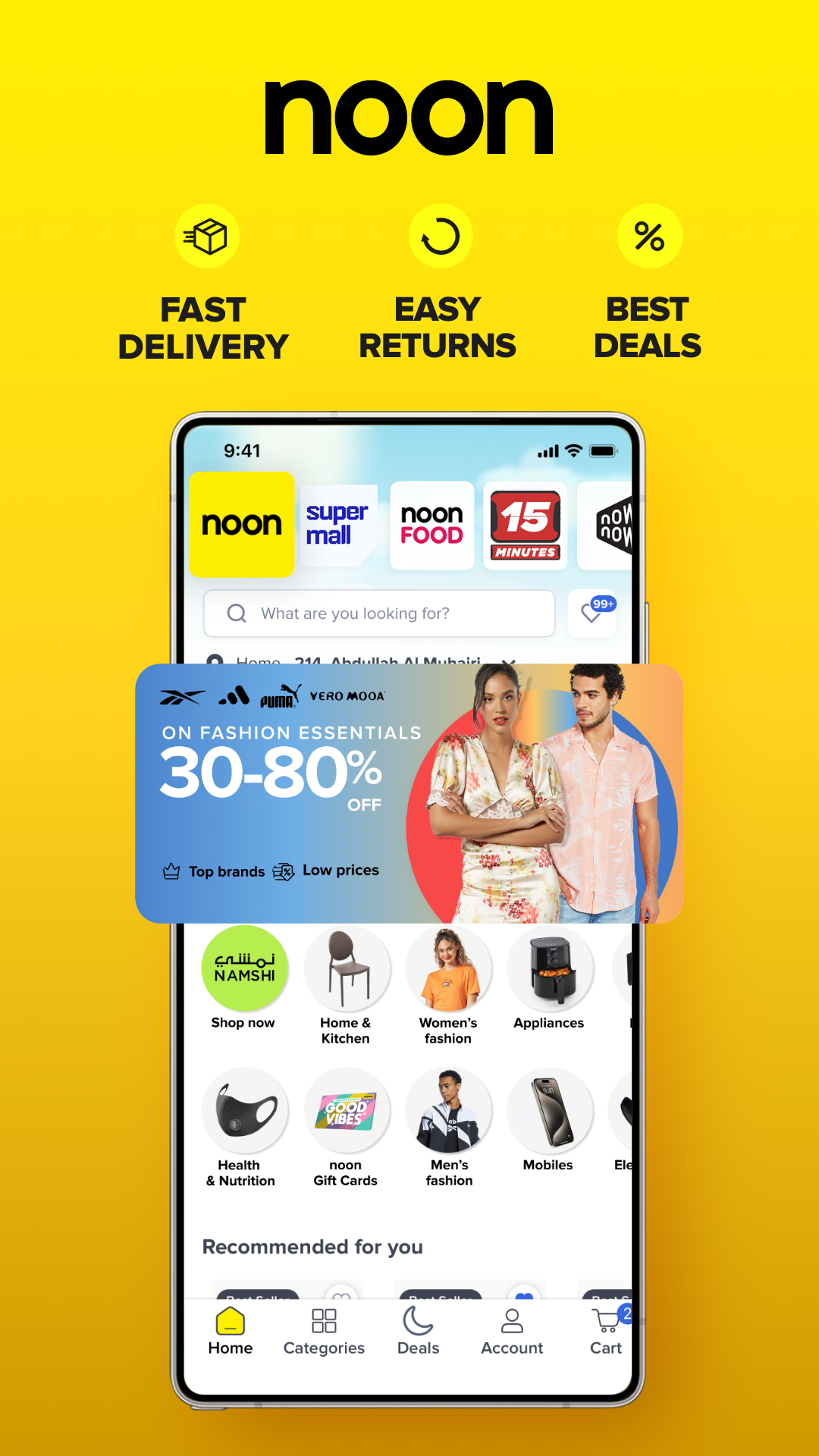
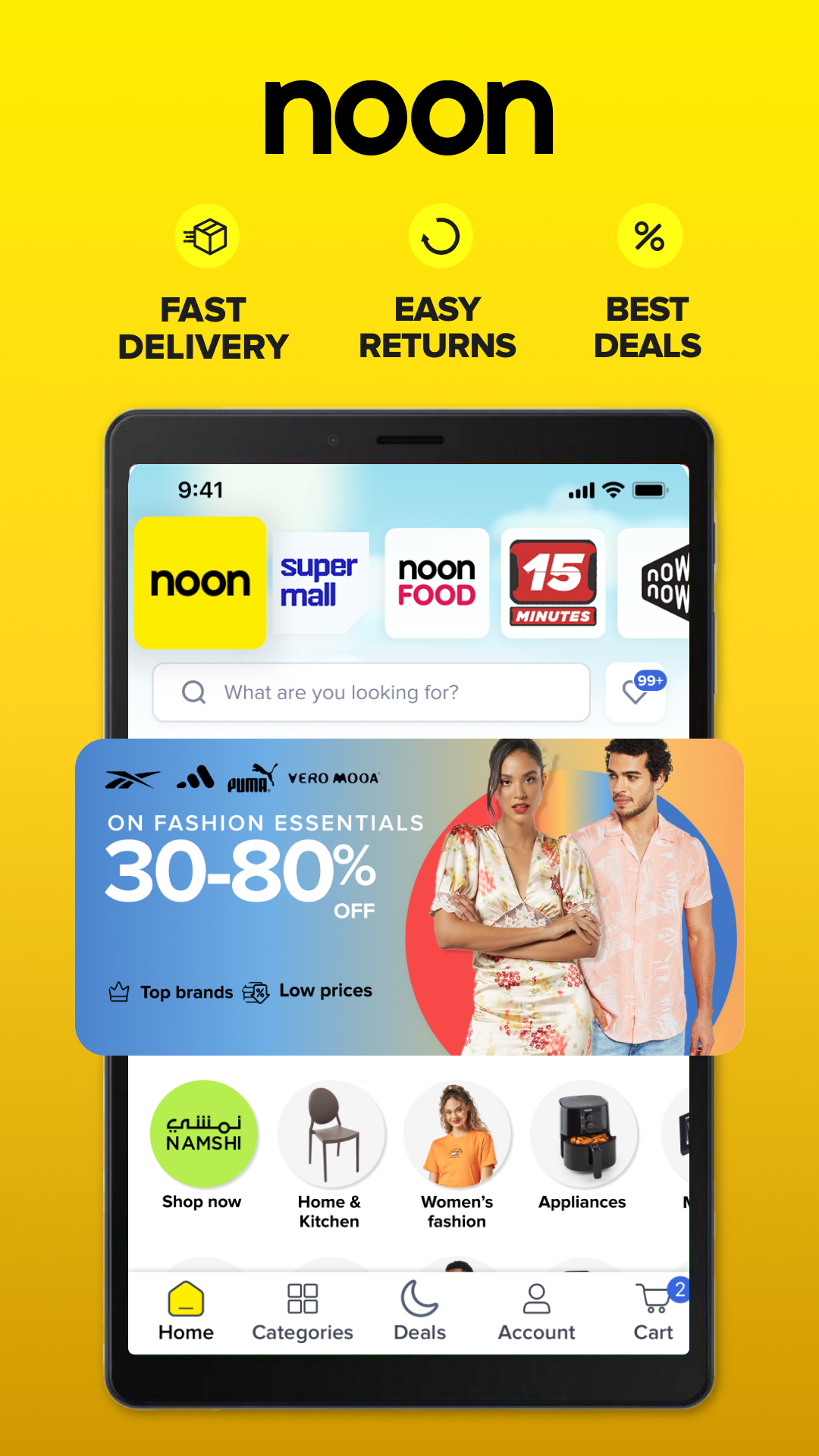
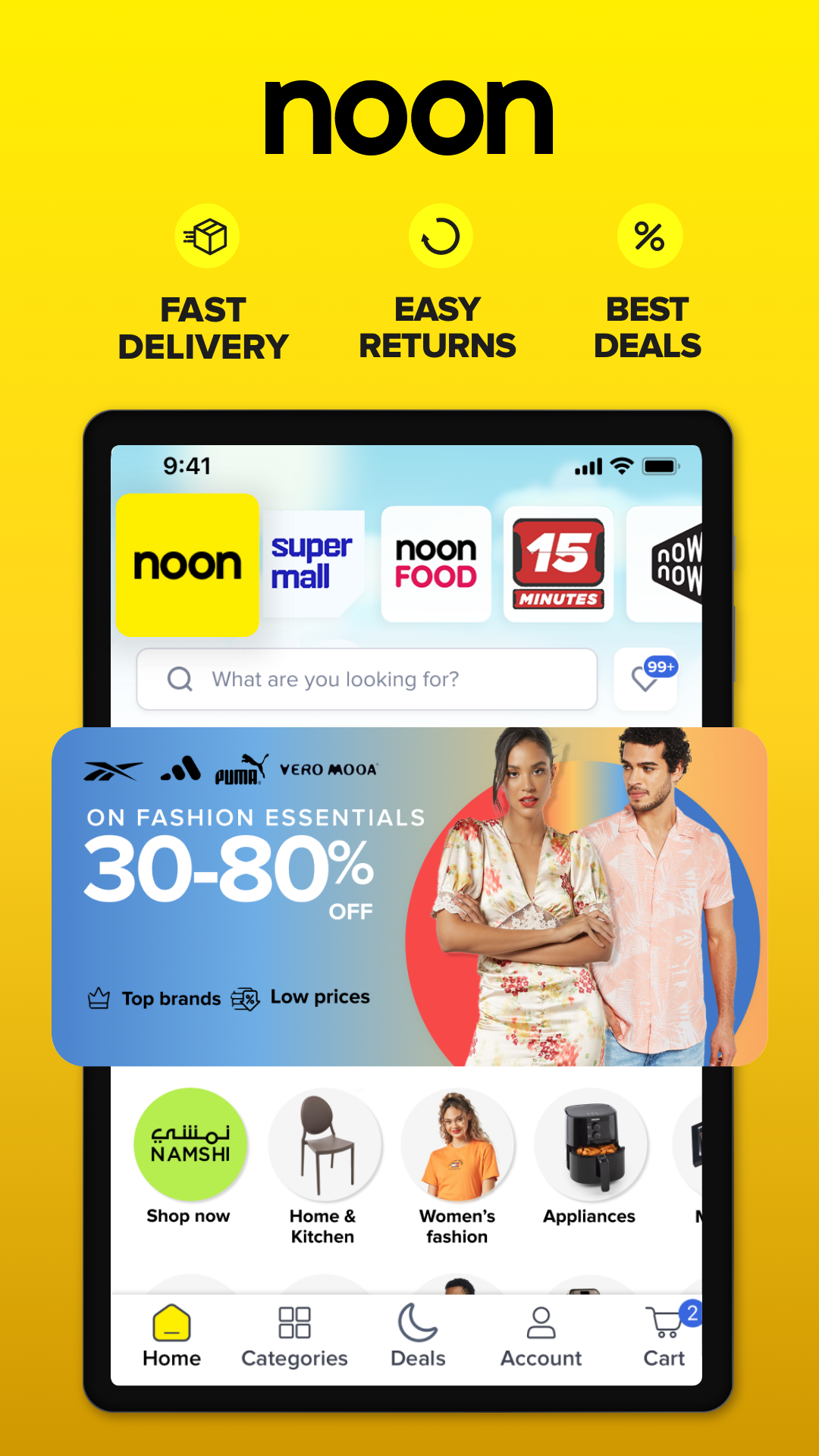
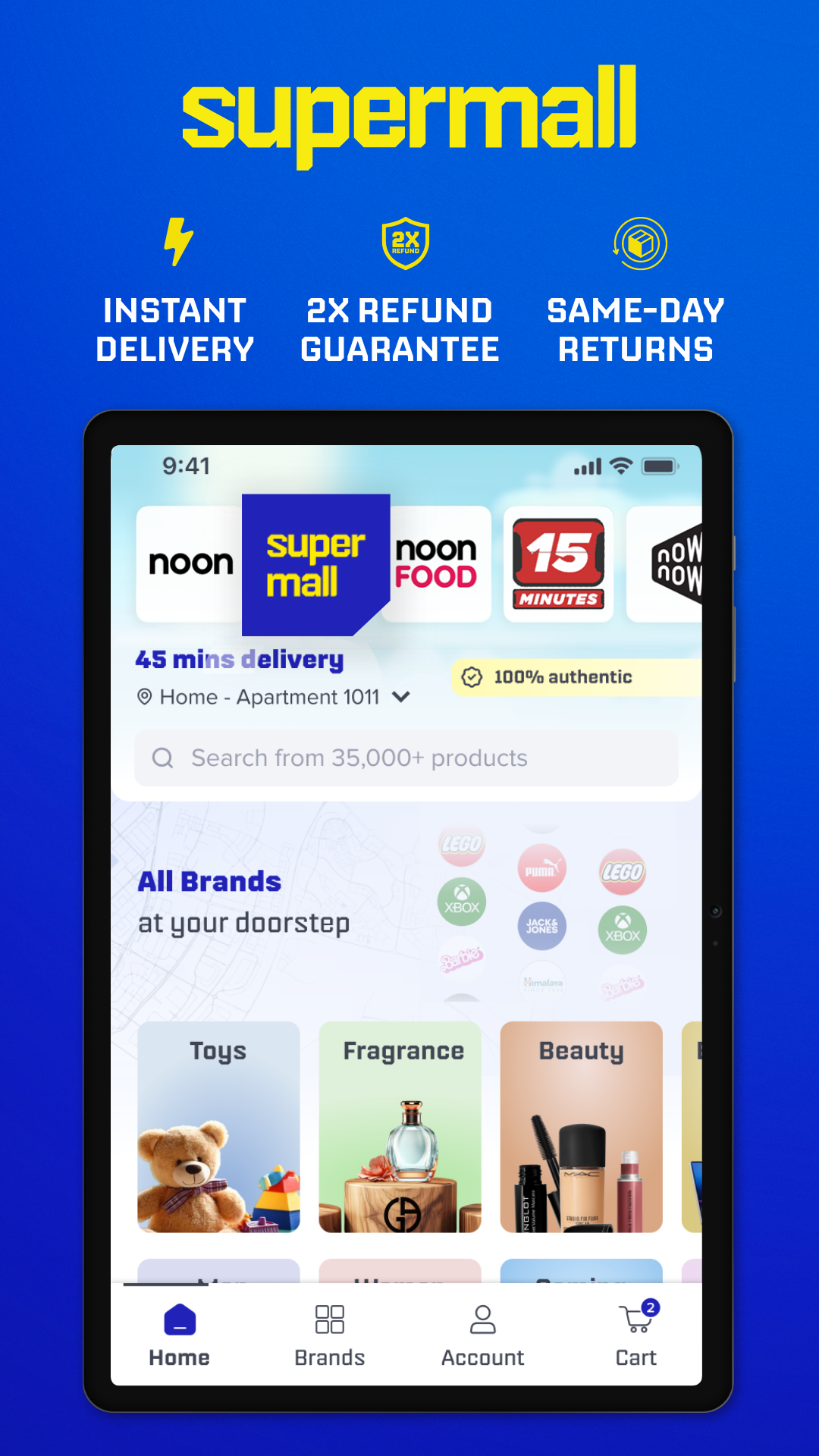
noon is an e-commerce platform operating in the UAE, Saudi Arabia, and Egypt. Its catalog covers a wide range of categories, including smartphones, electronics, fashion, beauty products, home appliances, groceries, baby essentials, and gifts. Customers can browse products from different brands, compare options, and place orders through the app.
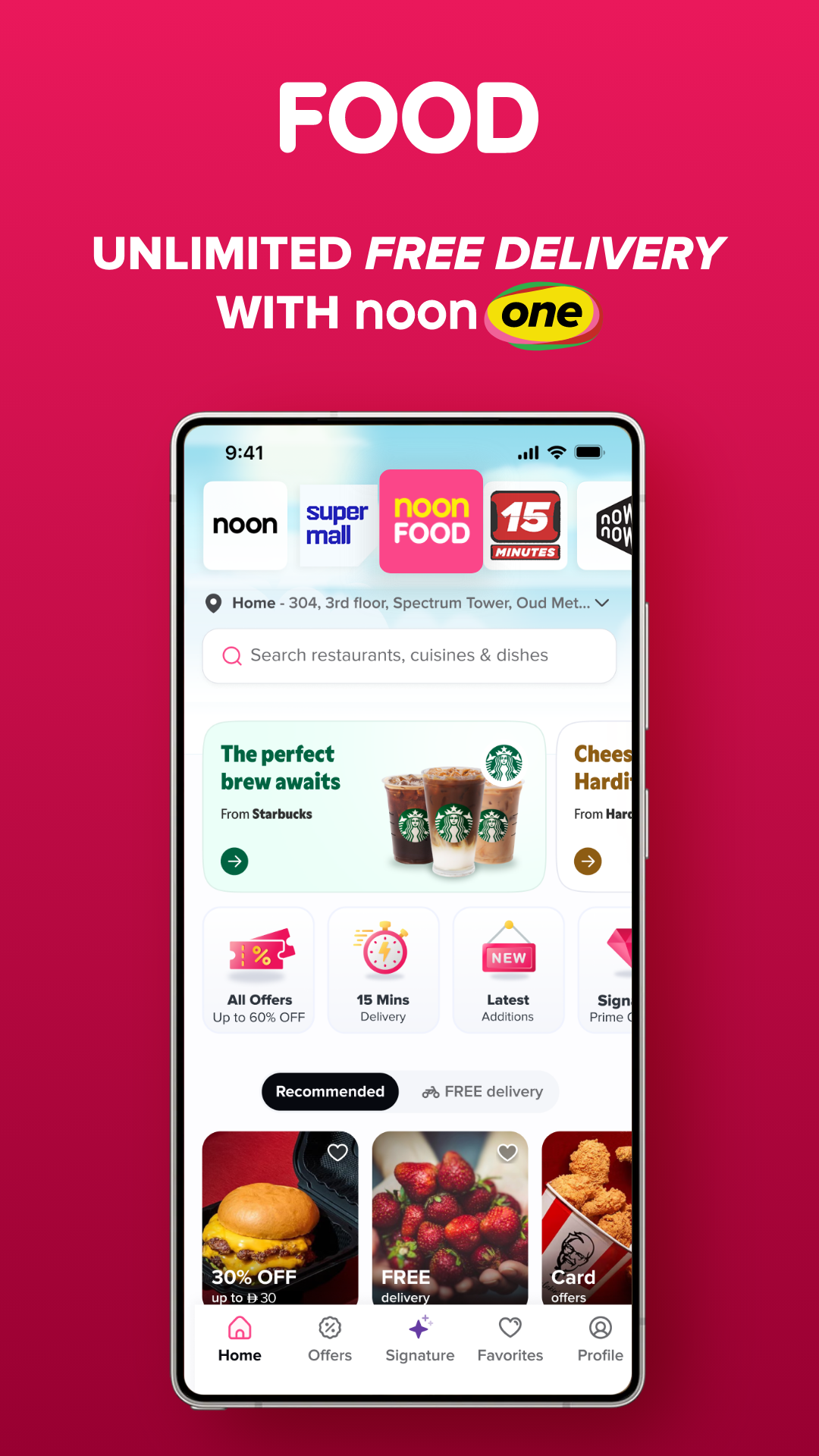
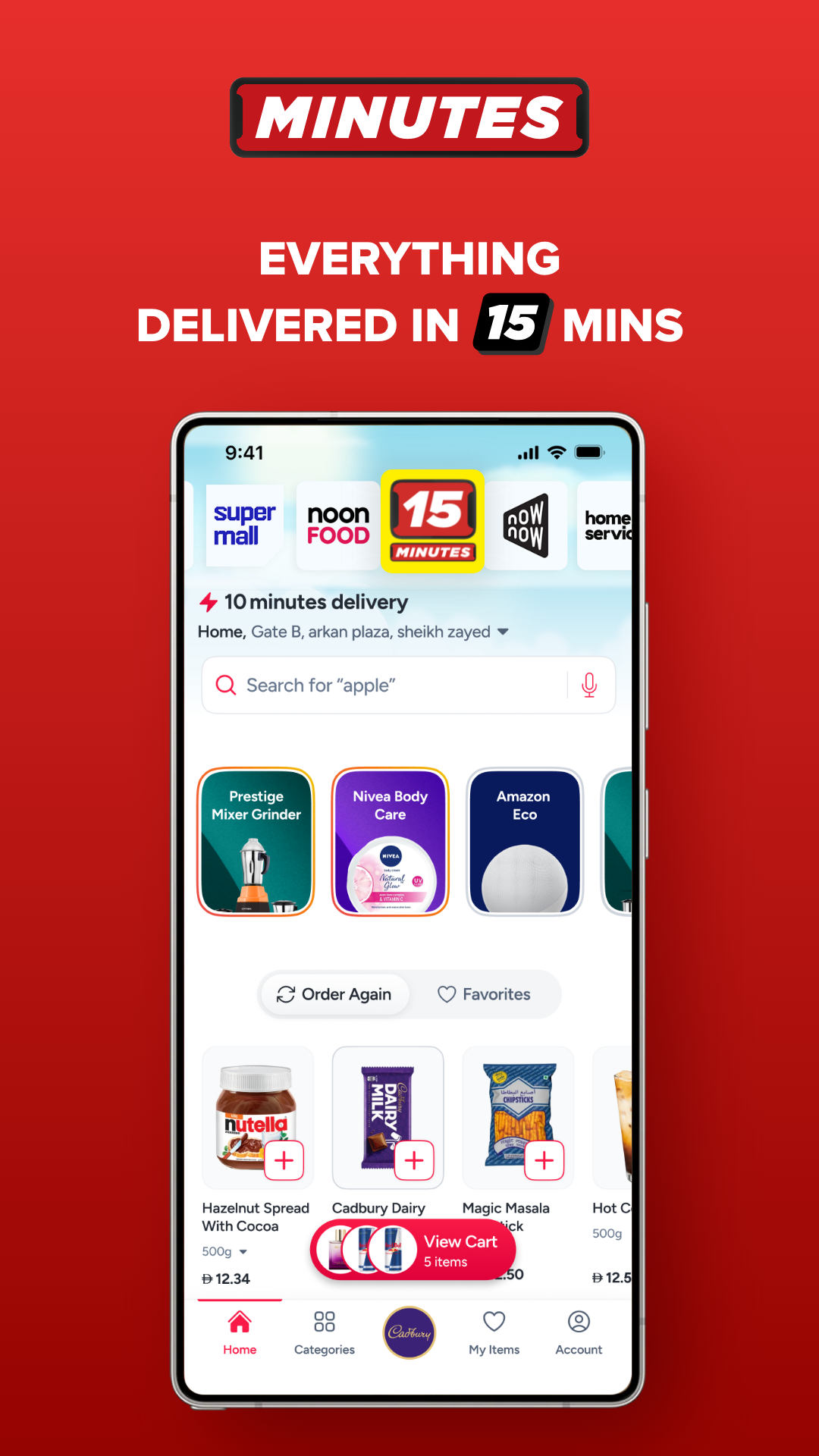
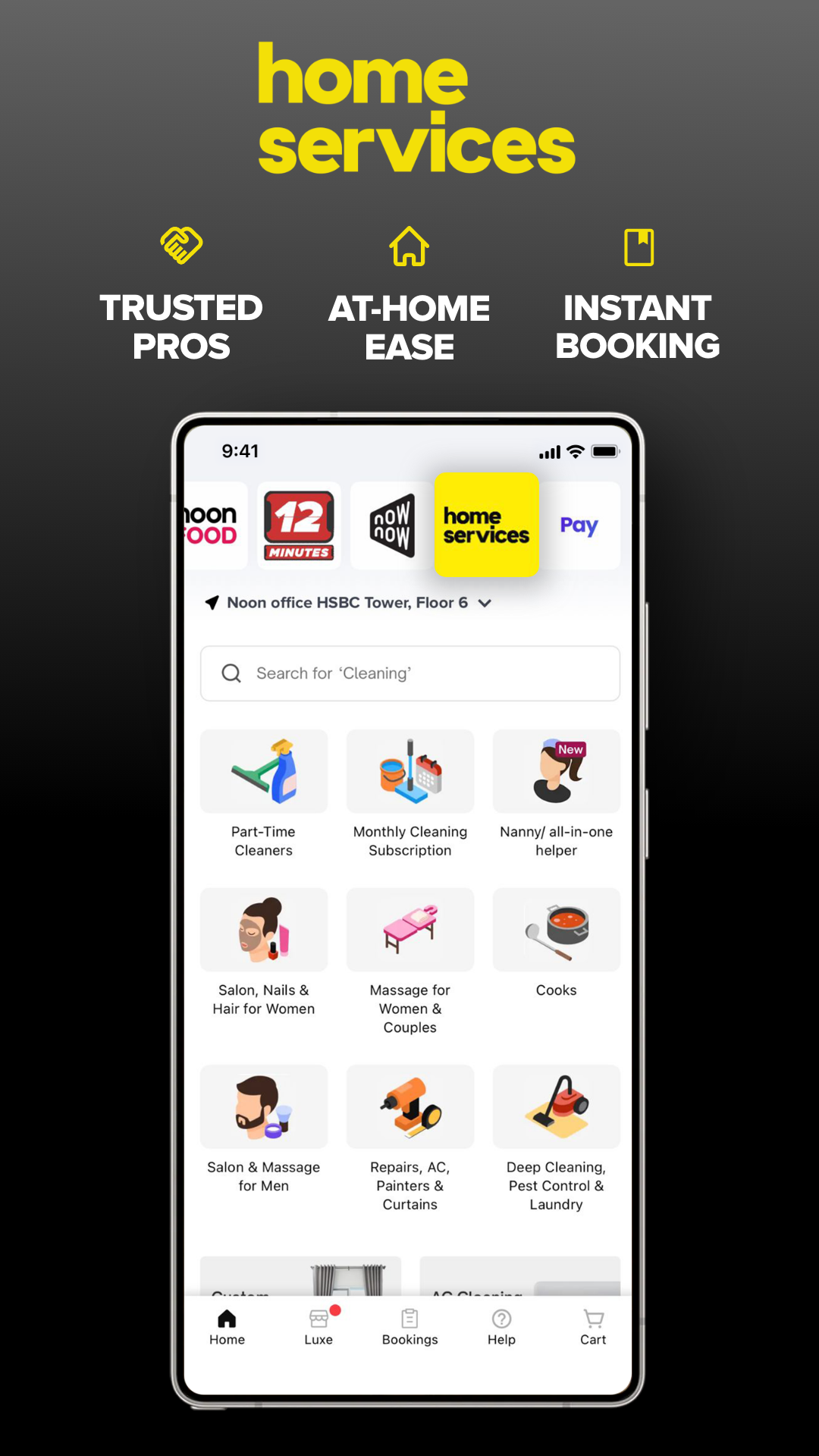
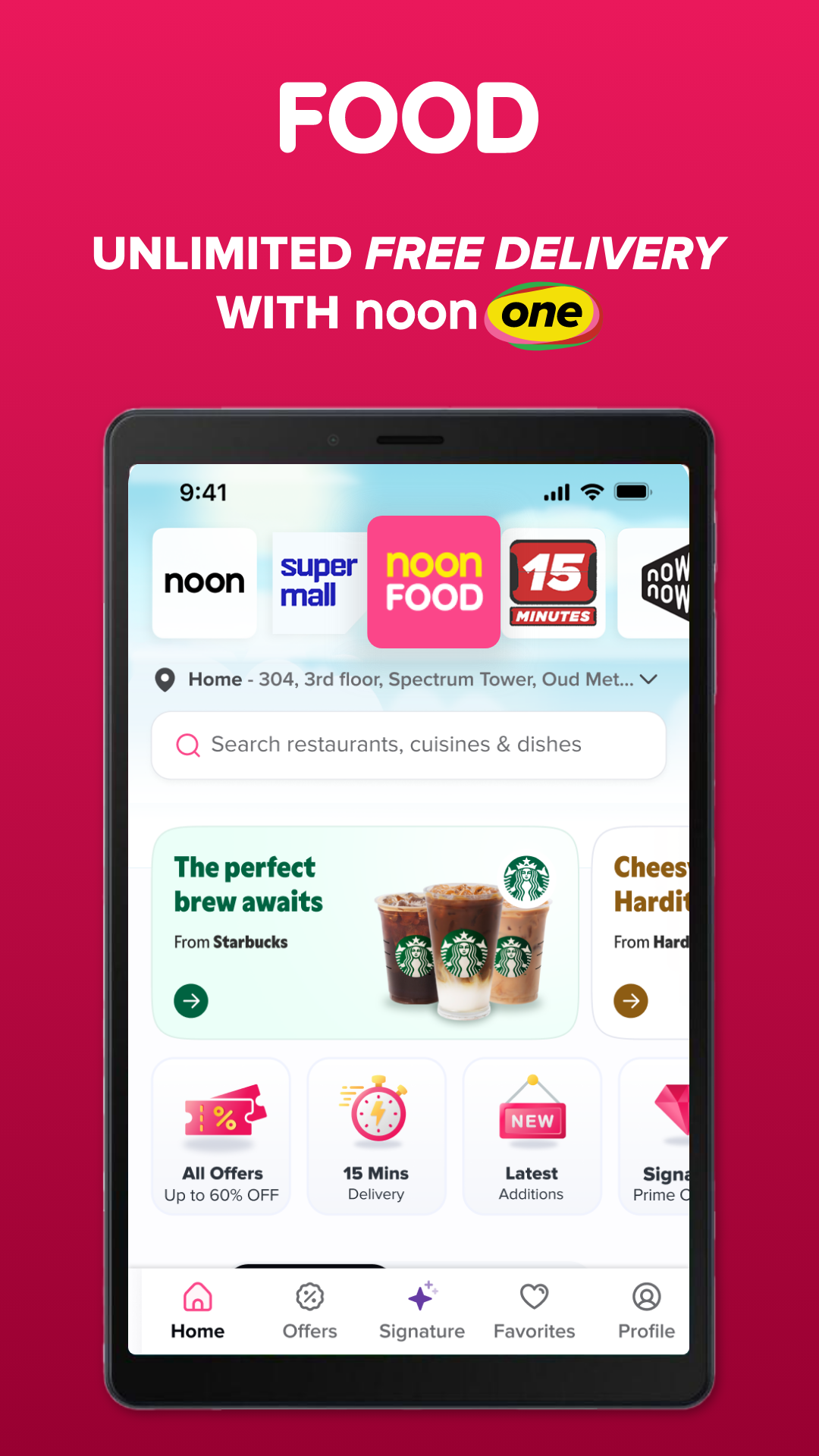
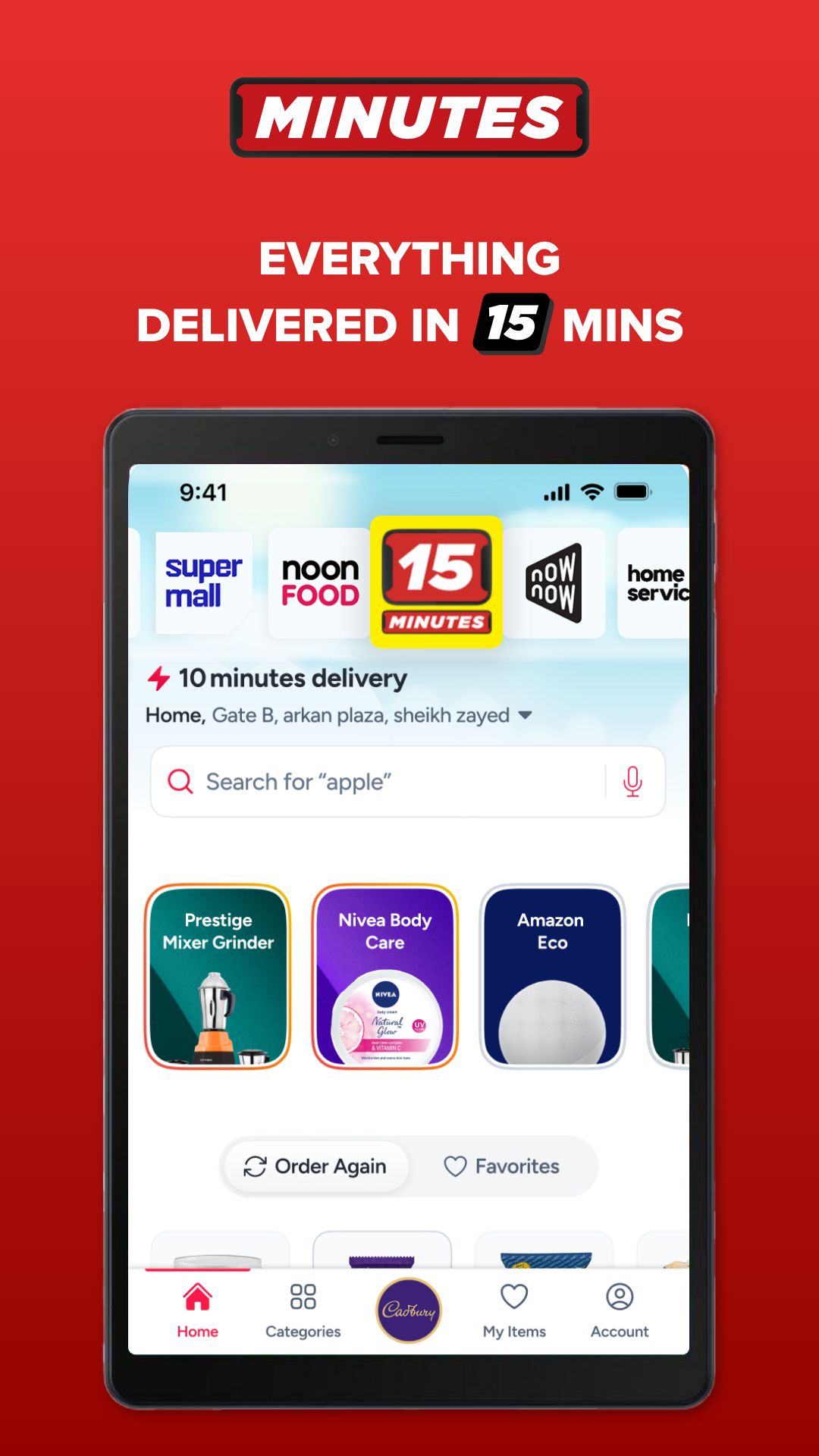
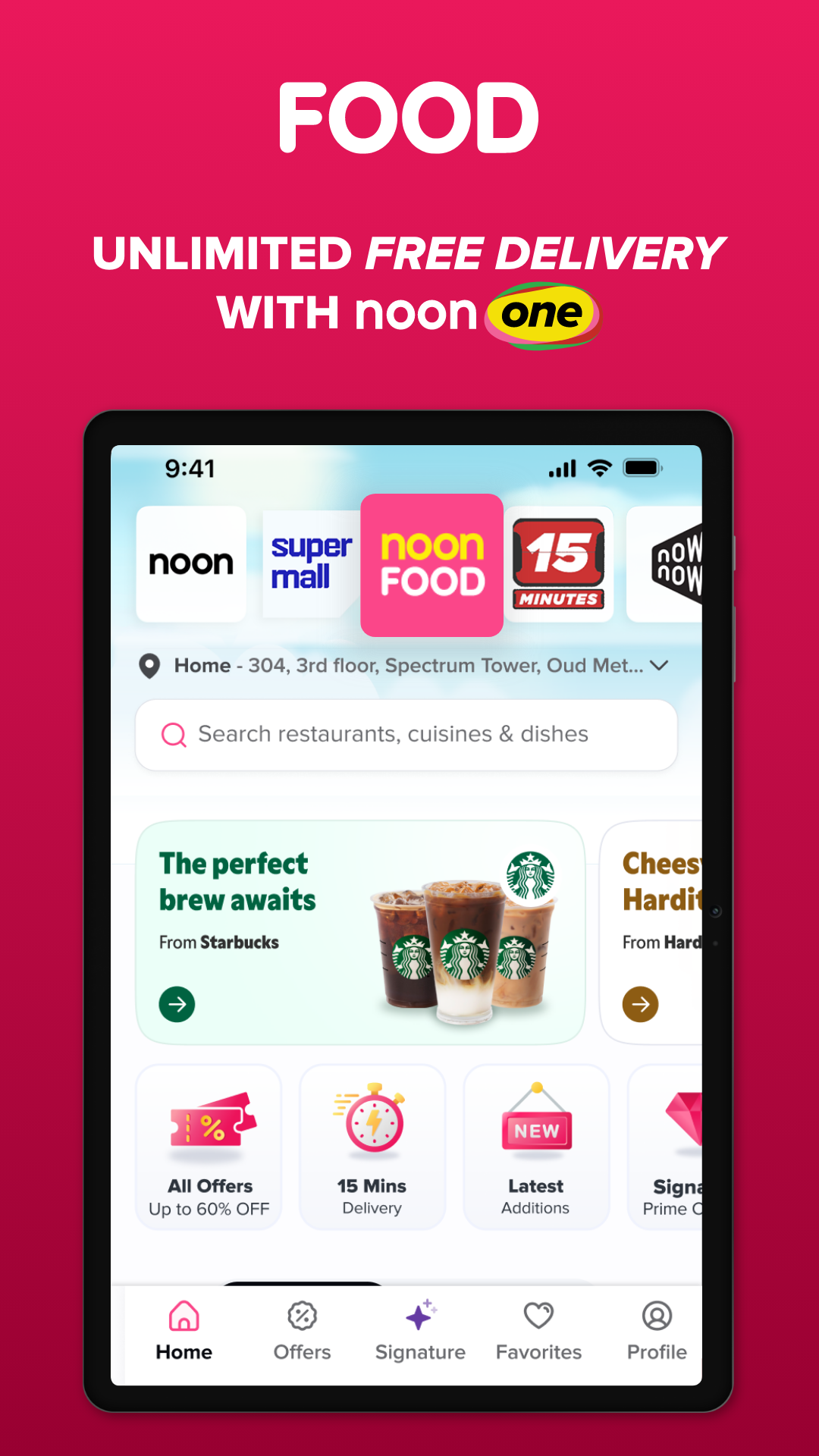
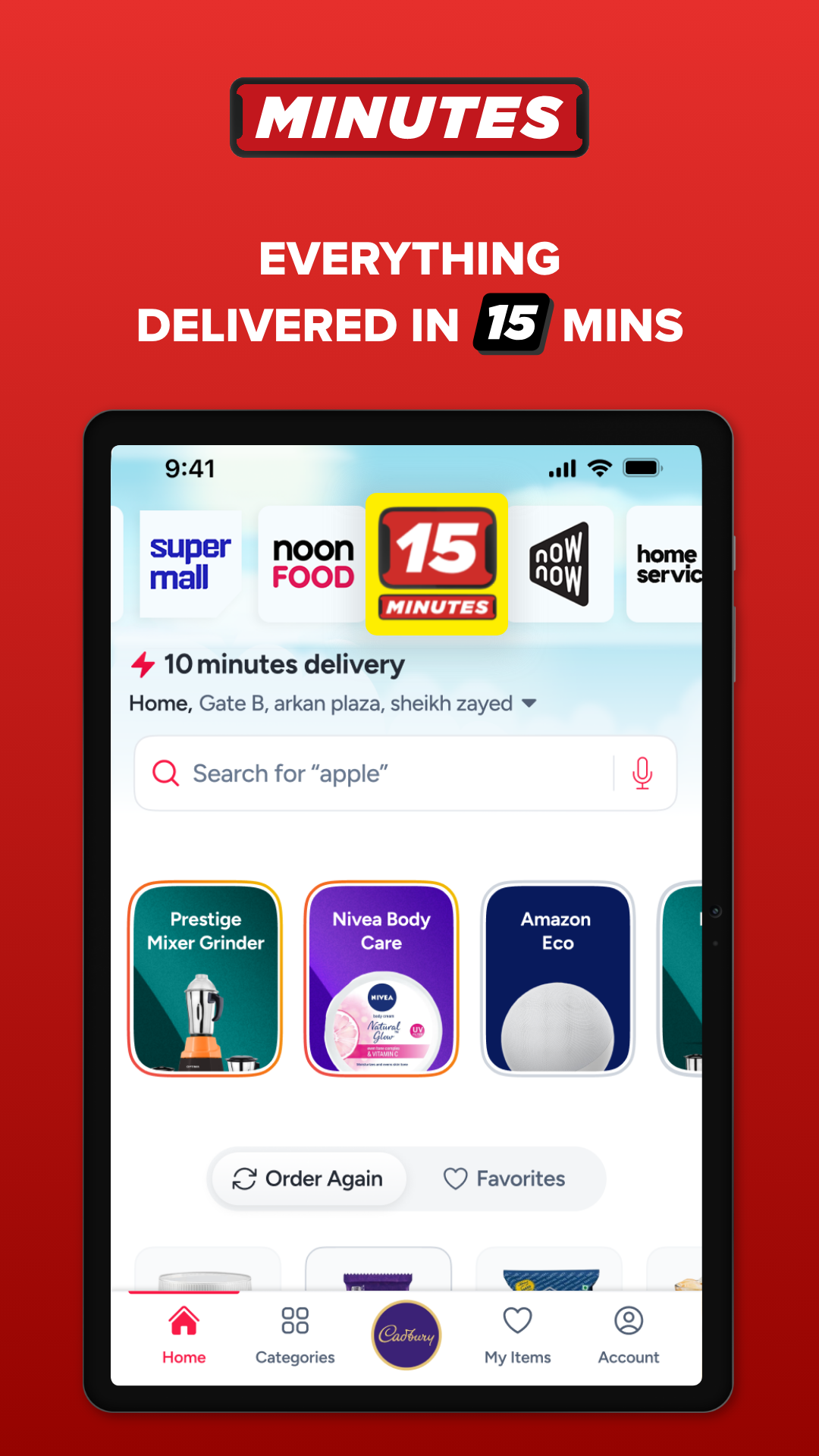
Beyond retail shopping, noon offers several additional services. noon Food provides meal delivery from participating restaurants, while noon Minutes offers express delivery for selected products. The platform also operates noon One, a paid membership program with benefits such as free delivery and exclusive offers on eligible orders. Shopping services also include seasonal promotions, discount codes, and multiple payment methods.
Key Features
Wide Product Selection: Shop across electronics, fashion, beauty, groceries, home essentials, baby care, and other categories
Popular Brands: Browse products from brands such as Apple, Samsung, Adidas, and Maybelline New York
Restaurant Ordering: Explore participating restaurants and order meals through noon Food
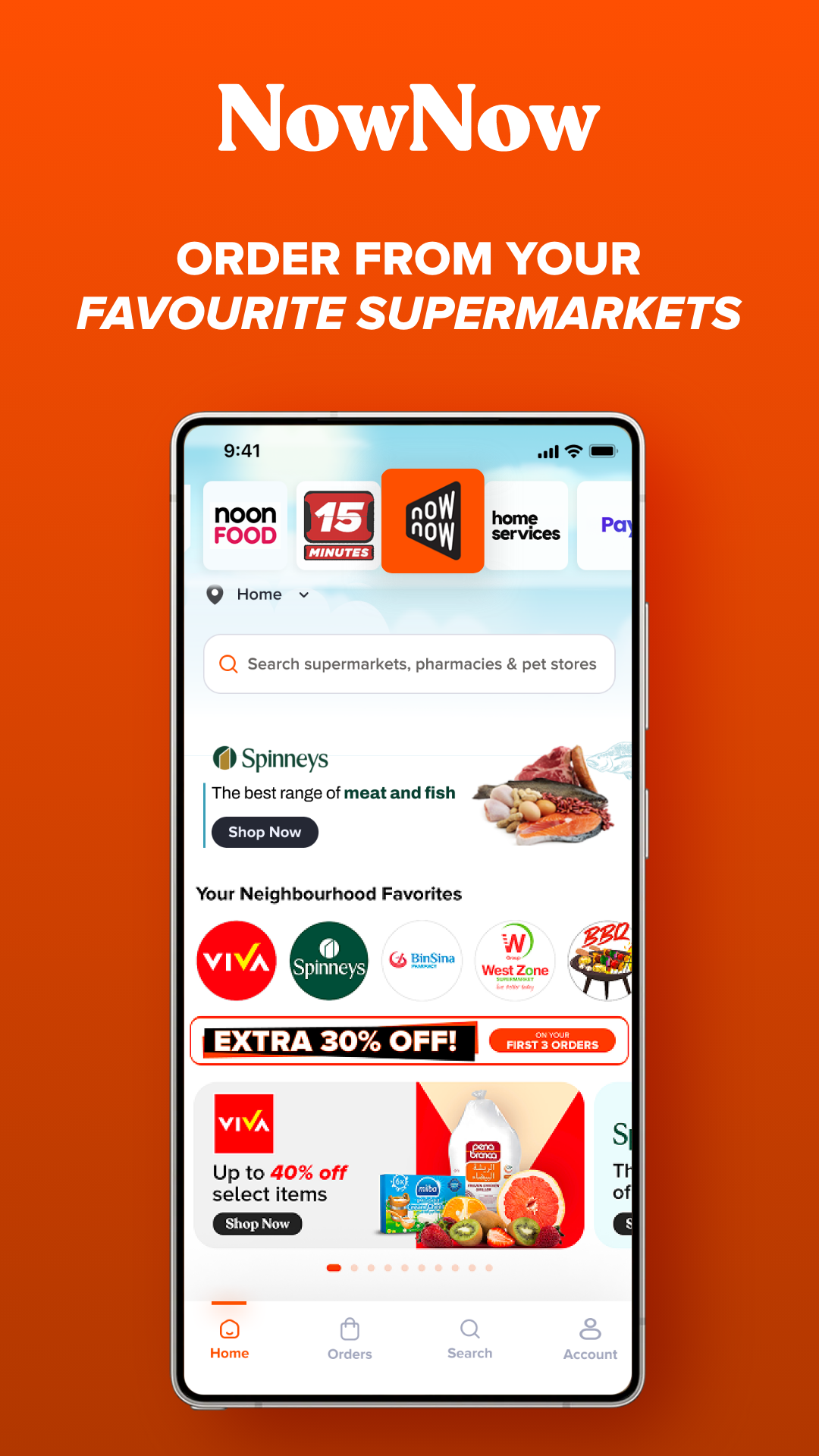
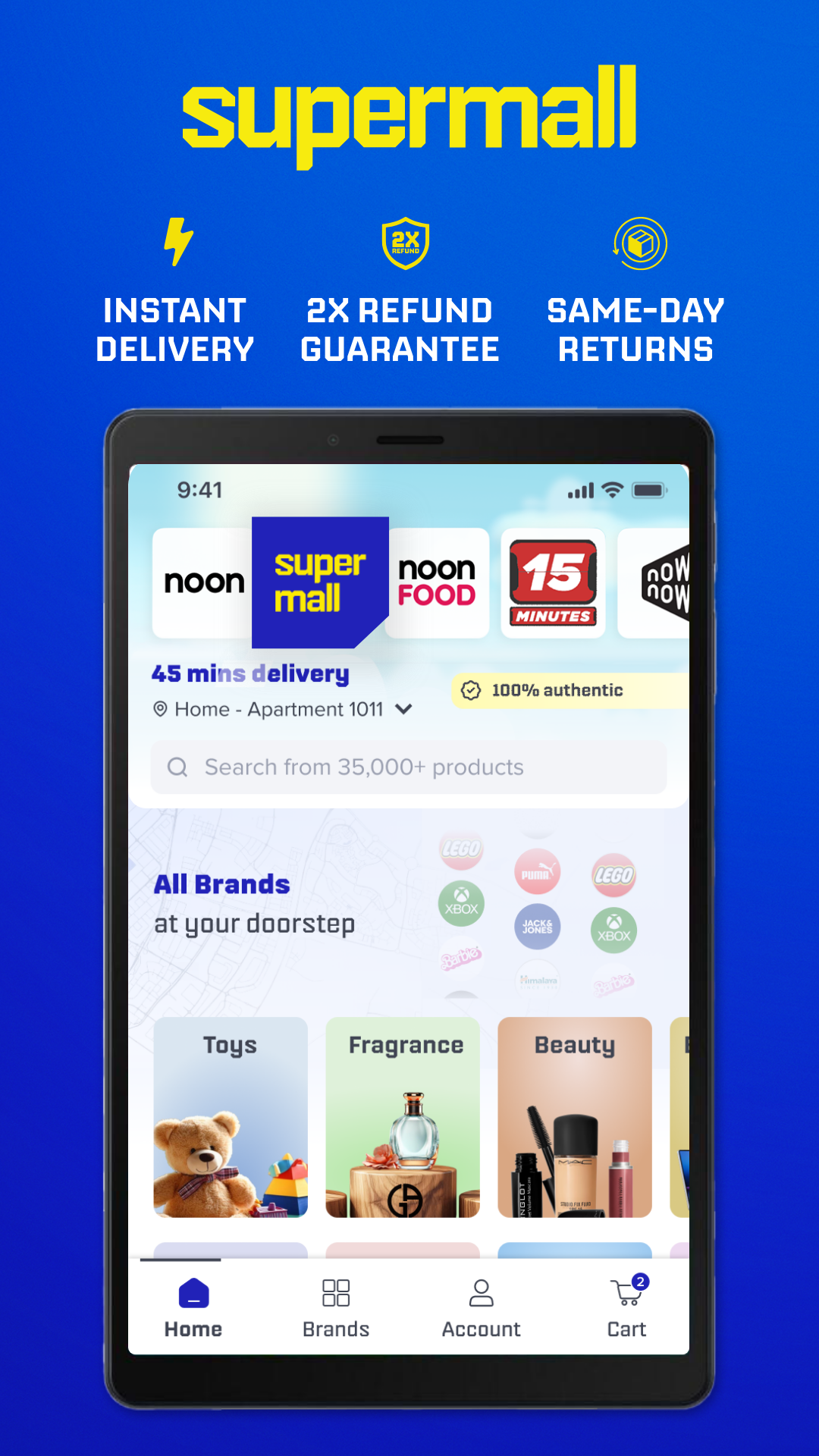
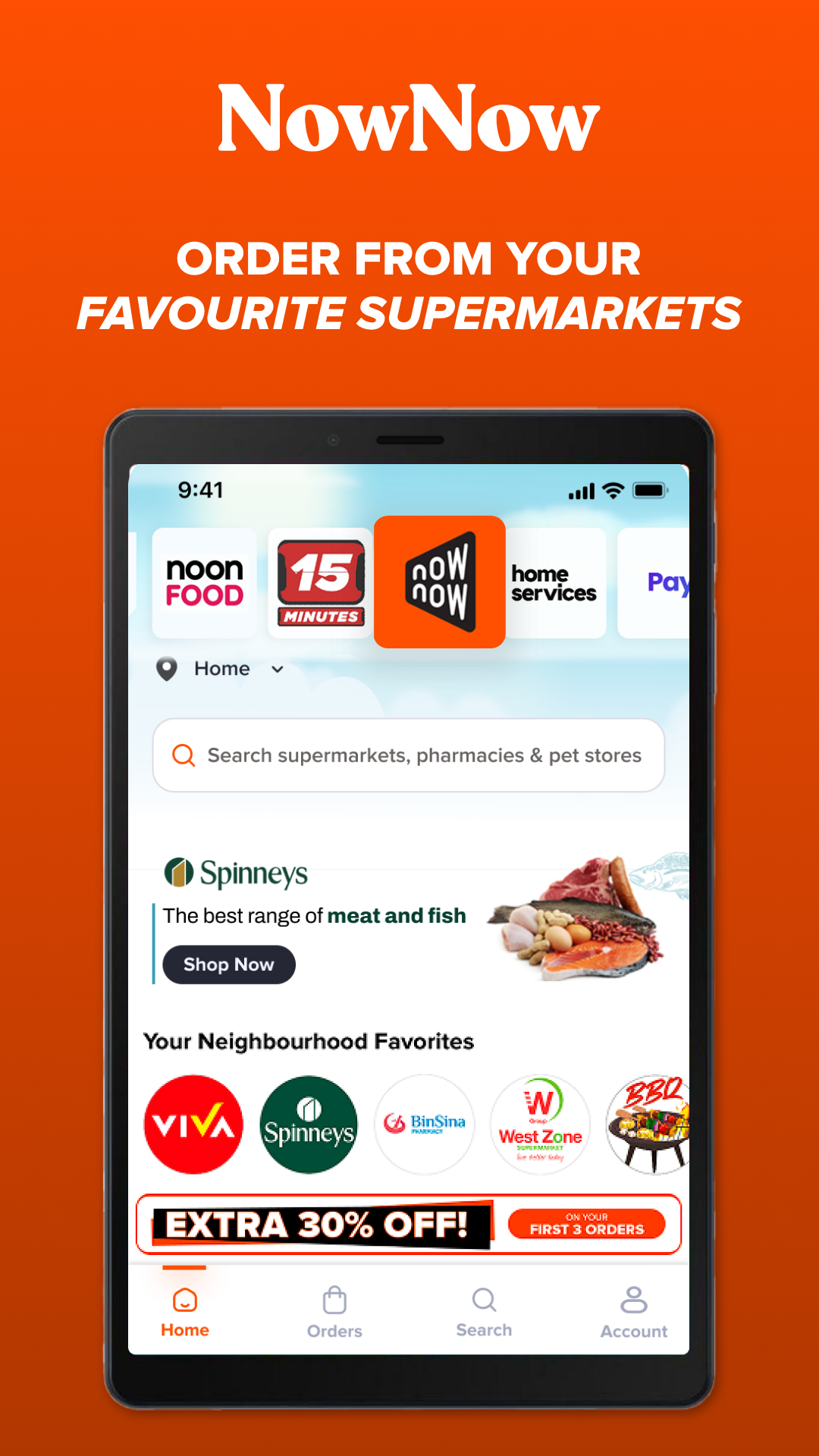
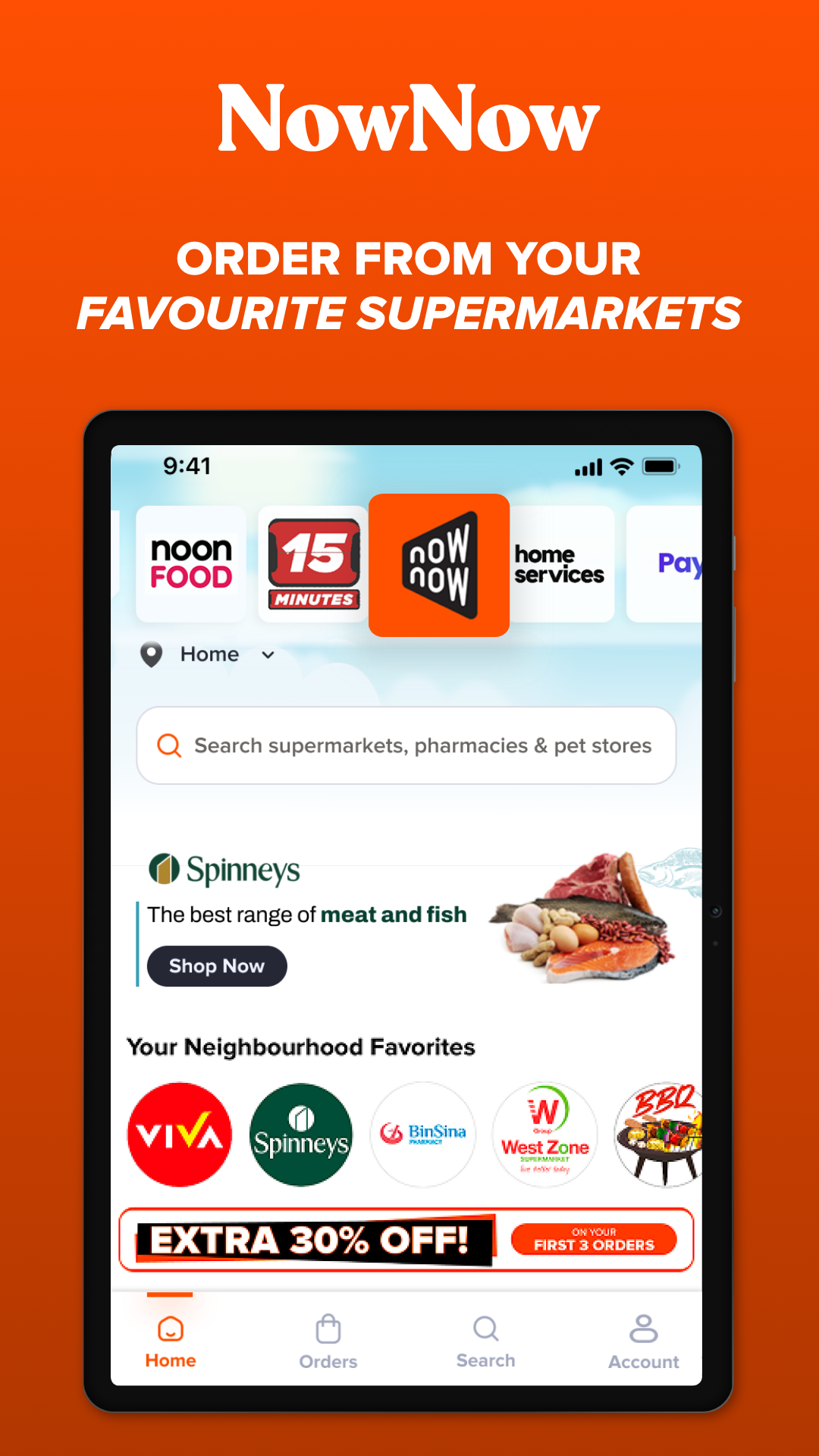
Express Delivery: Access services such as noon Minutes, noon NowNow, and noon Rocket, depending on market availability
noon One Membership: Get benefits such as free delivery and exclusive offers on eligible orders
Promotions and Discounts: Find seasonal sales, promotional codes, and special product deals
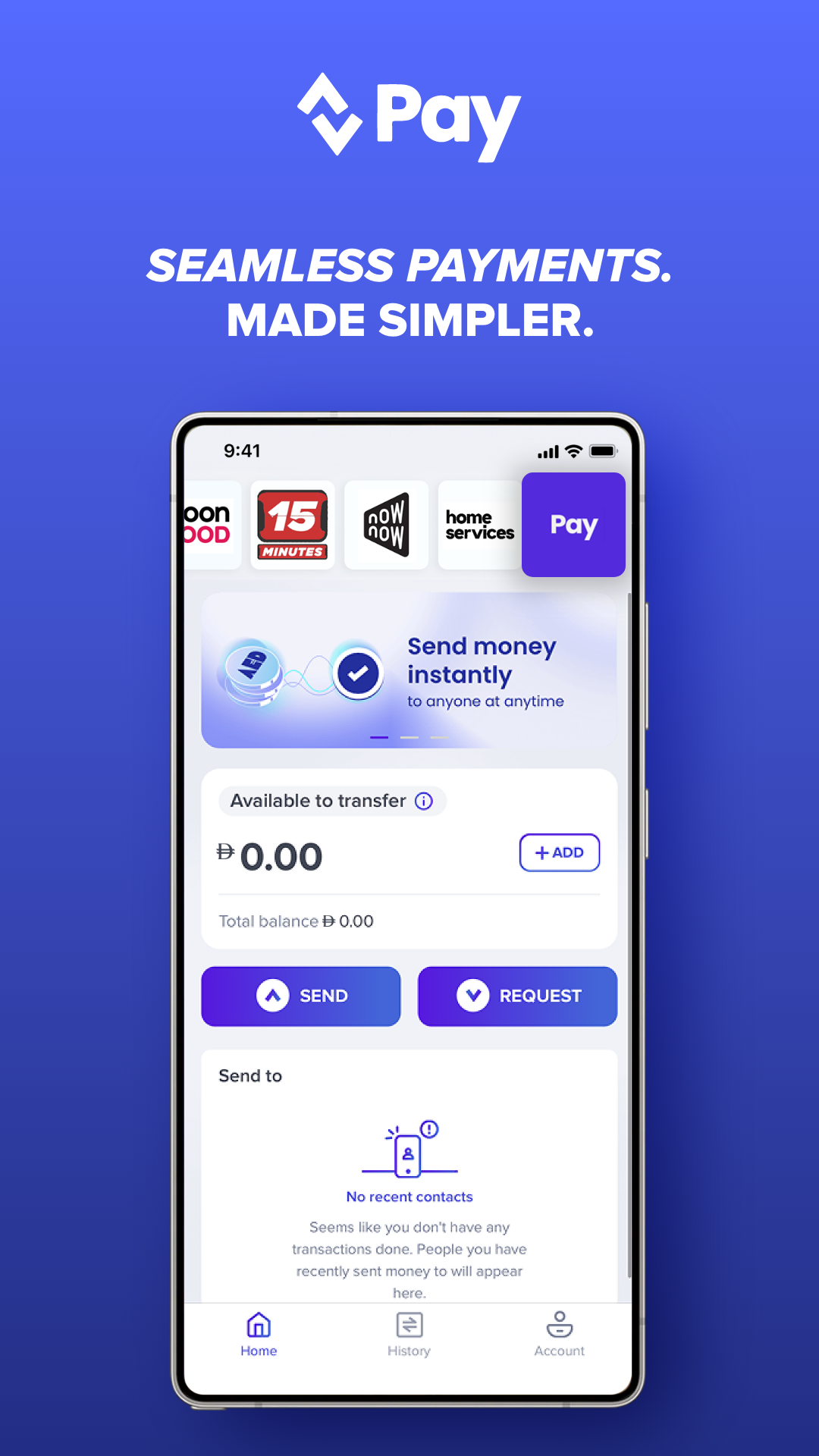
Flexible Payments: Pay using cash on delivery, credit or debit cards, and supported installment services such as Tabby and Tamara
Wishlist and Order Tracking: Save products for later and monitor delivery progress
Return Options: Request returns within the applicable 15-day period, subject to product eligibility and return conditions
Shopping Experience
The app organizes products into categories and brand collections, with individual listings displaying information for customers to review before purchasing. The wishlist provides a place to save items for future reference.
At checkout, customers can view the payment methods available for their market and order. After placing an order, they can follow its status and delivery updates in the app. Delivery times and arrangements depend on the destination, selected service, and product type.
For food orders, noon Food has a dedicated section featuring participating restaurants and their available menus. Customers considering noon One can review its subscription fees and benefits before deciding whether the membership suits their shopping habits.
How to Register as a noon Seller
Businesses can apply to sell products through the official noon Seller Portal. The registration process involves creating an account, submitting business information, providing supporting documents, and completing the required verification procedures.
Step 1: Visit the noon Seller Portal
Open the official noon Partners website and navigate to the seller registration page. Select the registration option to begin creating an account.
Step 2: Submit Business Information
Enter the requested contact and business details. Depending on the country and business structure, the required information and documents may include:
Full name
Email address
Phone number
Trade license or commercial registration
Residence visa, where applicable
Emirates ID for relevant UAE registrations
VAT certificate or non-VAT declaration
Bank details, supported by a cancelled cheque, bank statement, or official bank letter
Tax card for sellers in Egypt, where required
Requirements vary by market and business type, so applicants should check the relevant registration instructions before submitting their documents.
Step 3: Verify Contact Information
Complete the verification process using the registered email address or phone number. Email verification requires clicking the link sent to the inbox, while phone verification may involve entering an SMS code.
Step 4: Complete Account Setup
After reviewing the application, noon will provide instructions for completing the remaining requirements. A relationship manager may also contact the applicant to explain the onboarding process and provide further guidance.
Once verification and account setup are complete, sellers can create product listings and prepare their stores for launch.
Frequently Asked Questions
1. Which countries does noon operate in?
noon operates in the UAE, Saudi Arabia, and Egypt. Product availability, payment methods, and services vary by market.
2. What products can I buy on noon?
The catalog includes smartphones, electronics, clothing, beauty products, groceries, home appliances, baby essentials, gifts, and other consumer goods.
3. What benefits does noon One offer?
noon One is a paid membership program offering benefits such as free delivery and exclusive deals on eligible purchases. Subscription fees and benefits differ by country.
4. Can I order food through noon?
Yes. noon Food allows customers to browse participating restaurants, view menus, and place meal delivery orders through the app.
5. What payment methods are available?
Depending on the country and order, customers may pay using cash on delivery, credit or debit cards, or installment services such as Tabby and Tamara.
6. What documents do I need to register as a noon seller?
Applicants may need a trade license or commercial registration, identification documents, tax information, and bank details. Requirements depend on the country and business structure. Registration is handled through the official noon Seller Portal.
- Version4.84 (11338)
- UpdateNov 18, 2026
- Developernoon e-commerce
- CategoryShopping
- Requires AndroidAndroid 8.0+
- Downloads30M+
- Package Namecom.noon.buyerapp
- Signature42f31e06fe27d2a60b40025e14364a85
- Available on
- ReportFlag as inappropriate
-
NameSizeDownload
-
197.85 MB
-
197.82 MB
-
196.36 MB









Regular Deals and Discounts
Fast Delivery
Multiple Payment Options
Price Fluctuations
Cumbersome Returns and Refunds