Nemonic - Sticky Notes App - Memo creation & printing
Discover a unique blend of digital memos & sticky notes, with instant printing for quick sharing & organization.

- 1.1.73 Version
- 1.4 Score
- 152K+ Downloads
- Free License
- 3+ Content Rating

1. App Overview
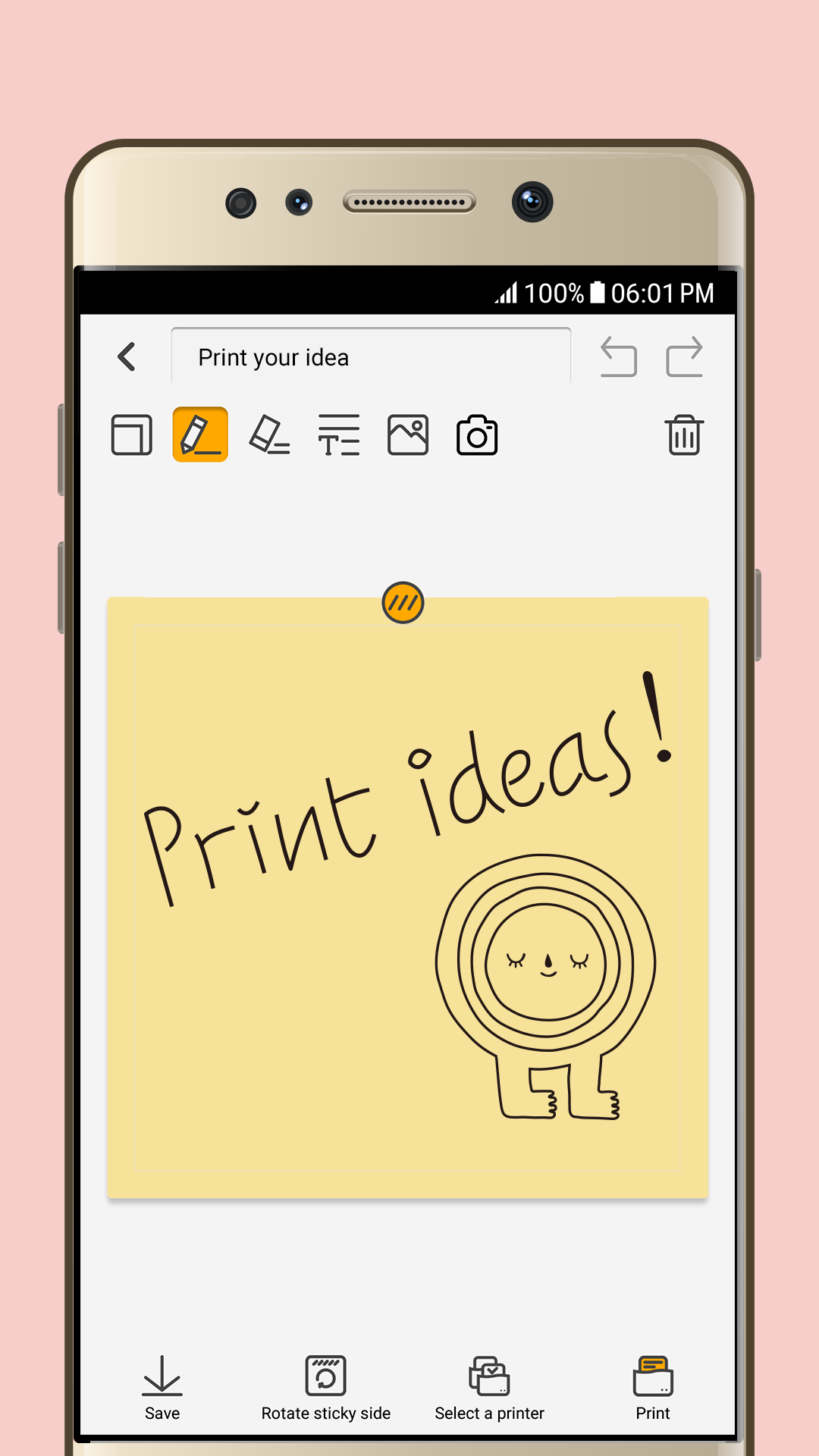
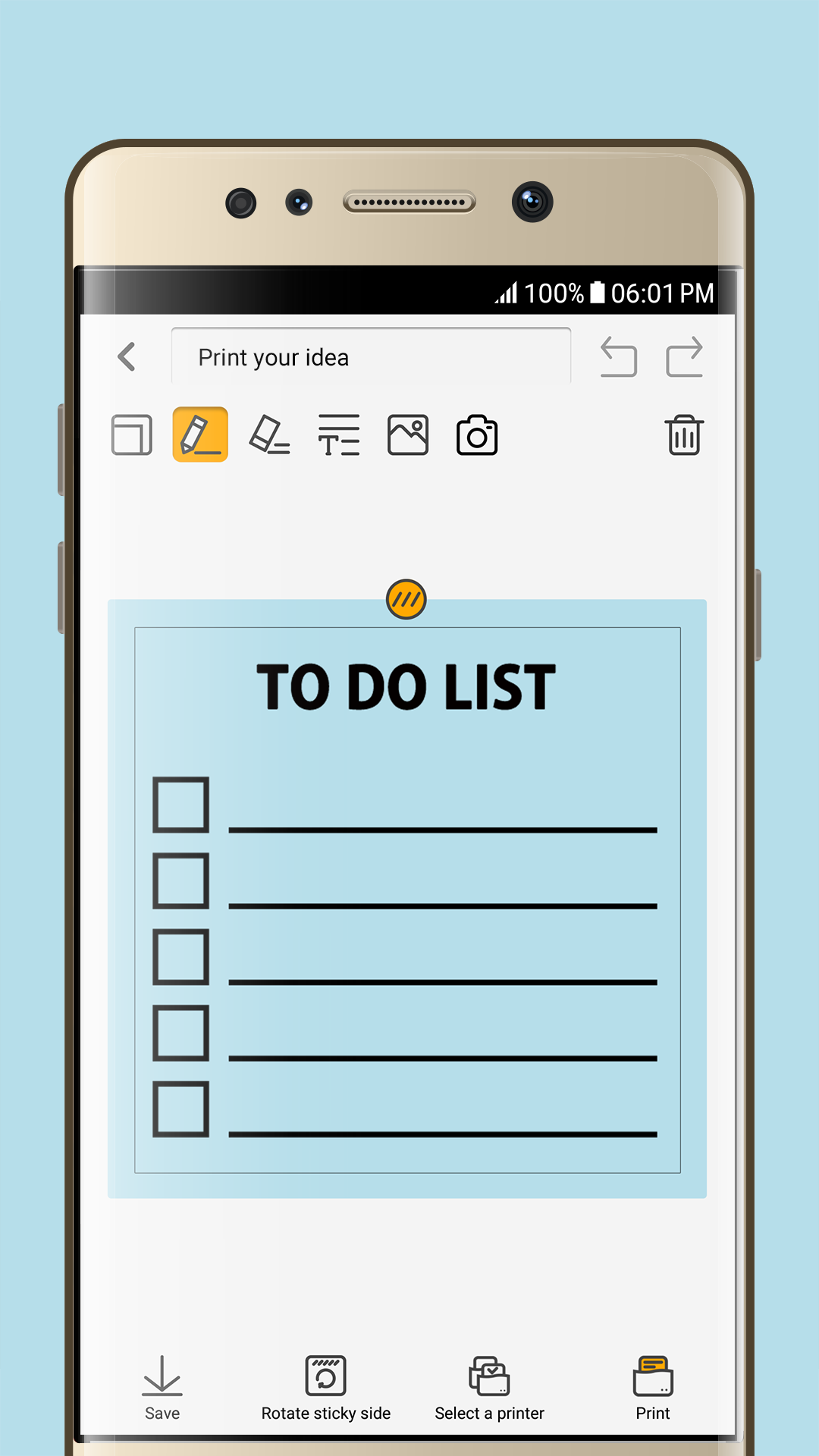
Nemonic is a digital memo application designed to work with the nemonic smart printer. It allows users to create notes by typing or drawing, import images from their device gallery, and capture photos directly through the app. Additional tools include memo templates, to-do lists, and barcode and QR code generation.
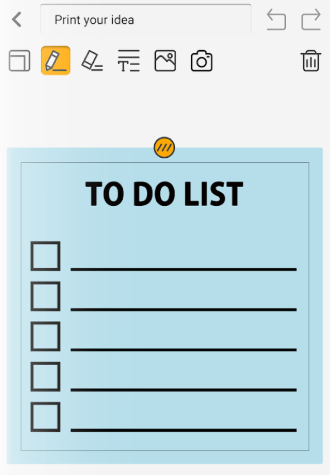
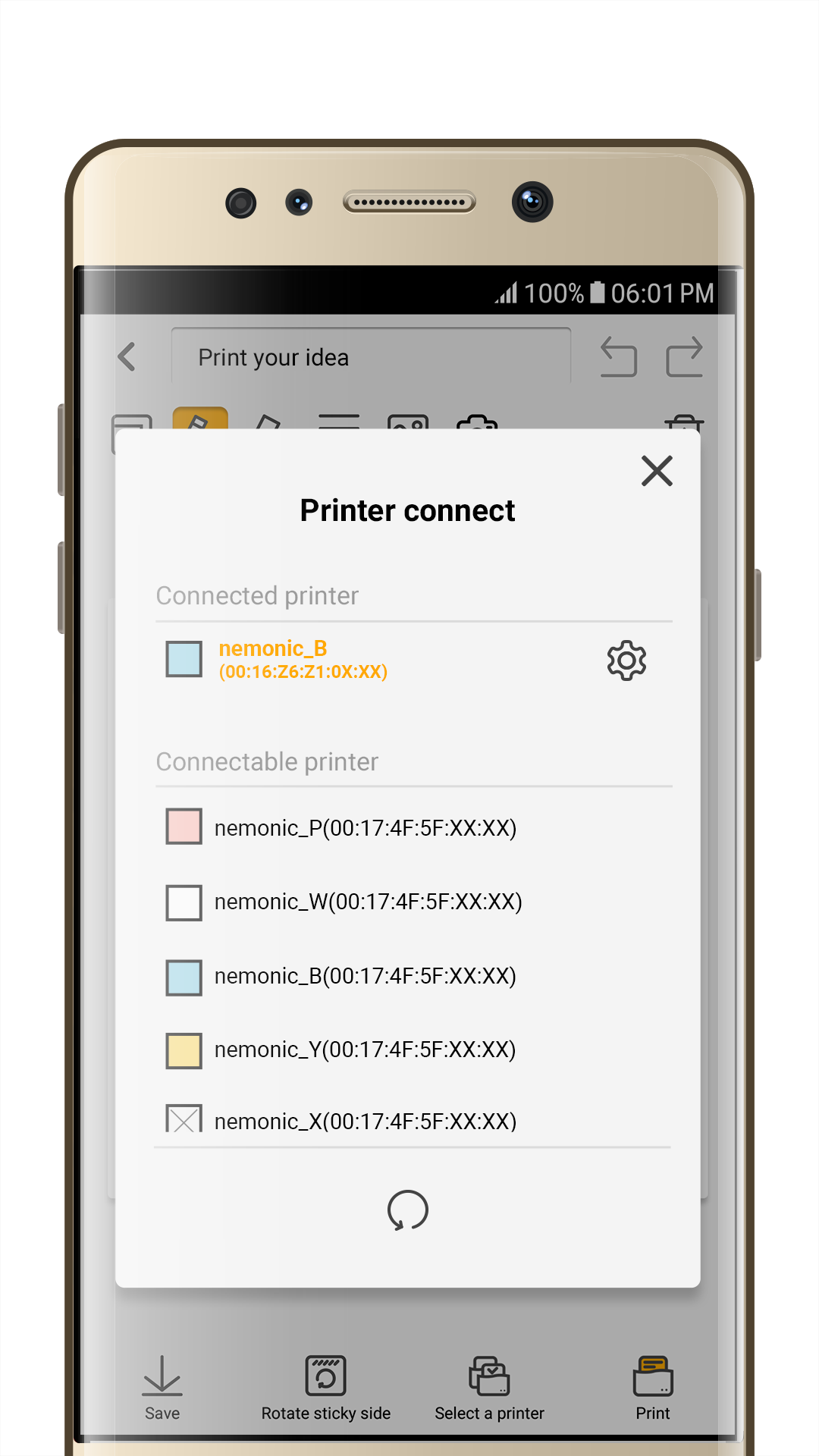
When connected to a compatible nemonic printer via Bluetooth, the app can send prepared content for printing on adhesive notes. Users can configure printing dimensions and adhesive-side settings, select memo templates, and manage connected printers. Printer management options include searching for nearby devices, renaming printers, and assigning templates to the printer's physical dispenser button.
A printer is not required for creating and editing digital memos. However, physical printing requires compatible nemonic hardware. To print content from other applications, users must install the separate nemonic Print Service Plugin, which supports printing through compatible applications such as Gallery, web browsers, and Gmail.
2. Key Features
Digital Memo Editor: Create notes by typing text or drawing directly on the screen.
Image Import and Capture: Add pictures from the device gallery or take photos using the in-app camera.
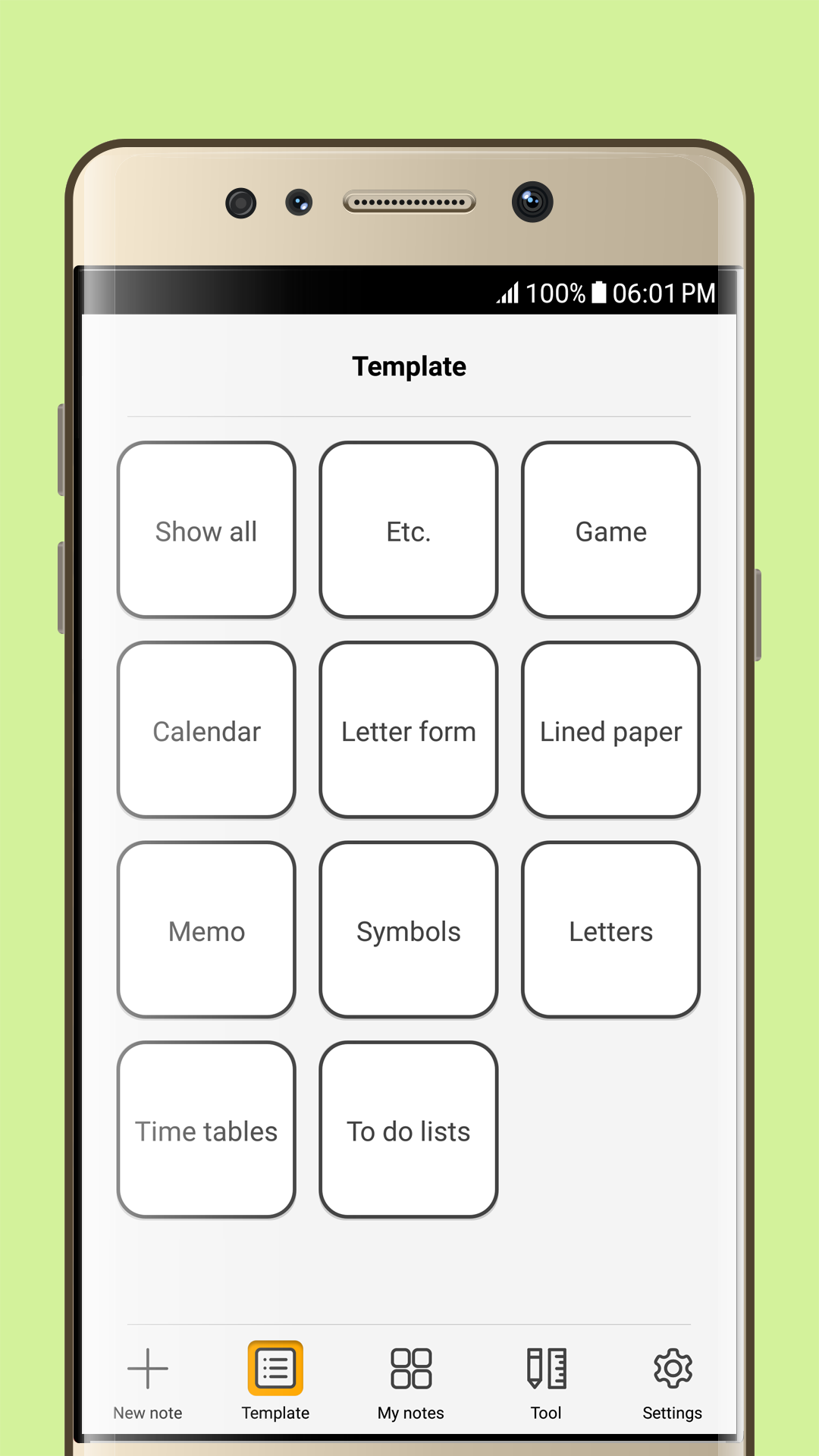
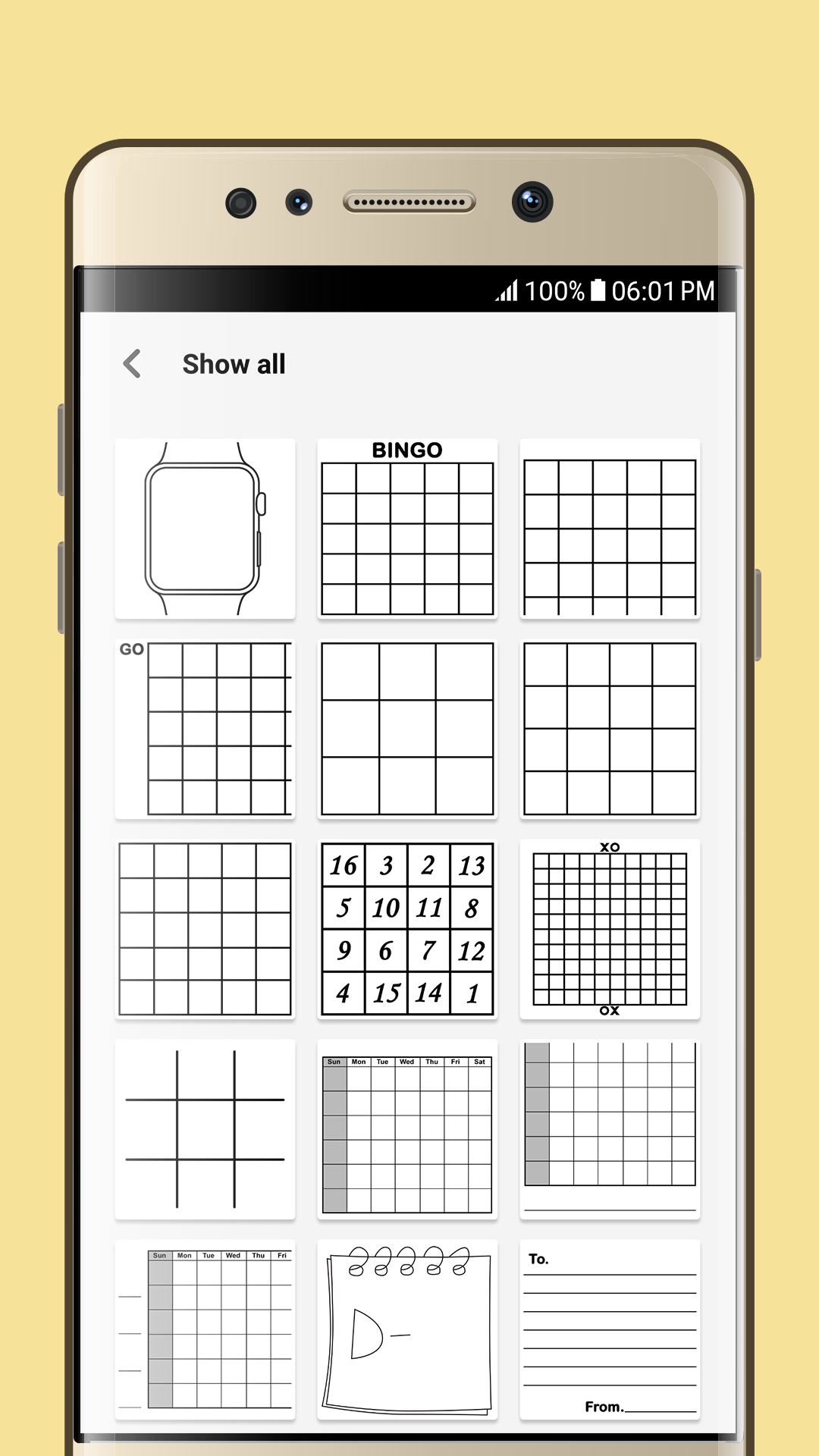
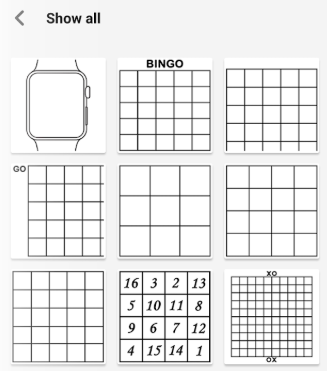
Memo Templates: Select different layouts for digital notes and printed adhesive memos.
To-Do Lists: Create task lists to keep track of daily activities.
Barcode and QR Code Generation: Generate scannable codes for use in memos.
Printing Customization: Adjust memo dimensions and adhesive-side settings.
Bluetooth Printer Connection: Search for and connect to compatible nemonic printers.
Printer Management: Rename connected devices and configure templates for physical dispenser buttons.
3. Main Functions
Create and Edit Memos
Users can enter text or draw handwritten notes in the editing area. Images can be added by importing existing pictures from the device gallery or taking new photos with the built-in camera.
Organize Notes and Tasks
The app provides memo templates, to-do lists, and barcode and QR code generation. These tools accommodate different types of notes and task-related content.
Print Memos on Adhesive Notes
Users can send prepared memos to a compatible nemonic printer through a Bluetooth connection. The printer uses thermal printing technology, so ink and toner cartridges are not required.
Manage Printer Settings
The printer management section supports device discovery, Bluetooth connection, and printer renaming. Users can also assign a memo template to the printer's physical dispenser button and adjust printing dimensions and adhesive-side settings.
Print from Other Applications
Printing content from other applications requires the separate nemonic Print Service Plugin. Once installed, it enables users to send supported content to a connected nemonic printer through the Print options in compatible applications, including Gallery, web browsers, and Gmail.
4. Permissions
The app requests the following permissions:
Storage (Essential): Allows users to save and delete memos on their devices.
Camera (Optional): Enables photo capture directly within the app.
Location (Optional): Used when searching for nearby nemonic printers and supporting Bluetooth connectivity.
5. About the Nemonic Printer
The nemonic printer is optional hardware that produces printed adhesive notes from digital content. It uses thermal printing technology and does not require ink or toner cartridges.
The printer connects to mobile devices via Bluetooth and can produce a printed note in approximately 5–10 seconds. It also supports connections to Windows PCs for printing computer-based content.
Physical controls include a dispenser button and an LED status indicator. Users can choose from different paper colors for their printed notes. The product was recognized as a CES 2017 Best of Innovations Honoree.
6. Developer Information
Nemonic is developed by Mangoslab, a company established in 2016 as an in-house venture spun off from Samsung Electronics.
Mangoslab focuses on ICT convergence products incorporating precision thermal control technology. Its product portfolio includes Nemonic, a smart sticky-note printing system for smartphones and PCs, and Aesty, a hair-care device designed to reduce hair damage. The company also holds approximately 100 intellectual property rights covering patents, designs, and trademarks.
7. FAQs
Q1: What is the Nemonic app used for?
Nemonic is used to create digital memos, draw notes, import images, make to-do lists, generate barcodes and QR codes, and print prepared content using a compatible nemonic printer.
Q2: Can I use Nemonic without a printer?
Yes. You can create and edit memos, import images, draw notes, and manage to-do lists without a printer. Compatible nemonic hardware is only required for physical printing.
Q3: Does the nemonic printer require ink or toner?
No. The printer uses thermal printing technology and does not require ink or toner cartridges.
Q4: How does Nemonic connect to the printer?
The app searches for compatible nemonic printers and connects to them via Bluetooth.
Q5: Can I print content from other applications?
Yes. You need to install the separate nemonic Print Service Plugin, which enables printing through supported applications that provide a Print option, including Gallery, web browsers, and Gmail.
- Version1.1.73
- UpdateNov 26, 2026
- DeveloperMANGOSLAB
- CategoryProductivity
- Requires AndroidAndroid 5.0+
- Downloads152K+
- Package Namemangoslab.nemonic
- Signature77c8bc271f15816ef15a2aa35df3c896
- Available on
- ReportFlag as inappropriate
-
NameSizeDownload
-
59.72 MB
-
59.72 MB
-
54.39 MB