Excel to PDF Converter - Excel to PDF conversion
Transform your Excel files into PDFs effortlessly, share them directly, & access from Google Drive or Cloud.
- 3.0 Version
- 2.0 Score
- 203K+ Downloads
- In-app purchases License
- 3+ Content Rating

1. App Overview
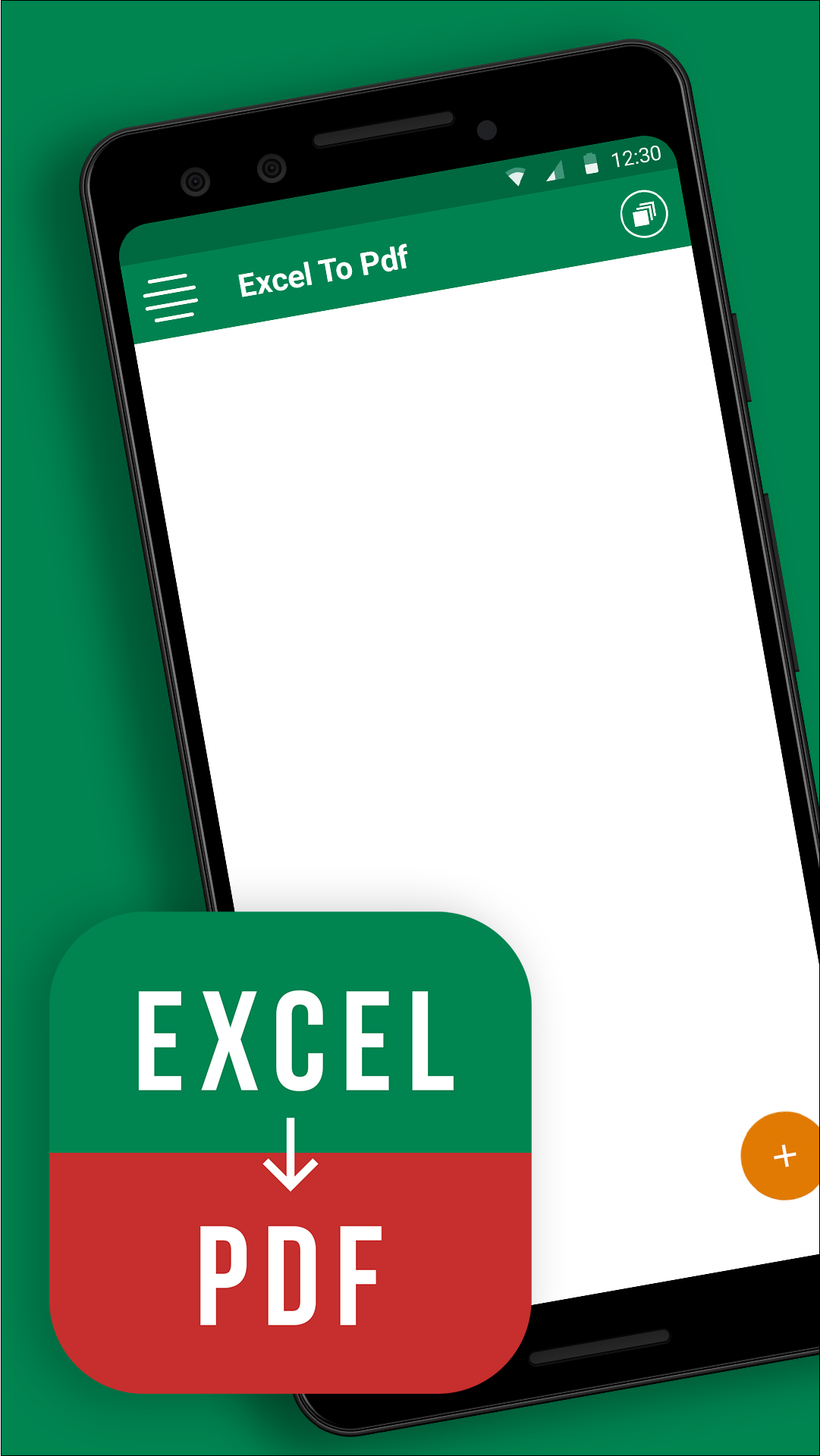
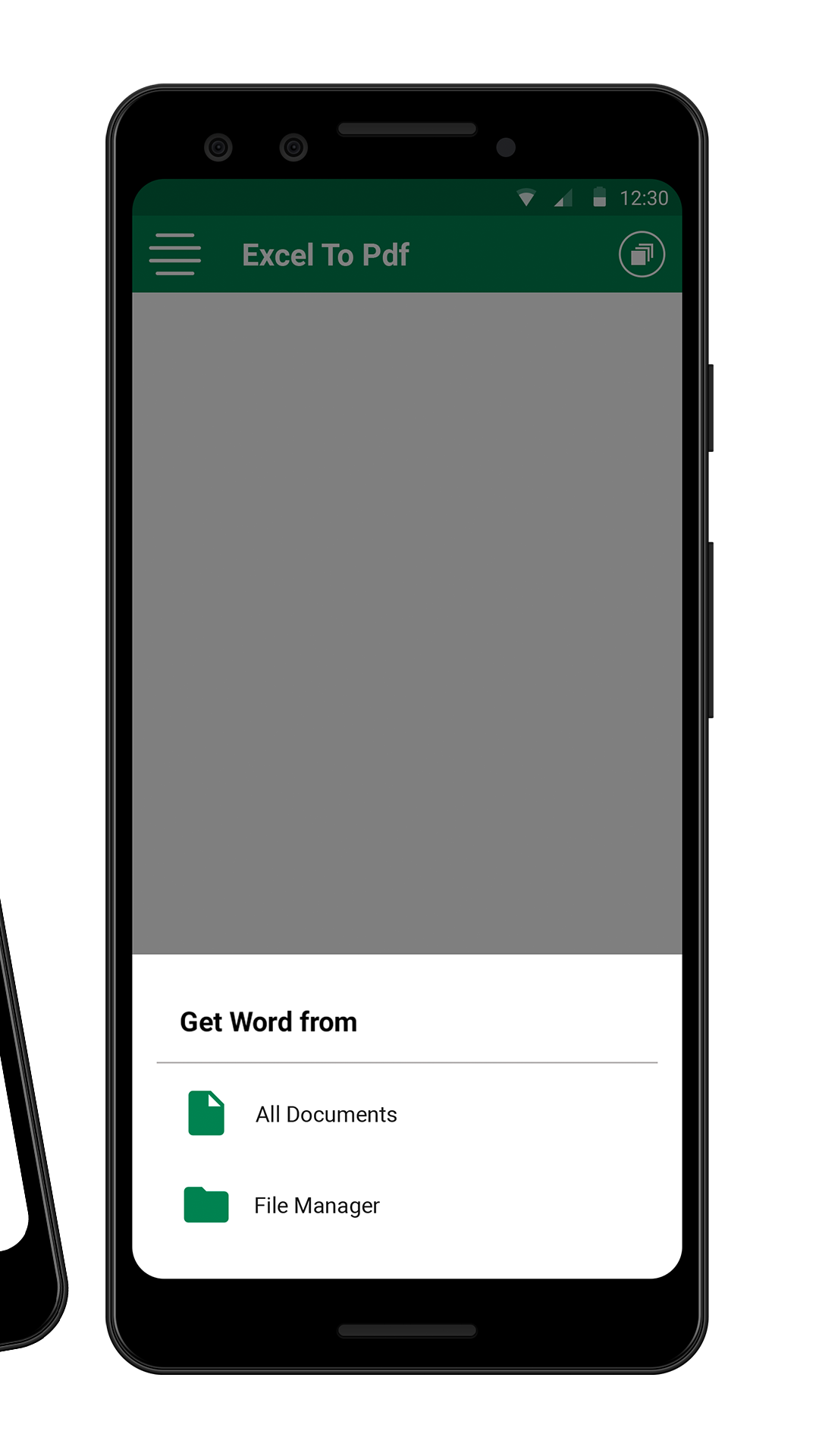
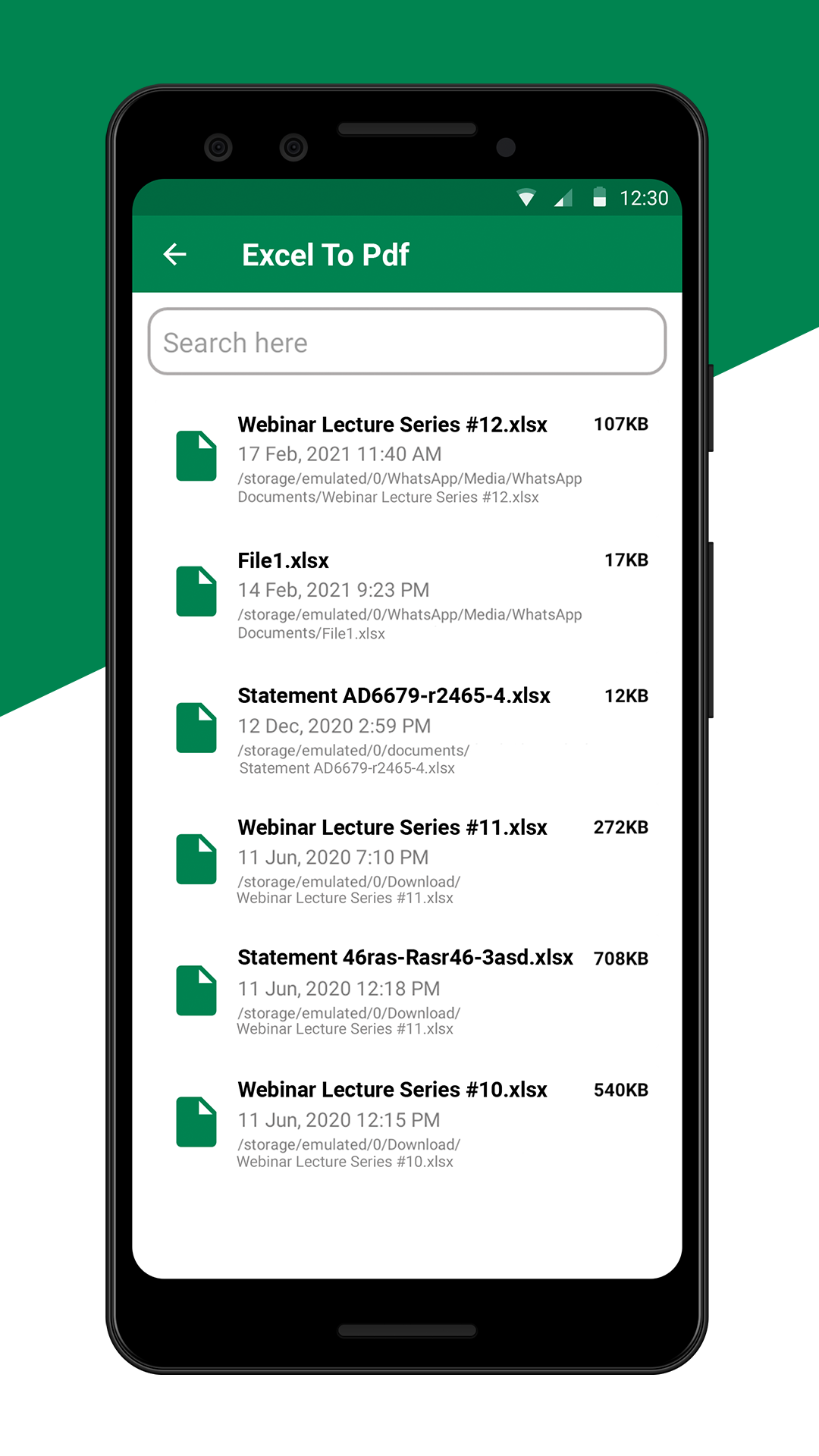
Excel to PDF Converter is a file conversion tool for turning Excel spreadsheets into PDF documents. It supports importing files from multiple sources, including Google Drive, cloud storage services, and the device's file manager. Users can select spreadsheets from these locations without first moving them to a designated folder.
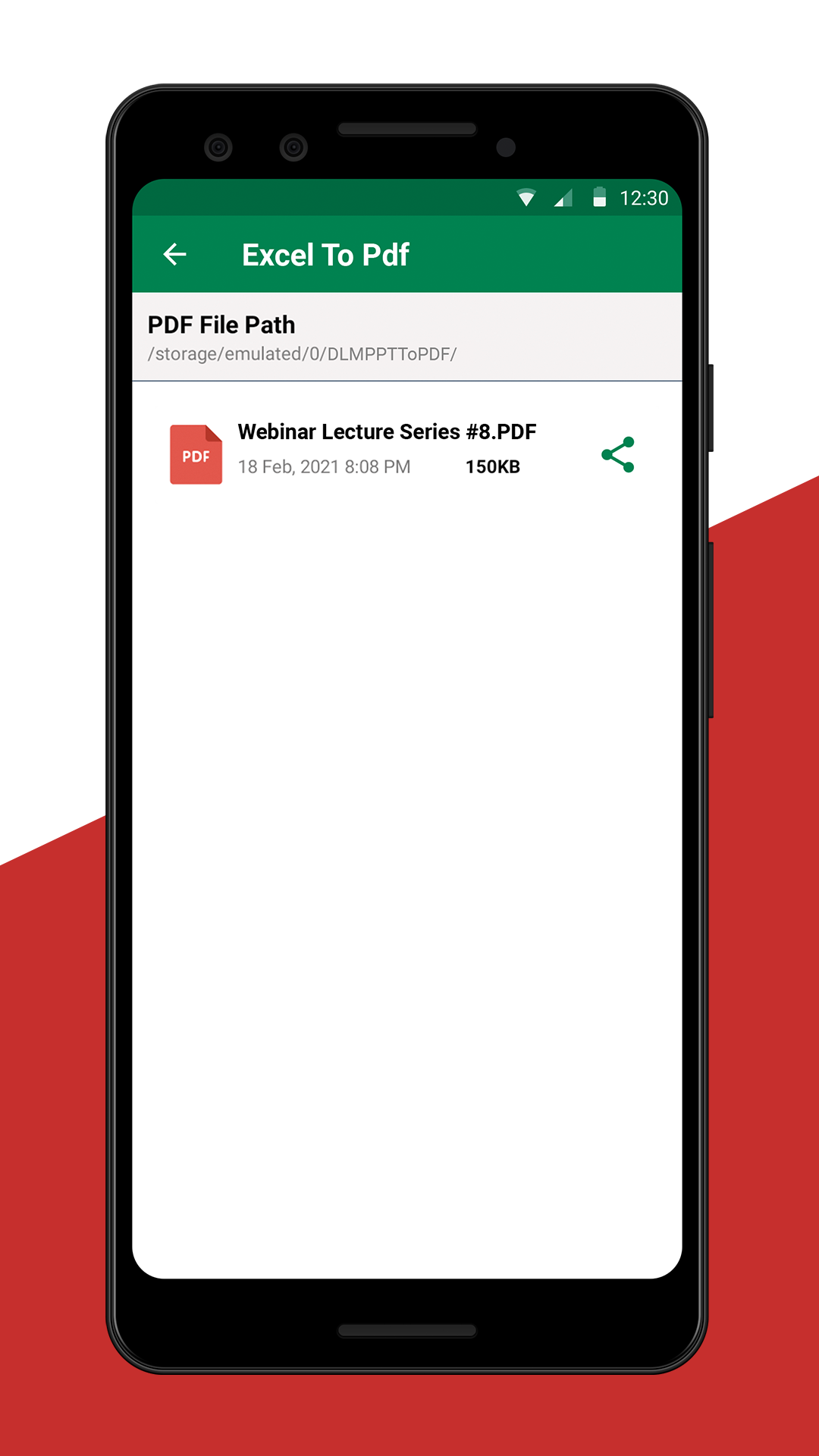
After conversion, the resulting PDF files are listed in an in-app inventory. This list provides access to previously converted documents and includes a sharing option for distributing files directly from the app. Users do not need to locate each PDF separately in device storage before sharing it.
The app focuses on three main tasks: selecting Excel spreadsheets, converting them into PDF format, and managing the resulting documents through the conversion inventory.
2. Key Features
Multiple File Sources: Import Excel spreadsheets from Google Drive, cloud storage, and the device's file manager.
Excel-to-PDF Conversion: Convert supported Excel spreadsheets into PDF documents.
Conversion History: Keep track of generated PDFs in an in-app inventory.
Built-in Sharing: Distribute converted PDF files directly from the inventory.
3. Main Functions
Select Excel Files: Browse available storage locations and choose a spreadsheet for conversion.
Convert Documents: Start the conversion process to generate a PDF from the selected Excel file.
Access Converted Files: Open previously generated PDFs from the in-app inventory.
Share PDFs: Select a document from the inventory and use the sharing option to distribute it.
4. Frequently Asked Questions
Q1: Which Excel formats does the app support?
The supplied description identifies XLS and XLSX as supported input formats.
Q2: Where can I import Excel files from?
You can select spreadsheets from Google Drive, cloud storage services, or your device's file manager.
Q3: Where are converted PDF files stored?
Converted documents appear in the app's built-in inventory, where you can access them again.
Q4: Can I share PDFs directly from the app?
Yes. The inventory includes a sharing option for distributing converted PDF documents.
Q5: Does the app support batch conversion?
Batch conversion is not mentioned in the available description. The documented workflow covers selecting and converting an Excel file.
- Version3.0
- UpdateNov 26, 2026
- DeveloperDLM Infosoft
- CategoryProductivity
- Requires AndroidAndroid 7.0+
- Downloads203K+
- Package Namecom.dlminfosoft.exceltopdf
- Signature8dcc036fc4d6e70748e019753e70d267
- Available on
- ReportFlag as inappropriate
-
NameSizeDownload
-
11.24 MB
-
8.82 MB