
Masoutis - Online shopping & offers
Shop effortlessly while exploring daily deals, managing loyalty points, and creating personalized shopping lists.

- 3.2.0.5 Version
- 1.4 Score
- 204K+ Downloads
- Free License
- 3+ Content Rating

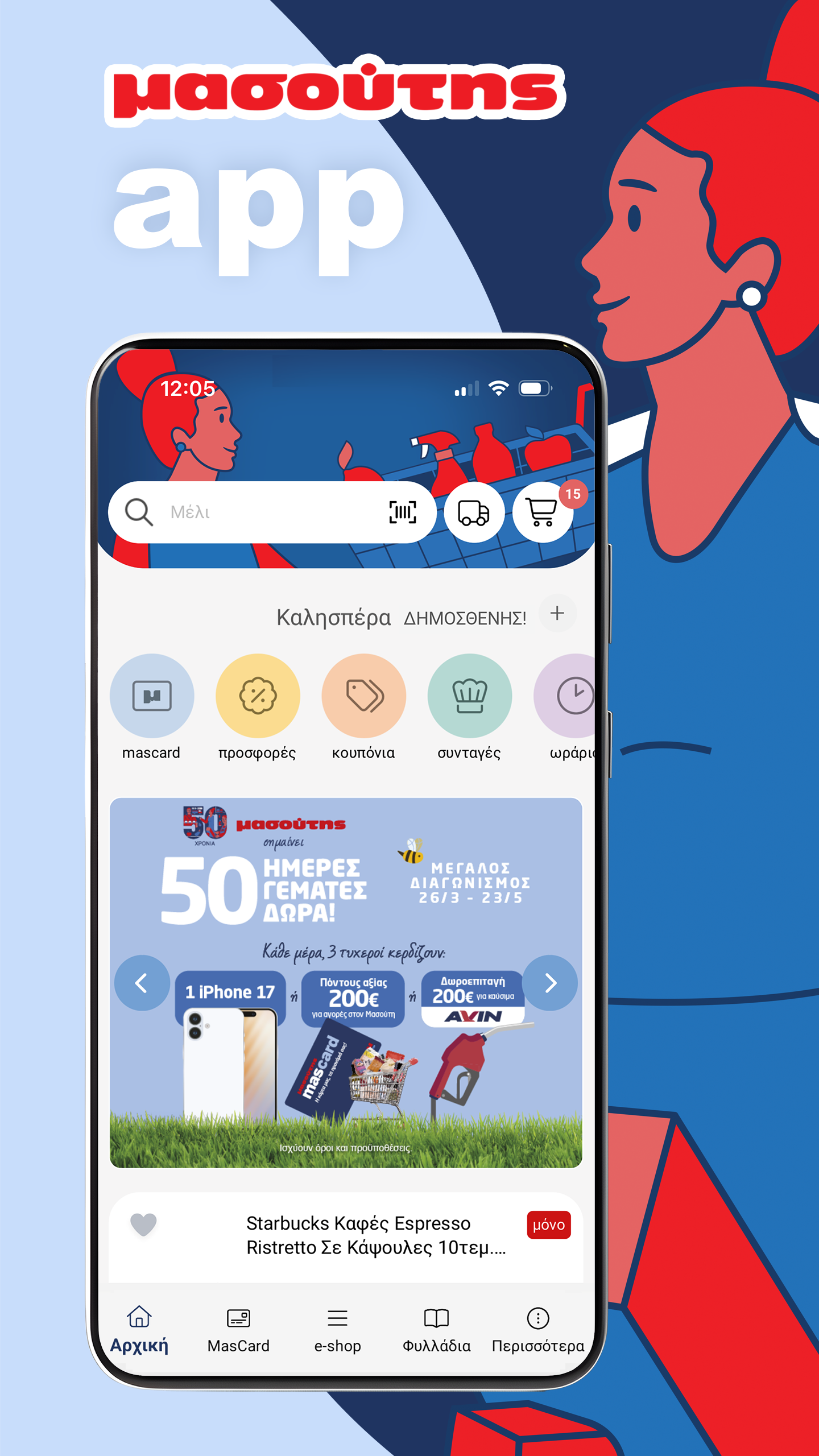
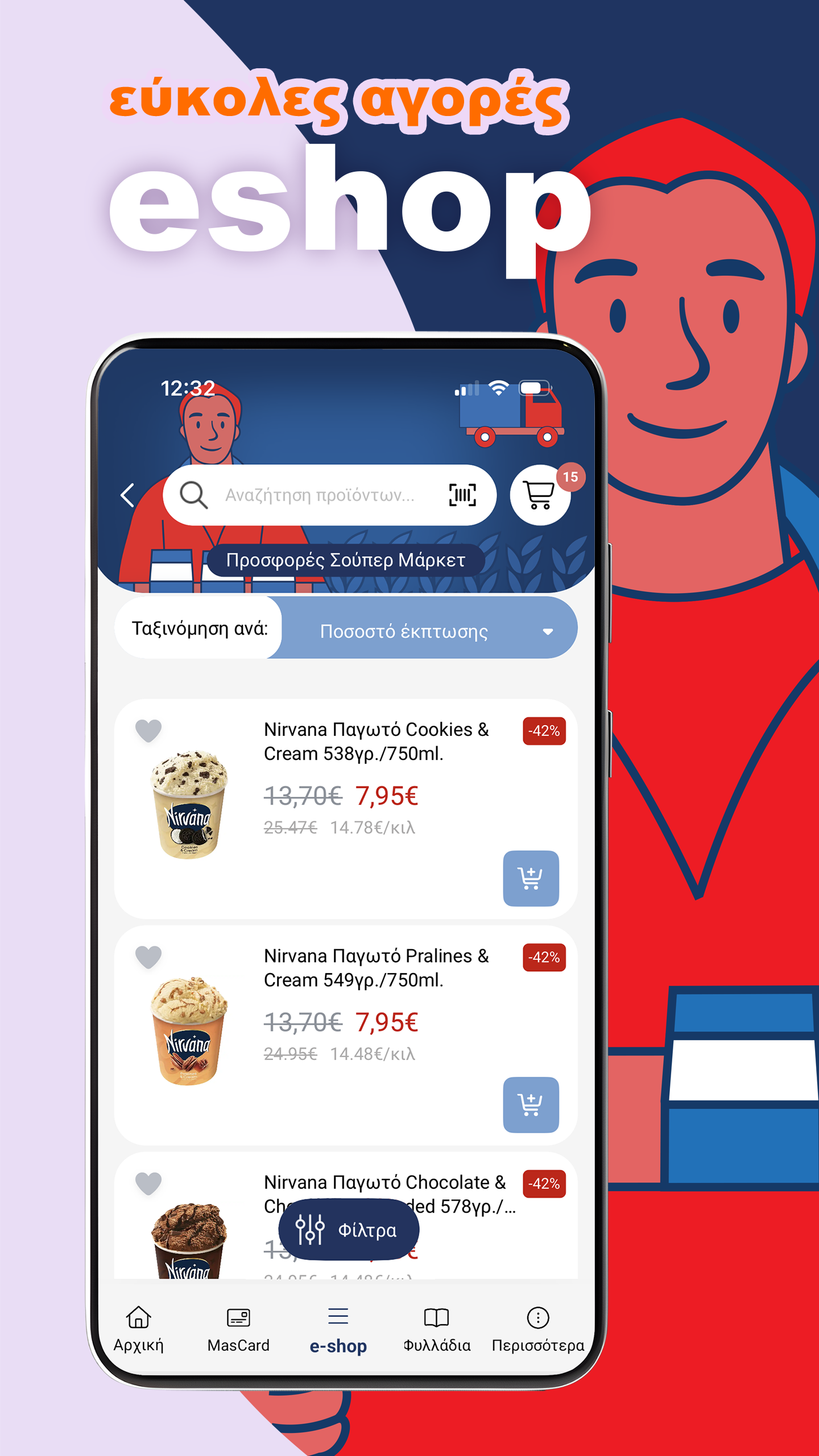
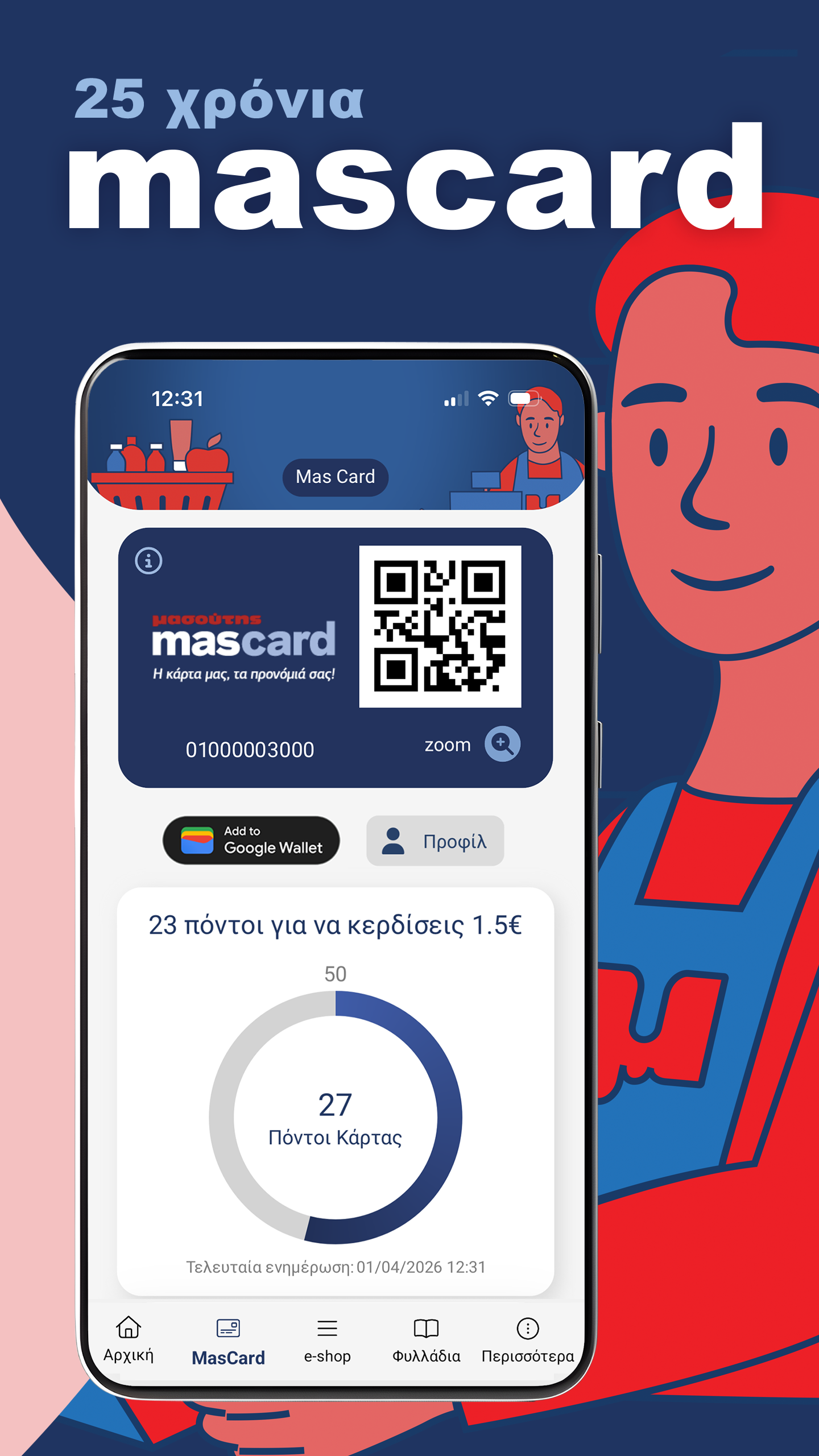
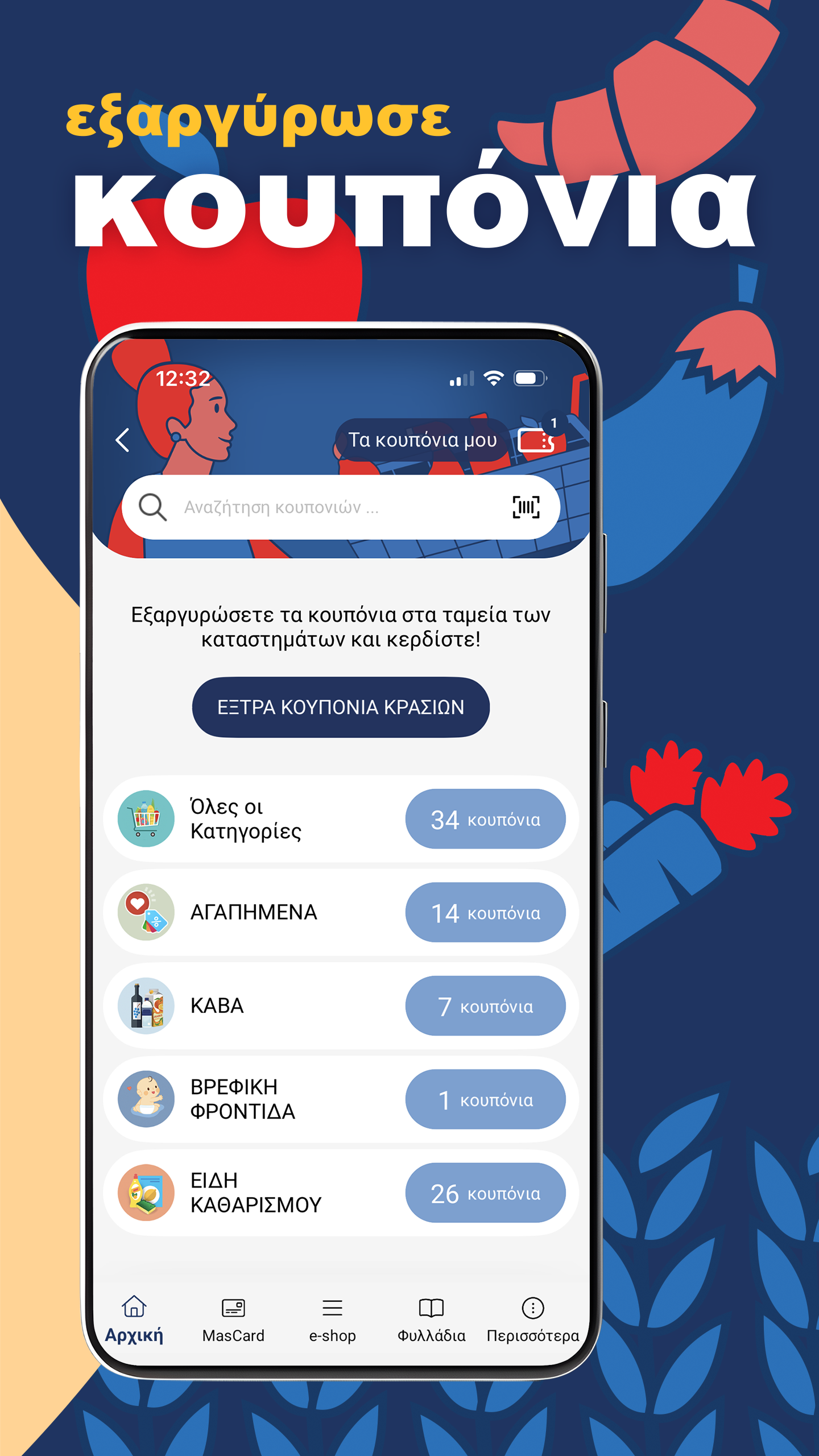
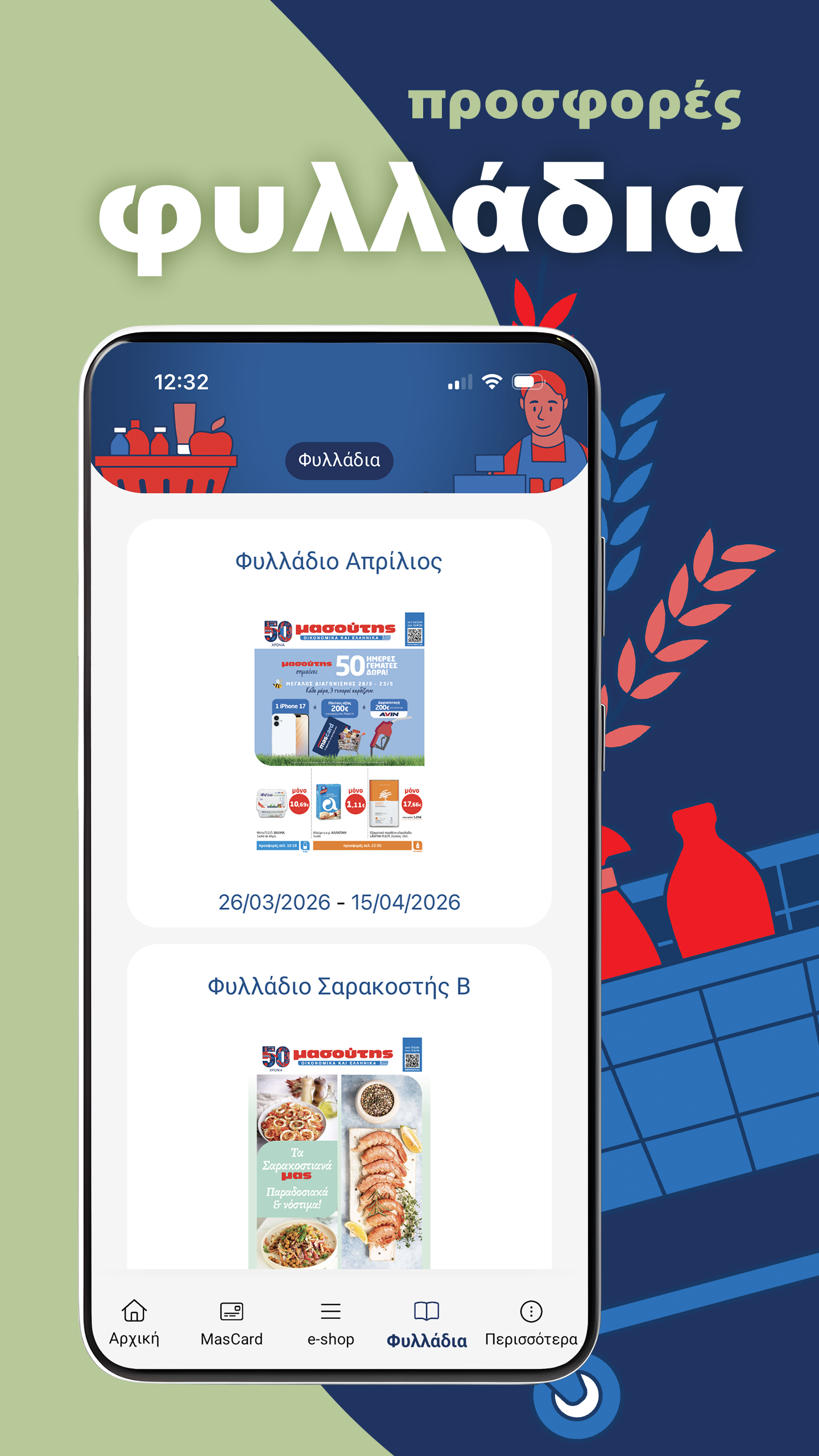
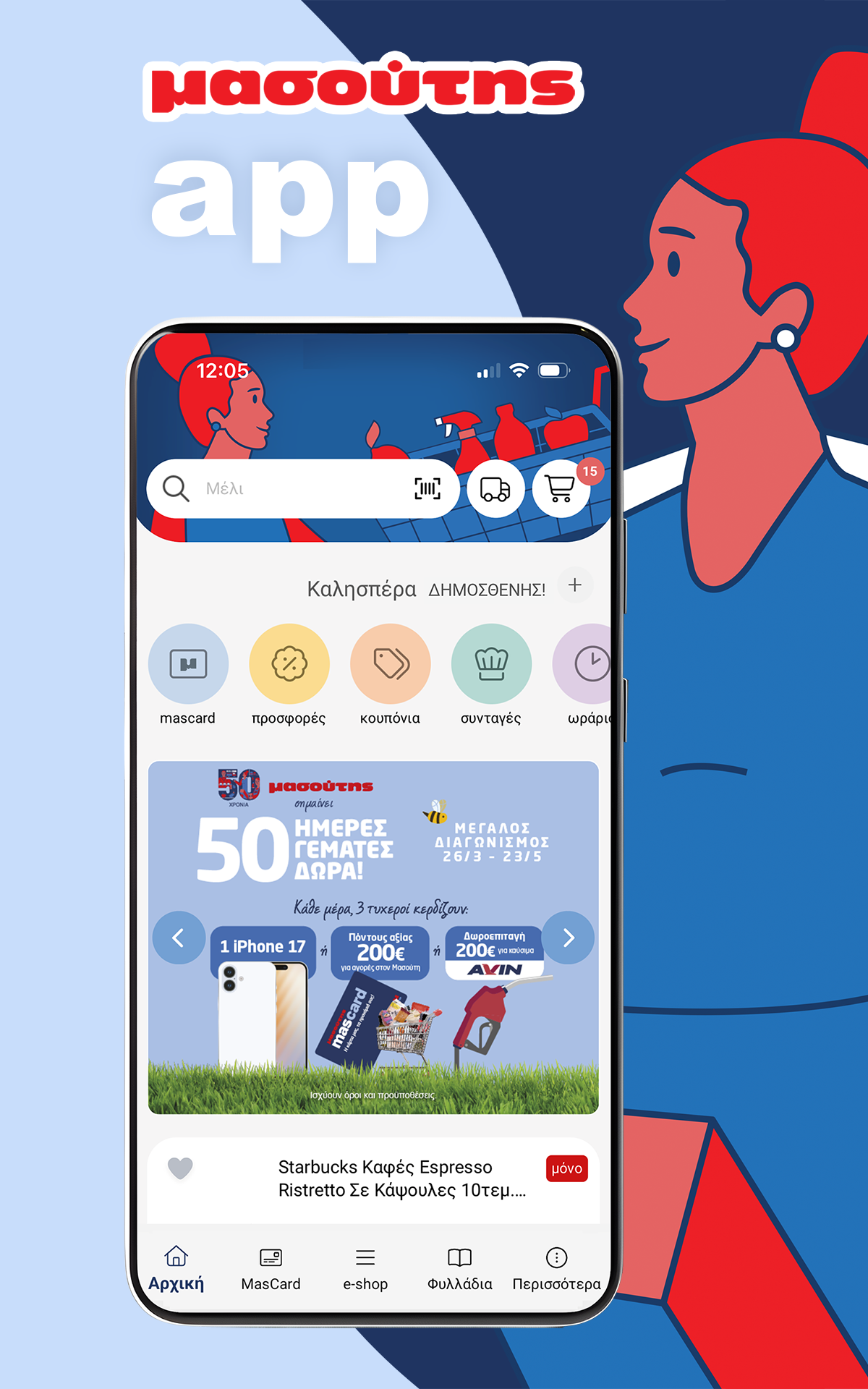
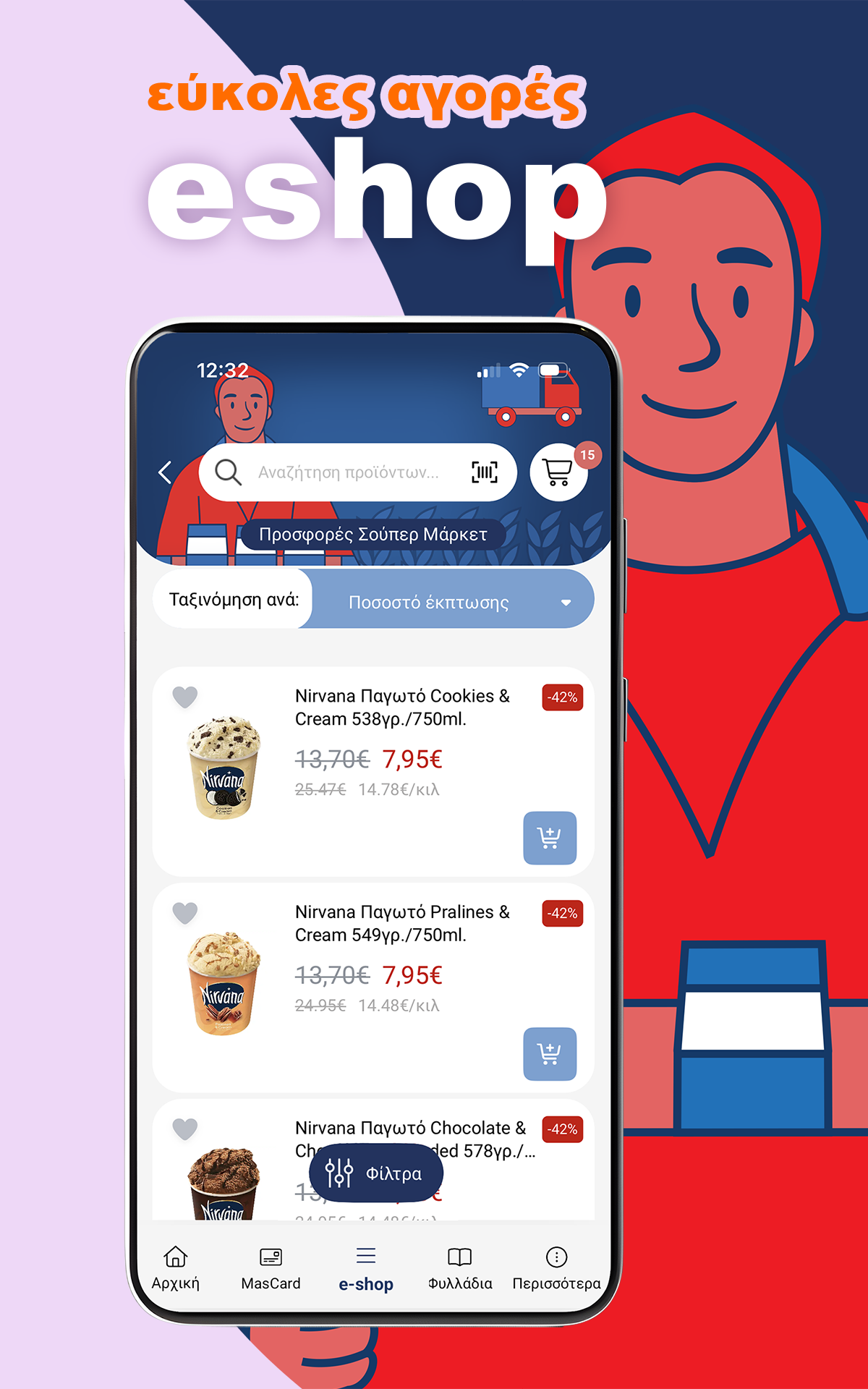
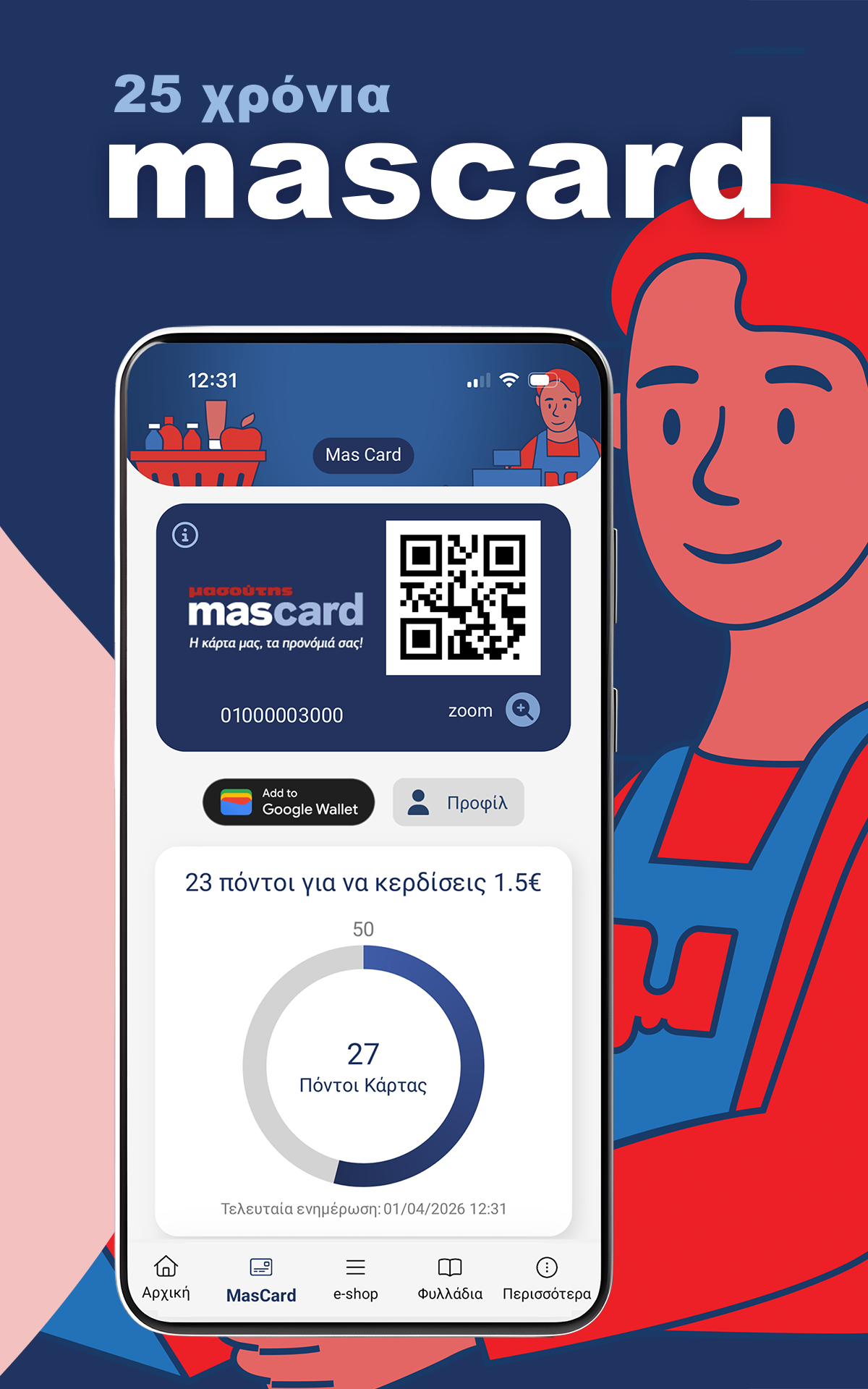
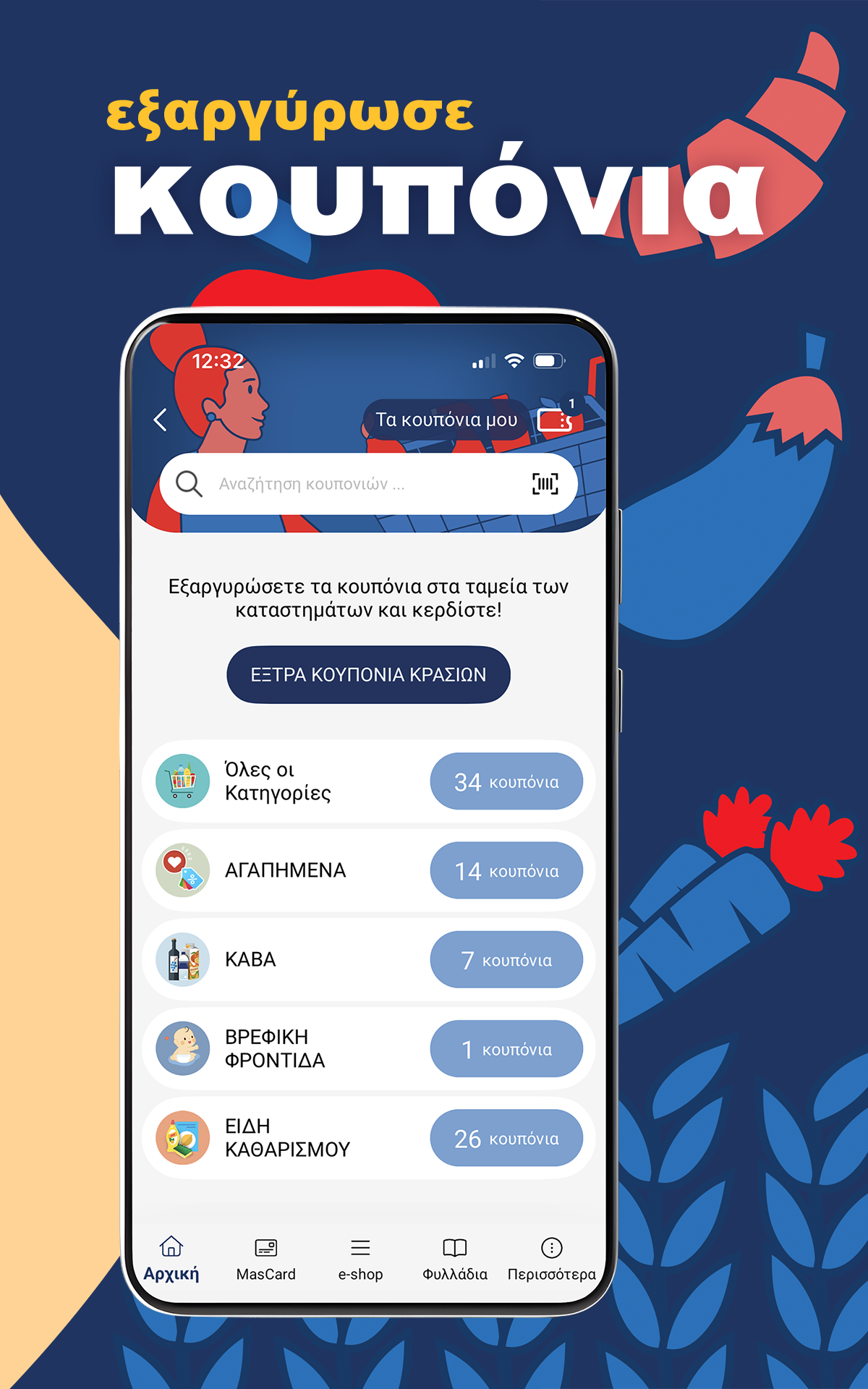
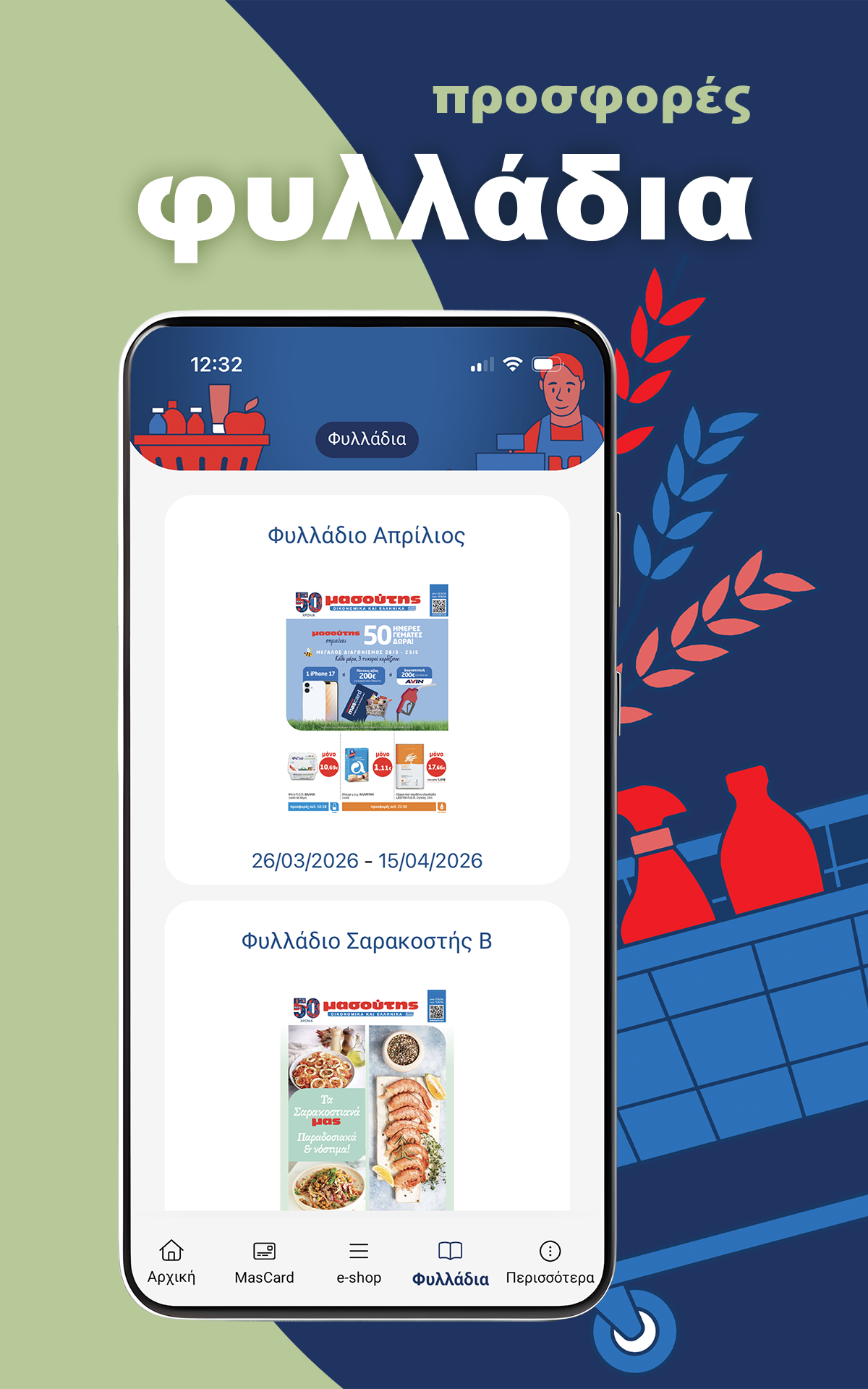
A Seamless and Rewarding Shopping Companion for the Modern Shopper
Having used the Masoutis application extensively for my grocery needs, I am thoroughly impressed by how it streamlines every aspect of the shopping experience. The app’s intuitive design makes it effortless to browse daily promotions, track my Mas Card loyalty points, and apply discount vouchers—all of which help me save time and money. I particularly appreciate the barcode scanning feature, which allows me to quickly build my shopping list and keep track of frequently purchased items.
The ability to view real-time offers, check store hours, and locate the nearest Masoutis outlet ensures that I’m always prepared, whether I’m shopping in-store or online. The recipe section is a delightful addition, helping me plan meals and create organized shopping lists based on my culinary preferences. What truly sets this app apart is its attention to detail: from syncing orders with my calendar to providing a personalized homepage with shortcuts tailored to my habits, it feels like a truly customized tool. For anyone looking to simplify their grocery routine while maximizing rewards, the Masoutis app is an indispensable resource.
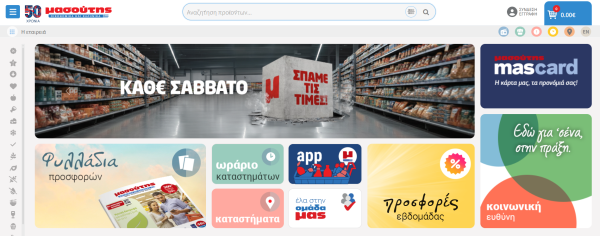
FEATUREs
• Access the Offer Brochures
• Track the status of your order through a detailed order history
• Easily add multiple items by scanning their barcodes
• Organize your own shopping lists
• Compile a list of your preferred products
• View your selected items conveniently placed in the Quick Basket
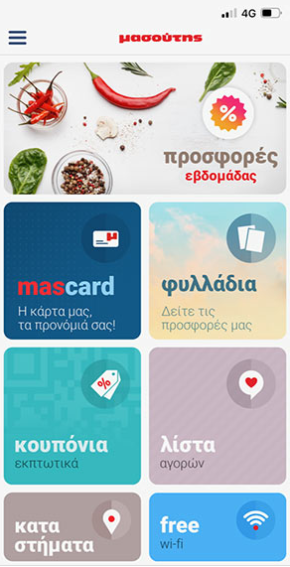
• Choose which shortcuts will be visible on your home page
• Explore the recipes section to create your ideal menus
• Find the nearest Masoutis store
• Check the opening times of the shops
• Stay updated on our competitions and announcements
• Read helpful articles in the Live Better section
• Subscribe to receive updates.
• Add your orders directly to your calendar.
Quick Answer
To access Masoutis coupons for the first time open the Masoutis app tap Coupons enter your MacCard number enter your mobile number receive your PIN by SMS enter the PIN in the MasCard PIN field and tap LOGIN. After login you can save your PIN change it in PIN MANAGEMENT and browse coupon categories.
First-Time Masoutis Coupons Login
Step 1 Open the Coupons Tab
Open the Masoutis app
Tap the Coupons tab
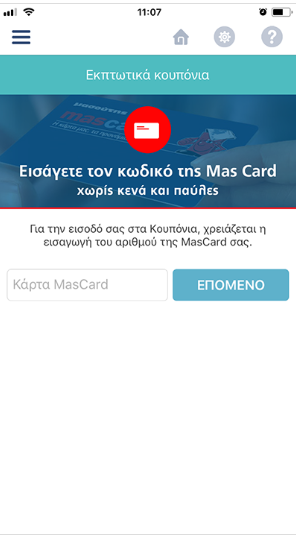
Step 2 Enter Your MacCard Number
Enter your MacCard number
Tap NEXT
If your MacCard number is already saved in the app from the MacCard section go to Step 3
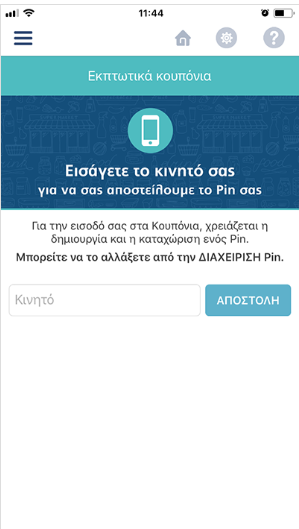
Step 3 Enter Your Mobile Number
Enter your mobile number
Tap SEND
The app sends your PIN by SMS
Step 4 Receive Your PIN by SMS
The SMS arrives immediately
The message contains your new PIN

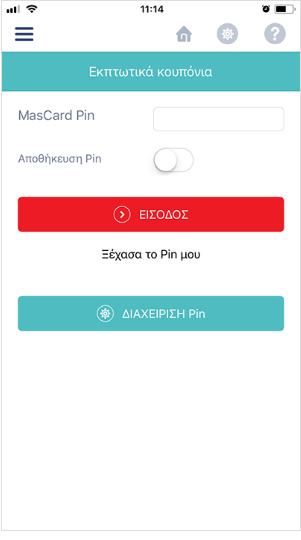
Step 5 Enter Your MasCard PIN
Enter the PIN from the SMS in the MasCard PIN field
Tap LOGIN
You can save your PIN
You can change your PIN from PIN MANAGEMENT
Step 6 Choose Coupon Categories
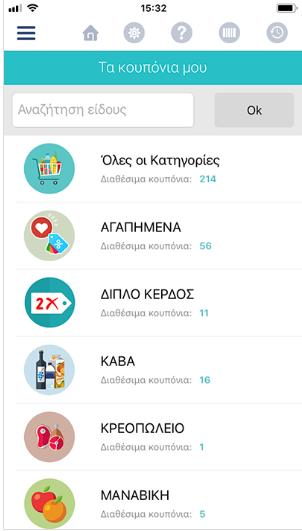
After PIN submission your coupon login is complete
You are redirected to coupon categories
Select the category you want to view
Returning Masoutis Coupons Login
Step 1 Open the Coupons Tab
Open the Masoutis app
Tap the Coupons tab
Step 2 Enter Your PIN
Enter your PIN in the MasCard PIN field
Step 3 Tap LOGIN
Tap LOGIN
Step 4 Browse Coupon Categories
Navigate through coupon categories
Choose the coupons you want to view
MasCard PIN Management
- Save your PIN for faster access
- Change your PIN from PIN MANAGEMENT
- Use your PIN for future Masoutis coupons login
FAQs:
1、Can I use the app without a Mas Card loyalty account?
While you can access most features without one, having a Mas Card enhances your experience by allowing you to accumulate points, redeem discounts, and access exclusive promotions.
2、Is the barcode scanner compatible with all products?
The scanner works with most items sold at Masoutis stores. If a product isn’t recognized, you can manually add it to your list or search for it in the app’s database.
3、Does the app require an internet connection to function?
An active internet connection is needed to access real-time promotions, update your shopping lists, and sync data. However, previously loaded brochures and lists may be available offline for convenience.
- Version3.2.0.5
- UpdateSep 23, 2026
- DeveloperMasoutis S.A.
- CategoryLifestyle
- Requires AndroidAndroid 8.0+
- Downloads204K+
- Package Namesoftways.mobile.masoutis
- Signatured2ac394e1f7654b0c78463d385ef09d8
- Available on
- ReportFlag as inappropriate
-
NameSizeDownload
-
70.22 MB
-
70.23 MB
-
88.07 MB














Easy barcode scanning
View loyalty points
Good initial menu design
Quick access to promotions
User-friendly interface with improvements
Potential for better navigation and organization
Useful shopping list feature
Language limitation to Greek only
Complicated permission requests
Requires WiFi connection in stores
Inability to purchase directly through the app
Expensive and unfriendly user experience
Lacks essential features like price visibility
Confusing interface and design similarities to iPhone
Slow loading of offers and promotions