
KKTIX - Event discovery & ticketing
Explore local events & effortlessly manage tickets while syncing with your calendar for a hassle-free experience.

- 5.1.0 Version
- 2.9 Score
- 299K+ Downloads
- Free License
- 3+ Content Rating

KKTIX
1. App Overview
KKTIX is an event discovery and ticketing platform developed by KKBOX. It brings event listings, online registration, ticket purchases, and booking management together, serving both event attendees and organizers.
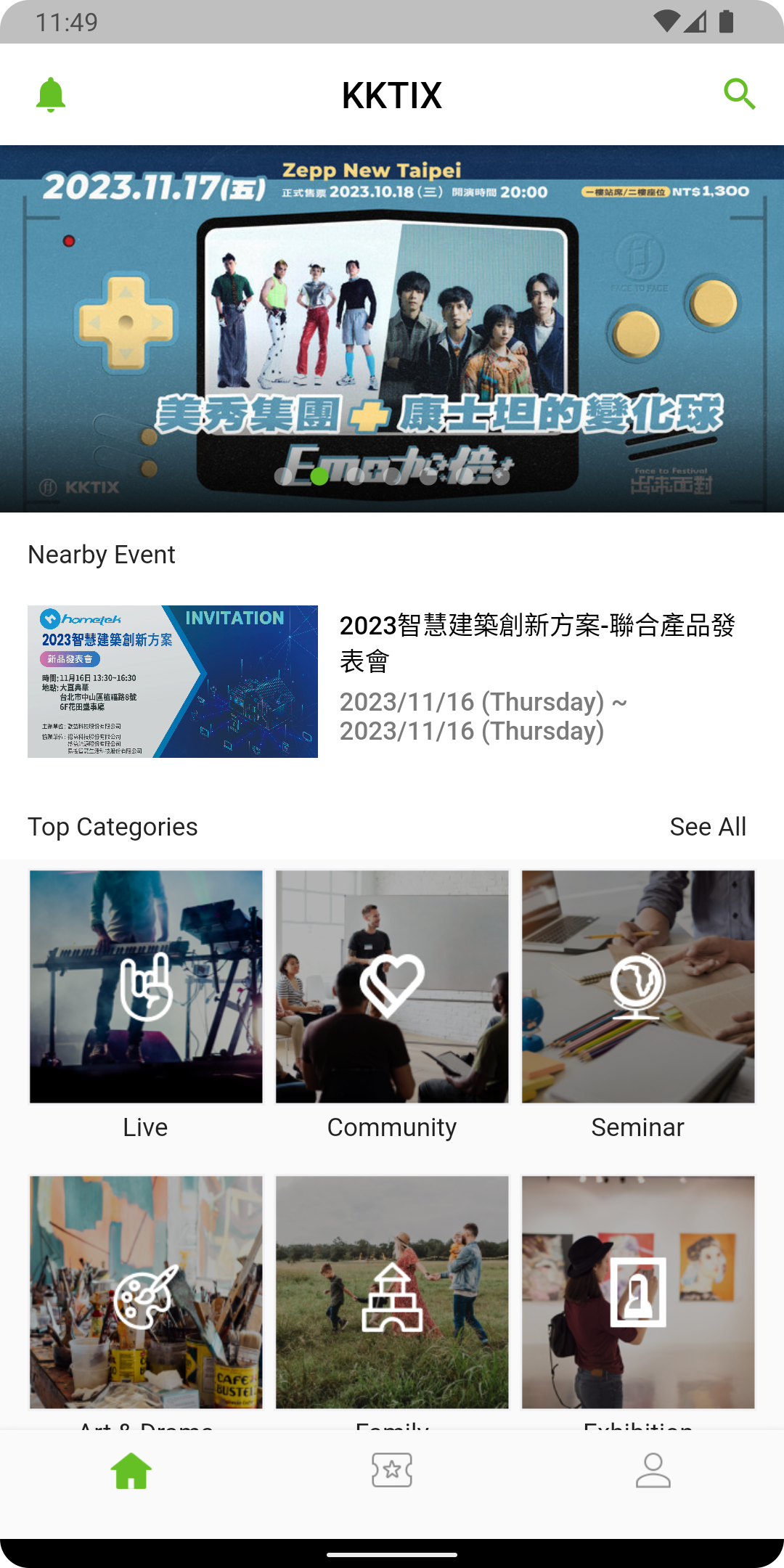
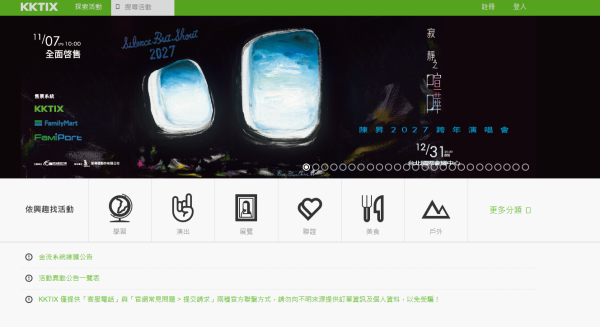
The platform covers a wide range of activities, including concerts, music festivals, exhibitions, workshops, conferences, sports competitions, and fan meetings. Most listings are for events in Taiwan, with selected activities in Hong Kong. Users can browse different categories and check event descriptions, schedules, venues, ticket prices, and registration requirements before deciding which events to attend. Available activities span entertainment, education, food, sports, and other interests.
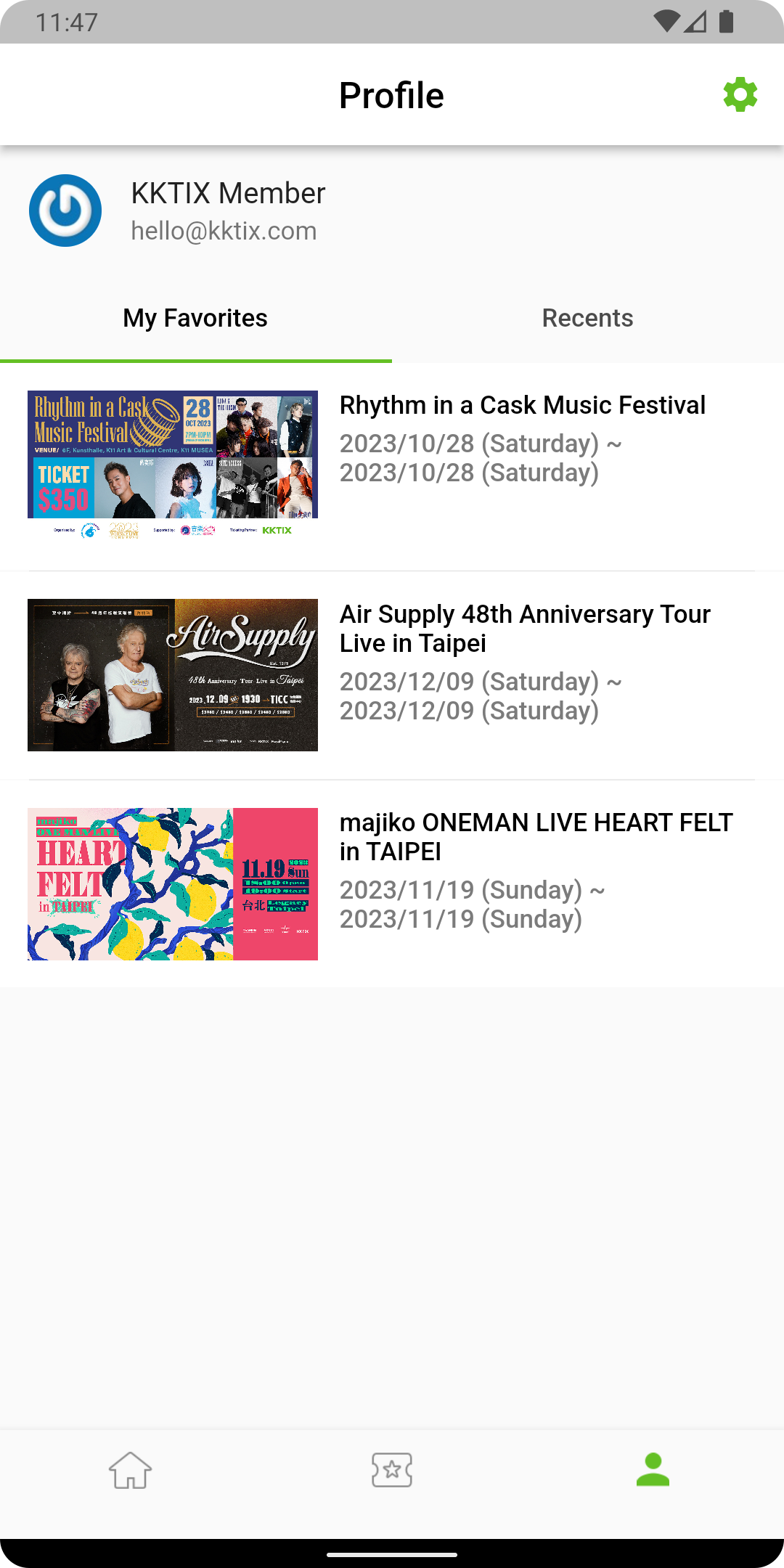
For participating events, KKTIX provides electronic ticket management through user accounts. Depending on the organizer's arrangements, attendees may enter by presenting a QR code, collecting a physical ticket, or following other admission instructions. The platform also offers calendar integration to help users keep track of upcoming events. Supported payment options include credit cards, LINE Pay, and Jiekou Pay.
KKTIX also serves event organizers through its event management services. Organizers can create event pages, configure ticket categories and registration rules, manage attendee information, monitor ticket sales, and send announcements to participants. These tools make KKTIX a platform for both discovering public events and managing the registration process behind them.
2. Key Features
Event Discovery
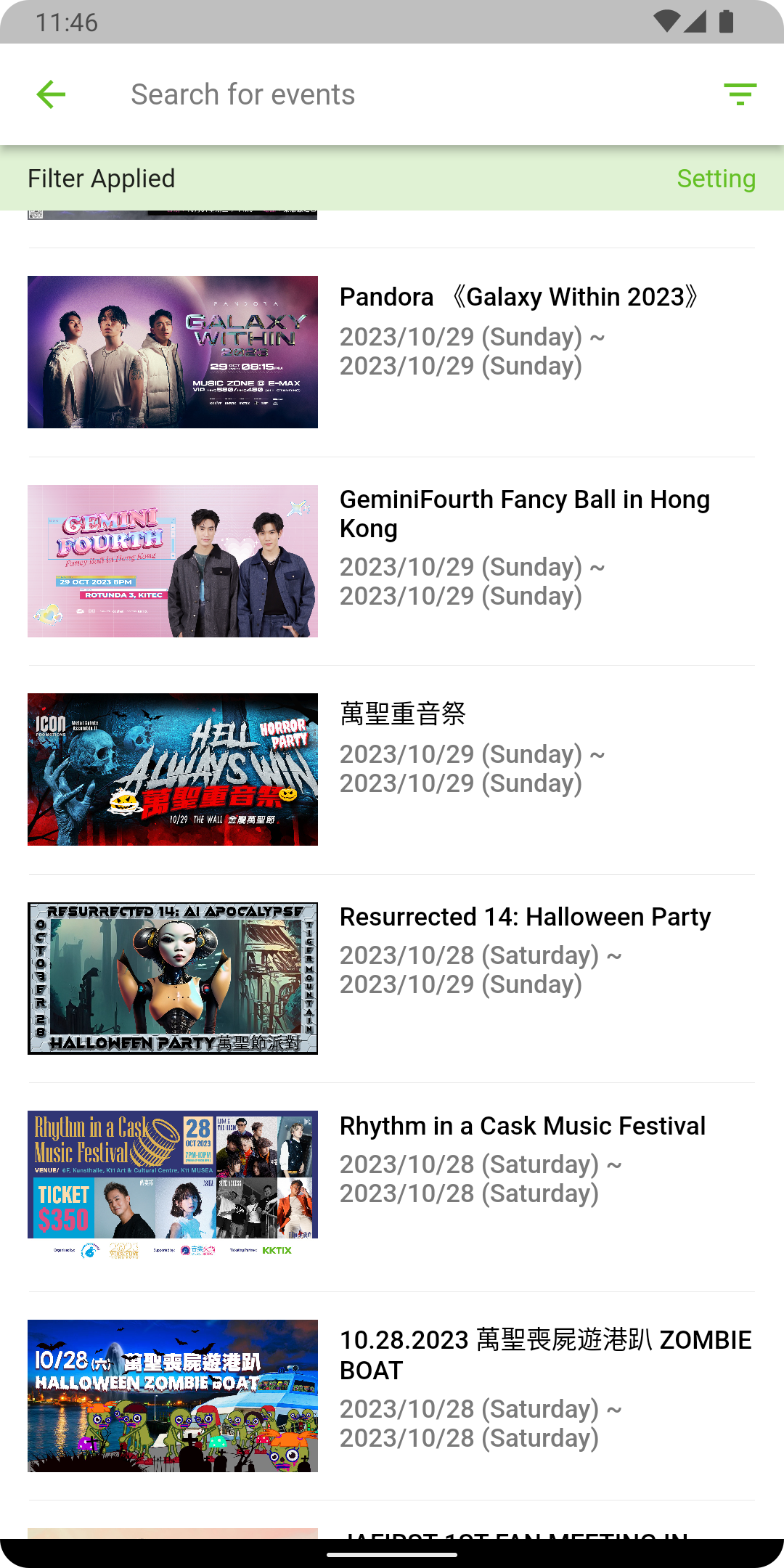
Browse concerts, music festivals, exhibitions, workshops, sports competitions, and fan meetings
Explore featured events and listings across different categories
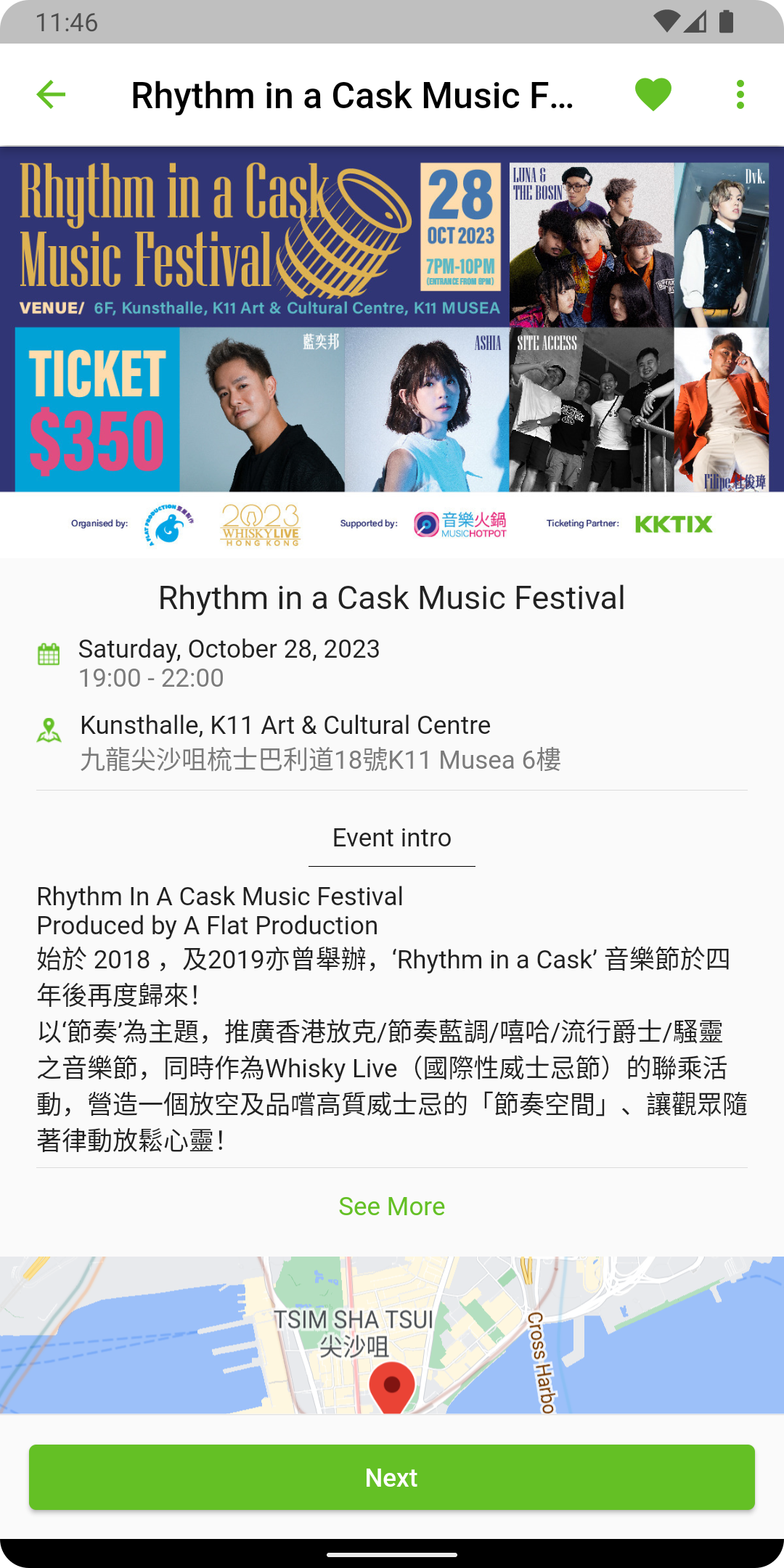
Check event descriptions, schedules, venues, ticket prices, and registration requirements
Discover activities in Taiwan and selected locations in Hong Kong
Online Ticketing and Payments
Register for events and purchase tickets online
Select available ticket categories, quantities, and seating options
Pay using supported methods, including credit cards, LINE Pay, and Jiekou Pay
Purchase tickets through FamilyMart FamiPort for selected events in Taiwan
Electronic Ticket Management
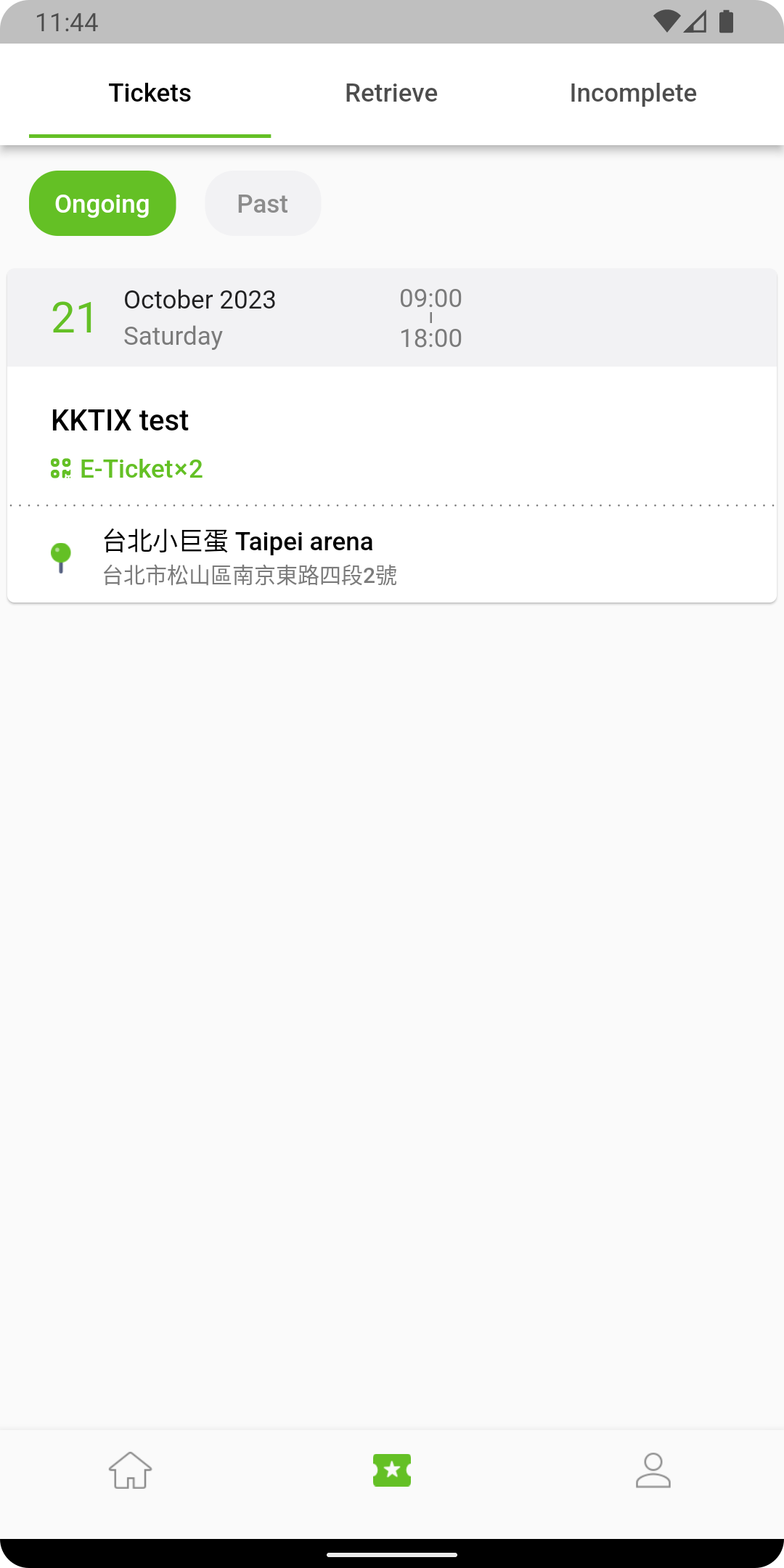
Review purchased tickets and order records
Display QR codes for events offering mobile admission
Check physical ticket collection arrangements and entry requirements
Access booking details before attending an event
Calendar Integration
Add event schedules to a personal calendar
Keep track of upcoming activities
Set reminders for scheduled events
Event Management for Organizers
Create and publish event pages
Configure ticket categories, prices, and registration conditions
Manage registrations and attendee records
Monitor ticket sales and registration statistics
Send announcements and updates to participants
3. How to Use KKTIX

Finding an Event
Open KKTIX and browse the featured events or category listings. Select an event to view its description, schedule, venue, ticket prices, and registration requirements. Check the sales period and any special conditions before proceeding.
Completing a Booking
Sign in to your KKTIX account and open the event you want to attend. Select an available ticket category, enter the quantity, and choose a seating area if applicable.
Some events require additional details, such as contact information or an invitation code. Complete the requested fields, select a payment method, and review your order before confirming the purchase.
Accessing Tickets
After completing a purchase, open your account's order history to check the booking status and ticket information. If the event supports QR-code admission, display the corresponding code at the entrance. For physical ticket collection or other admission arrangements, follow the organizer's instructions.
Managing an Event
Organizers can use KKTIX's event management services to publish event details and configure ticketing arrangements. They can then manage registrations, review attendee records, track sales performance, and send updates to participants.
4. FAQs
1. How do I register for an event or purchase tickets?
Sign in to your KKTIX account and open the relevant event page. If registration is available, follow these steps:
Select your preferred ticket type, seating area, and quantity.
Agree to the terms of service and privacy policy.
Click Next to continue.
Enter the required contact and registration information.
Select an available payment and ticket collection method.
Review your order and complete the payment.
After a successful transaction, check your account for the order confirmation and ticket details.
2. How do I use an invitation code?
If an event requires an invitation code, enter it during ticket selection.
Open the event page and proceed to ticket selection.
Choose the ticket category that requires a code.
Select the number of tickets.
Enter your invitation code in the designated field.
Accept the required terms and continue with registration.
If the code is rejected, check for typing errors and make sure it is still valid. If the problem persists, contact the event organizer to confirm the code's status.
3. Does KKTIX charge a booking fee?
Some events include an additional booking fee. According to KKTIX's published information, transactions in Hong Kong dollars carry a booking fee of HKD 12 per ticket.
This fee is non-refundable. The actual charge may vary depending on the event and transaction currency, so review the final order summary before payment.
4. Can I purchase KKTIX tickets through FamilyMart FamiPort?
Yes. Selected events in Taiwan offer ticket purchases through FamilyMart FamiPort.
The following conditions may apply:
Each order is limited to four tickets. Additional tickets must be purchased in separate transactions.
For assigned-seat events, seats are allocated after you select a seating area.
Allocated seats may be in different sections within the selected price range.
Specific seat selection is available through the KKTIX website when supported by the event.
5. How can I apply for disability certification and discounted tickets?
Eligible users in Taiwan can apply for disability certification through the KKTIX website. Applications should be submitted at least one day before ticket sales begin.
Follow these steps:
Sign in to the KKTIX website.
Go to Account and select Settings.
Open Identity Certification and choose Disability Certification.
Click Proceed with Certification.
Enter the required identification information and select the relevant accessibility options.
Agree to the terms and submit your application.
Once certification is approved, eligible users can purchase discounted tickets for events offering this benefit. Ticket availability, purchase limits, and companion arrangements depend on the individual event's rules.
If identity verification is required at the venue, bring your original disability certificate and identification documents. Companions may also need to enter together with the eligible ticket holder.
6. How can I contact KKTIX customer support?
Visit the official KKTIX FAQ section and select Submit a Request to contact the support team.
Include your order information and a clear description of the issue. For payment, registration, or ticket-related inquiries, providing the event name and relevant order details can help the support team investigate the problem.
Main improvements: The revised version removes repetitive descriptions, keeps the Overview focused on KKTIX's identity and services, and gives the Key Features and User Guide more distinct purposes. The FAQs retain specific policies and operational instructions rather than repeating general product descriptions.
- Version5.1.0
- UpdateNov 06, 2026
- DeveloperWALKING INTERNET ENTERTAINMENT LIMITED
- CategoryEntertainment
- Requires AndroidAndroid 7.0+
- Downloads299K+
- Package Namecom.kkbox.kktix
- Signature4d6403d7fb332a13afbc38eb959db5d5
- Available on
- ReportFlag as inappropriate
-
NameSizeDownload
-
89.11 MB
-
49.51 MB
-
48.01 MB

















Comprehensive functionality covers every user need throughout the entire process.
Flexible payment options are available, compatible with major payment methods in Taiwan.
Diverse services provide organizers with a one-stop event management tool and a rich network of partner venues.
Regional adaptability focuses on Taiwan and Hong Kong, with detailed event categorization to meet local needs.
Some features (such as disability certification) are only available in Taiwan, and the user experience in Hong Kong may be limited.
Additional fees apply, and no refunds are required.
FamilyMart FamiPort tickets are limited to 4 tickets per order, and seat selection is not available during reserved seating.