
IKEA Home smart - Smart home control & automation
Transform everyday life with smart lighting, sound, and air quality for a seamless home experience at your fingertips.
- 1.29.0 Version
- 1.4 Score
- 356K+ Downloads
- Free License
- 3+ Content Rating

Getting Started with IKEA Home smart
The DIRIGERA hub acts as the central part of the connected system for lighting sound air blinds and accessories. The setup is designed to add smart home functions without rewiring the home.
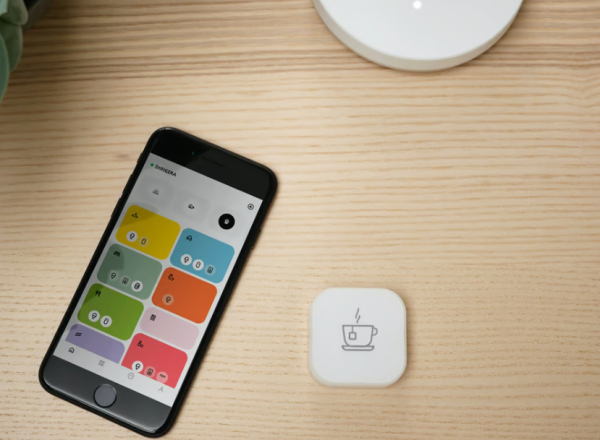
Smart Home Scenes and Everyday Automation
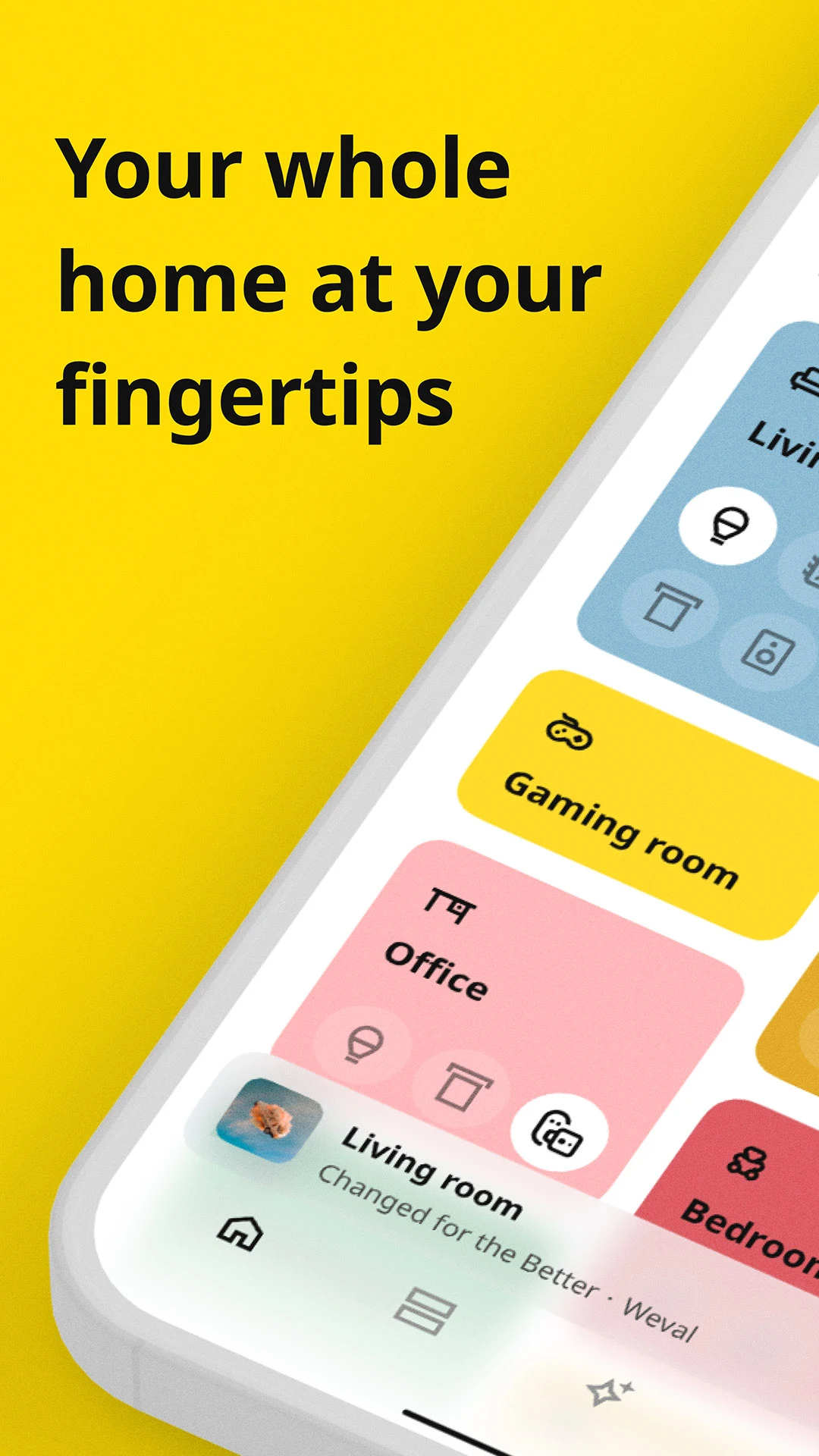
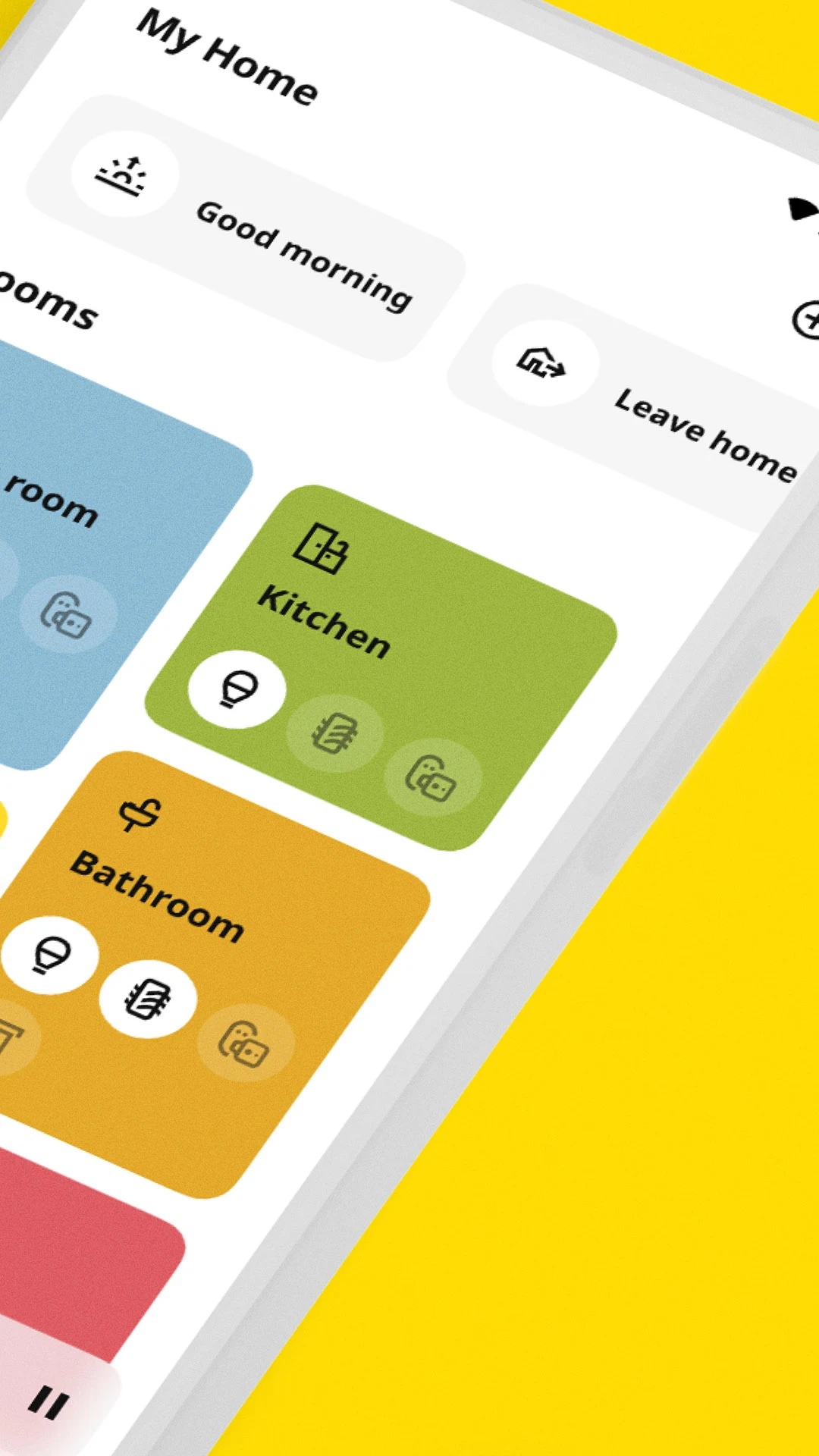
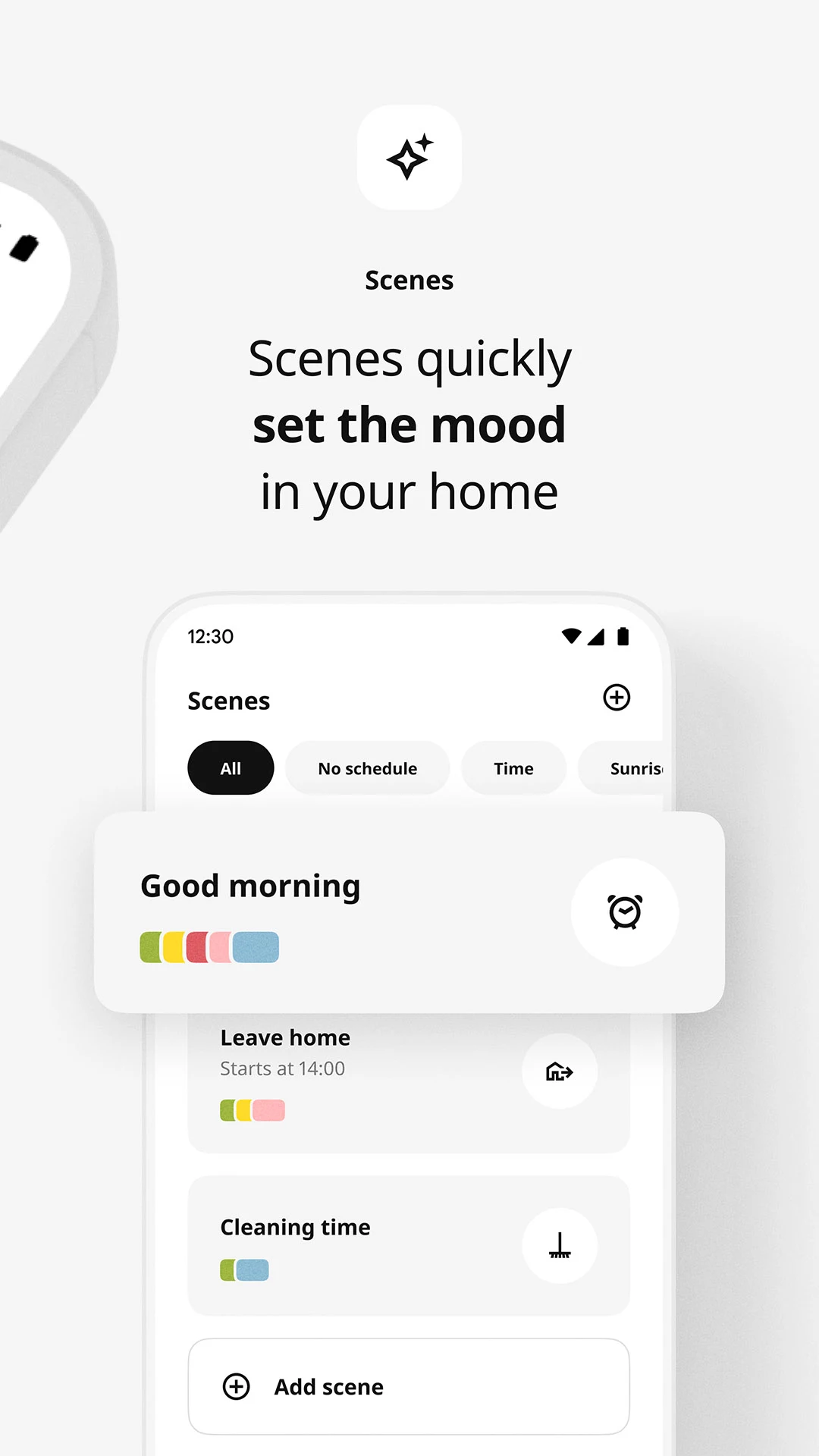
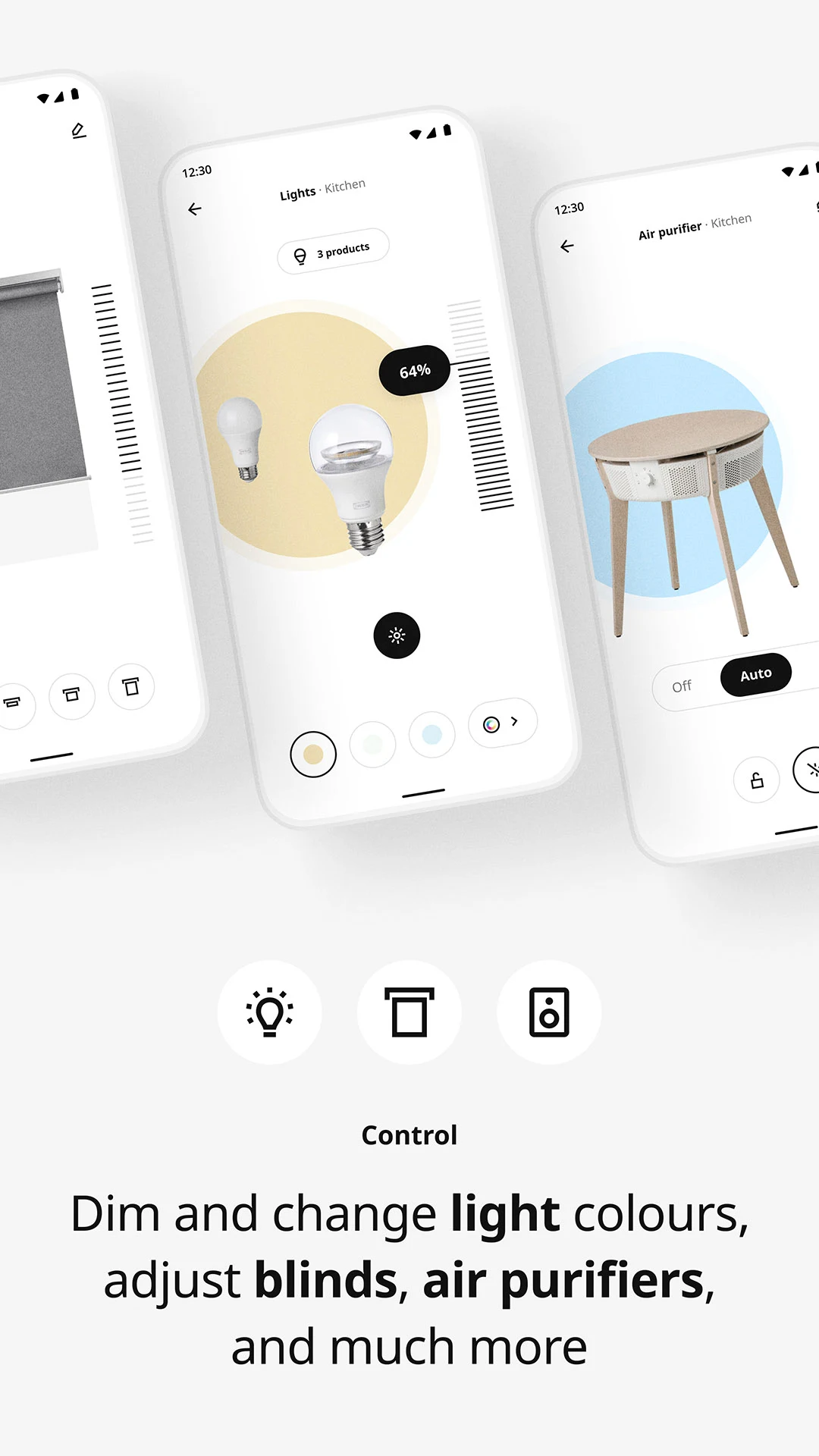
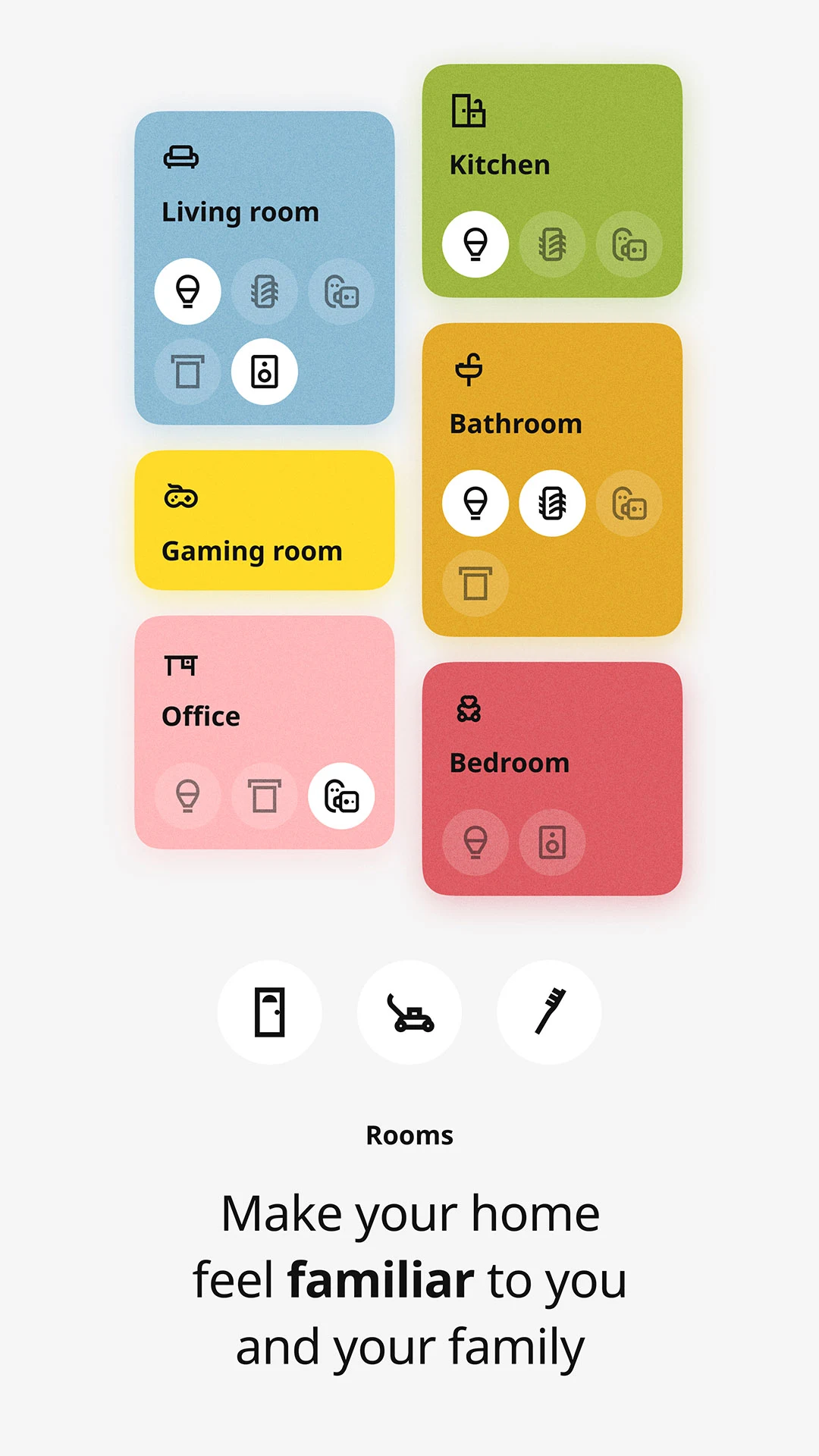
The IKEA Home smart app brings multiple devices together on one screen. Users can create lighting moods check the status of an air purifier switch connected devices on or off and run Scenes that automate routines such as lowering blinds at sunset.
A typical evening routine can combine several actions at once. For example bedroom blackout blinds can close a speaker can start a playlist an air purifier can run and a bedside lamp can turn on as part of the same routine.
Compatible Smart Home Products
The IKEA Home smart ecosystem supports a range of smart products including LED bulbs control outlets motion sensors blinds speakers and air purifiers.
Smart Lighting Support
IKEA provides support resources for common questions about smart lighting products and their use within the smart home system.
STARKVIND Air Purifier Support
Support resources cover STARKVIND air purifiers and smart air accessories including how they can be integrated into a smart home.
SYMFONISK WiFi Speaker Support
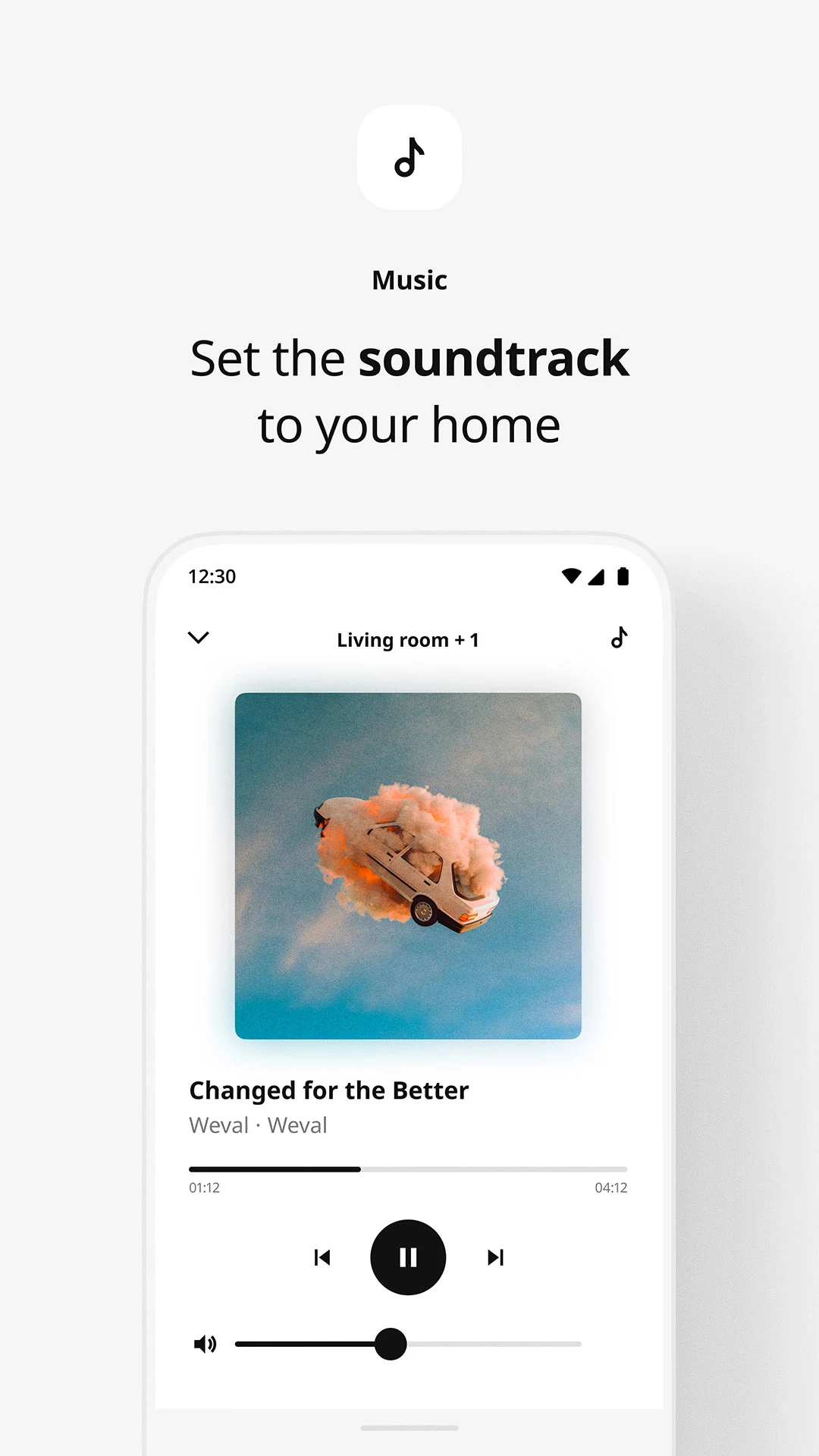
SYMFONISK speakers provide WiFi streaming with control designed for connected home use.
Smart Blinds Support
Smart blinds support covers installation product differences and troubleshooting.
TRÅDFRI Gateway Support
Support is available for users of IKEA Home smart 1 and the TRÅDFRI gateway with answers to common questions.
IKEA Home smart Features
Remote Control
An IKEA Home smart remote control can switch lights on and off dim lighting change colors and raise or lower blinds.
Motion Sensor
Motion sensors can turn lights on when movement is detected. Users can set how long the light stays on and choose brightness levels for specific situations such as arriving home or using a hallway at night.
DIRIGERA Hub and App Control
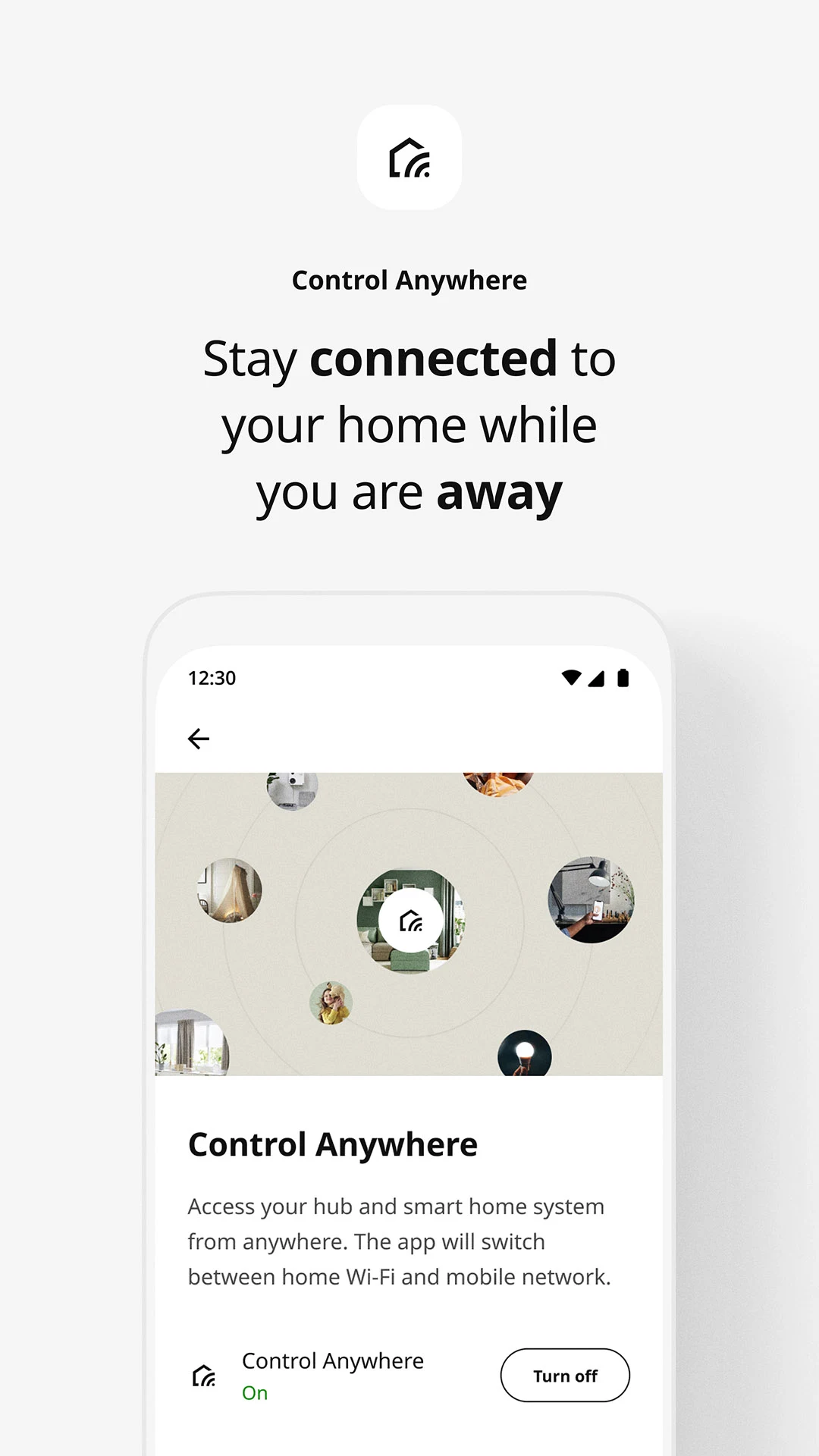
Connecting the DIRIGERA hub to a home WiFi router and using the IKEA Home smart app enables centralized control of smart lighting smart blinds smart sound and power outlets. Users can set timers adjust lighting moods and control devices from a smartphone or tablet.
Voice Control
With a TRÅDFRI gateway users can control compatible smart home functions through Amazon Alexa Google Assistant and Apple HomeKit.
FAQs
1、There are no IKEA stores in the country where I live. How can I buy IKEA products?
IKEA stores are only allowed to sell within the country where they are located. To learn about placing an order from outside our active markets, visit our International Sales page.
2、How do I become an IKEA supplier?
We are always looking for new suppliers who share our passion for quality and sustainability.
Visit our supplier page where you will find the application form.
3、I’m interested in becoming an IKEA franchisee. Where can I find out more?
Inter IKEA Systems B.V., the IKEA franchisor, is constantly evaluating potential IKEA franchisees in both new and existing markets. When considering new franchisees, Inter IKEA Systems B.V. evaluates attributes such as:
- experience local market knowledge and presence (demonstrating ability to set up and operate IKEA stores nationally) - corporate culture and values - financial strength and ability to complete the investment process across a country and in a large-scale retail environment format.
Send an email to franchise@inter.ikea.com telling us why you would like to become a franchisee.
4、Where can I find IKEA reports and publications?
To make finding reports and publications easier, we have gathered them in one place.
Browse and download recent IKEA publications and reports.
5、How can I apply for permission to use IKEA copyright images/films?
We tend to grant permission for educational and training purposes and deserving causes. Material that does not fit under either of these categories is assessed on a case by case basis since we want to know the context in which the material will be used.
For more information, send a mail to legal.affairs@inter.ikea.com.
6、How can I report misuse of the IKEA trademark that I have come across?
The IKEA trademark is sometimes used without our permission. It is very important to us that our consumers are not misled, and that they can have confidence that all products bearing the IKEA trademark are genuine products.
We therefore ask you to help us by reporting any wrongful use of the IKEA trademark or similar marks by sending a mail to infringement.report@inter.ikea.com. We cannot give you any reward or compensation, but you will get a big thank you for your support in protecting the IKEA trademark and preventing fraud and misrepresentation.
- Version1.29.0
- UpdateSep 23, 2026
- DeveloperInter IKEA Systems B.V
- CategoryLifestyle
- Requires AndroidAndroid 8.1+
- Downloads356K+
- Package Namecom.ikea.inter.homesmart.system2
- Signaturead6d495a073d6dcd3a953ca2944d4e56
- Available on
- ReportFlag as inappropriate
-
NameSizeDownload
-
49.68 MB
-
49.46 MB
-
47.64 MB













Easy to set up
Easy and simple to use
Works great once set up
Easy to add new devices
Easy to move lights between rooms
Simple and easy to understand design
Convenient control of smart devices
Scenes make everyday routines easier
Too simple
Setup can take several tries
Connectivity issues
Schedules do not always work
Blinds sometimes fail to open or close
Sunrise and sunset triggers do not always work
Limited scene management
Lacks some smart home features
Hard to share access with household members
Limited support for non IKEA products