
Hometown Fan - Event ticketing made easy & convenient
Discover, buy & manage tickets effortlessly while enjoying your favorite events right from your mobile device!

- 2.14.0 Version
- 1.5 Score
- 209K+ Downloads
- Free License
- 3+ Content Rating



About the Hometown Fan App:

Hometown Fan is the official digital ticketing app for school and organization events, developed by HomeTown Ticketing, Inc. It lets fans search, buy, store, and scan tickets for games, performances, theatre nights, and other local events — all from a phone.
The Hometown Fan app is not a fundraising dashboard or school admin tool; it is the fan-side wallet for Hometown Box Office events.
Store-ready features:
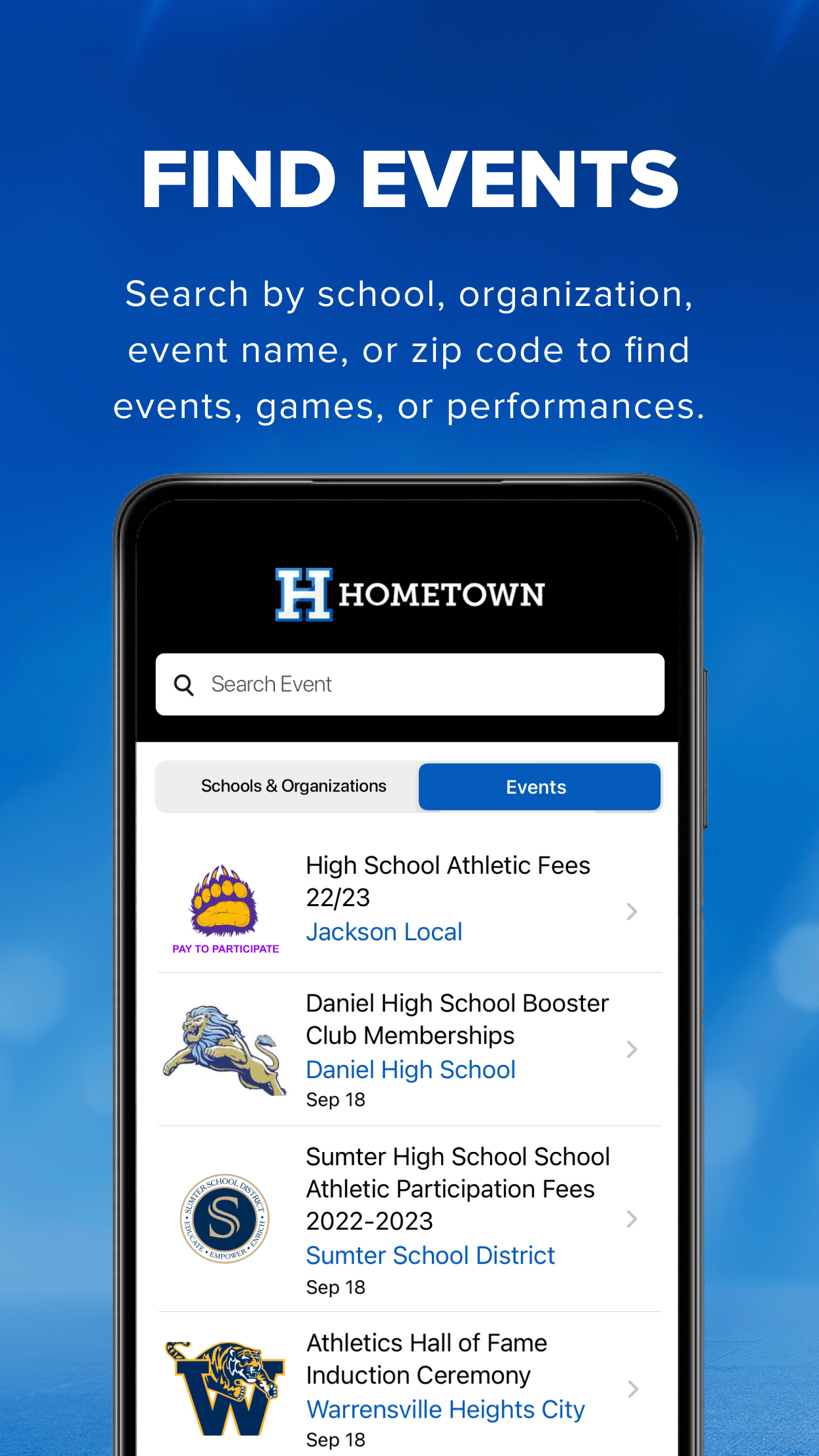
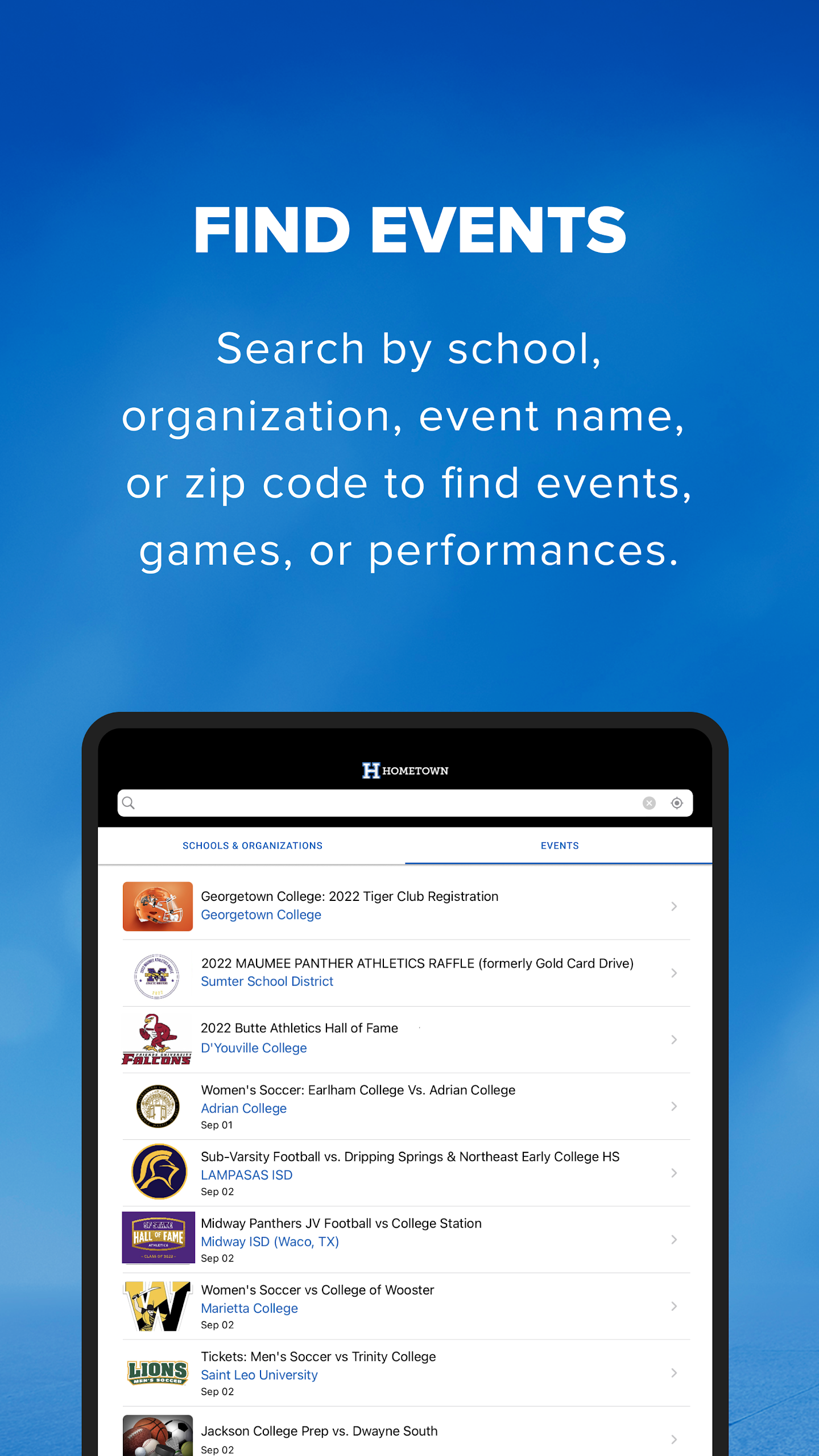
Find Events — search by school, organization, event name, or ZIP code
Buy Tickets & Passes — skip the cash line and check out in-app
Stored Tickets — purchases stay inside the Hometown Fan app
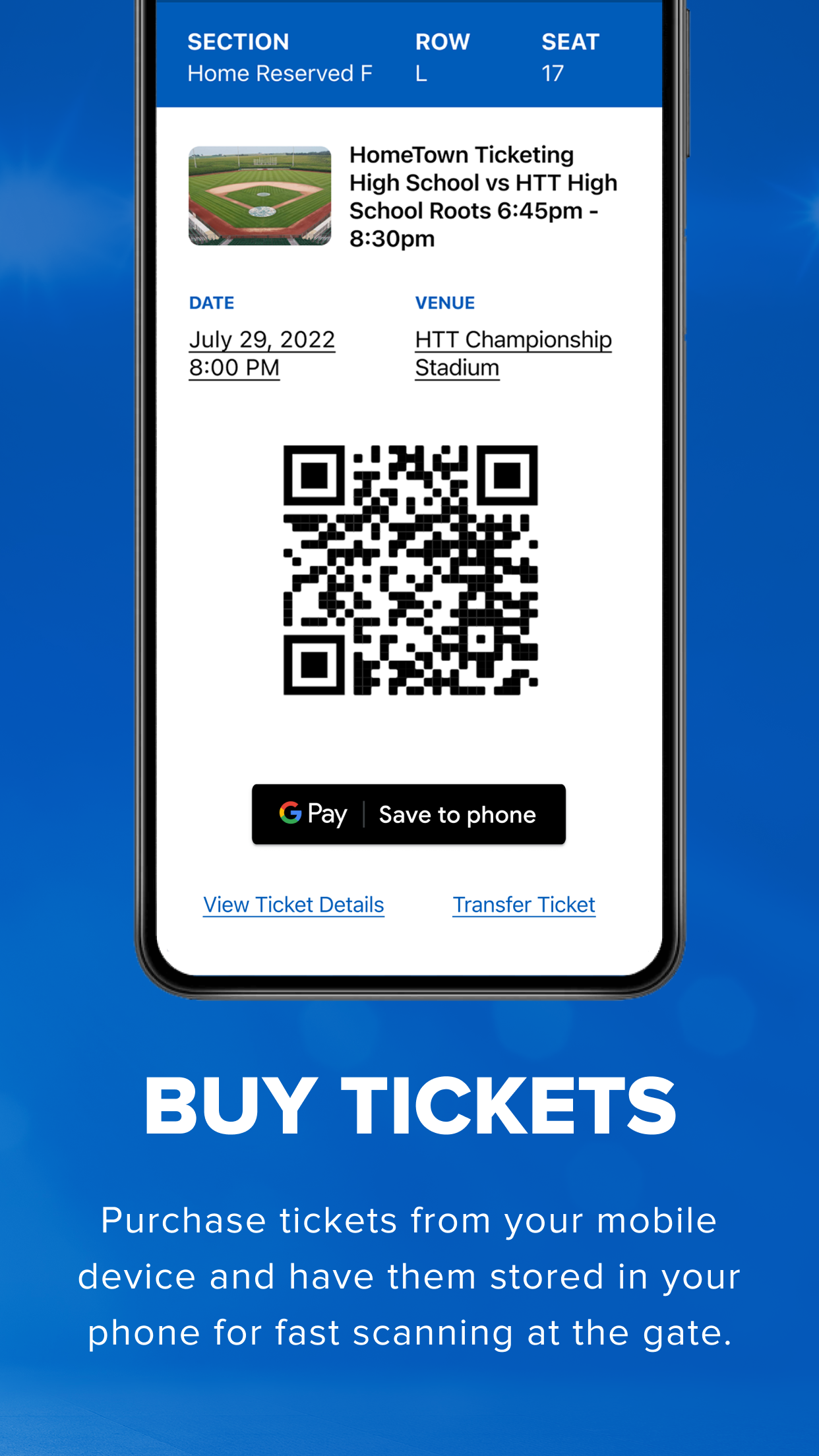
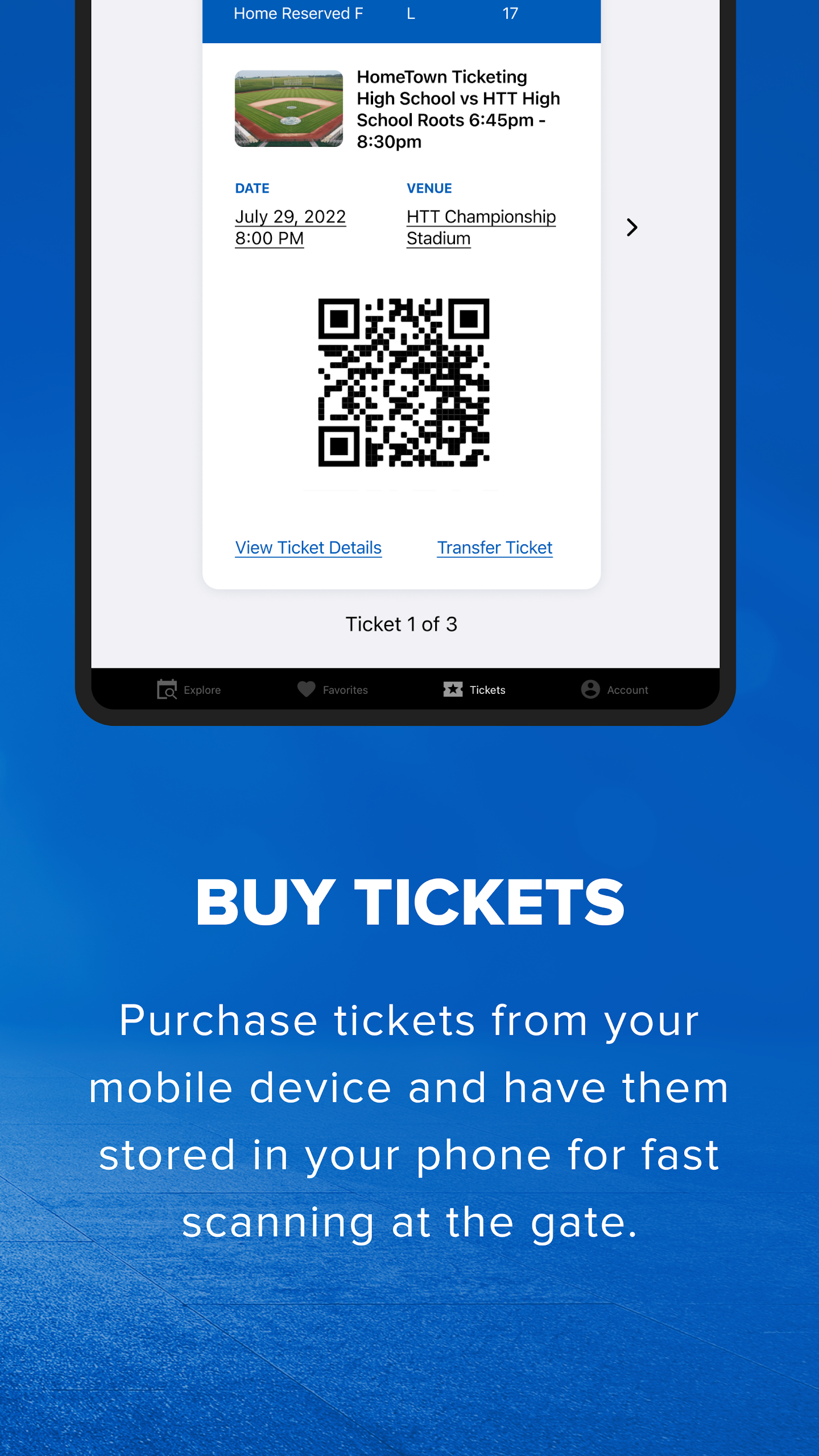
Scan In at the Gate — show the QR code; phone is the ticket
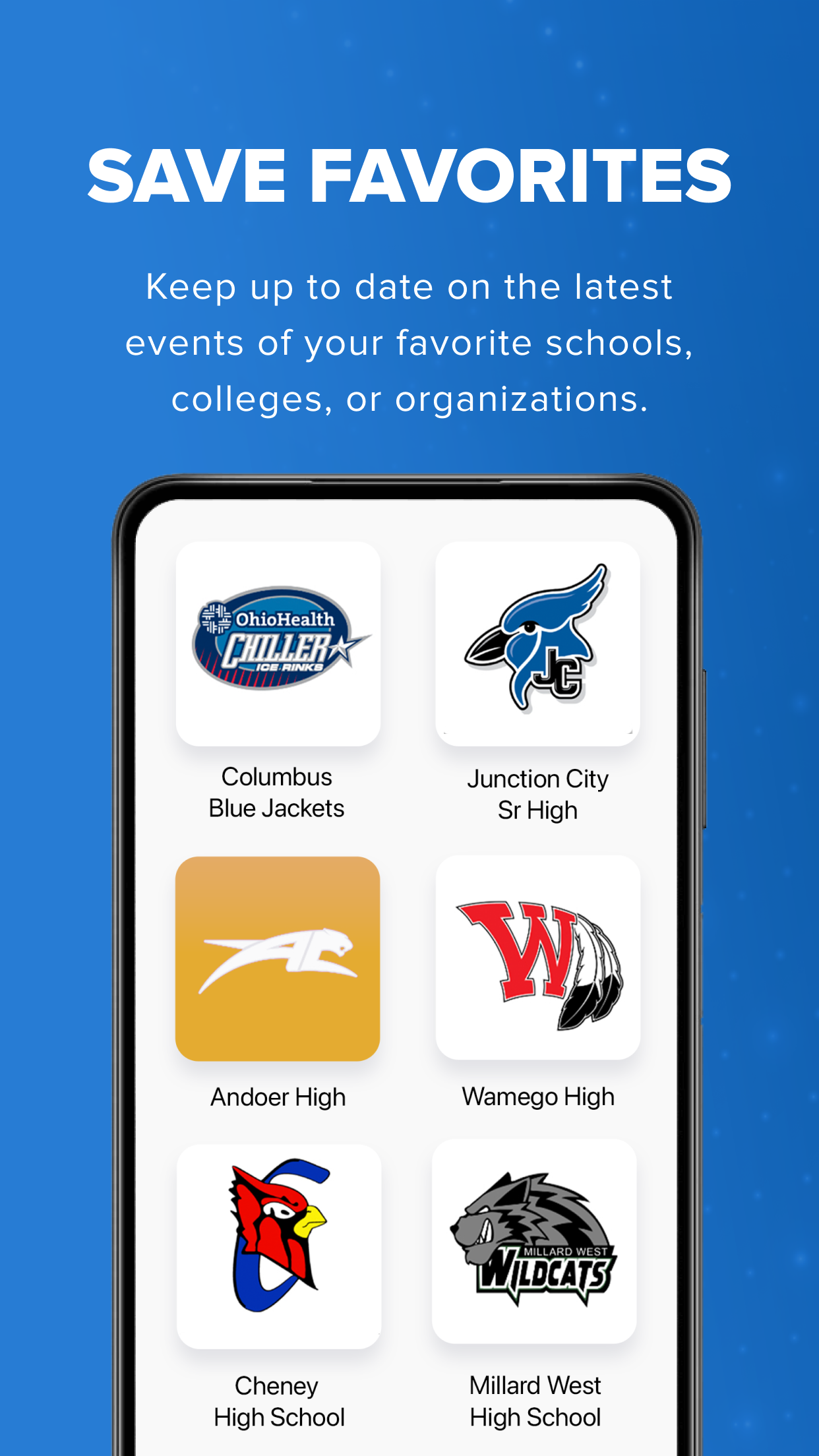
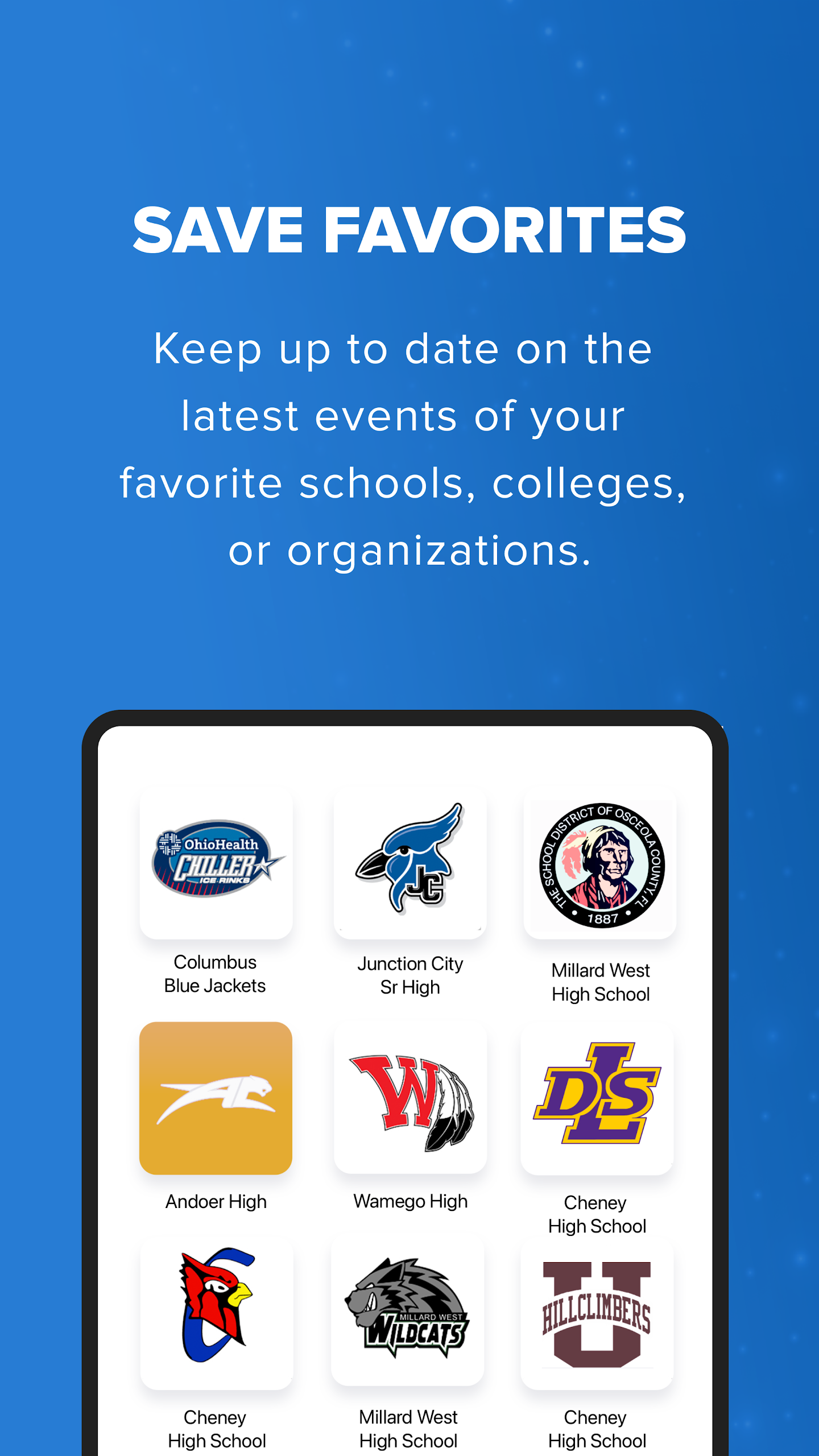
Save Favorites — follow schools/colleges/organizations for upcoming events
Cross-platform: iOS App Store + Google Play (Android packagecom.hometownticketing.tix.androidapp)
How to Use the Hometown Fan App:
The Hometown Fan app runs on a simple loop: search school → buy ticket → open Tickets tab → scan at gate.
Quick guide:
Install Hometown Fan from Google Play or Apple App Store.
Open the app and use the search bar to enter a school or organization name.
Pick the event — football game, volleyball match, theatre night, etc.
Select ticket type/quantity and complete checkout.
Go to the Tickets tab — the Hometown Fan app stores the digital ticket automatically.
At the venue, open the ticket and show the QR code to the gate scanner.
Tap the star/favorite on a school to see its future events faster.
Transfer tip:
The Hometown Fan app supports ticket transfer by phone/email; recipients do not need the app, but if they have it the ticket appears in their account.
Troubleshooting tip:
If tickets do not show, confirm you are logged in with the same phone number used at purchase, then refresh or update the Hometown Fan app.
Hometown Fan App FAQ:
Who develops the Hometown Fan app?
HomeTown Ticketing, Inc. — listed as the developer on Google Play and App Store.
Do I need an account password?
Fans usually access tickets with the phone number or email used at purchase and verify identity; the Hometown support page describes MFA-style verification rather than a fixed password login.
Where do my tickets go after purchase?
They are stored in the Tickets tab of the Hometown Fan app, and a confirmation email is also sent.
What if I can’t find my ticket in the app?
Make sure the app phone number matches the purchasing number, update the app, log out/in, or open events.hometownticking.com. At the gate, staff can look you up by name, phone, email, or ticket number.
Can I use the app without buying tickets in it?
Yes. You can also access Hometown tickets through the Events page or PDF email attachment; the Hometown Fan app is just the fastest place to store and scan them.
Is it for schools or just fans?
The Hometown Fan app is the fan-side app. Schools use Hometown Box Office/Gate tools separately — those admin features are not part of the fan app.
Why Install Hometown Fan:
Install the Hometown Fan app if your school, district, or local organization sells tickets through HomeTown Ticketing.
Best-fit users:
Parents buying Friday-night football tickets
Fans attending school theatre, band, or tournament events
Season-pass holders who want tickets in one place
Away-game fans searching by host school
Users who want QR scan-in instead of cash/card at the gate
- Version2.14.0
- UpdateOct 19, 2026
- DeveloperHomeTown Ticketing, Inc.
- CategoryEvents
- Requires AndroidAndroid 5.1+
- Downloads209K+
- Package Namecom.hometownticketing.tix.androidapp
- Signature162d3b24d6fe34359f399d9f82f37cef
- Available on
- ReportFlag as inappropriate
-
NameSizeDownload
-
9.80 MB
-
20.95 MB

















Convenient access to purchase tickets
Easy to set up and buy season passes
Digital ticket storage eliminates paper tickets
Immediate syncing of online purchases to the app
Effective for quick entry at events
Centralizes multiple tickets in one app
Allows sharing tickets with family members
Notifications for ticket updates or event changes
Frequent login issues and verification failures
Tickets often do not appear after purchase
Poor customer service responsiveness
Unreliable search function for events
High convenience fees on transactions
Limited or no offline access to tickets
Confusing user interface and experience
App crashes and technical malfunctions common
Lack of features like viewing ticket quantities or easy transfers