
GPS Maps Voice Navigation App - Voice-guided GPS Navigation
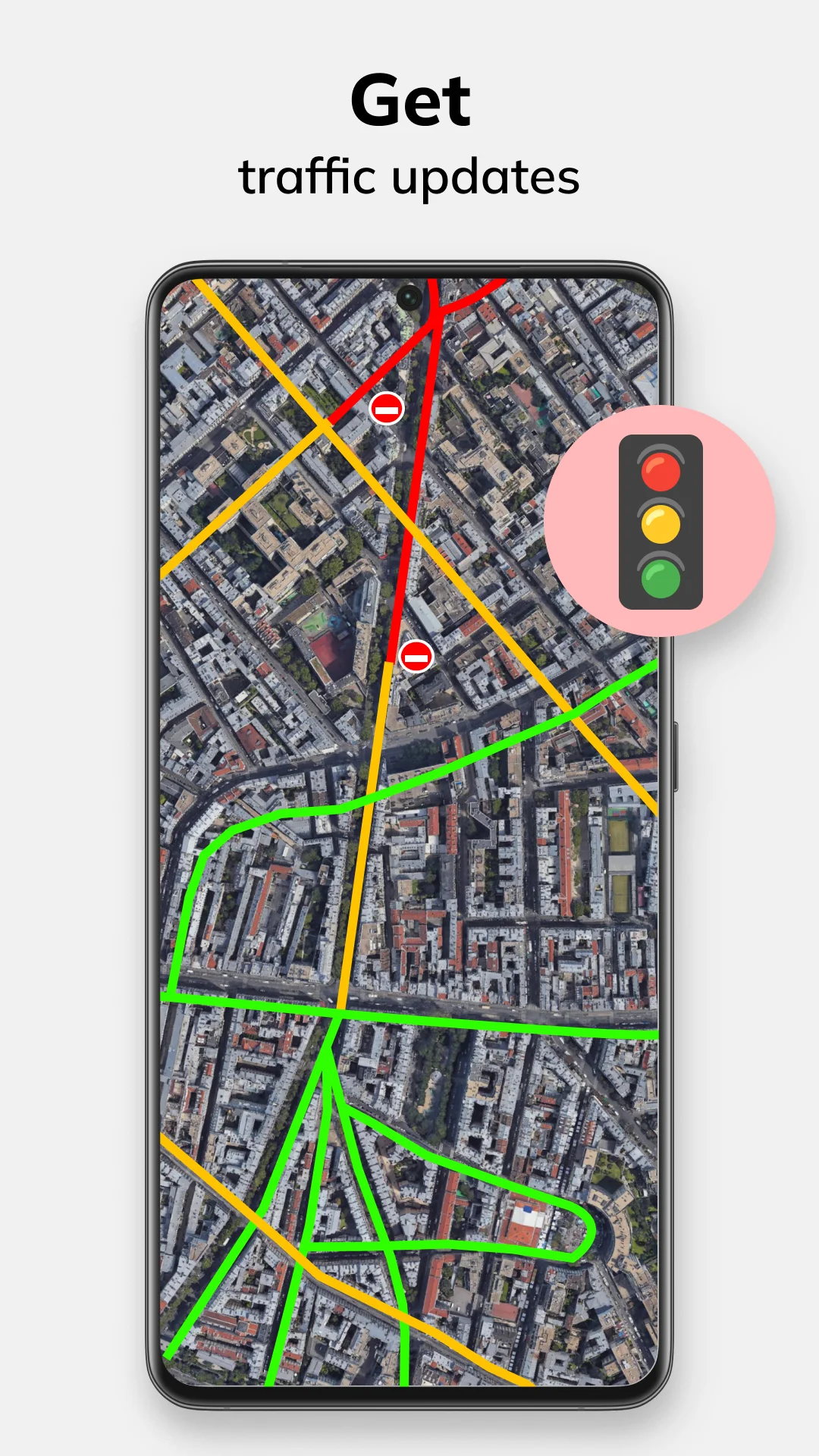
Experience effortless navigation with voice prompts, real-time traffic updates, and explore new places seamlessly.
- 2.1.0 Version
- 1.4 Score
- 2M+ Downloads
- In-app purchases License
- 3+ Content Rating

Core Functions
Map and Navigation Functions
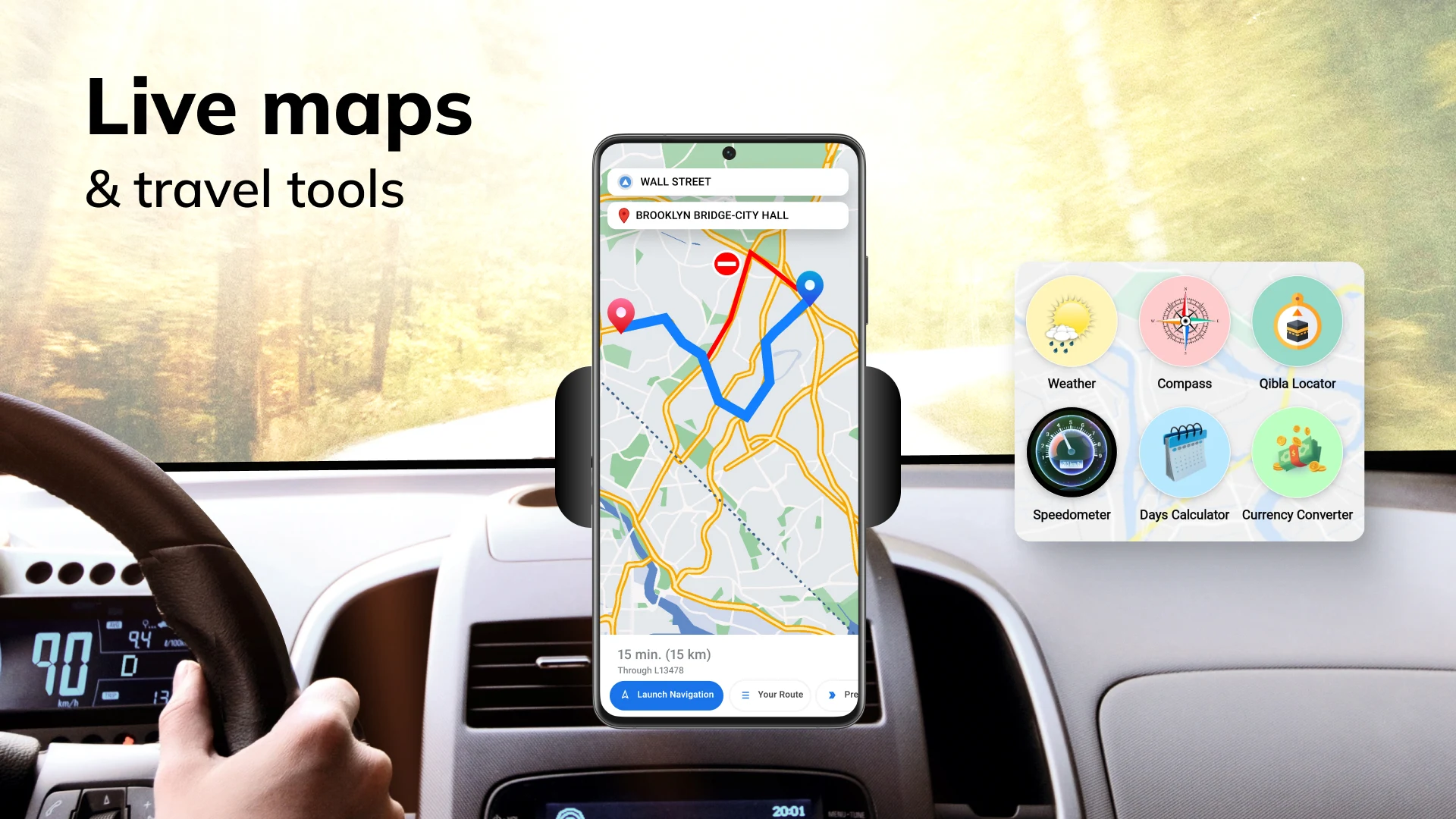
Offline Maps: Supports map downloads for over 200 countries and regions worldwide. Maps can be viewed and routes planned normally without a network connection, saving data usage.
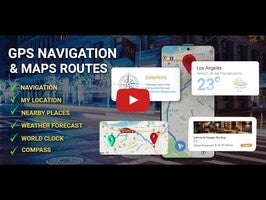
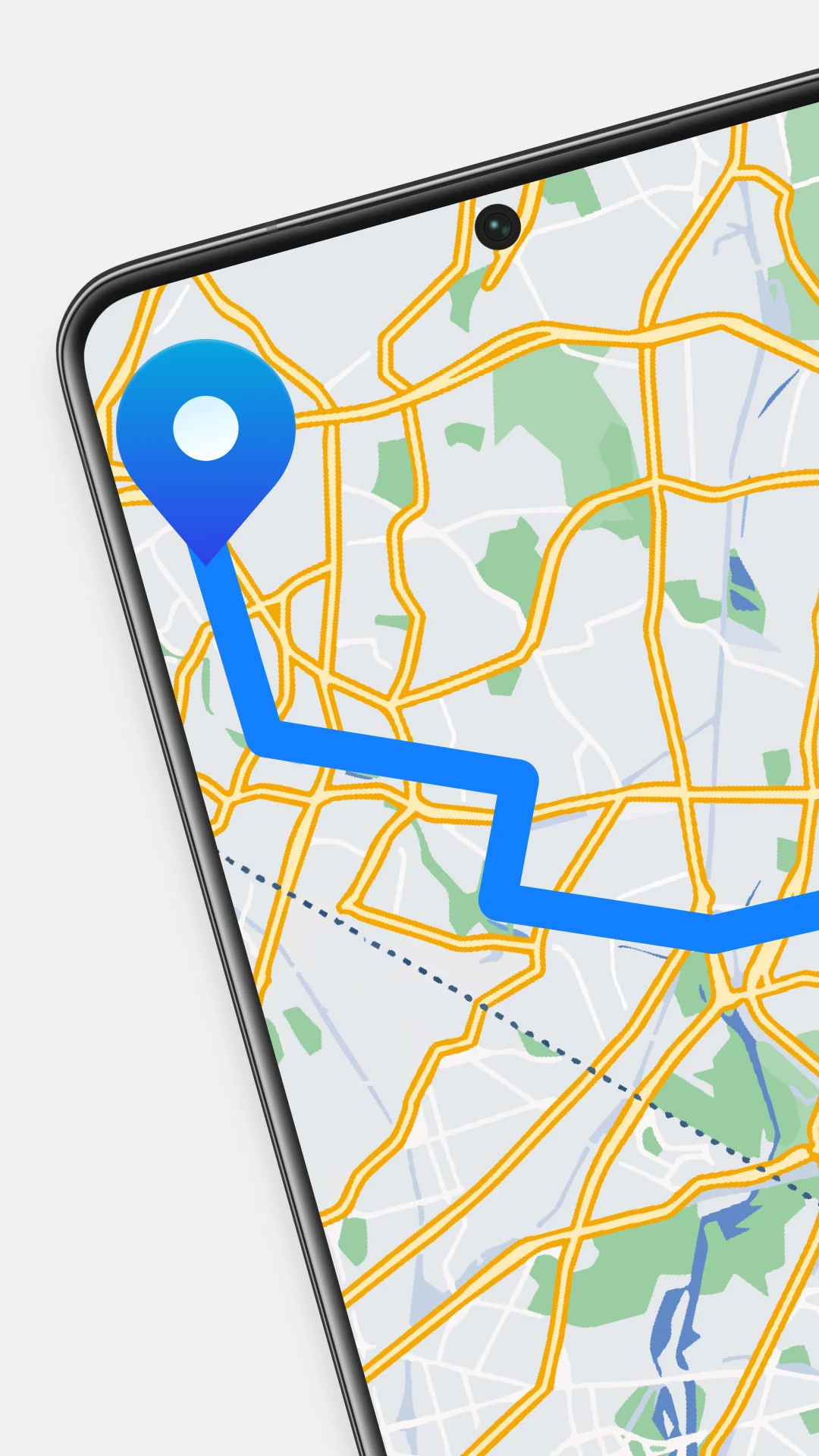
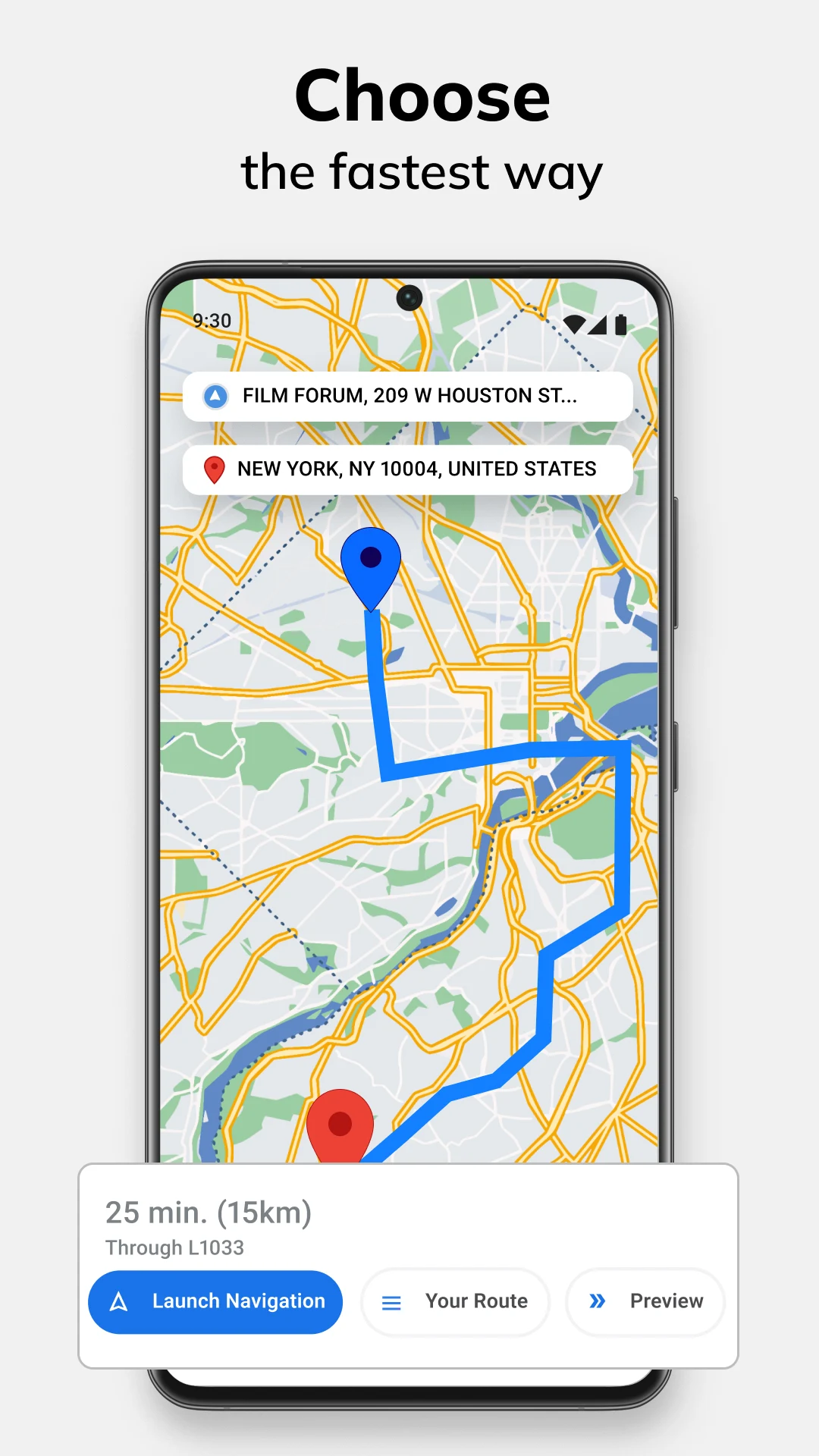
Real-Time Navigation: Updates traffic information (such as congestion and accidents) in real time and dynamically adjusts routes; provides lane-level guidance with precise prompts for turning intersections.
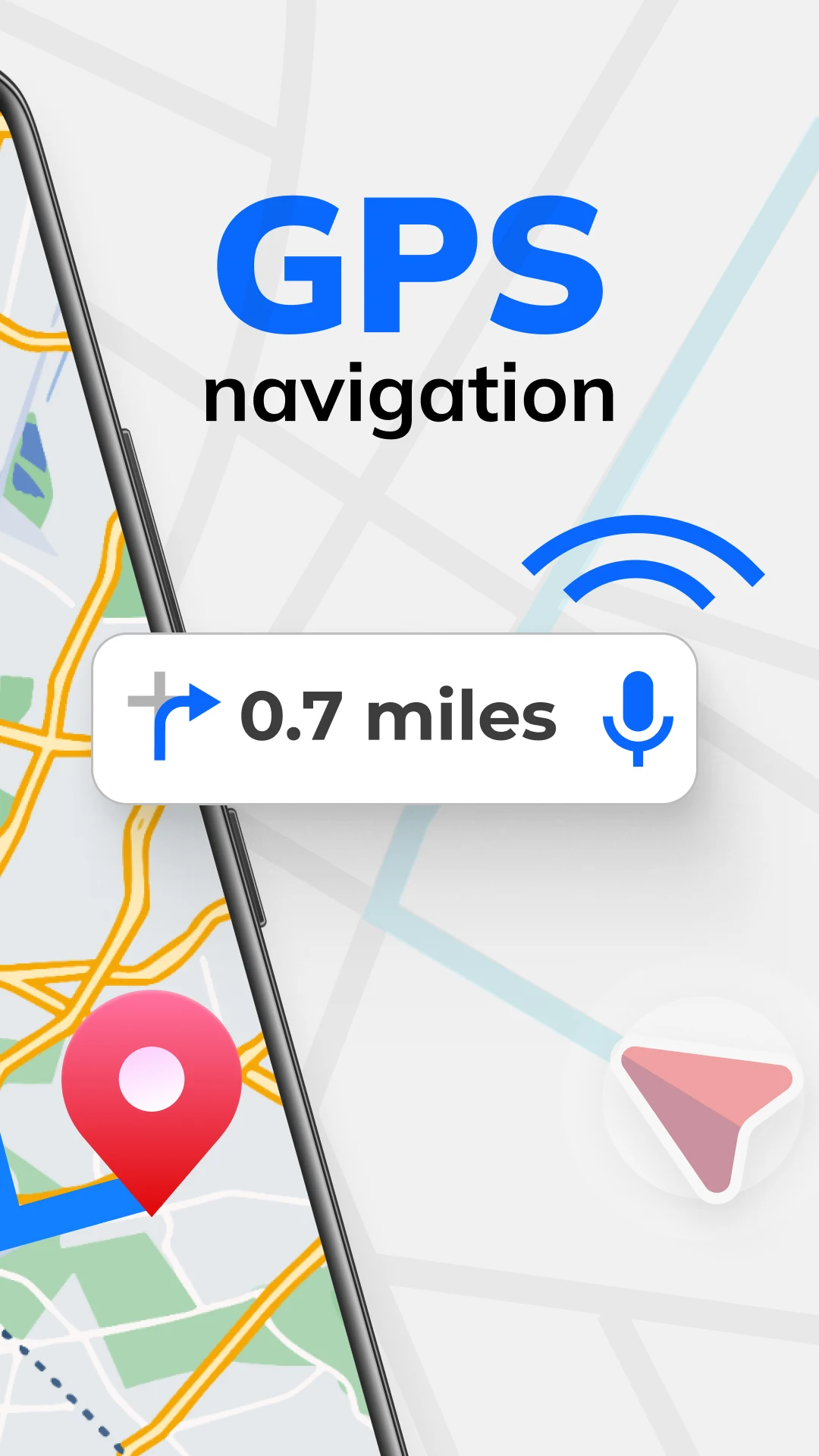
Voice Guidance: Supports voice broadcasts in more than 30 languages, including detailed information such as speed limit reminders, traffic light prompts, and estimated arrival time.
Travel Assistance Functions
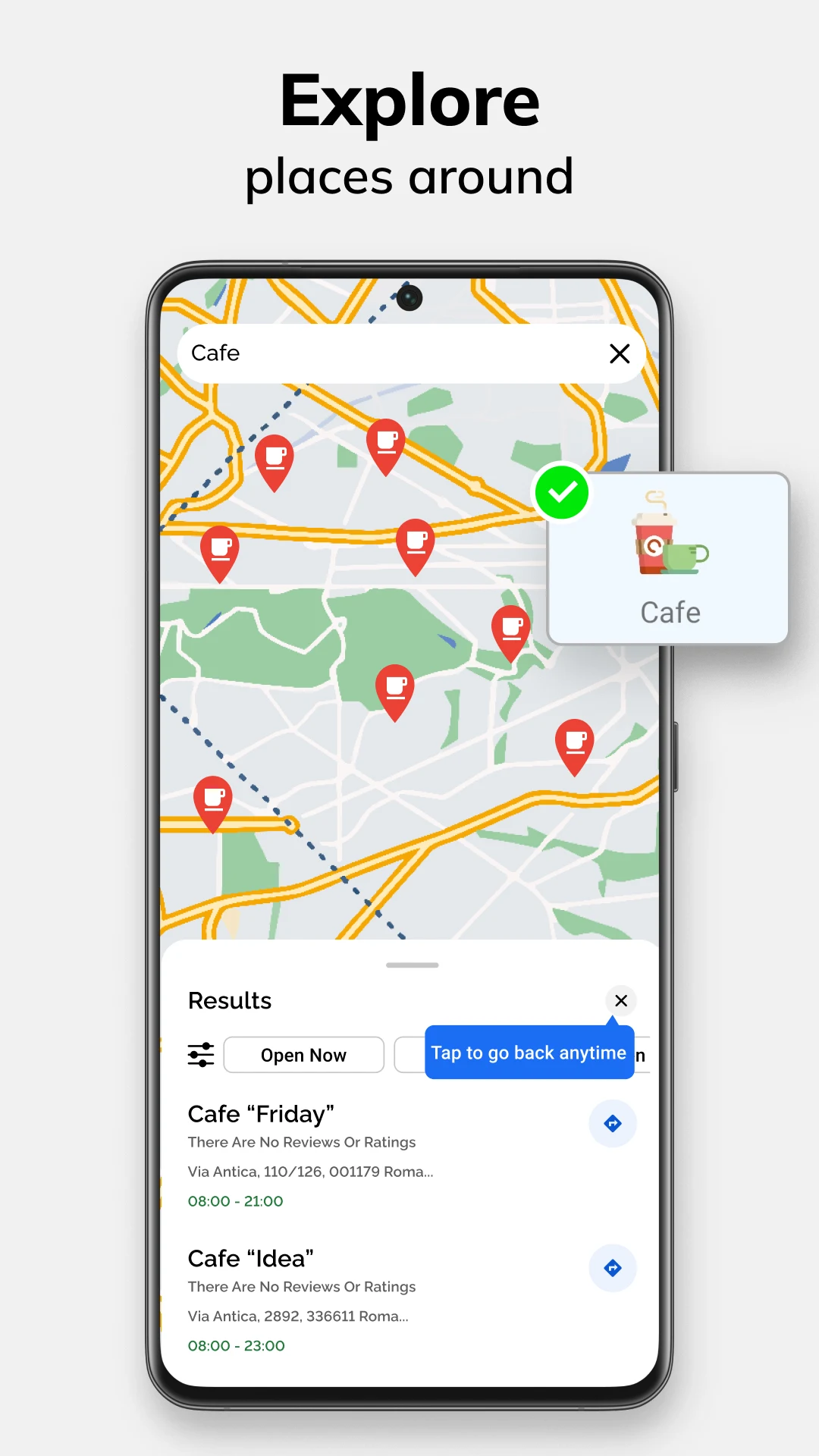
POI Search: Enables quick search for nearby points of interest such as gas stations, parking lots, restaurants, hotels, and scenic spots, with support for sorting by distance and rating.
Multi-Mode Route Planning: Covers four travel modes—driving, walking, cycling, and public transportation (in some cities)—and recommends the optimal route based on the scenario.
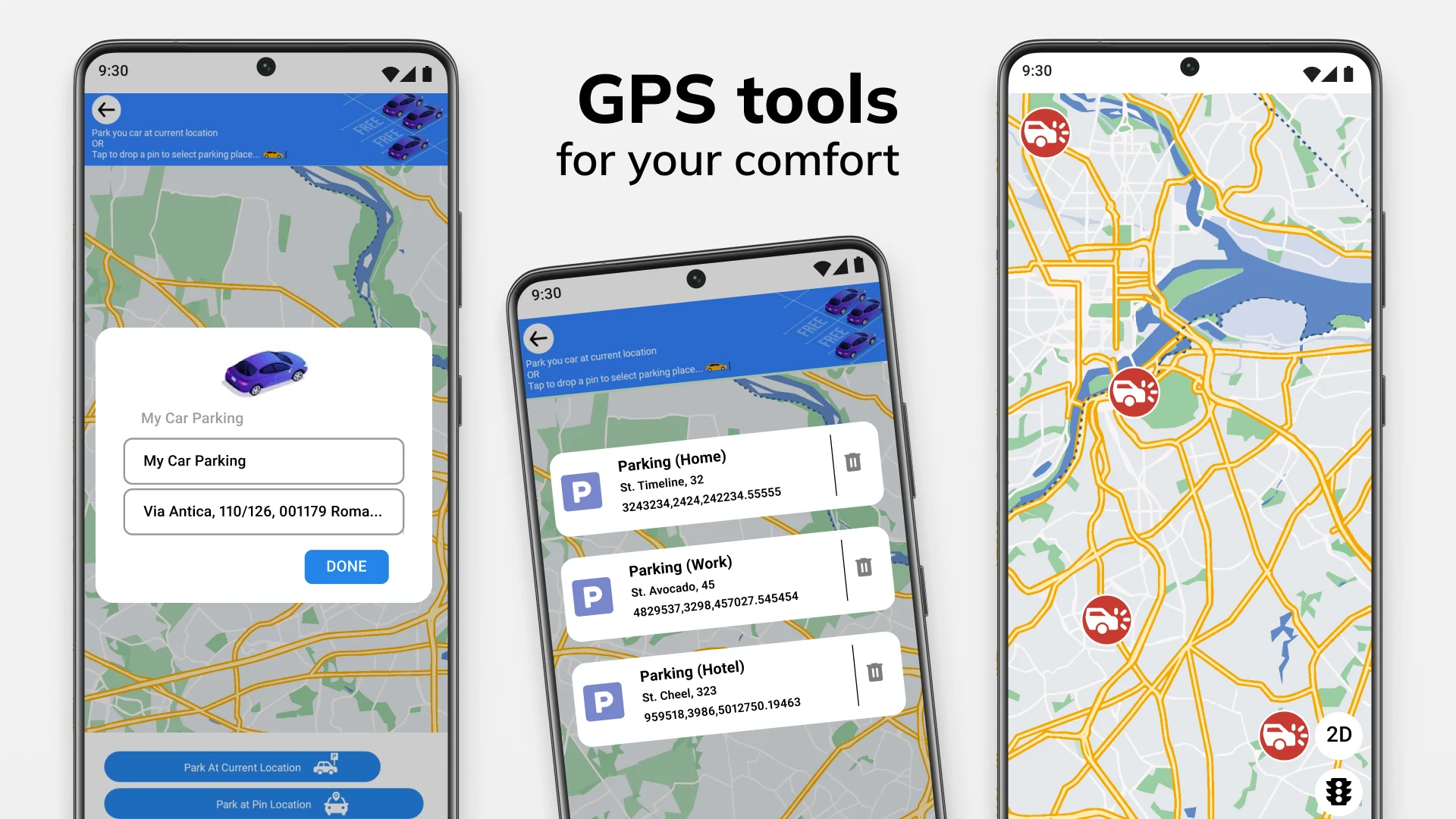
Route Management: Allows saving frequently used routes, marking destinations, and synchronizing them across multiple devices for convenient reuse.
Introducing the GPS Maps Voice Navigation Directions App
This app helps you reach your destination via the most direct and simple route. It features a voice-guided GPS system that provides turn-by-turn instructions customized to your vehicle type.
With multiple navigation modes—including driving (with traffic updates), cycling, and walking—the app ensures a more convenient, safer, and eco-friendly journey, tailored to your preferred GPS navigation method.
Why opt for the GPS Maps Voice Navigation Directions App?
✨ Turn-by-turn Navigation
This app features a turn-by-turn Map Route highlight that guides you towards your destination with auditory and visual prompts while you travel. You can use it for driving, walking, or biking anywhere in the world, making navigation significantly easier.
✨ Explore New Places
Utilize this app to discover new locations worldwide for dining, shopping, meeting friends, and exploring. Search for local restaurants, businesses, and nearby attractions to share with friends and family.
✨ Enhanced Location Accuracy
The precise location engine in this app continuously processes and filters GPS signals, ensuring accurate location tracking, even when traditional GPS signals are weak. Utilizing dead reckoning methods mitigates navigation disruptions, allowing for high accuracy and low latency, so that your location on the map remains aligned with your actual position, resulting in timely and reliable directions.
✨ Share Your Location
This app allows you to navigate easily and share your location with others via the GPS Navigation feature, keeping your friends and family informed about where you are.
✨ Digital Compass
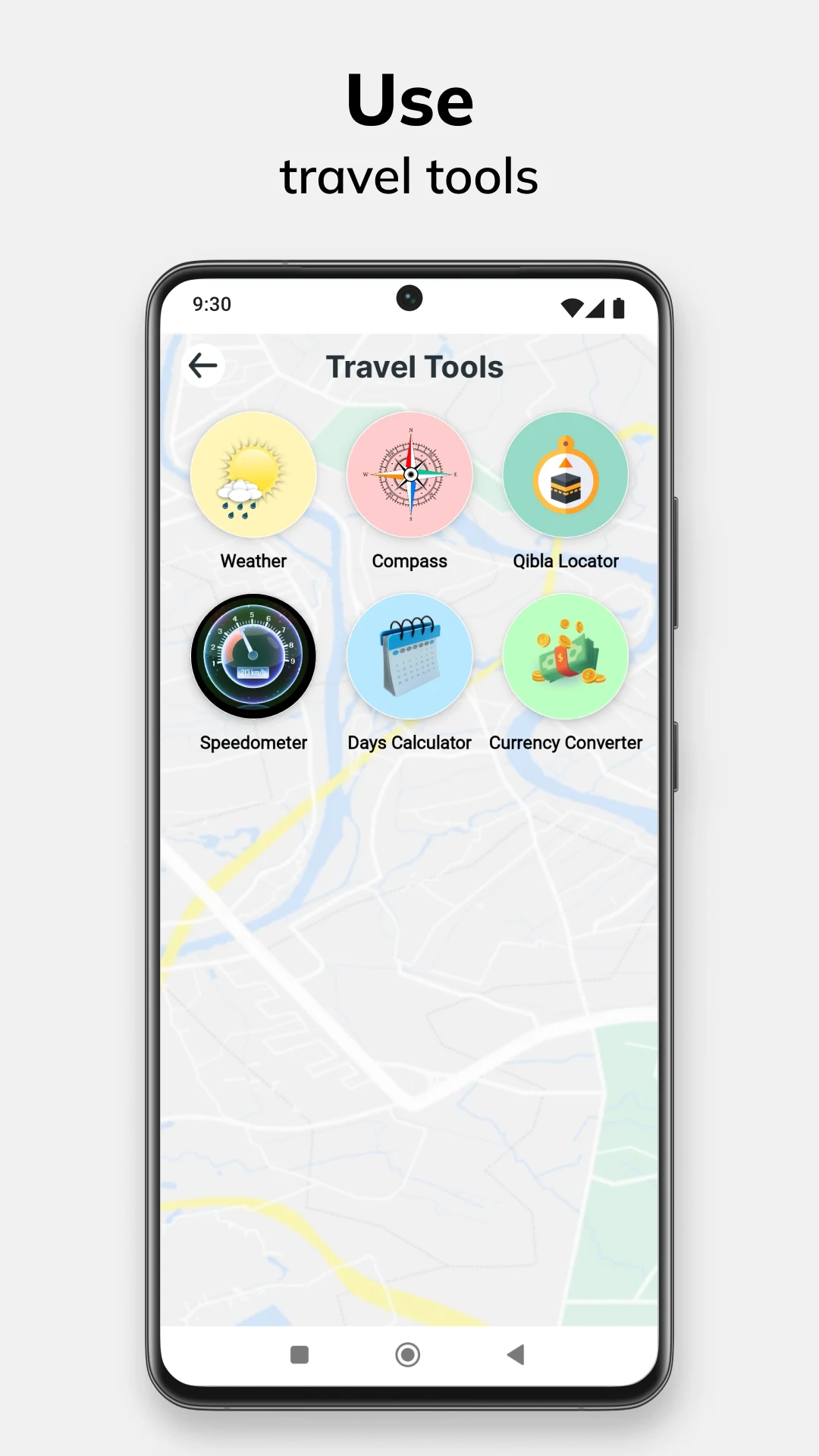
The app includes a digital compass feature for real-time GPS navigation, accessible through Maps, Camera, and Satellite views, giving you a clear perspective of your GPS location.
✨ Live 3D Maps
The app offers impressive 3D maps and live navigation visuals, enabling you to monitor your current location accurately within your surroundings with precision on 3D maps.
✨ Discover the 7 Wonders of the World
Explore the historical significance and geographical locations of the seven wonders of the world through this app.
✨ Weather Forecast
This app keeps you updated with weather forecasts during your travels. It provides current weather reports for the places you visit, helping you check the climate conditions before heading out to popular destinations.
What steps should you follow?
Download the GPS Maps Voice Navigation Directions App.
Select your exact location or utilize the auto-location feature.
Identify your destination.
Begin voice navigation.
Additionally, enjoy tools related to time, weather, compass, and nearby features.
Navigational Nirvana: My Experience with GPS Maps Voice Navigation Directions
From the moment I opened GPS Maps Voice Navigation Directions, I knew I had found the ultimate travel companion—its turn‑by‑turn voice guidance seamlessly directed me along the most efficient routes, sparing me from traffic snarls and wrong turns. I especially appreciated switching between driving, cycling, and walking modes, each offering tailored instructions that felt intuitively designed for my journey.
The app’s location engine kept my position rock‑solid, even through urban canyons where GPS signals typically falter, and the live 3D maps provided a crystal‑clear view of my surroundings. Sharing my real‑time location with friends was effortless, giving me peace of mind during solo travels, and the built‑in compass and weather updates ensured I was always prepared for the road ahead. Whether I’m exploring a new city’s hidden gems or simply commuting to work, GPS Maps Voice Navigation Directions has become indispensable—I genuinely can’t imagine navigating without it!
- Version2.1.0
- UpdateJul 15, 2025
- DeveloperGeniusTools Labs
- CategoryMaps & Navigation
- Requires AndroidAndroid 7.0+
- Downloads2M+
- Package Namecom.abl.gpstracker.navigation.maps.routefinder.app
- Signature4c008f0046a138af1230100ff2479302
- Available on
- ReportFlag as inappropriate


















Accurate positioning and reliable navigation
Real-time traffic conditions and multi-dimensional information
Data flow and power consumption
Offline functionality limitations