
German Italian Translator - German & Italian Translator
Translate German & Italian instantly with offline support, voice input, & dark mode for effortless communication anytime.
- 3.4.7 Version
- 2.0 Score
- 162K+ Downloads
- Free License
- 3+ Content Rating

German-Italian Translator
1. App Overview
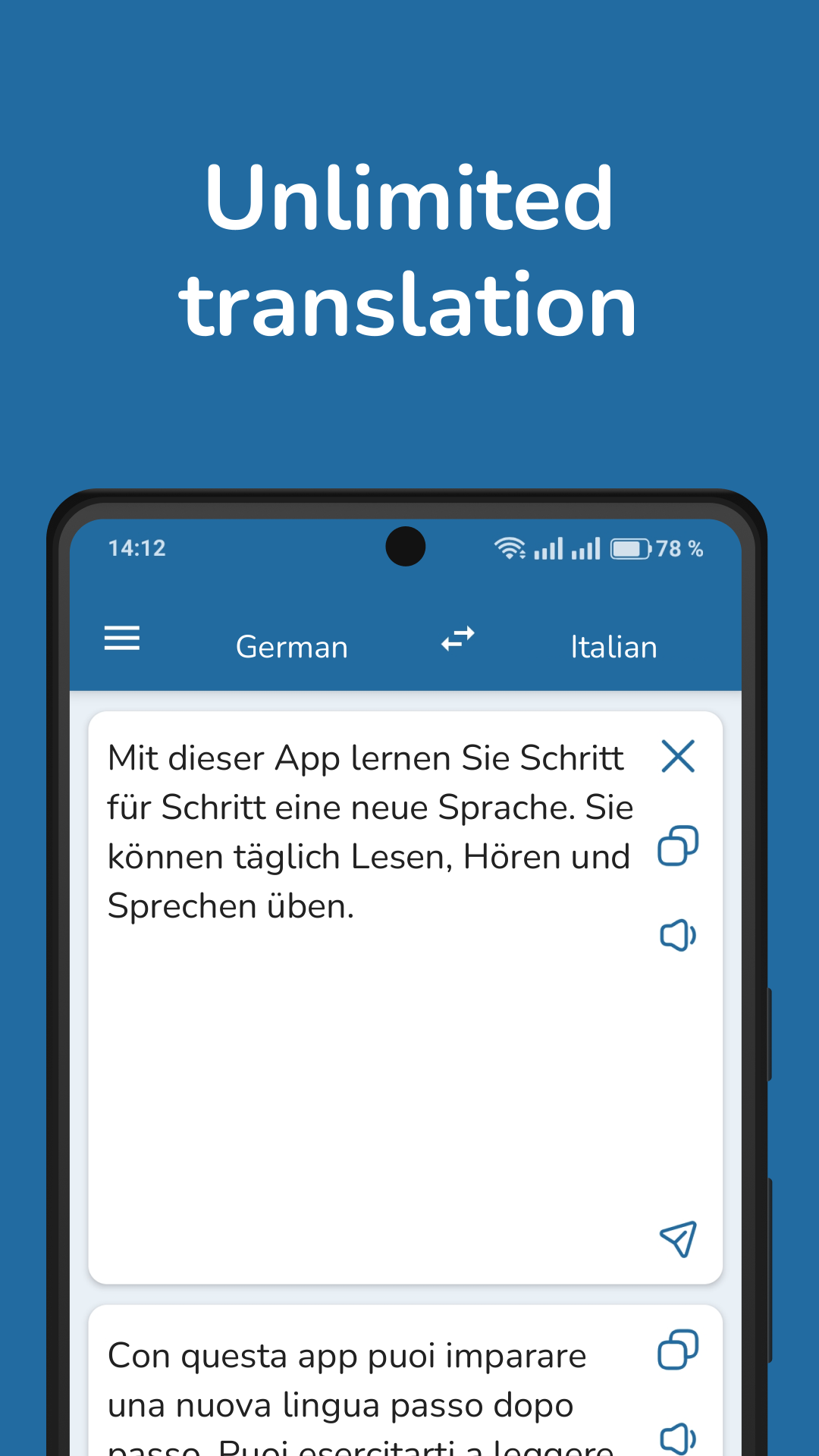
German-Italian Translator is a translation app for communication between German and Italian speakers. It supports text translation, voice input, speech recognition, and optical character recognition (OCR), allowing users to translate written or spoken content and extract text from images. It is suitable for everyday conversations, travel, reading, and language learning.
The app also supports offline text translation. Users can download the German-Italian language package in advance to translate text without an internet connection. A built-in bilingual dictionary provides word definitions, and audio playback is available for checking the pronunciation of supported words and phrases.
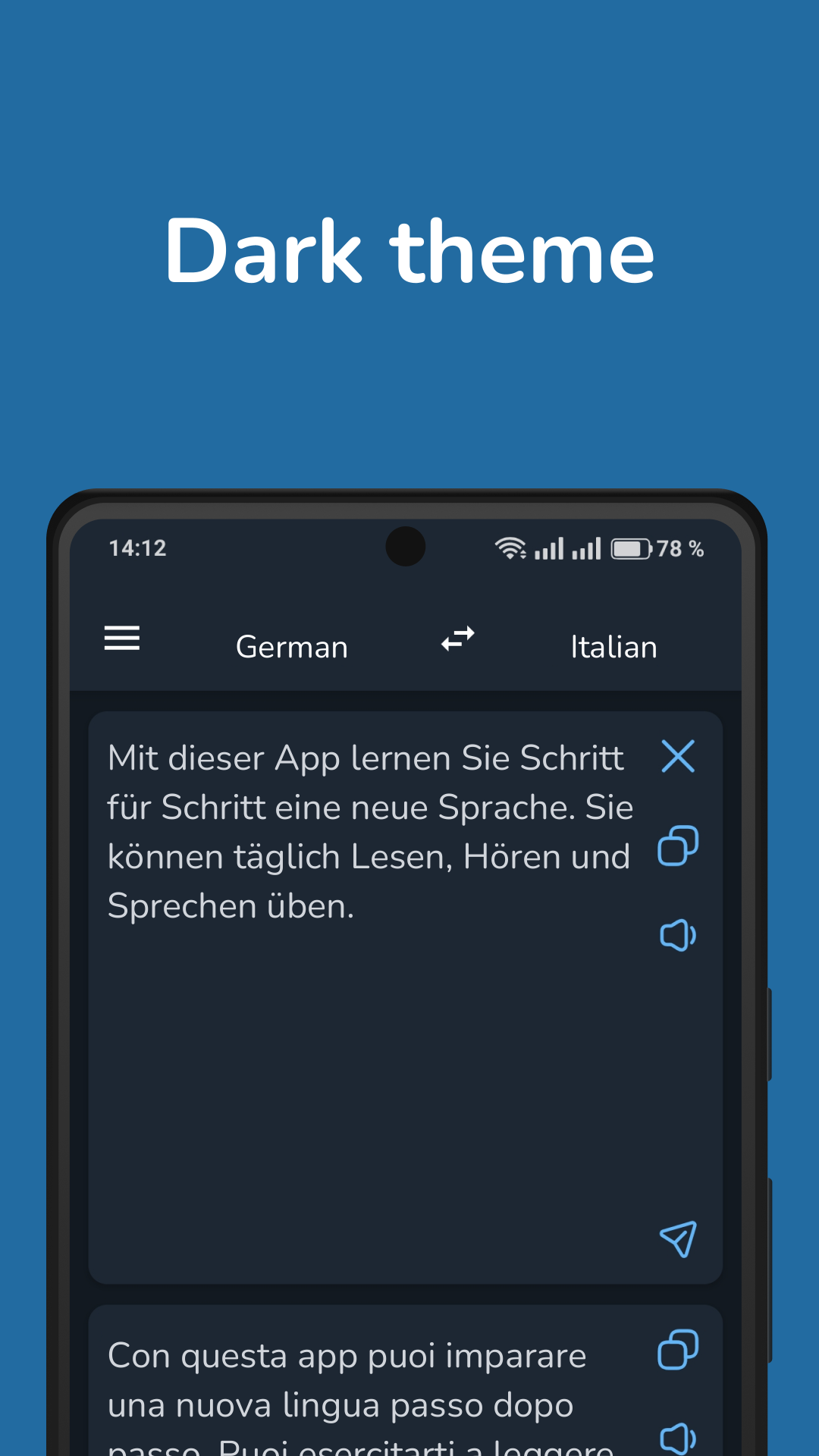
Additional options include dark mode and a setting that prevents translation results from being saved.
2. Key Features
Two-Way Translation: Translate words, phrases, and sentences between German and Italian
Offline Translation: Download the language package for text translation without an internet connection
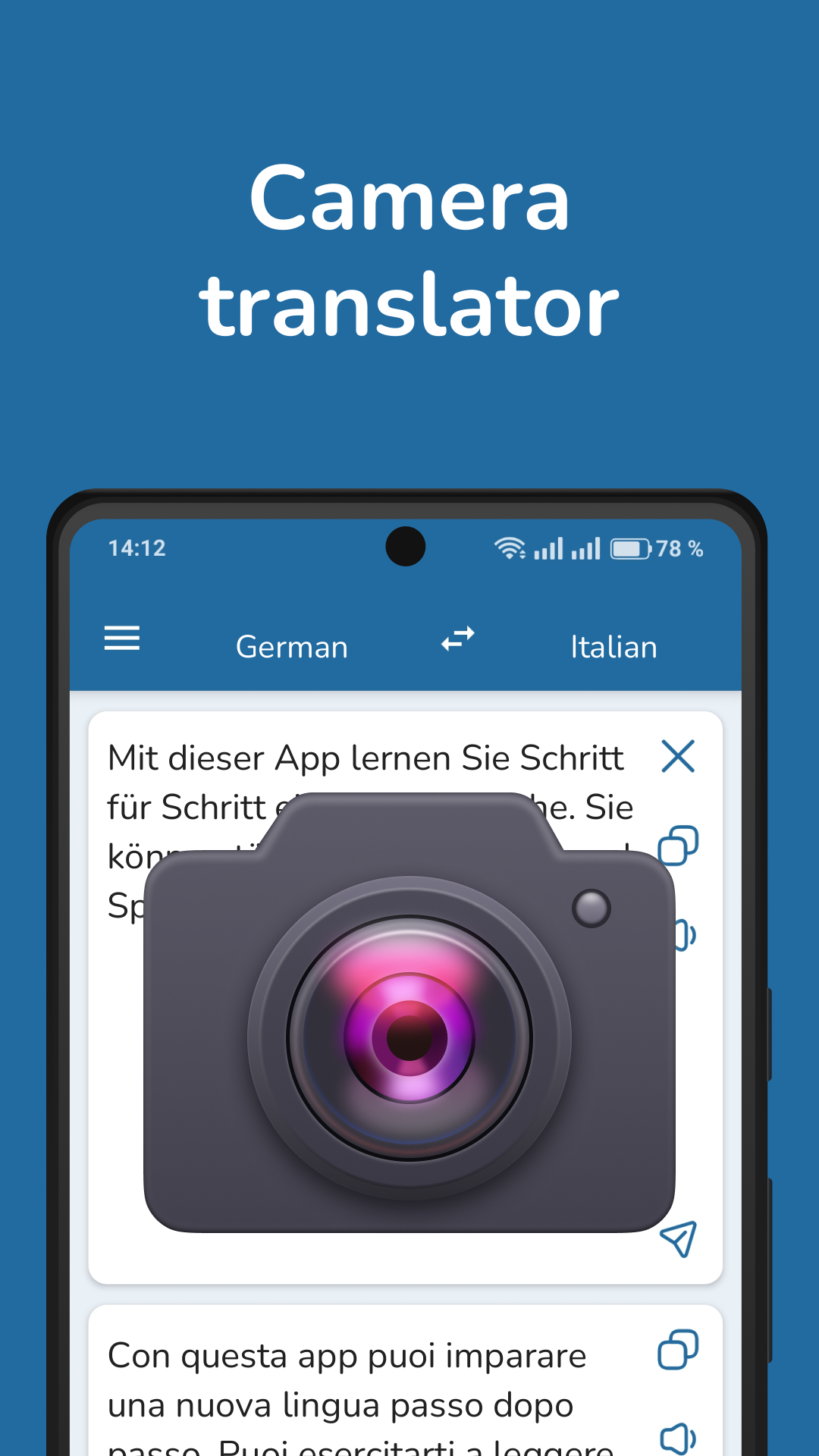
OCR Translation: Extract and translate text from photos and images
Voice Input: Recognize spoken German or Italian and convert it into text for translation
Pronunciation Playback: Listen to supported words and translated phrases
Bilingual Dictionary: Look up German and Italian vocabulary and definitions
Dark Mode: Use a darker interface in low-light environments
Translation Privacy: Disable the saving of previous translation results
3. How to Use
Download the Language Package: Connect to the internet and download the German-Italian language package before using offline translation.
Translate Text: Enter or paste text, select the target language, and view the translated result.
Translate Images: Use the camera or image recognition function to capture text from menus, signs, and other printed materials.
Use Voice Input: Tap the microphone icon and speak in German or Italian to convert speech into text for translation.
Check Word Meanings: Search for unfamiliar vocabulary in the built-in dictionary and use audio playback to hear supported pronunciations.
Enable Dark Mode: Open the settings and switch to dark mode to change the interface appearance.
4. User Experience
The different input methods accommodate both written and spoken communication. Text entry works for messages and longer passages, while voice input is suited to conversations. OCR is useful when translating printed information without manually typing it.
Offline text translation is especially useful when traveling in Germany or Italy without reliable internet access. The dictionary and pronunciation playback also provide quick access to word meanings and spoken forms.
One limitation is the lack of a translation history. Once a translation is no longer displayed, users cannot reopen it from a history list and must enter the original text again. The option to prevent translations from being saved may also appeal to users who prefer not to retain previous results.
5. Frequently Asked Questions
Q1: Can I translate German and Italian offline?
Yes. Download the German-Italian language package while connected to the internet. You can then translate supported text offline.
Q2: Can I translate text from a picture?
Yes. The OCR feature recognizes text in photos and images before translating it. Clearly printed text is generally easier to recognize than handwriting.
Q3: Does the app support voice translation?
Yes. Tap the microphone icon and speak in German or Italian. The app recognizes your speech and translates the resulting text.
Q4: Does German-Italian Translator include a dictionary?
Yes. The built-in dictionary supports German-Italian and Italian-German word lookups. Audio pronunciation is available for supported entries.
Q5: How do I enable dark mode?
Open the app settings and switch on dark mode to change the interface to a darker appearance.
Q6: Can I view my previous translations?
No. The app does not provide a translation history, so previous results cannot be reopened after they are cleared or replaced.
- Version3.4.7
- UpdateNov 10, 2026
- DeveloperPro Languages
- CategoryEducation
- Requires AndroidAndroid 5.0+
- Downloads162K+
- Package Namecom.vertaler.deit
- Signature5bcc3013798e0a7a49d6863230c3a597
- Available on
- ReportFlag as inappropriate
-
NameSizeDownload
-
4.99 MB
-
4.95 MB
-
4.84 MB











Strong scene adaptability
Privacy guaranteed
Offline preparation required in advance
Limitations exist in recognition functionality
Document translation is inconvenient