
高德地圖 - Maps & navigation
Navigate with ease, discover nearby attractions, and avoid traffic jams.

- 16.03.0.2025 Version
- 2.9 Score
- 6M+ Downloads
- In-app purchases License
- 3+ Content Rating

Gaode Maps
App Overview
Gaode Maps, also known as Amap, is a navigation and location services app developed for China. It combines digital maps, route planning, real-time traffic information, and travel services for everyday journeys and longer trips.
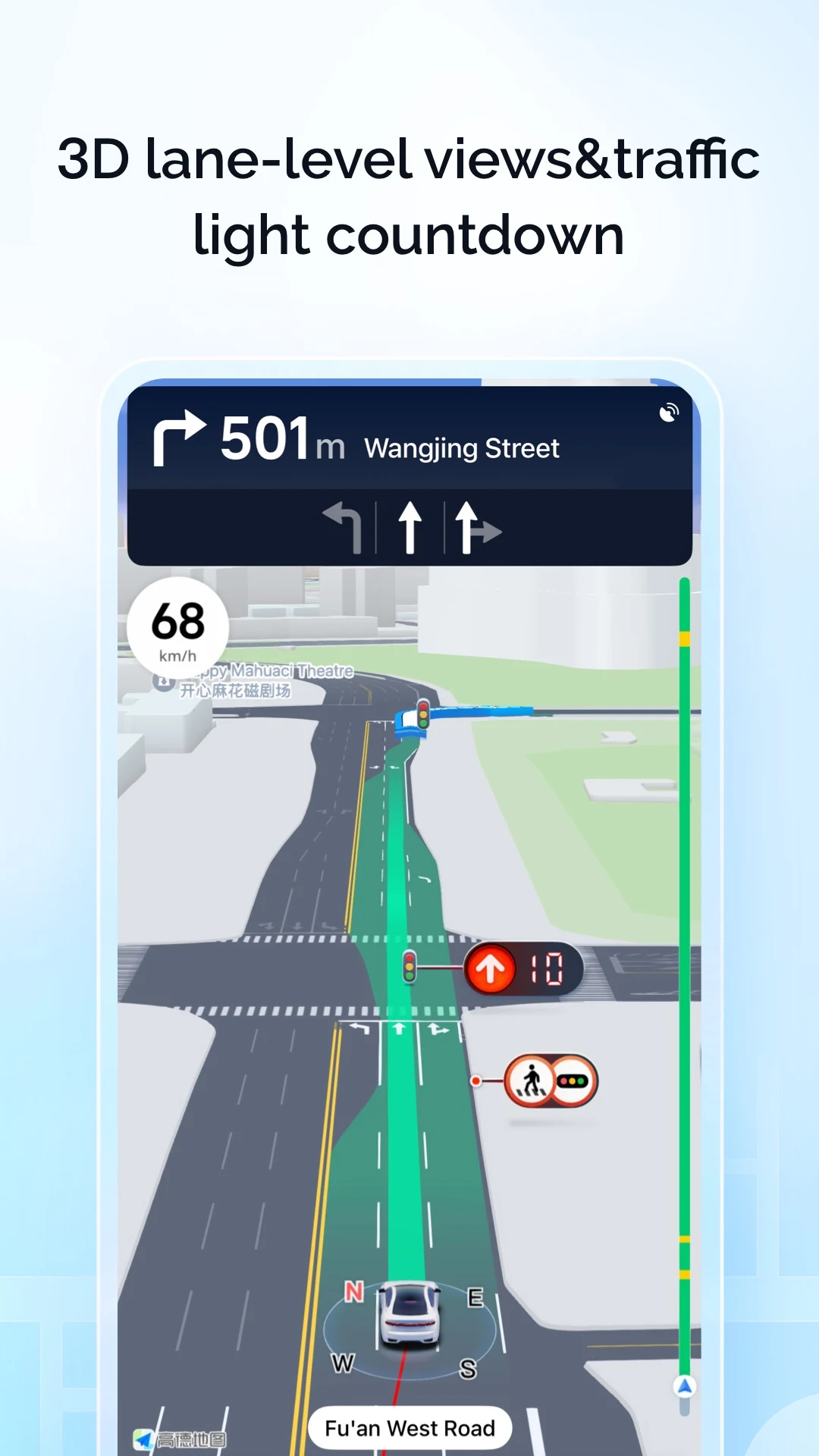
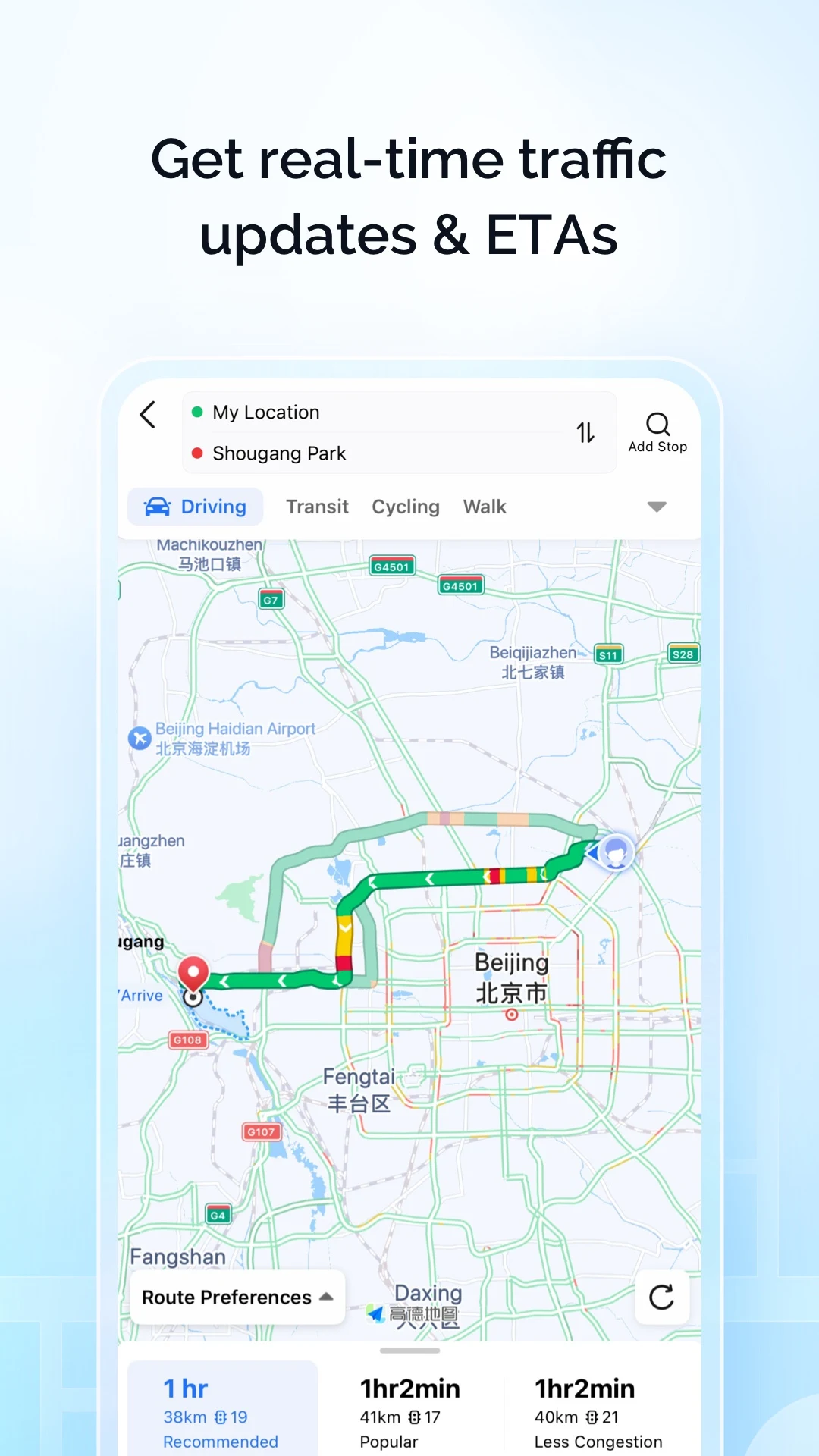
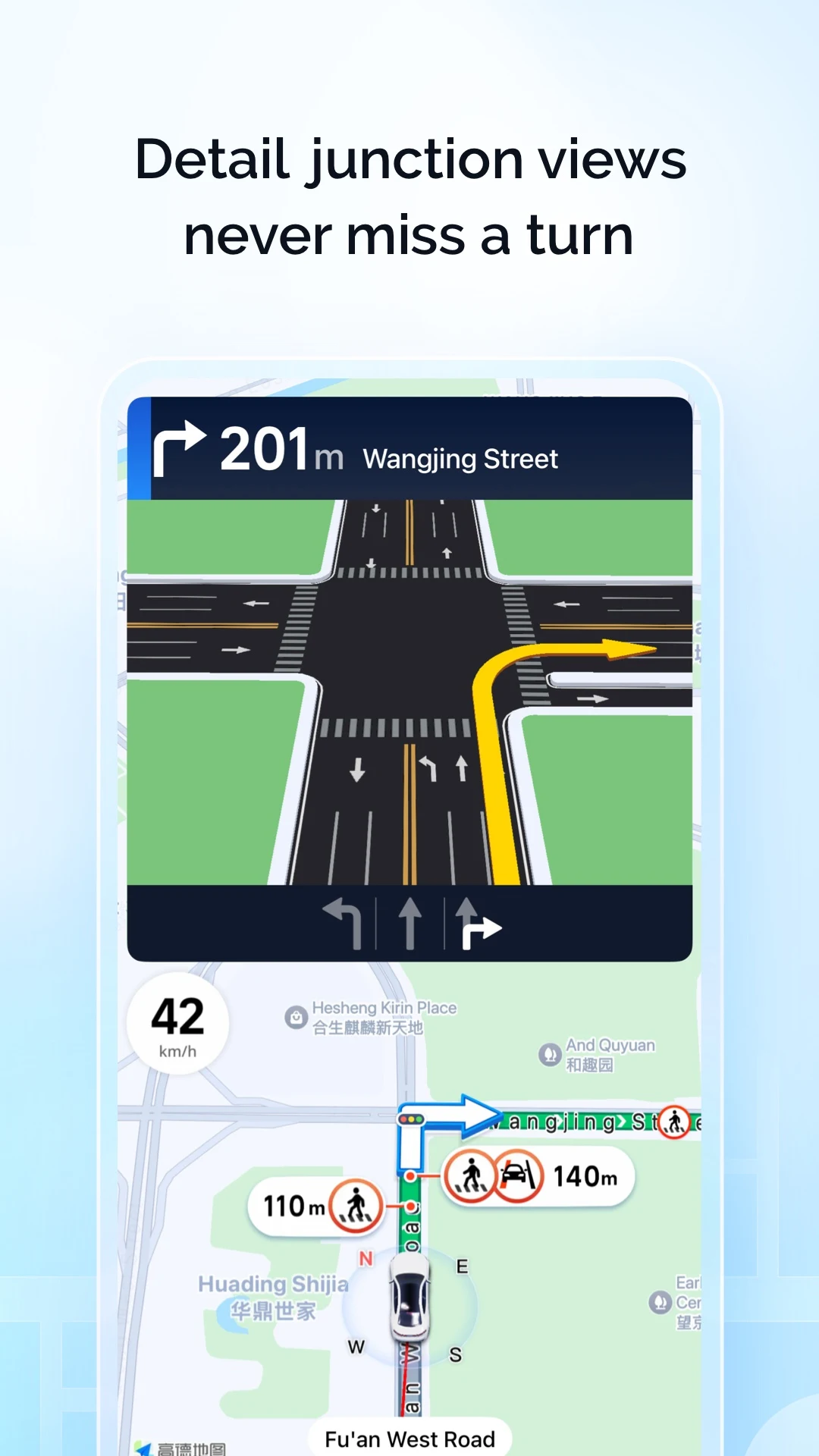
The app supports driving, public transportation, cycling, and walking, with route comparisons, estimated arrival times, and voice-guided directions. Drivers can also monitor live traffic conditions and choose alternative routes when necessary.
Beyond navigation, Gaode Maps integrates ride-hailing, hotel bookings, attraction tickets, and nearby business searches. It also displays practical locations such as fuel stations and electric vehicle charging points, making it a comprehensive platform for transportation and location-based services in China.
Key Features
1. Multi-Mode Navigation and Route Planning
• Supports route planning for cars, taxis, buses, bicycles, motorcycles, trucks, and electric vehicles
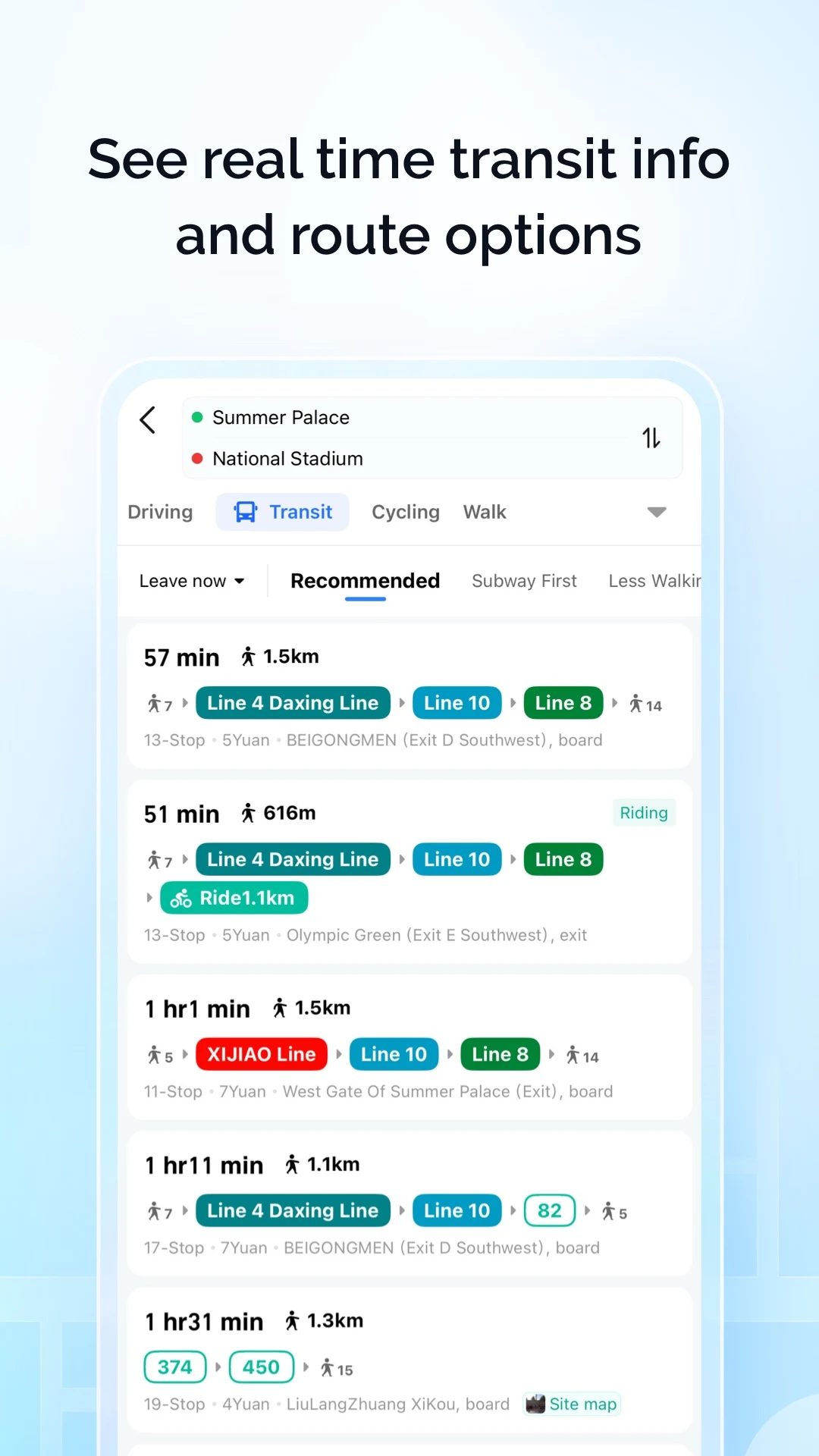
• Provides walking directions and public transportation routes
• Displays estimated arrival times, traffic conditions, and alternative routes
• Offers voice-guided navigation and the Hello Aide voice assistant
• Supports group travel through real-time location sharing and in-app voice communication
• Includes additional navigation voice packs featuring celebrities such as Wang Hedi and Li Xueqin
2. Integrated Ride-Hailing
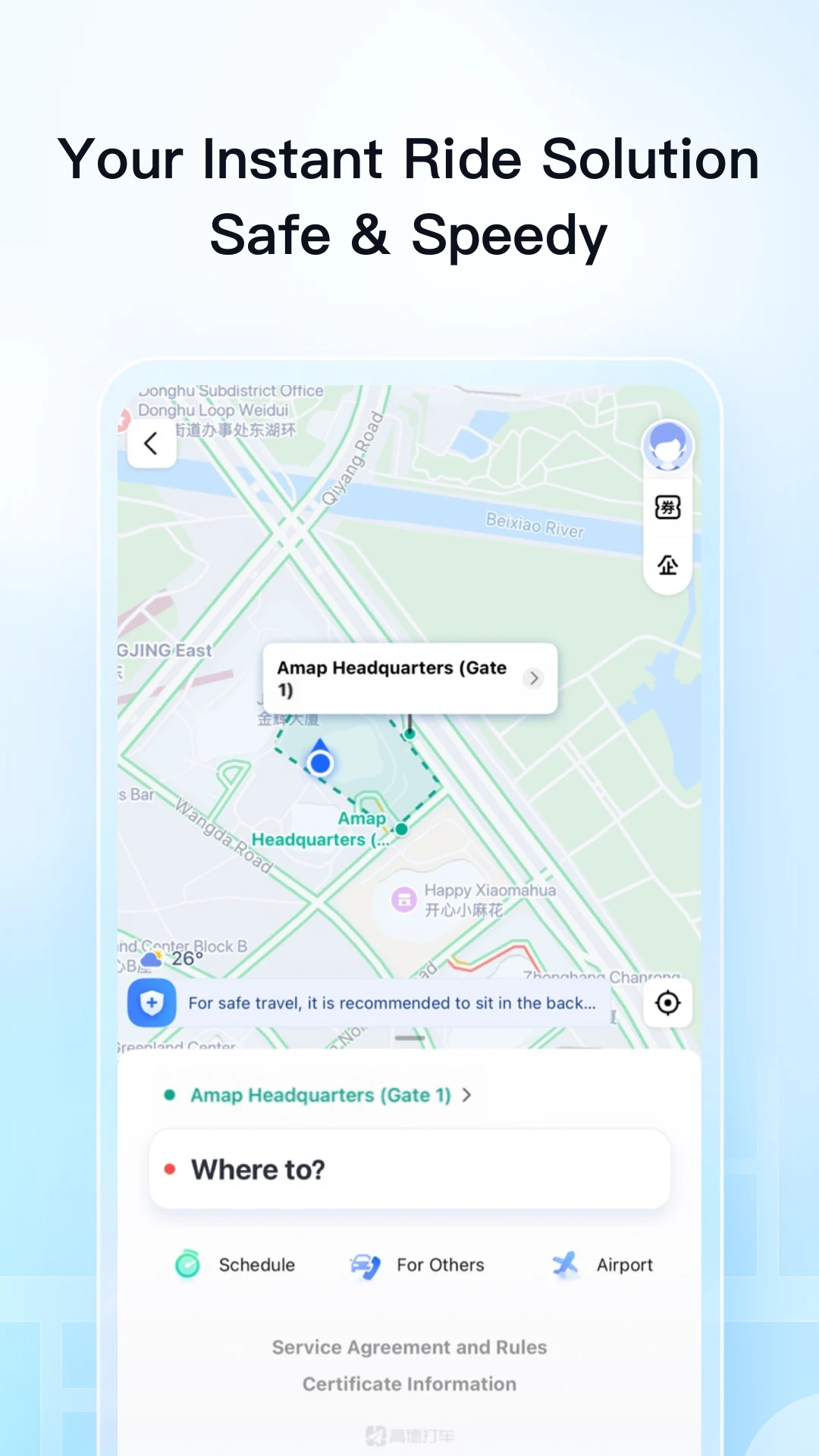
• Connects multiple ride-hailing providers through a single interface
• Compares available vehicle options and fares from different providers
• Allows users to arrange rides without switching between separate apps
3. Public Transit Information
• Locates nearby bus stops and subway stations
• Displays estimated bus arrival times
• Provides bus and subway route recommendations, including transfer information
• Shows connections for journeys involving multiple transportation services
4. Travel and Nearby Services
• Compares hotel prices across multiple booking platforms
• Supports attraction reservations and ticket management, including refunds for eligible bookings
• Displays nearby restaurants, coffee shops, retail stores, and other businesses
• Locates fuel stations and EV charging points along driving routes
5. Extensive Mapping and Location Coverage
Gaode Maps maintains extensive geographic and points-of-interest data covering cities and destinations throughout China. Its published platform statistics include more than 70 million points of interest (POIs) and over 35 million address records.
The platform also provides real-time traffic information across 95% of prefecture-level cities. This mapping coverage supports its navigation, route planning, and location search functions.
How to Use Gaode Maps
1. Open Gaode Maps and enter an address, business name, landmark, or destination in the search bar.
2. Select the correct search result to view its location on the map.
3. Choose a transportation mode, such as driving, public transit, cycling, or walking.
4. Compare the suggested routes, estimated travel times, and traffic conditions.
5. Tap the navigation button to start your journey and follow the on-screen directions or voice guidance.
For additional services, use the relevant sections to book rides, compare hotel prices, reserve attraction tickets, or search for nearby businesses and vehicle services.
FAQs
Gaode Open Platform FAQs
These questions relate to developer services and account operations on the Gaode Open Platform, rather than regular map navigation.
1. Why am I not receiving an SMS or email verification code?
For SMS verification, check your phone signal and make sure message-blocking settings or third-party filtering apps are not preventing delivery. If the problem persists, contact your mobile carrier.
For email verification, check your spam folder and consider adding the @autonavi.com domain to your email whitelist. You can also try another email address.
2. Why does my order show "Order has timed out" when I try to pay?
Orders on the Gaode Open Platform must be paid within seven days of creation. Once this period expires, the original order can no longer be paid.
Submit a new order and complete the payment within the required period.
3. What should I do if my bank card was charged but the order still shows "Unpaid"?
Payment confirmation may be delayed by network issues or transaction processing. Wait a few minutes and check the order status again.
If the order remains unpaid after a successful charge, the platform generally processes an automatic refund on the second working day. If the refund is not received, submit a support ticket through the platform.
Regular App FAQs
4. Can Gaode Maps continue voice navigation in the background?
Yes. Driving, walking, and public transportation navigation can continue when the app runs in the background. The app uses satellite positioning systems, including BeiDou, for location tracking.
Continuous background location access may increase battery consumption during longer journeys.
5. Does Gaode Maps support Apple Health integration?
Yes. Gaode Maps supports Apple HealthKit integration for compatible features and can retrieve step-count information after the necessary permissions are granted.
You can manage or revoke these permissions through your Apple Health settings.
- Version16.03.0.2025
- UpdateNov 12, 2026
- Developer高德地图
- CategoryTravel & Local
- Requires AndroidAndroid 5.0+
- Downloads6M+
- Package Namecom.autonavi.minimap
- Signature149eaee694ddac222b9893532cb39a73
- Available on
- ReportFlag as inappropriate
-
NameSizeDownload
-
160.86 MB
-
160.71 MB
-
164.45 MB

















Provide real-time traffic flow and road condition information
Provide high positioning accuracy
Traffic information and map data will be updated regularly
Some map data and commercial information may be updated with a certain delay