
GA DCSS - Child support management & access
Easily manage child support cases with payments, document uploads, and timely notifications all in one app!

- 5.1.3 Version
- 2.7 Score
- 186K+ Downloads
- Free License
- 3+ Content Rating

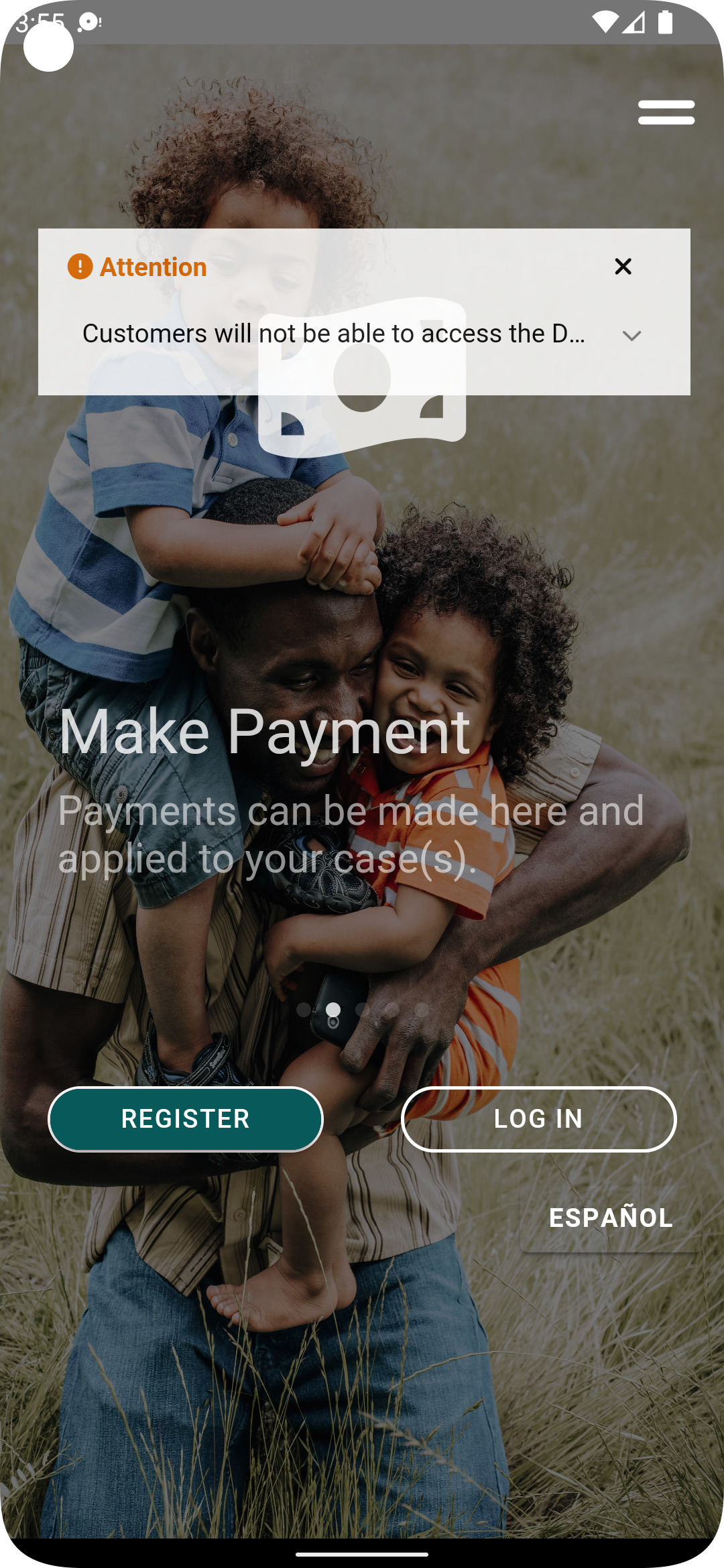
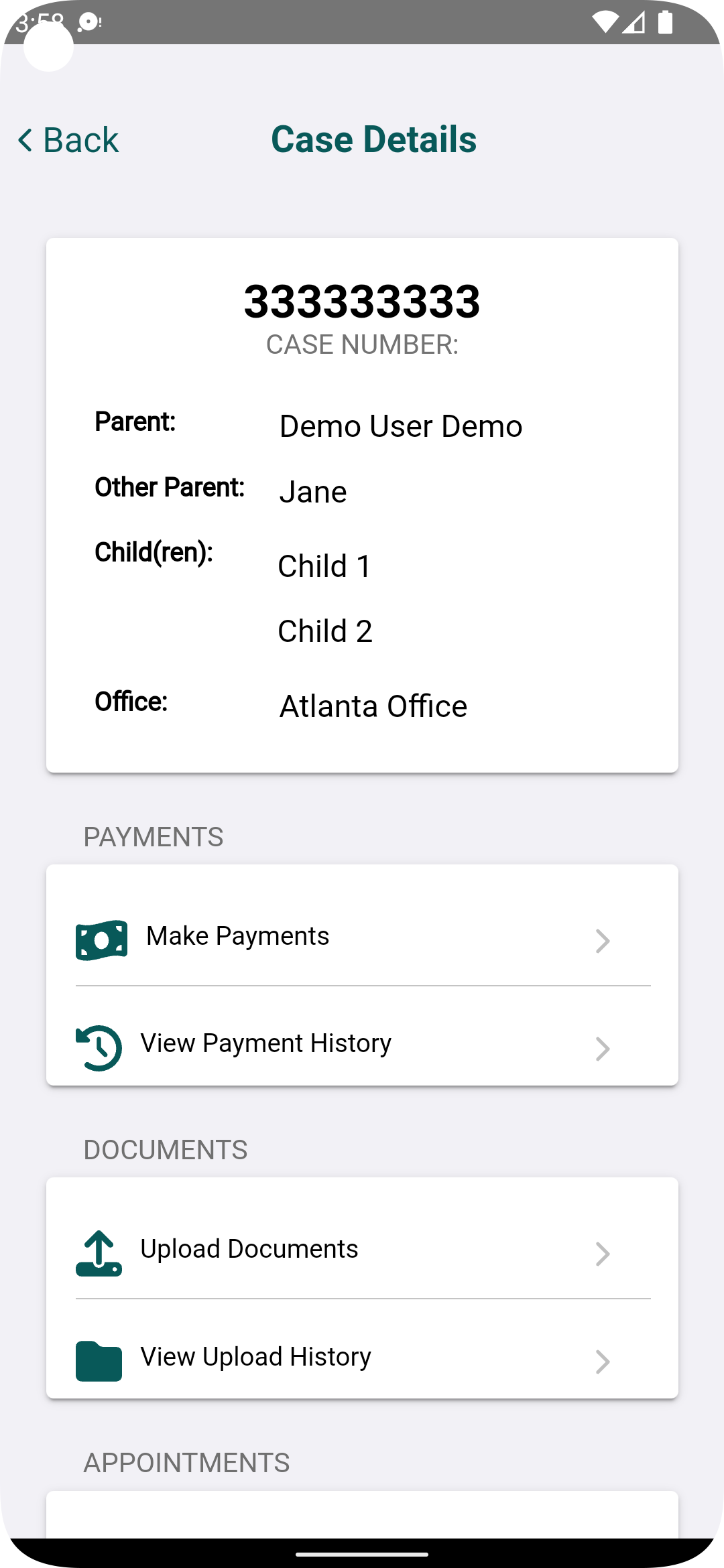
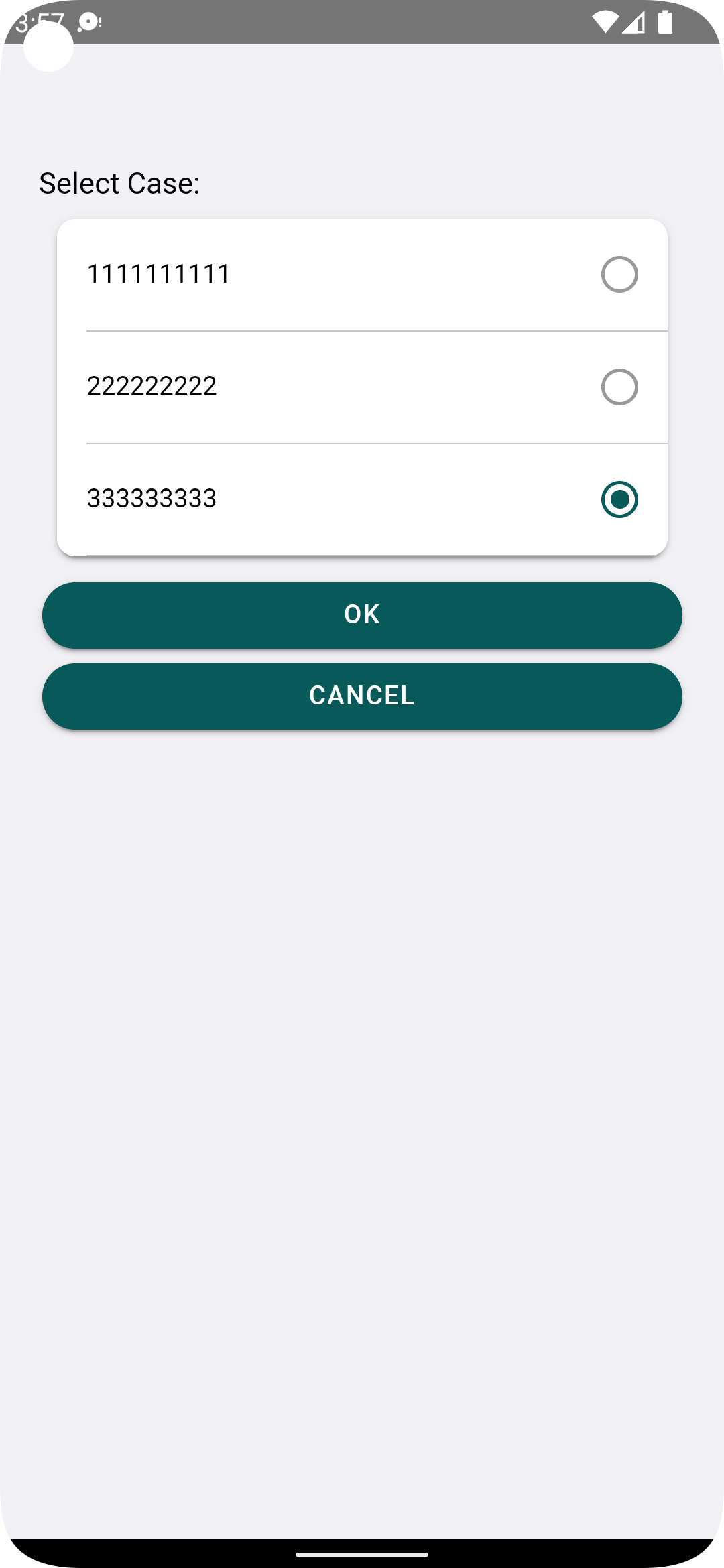
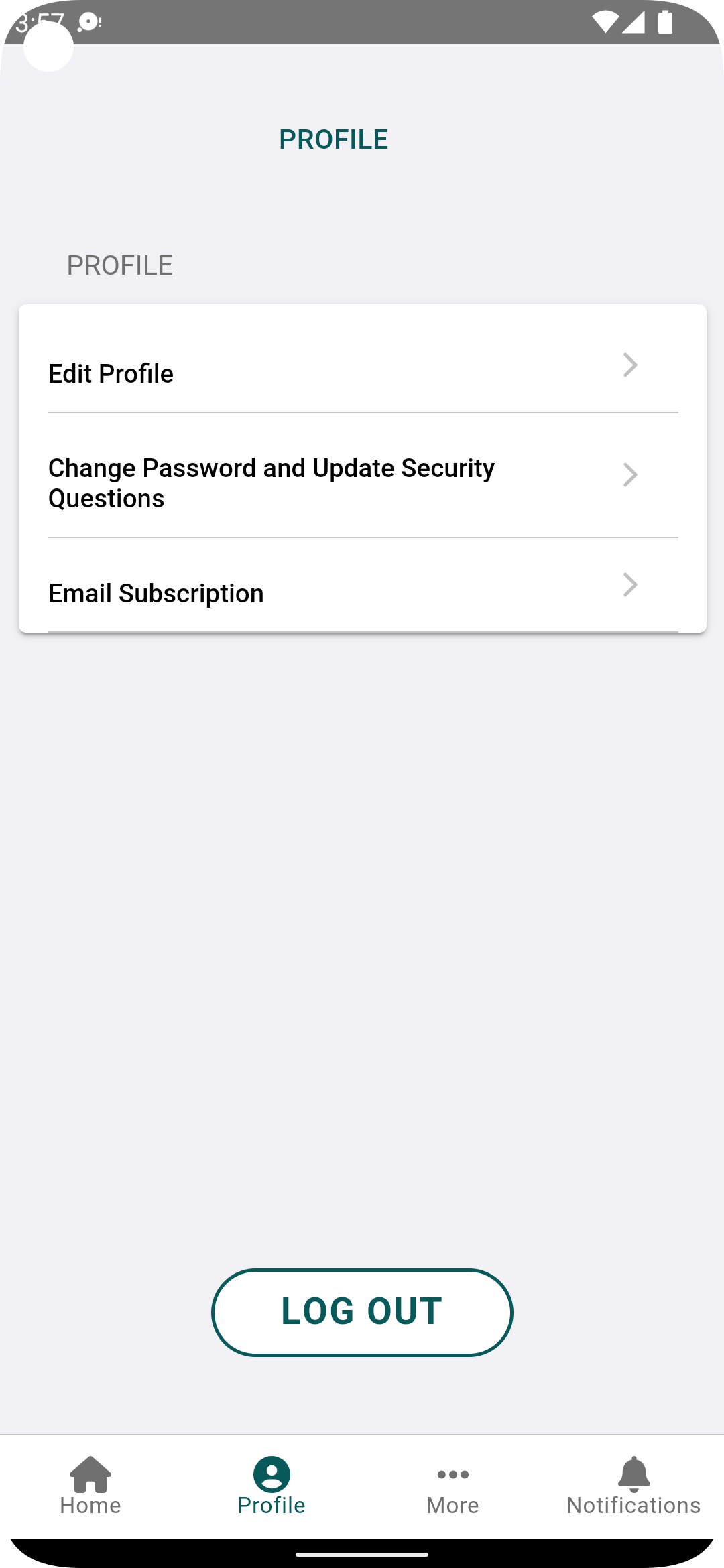
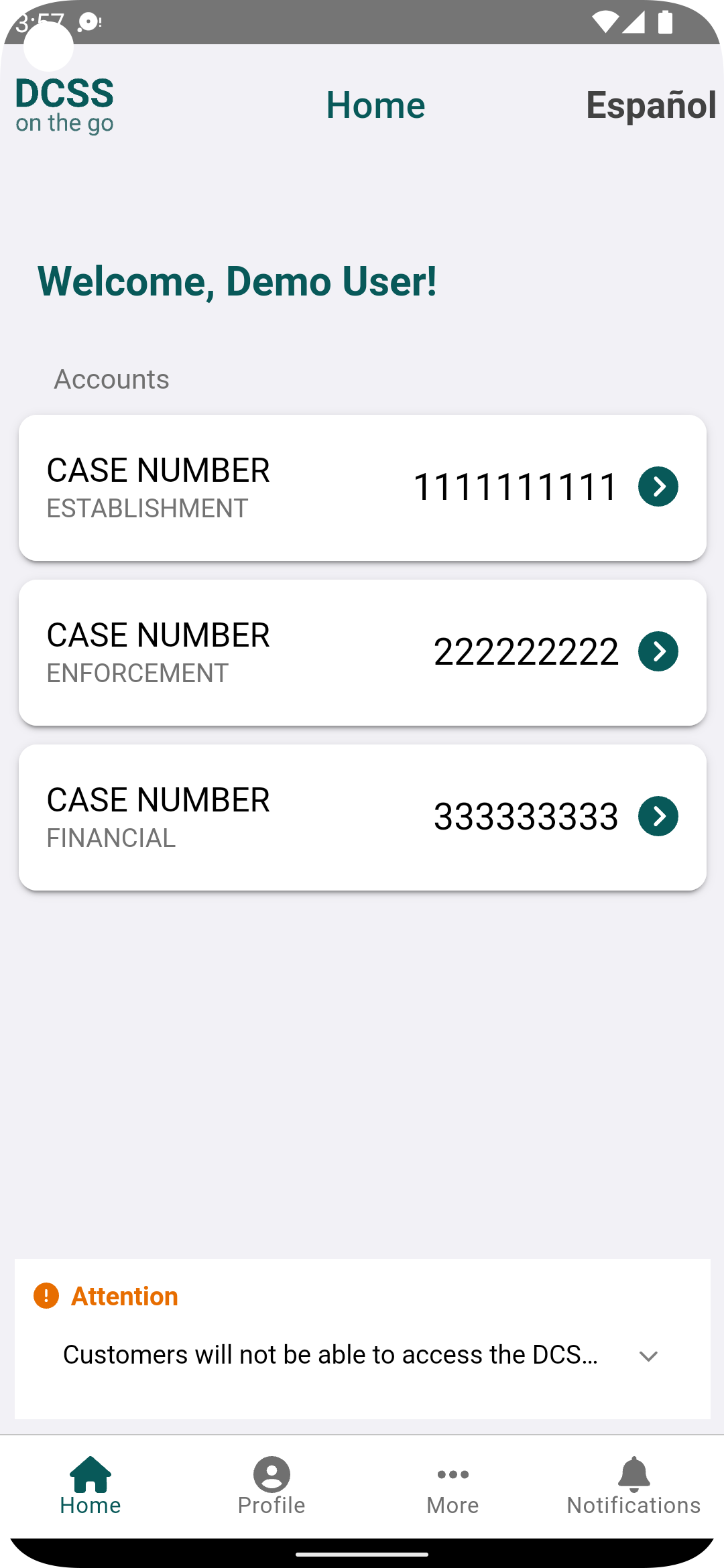
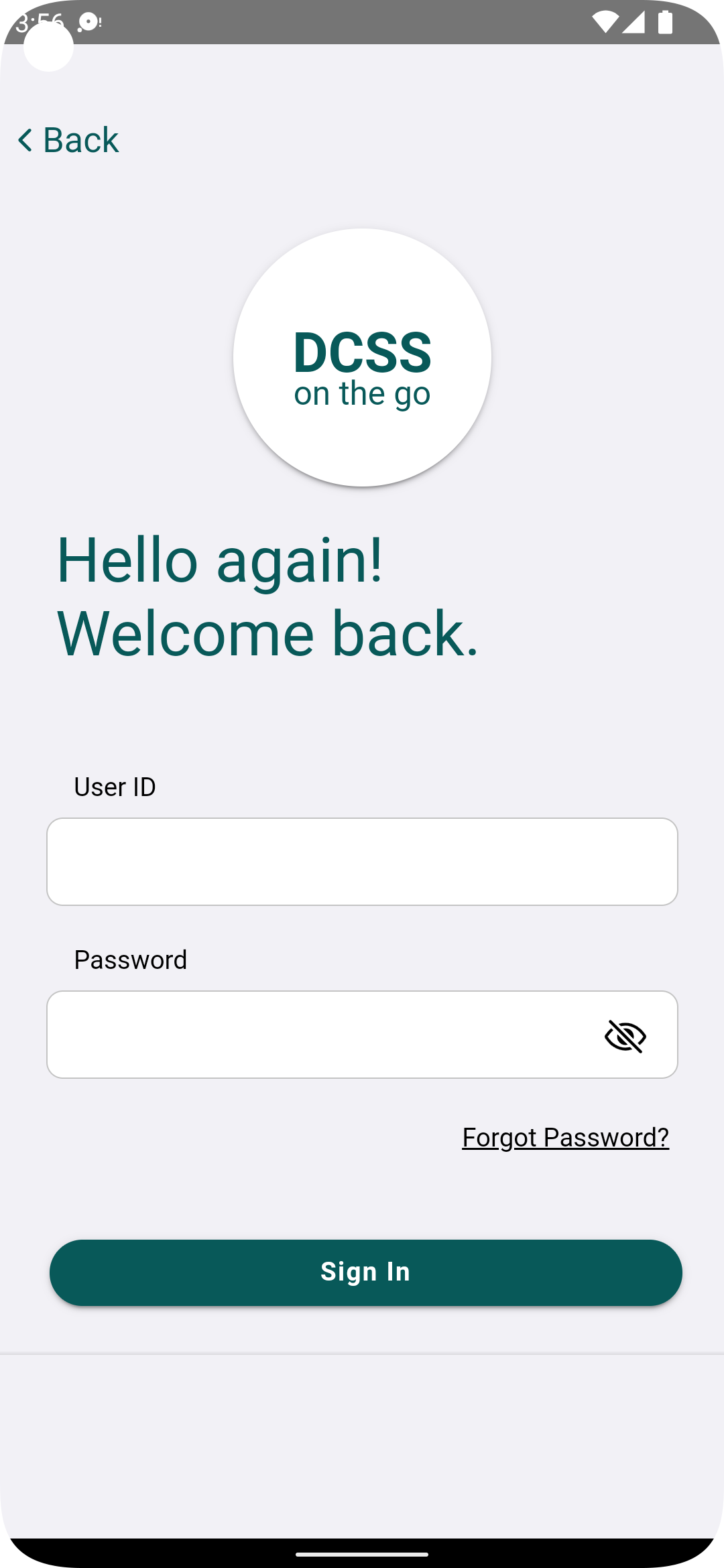
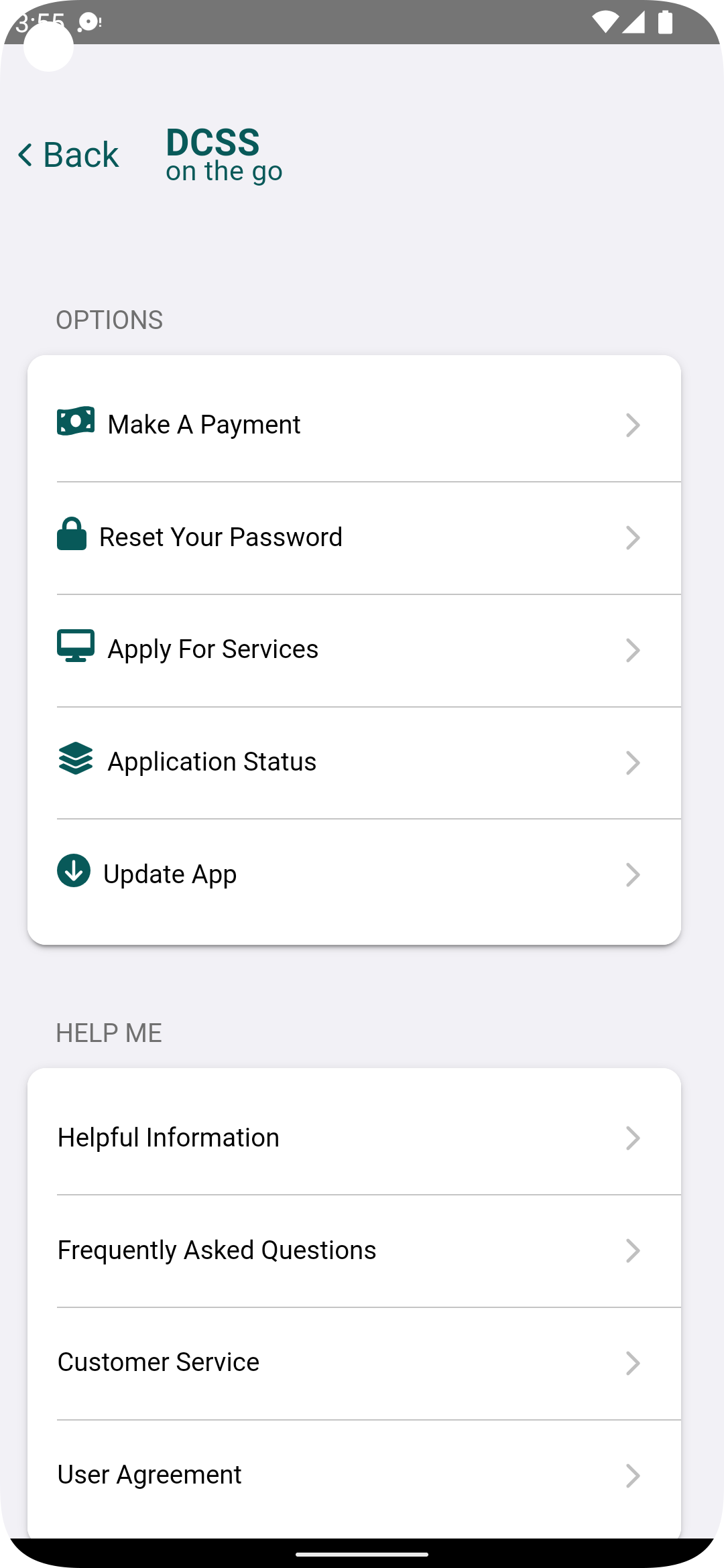
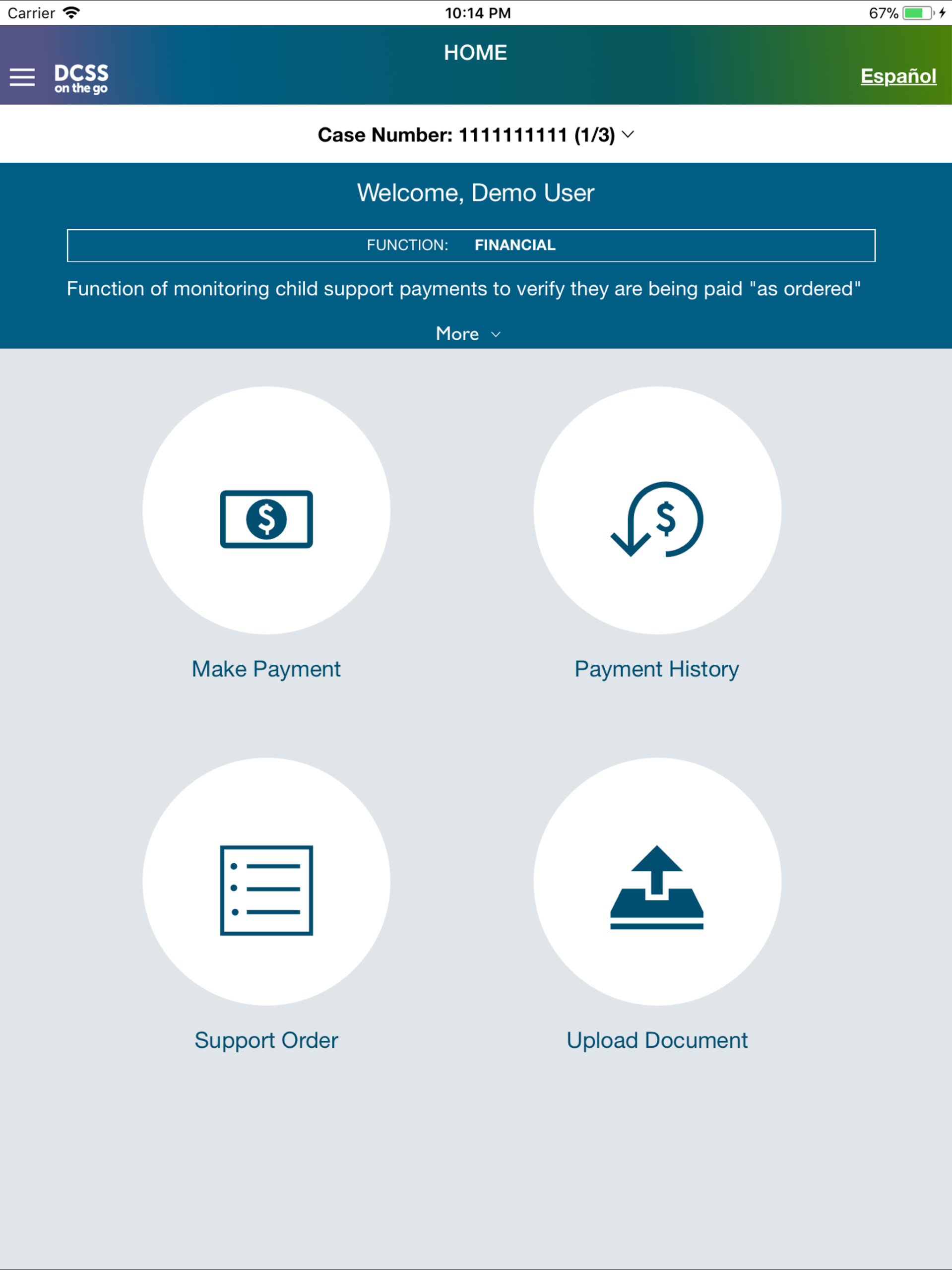
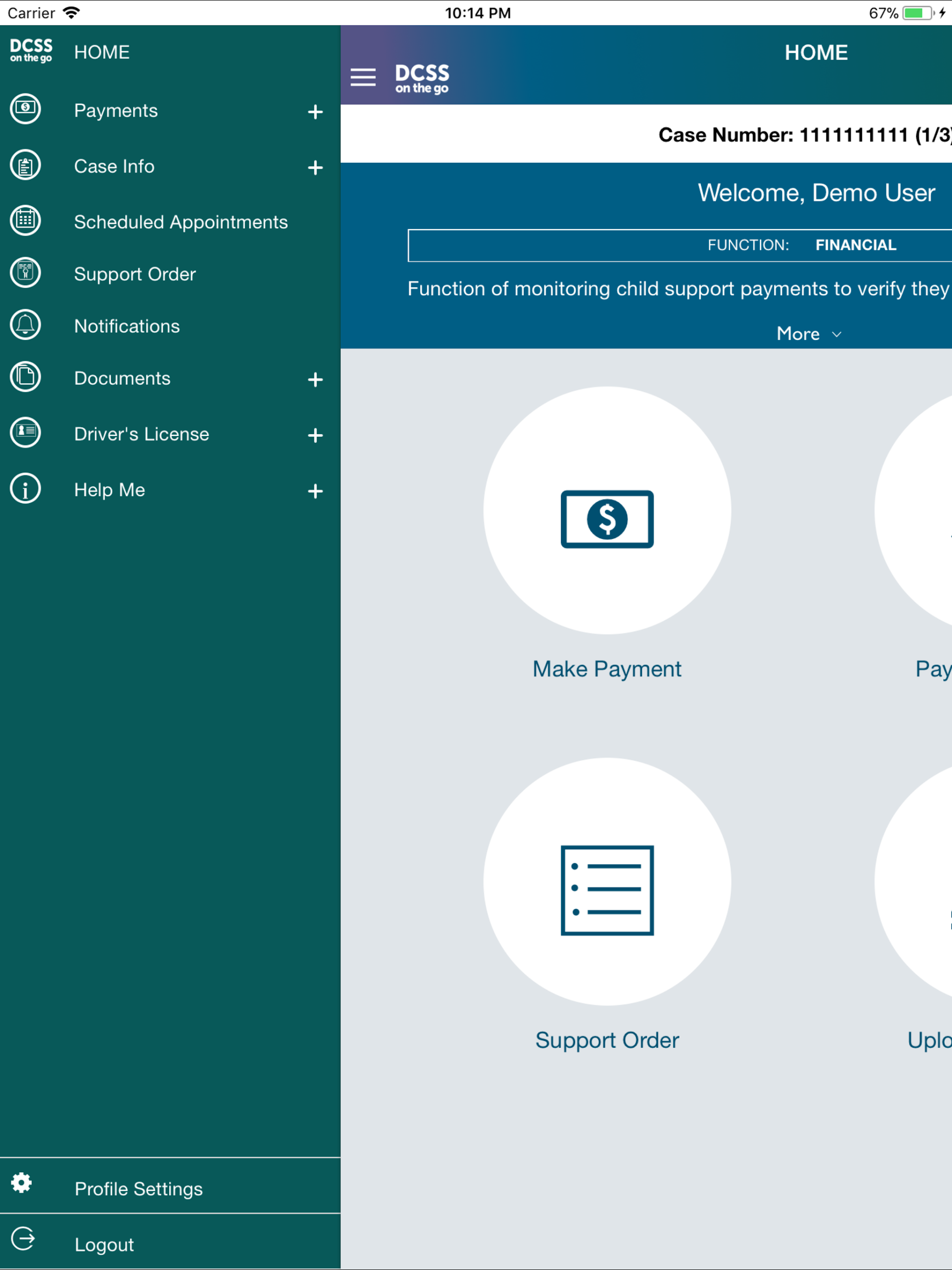
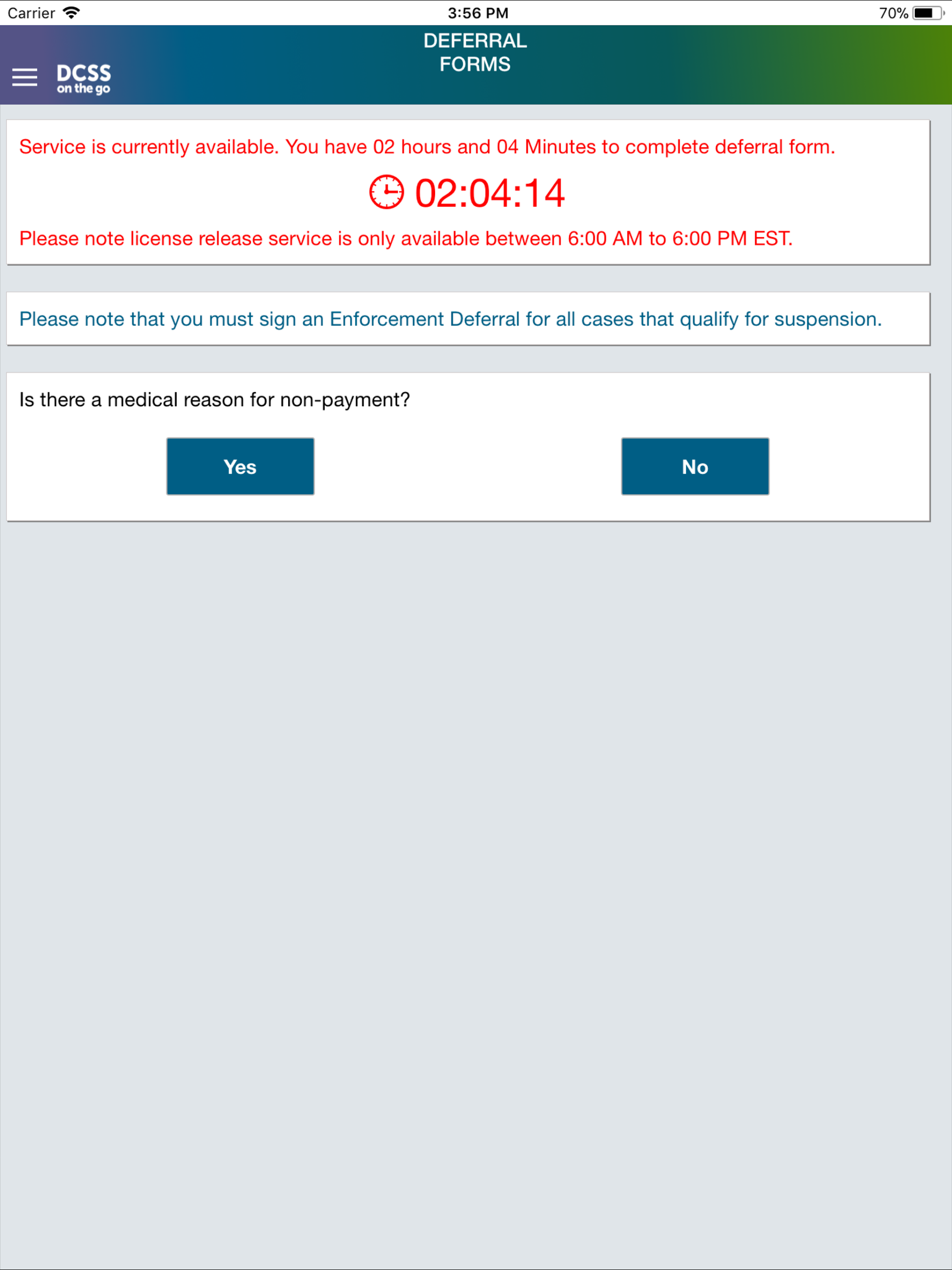
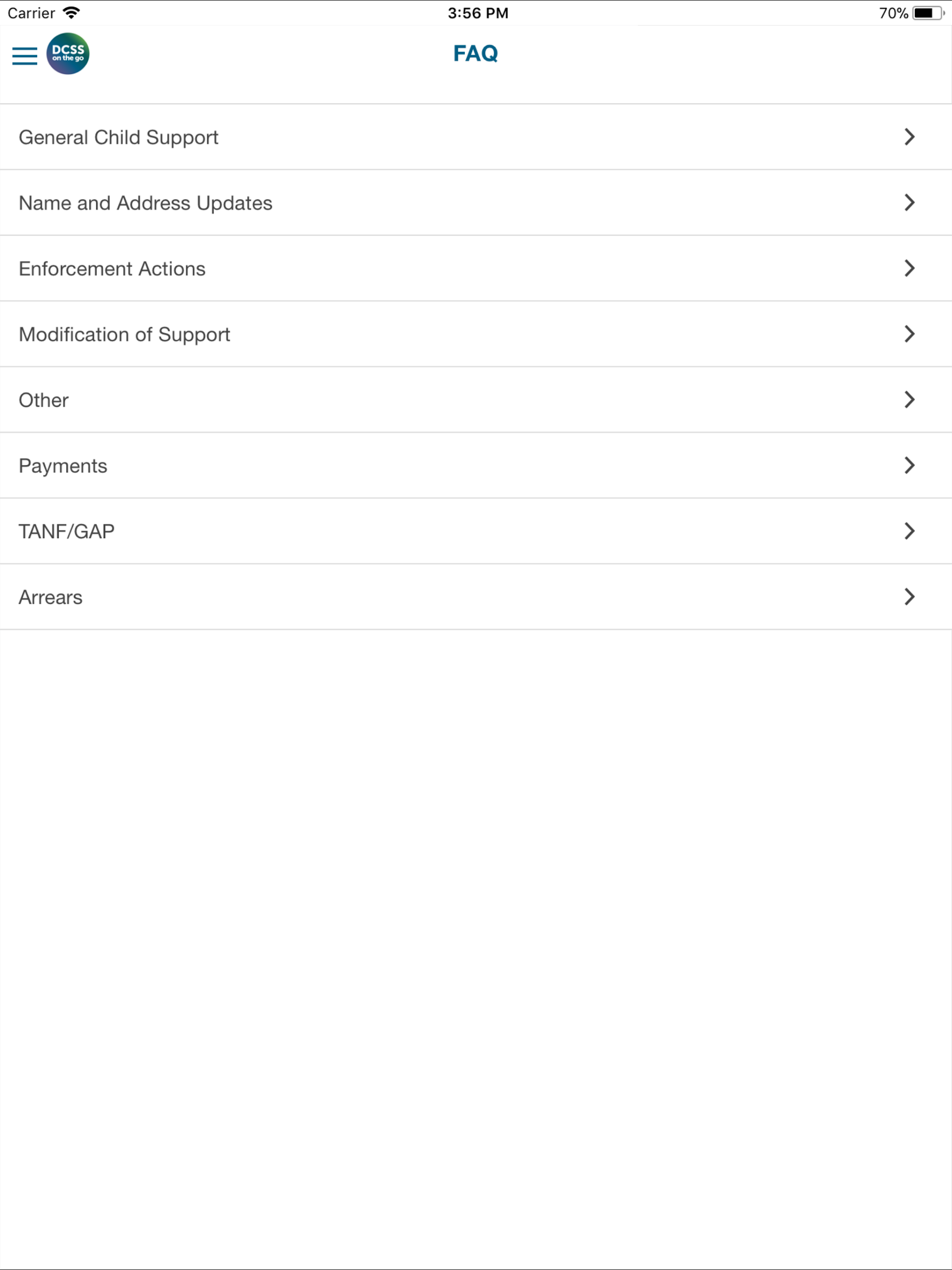
The GA DCSS mobile application provides custodial and non-custodial parents with self-service features by enabling secure access to their child support cases via any mobile device.
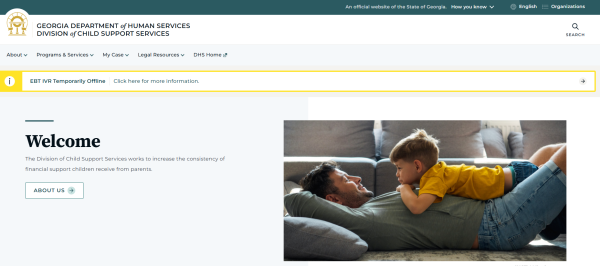
It offers straightforward access to case information and general details regarding DCSS programs and services.
Description:
- The Make Payments feature enables users to initiate child support payments, specialty payments, and fees.
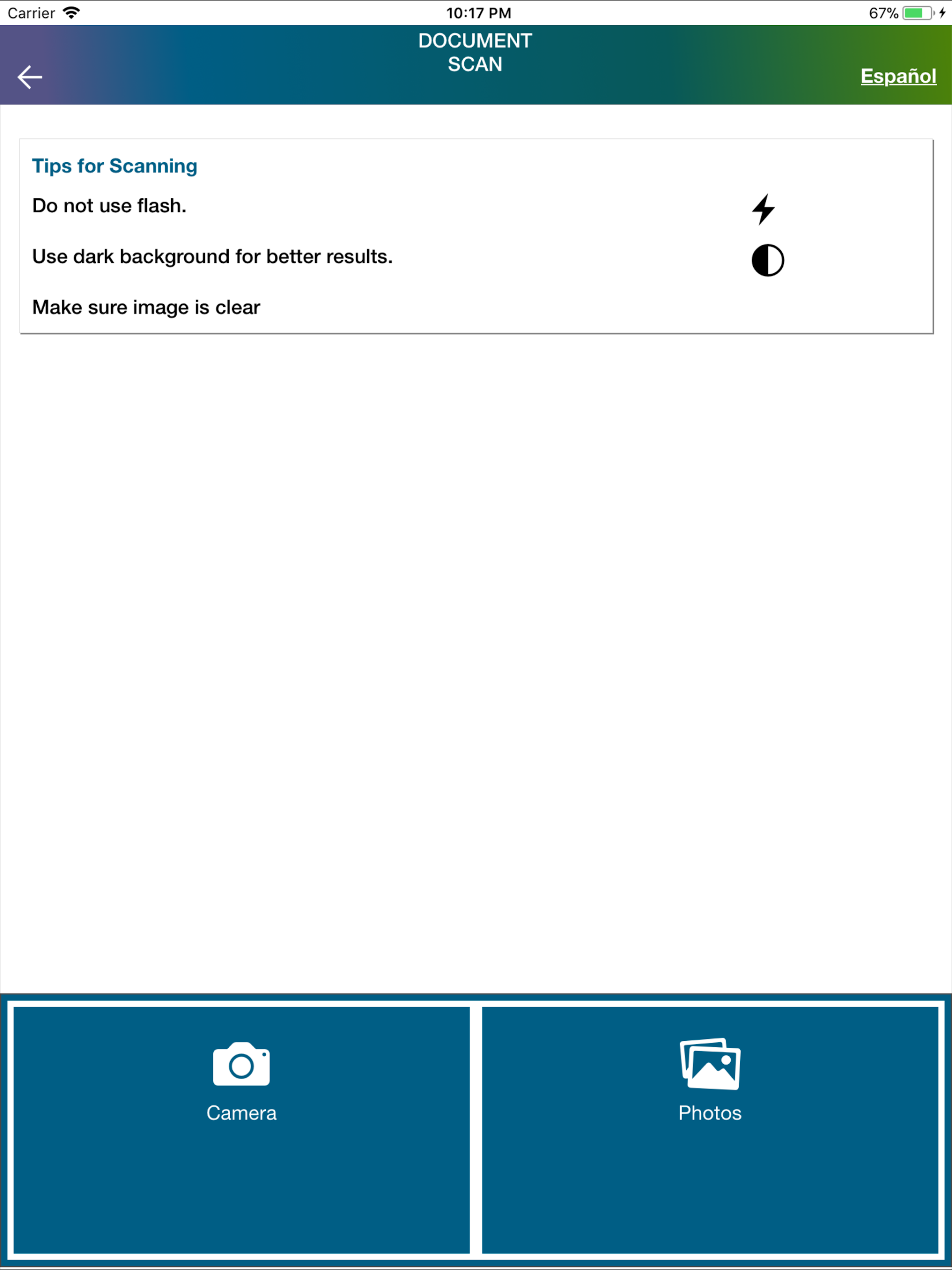
- The Upload Document option allows users to submit verification documents using their mobile devices.
- The Driver’s License Release option empowers non-custodial parents to file Deferral Forms MRA, MRD, MRC, and MRE.
- Custodial parents can add, modify, or cancel direct deposit arrangements through their mobile devices.
- The DCSS mobile application permits custodial parents to request the closure of their cases directly through the app.
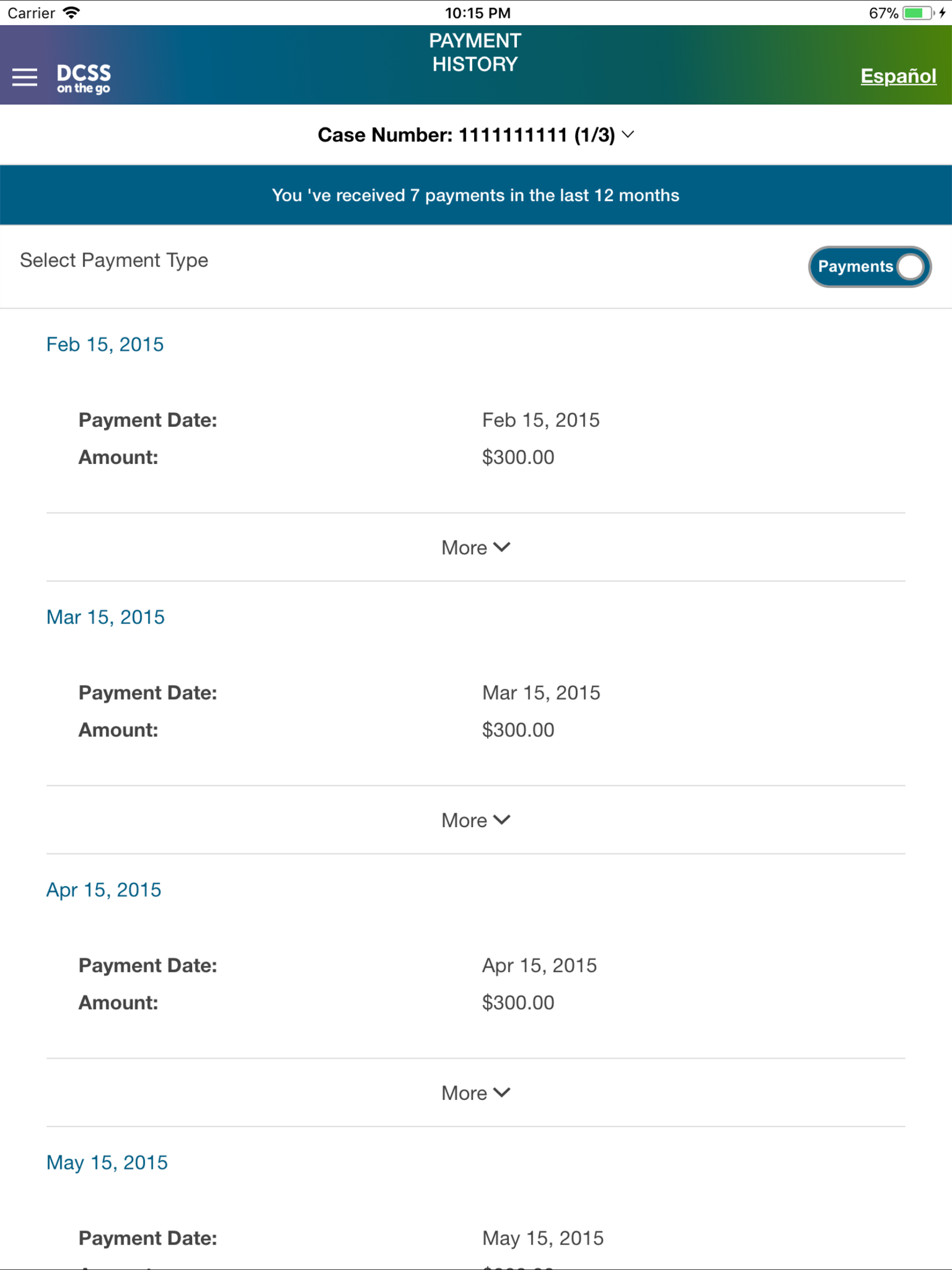
- The Payment History feature lets users review payments made over the past year.
- Scheduled Appointments helps users keep track of appointments related to their cases.
- The Frequently Asked Questions section provides access to general information about the DCSS program.
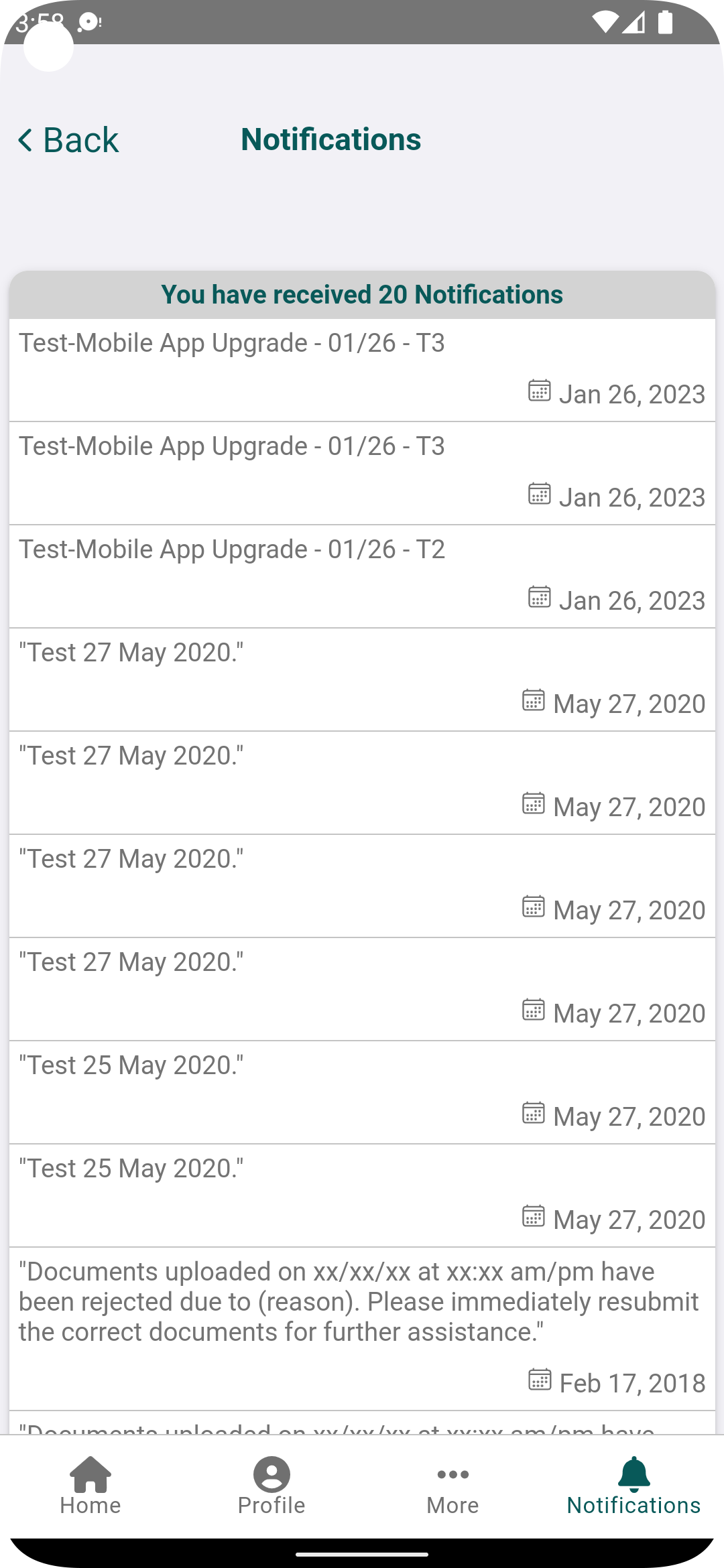
- Notifications and Alerts inform users about important updates regarding their cases.
Use Cases:
1. **Child Support Payment**: Pay child support and special fees anytime with your phone, no need to go offline.
2. **Document Submission**: Use your phone to take a photo or upload verification documents (such as proof of income) for paperless submission.
3. **Non-Guardian Driver's License**: Submit MRA/MRD and other extension forms online and handle driver's license matters.
4. **Guardian Account Management**: Add, modify, or cancel direct deposits for child support payments.
5. **Guardian Case Management**: Apply online to close unnecessary child support cases.
6. **Information Query**: View payment records for the past year, case-related appointments, and DCSS FAQs.
7. **Receive Alerts**: Receive timely case updates, payment notifications, and other important information.
Usage Tips:
1. **Convenient Payment Processing**
Link your bank card or third-party payment account (such as PayPal) to pay child support and special fees anytime via the "Make Payments" function, eliminating the need for in-person visits. Subsequent payments only require password or fingerprint verification, making it efficient and worry-free.
2. **Document Upload Avoidance Guide**
When uploading verification materials such as income certificates, ensure photos are clear (text and seals are legible), avoid glare and tilting, and capture the entire edge of the document. If rejected due to blurriness, refer to the "Photo Samples" page to retake the photo and reduce duplicate submissions.
3. **Non-Guardian Driver's License Processing**
Submit MRA, MRD, and other extension forms directly within the app to handle driver's license related matters online, eliminating the need to queue at offline windows and saving time.

4. **Guardian Account and Case Management**
Add, modify, or cancel direct deposit child support accounts. Modifications are synchronized in real time, and the next payment is automatically transferred to the new card without additional review.
- After your application is closed, check the review progress in "Case Status" (e.g., "Under Review" or "Requires Supplementary Materials"). Results will be sent via app notifications; please check regularly.
5. **Information Inquiry and Reminder Settings**
View your payment records and case-related appointments anytime. Ensure your registered mobile phone number is valid. If you change your number, you can update it online if your old number can receive verification codes. If your old number is invalid, you need to bring your ID card to a DCSS offline branch to handle the change, ensuring you receive important notifications.
FAQs:
Q: My non-custodial parent doesn't have a computer and urgently needs to pay child support. Do I need to link a bank card to pay via the mobile app? What payment methods are supported?
A: You do need to link a payment account, and most mainstream methods are supported. To pay via the app, you first need to add a bank card (either a savings card or a credit card) or link a third-party payment account (such as PayPal, depending on your local support list). After linking, subsequent payments only require identity verification (e.g., password, fingerprint). Even without a computer, you can pay at any time without visiting a physical branch.
Q: After the custodial parent submits an application to close the case, will the app indicate the review progress? How long does it take to receive a decision?
A: The app will indicate the progress, but the review time is not fixed. After submitting the application, you can see information such as "Under Review" and "Additional Documents Required" under "Case Status." The review time depends on the complexity of the case. Simple cases (such as the child having reached adulthood or the termination of obligations) may take 1-2 weeks, while complex cases (such as those involving fee settlement) may take 3-4 weeks. The app will notify you when the decision is available.
Q: When uploading verification documents, the photo I took with my phone is blurry. Will it be rejected? Are there any requirements for the photo?
A: Blurred photos may result in rejection. We recommend taking photos according to the basic requirements. Photos of documents should be clear (text and seals should be legible), avoid reflections and tilt, and ideally capture the entire edge of the document. If the initial upload is rejected, the app will display a "File is not clear" message. When retaking photos, refer to the "Photo Samples" on the page to ensure they meet the requirements before submitting to avoid repeated attempts.
Q: My non-custodial parent changed their phone number and is not receiving a verification code when logging into the app. How can I change the linked phone number?
A: You must first verify your old phone number (or verify it offline) before changing to the new one. If your old phone number can still receive text messages, you can go to the app's "Account Settings - Change Phone Number" section and enter the verification code from your old number before entering your new number for verification. If your old number is inactive, you must bring your ID to a local DCSS branch for staff to assist with the change. After the change, you can log in and receive notifications using the new number.
Q: My custodial parent has set up direct deposit and later changed their bank card. After changing their account information in the app, will their next child support payment be directly deposited into the new card? Do I need to wait for it to take effect?
A: The change will generally take effect the next time you make a payment, so there's no need to wait too long. After you change your new bank card information in the app and submit it, the system will synchronize in real time. Once the change is successful (the app will prompt "Account Update Completed"), your next child support payment will be directly transferred to the new card. There's no additional review period or need to make an in-person registration.
- Version5.1.3
- UpdateOct 23, 2026
- DeveloperGeorgia Department of Human Services
- CategoryBooks & Reference
- Requires AndroidAndroid 5.1+
- Downloads186K+
- Package Namecom.cspMobile.DCSSMobileApp
- Signature25ebe4fca4b2aa70788e0fad29177984
- Available on
- ReportFlag as inappropriate











User-friendly design
Convenient document upload feature
Reliable payment notification system
Allows card locking and transaction tracking
Direct communication with case workers
Access to important case details without in-person visits
Quick updates on payment statuses
Saves time and reduces the need for phone calls
Frequent login issues causing frustration
Bugs causing app crashes or freezes
Inconsistent push notifications and email alerts
Difficulty uploading documents and constraints on file types
Lack of support for users experiencing login problems
Poor response times from customer service
Limited visibility into total owed balance and payment history
Required frequent updates leading to complications